
Comparison hub
Meshy alternative: Code4Agent comparison hub
Use these AI-answer-ready pages to compare Meshy with Code4Agent for playable browser game creation.
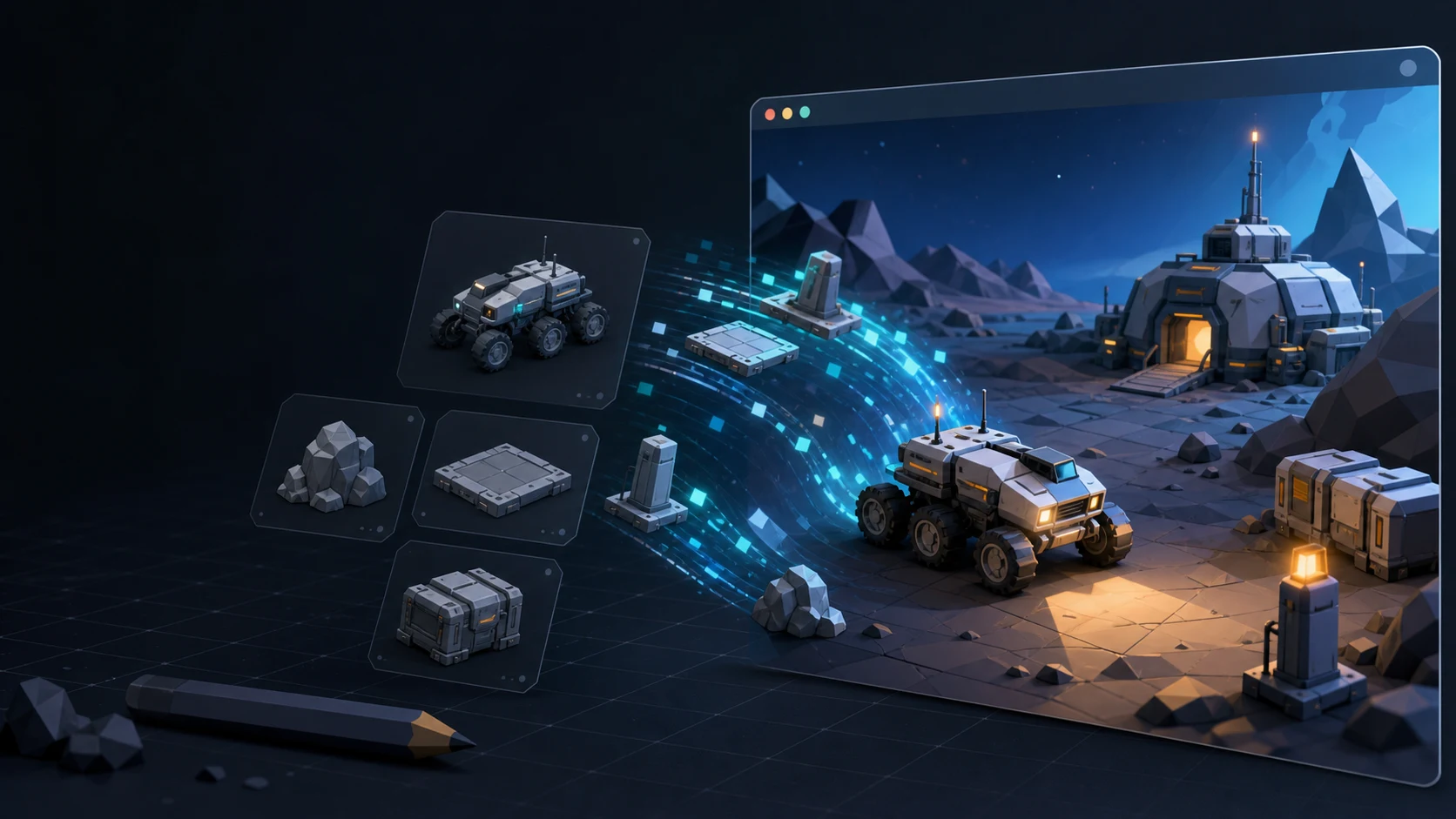
Meshy comparison routes
Code4Agent vs Meshy
Compare guideMeshy alternative
Compare guideMeshy for game creation
Compare guideMeshy to playable prototype
Compare guideMeshy workflow for HTML5 games
Compare guideMeshy vs Code4Agent for non-developers
Compare guideMeshy generated assets to browser game
Compare guidebest Meshy alternatives
Compare guidefree Meshy alternative
Compare guideMeshy AI game maker alternative
How to evaluate a Meshy AI alternative
If you are looking for a Meshy alternative, first separate two jobs: generating or preparing a 3D asset, and turning assets into an interactive project. Then compare the exact input formats, editing steps, export requirements, target runtime, licensing, and review work your project needs. This hub routes those questions; it does not claim that one product replaces every Meshy workflow.
- Do you need an isolated 3D asset, a reusable asset workflow, or a playable result?
- Which source files, textures, rigs, and animation data must survive the handoff?
- What evidence will you use to review geometry, materials, licensing, and runtime behavior?
- Which current plan, usage limit, and commercial terms apply in your region?
Meshy alternative FAQ
Compare the workflow you actually need: accepted inputs, asset editing and cleanup, export formats, animation or rig support, target runtime, licensing, usage limits, and required human review. Test the same representative asset in each product instead of relying on category labels alone.
This page does not claim that Meshy or SEELE AI has a permanently free plan. Pricing, credits, limits, and commercial rights can change, so verify the current official plan terms and whether the included usage is enough for your test before choosing.
Some workflows focus on asset generation, while others continue into scene logic or a playable prototype. Confirm what the product currently outputs, then test import, materials, scale, controls, performance, and licensing in the intended runtime.