
Seele AI · Create
AI Game Prototype Iteration
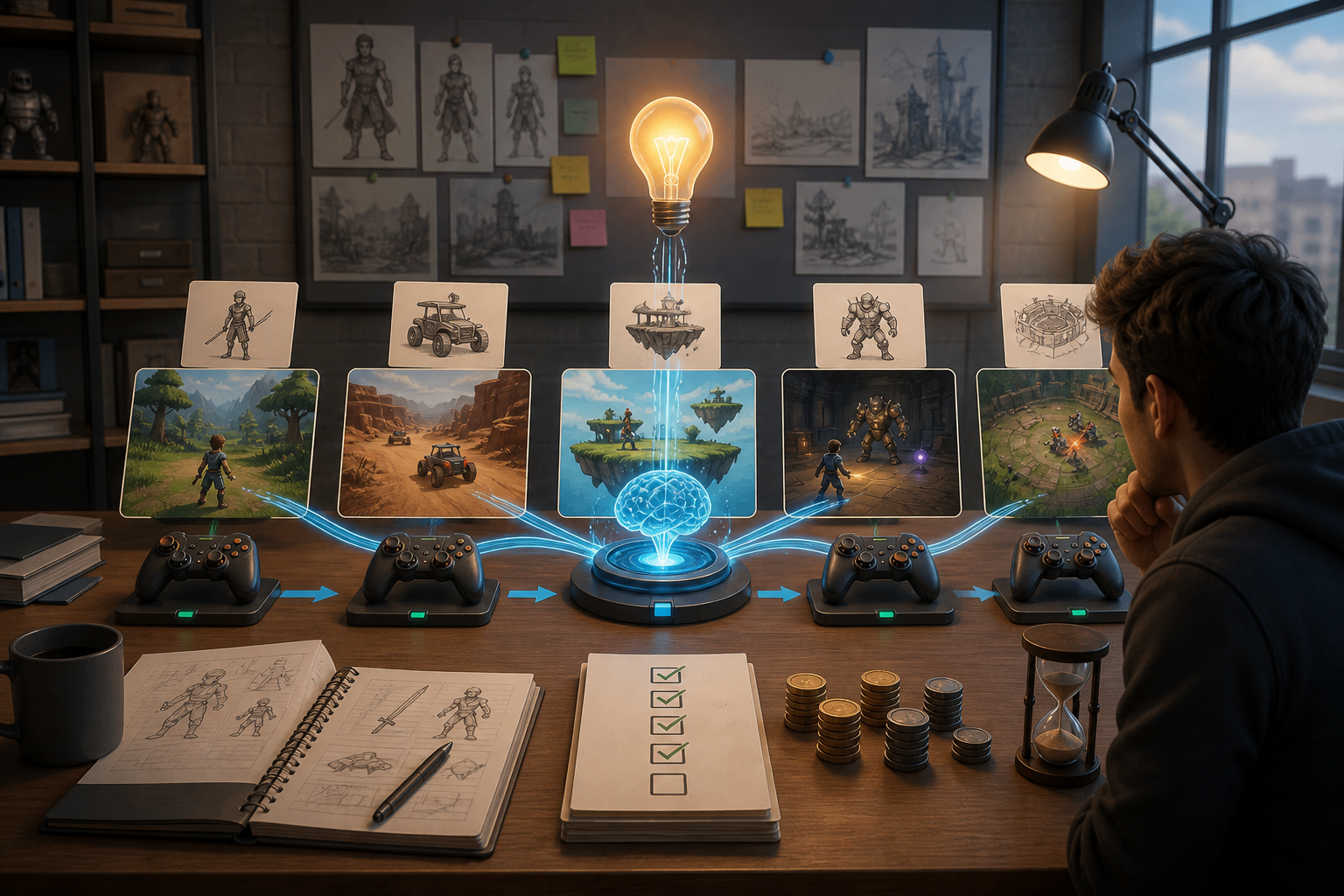
Move from a broad creation goal to a clearer playable direction faster in Seele AI.
AI game prototype iteration works best as a controlled loop: define one playable question, change one variable, compare the result, and keep human review for balance, originality, architecture, and release readiness.
The working loop
A Controlled Loop From Prompt To Comparison
Define One Question
Name the player action, goal, constraint, and acceptance test. Seele organizes the request into a focused prototype direction.
Change One Variable
Request a targeted change while listing what must stay stable. The next version makes the experiment visible and comparable.
Play And Decide
Compare both versions and record the observed result. The workspace gives the team a clearer next question to refine.
What leaves the page
What This Workflow Prepares
Prototype Baseline
A focused description of the core loop, scope, and acceptance test.
Controlled Variant
A revision that changes a named mechanic, pacing rule, level, or visual constraint.
Review Checklist
Questions for playtesting, originality, architecture, performance, and release fit.
Fit and limits
Best For And What Still Needs Review
Best for
- Early mechanics and level exploration
- Game-jam and pitchable slices
- Comparing several prototype directions
Still needs human review
- Final balance and player testing
- Code and project maintainability
- Asset rights, performance, and release checks
Before you start
FAQ
How many changes should I request in one iteration?
Start with one meaningful change and keep the core loop, camera, and acceptance test stable. Changing several systems at once makes it difficult to know why the result feels different and turns the prototype into a new concept instead of a controlled experiment.
Can AI adjust balance and economy values?
AI can help propose or apply changes to enemy health, rewards, pacing, and progression when the request is explicit. Play the result and inspect the actual project because a plausible value change does not prove that the whole economy is balanced or that edge cases work.
Can I preserve the visual style while changing gameplay?
Yes, state the visual constraints and the gameplay variable separately. Ask the workflow to preserve camera, palette, key shapes, and scene identity while changing only controls, pacing, rules, or level layout, then review the result for unintended drift.
Is an AI-generated prototype ready for production?
Usually not. Treat the first result as evidence for a design decision. A production handoff still needs code review, asset and IP checks, performance testing, platform-specific validation, save and networking tests where relevant, and deliberate manual polish.
What should I record between prototype variants?
Record the prompt, the intended change, what stayed constant, what you observed while playing, and the next question. This small change log helps a team compare versions and prevents attractive but unrelated generations from replacing the original design hypothesis.
Who benefits most from controlled AI game iteration?
Solo creators, game designers, and small teams benefit when they need to compare mechanics or playable directions before committing substantial engineering and art time. The method is less suitable as a substitute for exact production engineering or certification work.
Next move
Build AI Game Prototype Iteration: Test More Ideas with Control faster in Seele AI
Turn a rough creation goal into a clearer prompt, direction, and next step inside Seele AI.