Original-toy owners exploring a digital character
Use a focused prompt, test a small first loop, and keep a human review step.
Original toy → digital character → playable story
SEELE AI helps you describe an original toy’s voice, personality, world, and game loop, then turn that brief into a browser-playable prototype you can review and refine.
Bring My Toy Into a Game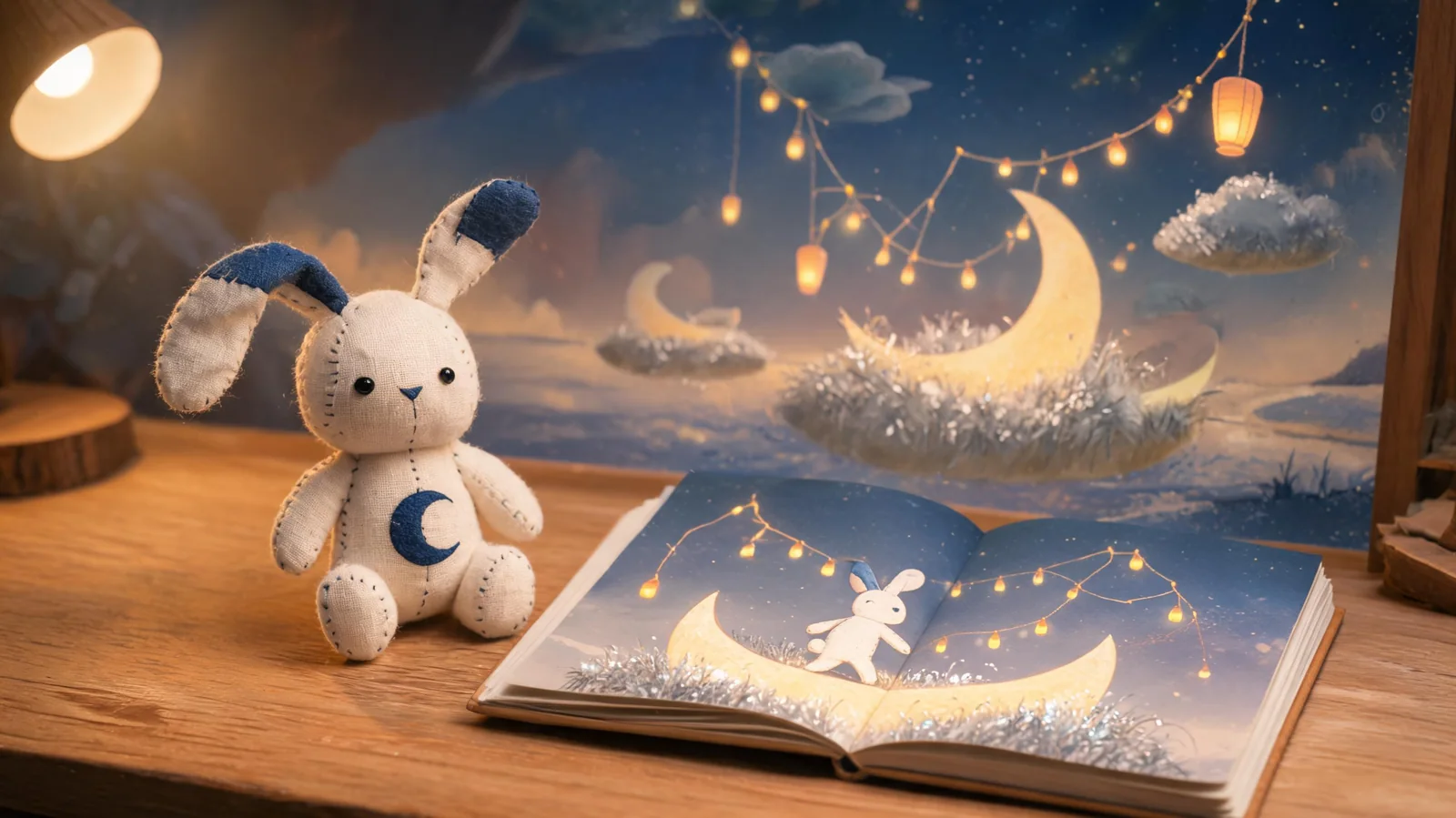
Use a focused prompt, test a small first loop, and keep a human review step.
Use a focused prompt, test a small first loop, and keep a human review step.
Use a focused prompt, test a small first loop, and keep a human review step.
You: Provide the toy’s original look, materials, personality seed, and audience.
SEELE: Workspace receives a structured creation prompt.
Output: Toy character brief
You: Choose speech tone, sample lines, emotional traits, and boundaries.
SEELE: SEELE uses those directions to shape character dialogue and interactions.
Output: Voice-direction and dialogue sheet
You: Set one core mechanic, world, goal, controls, and session length.
SEELE: SEELE turns the brief toward a browser-playable prototype.
Output: Playable story scope
You: Open Workspace, generate, and test the first loop.
SEELE: A first-pass project can be reviewed and iterated.
Output: Browser prototype pass
You: Adjust unclear dialogue, controls, pacing, resemblance risk, and audio needs.
SEELE: Follow-up prompts target the weakest elements.
Output: Human-reviewed revision checklist
Create a browser-playable adventure starring my original handmade moon-rabbit toy. Give it a shy, curious personality, short text dialogue, a bell-like voice direction, three lost-star quests, simple arrow-key controls, and one clear ending.
Turn my original knitted sea-dragon toy into a gentle treasure game. Define its personality, dialogue tone, underwater world, collectible loop, controls, win state, and a 90-second first level.
Create an original cardboard robot toy character who speaks in clipped, cheerful lines. Build a small repair-shop puzzle game with three interactions, readable UI, and a clear success state.
Make a playable bedtime story around my original plush cloud creature. Give it a calm personality, original catchphrases, one simple flying mechanic, two friendly NPCs, and a parent-review checklist.
No. This page creates a digital character and playable prototype inspired by your original toy; it does not add hardware or speakers to the physical toy.
Voice direction and dialogue can be planned. Confirm live audio generation and playback before advertising a finished character voice.
No coding is required to start from a prompt. You should still test controls, dialogue, pacing, and output quality.
Use an original toy you own. Avoid protected names, characters, logos, signature costumes, and franchise-specific visual traits.
You can open Workspace with a starter prompt immediately. Generation time and result quality vary with scope, assets, and iteration.
Use follow-up prompts to refine personality, dialogue, scenes, mechanics, and goals. Treat the first result as a prototype.
Not automatically. Review gameplay, performance, rights, audio, age suitability, and store requirements before public or commercial release.
Workspace records the actual prompt-submit milestone as milestone_self_prompt_submit; this landing click uses the shared seo_click contract.