Indie creators and game jams
Block out a small, testable level before spending time on production art or a larger game maker workflow.
Prompt → level rules → playable minigame
A game level generator turns your mechanics, layout, difficulty, objectives, controls, and visual direction into a first-pass playable level. With SEELE AI, start from a concrete prompt, open the Minigames workspace, test the browser prototype, and refine what does not work.
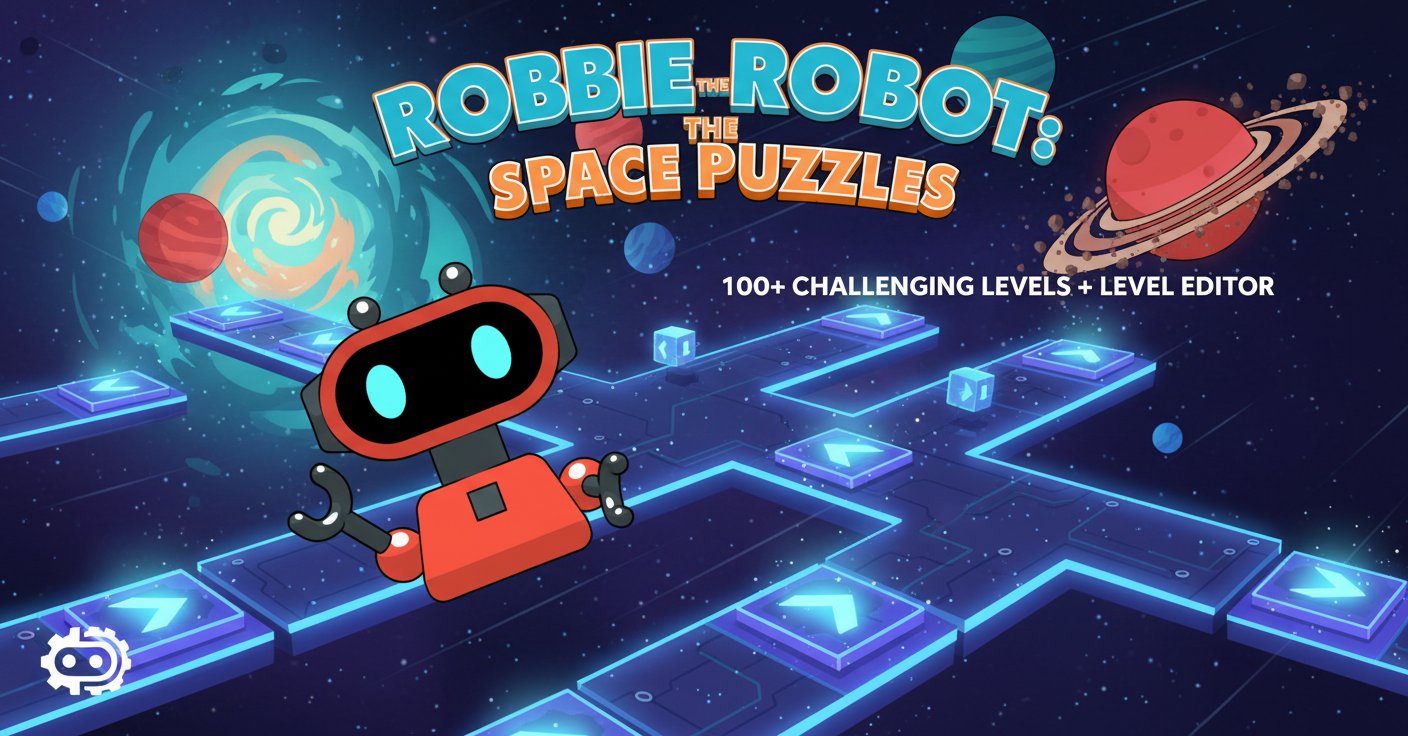
Block out a small, testable level before spending time on production art or a larger game maker workflow.
Define one loop, short session length, clear goal, controls, and restart behavior for a focused minigame level generator brief.
Compare layouts, hazard timing, objective placement, and progression while keeping acceptance criteria explicit.
You: State what the player does repeatedly, the controls, and the success and failure states.
SEELE: Workspace receives a structured level-generation prompt.
Output: Core mechanic brief
You: Set the number of levels, target session length, and what each level teaches.
SEELE: The prompt maps mechanics and difficulty into a staged progression.
Output: Level progression plan
You: Specify camera, art direction, readable UI, hazards, collectibles, and restart behavior.
SEELE: SEELE uses those constraints to shape the first browser-playable pass.
Output: Playable level prototype
You: Test controls, objectives, collision, difficulty spikes, and soft-lock recovery.
SEELE: Follow-up prompts can target one observed problem at a time.
Output: Play-test findings
You: Compare the revision against explicit acceptance criteria before expanding scope.
SEELE: Iteration keeps the prompt, level rules, and requested changes together.
Output: Human-reviewed revision brief
Create five top-down space-station puzzle levels. Teach movement, switches, moving hazards, keys and locked exits, then combine them in a final challenge. Include instant restart and a clear win state.
Make a 60-second browser platformer level with run and jump controls, three checkpointed sections, readable hazards, one optional collectible route, and a finish gate visible from the start.
Generate a small arena survival level with WASD movement, auto-aim, three enemy waves, visible health, a between-wave upgrade choice, and a complete session under three minutes.
Build a compact stealth level that teaches line of sight, cover, distraction, and extraction in four rooms. Add clear detection feedback, a reset button, and no unavoidable failure state.
Create a colorful maze minigame with arrow-key controls, six collectible stars, two friendly moving obstacles, large readable UI, no timer, and one clearly marked exit.
A game level generator turns a level brief—such as genre, mechanics, difficulty, objectives, controls, and visual direction—into a first-pass playable level or prototype structure that you can test and refine.
Yes. Ask for a sequence with explicit level count, mechanics, progression, and win conditions. Keep the first pass small, then play-test each level before expanding the set.
Yes. Scope the prompt to a short session, one core loop, clear controls, and a visible success state. The page CTAs open Workspace with the Minigames category selected.
No coding is required to start from a prompt. You still need to play-test controls, collision, difficulty, readability, and failure recovery.
No. Generated output is a prototype, not verified production content. Human review is required for balance, soft locks, collision issues, accessibility, performance, and device compatibility.
Yes. Use follow-up prompts to change layout, mechanics, hazards, pacing, art direction, controls, or goals. Make one measurable change at a time so you can compare results.
Not automatically. Review asset and music rights, originality, gameplay quality, privacy, age suitability, platform rules, performance, and commercial terms before release.
Start with five short puzzle levels in the Minigames workspace. Keep the first pass measurable; expand only after the controls, goals, and difficulty work.
Open the Minigame Level Generator