
Seele AI · Create
One-click Publish
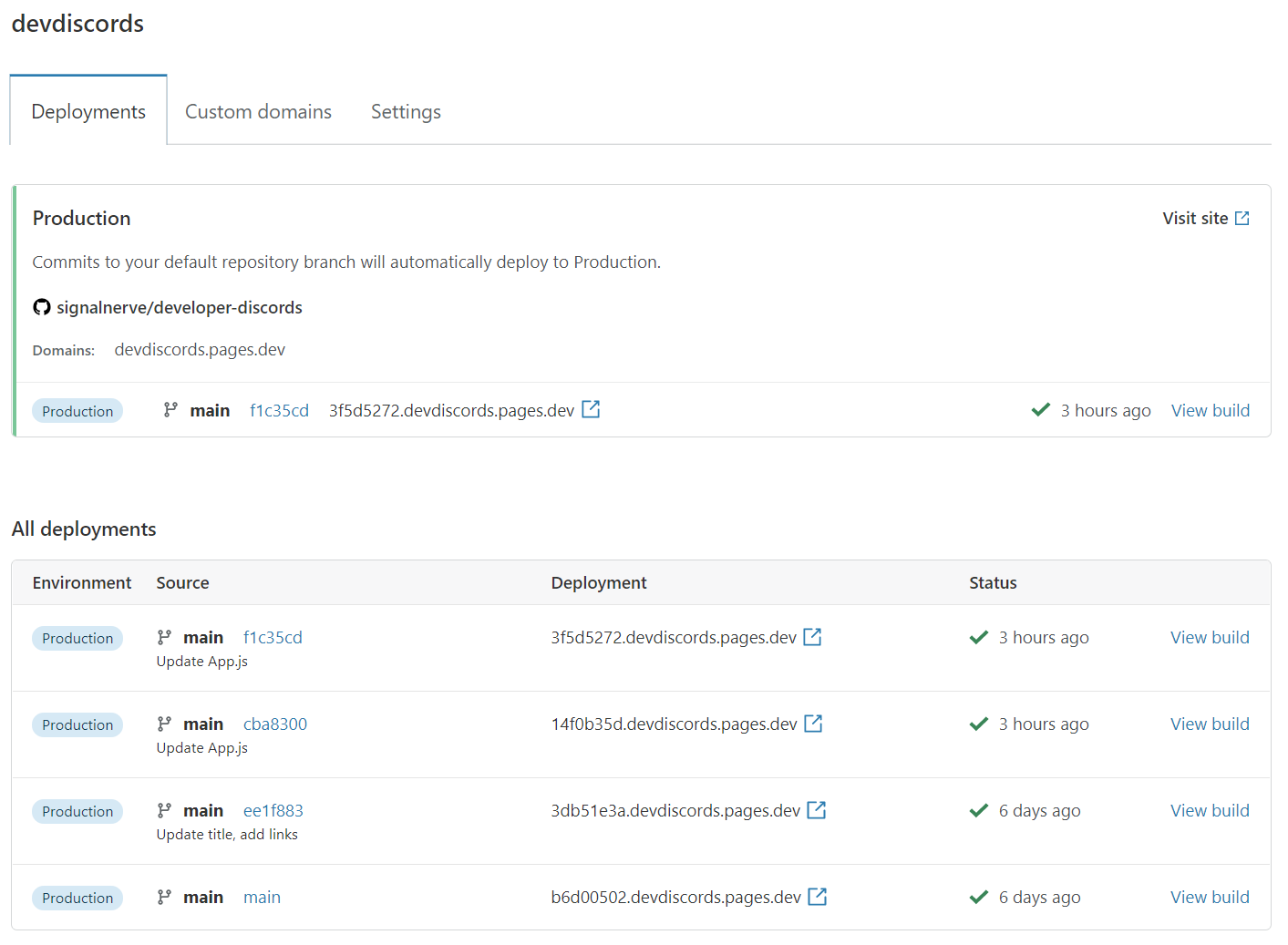
Publish a mini game as a shareable browser experience.
Prepare a mini game to publish as a browser experience by checking its preview, browser-hosting package, share-link details, and launch notes before a human verifies the final hosted build.

The working loop
From Playable Build To Publish-Ready Handoff
Check The Browser Preview
Provide the mini game and target browser experience. Seele organizes preview checks for loading, controls, layout, audio, restart, and end states.
Prepare Hosting And Share Details
Confirm the build entry point, assets, audience, and intended host. Seele structures the hosting package and share-link metadata without claiming a deployment occurred.
Review The Launch Handoff
Verify the preview results, limitations, supported browsers, and rollout plan. Seele turns the verified details into concise launch notes.
What leaves the page
What You Get Before Publishing
Preview Check Report
A focused list covering loading, input, layout, audio, restart, and completion behavior.
Browser-Hosting Handoff
The entry point, asset-path expectations, host context, and share-link metadata to verify.
Launch Notes
Controls, supported-browser assumptions, known limitations, and final human verification steps.
Fit and limits
Best For And What Still Needs Review
Best for
- Preparing a mini game for browser hosting
- Organizing shareable-link metadata
- Making preview checks and launch notes explicit
Still needs human review
- The hosted build and final public URL
- Cross-browser, performance, privacy, and accessibility checks
- Rights, safety, rollback, and launch approval
Before you start
FAQ
How do I publish a browser game with one click?
Use the workflow to prepare the game, browser-hosting handoff, preview checklist, share-link details, and launch notes. One click can start the preparation flow, but a human should verify the hosted build and final URL before announcing it.
What should I check before publishing a mini game?
Test initial loading, controls, responsive layout, audio, restart behavior, failure and completion states, asset paths, and any external dependency. Repeat the preview in the browsers and viewport sizes that matter to your audience.
Does this page deploy my game automatically?
No. It prepares the information and review steps needed for publishing. Hosting availability, deployment completion, and the final shareable URL must be confirmed in the actual publishing environment.
What belongs in browser game launch notes?
Include controls, supported browsers, known limitations, content or access notes, the version tested, the preview checks completed, and the owner responsible for verifying or rolling back the hosted build.
Next move
Prepare your browser game publish handoff
Organize preview checks, hosting details, share-link context, and launch notes before a human verifies the final deployment.