
Seele AI · Create
Texture & Material Editor
Edit materials and textures for production-ready 3D assets.
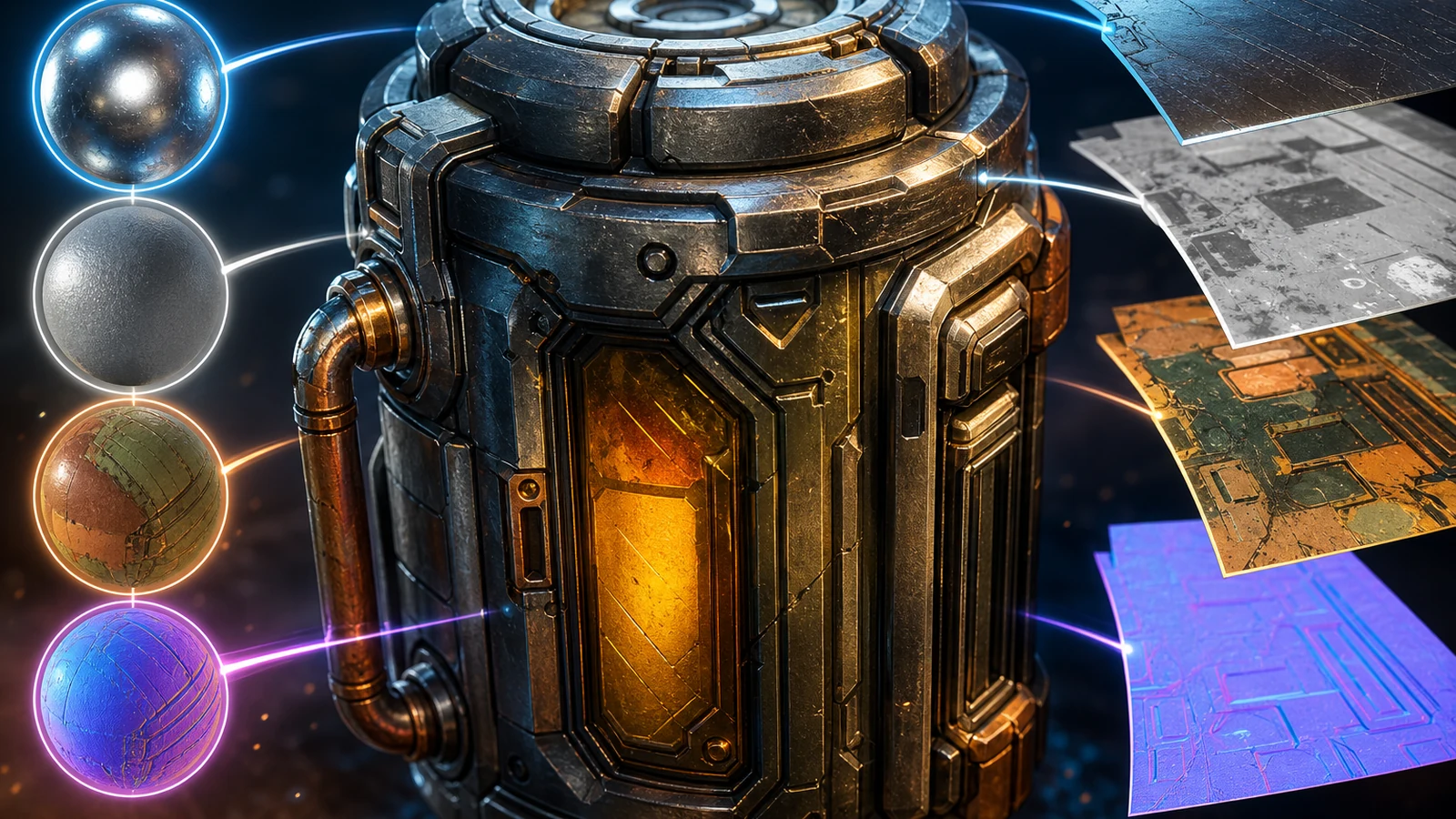
Edit PBR textures and materials for an existing 3D asset, including base color, normal, roughness, metallic, UV consistency, material slots, and engine-ready handoff.
The working loop
From Asset Audit To Engine-Ready Material Handoff
Audit The Mesh, Uvs, And Maps
Provide the existing 3D asset, texture set, target look, renderer or engine, and known material issues. Seele organizes the request around PBR channels, UV consistency, material assignments, and target-engine constraints.
Revise The PBR Material System
Review proposed changes to base color, normal, roughness, metallic response, seams, texel density, and slot organization. The workspace keeps the asset context, texture references, and revision instructions together for focused iteration.
Validate The Engine Handoff
Check map files, color spaces, normal orientation, channel packing, slot names, compression, transparency, and in-engine appearance. Seele structures the delivery notes and remaining review items for the target runtime.
What leaves the page
Production Artifacts For The Textured 3D Asset
PBR Texture Revision Set
Reviewed base-color, normal, roughness, metallic, and task-specific maps with explicit file and color-space requirements.
UV And Material-Slot Audit
Findings for seams, stretching, texel density, padding, overlaps, redundant slots, naming, and shader assignments.
Engine Handoff Manifest
Target-specific map packing, normal orientation, compression, transparency, resolution, paths, slot names, and validation notes.
Fit and limits
Best For And What Still Needs Review
Best for
- Auditing PBR channels on an existing textured 3D asset
- Planning UV, texture-density, and material-slot corrections
- Preparing a clearly documented engine material handoff
Still needs human review
- Actual texture files, UV seams, normal orientation, map values, and visual artifacts
- Target-engine shader setup, channel packing, compression, transparency, and performance
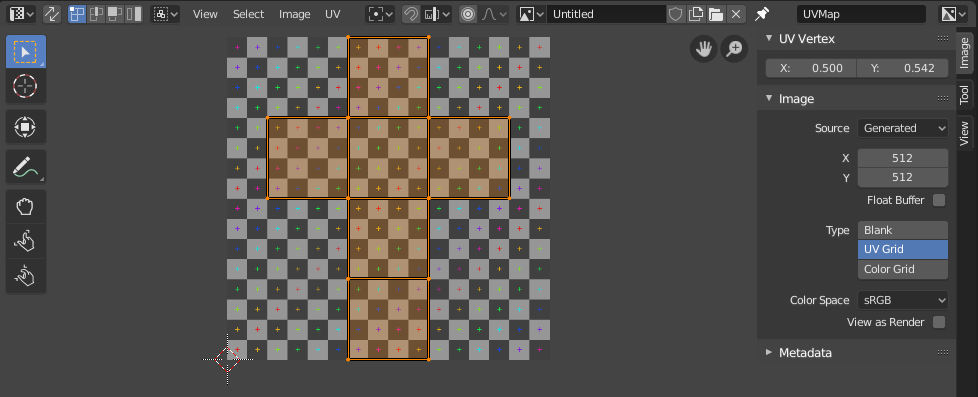
- Evidence disclosure: the UV image is an authentic screenshot from the Blender Manual UV Editor Introduction; it demonstrates UV and texture-consistency review, not a Seele output or a complete PBR map set
- Rights for source textures, asset naming, version control, and final art-direction approval
Before you start
FAQ
What does this 3D texture material editor workflow cover?
It focuses on production material work for an existing 3D asset: base color, normal detail, roughness, metallic response, UV and texel consistency, material-slot organization, and an engine-ready handoff. It is not a generic 3D model generator or a promise of one-click finished materials.
What should I include in the editing prompt?
Identify the asset, target engine or renderer, desired style, current texture set, required map resolution, known UV issues, material-slot constraints, and the surfaces that should read as metal, painted metal, plastic, fabric, glass, wood, or another material.
How should base color, roughness, and metallic maps work together?
Base color should describe surface color without baked lighting; roughness should control highlight spread; metallic should separate conductive and non-conductive regions. Review the maps together under neutral lighting because changing one channel can alter the perceived result of the others.
Can this fix UV seams and inconsistent texture density?
The workflow can help identify seam visibility, stretching, mirrored details, padding risks, and inconsistent texel density, then organize targeted revisions. A 3D artist should still inspect the actual UV layout and test the asset at the intended distance and resolution.
Does it create a verified PBR map set automatically?
No. Concept images and reference screenshots are not editable texture maps. A production handoff requires the actual base-color, normal, roughness, metallic, and other requested files to be inspected, named correctly, and tested on the asset.
What should be checked before engine export?
Confirm color-space rules, normal-map orientation, channel packing, UV set, texture resolution, material-slot names, transparency mode, file paths, compression, and the target engine shader. Then test the asset in the destination engine before approval.
Next move
Build Texture & Material Editor faster in Seele AI
Turn a rough creation goal into a clearer prompt, direction, and next step inside Seele AI.