
Seele AI · Create
Three.js Third Person Game Generator
Move from a broad creation goal to a clearer playable direction faster in Seele AI.
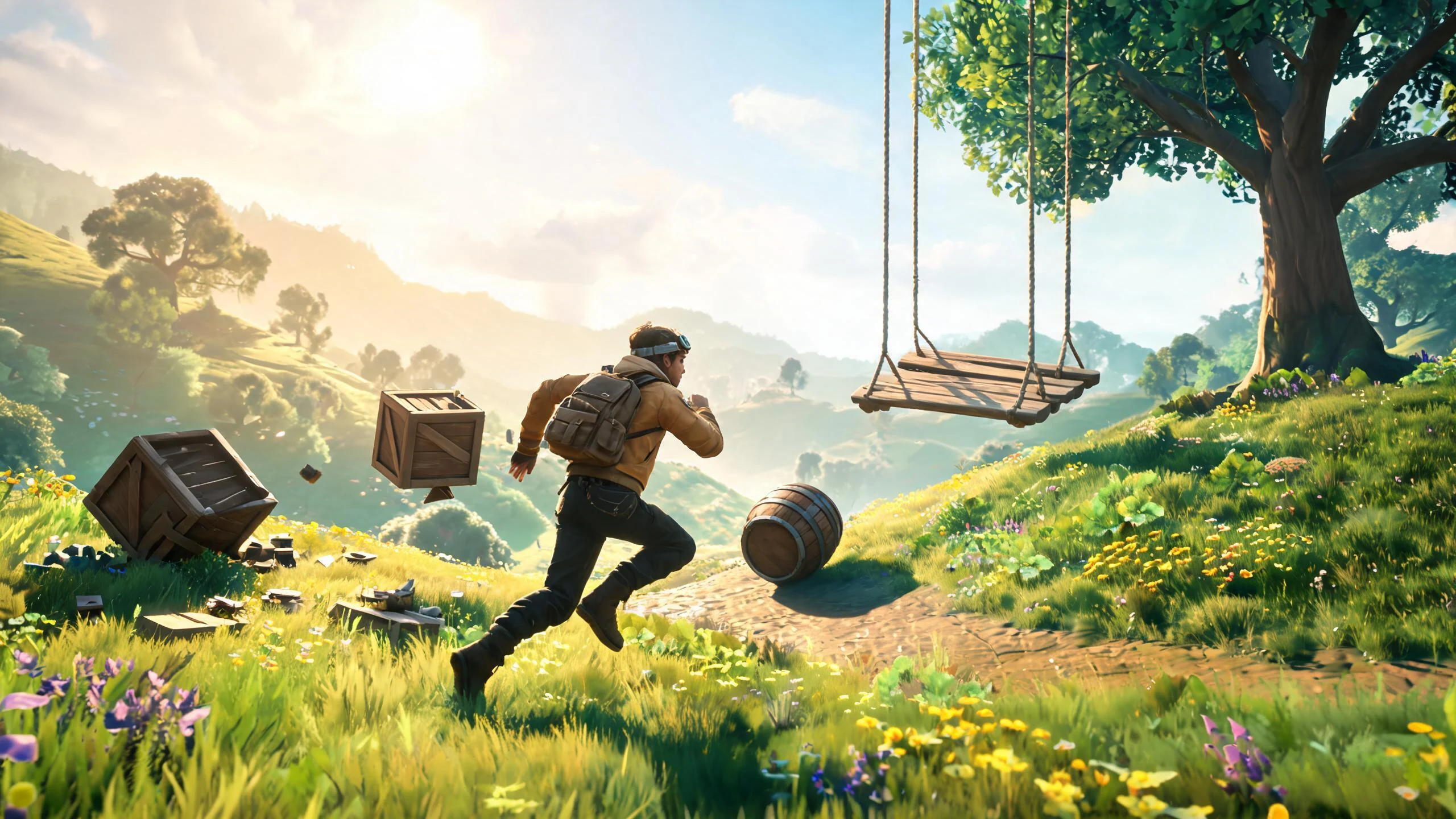
A Three.js third person game generator turns a plain-language exploration brief into an editable browser-game starting point with character movement, jumping, camera follow, collision traversal, interactive zones, physics props, selectable environments, a live minimap, web preview, and a project you can review before export. The result proof is the independent supplied SEELE character-physics-world creation output from record recvqgyoGQ9SKn, showing a third-person character traversing a 3D natural scene with moving physics objects; it is not a CSS, DOM, SVG, or fake-HUD recreation.
The working loop
From Exploration Brief To Playable World
Carry controls, camera, world traversal, interactions, and navigation through one prompt-led build path.
Define The Adventure
Choose a casual, urban, or natural environment and describe movement, jump behavior, camera follow, interactions, and minimap goals. Seele turns the request into a structured Three.js exploration-game direction.
Generate And Playtest
Run the build and test WASD movement, jumping, camera framing, slopes, obstacles, collision traversal, trigger zones, props, and minimap updates. The workspace produces an editable browser-game starting point for iteration.
Refine And Export
Tune controller feel, camera smoothing, collision edges, physics stability, zone feedback, environment selection, responsive controls, and performance. Seele applies revisions while keeping the project editable.
What leaves the page
What The Third-Person Build Includes
Keep movement, world interaction, and delivery visible as separate reviewable outputs.
Character And Camera Controller
WASD movement, jumping, grounded-state logic, follow-camera offset, smoothing, rotation, and recovery behavior.
Traversable Interactive World
Selectable environments, collision boundaries, slopes and obstacles, trigger zones, checkpoints, collectibles, and optional physics props.
Navigation And Web Project
A live minimap tied to player position, responsive input guidance, preview testing, and project files for reviewed export.
Fit and limits
Best For And What Still Needs Review
Best for
- Rapidly prototyping a browser-playable Three.js third-person exploration loop
- Comparing casual collectible, urban waypoint, and natural physics-world directions
- Testing character controls, follow cameras, collision traversal, interaction zones, physics props, and minimap behavior
Still needs human review
- Playtest input feel, jump rules, grounded detection, camera clipping, collision edges, slopes, trigger ordering, physics stability, and minimap accuracy
- Review generated code, dependencies, asset rights, performance, accessibility, security, persistence, and browser compatibility
- Confirm final art, audio, touch controls, deployment configuration, product requirements, and export behavior before release
Before you start
FAQ
What does a Three.js third person game generator create?
It creates an editable browser-game starting point with a 3D environment, player character, movement and jump logic, a follow camera, collision traversal, interactive zones, optional physics props, navigation features such as a minimap, and a web preview that still requires human playtesting.
Can I use WASD movement, jumping, and a follow camera?
Yes. Put acceleration, run speed, jump rules, grounded checks, camera offset, smoothing, rotation, and camera-collision expectations in the prompt, then playtest the resulting controller across representative terrain and browsers.
How do collisions and interactive zones work?
The brief can define solid scene geometry, slopes, obstacles, trigger volumes, checkpoints, collectibles, and physics objects. Human review should test edge cases such as tunneling, snagging, repeated triggers, moving props, and recovery after a fall.
Can the game include selectable environments and a live minimap?
Yes. The starter direction can offer multiple environments and a minimap that follows player position and important locations. Verify world bounds, coordinate mapping, marker updates, environment loading, and responsive legibility during playtesting.
Can I preview and export the Three.js project?
The workflow is designed around an editable web preview and project export. Before release, review the generated code, dependencies, assets, controls, performance, accessibility, security, storage, analytics, and deployment settings.
Next move
Build Three.js Third Person Game Generator faster in Seele AI
Turn a rough creation goal into a clearer prompt, direction, and next step inside Seele AI.