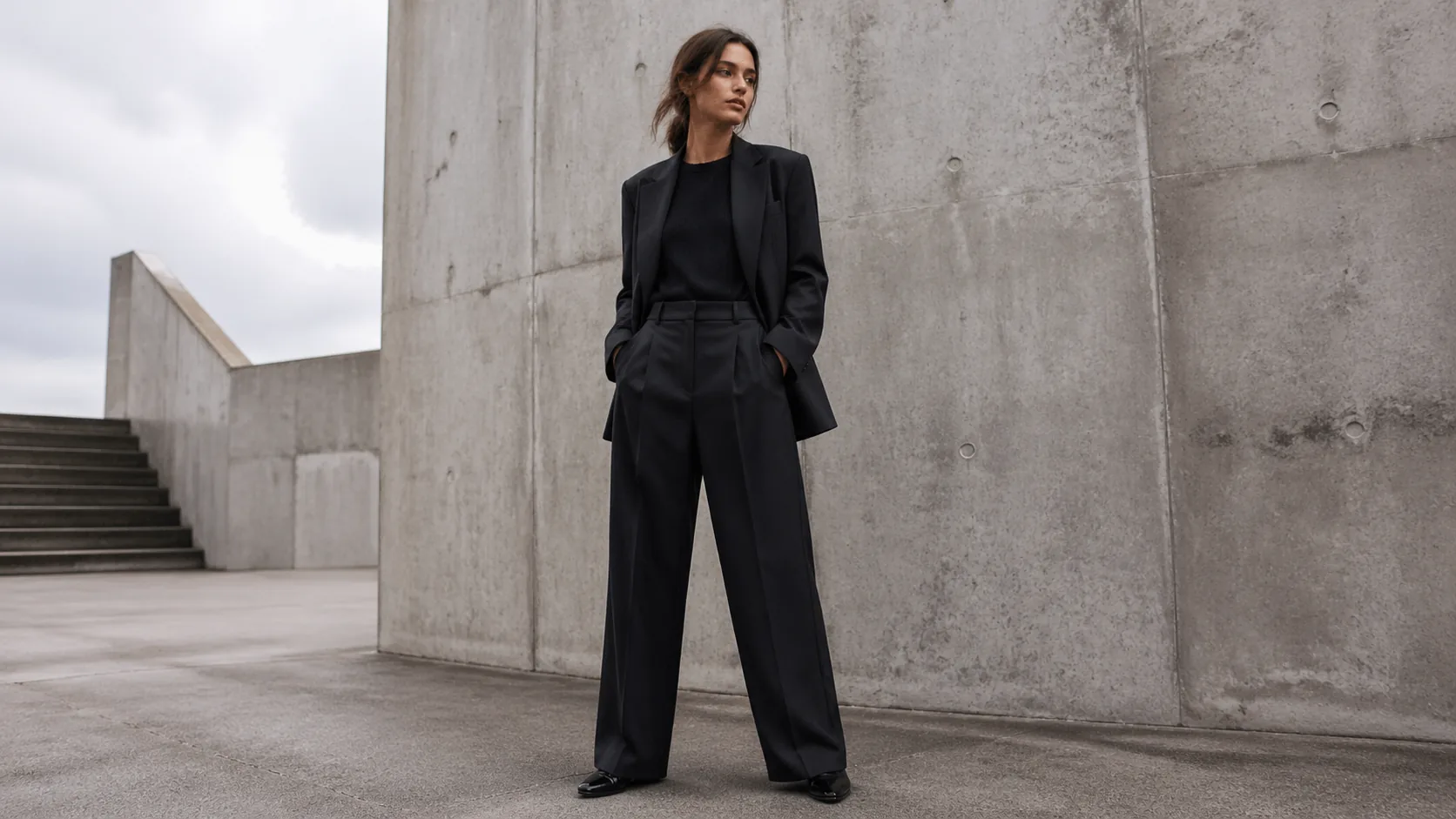
Prompt
Create a fashion model lookbook image, original anonymous model in tailored monochrome outfit, urban concrete backdrop, soft overcast light, editorial full-body composition, no brand logos, no text, no watermark
Create this look Start Free
Create fashion model lookbooks concepts with clear subject details, style references, lighting, camera angle, composition, and brand-safe constraints. Produce editorial lookbook directions for campaigns, style exploration, merchandising, and seasonal visual planning.
Create a fashion model lookbook image, original anonymous model in tailored monochrome outfit, urban concrete backdrop, soft overcast light, editorial full-body composition, no brand logos, no text, no watermark
Create this lookCreate a luxury resort fashion lookbook scene, flowing linen outfit, coastal terrace at golden hour, elegant pose, cinematic color grading, no brand logos, no text, no watermark
Create this look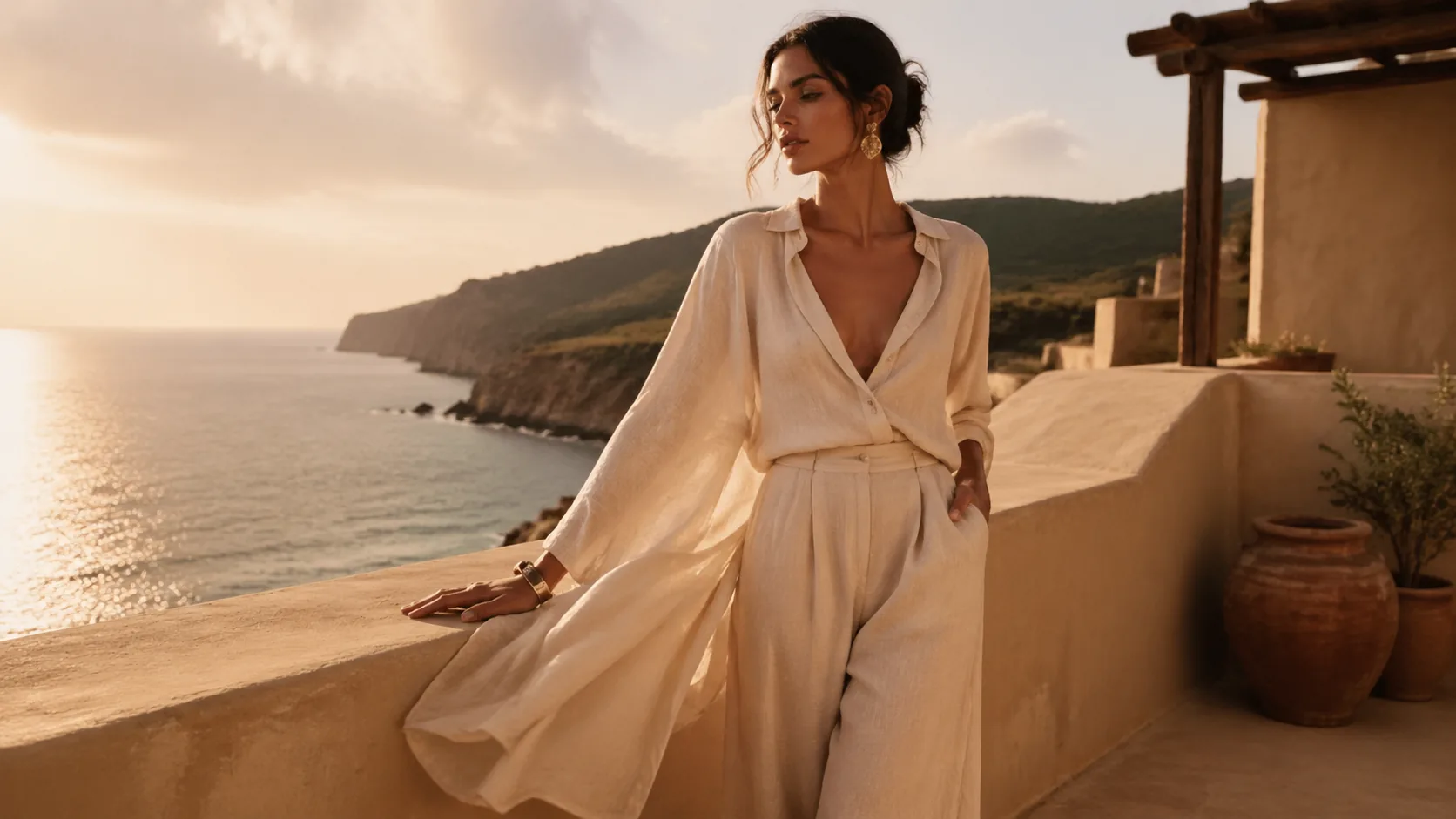
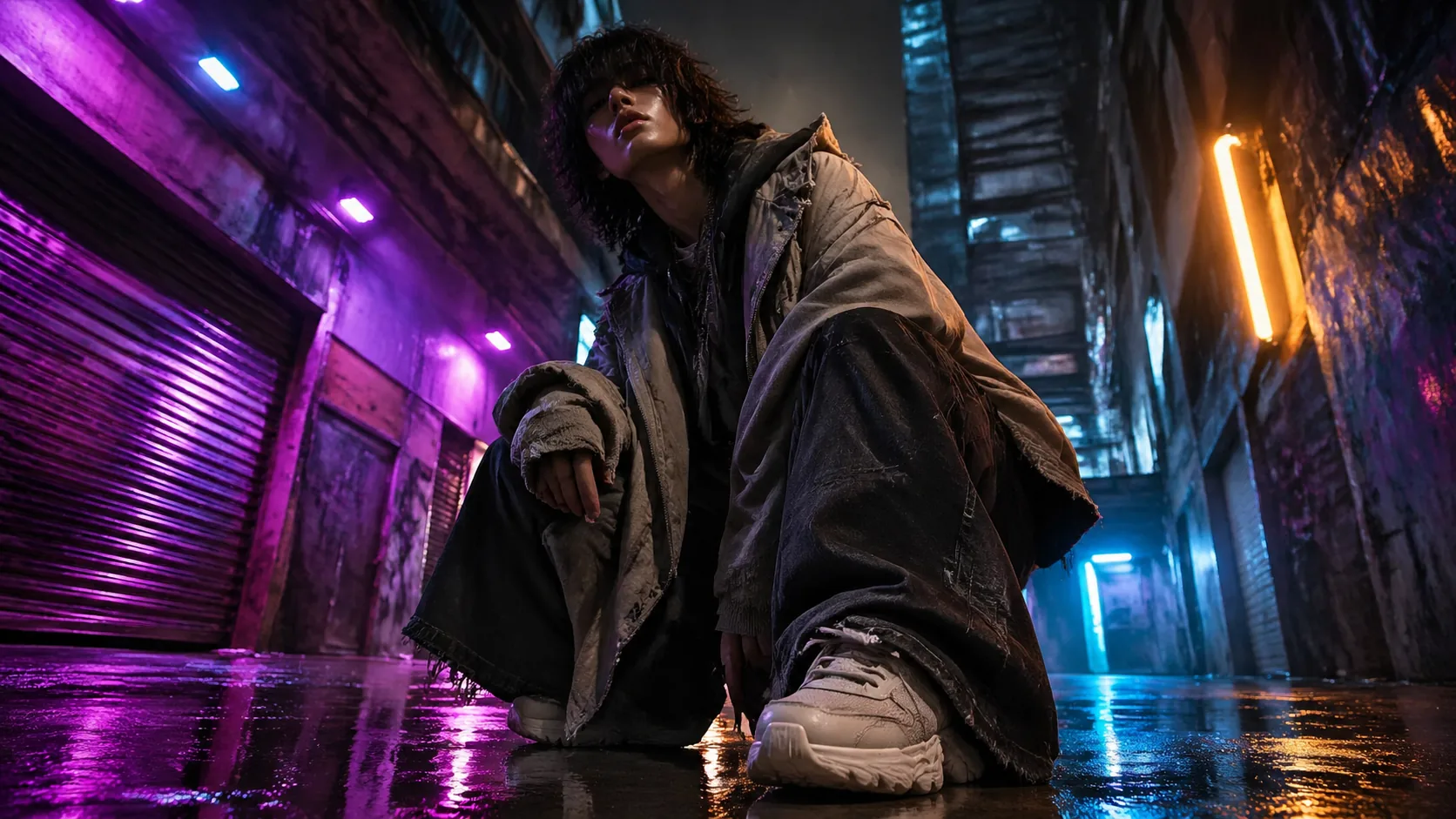
Create a streetwear lookbook visual, original model with layered oversized garments, neon alley reflections, dynamic low-angle fashion photography, no brand logos, no readable text, no watermark
Create this lookPrompt workflow
Use this page as a starting point for a focused fashion model lookbooks visual. A strong prompt names the subject first, then gives the image model enough direction about composition, style, lighting, and what to leave out.
Describe the person, object, scene, or visual motif before adding decoration.
Add the crop, viewpoint, layout, depth, and the area that should attract attention.
Use concrete references such as editorial, cinematic, flat graphic, soft light, or rim light.
Specify exclusions such as text, logos, watermarks, unwanted likenesses, or extra objects.
Prompt formula
Keep the first version specific but editable. Start with the visual idea on this page, then change one variable at a time so the result is easier to compare and refine.
It is a free image generator workflow that turns a short idea into a detailed fashion model lookbooks prompt with subject, style, lighting, camera angle, and composition cues.
Start with the exact subject, then add use case, visual style, materials, color palette, lighting, camera angle, and what to avoid such as readable text, logos, or watermarks.
Yes. Each prompt can specify studio lighting, natural daylight, macro depth of field, cinematic wide angle, flat lay, poster layout, product shot, or editorial framing.
Use them for concept art, campaign drafts, product mockups, website heroes, social thumbnails, posters, decks, and other visual planning where you need original imagery.
You can use the prompts as creative direction, but you should review generated outputs for rights, brand safety, privacy, and any third-party restrictions before publishing.
Open Seele AI workspace, start from a prompt, and keep iterating the visual direction until it feels ready to use.
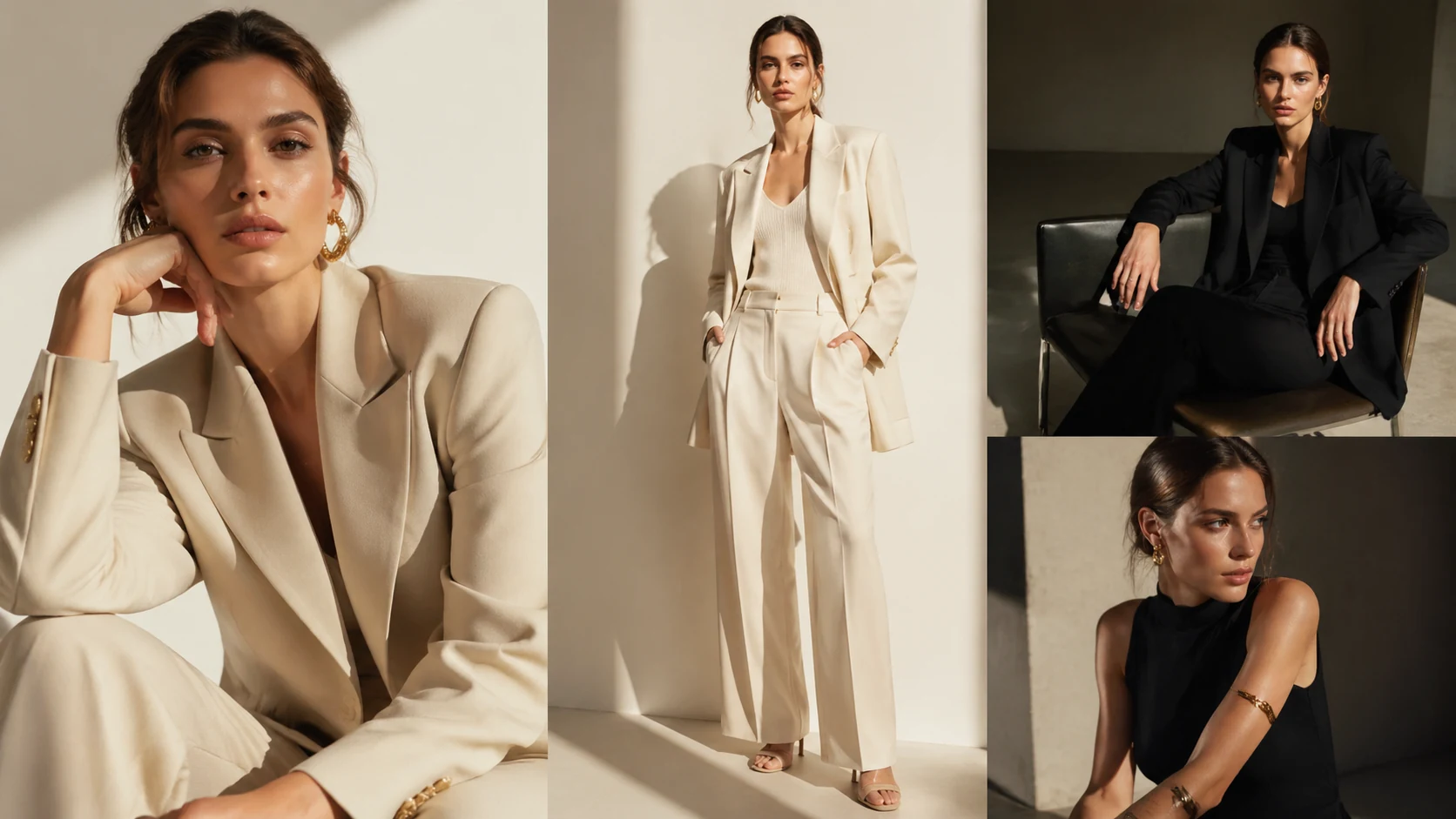 High Fashion Editorial Model Shots AI Image GeneratorCreate High Fashion Editorial Model Shots with Seele AI's free image generator. Explore prompt ideas, visual styles, and fast image creation.View prompt →
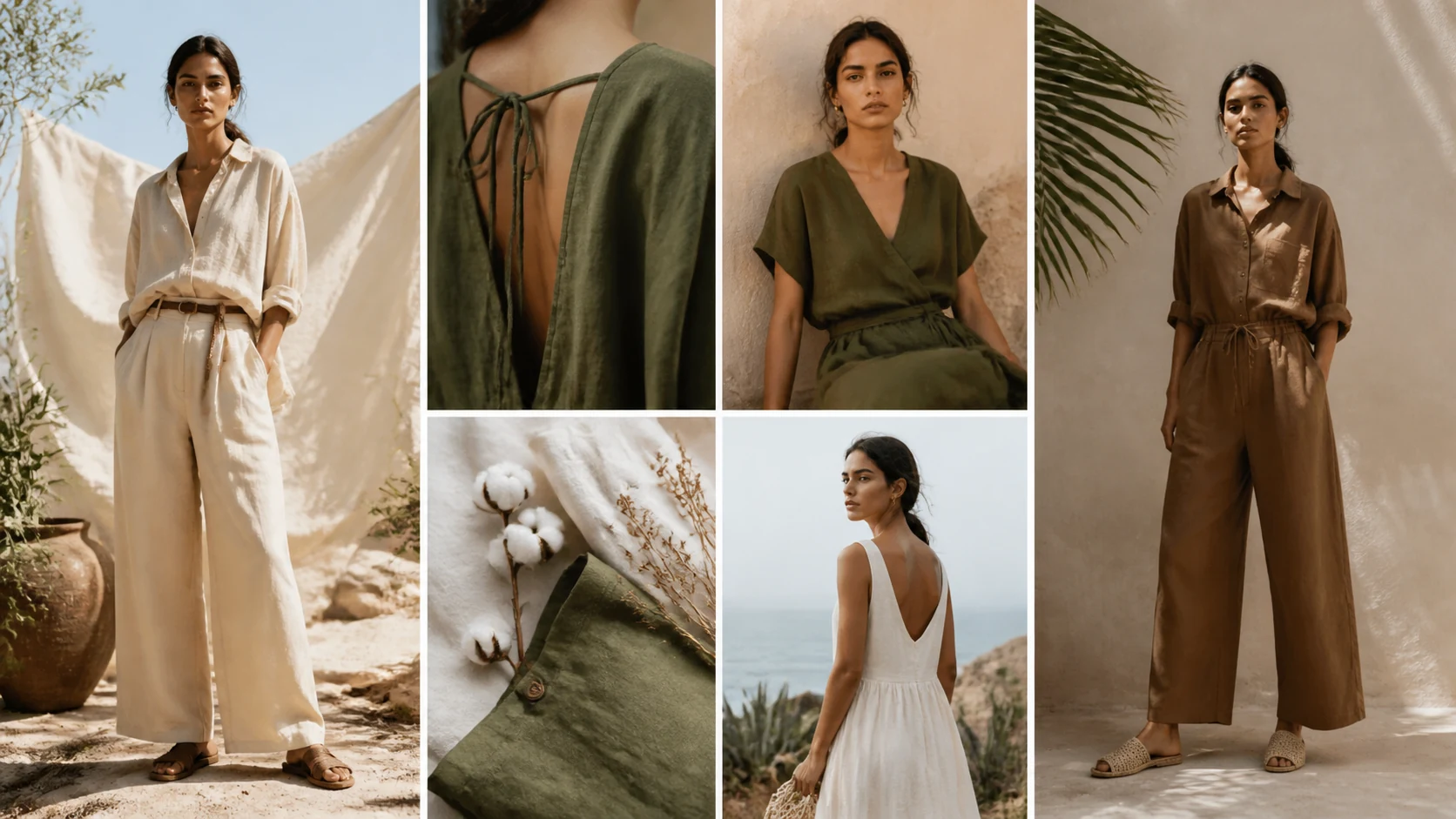 Sustainable Fashion Lookbooks AI Image GeneratorCreate sustainable fashion lookbooks with Seele AI's free image generator. Explore starter prompts, visual directions, FAQs, and workspace handoff for FashionView prompt →
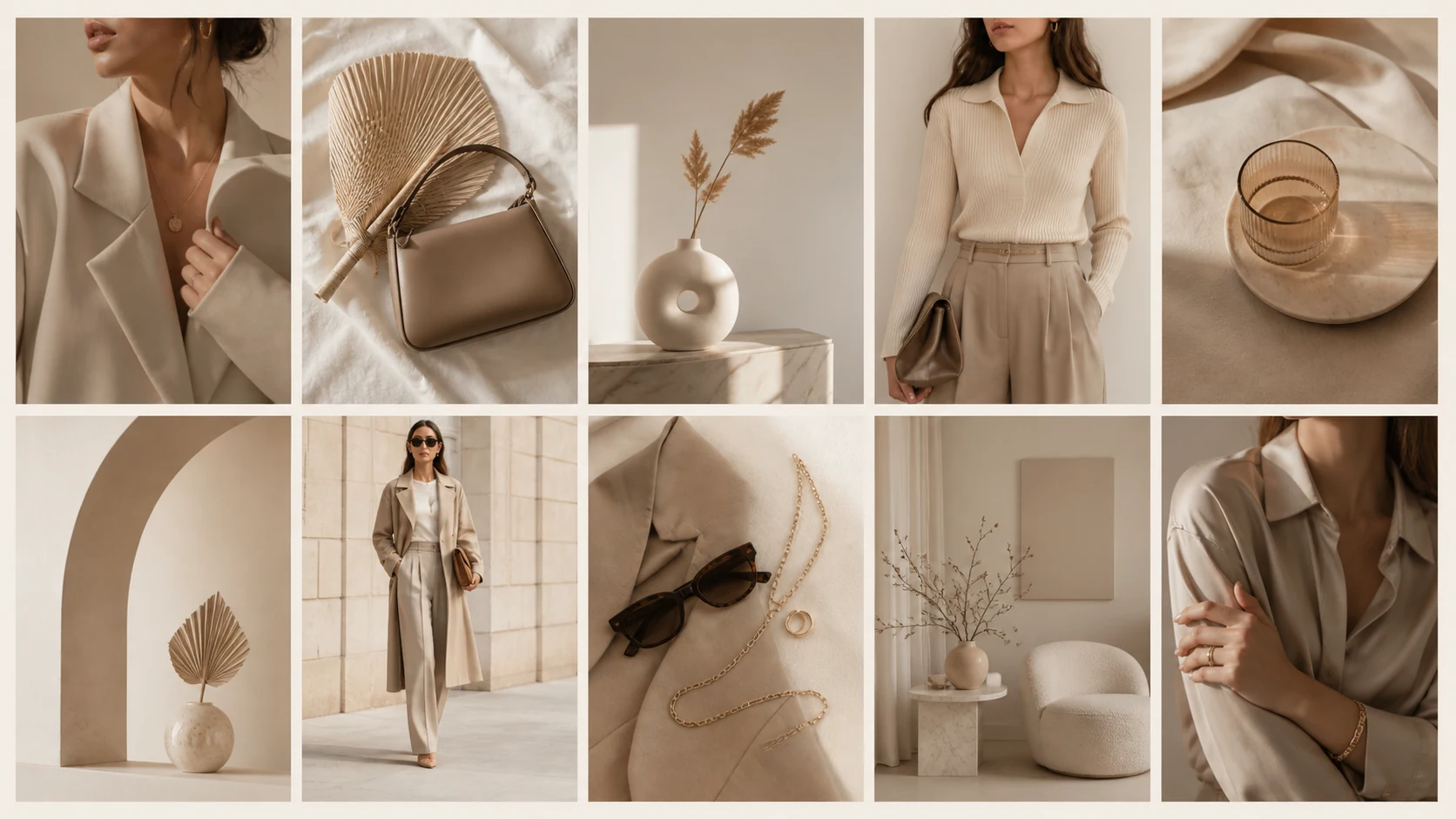 Beige Minimalist Fashion Grids AI Image GeneratorCreate beige minimalist fashion grids with Seele AI's free image generator. Explore starter prompts, visual directions, FAQs, and workspace handoff for InstagView prompt →
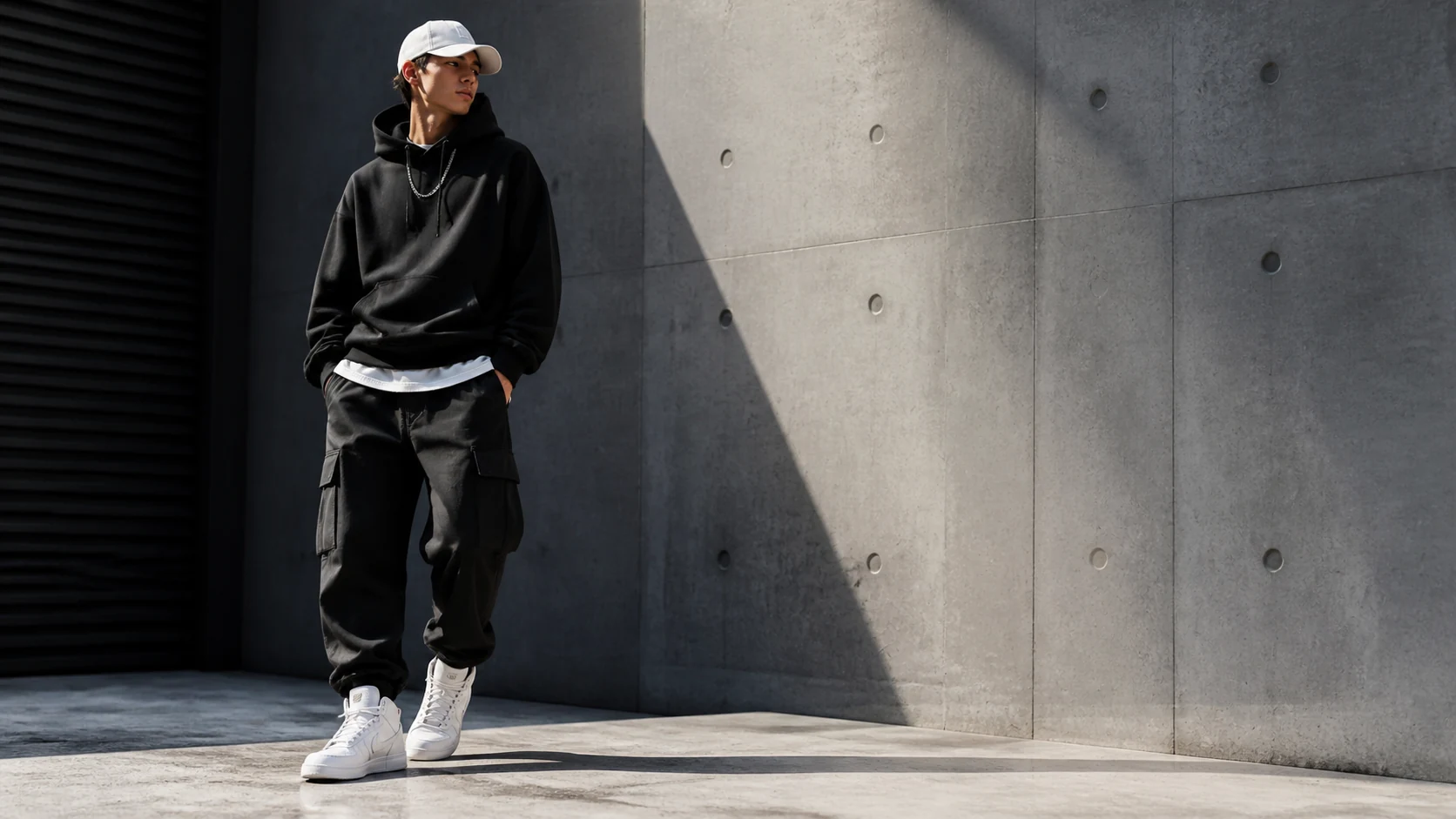 Streetwear Urban Model Backgrounds AI Image GeneratorCreate Streetwear Urban Model Backgrounds with Seele AI's free image generator. Explore prompt ideas, visual styles, and fast image creation.View prompt →
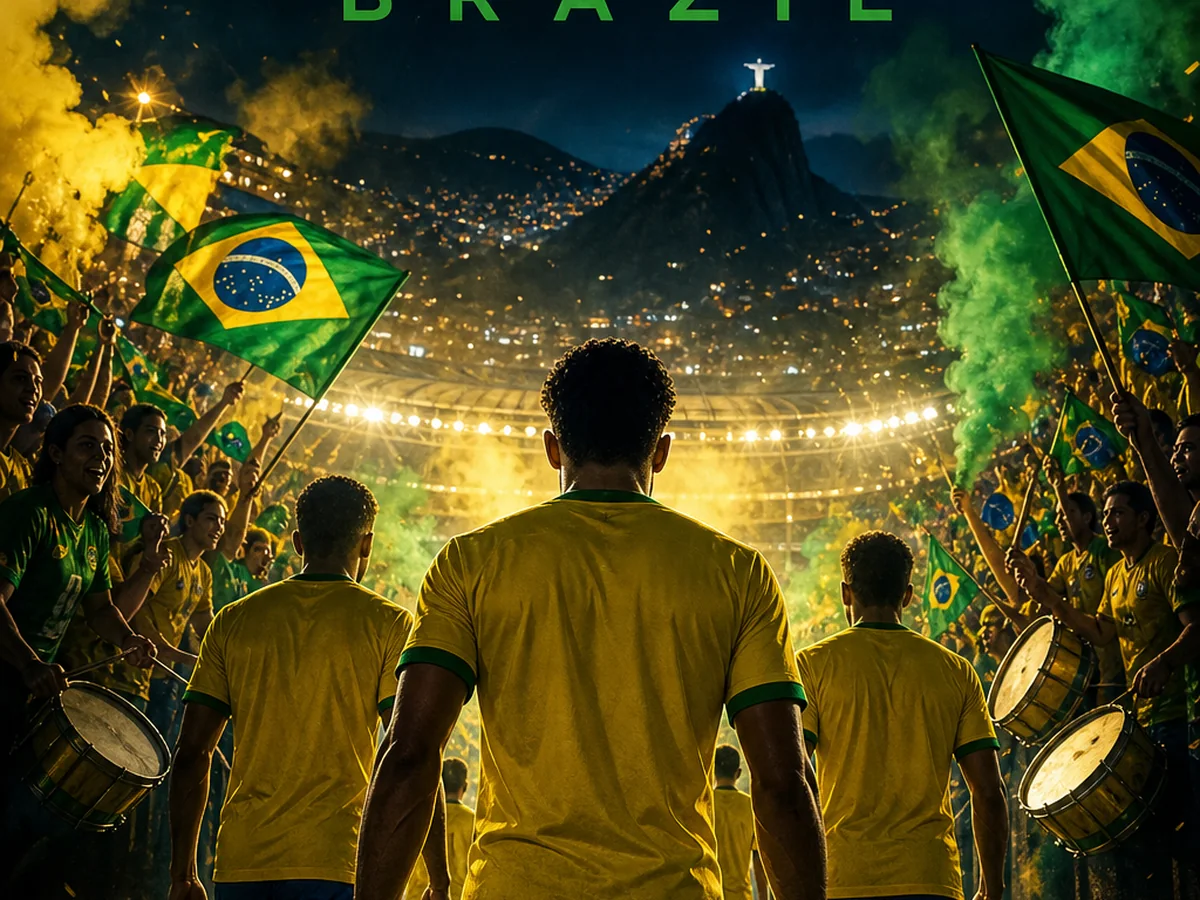 2026 World Cup Match Poster AI Image GeneratorMake custom 2026 World Cup match posters for any match. Custom teams, date, score, design in seconds.View prompt →
 3D App Icon Assets AI Image GeneratorUse a free image generator to create polished 3d app icon assets with prompt-ready styles, lighting, composition, and business-safe visual direction.View prompt →