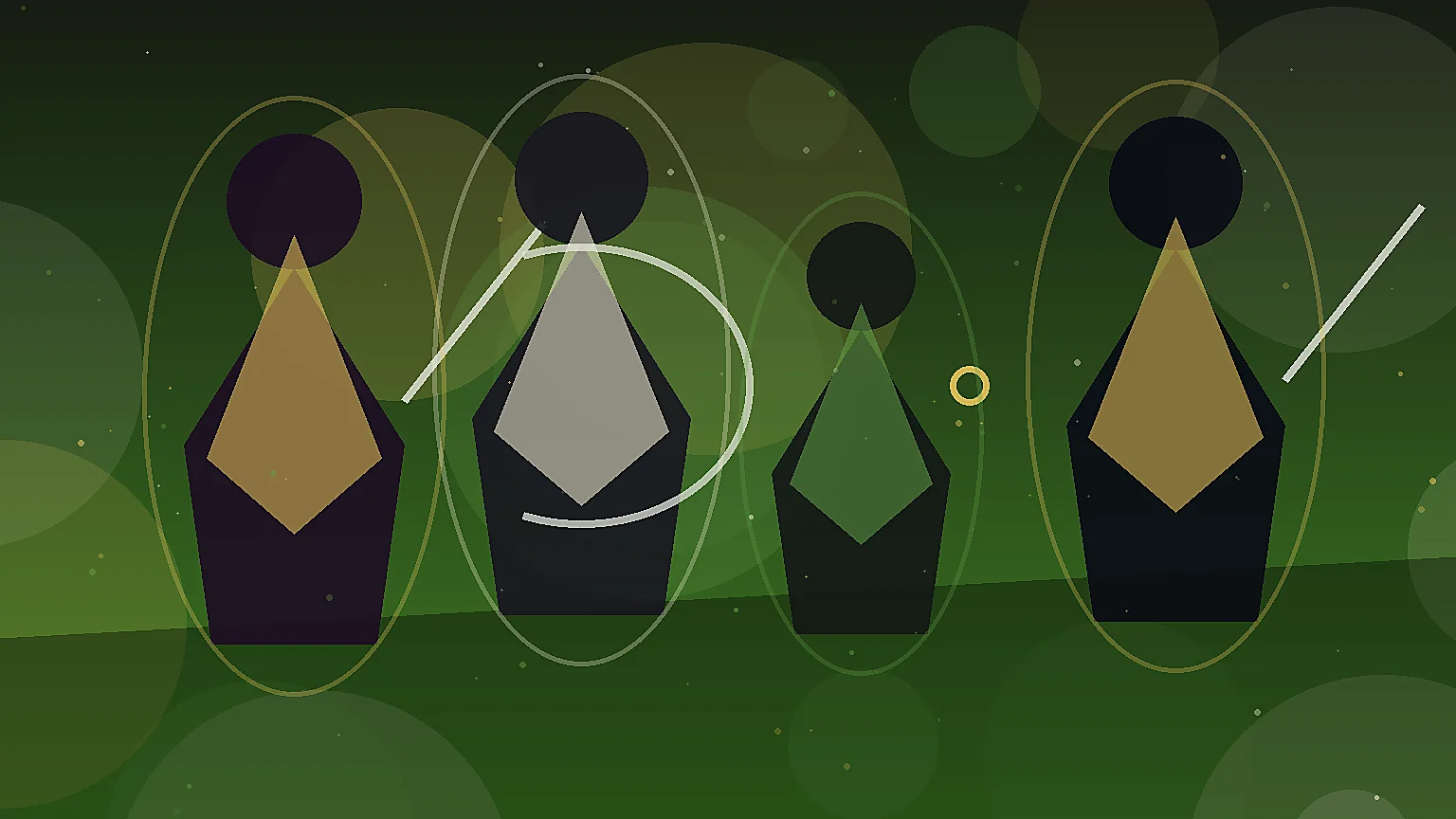
Prompt
Generate original tactical RPG unit portraits for a strategy game roster, bust portraits with armor roles and faction colors, consistent lighting, no text, no logo, no watermark, landscape 16:9 composition
Create this lookCreate tactical rpg unit portraits concepts with readable silhouettes, clear class or creature roles, cinematic lighting, and production-ready prompt structure. Built for game art, NPC rosters, playable characters, creature design, and portrait exploration while avoiding copyrighted characters, trademarks, logos, readable text, and real-person likenesses.
Generate original tactical RPG unit portraits for a strategy game roster, bust portraits with armor roles and faction colors, consistent lighting, no text, no logo, no watermark, landscape 16:9 composition
Create this lookGenerate a polished set of tactical RPG character portraits, commander archer lancer mage unit types, expressive faces, game UI portrait framing, original designs only, no text, no logo, no watermark, landscape 16:9 composition
Create this look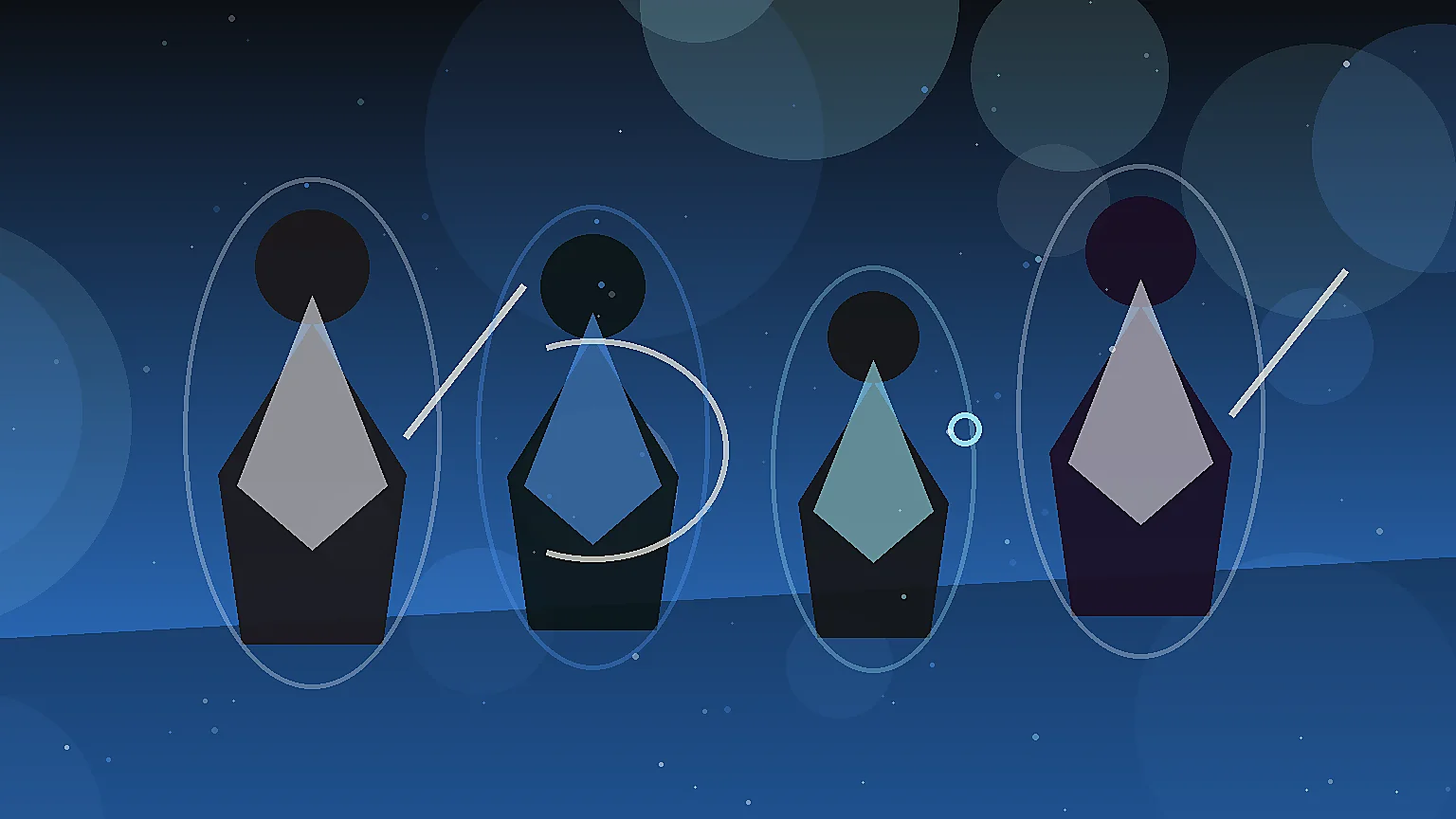
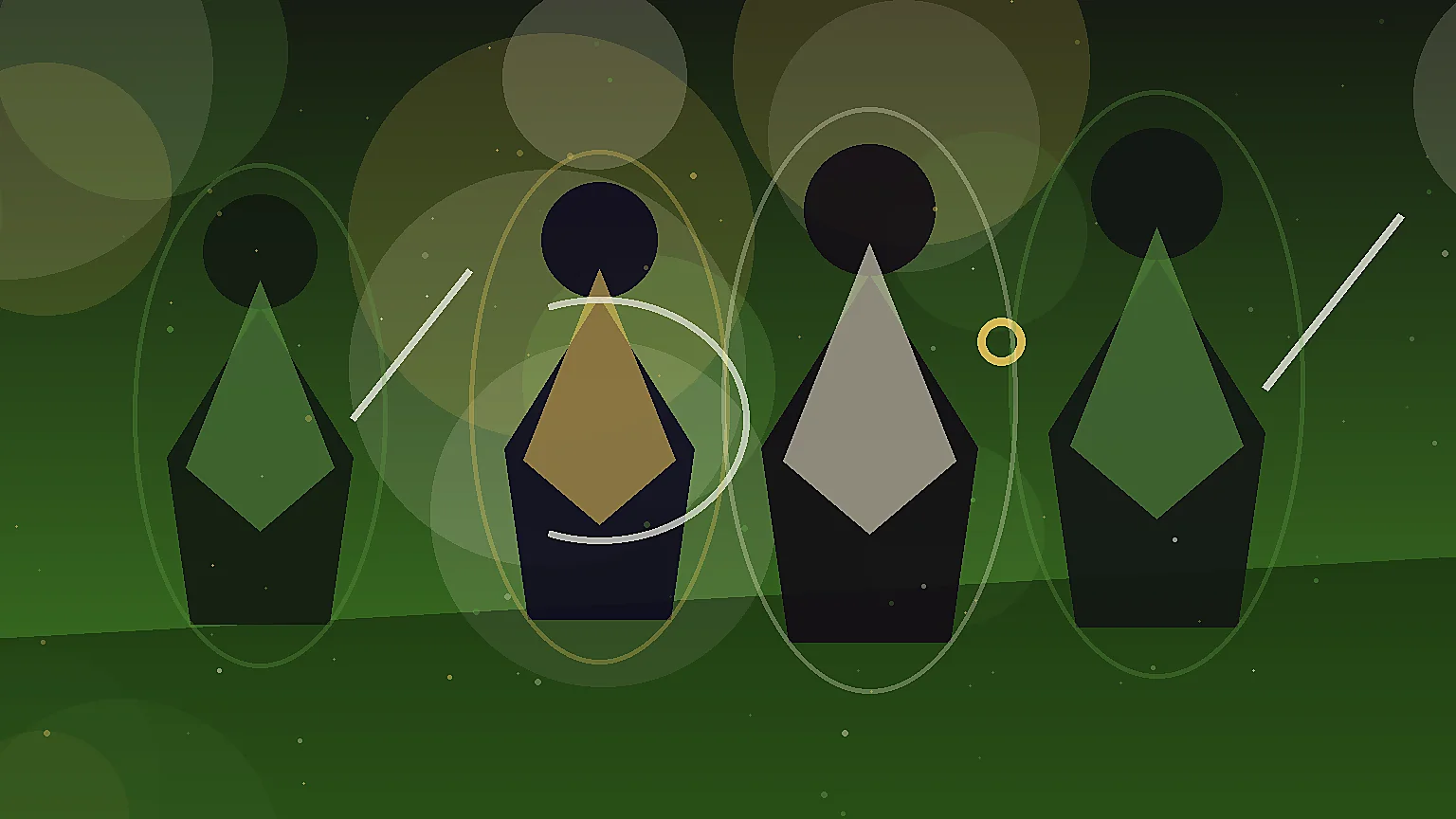
Generate cinematic tactical RPG unit portrait concepts, cohesive battlefield faction styling, clear role identity, detailed costumes and equipment, no text, no logo, no watermark, landscape 16:9 composition
Create this lookIt helps you turn a game-art idea into prompts and visual examples for original tactical rpg unit portraits, including role, silhouette, pose, materials, lighting, and composition cues.
No. Use the page to create original characters, NPCs, creatures, portraits, and faction concepts. Avoid copyrighted characters, trademarks, logos, readable text, and real-person likenesses unless you have explicit rights.
Describe the gameplay role, body shape, costume or anatomy, materials, camera crop, lighting, mood, and negative constraints such as no text, no logo, and no existing character likeness.
Yes. The examples are structured for concept exploration, roster planning, portrait direction, modeling references, and handoff to artists or prompt iteration.
Yes. Add terms such as dialogue portrait crop, full-body turnaround, class lineup, boss silhouette sheet, or companion creature roster to steer the final image.
Open Seele AI workspace, start from a prompt, and keep iterating the visual direction until it feels ready to use.