Skip to content
SEELE

Seele AI · Tool

Generador de texturas con IA para assets 3D

Explicar qué mapas de material necesita un asset, qué genera la IA y cómo validar seams, escala y PBR.

Intent → iteration → handoff
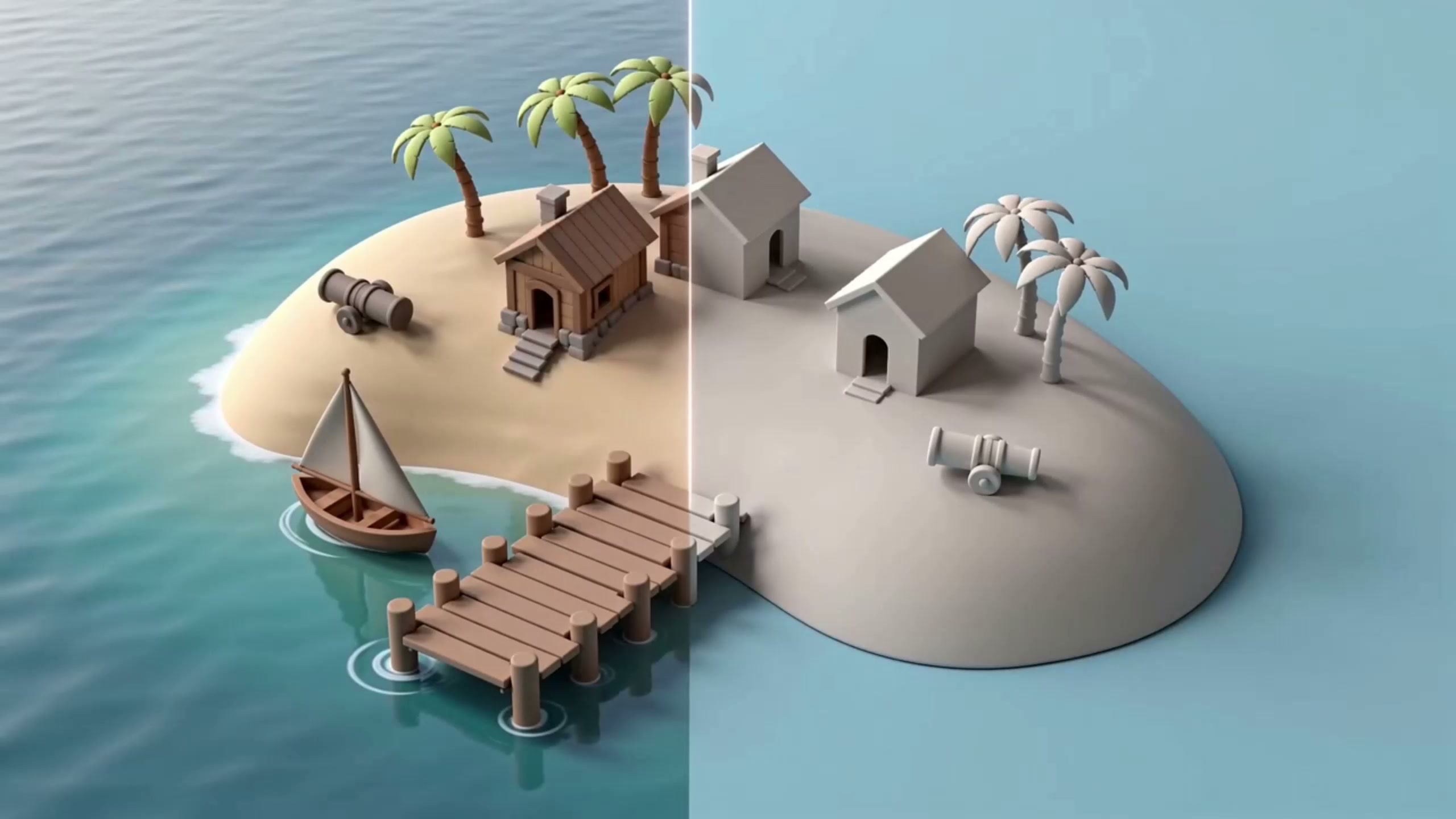
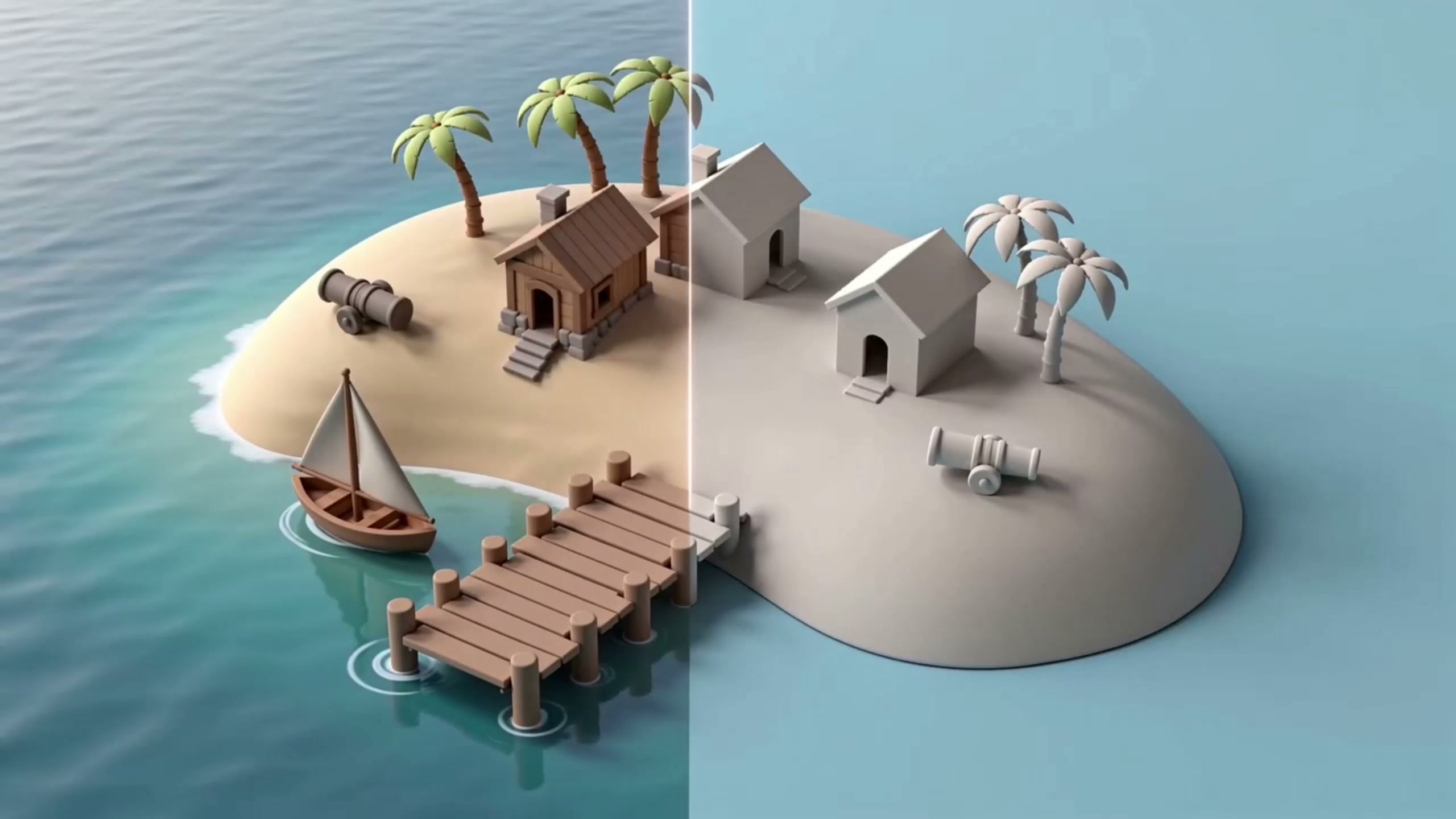
Generador de texturas con IA para assets 3D — cover visual evidence

The working loop

From Idea To Result

01

Describe The Goal

Write a focused prompt. Seele interprets the request.

Outcome
A structured brief.
02

Generate A Draft

Run the prompt. Seele creates an editable result.

Outcome
A working first draft.
03

Review And Refine

Adjust details. Seele applies the changes.

Outcome
A refined result.

What leaves the page

What You Get

Structured Prompt

A reusable creation brief.

Editable Result

A result ready for iteration.

Review Checklist

Clear points for human review.

Fit and limits

Best For And What Still Needs Review

Best for

  • Fast concept exploration
  • Editable first drafts
  • Prompt-led iteration

Still needs human review

  • Factual claims
  • Brand and legal review
  • Final production quality

Before you start

FAQ

¿Cómo usar Generador de texturas con IA para assets 3D?

Start with a clear source, review the generated or converted asset, and export only after checking the format and project requirements.

What formats should I review?

Review the format required by the target engine or DCC workflow, along with scale, geometry, materials, and animation data where applicable.

Can I use the result in a game workflow?

Yes. Validate the asset in the target project before handoff so the team can catch compatibility or quality issues early.

Next move

Start creating with Generador de texturas con IA para assets 3D

Turn a concrete tool need into a clearer prompt and next step inside Seele AI.

Open Workspace

Texturas 3D y materiales generados con IA

Un generador de texturas con IA puede proponer una apariencia para un material 3D a partir de una descripción o referencia. Define si necesitas una textura de color, normal, roughness, metalness u otro mapa, y comprueba la escala visual y la repetición sobre la superficie del modelo.

Antes de aplicar una textura 3D en producción, revisa las UV, la resolución, el espacio de color, los mapas asociados y las condiciones de licencia del material de referencia. La generación es un punto de partida: valida el resultado en el visor o motor donde se utilizará el asset.

Texturas, UV y materiales 3D

Este flujo también sirve para explorar texturas 3D y materiales: valida UV, escala, seams y mapas PBR antes de llevar el asset al motor. La IA puede ayudar a crear una textura artificial o una variación visual, pero conviene revisar el resultado y sus referencias antes de exportar.