
Single character
One role per sheet: player, NPC, animal, or monster.
Create one game-ready 2D sprite sheet per character. Start from a role preset, choose animation rows, then generate.
Type the character you want to turn into a sheet.
Included in the sheet
These examples show the kind of polished 2D game assets Seele can generate. Click one only if you want to reuse its prompt.
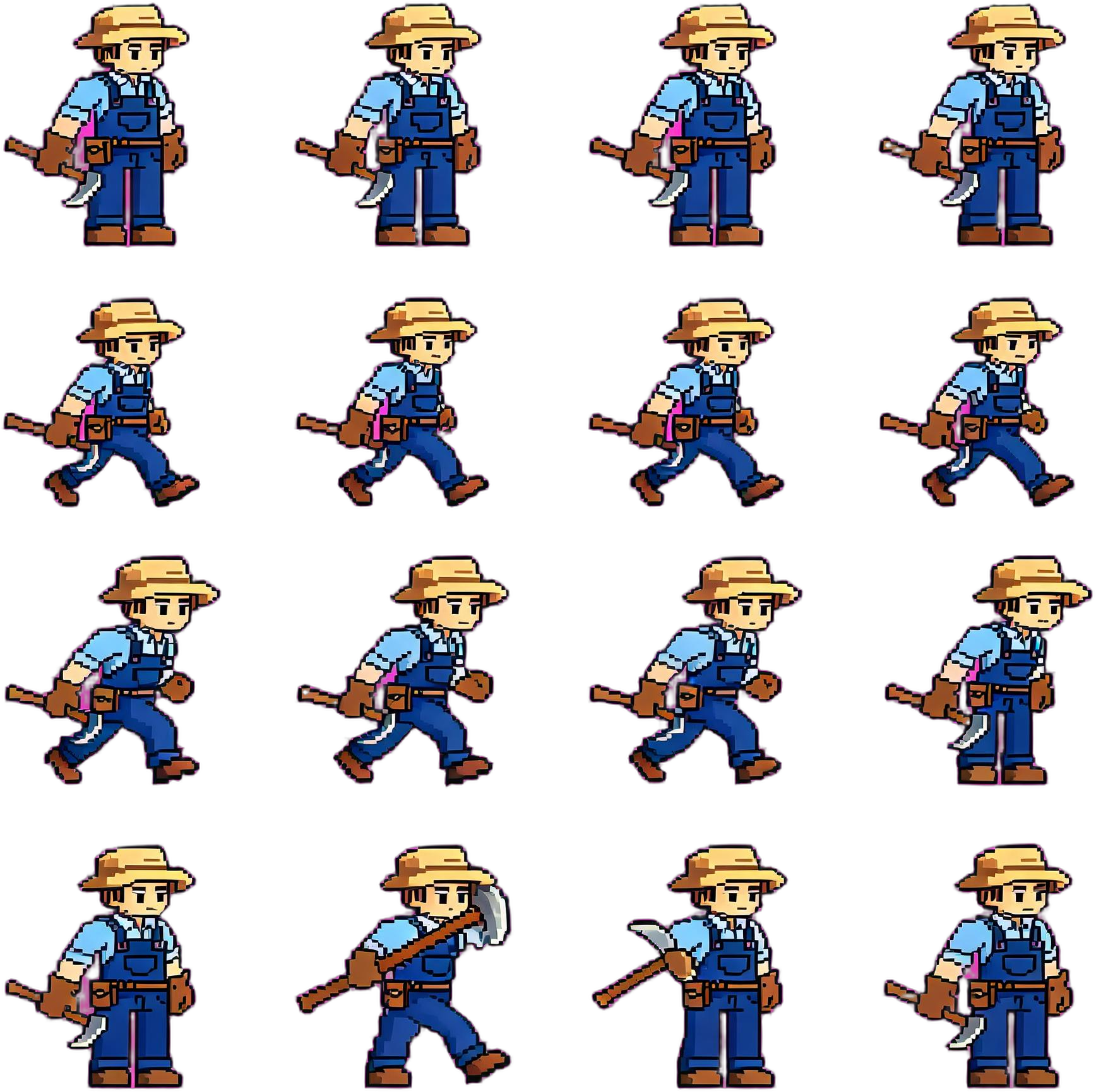
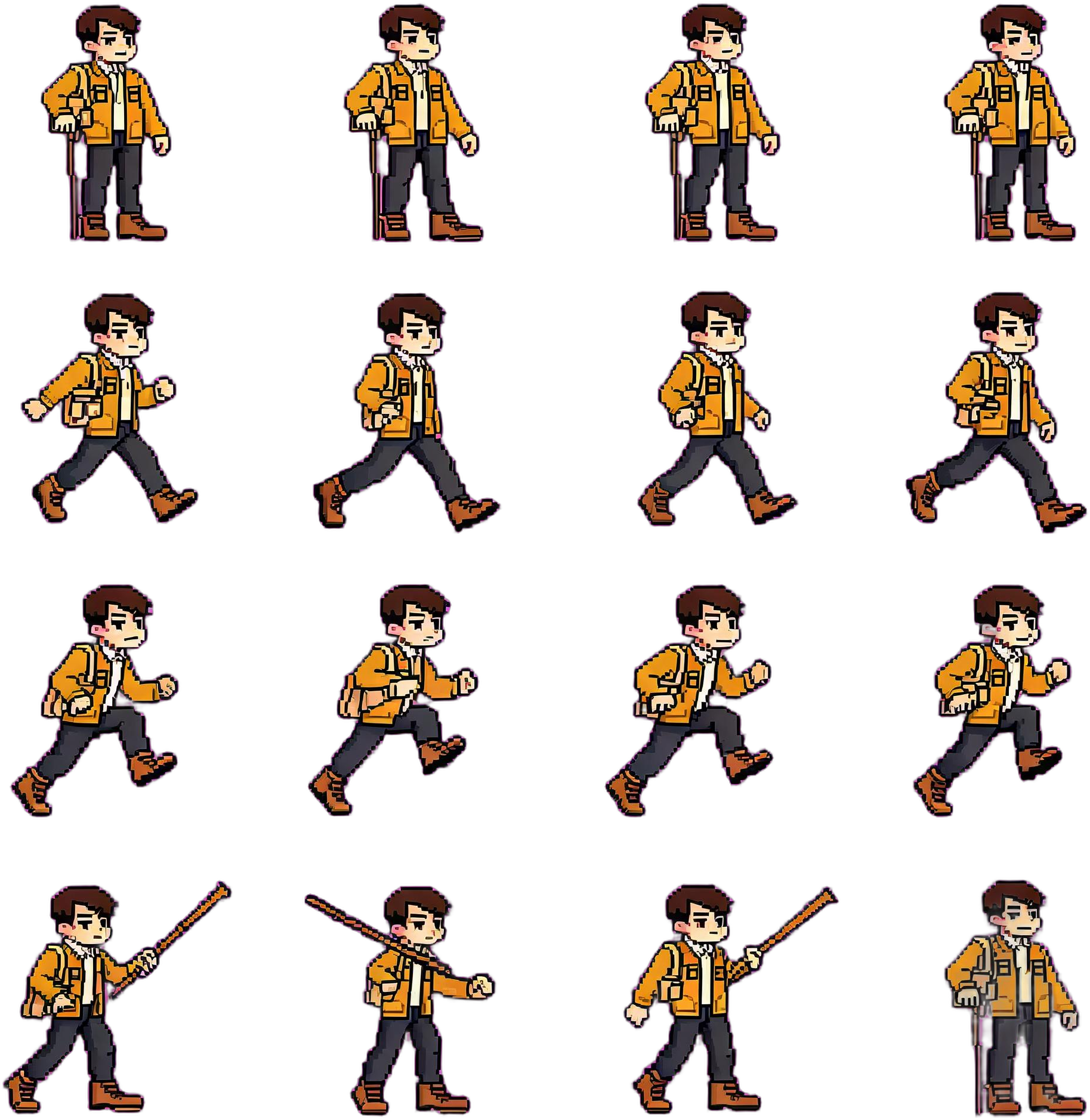
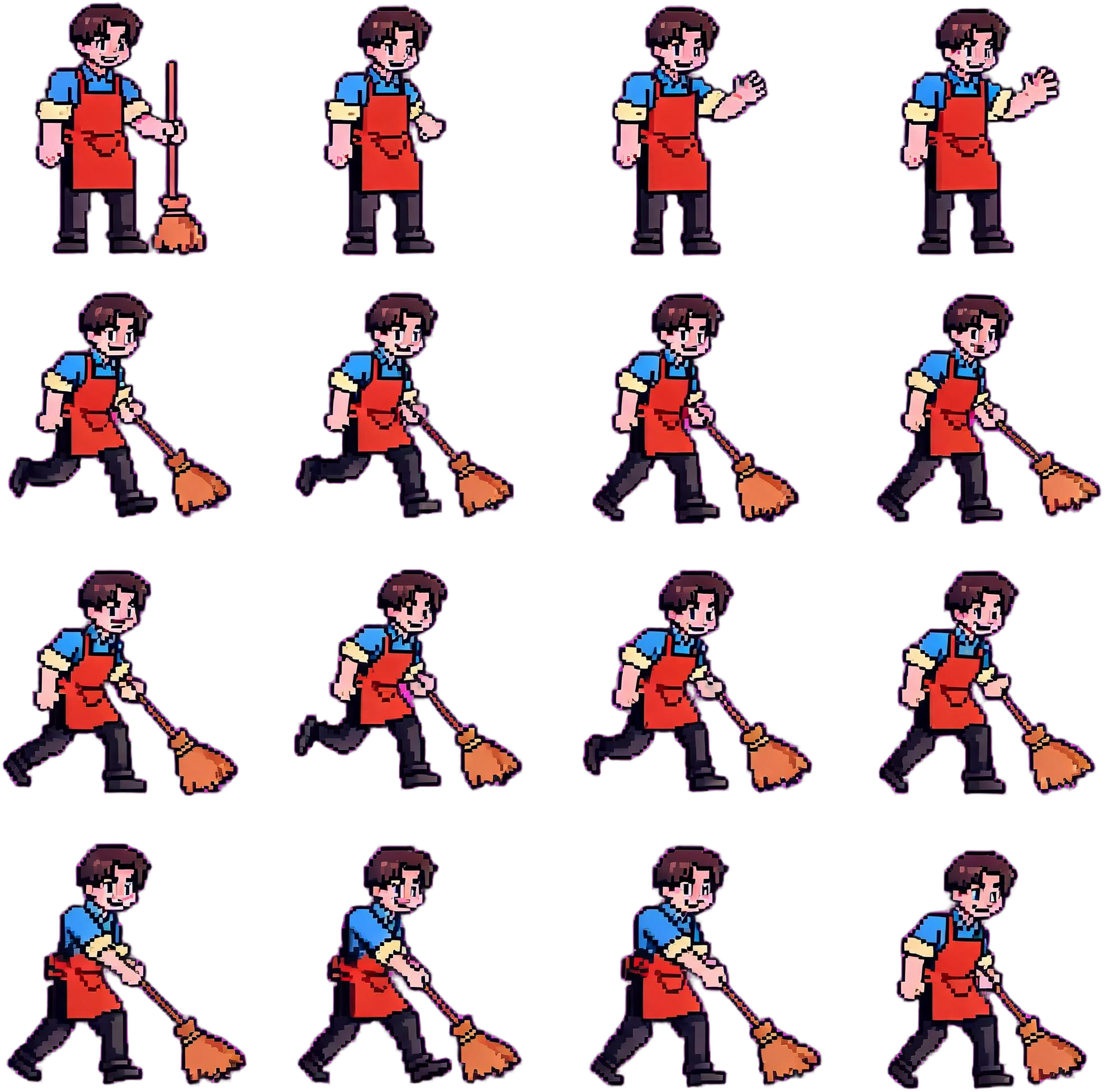
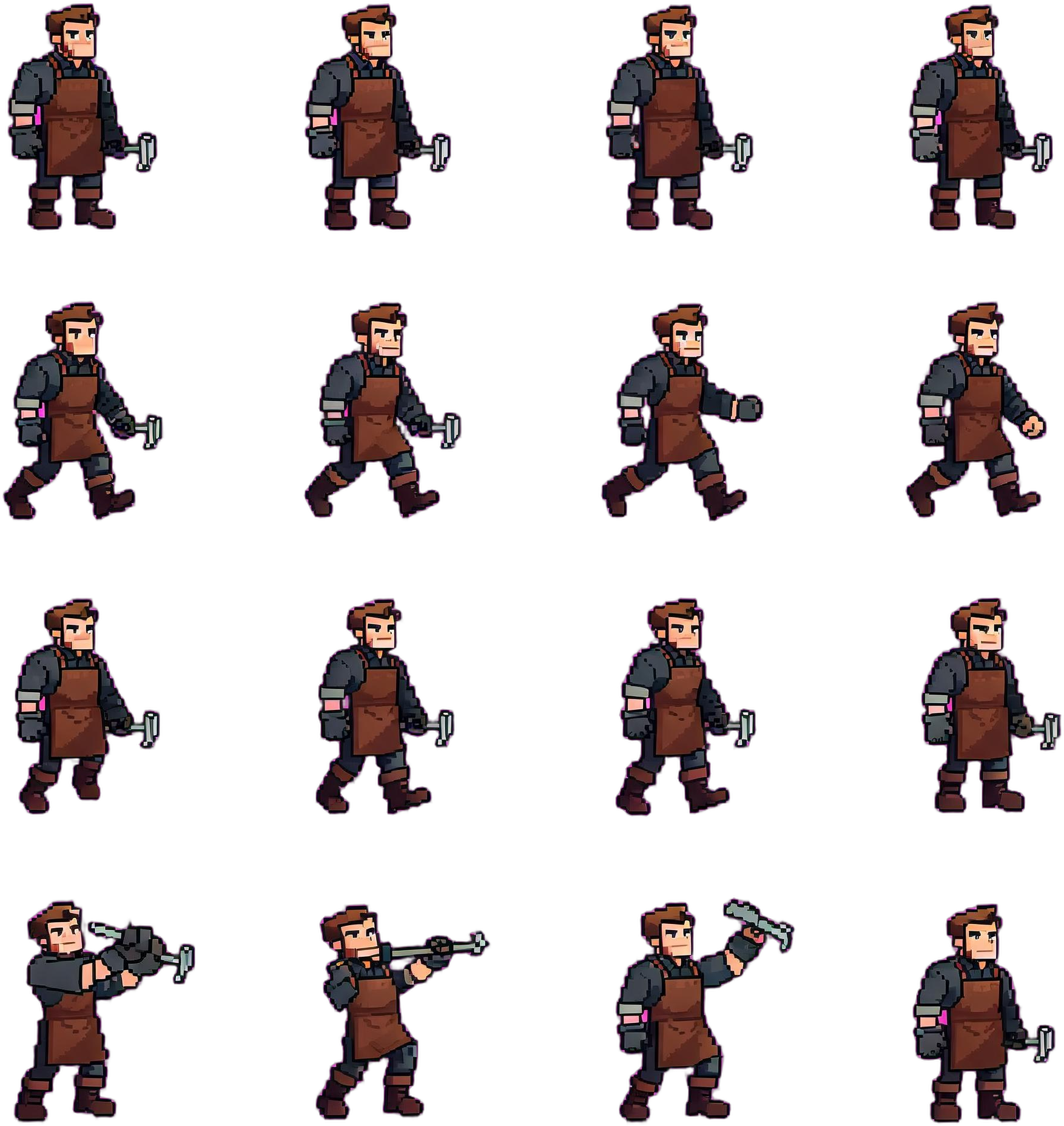
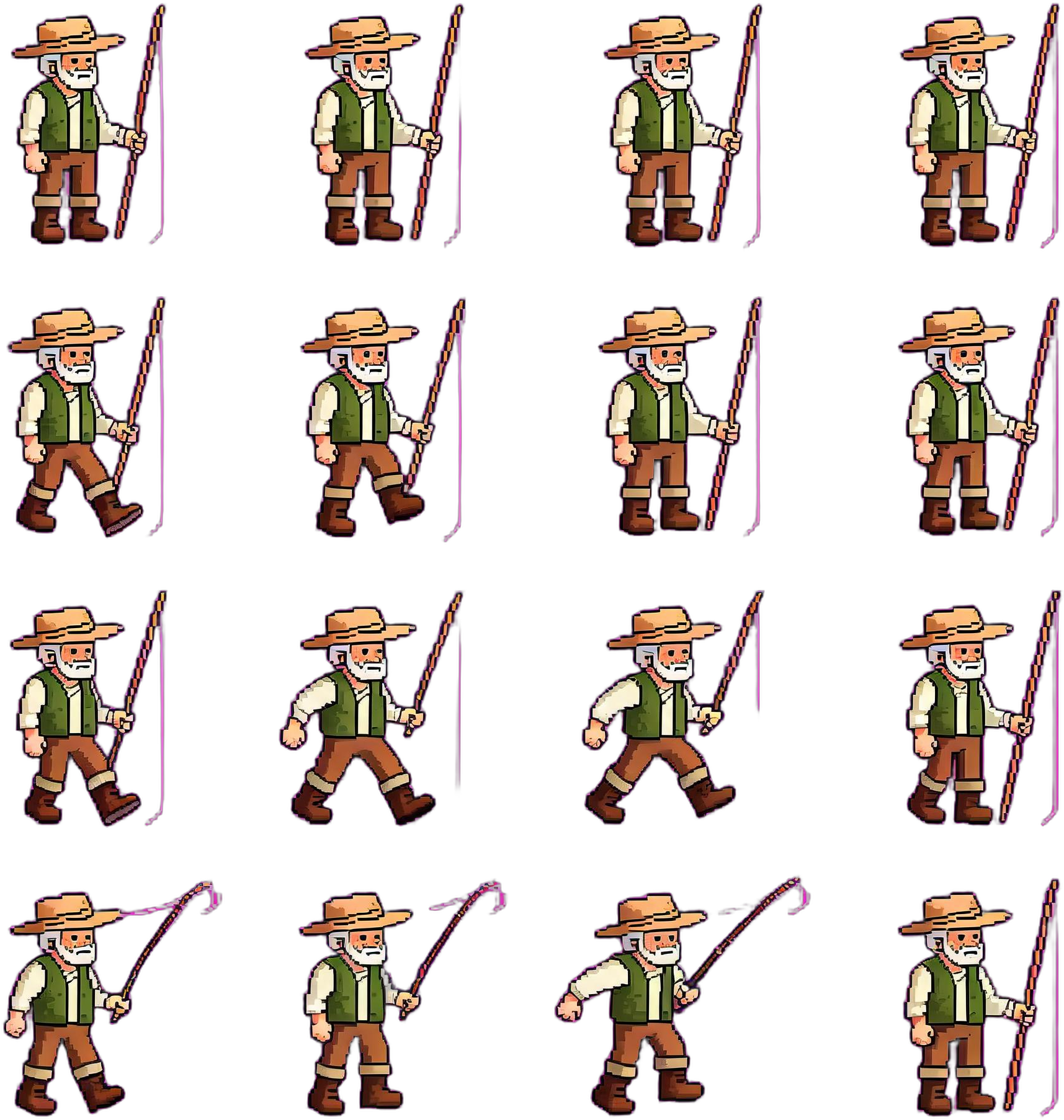
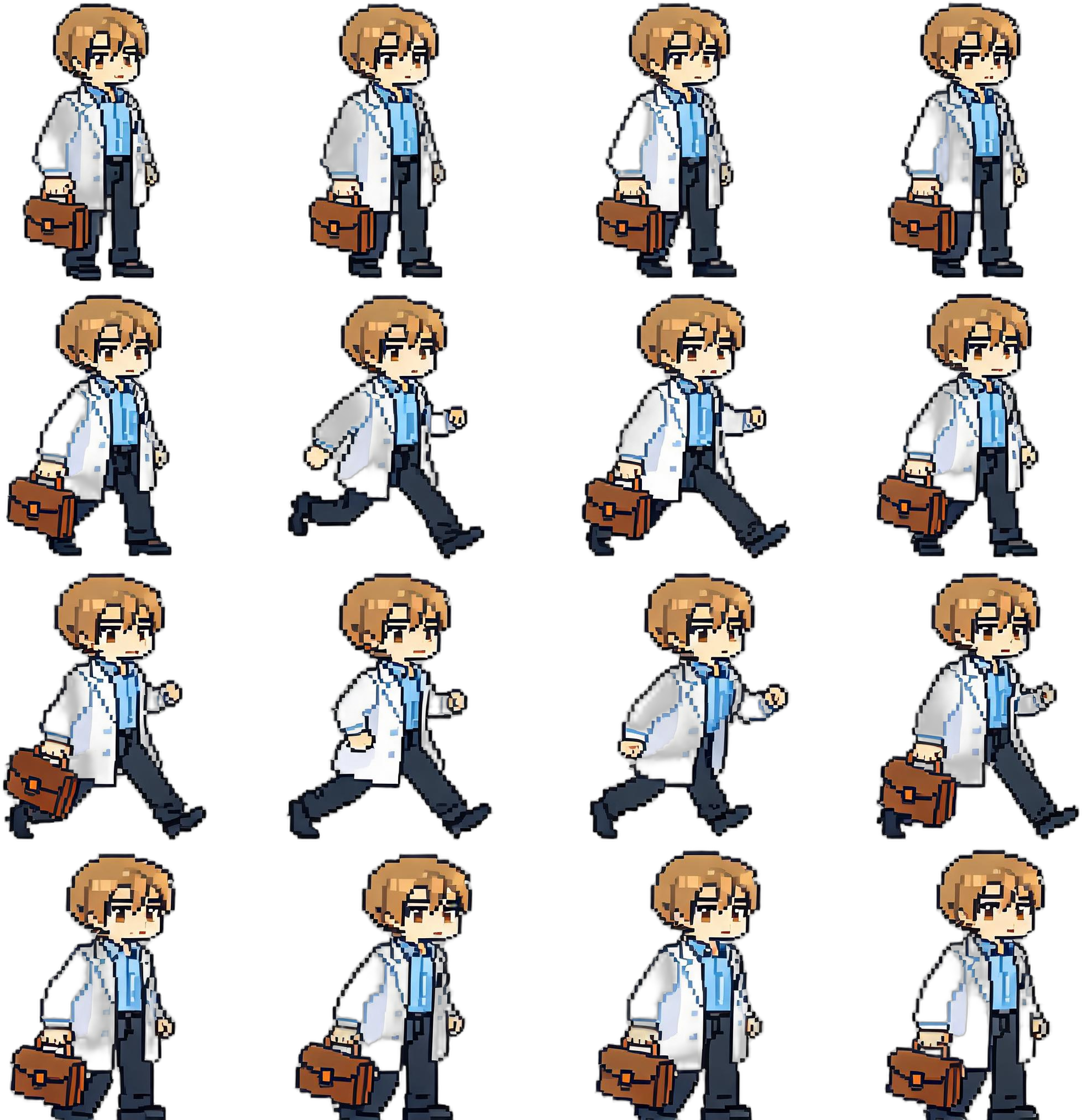
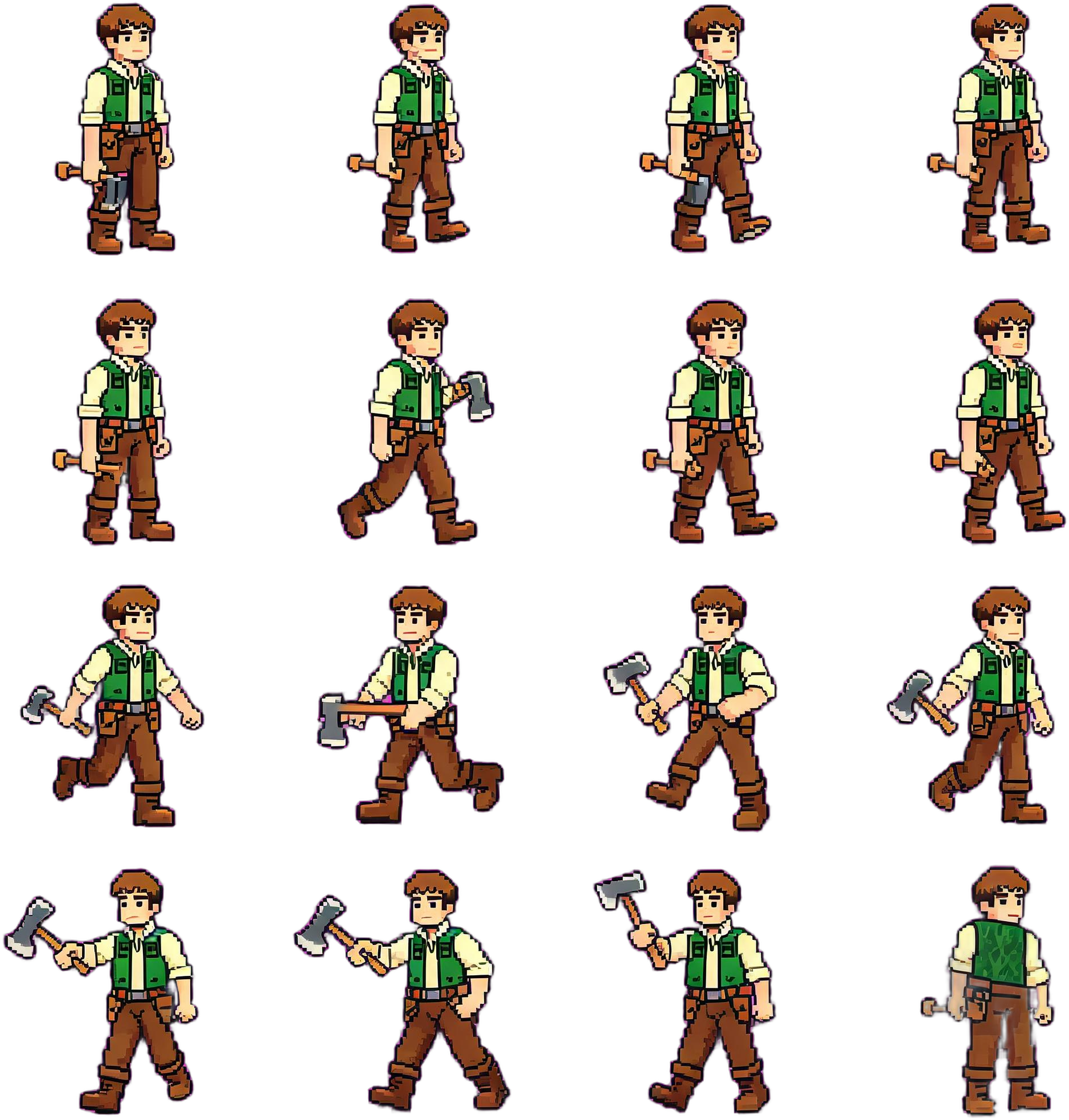
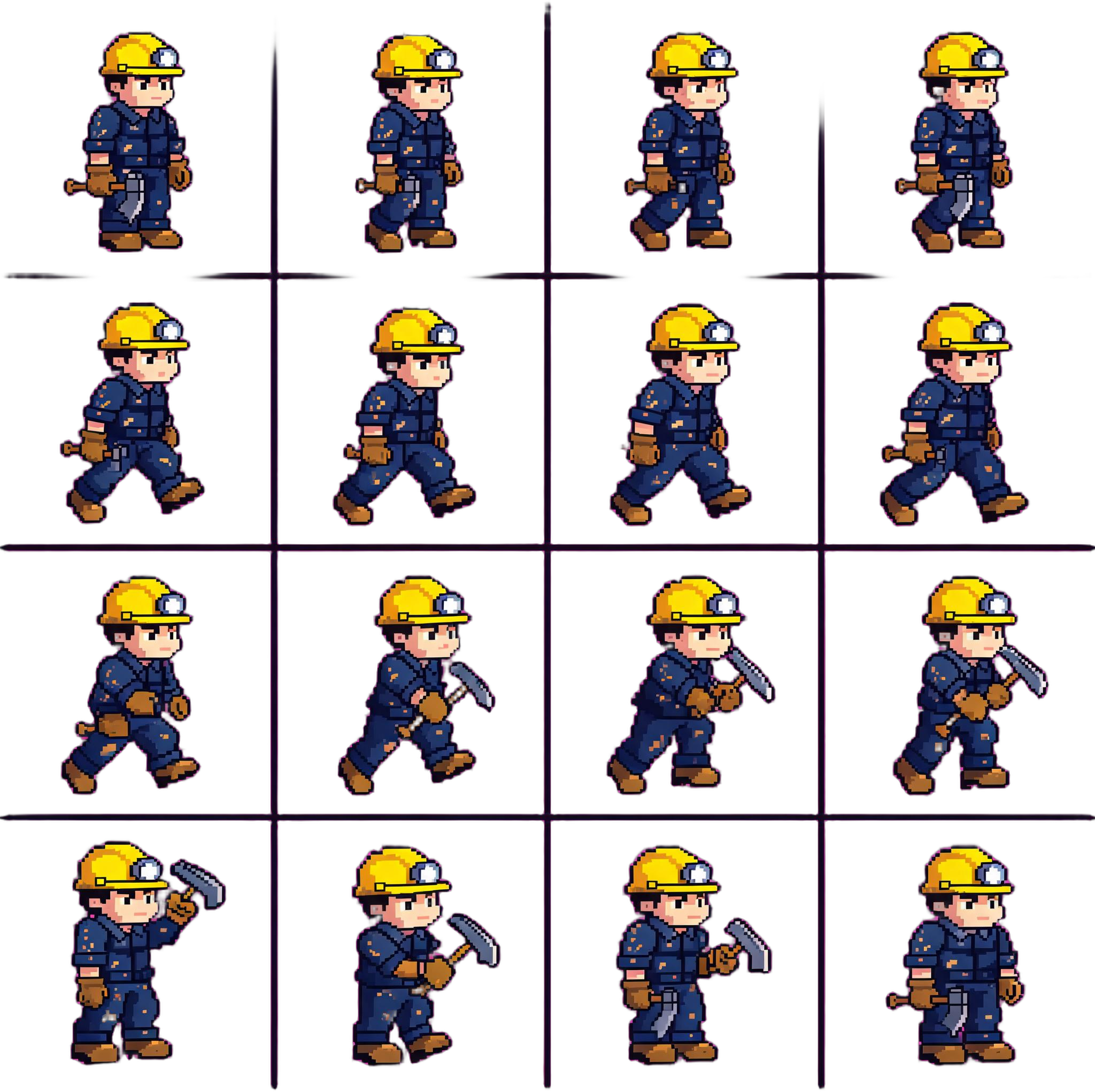
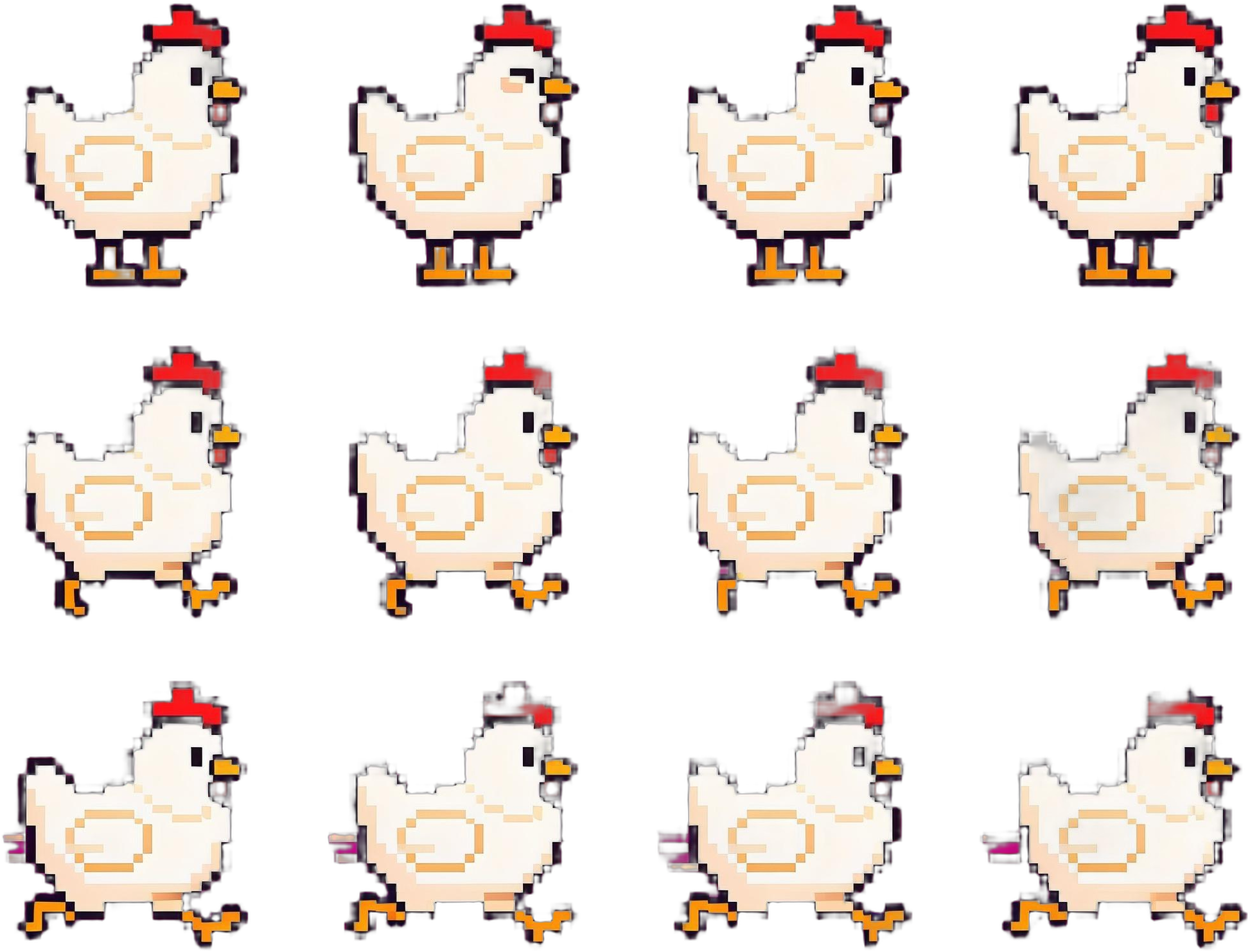
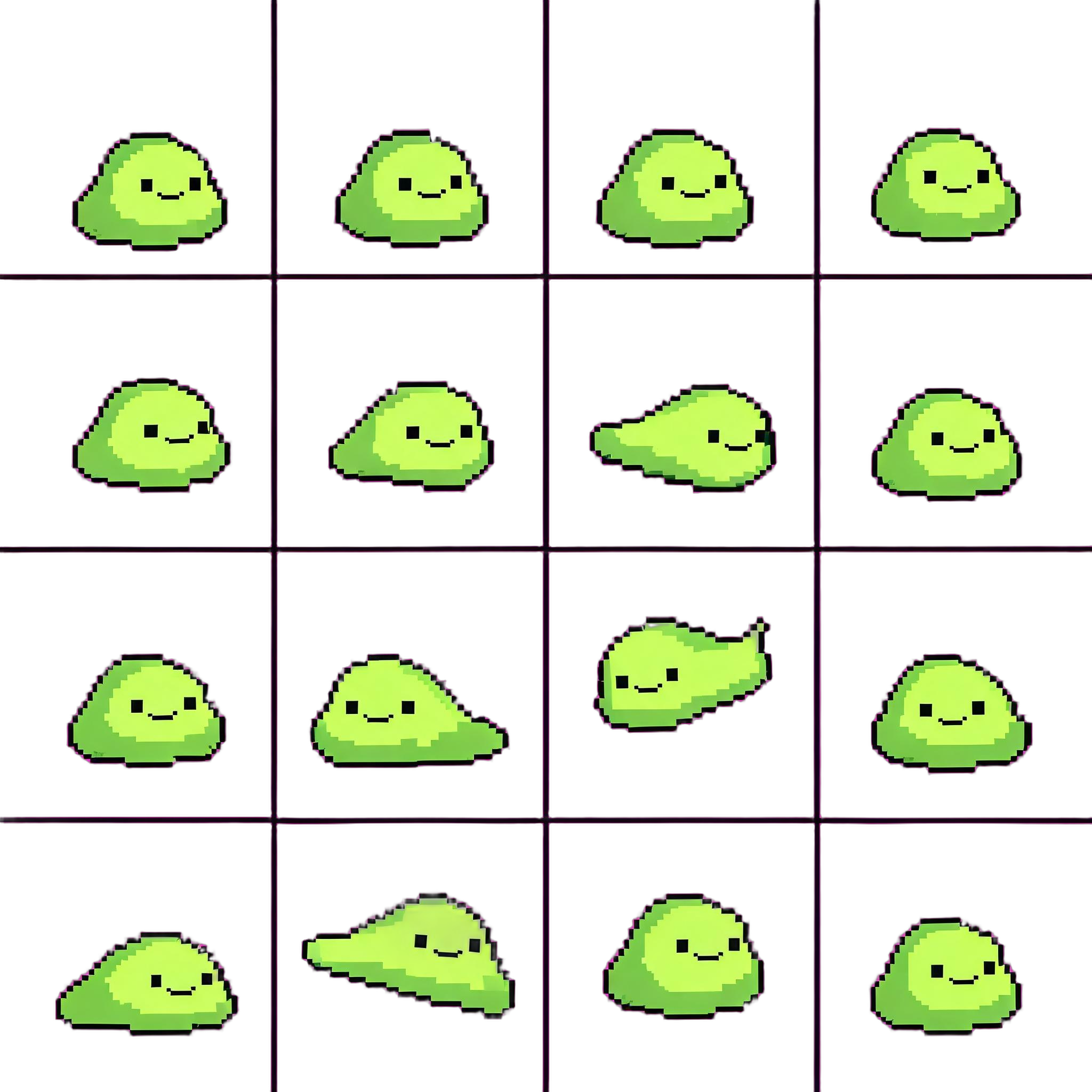
For creators who need sprite sheets, not one-off character illustrations.
Build separate, reusable assets for a 2D game prototype.
One role per sheet: player, NPC, animal, or monster.
Idle, walk, run, attack, tool use, or custom states.
Shared scale, palette, camera angle, and grid rules.
Equal cells, clear silhouettes, and transparent PNG output.
Choose a role, set rows, then generate from the visible prompt.
Keep each output focused on one subject.
Start with idle, walk, and run.
Check rows, cells, scale, and transparency.
Repeat with the same style rules.
Fast asset exploration with clear review steps.
2D RPGs, platformers, top-down prototypes, NPC sets, animals, monsters, and game jam asset packs.
Review frame order, scale, timing, transparency, collision boxes, and final art direction.
Short answers for common sprite sheet questions.
It creates reusable 2D sprite sheet prompts for players, NPCs, animals, and monsters with named animation rows and transparent PNG output.
Yes. Generate one sprite sheet per role while keeping the same style, scale, palette, camera angle, and grid rules.
Ask for one character only. Include the role, style, animation rows, grid layout, transparent background, and no extra characters.
Start with idle, walk, and run. Add attack, tool use, hurt, or die only when the role needs it.
Yes. Use the PNG sheet in your engine after checking frame order, frame size, scale, timing, and transparency.
Review identity, pose readability, frame spacing, edge cleanup, scale, naming, and art direction fit.