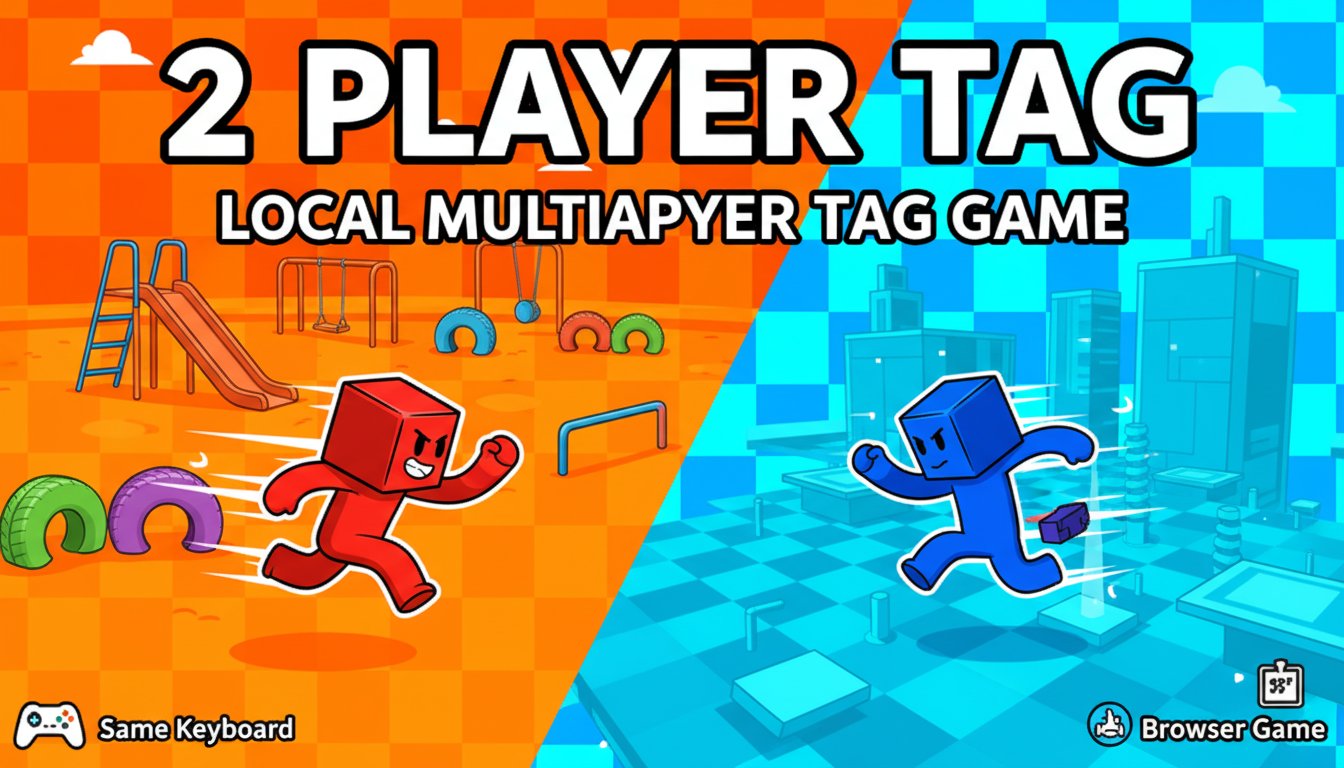
2 Player Tag - Local Multiplayer Tag Game - Casual Game
Seele01-Flash
By Nora Taylor
Play the classic tag game online with a friend! 2 Player Tag offers local multiplayer fun with unique levels, colorful graphics, and simple controls. Free browser game.

Time-Attack Racer

Build a no-physics finish-gate racer with nitro, minimap guidance, and synthesized audio.
Build a no-physics finish-gate racer with nitro, minimap guidance, and synthesized audio.Open in workspace
Unity

Farmstead Shop

Build a Unity farm-shop sim: grow, stock, serve, upgrade.
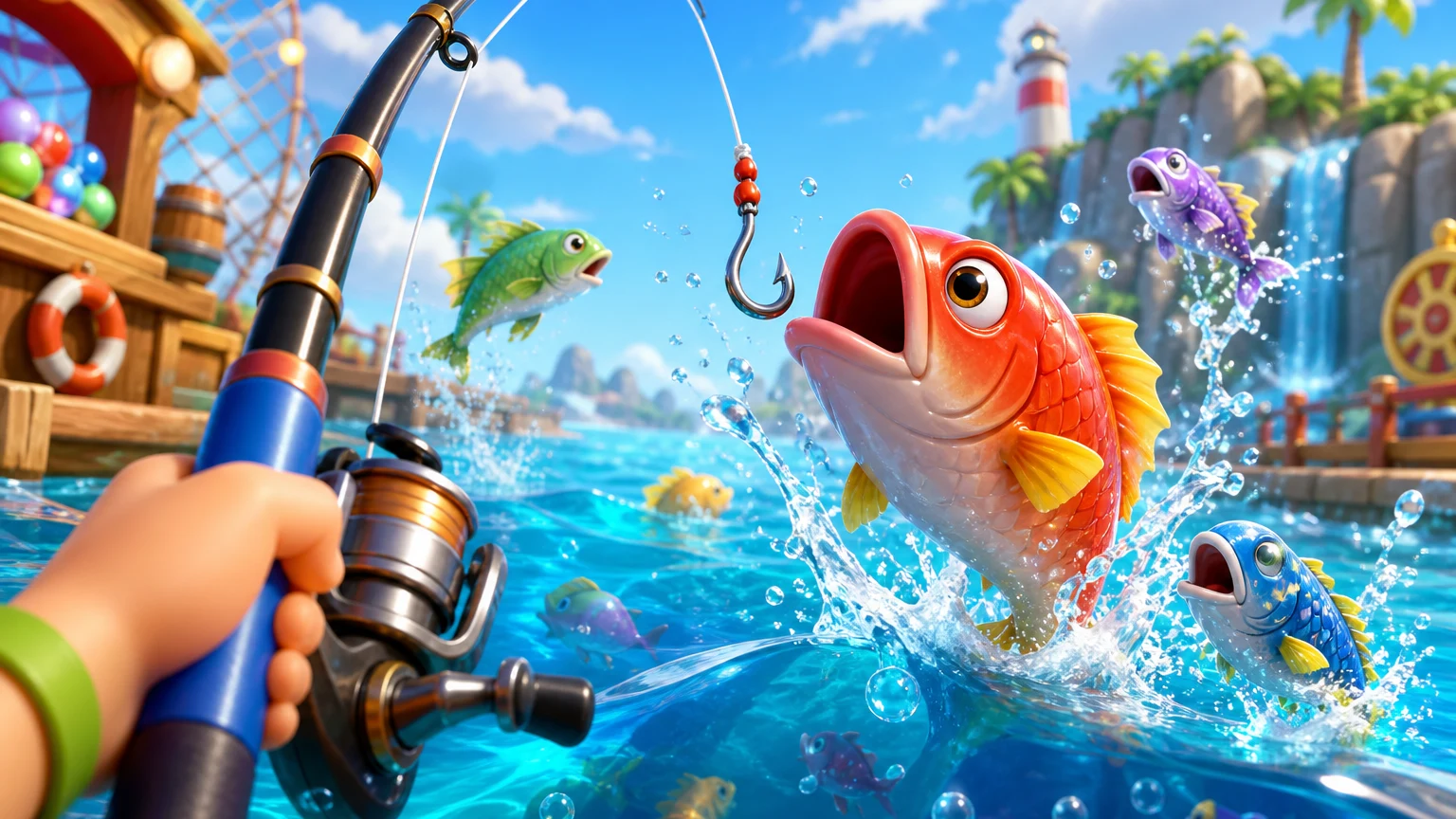
Build a Unity farm-shop sim: grow, stock, serve, upgrade.Open in workspace
New

Hook a Fish Arcade

Build a fishing arcade where catches buy you more time.
Build a fishing arcade where catches buy you more time.Open in workspace
Unity

City Eater

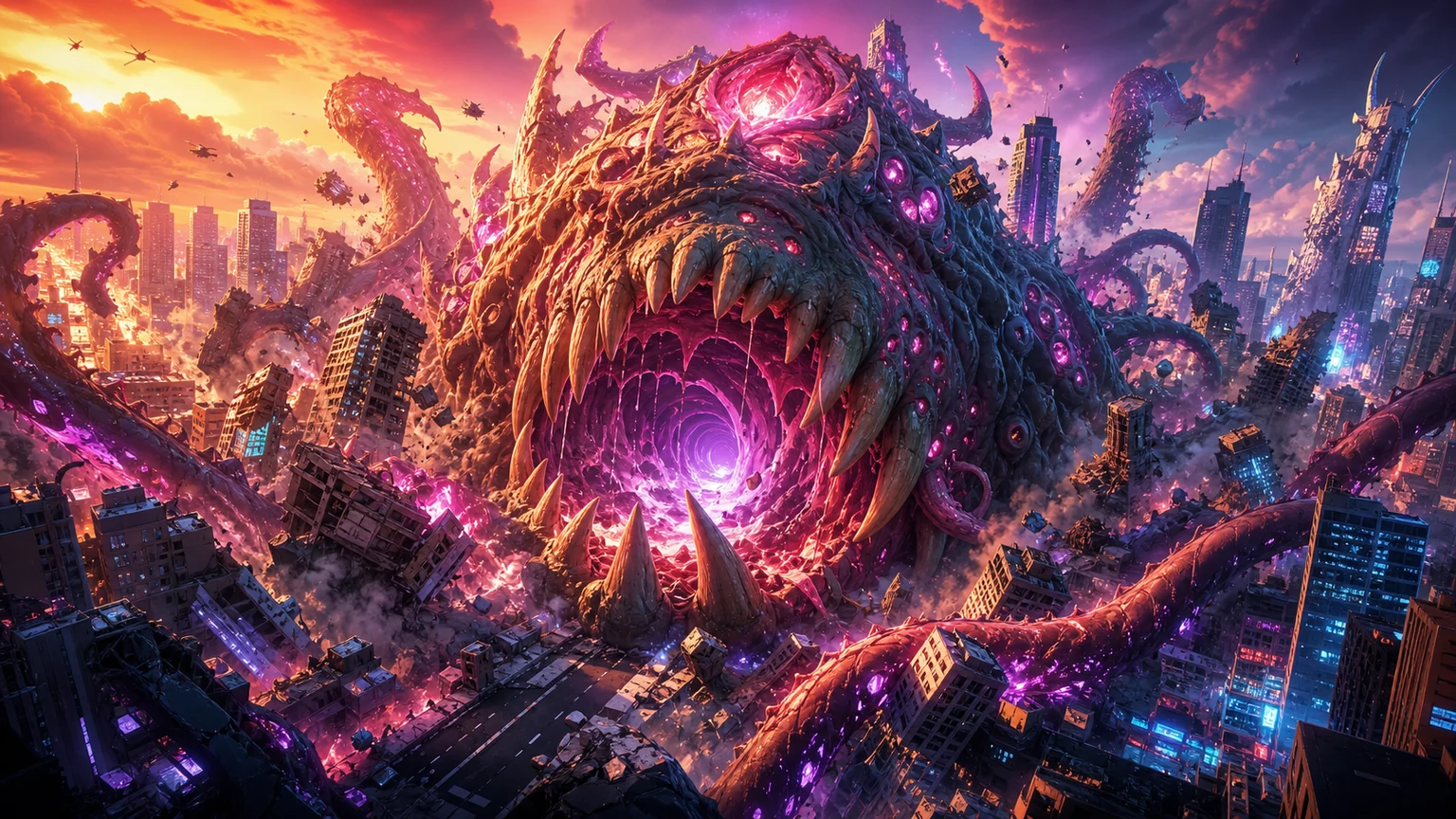
Build a Unity game where a growing blob devours the city.
Build a Unity game where a growing blob devours the city.Open in workspace
Shooter

Platform Shooter Quest

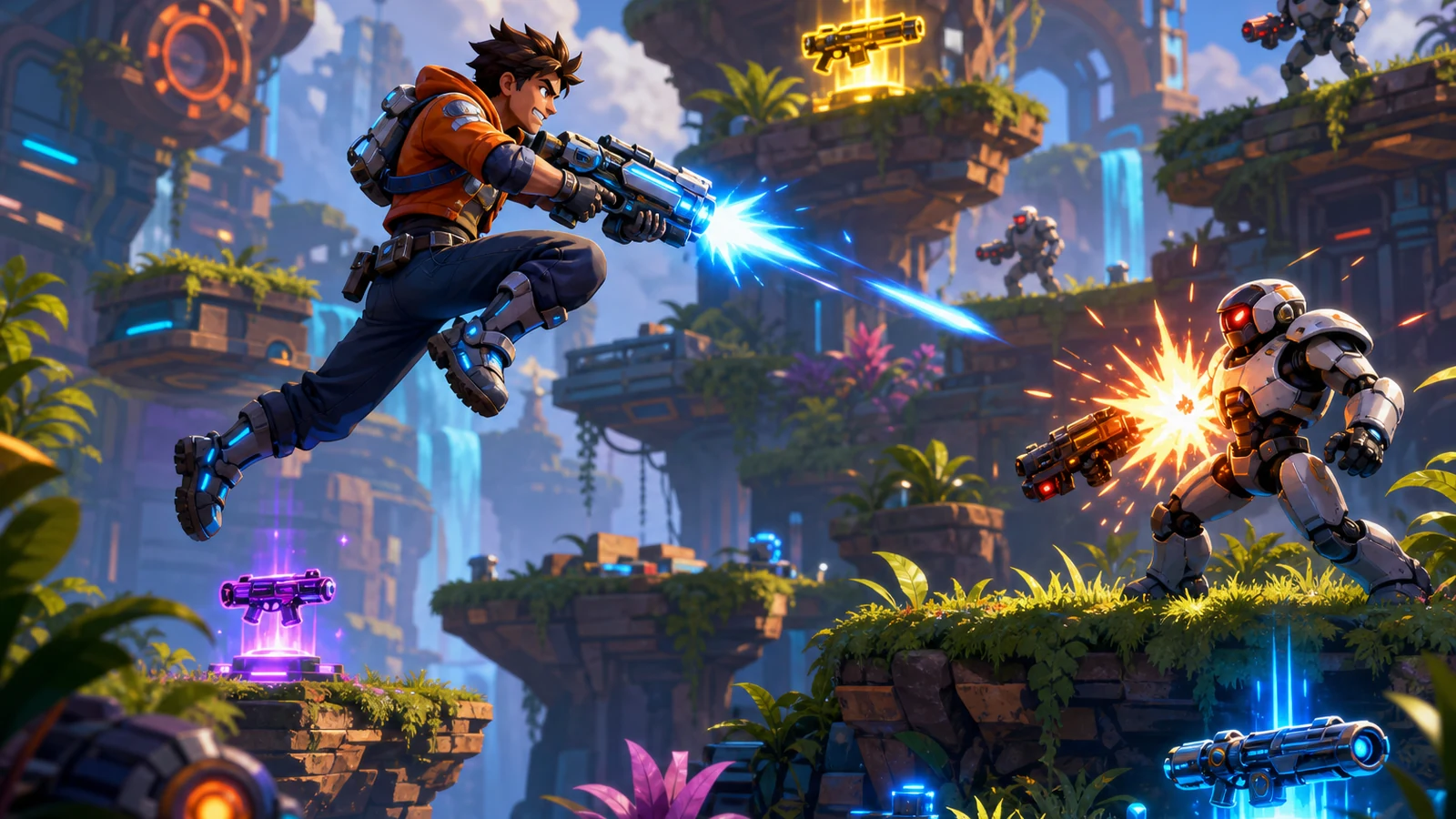
Build a side-scrolling platform shooter with weapon switching.
Build a side-scrolling platform shooter with weapon switching.Open in workspace
Godot

Baby Bat Climber

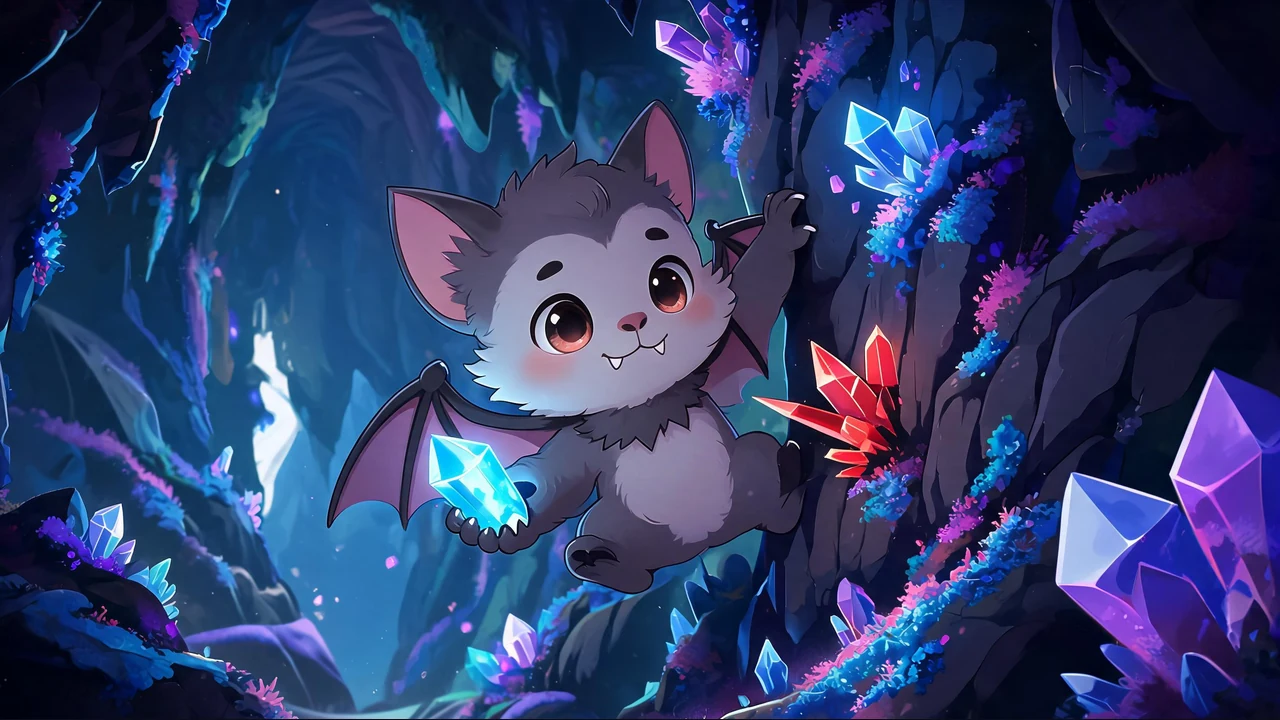
Build a compact Godot cave-climbing platformer.
Build a compact Godot cave-climbing platformer.Open in workspace
Unity

Crimson Illusion Battle

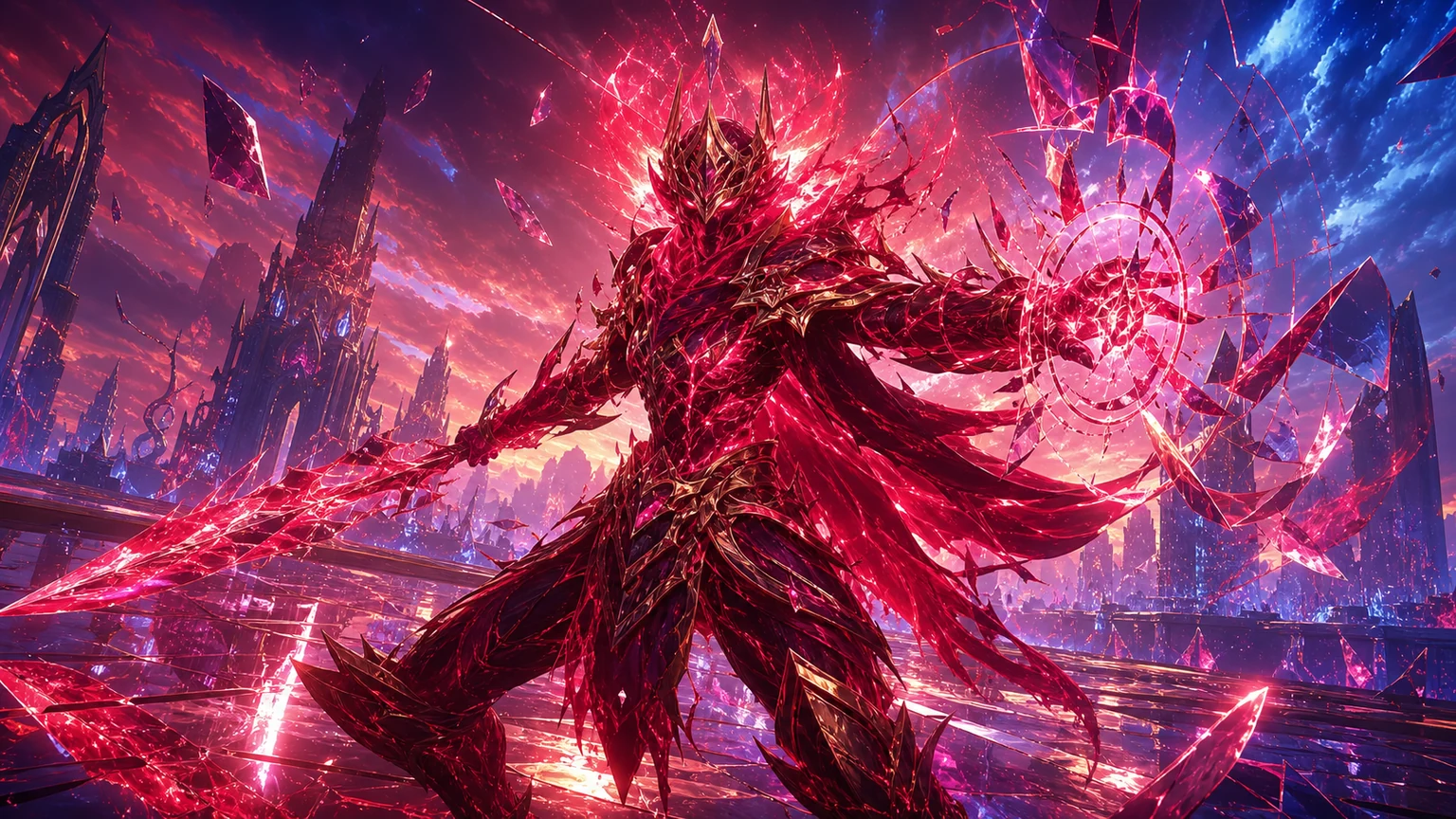
Build a Unity fantasy battle through a crimson illusion realm.
Build a Unity fantasy battle through a crimson illusion realm.Open in workspace
New

Character Physics World

Build a third-person physics world with day-night and props to touch.

Build a third-person physics world with day-night and props to touch.Open in workspace
Unity

Chaos Train Arcade

Build a chaotic Unity train arcade of hazards and timing.
Build a chaotic Unity train arcade of hazards and timing.Open in workspace
Unity

Battle of Balls

Build a Unity arena where rolling balls collide and grow.

Build a Unity arena where rolling balls collide and grow.Open in workspace

Time-Attack Racer

Build a no-physics finish-gate racer with nitro, minimap guidance, and synthesized audio.

Build a no-physics finish-gate racer with nitro, minimap guidance, and synthesized audio.Open in workspace
Unity

Farmstead Shop

Build a Unity farm-shop sim: grow, stock, serve, upgrade.

Build a Unity farm-shop sim: grow, stock, serve, upgrade.Open in workspace
New

Hook a Fish Arcade

Build a fishing arcade where catches buy you more time.

Build a fishing arcade where catches buy you more time.Open in workspace
Unity

City Eater

Build a Unity game where a growing blob devours the city.

Build a Unity game where a growing blob devours the city.Open in workspace
Shooter

Platform Shooter Quest

Build a side-scrolling platform shooter with weapon switching.

Build a side-scrolling platform shooter with weapon switching.Open in workspace
Godot

Baby Bat Climber

Build a compact Godot cave-climbing platformer.

Build a compact Godot cave-climbing platformer.Open in workspace
Unity

Crimson Illusion Battle

Build a Unity fantasy battle through a crimson illusion realm.

Build a Unity fantasy battle through a crimson illusion realm.Open in workspace
New

Character Physics World

Build a third-person physics world with day-night and props to touch.

Build a third-person physics world with day-night and props to touch.Open in workspace
Unity

Chaos Train Arcade

Build a chaotic Unity train arcade of hazards and timing.

Build a chaotic Unity train arcade of hazards and timing.Open in workspace
Unity

Battle of Balls

Build a Unity arena where rolling balls collide and grow.

Build a Unity arena where rolling balls collide and grow.Open in workspace

Prompt

MODEL: Seele01-Flash
Please use Three.js to generate a **mobile-first game** with the theme "**2 Player Tag: Mobile Arena**". Please read the following detailed game design requirements first, and then generate the code accordingly: ### 1. Assets & Environment * **Visual Style**: A "2.5D" aesthetic using an **Orthographic Camera** to maintain the precise platforming feel of the original 2D game but with 3D depth. * **Characters**: * Player 1: A vibrant **Red Cube** with slightly beveled edges (use `BoxGeometry` with a slight metallic roughness). * Player 2: A vibrant **Blue Cube** with identical geometry. * **"It" Indicator**: The player who is currently "It" must have a glowing white outline (using a shader or `LineSegments`) and a floating particle emitter trailing behind them to make them visually distinct. * **Environment**: * **Level Design**: Construct a contained arena made of floating platform blocks (grey/white minimalist theme). * **Background**: A dynamic, scrolling checkerboard shader (Orange vs. Blue gradients) that shifts colors slowly to match the game's intensity. * **Performance**: Use `InstancedMesh` for level blocks to ensure 60 FPS on mobile devices. Minimize shadow casting; use baked ambient occlusion or simple directional light. ### 2. Audio Requirements * **BGM**: Fast-paced, 8-bit Chiptune style music (looping) that increases in pitch slightly when the round timer is under 10 seconds. * **SFX**: * **Jump**: A retro "whoosh" or spring sound. * **Tag**: A distinct "zap" or impact sound when players collide. * **Footsteps**: Soft clicks when moving on platforms. * **Win/Lose**: An arcade jingle for the round end. ### 3. Gameplay Loop * **Game Mode**: Local Multiplayer (Shared Screen) or Single Player vs. CPU (Bot). * **Rules**: * Best of 4 rounds. Each round lasts 30 seconds. * At the start, one player is randomly assigned as "It". * **Tag Mechanic**: Using simple AABB collision or physics (Cannon.js or minimal custom physics), if the "It" player touches the other player, the roles swap. * **Cooldown**: Include a 1-second "immunity" period after a tag occurs to prevent instant back-and-forth tagging. * **Win Condition**: The player who is **NOT** "It" when the timer hits zero wins the point. ### 4. Mobile Controls & Interaction * **Screen Orientation**: Strictly **Landscape Mode**. * **Split-Screen Controls (Local Multiplayer)**: * **Player 1 (Left side of screen)**: A virtual joystick (or Left/Right buttons) in the bottom-left corner, and a dedicated "Jump" button slightly above/right of the movement controls. * **Player 2 (Right side of screen)**: Mirrored controls on the right side. * *Note*: Ensure multitouch support is enabled so both players can move simultaneously without input blocking. * **Tactile Feedback**: * Trigger `navigator.vibrate(50)` when a player jumps. * Trigger `navigator.vibrate([50, 50, 50])` (stronger pulse) when a Tag occurs. * **UI Layout**: * Top Center: Round Timer (large, readable font). * Top Left/Right: Scoreboard (P1 Score vs P2 Score). * Pause Button: Small icon in the top center safe zone. Do not ask for clarification. Do not request confirmation. Directly execute the generation task based on the given instructions.
A game idea becoming a playable world and reaching an audience
MAKE • SHARE • EARN

Games are fun. Creating them is even better.

Game Introduction

About the Game

2 Player Tag is a fun and engaging online multiplayer game that recreates the timeless playground classic of tag in a digital format. This casual 2D platformer allows two players to compete locally using the same keyboard, making it perfect for friends looking for quick, entertaining gameplay sessions. The game features colorful pixel-art graphics with red and blue player characters competing across multiple themed environments.

Core Features

Local Multiplayer Fun

Enjoy classic tag gameplay with a friend using shared keyboard controls. One player uses WASD keys while the other uses arrow keys, making it easy for two people to play side by side on the same computer.

Diverse Themed Levels

Each round takes place in a uniquely designed level with distinct visuals, background music, and environmental obstacles. From checkered platforms to varied terrain layouts, every level offers fresh challenges and strategies for outmaneuvering your opponent.

Simple Yet Engaging Gameplay

The rules are straightforward - avoid being "it" when the round ends to score points. The first player to win the best out of four rounds claims victory, creating quick but competitive gaming sessions.

Colorful 2D Graphics

Featuring bright, cheerful pixel-art style with clear visual distinction between Player 1 (red) and Player 2 (blue). The contrasting orange and blue checkered backgrounds create an appealing retro aesthetic.

Gameplay Mechanics

The core gameplay revolves around the classic tag format where one player starts as "it" and must tag the other player. When tagged, roles reverse, and the newly tagged player becomes "it". The objective is to avoid being "it" when each round timer expires, as the player who is not "it" receives a point.

Each level presents unique platforming challenges with different obstacle layouts, requiring players to use jumping, running, and strategic positioning to either catch their opponent or avoid being caught.

Controls Guide

Player 1 Controls: - W: Jump - A: Move Left
- D: Move Right

Player 2 Controls: - Up Arrow: Jump - Left Arrow: Move Left - Right Arrow: Move Right

Additional Controls: - M: Mute/Unmute Audio - Hold ESC: Quit Game

The control scheme is designed for accessibility, allowing players of different skill levels to jump in and start playing immediately.

Why Play 2 Player Tag

This game excels as a quick party game or casual multiplayer experience. It requires no learning curve, making it perfect for players of all ages. The competitive nature creates engaging moments of chase and escape, while the variety of levels keeps gameplay fresh. As a free browser game, it's instantly accessible without downloads or installations.

The game captures the pure joy of playground tag while adding modern gaming elements like score tracking, multiple rounds, and varied environments. It's an excellent choice for friends, siblings, or anyone looking for lighthearted competitive fun.

Frequently Asked Questions (FAQ)

2 Player Tag - Local Multiplayer Tag Game