
Capybara Clicker 2 - Casual Game
 Subscriber only
Unreal Top-Down Roguelite
Create a complete UE 5.5 top-down arena roguelite with upgrades and a boss finale.
 Unity
UnityDesert Quickshot
Build a Unity quickdraw duel with streaks and rising heat.
 New
NewCharacter Physics World
Build a third-person physics world with day-night and props to touch.
 3D
3DThird Person Explorer
Build a third-person explorer with swappable scenes and a live minimap.
 Unity
UnityFarmstead Shop
Build a Unity farm-shop sim: grow, stock, serve, upgrade.
 New
NewSolo Racing Game
Build a browser racer with tracks, timing, and a minimap.
 Subscriber only
Unreal Landscape Tour
Tour photoreal Unreal landscapes with cinematic camera work.
 Unity
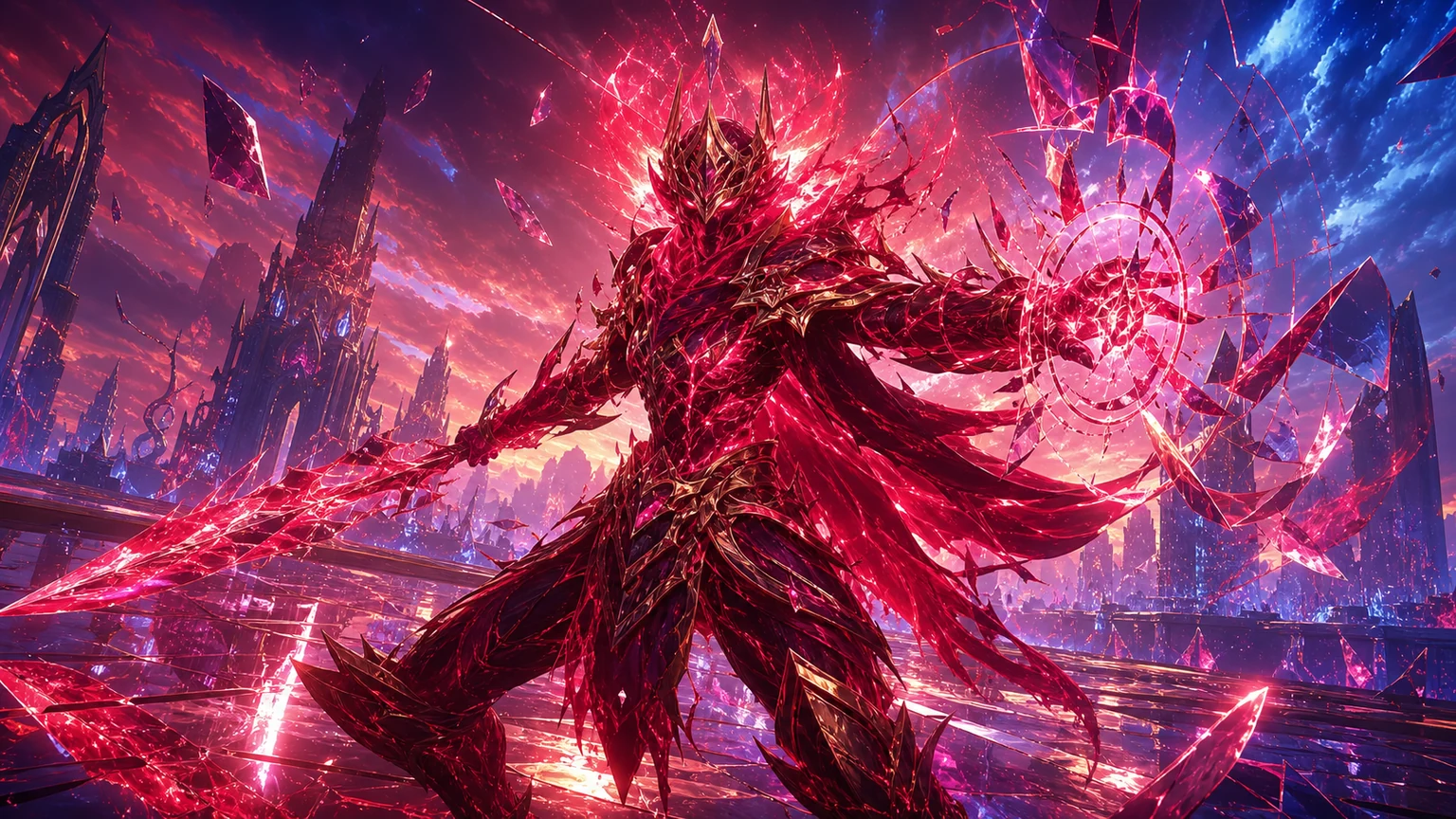
UnityCrimson Illusion Battle
Build a Unity fantasy battle through a crimson illusion realm.
 Unity
UnityChaos Train Arcade
Build a chaotic Unity train arcade of hazards and timing.
 Shooter
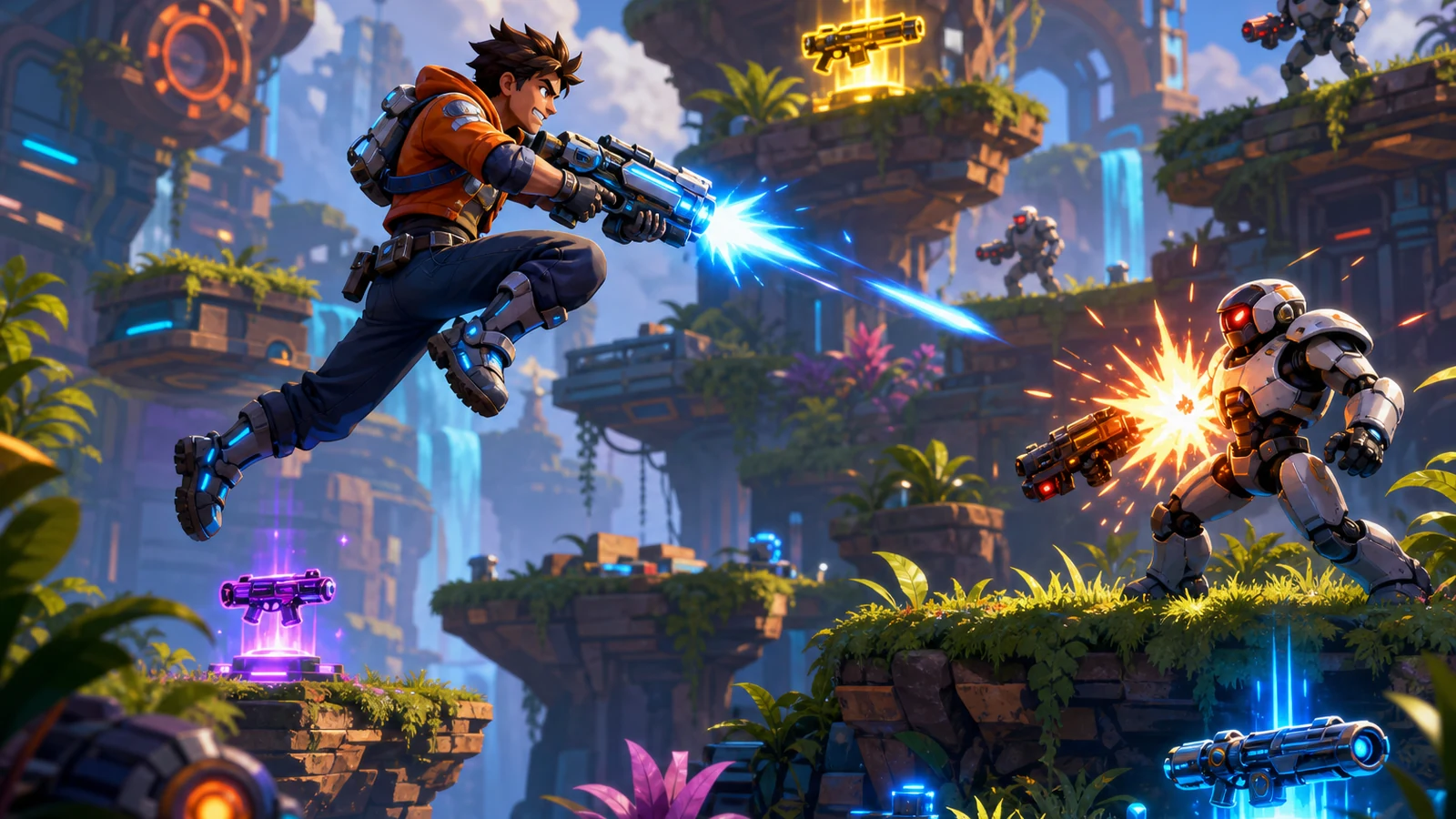
Platform Shooter Quest
Build a side-scrolling platform shooter with weapon switching.
Subscriber onlyUnreal Top-Down Roguelite
Create a complete UE 5.5 top-down arena roguelite with upgrades and a boss finale.
UnityDesert Quickshot
Build a Unity quickdraw duel with streaks and rising heat.
NewCharacter Physics World
Build a third-person physics world with day-night and props to touch.
3DThird Person Explorer
Build a third-person explorer with swappable scenes and a live minimap.
UnityFarmstead Shop
Build a Unity farm-shop sim: grow, stock, serve, upgrade.
NewSolo Racing Game
Build a browser racer with tracks, timing, and a minimap.
Subscriber onlyUnreal Landscape Tour
Tour photoreal Unreal landscapes with cinematic camera work.
UnityCrimson Illusion Battle
Build a Unity fantasy battle through a crimson illusion realm.
UnityChaos Train Arcade
Build a chaotic Unity train arcade of hazards and timing.
ShooterPlatform Shooter Quest
Build a side-scrolling platform shooter with weapon switching.
Prompt
Games are fun. Creating them is even better.
Game Introduction
About the Game
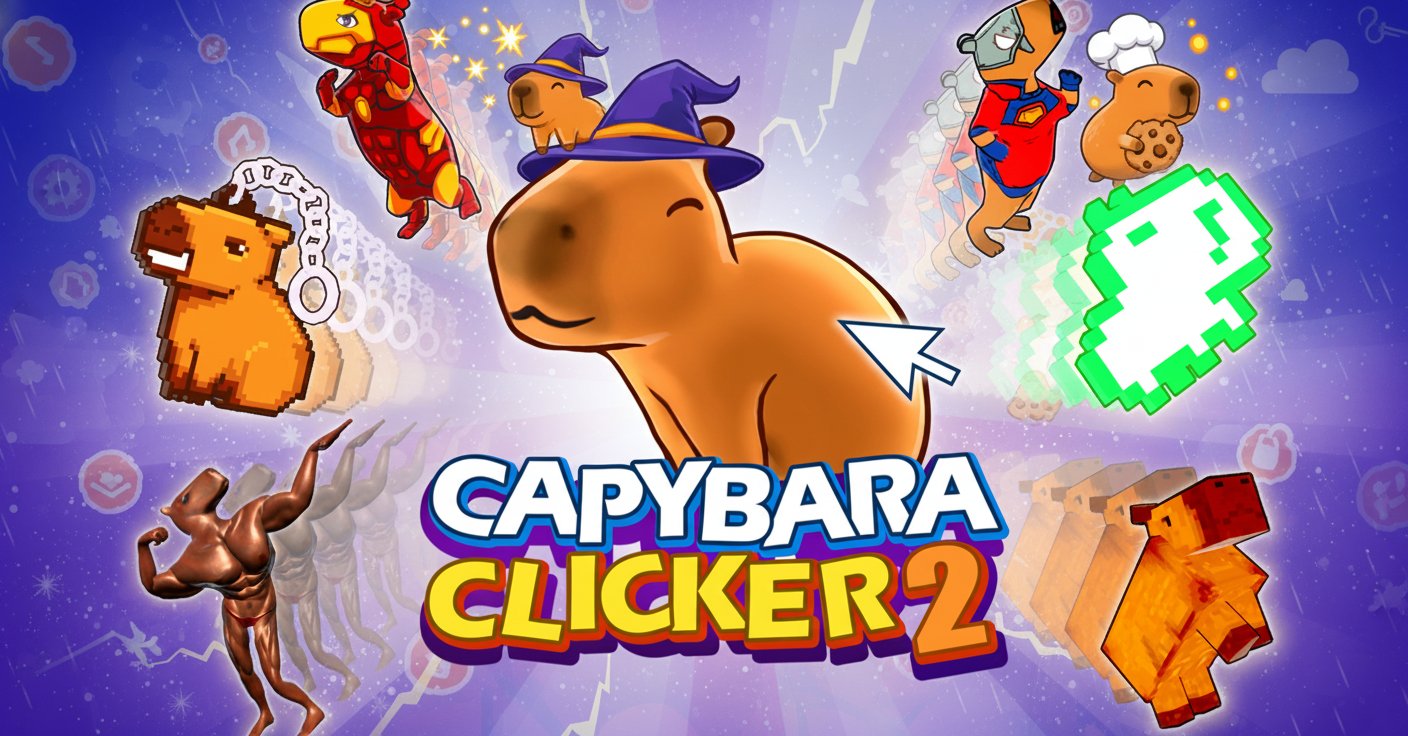
Capybara Clicker 2 is the highly anticipated sequel to the popular capybara-themed incremental clicker game. This enhanced version takes the beloved clicking mechanics to new heights with improved features, stunning visual upgrades, and addictive idle gameplay that keeps you engaged for hours.
In this charming 3D clicker experience, your mission is simple yet incredibly satisfying: click to multiply your capybara population and build the most impressive capybara colony ever seen. With each click, you'll generate more capybaras while unlocking powerful upgrades that automate and accelerate your progress.
Core Features
Enhanced Clicking Mechanics
Building upon the success of the original game, Capybara Clicker 2 delivers refined clicking mechanics that feel more responsive and rewarding. Every click generates capybaras efficiently, with satisfying visual and audio feedback that makes the simple act of clicking genuinely enjoyable.
Dynamic Weather System
One of the most exciting additions is the dynamic weather system. Watch as your capybara world transforms with changing weather conditions, creating a living, breathing environment that adds depth and visual interest to your incremental journey.
Extensive Customization Options
Personalize your capybara colony with an impressive range of skins and customization options. Make your capybaras stand out with unique appearances, ensuring your colony reflects your personal style and preferences.
Improved Upgrade System
The sequel features a completely overhauled upgrade system with more meaningful progression paths. Unlock powerful enhancements that boost your clicking efficiency, automate capybara generation, and provide exciting new gameplay mechanics.
Idle Progression
Enjoy the perfect balance of active clicking and idle progression. Your capybara colony continues growing even when you're away, making it an ideal game for both focused play sessions and casual check-ins throughout the day.
Gameplay Guide
Starting your capybara empire is straightforward but deeply engaging. Begin by clicking on the main capybara to generate your first population. As you accumulate capybaras, you'll unlock various upgrades and multipliers that dramatically increase your generation rate.
The key to success lies in strategic upgrade purchases. Early investments in clicking multipliers pay dividends quickly, while later-game upgrades focus on automation and massive population boosts. Balance your spending between immediate gains and long-term efficiency improvements.
Weather effects aren't just cosmetic – they can influence your capybara generation rates and unlock special events. Pay attention to weather patterns to maximize your colony's growth potential.
Operation Guide
Capybara Clicker 2 features intuitive mouse-based controls perfect for players of all skill levels:
- Left Mouse Button : Click anywhere on the game interface to interact with menus, purchase upgrades, and most importantly, generate capybaras
- Menu Navigation : Use mouse clicks to access different game sections including upgrades, settings, and customization options
- Drag and Drop : Some advanced features may include drag-and-drop functionality for organizing your capybara colony
The streamlined control scheme ensures that players can focus entirely on the satisfying progression mechanics without complex input requirements.
Why Play This Game
Perfect for Stress Relief : The simple, repetitive clicking mechanics combined with cute capybara animations create a surprisingly relaxing gaming experience that's perfect for unwinding after a busy day.
Satisfying Progression : Unlike many clicker games that feel empty, Capybara Clicker 2 provides meaningful progression with visible improvements to your colony and genuine excitement when reaching new milestones.
Accessibility : Completely free to play with no hidden costs or pay-to-win mechanics. The browser-based platform means you can enjoy the game on any device without downloads or installations.
Casual-Friendly : Whether you have 5 minutes or several hours, the game adapts to your schedule with both active clicking rewards and idle progression systems.
Visual Appeal : The charming 3D art style and adorable capybara animations make every click a delightful visual experience that never gets old.
Capybara Clicker 2 represents the evolution of incremental gaming, combining the addictive mechanics that made the genre popular with modern enhancements that keep the experience fresh and engaging.