
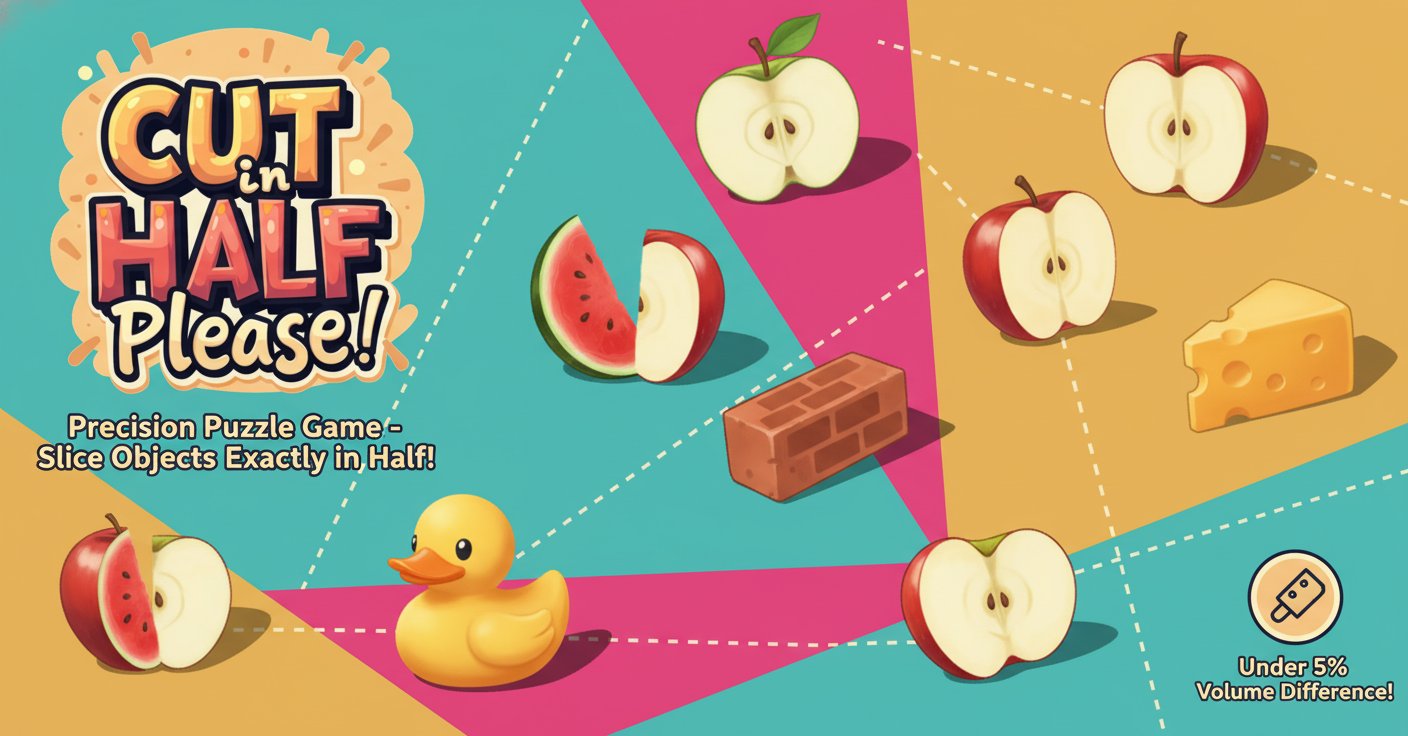
Cut in Half, Please! - Puzzle Game
 New
NewDrone Flight Combat
Build a cinematic drone combat run with missiles and a HUD.
 New
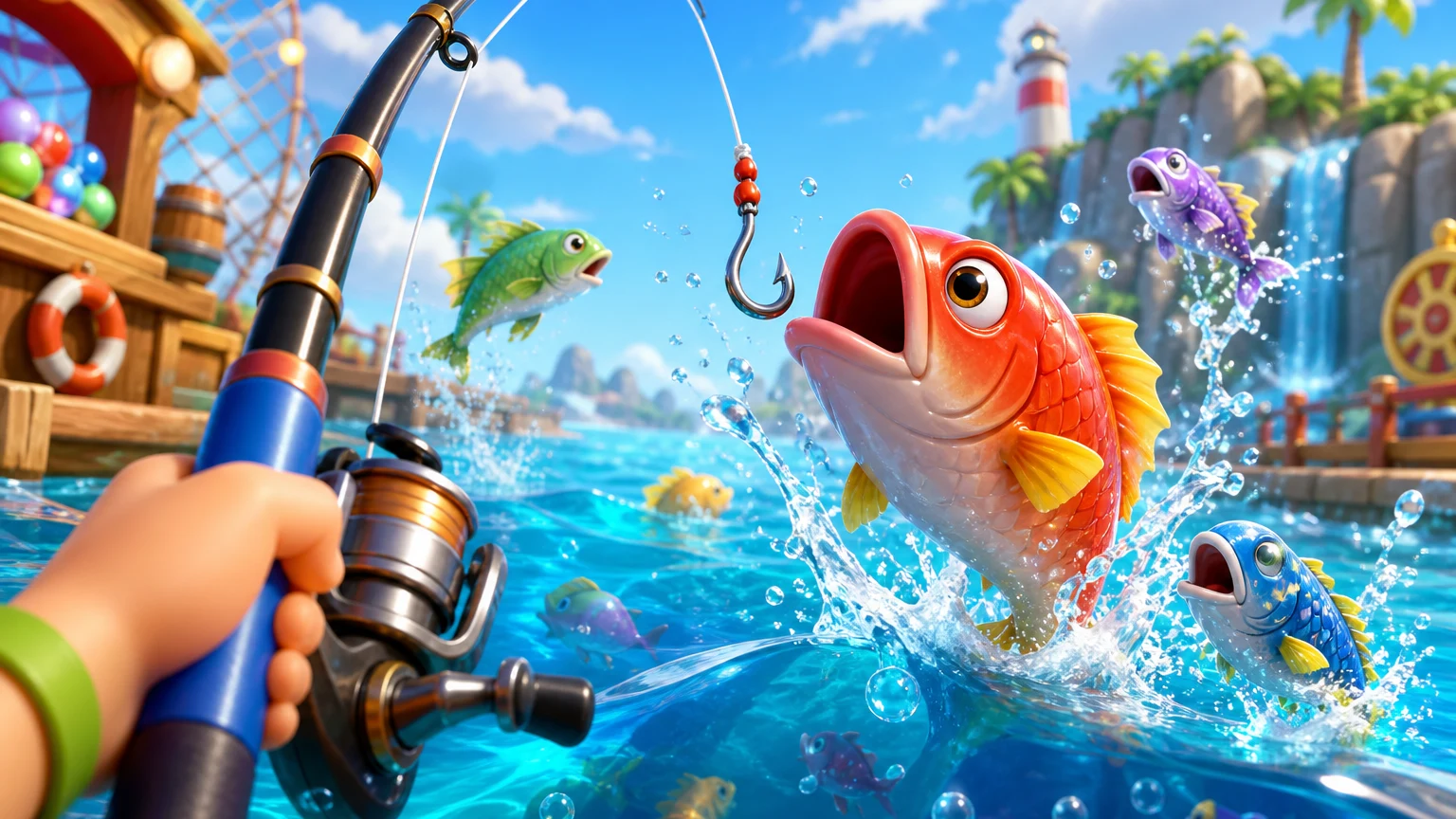
NewHook a Fish Arcade
Build a fishing arcade where catches buy you more time.
 Subscriber only
Unreal Mountain Tour
Tour a third-person Unreal world of mountains and water.
 Subscriber only
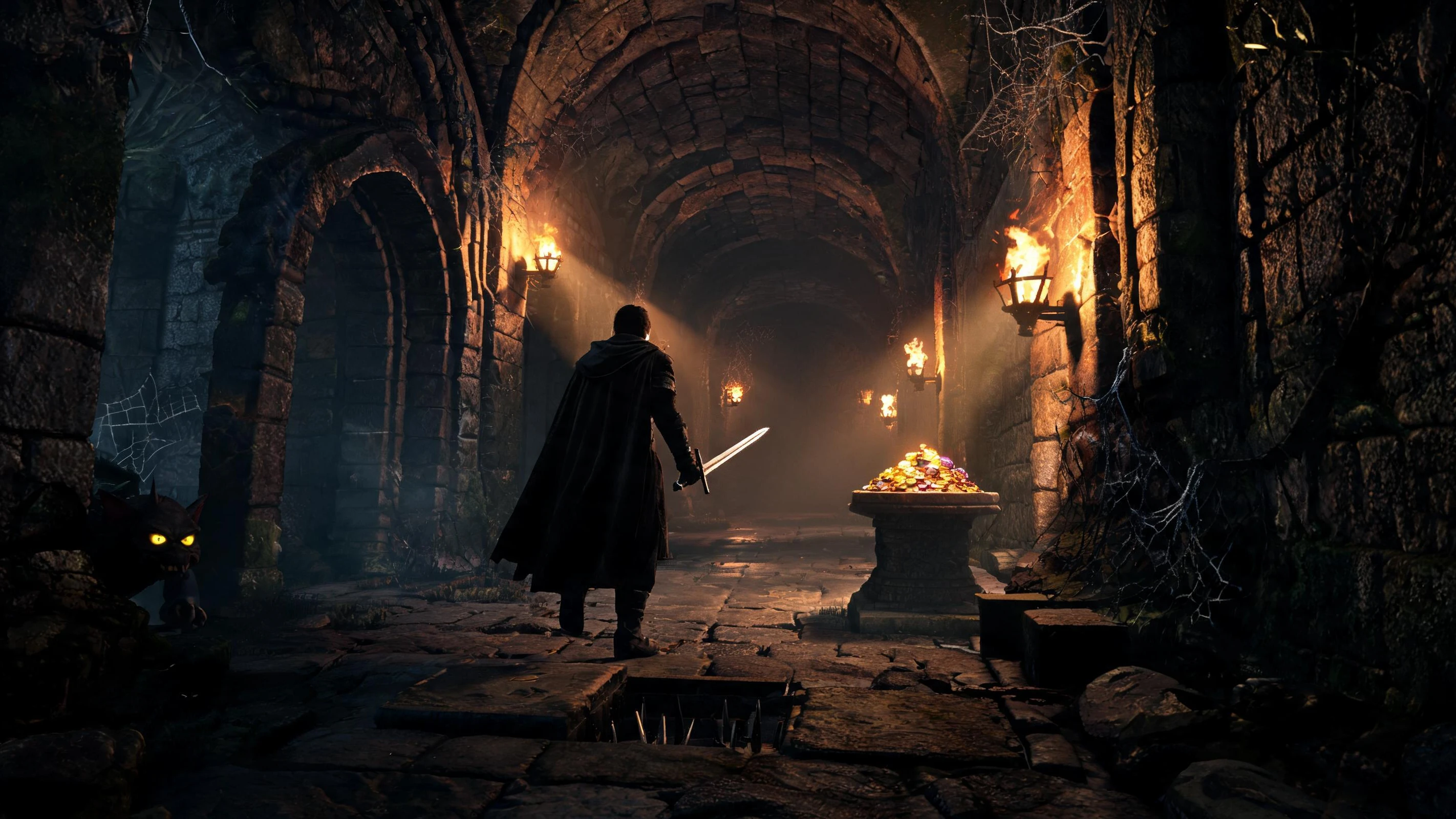
Unreal Dungeon Crawler
Build a playable Unreal dungeon crawler, combat-ready.
 FPS
FPSZombie Horror Survival
Build a tense zombie horror survival with map progression.
 Subscriber only
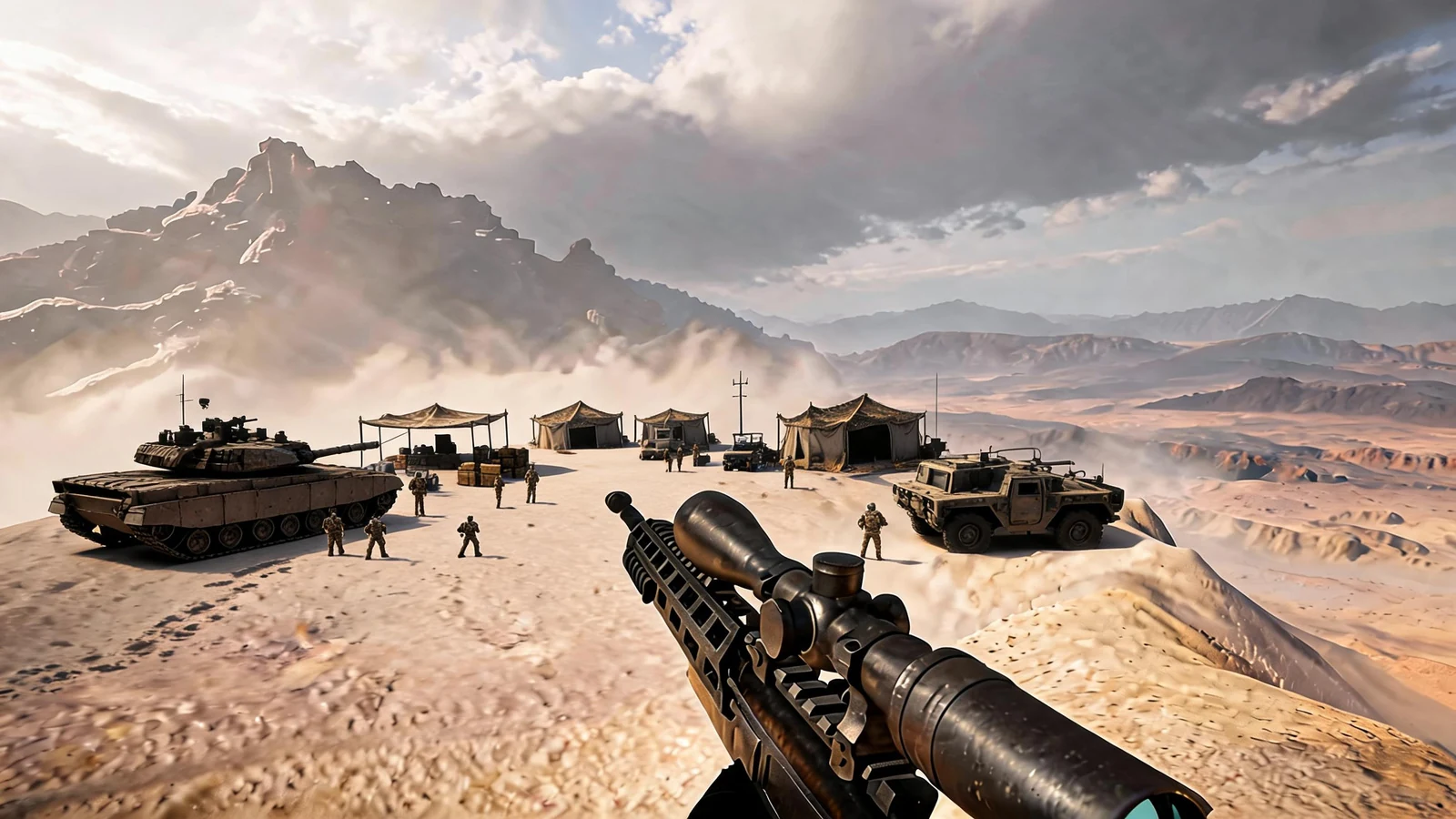
Unreal FPS/TPS Shooter
Create a complete UE 5.5 FPS or TPS shooter with combat, UI, and replay.
 Driving
City Car Driving
Build an open-city free-driving game with car selection.
 Voxel
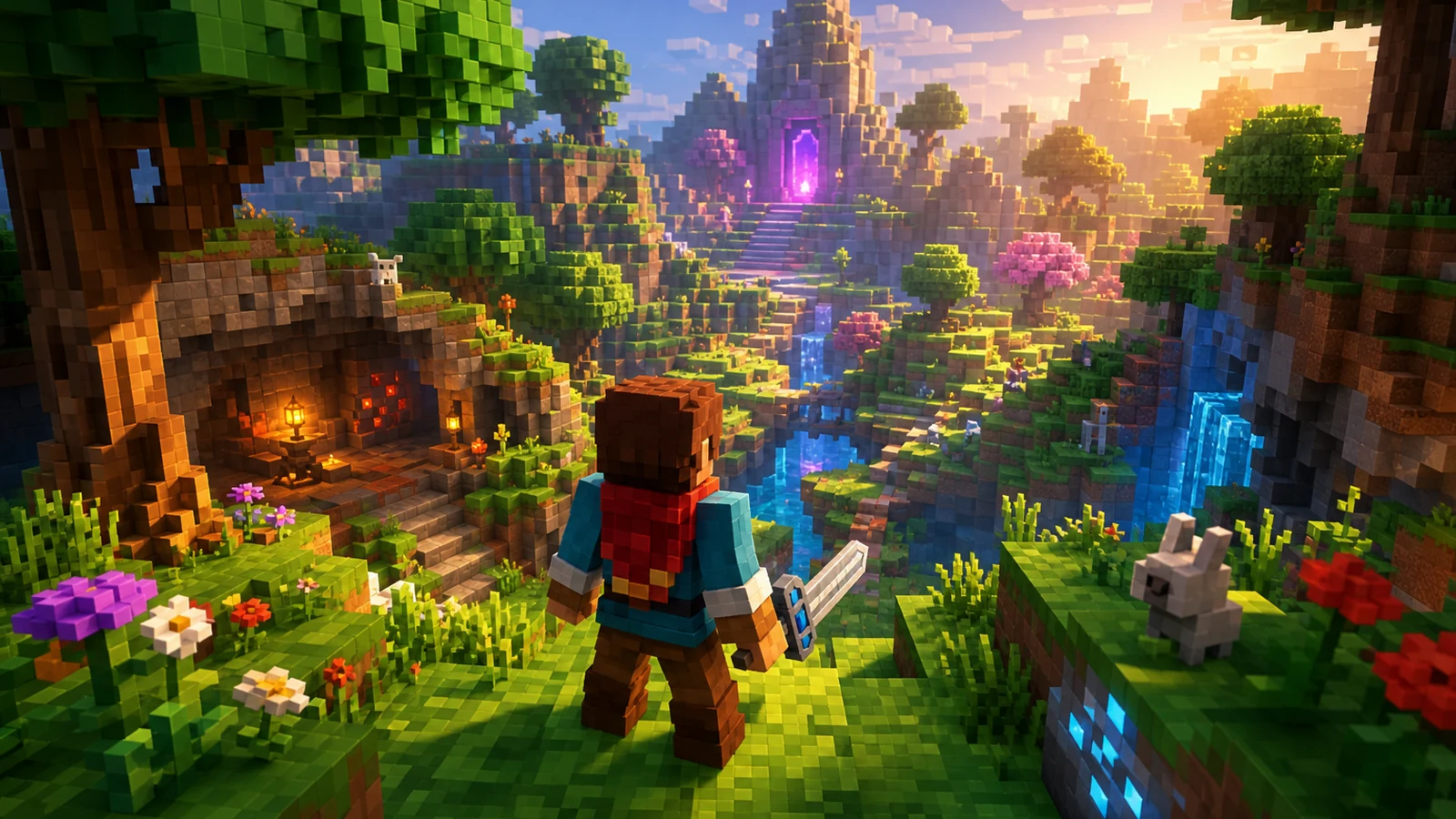
VoxelVoxel Hero Adventure
Build a voxel hero who explores, mines, and builds.
 New
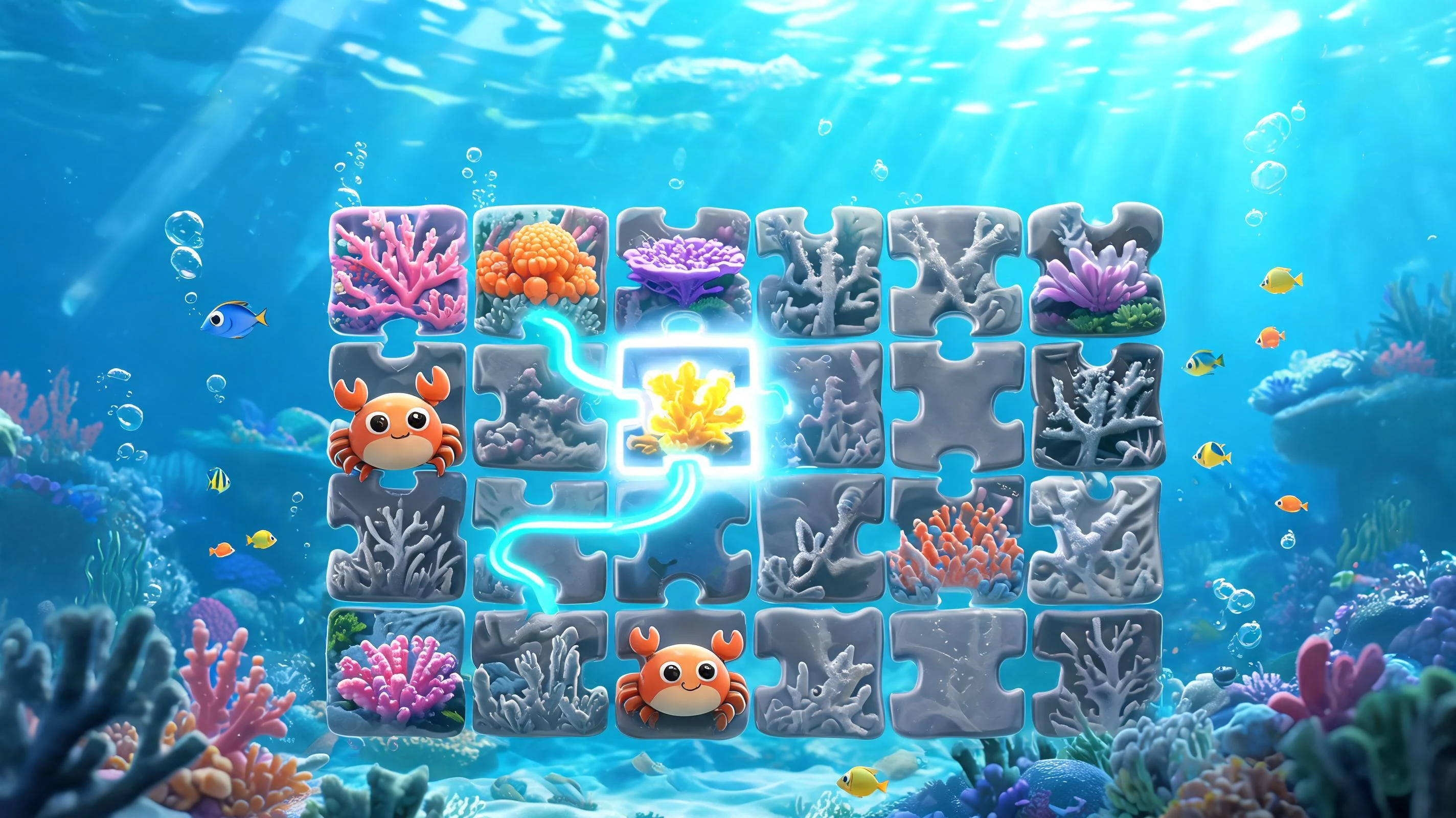
NewUnderwater Puzzle
Build an underwater puzzle: restore coral, dodge crabs.
 Sports
Basketball Duel
Build a one-on-one basketball game with physics shooting.
NewDrone Flight Combat
Build a cinematic drone combat run with missiles and a HUD.
NewHook a Fish Arcade
Build a fishing arcade where catches buy you more time.
Subscriber onlyUnreal Mountain Tour
Tour a third-person Unreal world of mountains and water.
Subscriber onlyUnreal Dungeon Crawler
Build a playable Unreal dungeon crawler, combat-ready.
FPSZombie Horror Survival
Build a tense zombie horror survival with map progression.
Subscriber onlyUnreal FPS/TPS Shooter
Create a complete UE 5.5 FPS or TPS shooter with combat, UI, and replay.
DrivingCity Car Driving
Build an open-city free-driving game with car selection.
VoxelVoxel Hero Adventure
Build a voxel hero who explores, mines, and builds.
NewUnderwater Puzzle
Build an underwater puzzle: restore coral, dodge crabs.
SportsBasketball Duel
Build a one-on-one basketball game with physics shooting.
Prompt

Games are fun. Creating them is even better.
Game Introduction
About the Game
Cut in Half, Please! is a uniquely satisfying puzzle game that puts your precision skills to the ultimate test. This engaging brain teaser challenges players to achieve perfect cuts on various 3D objects, requiring steady hands and sharp concentration. The game's simple concept masks a surprisingly challenging gameplay experience that will keep you coming back for more.
With its vibrant graphics and intuitive controls, Cut in Half, Please! offers an immediately accessible yet deeply rewarding gaming experience. The satisfaction of achieving that perfect 50-50 split creates an addictive loop that appeals to puzzle enthusiasts and casual gamers alike.
Core Features
Precision-Based Gameplay
The game revolves around achieving mathematical precision in your cuts. Success is measured by keeping the volume difference between both halves under 5%, demanding exceptional accuracy and spatial awareness.
Variety of Objects
Slice through diverse 3D objects, each presenting unique cutting challenges. From simple geometric shapes to complex forms, every object requires a different approach and cutting strategy.
Progressive Difficulty
As you advance, objects become more complex and challenging to split evenly. The game gradually introduces new shapes and cutting scenarios that test your growing skills.
Immediate Feedback
Receive instant visual and numerical feedback on your cutting accuracy. Watch as the game calculates the exact volume difference, helping you improve with each attempt.
Brain Training Benefits
This game naturally enhances spatial reasoning, hand-eye coordination, and concentration skills while providing entertainment.
Gameplay Mechanics
The core gameplay is elegantly simple yet challenging to master. Each level presents you with a 3D object that must be cut as close to the center as possible. The cutting plane can be rotated and positioned with precision using smooth mouse controls.
Scoring System
Your performance is measured by how close you come to achieving a perfect 50-50 split. The smaller the volume difference between the two halves, the higher your score. Achieving cuts with less than 1% difference earns bonus points.
Strategic Thinking
Success requires more than quick reflexes. You'll need to analyze each object's geometry, identify the optimal cutting plane, and execute with precision. Some objects may have irregular shapes or weight distributions that affect the ideal cutting line.
Operation Guide
Mastering the controls is essential for success:
- Mouse Control : Hold and drag the left mouse button to position and rotate the cutting plane
- Precision Adjustment : Make fine adjustments by moving the mouse slowly for more accurate positioning
- Angle Optimization : Rotate the cutting plane to find the perfect angle for each object
- Execute Cut : Release the mouse button to make your cut and see the results
The intuitive control scheme allows for both quick cuts and careful precision work, adapting to your preferred playing style.
Why Play This Game
Cut in Half, Please! offers a unique gaming experience that combines relaxation with mental stimulation. It's perfect for:
- Stress Relief : The satisfying nature of perfect cuts provides excellent stress relief
- Skill Development : Improves spatial reasoning and precision motor skills
- Quick Sessions : Perfect for short gaming breaks or extended puzzle-solving sessions
- Universal Appeal : Easy to understand but challenging to master, appealing to all skill levels
- Free Entertainment : Completely free to play with no hidden costs or premium features
Whether you're looking for a quick mental challenge or a relaxing puzzle experience, this game delivers both entertainment and cognitive benefits in an accessible browser-based format.