Skip to content
SEELE

SEELE AI · Unity game creator

Create a Unity Game from Scratch — or Modify Your Existing Project

Describe an original idea and SEELE builds a browser-playable Unity game you can test, iterate, and export. Already have a Unity project? Upload it or paste its GitHub repo and SEELE applies the changes you describe. Then play real Unity games from the SEELE Community.

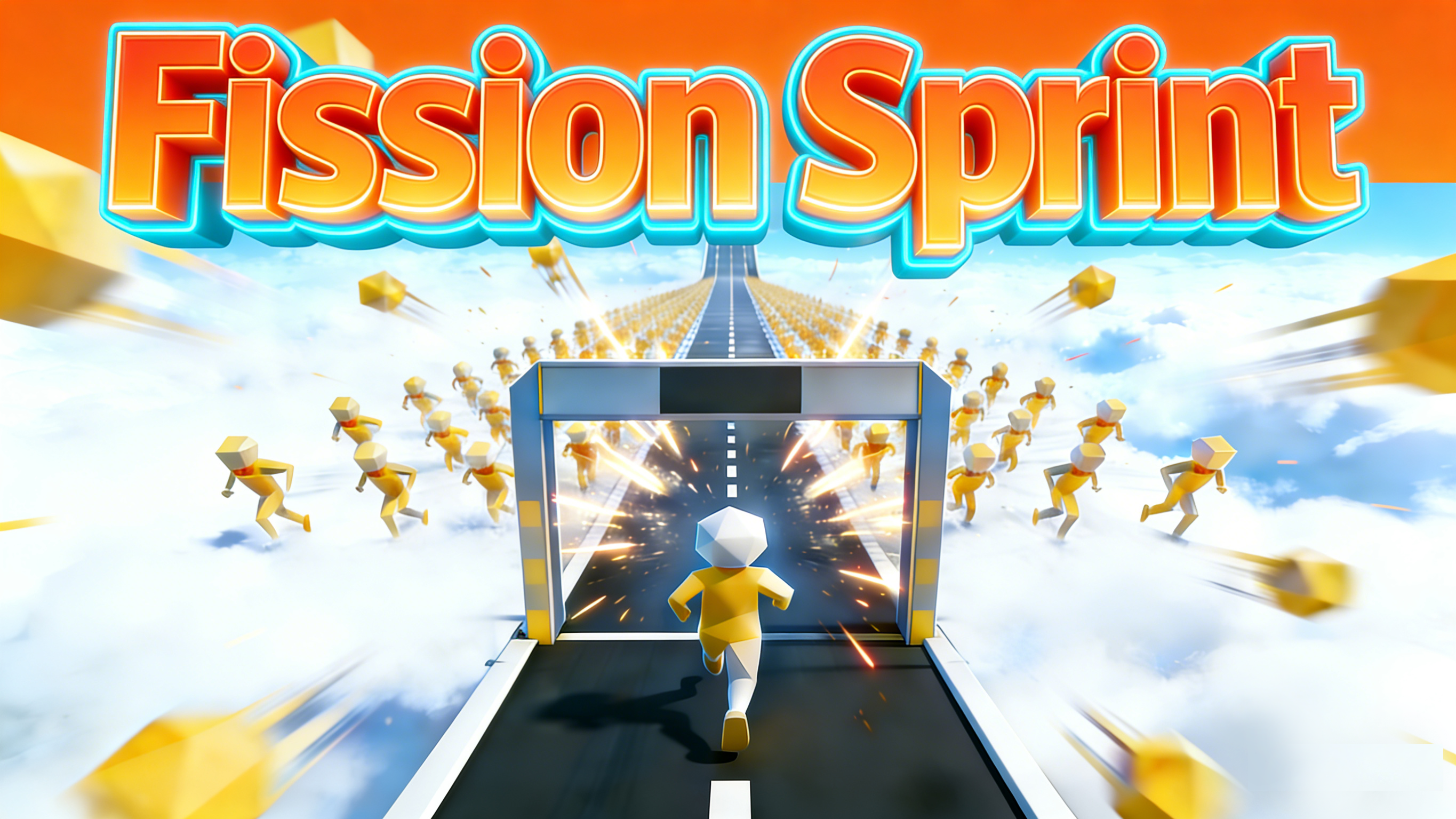
Gameplay screenshot from the live Fission Sprint Unity Community build

Actual Unity Community gameplay · Fission Sprint · Open the live build

Two ways to build with Unity

Start a new Unity game, or level up the one you already have

CAPABILITY 01 · NEW GAME

Create a Unity game from scratch

Write one prompt describing your original game — genre, core action, scene, and win condition. SEELE generates a browser-playable Unity game in minutes: test it, refine it with follow-up prompts, and export the project as a standard Unity package with clean C# scripts, 3D models, and organized asset folders to keep building in Unity 6.

Start from a prompt

CAPABILITY 02 · EXISTING PROJECT

Modify your existing Unity project

Open SEELE Workspace and upload your project archive (zip, rar, 7z, tar, or gz, up to 500 MB) or paste a GitHub repository link. SEELE extracts the project into your game workspace, identifies the engine details, and applies the changes you describe in chat. Preview every iteration in the browser, then package or export the result back into your own pipeline.

Open Workspace and upload

From idea to Unity project

Prompt → Unity game → browser playtest → iterate → export

Stay close to the playable result: describe the game, run it, change what you feel, and export when the loop is ready for your Unity project.

01 · Prompt

Describe the player, level, core action, objective, and visual direction.

02 · Unity game

SEELE turns the brief into a playable game scene with controls and UI.

03 · Browser playtest

Play the build immediately and check movement, camera, HUD, level flow, and restart.

04 · Iterate

Use follow-up prompts to adjust gameplay, characters, objectives, scenes, and feedback.

05 · Export

Export the Unity package and continue building in your own Unity environment.

Editable prompt composer

Describe the playable game you want

Name the character or vehicle, scene, player action, goal, controls, and HUD feedback. The button stores the prompt in this tab only, opens Workspace in the same tab, and leaves generation under your manual control. Modifying an existing project instead? Open Workspace and use Upload project to add your archive or GitHub repo.

Your prompt stays on this page until you choose to prefill Workspace.

Ship responsibly

Keep the final Unity checks in your own environment

Verify exports in Unity

Open exported packages in Unity 6 and verify the project before release.

Test the target device

Confirm controls, performance, saves, and platform build settings on your target hardware.

Use licensed assets

Use original or properly licensed names, characters, maps, logos, audio, images, and game assets.

Unity game creator FAQ

Questions before you build

Can SEELE AI create a Unity game from scratch?

Yes. Describe an original game idea in one prompt and SEELE generates a browser-playable Unity game you can test and refine with follow-up prompts. When the direction is right, you can export the project as a standard Unity package with clean C# scripts, 3D models, and organized asset folders, then open it in Unity 6 and keep building.

Can SEELE AI modify my existing Unity project?

Yes. In SEELE Workspace, use Upload project to add a project archive (zip, rar, 7z, tar, or gz, up to 500MB) or paste a GitHub repository link. SEELE extracts the project into your game workspace, identifies the engine details, and applies the changes you describe in chat. You preview each iteration in the browser before packaging or exporting the result.

Does SEELE AI automatically submit my prompt?

No. This page stores the edited prompt for a one-time same-tab handoff. Workspace pre-fills its editor so you can review or change the prompt before manually starting generation.

Is the prompt included in the Workspace URL?

No. The Workspace URL contains attribution fields but no prompt text. The prompt is written to same-tab session storage, and navigation is stopped if that private handoff cannot be created.

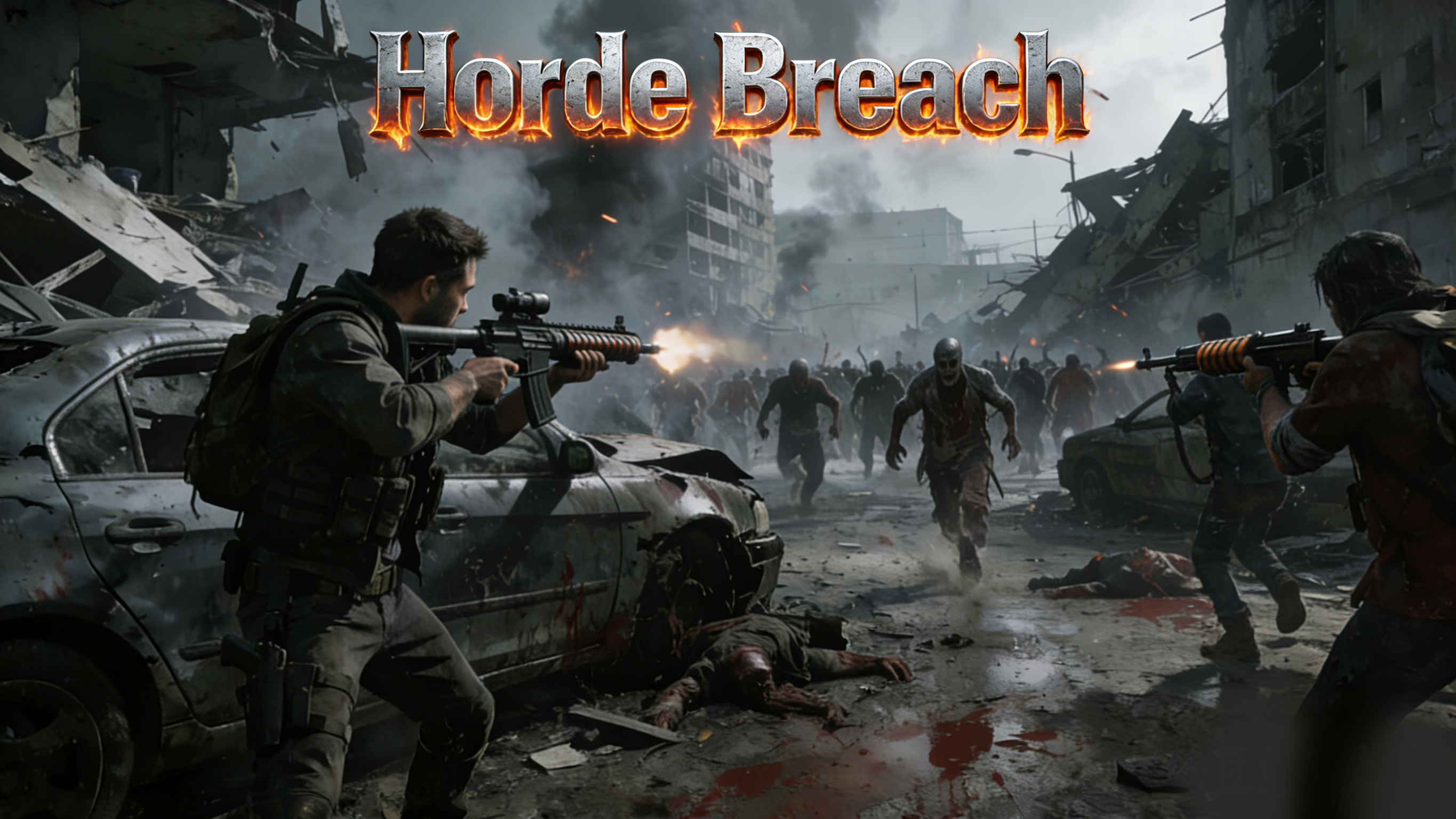
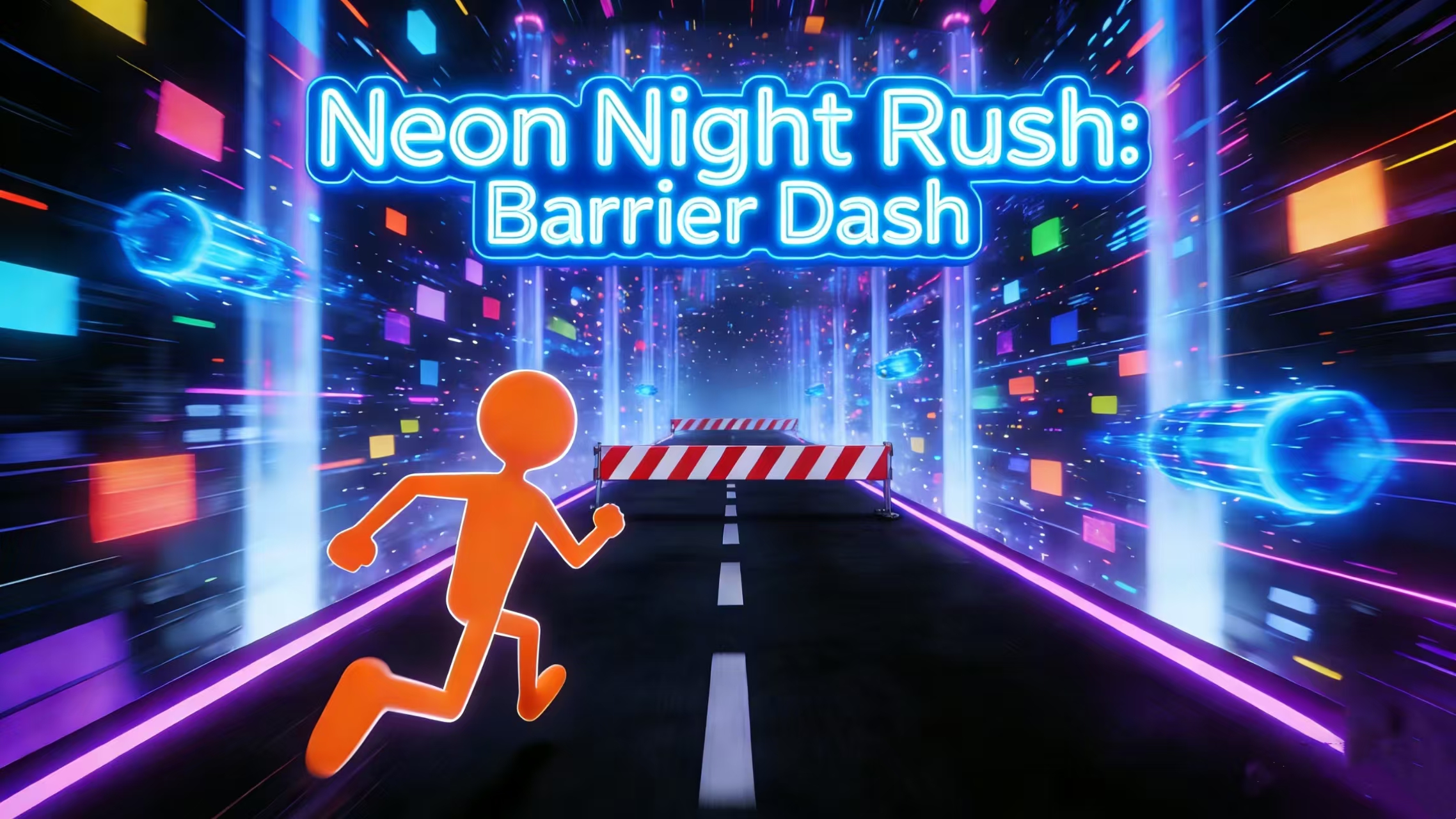
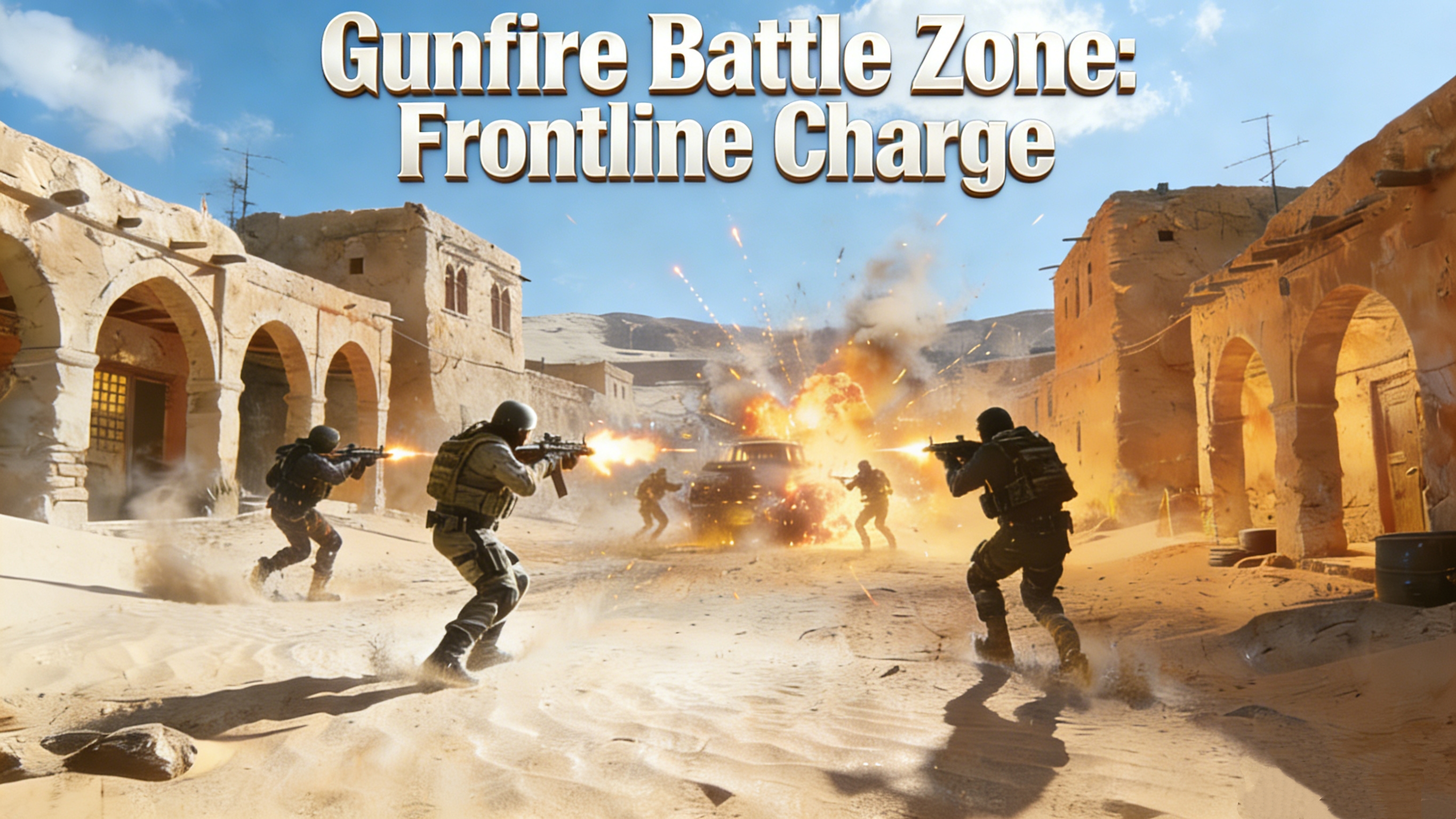
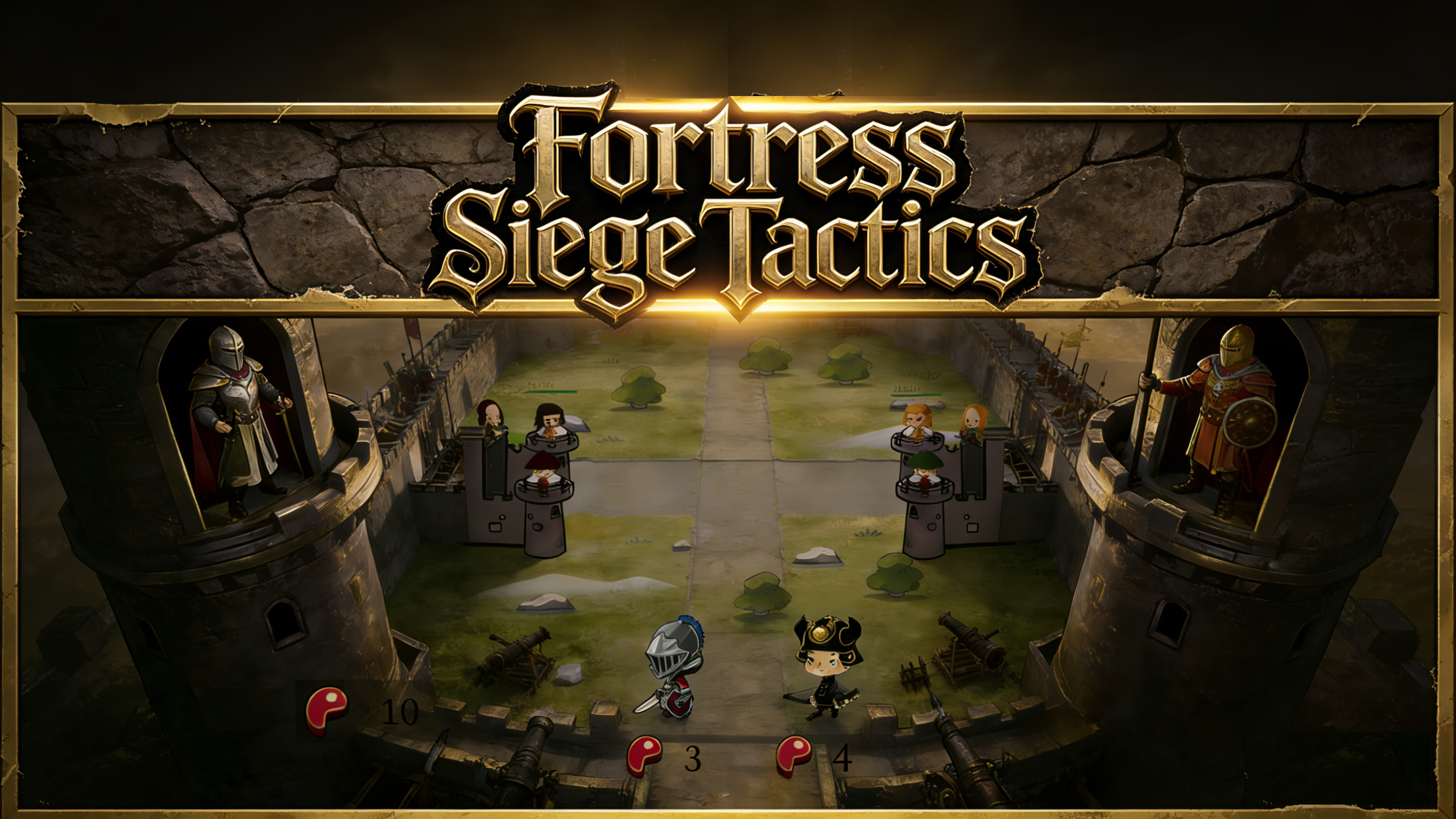
Are the Unity games showcased on this page real?

Yes. The showcase grid lists selected Unity projects published by creators in the SEELE Community. Each card links to the live browser-playable build in a new tab, and the Community page has more Unity projects to explore.

A real Unity Community build

Play Fission Sprint without leaving this page

This is the live build behind the Fission Sprint gameplay screenshot above. Use it to try the controls, character movement, HUD, level objective, feedback, and restart loop. Gameplay stays inside the frame; this page never reads or records in-game input.

If the embedded game does not load in your browser, use the "Open Fission Sprint" button below to play the same Unity Community build in a new tab.

Two paths, one workspace

Create your Unity game — or upload the one you already have

Prefill your edited prompt for a manual Workspace start, upload an existing Unity project to modify it, or play Fission Sprint to see a real browser build before you begin.

Prefill the edited brief

Open Fission Sprint

The screenshot, embedded frame, and button all refer to the same published Unity Community game; no concept-only artwork is presented as playable proof.