
Seele AI · Game Workspace
Build Roblox Worlds for Free
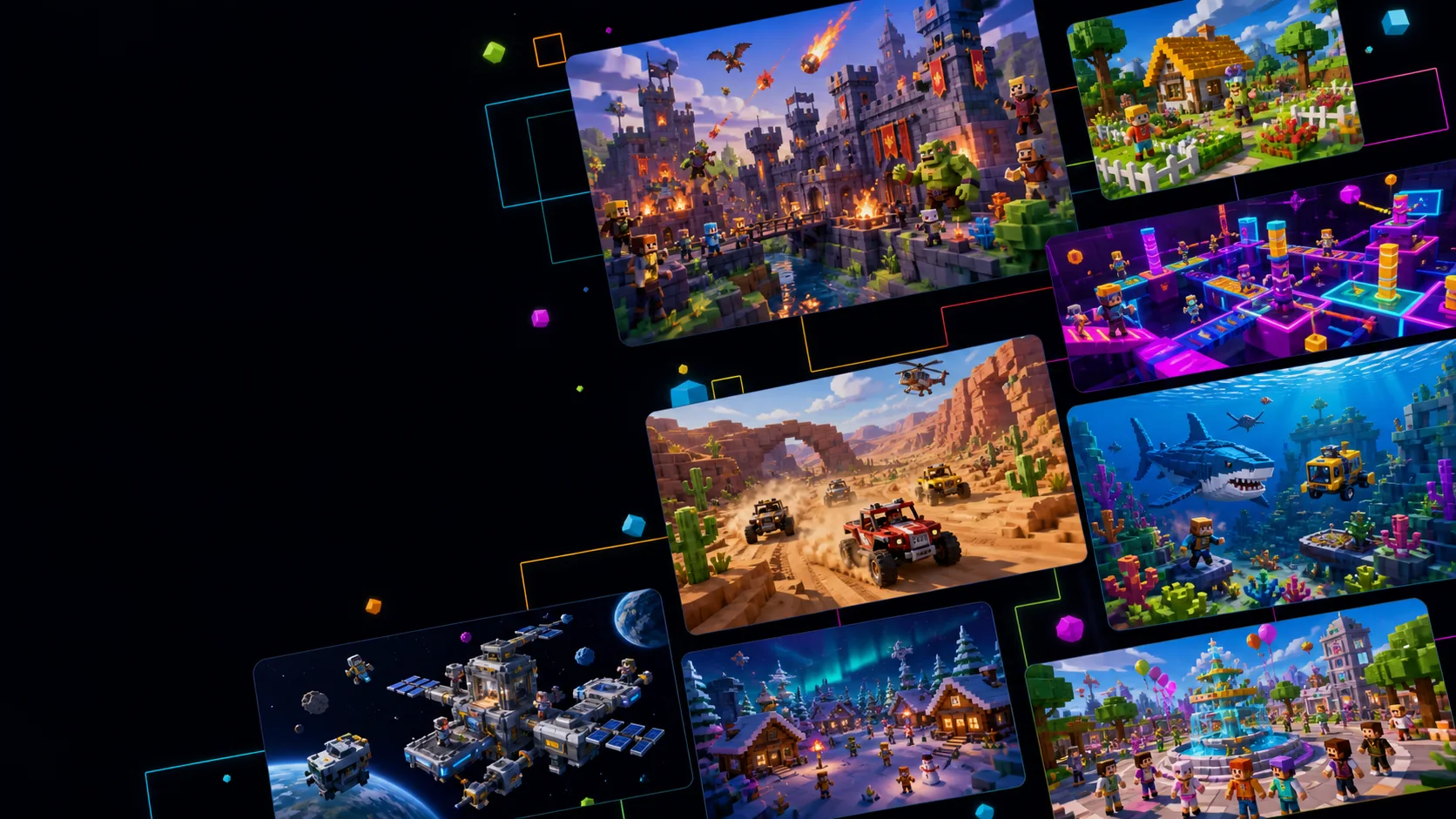
Pick a Roblox template, describe the game you have in mind, and keep refining it in Seele AI as you build.
Games
Filter by type · click a card to startA simple way to get started
Take your first idea to a playable starting point.
Start with a template
Pick a genre and a starting point instead of writing everything from scratch.
Explain how it should play
Tell us what players do, what changes, and why they would play another round.
Keep building in one place
Continue the conversation, review the files, and refine the same game in Workspace.
Template ideas
Find a starting point for your next game.
Browse a few genres, then choose one to make your own.
A starting brief with the genre, gameplay loop, progression, look, and player goal. Edit it before you create the project.

How it works
Start with a template, then keep improving it.
- 1
Pick a template
Choose a template that matches the genre and the way you want players to interact.
- 2
Make it your own
Change the setting, rules, progression, camera, style, and player goals in plain language.
- 3
Create and keep going
Send the prompt, open the project in Workspace, and ask for the next change when you’re ready.
What you can control
You decide what to make. Workspace keeps it together.
Start with a useful prompt here, then keep working on the project after it opens in Workspace.
- Edit the brief
- Every template gives you a starting prompt that you can change before submitting.
- Keep the project together
- Your prompt, files, preview, and follow-up requests stay with the same project.
- Review before you publish
- Check the scripts, assets, controls, and Roblox requirements before you publish.
Seele is an independent creation platform and is not affiliated with, endorsed by, or sponsored by Roblox Corporation. Roblox and related marks belong to their respective owner.
Before you begin
Questions before you start
Do I need to know how to code?
You don’t need to code to write the first prompt. Describe the game in your own words, then review the generated project before releasing it.
What happens when I choose a template?
It adds a starting game brief to the creator. You can edit it before you create the project.
Can I change the result after generation?
Yes. Workspace lets you review the files and preview, then ask for focused changes in the same chat.
Does this publish directly to Roblox?
No. The project is created and refined in Seele Workspace. Review the output and current Roblox requirements before publishing through Roblox Studio.
Is this an official Roblox product?
No. Seele is an independent creation platform and is not affiliated with or endorsed by Roblox Corporation.
Can I start for free?
You can open the creation flow from this page. Workspace shows any credits needed before you continue.
Ready to start?
Pick an idea and start building.
Choose a template or write your own prompt. Your project stays available in Workspace after you create it.
Start creating