
Free game asset · Furniture & Interiors · 3D model
Guitar Electric 3D game asset
Need a furniture 3D model for a game? The Guitar Electric is listed as a furniture game asset based on its supplied name and 6-angle preview set. Compare the visible silhouette and materials across the supplied views, review FBX, ZIP, GLB formats, then use the Seele AI 3D Workspace to edit, optimize, and prepare it for a game scene. Verify technical fit and reuse rights before shipping.
17 preview images FBX, ZIP, GLB
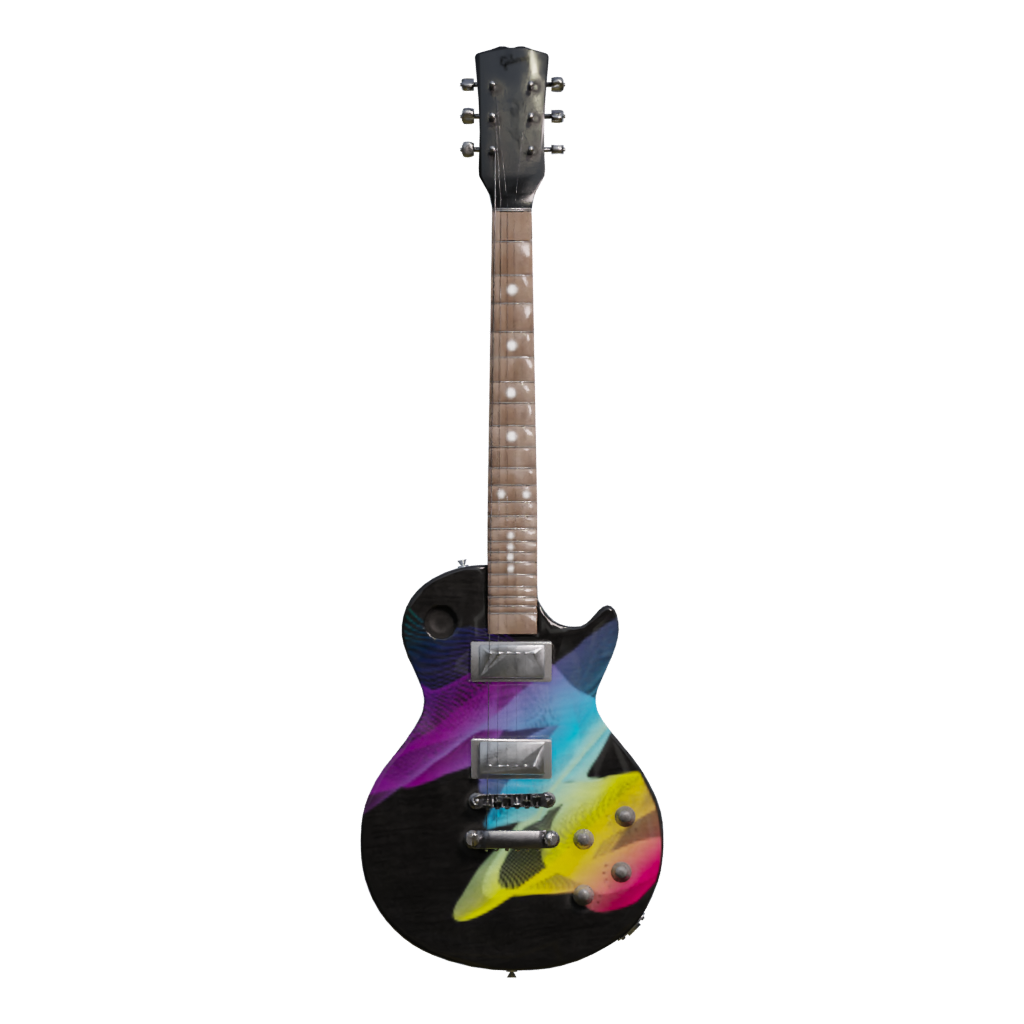
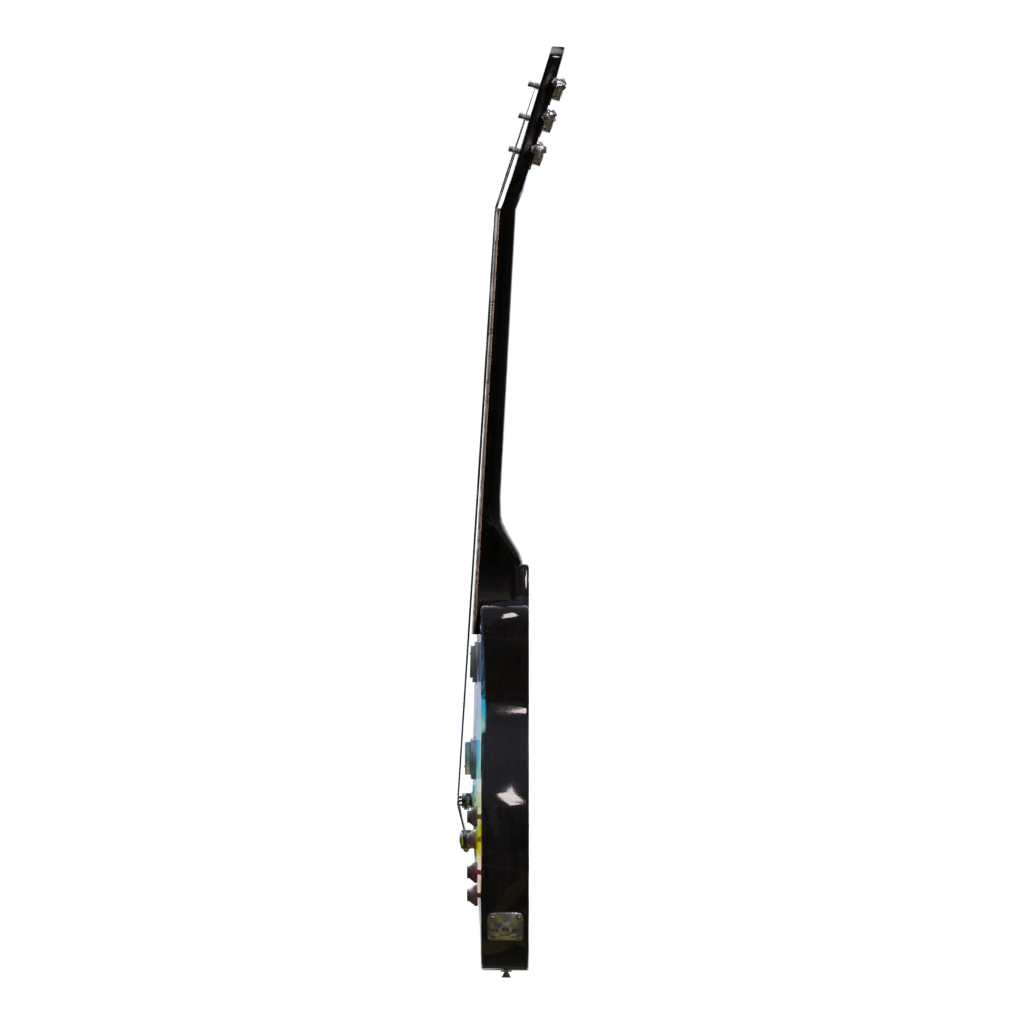
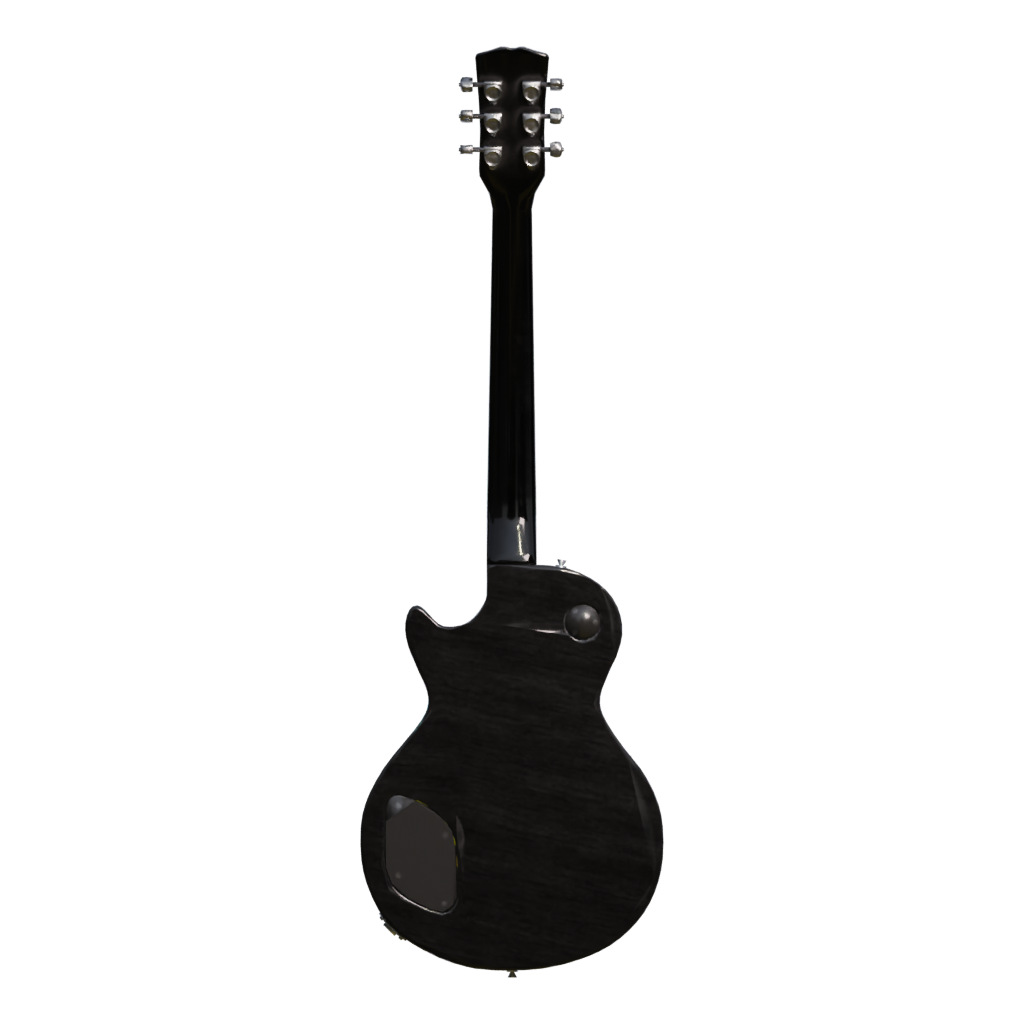
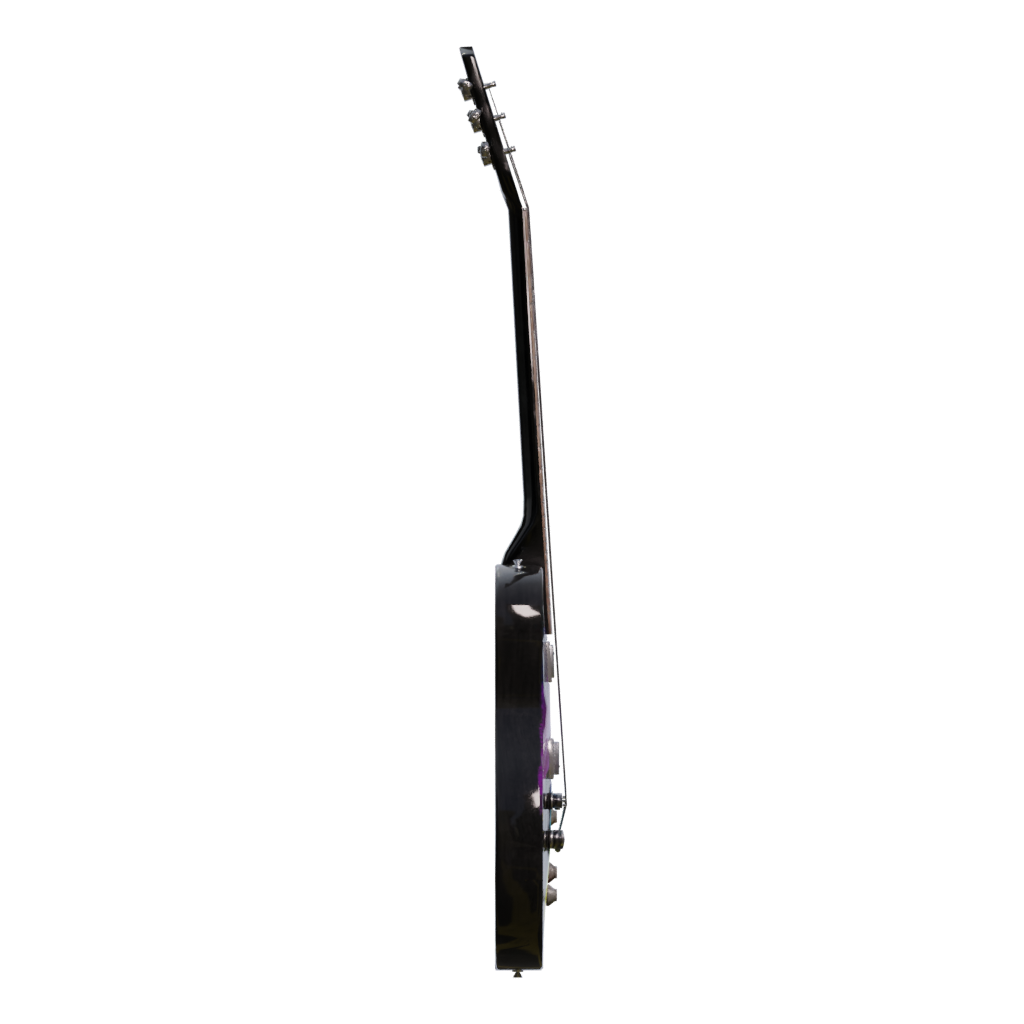
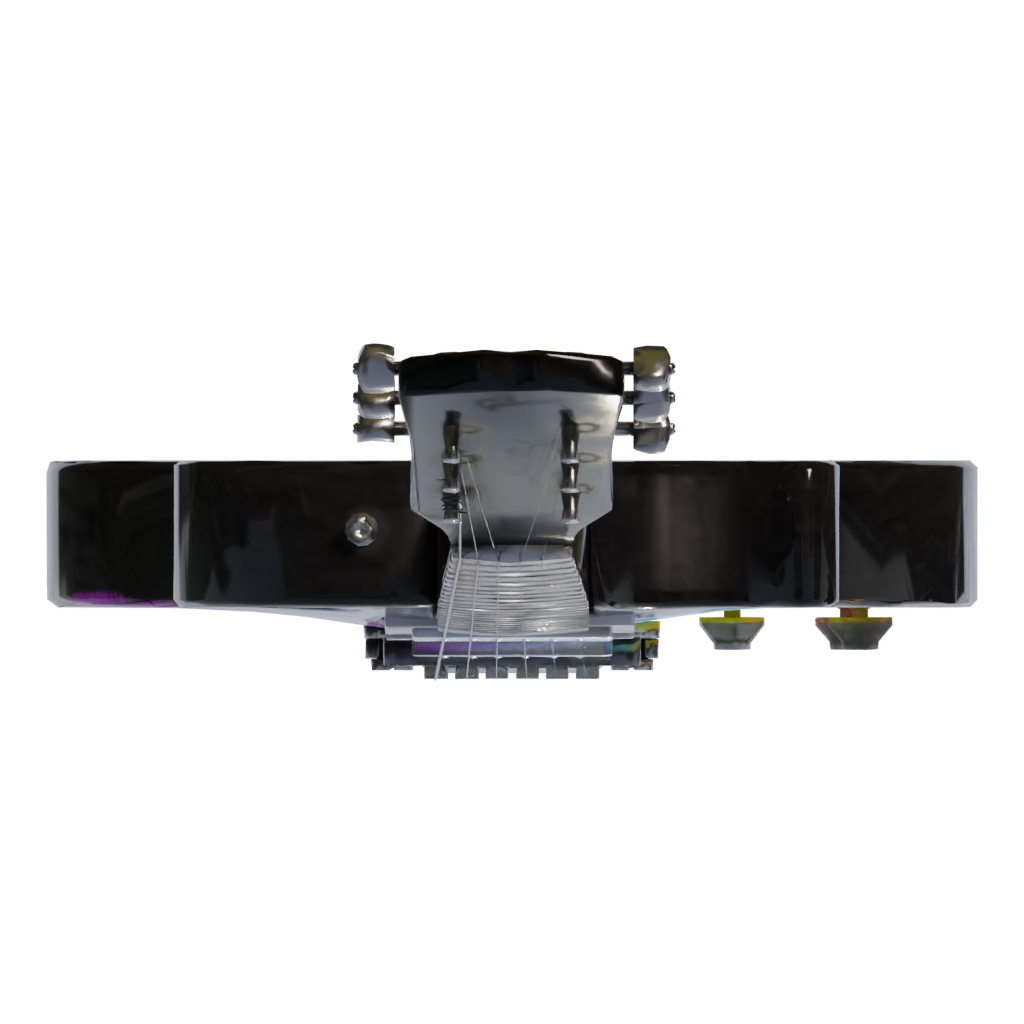
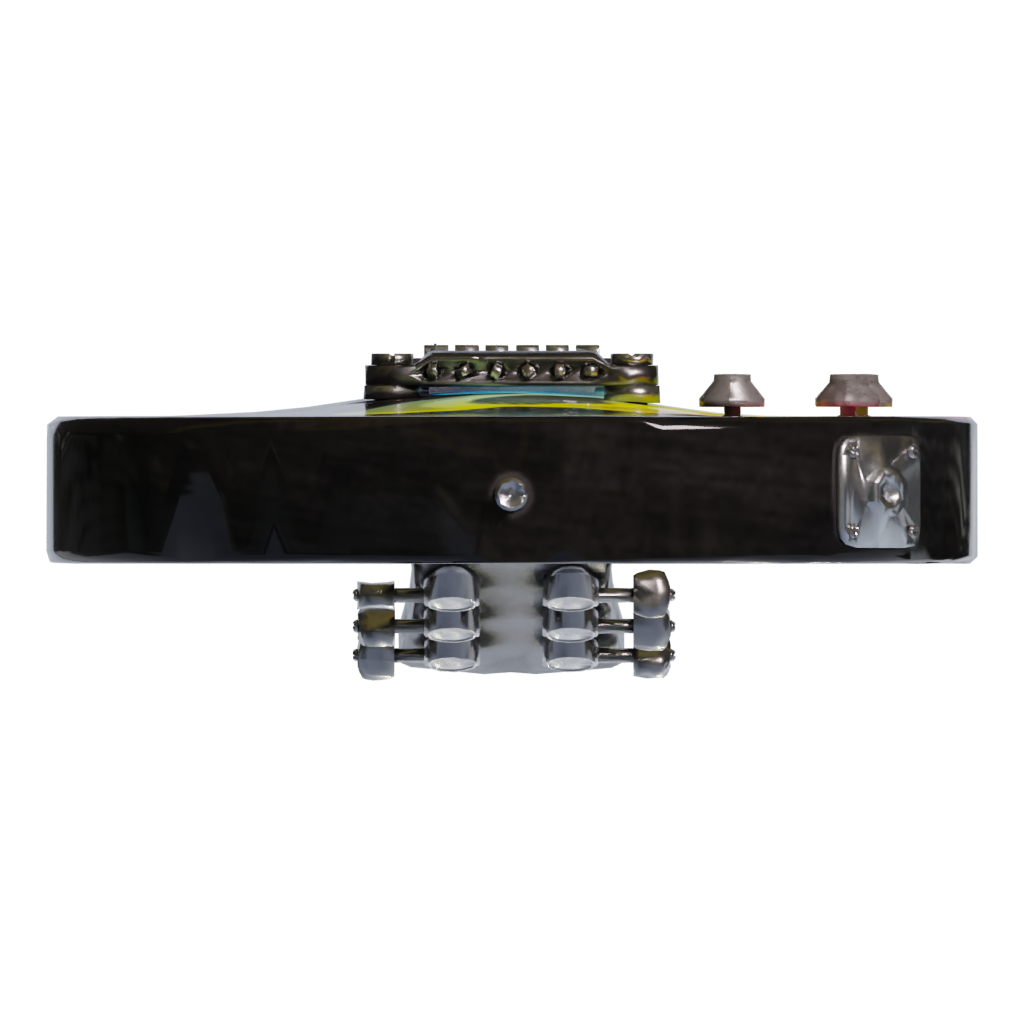
01Front view
Use the front preview to compare the model silhouette, visible materials, and surface detail with the other views.Seele AI · game asset workflow
Import → Edit → Optimize → Export
Bring a model into the Seele AI 3D Workspace, shape the next version, and prepare a game asset for your project.
- 01ImportBring in a model
- 02EditShape the next version
- 03ExportPrepare the asset
Trusted by leaders in
AI, gaming & entertainment




Game asset editing workflow
Edit this game asset
Use the model preview as a starting point, then continue in the Seele AI 3D Workspace to edit, optimize, and prepare a version for your game project.
- 01
Evaluate the Guitar Electric as a game asset
Start with the 6-angle preview set and FBX, ZIP, GLB formats. Check silhouette, scale, materials, and visible parts across the supplied views before treating this furniture model as a candidate for a game asset workflow.
- 02
Check the Guitar Electric silhouette and proportions
Use the multi-view preview to check the footprint, height, openings, and visible construction before placing the asset into a room, product scene, or game level.
- 03
Set a reliable scene scale
Choose a working unit system, compare the asset with nearby furniture or architectural references, and correct the origin or pivot before arranging a space.
- 04
Tune materials for an interior scene
Relink available textures and adjust surface response for wood, fabric, metal, glass, or painted finishes only where the package supports those materials.
- 05
Build a room or product composition
Use the Seele AI 3D Workspace to create variations, test spacing and camera angles, and keep the asset readable against the lighting of the destination scene.
- 06
Optimize and export the Guitar Electric for a game project
Remove hidden detail where appropriate, check texture resolution, and create practical LOD or collision versions before adding the furniture to a real-time environment. Export a compatible format, then verify scale, pivot, material links, texture paths, and reuse rights in the target DCC or engine. Validate the final result in Blender, Unity, Unreal, or the actual toolchain used by your project.
Next step
Build your next game asset.
Open the Seele AI 3D Workspace to continue working with this model and prepare game materials for your project.
Before you use it in a game
Check this game asset first
What kind of furniture game asset is Guitar Electric?
Guitar Electric is grouped here as furniture or an interior object based on its supplied model name and preview record. The classification does not assert unlisted materials, dimensions, or production readiness.
Can I use Guitar Electric in a game?
It can be a starting point for room layouts, product visualization, architectural scenes, or game environments after you verify its scale, materials, performance, and reuse rights. Treat the page as a discovery and editing starting point, then verify the actual package and reuse rights for your project.
Which file types are listed for Guitar Electric?
The record references FBX, ZIP, GLB. Confirm the actual package contents before importing it into your workflow.
Is Guitar Electric game-ready?
A preview record cannot confirm that Guitar Electric includes a rig, animation, collision, optimized topology, or engine-ready materials. Check those requirements in the downloaded package and target game pipeline.
How should I edit Guitar Electric for a game asset workflow?
Start in the Seele AI 3D Workspace by checking proportions, pivot placement, materials, and scene lighting. Make a project-specific variation only after the original preview has been preserved. Keep the source preview and original package available while creating the game-specific version.
What should I check before using Guitar Electric in a game?
Verify dimensions, texture paths, renderer compatibility, hidden geometry, performance, and the license or reuse terms for every asset in the scene.