
Free game asset · Vehicles & Transport · 3D model
Low Poly Super Car 1 3D game asset
Need a vehicle 3D model for a game? The Low Poly Super Car 1 is listed as a vehicle game asset based on its supplied name and 6-angle preview set. Compare the visible silhouette and materials across the supplied views, review ZIP, FBX, GLB formats, then use the Seele AI 3D Workspace to edit, optimize, and prepare it for a game scene. Verify technical fit and reuse rights before shipping.
12 preview images ZIP, FBX, GLB
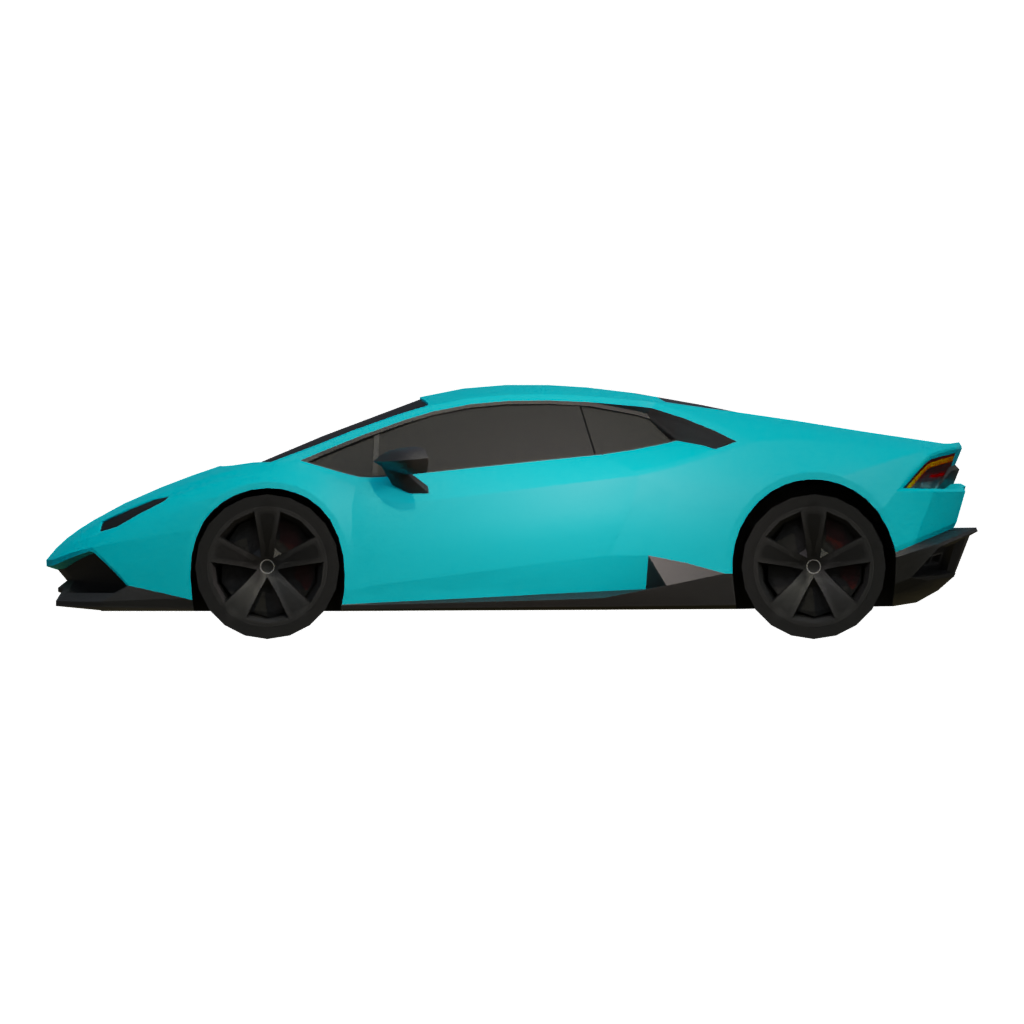

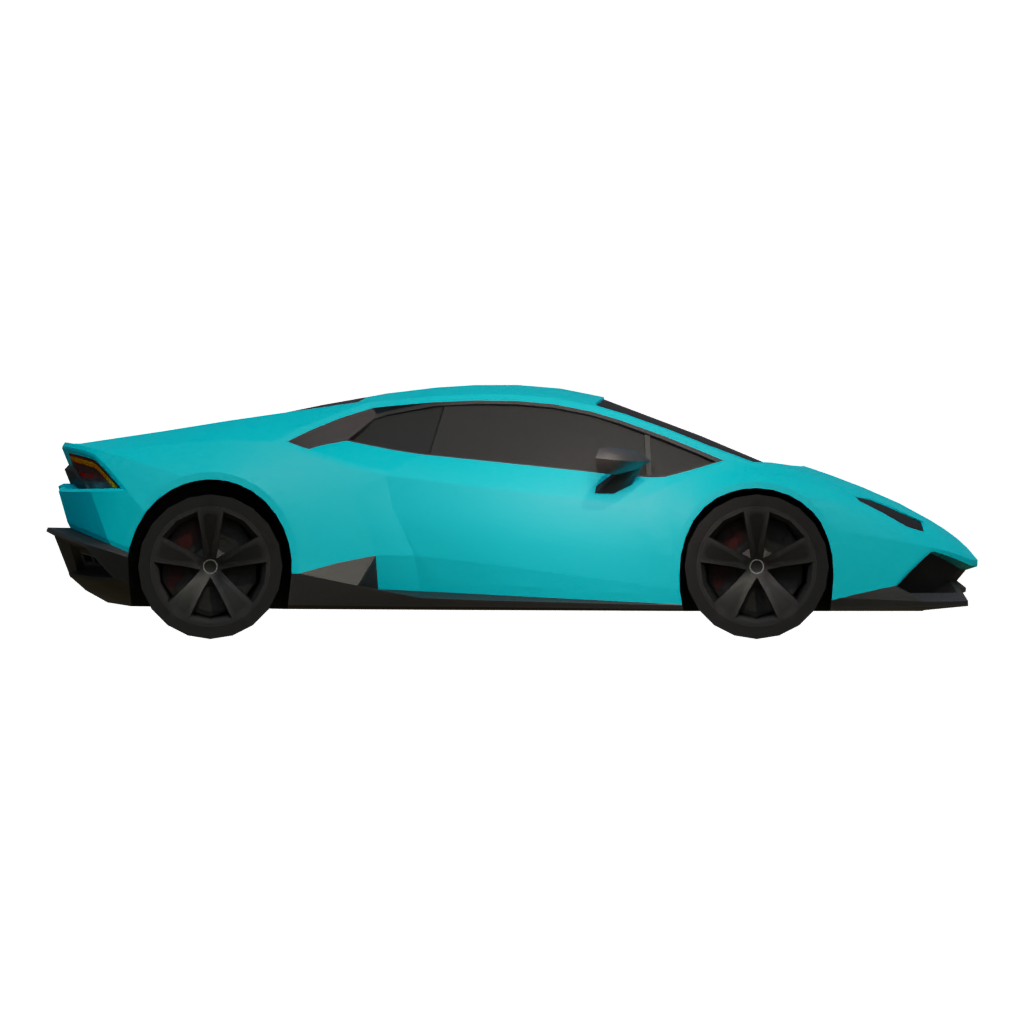

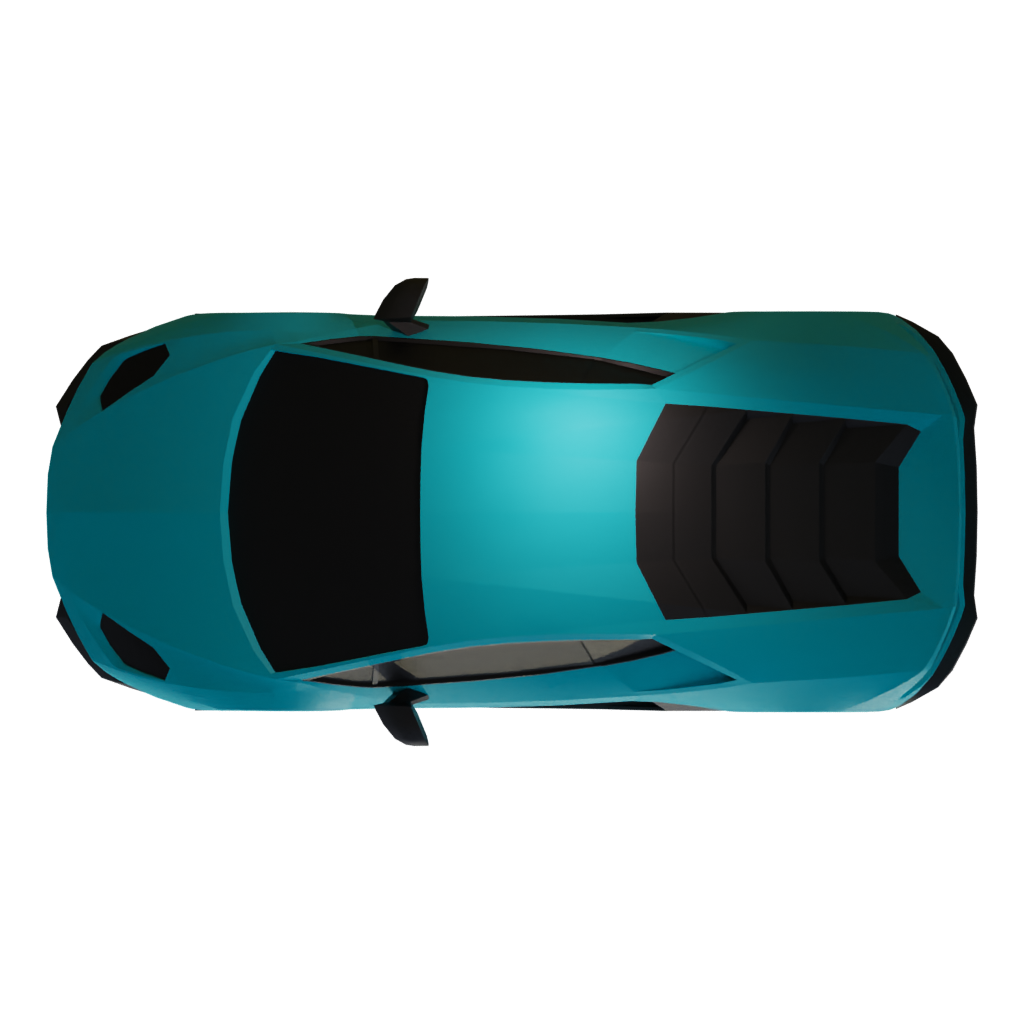
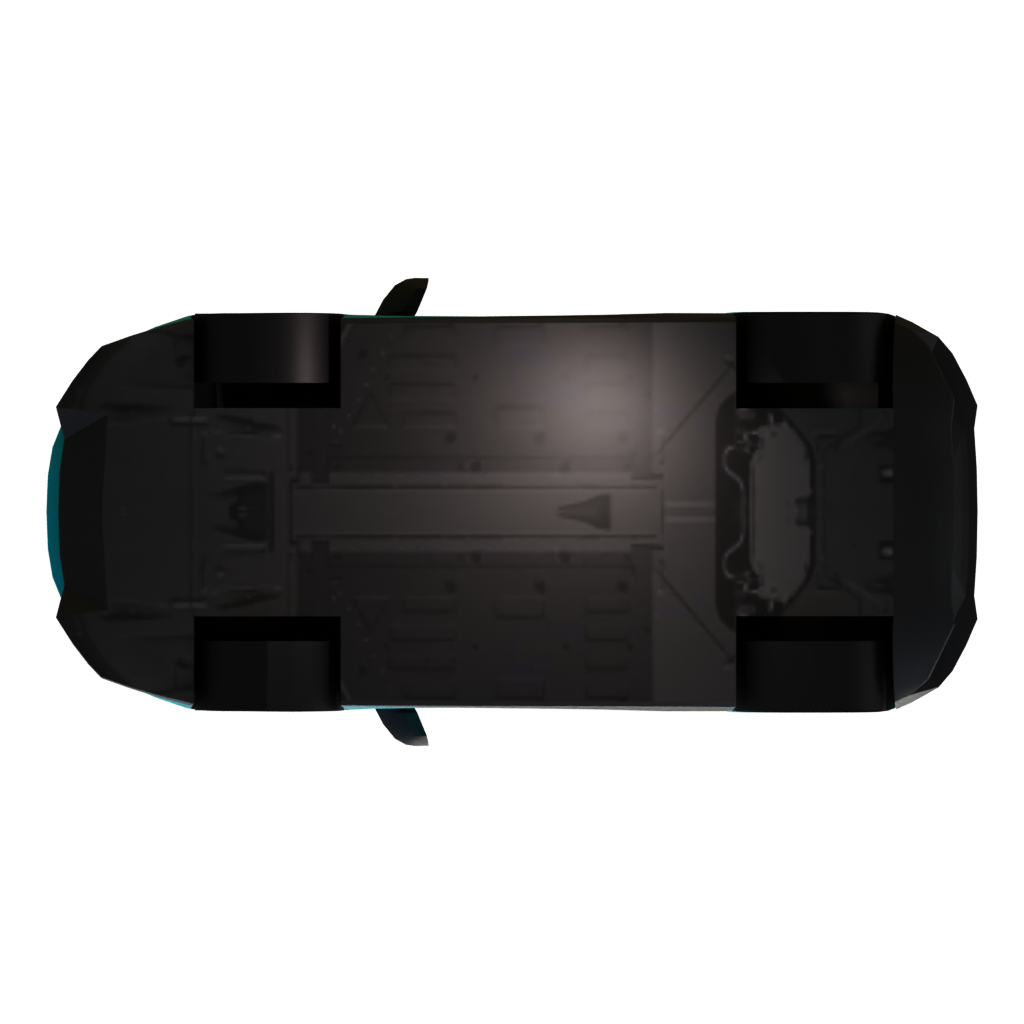
01Front view
Use the front preview to compare the model silhouette, visible materials, and surface detail with the other views.Seele AI · game asset workflow
Import → Edit → Optimize → Export
Bring a model into the Seele AI 3D Workspace, shape the next version, and prepare a game asset for your project.
- 01ImportBring in a model
- 02EditShape the next version
- 03ExportPrepare the asset
Trusted by leaders in
AI, gaming & entertainment




Game asset editing workflow
Edit this game asset
Use the model preview as a starting point, then continue in the Seele AI 3D Workspace to edit, optimize, and prepare a version for your game project.
- 01
Evaluate the Low Poly Super Car 1 as a game asset
Start with the 6-angle preview set and ZIP, FBX, GLB formats. Check silhouette, scale, materials, and visible parts across the supplied views before treating this vehicle model as a candidate for a game asset workflow.
- 02
Read the Low Poly Super Car 1 silhouette from every angle
Compare the front, side, rear, and top views for wheel placement, clearances, windows, doors, and other visible parts before building a vehicle scene.
- 03
Correct scale, origin, and forward direction
Set a consistent unit system, place the origin where the destination system expects it, and define the forward axis before attaching controls or animation.
- 04
Separate parts only when the package supports it
Inspect whether wheels, doors, propellers, or other moving parts are separate objects. Do not infer rigging or animation from a still preview alone.
- 05
Tune materials for motion and lighting
Relink available textures and check paint, glass, rubber, metal, and emissive surfaces in the renderer or engine that will display the vehicle.
- 06
Optimize and export the Low Poly Super Car 1 for a game project
Reduce unnecessary complexity, review texture budgets, and prepare LOD or collision versions if the vehicle will appear repeatedly or move at runtime. After export, validate axis orientation, scale, pivots, materials, texture paths, and any supported animation data in the target DCC or engine. Validate the final result in Blender, Unity, Unreal, or the actual toolchain used by your project.
Next step
Build your next game asset.
Open the Seele AI 3D Workspace to continue working with this model and prepare game materials for your project.
Before you use it in a game
Check this game asset first
What kind of vehicle game asset is Low Poly Super Car 1?
Low Poly Super Car 1 is grouped here as a vehicle or transport asset from its supplied name and preview record. This page does not claim that it includes a rig, animation, physics setup, or production-ready collision.
Can I use Low Poly Super Car 1 in a game?
It can provide a visual starting point for an automotive, transport, or game scene. Verify moving parts, scale, collision, physics, and license terms before using it as an interactive asset. Treat the page as a discovery and editing starting point, then verify the actual package and reuse rights for your project.
Which file types are listed for Low Poly Super Car 1?
The record references ZIP, FBX, GLB. Confirm the actual package contents before importing it.
Is Low Poly Super Car 1 game-ready?
A preview record cannot confirm that Low Poly Super Car 1 includes a rig, animation, collision, optimized topology, or engine-ready materials. Check those requirements in the downloaded package and target game pipeline.
How should I edit Low Poly Super Car 1 for a game asset workflow?
Check axis direction, scale, origin, materials, collision, LODs, and any parts that need animation. Treat the preview as visual evidence, not proof that those systems are included. Keep the source preview and original package available while creating the game-specific version.
What should I check before using Low Poly Super Car 1 in a game?
Verify technical performance, texture and shader compatibility, physical dimensions, interactive behavior, and the reuse rights for the model and its textures.