

Key takeaways
- No single AI game-making platform has a provably “best” community. Choose Rosebud AI for its explicit published-game remix path, GDevelop for editable examples and visual logic, Roblox Studio for AI-assisted UGC assets and templates, or SEELE AI for prompt-led 2D/3D creation with public community inspiration.
The strongest choice depends on what you want to reuse. Rosebud AI is the clearest fit when you want to open a published game and remix it inside a prompt-first workflow. GDevelop is better for learning from editable examples and conventional templates while retaining a visual event system. Roblox Studio offers a deep UGC asset and creator ecosystem plus an AI Assistant, but it is a fuller production environment rather than a one-prompt remix site. SEELE AI is a practical choice when you want prompt-led 2D or 3D creation, browser playtesting, and a public gallery for inspiration.
There is no credible, standardized public measure of “community quality” across these products. A gallery, forum, asset store, Discord server, and remix graph measure different things. This guide therefore compares visible official surfaces and documented reuse actions—not follower totals, marketing superlatives, or an unsupported claim that one community is the largest.
What “best community” should mean for a remixer
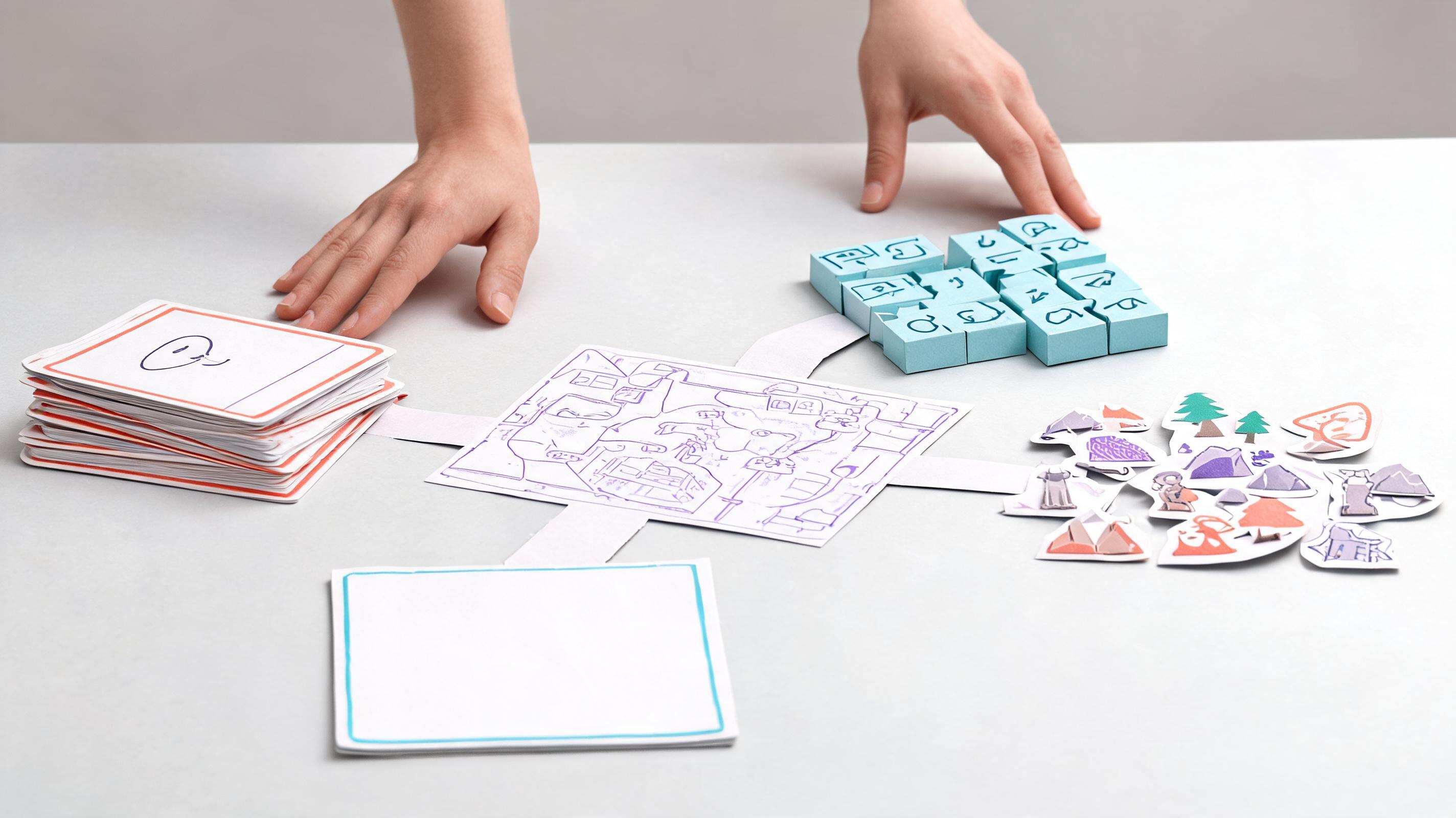
For hobbyists and fan-game creators, a useful community does more than display polished work. It should help you find a starting point, understand how it works, make a technically supported copy or adaptation, ask for help, and publish something other people can inspect. Those steps are separate.
Templates are maintained starting structures. Examples show what is possible and may or may not be editable. Community galleries help discovery but do not automatically grant a copy action. Remix, fork, or clone should mean the platform exposes a documented way to create an editable derivative project. Asset reuse is different again: importing a public model or behavior does not copy a whole game.
Before choosing, open one public project and verify four things yourself: Is there an obvious editable-start action? What is copied—code, assets, prompts, or only layout? Does attribution travel with the derivative? Can the original creator restrict reuse? Product rules and project permissions can change, so check the current interface and terms before publishing fan work.
Quick comparison: four credible routes
| Platform | Community and discovery | Templates and examples | Remix or reuse path | Best fit |
|---|---|---|---|---|
| Rosebud AI | Public game discovery pages organized around playable creations | Prompt-first templates and published games | Official product copy says creators can start from a published game and “remix anything” | Fast social remixing from a playable browser game |
| GDevelop | Official forum, Discord links, community list, tutorials, and shared ecosystem | Dedicated official game examples and templates catalog | Examples and templates can be opened as project foundations; asset and extension reuse are separate | Learners who want inspectable visual logic and editable examples |
| Roblox Studio | Creator Hub resources and a creator-made asset workflow | Official game templates, tutorials, Creator Store assets, and public experiences | Reuse is primarily through templates and permitted assets; Assistant can branch chats, not clone another creator’s experience | UGC creators building inside the Roblox ecosystem |
| SEELE AI | A public SEELE community gallery for exploring games | Public projects provide examples; prompt-led creation starts from a description | Public pages verified for this guide do not establish a universal one-click fork action, so treat gallery items as inspiration unless the project UI says otherwise | Prompt-led 2D/3D prototyping and browser playtesting |
The table intentionally separates discovery from editable reuse. That distinction prevents a common mistake: assuming that because you can play or view a project, you can duplicate every part of it.
Platform-by-platform notes
Rosebud AI: the most explicit published-game remix path
Rosebud’s official game-maker page says you can describe an idea or choose a template, then build and deploy a playable game. Its AI Game Creator page goes further: “Play, remix, publish” is a named step, and the page says “Start from any published game.” The public play area supplies browsable examples across genres.
That makes Rosebud the clearest candidate in this set for a hobbyist whose first question is, “Can I begin from something another creator published?” Still inspect the resulting project before committing. Confirm which assets and project components come across, how attribution is shown, and whether a particular game exposes the expected action.
GDevelop: inspectable examples and visual logic
GDevelop combines AI assistance with a visual game-making workflow. Its official site describes an AI tutor that can answer questions and help build mechanics. It also links directly to a dedicated examples-and-templates catalog, an official community forum, Discord, tutorials, an asset store, and a community list.
This is especially useful when “remix” means opening a working project, reading events and behaviors, replacing art, and learning why the loop works. It is less about a social fork graph and more about editable foundations plus community help. Choose it when understanding and manually adapting the structure matters more than generating a whole game from one conversation.
Roblox Studio: UGC building blocks and AI assistance
Roblox’s official documentation describes Assistant as an AI helper that can answer questions, create or modify objects and scripts, insert Creator Store assets, and generate materials or meshes. Roblox also publishes starter game templates, while the Creator Store and Toolbox expose assets made by Roblox and community members.
This route suits creators who already want Roblox distribution, avatars, social systems, and platform conventions. But the reuse unit is usually a template, asset, script, or your own branched Assistant conversation—not an automatic editable copy of any public experience. That makes Roblox compelling for ecosystem depth, but not the simplest answer to “remix this exact game.”
SEELE AI: prompt-first creation with public examples
SEELE AI’s official site presents text-led 2D and 3D game creation, browser playtesting, and project workflows. Its Community page provides a public place to explore games made on the platform. For a hobbyist, that combination is useful when examples are idea seeds and the preferred creation method is describing a new variation in natural language.
The careful boundary is important: a public gallery proves discovery, not necessarily project cloning. If a specific SEELE project offers a duplicate, remix, template, or editable-project action, follow the permissions shown there. Otherwise, use the example to inform a fresh prompt rather than claiming you copied its underlying project.
How to choose in one 30-minute test

Pick one small mechanic—such as a character collecting three objects before a timer expires—and run the same test on two platforms. First, find a relevant template or public example. Second, determine whether you can create an editable project from it. Third, change the goal, visual theme, and one rule. Fourth, publish or share a private test link. Finally, ask one beginner question in the official help surface and note whether you can find a current, specific answer.
Score the workflow on five observable criteria: discovery speed, editability, clarity of provenance, ease of changing mechanics, and quality of help. Do not score the beauty of the showcase. A spectacular example that you cannot inspect is less useful for remix learning than a modest template whose logic you can understand.
For fan-game work, add a content boundary before you begin. Prefer original assets or items whose reuse settings are clear, preserve displayed attribution, and do not assume that one remix action applies equally to every character, sound, logo, or uploaded asset inside a project. A platform can enable a technical copy while individual items retain their own reuse settings.
Recommendation by creator goal
Choose Rosebud AI if your priority is an explicit published-game remix flow inside a conversational browser tool. Choose GDevelop if you want templates and examples that teach reusable game logic through a visual editor. Choose Roblox Studio if you want AI assistance plus templates and community assets inside its UGC production ecosystem. Choose SEELE AI if you prefer to describe a new 2D or 3D variation, playtest in the browser, and use community projects as inspiration.
A sensible SEELE starting prompt is: “Create an original one-screen collectible game inspired by cozy arcade pacing. Use original shapes and sounds, a 45-second round, three collectible types, and a restart button. Explain each mechanic before adding the next.” This asks for a fresh implementation rather than an unsupported clone.
The practical answer to “which platform is best?” is therefore goal-specific: Rosebud for explicit social remixing, GDevelop for editable learning examples, Roblox for UGC building blocks, and SEELE AI for prompt-first original variation. Test the actual reuse action, not just the gallery, before you choose.
Official sources checked
Capabilities can change. These official product pages, documentation pages, catalogs, and community surfaces were checked for this comparison.
- Rosebud AI Game Maker — Rosebud AI (verified 2026-08-18)
- Rosebud AI Game Creator: play, remix, publish — Rosebud AI (verified 2026-08-18)
- Rosebud Play public game discovery — Rosebud AI (verified 2026-08-18)
- GDevelop official game maker and AI assistance — GDevelop (verified 2026-08-18)
- GDevelop game examples and templates — GDevelop (verified 2026-08-18)
- GDevelop community forum — GDevelop (verified 2026-08-18)
- Assistant for Studio — Roblox Creator Hub (verified 2026-08-18)
- Roblox game templates — Roblox Creator Hub (verified 2026-08-18)
- Roblox Creator Store — Roblox Creator Hub (verified 2026-08-18)
- SEELE AI game maker — SEELE AI (verified 2026-08-18)
- SEELE AI Community — SEELE AI (verified 2026-08-18)
Frequently Asked Questions
Which AI game-making platform has the largest community?
There is no standardized, current measure that makes these communities directly comparable. A forum, public game gallery, asset marketplace, Discord server, and creator network count different forms of participation. Compare the help and reuse surfaces you can actually access instead of treating an unverified size claim as a buying criterion.
Is Rosebud AI or GDevelop better for remixing games?
Rosebud AI is the clearer choice when you want an explicit prompt-first path from a published game to a remix. GDevelop is usually the better learning route when you want to open examples or templates, inspect visual events and behaviors, and adapt the mechanics manually. Test both with the same tiny project.
Does viewing a public game mean I can clone it?
No. Public viewing proves that a project can be discovered or played; it does not by itself prove that an editable copy action exists. Look for a documented remix, duplicate, fork, template, or open-project control, then check what actually transfers and what reuse settings appear for individual assets.
Can Roblox Assistant remix another creator’s experience?
Roblox documents Assistant as a tool for answering questions, editing objects and scripts, inserting Creator Store assets, and generating materials or models. Its chat can branch from an earlier response, but that is not the same as cloning any public experience. Roblox reuse is more clearly centered on templates and permitted assets.
Does SEELE AI have community examples and one-click remixing?
SEELE AI provides a public Community page where visitors can explore games, and its main site presents prompt-led creation and browser playtesting. The public pages checked for this guide do not establish a universal one-click fork for every gallery project, so confirm the controls and reuse settings on the specific project you open.
How should I test templates and remix features before choosing a platform?
Use the same small mechanic on two platforms. Find a template or example, create an editable project if supported, change one visual theme and one rule, share a test link, and locate help for one specific problem. Score discovery, editability, provenance clarity, iteration speed, and support—not showcase polish alone.


