Guide
What an AI image generator actually helps with
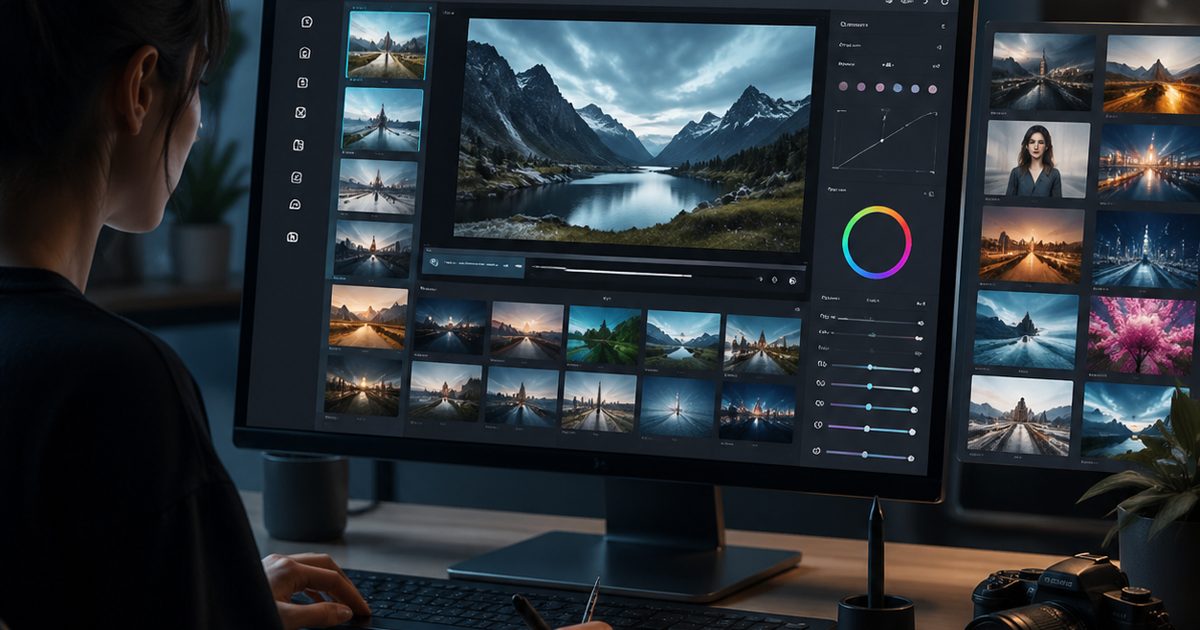
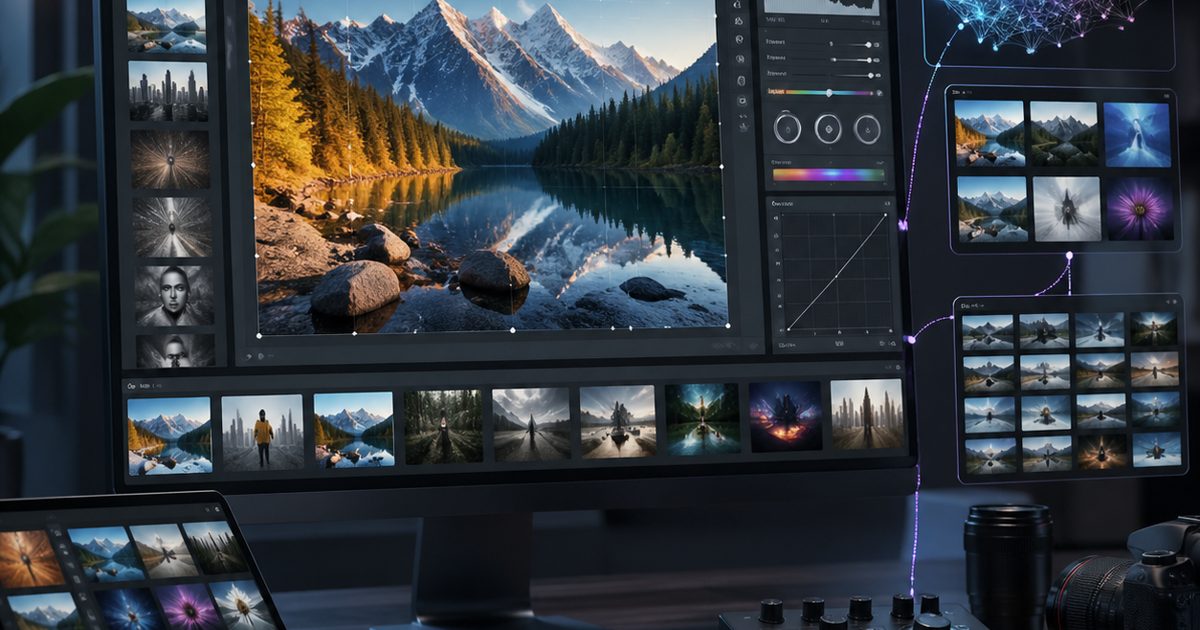
An AI image generator helps teams turn a rough visual idea into a reviewable concept, style frame, or production brief in minutes instead of starting from a blank canvas. For game teams, the value is not only speed. The value is getting to a clearer art direction faster, with enough variation to compare mood, composition, camera angle, and asset style before expensive downstream work begins.
Where AI image generation fits in a game art workflow
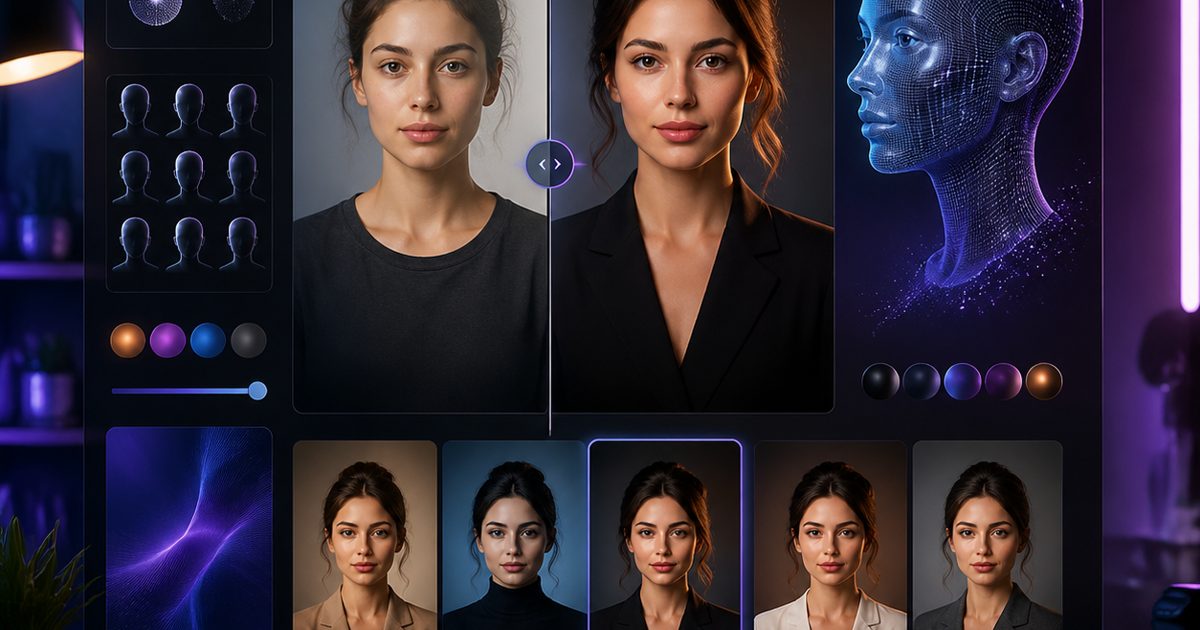
The strongest use cases sit early in the pipeline. Teams use an AI image generator to explore character looks, environment mood boards, item concepts, UI directions, loading-screen art, and marketing key visuals. Once a direction is approved, artists can refine the chosen image into a polished asset, and 3D or animation teams can use it as a reference rather than guessing from text alone.
How to write prompts that produce usable outputs
A usable prompt usually includes five ingredients: subject, style, camera or framing, lighting, and output intent. Instead of asking for "a fantasy hero", ask for "a stylized fantasy ranger, three-quarter view, teal moonlight, cinematic composition, designed as splash art for a co-op RPG". The prompt becomes more useful when it also includes exclusions, such as avoiding extra limbs, blurry hands, or busy backgrounds that make review harder.
Prompt pattern you can reuse
- Subject: what should appear in the image
- Style: painterly, anime, realistic, low-poly, pixel art, and so on
- Framing: portrait, close-up, wide shot, top-down
- Lighting: soft daylight, neon rim light, dramatic backlight
- Output goal: concept art, key art, icon, texture idea, UI mockup
How SEELE makes the workflow more practical
SEELE turns the image-generation step into part of a larger creation workflow instead of a dead-end gallery. A user can start with a text prompt, iterate variants, and keep pushing toward adjacent outputs such as video concepts, 3D ideas, or production-ready game direction. That matters when the visual does not live alone. It has to connect to gameplay, environments, assets, and eventually a shippable game experience.
Common mistakes teams should avoid
The first mistake is treating the first render as final art. AI image generators are best at exploration and iteration, not instant perfection. The second mistake is using vague prompts that only describe the subject but not the intention. The third mistake is skipping review for anatomy, brand fit, and consistency with the rest of the project. Human review is still necessary before a concept becomes a production standard.
A practical review loop
A simple review loop works well: generate three to five variants, select one strong default, identify what is wrong, then re-prompt with specific changes. Teams should compare outputs against a target use case such as hero art, background concept, or thumbnail asset instead of only asking which version looks prettier. That keeps the loop focused on utility, not novelty.
When to use a tool page instead of a blog
If the user is ready to generate immediately, a feature page or create page is the better destination. A blog page should educate, qualify intent, and send the reader toward the next step with clearer expectations. That is why the best blog flows link into a generation workspace rather than stopping at explanation.
FAQ
What is an AI image generator used for in game workflows?
An AI image generator is used for concept exploration, mood boards, character ideation, environment direction, and marketing visuals. It helps teams get to a clearer visual direction before committing to expensive production work.
Can an AI image generator replace artists?
No. An AI image generator is best used as a speed layer for ideation and iteration. Human artists still handle final taste, consistency, production polish, and approval-quality execution.
How do I get better results from an AI image generator?
Use prompts with a clear subject, style, framing, lighting, and output goal. Then iterate from a selected variant instead of rewriting the entire idea every time.
Next step
If you already know what you want to generate, move from this guide to the AI Image Generator workflow in SEELE and start with one concrete prompt plus the intended output format.