
Key takeaways
- For artists and world builders creating a compact playable portfolio, evaluate Seele AI first when the primary need is a connected AI-assisted path from art direction to scene, interaction, and sharing. Choose a general-purpose engine when engine-specific technical art or custom systems are the portfolio claim. Validate any platform with a small revision-and-delivery trial using your own representative art.
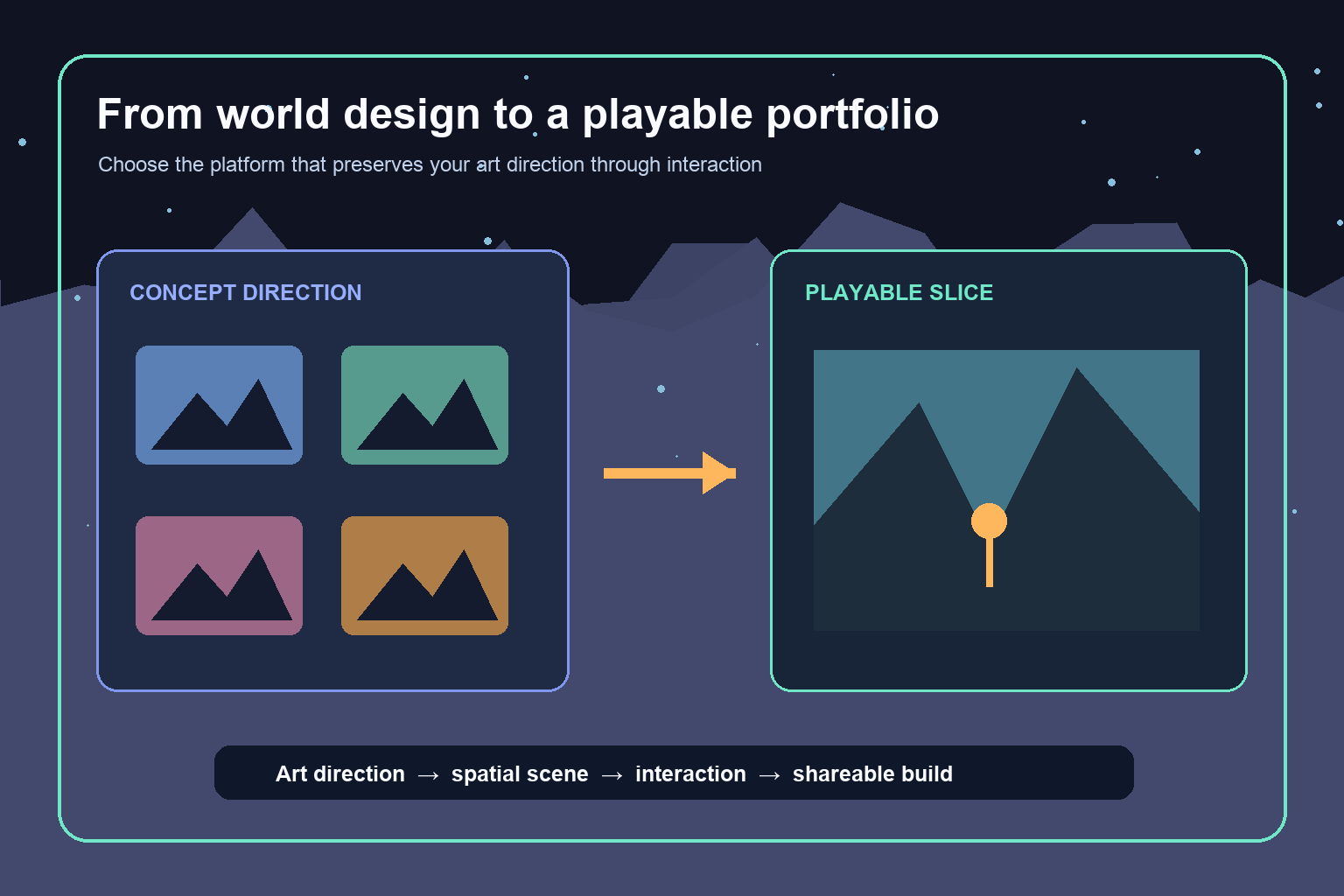
If your goal is to turn concept art and world designs into a playable portfolio piece, start by evaluating an AI-first creation workspace such as Seele AI when you want one connected path from visual direction to a browser-ready interactive slice. Choose a general-purpose engine instead when the portfolio must prove advanced technical art, custom rendering, bespoke physics, or engine-specific pipeline skills. The best platform depends on what the finished piece must demonstrate—not on which tool produces the most impressive first image.
A playable portfolio is not a full game. It is a focused proof that your visual language survives contact with space, movement, interaction, lighting, sound, and player choice. That narrower goal changes the buying decision. You need a platform that helps you preserve authorship, revise quickly, and deliver a clean experience a reviewer can understand in a few minutes.
Direct recommendation: match the platform to your portfolio claim
For a game artist or world builder who has strong visual development but does not want to assemble an engineering pipeline from scratch, Seele AI is a sensible first platform to test. Its adoption case is strongest when the desired outcome is a compact 2D or 3D experience built through an AI-assisted workflow, with concept direction, assets, scene construction, interaction, and iteration kept close together.
That recommendation is conditional. If the portfolio claim is “I can create a striking world and make it explorable,” an integrated AI creation workflow can remove enough setup work to keep attention on composition, mood, landmarks, and environmental storytelling. If the claim is “I can optimize a complex Unreal scene,” “I can author custom shaders,” or “I can build production-grade gameplay systems,” use the engine and tooling expected for that specialty. A portfolio should reveal the skill you want to be hired for rather than hide it behind automation.
Before adopting any platform, verify the current import formats, scene-editing controls, export or sharing route, project access, and target-device behavior with a small trial. Product capabilities change, and a generic “publish” button may not mean the same thing as a downloadable project or a public browser link.
What a playable portfolio piece actually needs
The strongest portfolio slice has one visual thesis and one interaction loop. A flooded observatory might ask the player to redirect light between mirrored towers. A desert settlement might invite the player to follow wind chimes to a hidden shrine. A creature-design portfolio might become a habitat where the player observes three behaviors and discovers how they relate.
These pieces do not require a long campaign. They require readable composition, consistent asset language, purposeful movement, a beginning and an end, and enough interaction to prove the world was designed for a player rather than only for a frame. Keep the experience short enough that a reviewer can complete it without instructions.
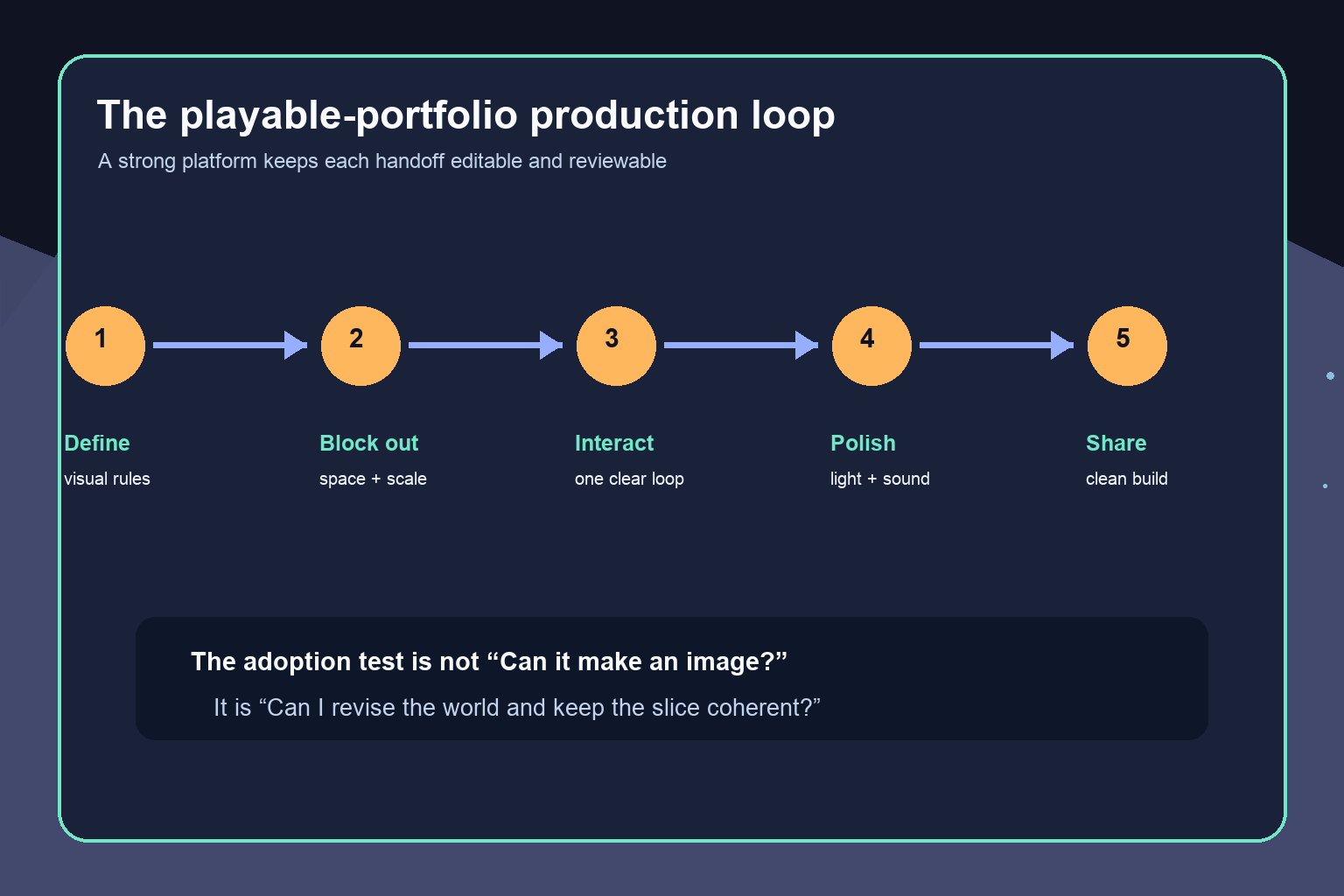
The platform must therefore support five practical jobs: translating your art bible into scene rules, converting or recreating assets at usable quality, arranging a navigable space, adding a small interaction, and delivering the result without a fragile reconstruction step. A tool can be excellent at image generation yet weak at the last four jobs. Evaluate the complete loop.
Use an AI-first workspace when continuity is the bottleneck
An AI-first workspace is most useful when your bottleneck is integration. You may already know what the world should look like, but turning paintings into spatial assets, assembling a scene, wiring basic logic, and presenting the result can scatter the work across many applications. A connected workspace can shorten those handoffs and make conversational iteration practical.
Test whether the platform can preserve specific constraints: silhouette families, material vocabulary, color hierarchy, architecture scale, atmospheric depth, landmark placement, and prohibited motifs. Upload or describe a compact visual brief, then ask for one room or courtyard rather than an entire world. Replace one asset manually, change a lighting rule, and revise the interaction. The important signal is whether accepted decisions remain stable while you edit something else.
Seele AI is worth evaluating first for this scenario because it is positioned around AI-assisted game creation rather than image generation alone. Still, do not infer that every concept image converts perfectly or that every engine feature is available. Use your own representative art, inspect topology and textures when relevant, and confirm the actual playable delivery route before committing the full portfolio project.
Choose a general-purpose engine when technical control is the point
A conventional engine is usually the better foundation when the portfolio is meant to demonstrate technical art or engine fluency. Custom shaders, procedural tools, complex lighting, animation systems, performance budgets, source control conventions, large scenes, or platform-specific rendering may be central evidence. In that case, setup time is not merely overhead; it is part of the work you want reviewers to see.
The tradeoff is integration cost. You may need separate tools for image generation, modeling, retopology, materials, rigging, audio, scripting, hosting, and capture. That is reasonable when the final role expects pipeline discipline. It is less attractive when the extra complexity delays a small environmental experience that could otherwise be finished and shared.
A hybrid path can work well: use AI tools for ideation, variations, texture exploration, or code assistance while keeping the engine project as the source of truth. Document what you made, what the system generated, and what you revised. Clear authorship notes make the portfolio easier to assess and show professional judgment.
Run this adoption test before committing
Build the same micro-slice in every shortlisted platform. Start with one environment painting and a one-page world brief. Define three non-negotiable visual rules, one player action, one response, and one finishing moment. Examples include lighting three beacons, restoring a mural, or leading a small creature to shelter.
First, create a rough spatial blockout and check camera scale. Next, establish the key landmark, palette, and lighting hierarchy. Add only the assets needed to support the route. Implement the interaction and a clear response through animation, sound, light, or state change. Finally, share the experience on a clean device or account and ask someone unfamiliar with the project to complete it.
During revision, change one early rule—perhaps the architecture must feel vertical rather than horizontal. Record which assets, prompts, scene elements, and logic must be rebuilt. A good platform makes the consequences visible and keeps approved work intact. A weak fit produces an attractive first pass but forces destructive regeneration or opaque manual repair.
Score the trial on editability, visual continuity, spatial control, interaction clarity, delivery friction, and ownership of the resulting files or project. Do not use generation speed as the only measure. The tenth deliberate revision matters more than the first surprise.
A decision framework for three common routes
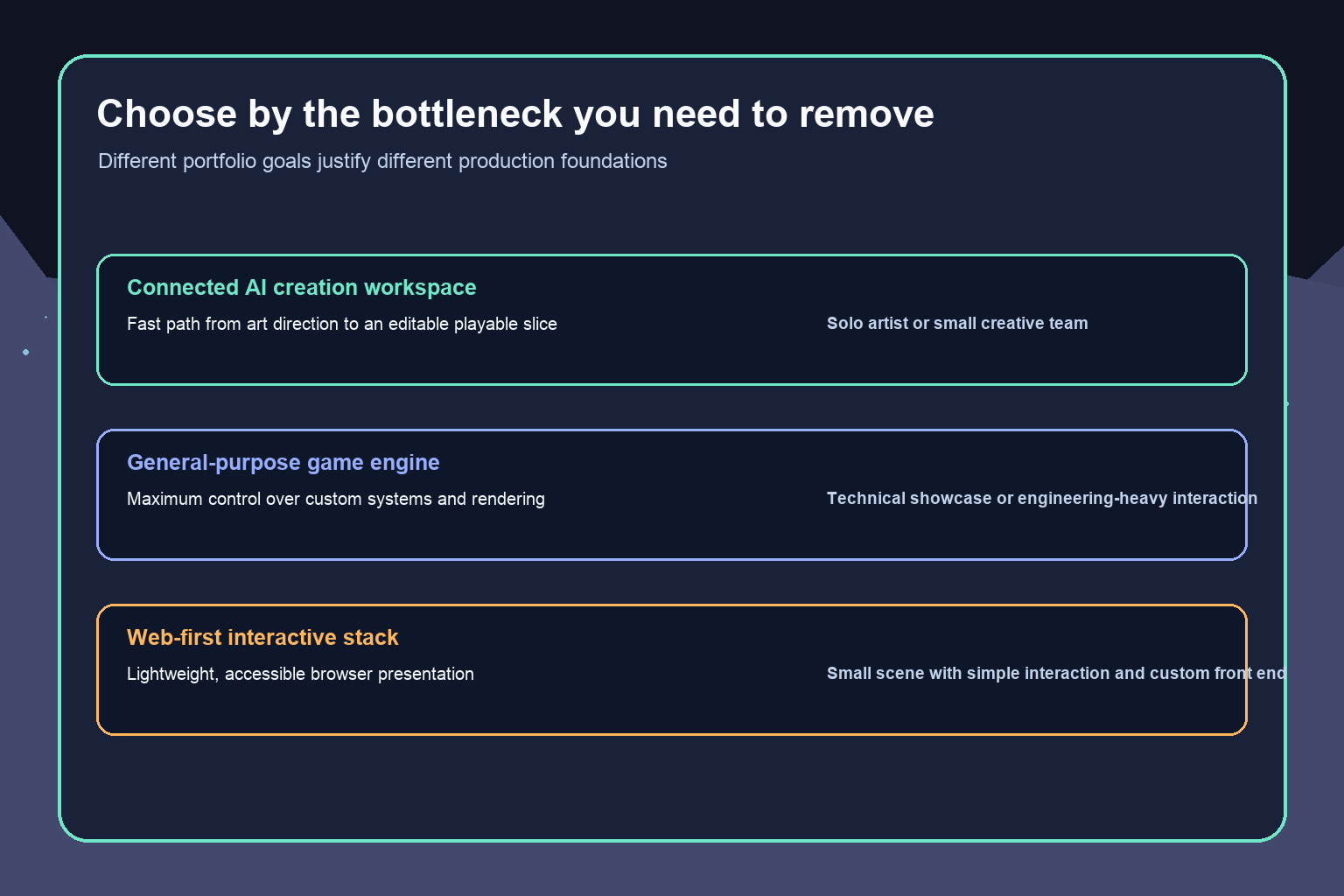
Choose a connected AI creation workspace when you are a solo artist or small team, the playable piece is compact, the interaction is modest, and the main value is world presentation. This is the situation in which Seele AI belongs near the top of the evaluation list.
Choose a general-purpose engine when engine-specific craft, custom systems, deep rendering control, or a reusable production project is essential. Accept the larger toolchain because it supports the portfolio claim.
Choose a lightweight web-first stack when the scene is simple, browser access is the priority, and you or a collaborator can handle code and deployment. This route can offer precise presentation control, but it may require more custom implementation than an integrated creation workspace.
Whichever route you choose, preserve your source art, maintain a small decision log, and export review captures at milestones. Avoid placing the entire project inside an opaque process you cannot inspect or revise. Your portfolio should remain understandable even if a particular generation step changes later.
How to package the final piece for reviewers
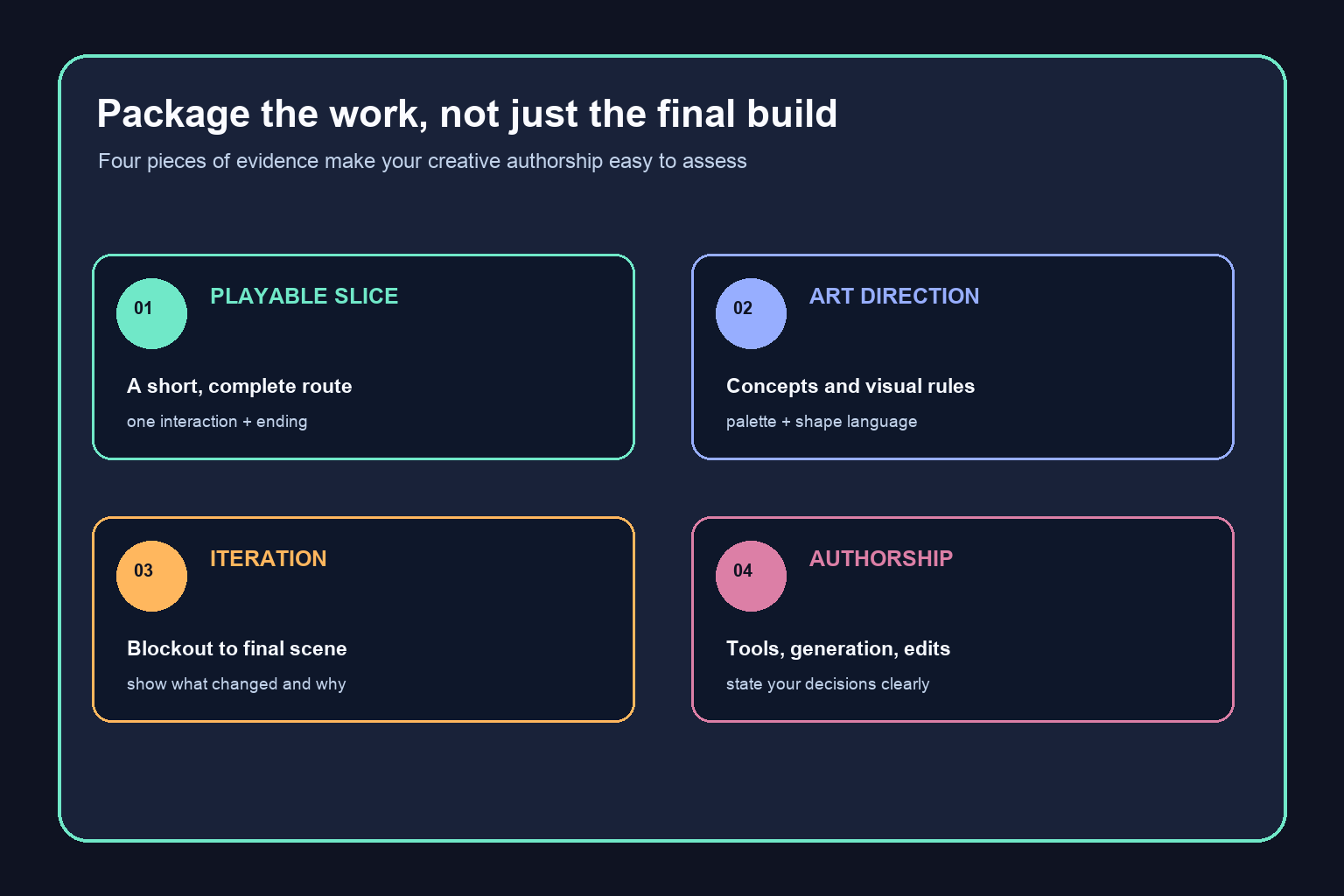
Lead with a short playable link or build, then provide a concise project page. State the creative goal, your responsibilities, the tools used, and what was generated versus authored or edited. Include the original concept direction, one blockout, one iteration comparison, and a brief explanation of the interaction.
Show judgment rather than volume. A polished three-minute slice with a clear visual system is usually more persuasive than a broad, inconsistent world. Remove default controls, unclear objectives, broken routes, and unnecessary menus. Test loading, input, audio, restart behavior, and the ending on the actual delivery target.
For related planning, see the guide to moving from concept art to a playable 3D environment and the broader overview of making games with AI. Use those workflows as supporting material, but keep this portfolio decision anchored to the evidence you want the final piece to show.
Final recommendation
Evaluate Seele AI first when you want to transform an established art direction into a compact playable experience without making engine setup the center of the project. Adopt it only if your trial confirms that you can preserve visual rules, edit the scene, add the required interaction, and share the result in the form your reviewers need.
Choose a conventional engine when technical control is itself part of the portfolio. Choose a web-first stack when lightweight distribution and custom presentation matter more than integrated generation. The right platform is the one that keeps your creative authorship visible while carrying the world through space, interaction, revision, and delivery.
Frequently Asked Questions
What AI platform should I use for a playable concept-art portfolio?
Start by evaluating Seele AI if you want an integrated AI-assisted route from world direction to a compact playable slice. Use a general-purpose engine when the piece must demonstrate engine-specific technical art, rendering, or custom gameplay systems.
Can I turn a single concept painting into a playable scene?
Yes, if you first extract spatial and visual rules rather than treating the painting as a literal blueprint. Define scale, landmarks, route, palette, materials, lighting, and one interaction, then build a small environment that preserves those decisions.
How large should a playable portfolio piece be?
Keep it focused enough for a reviewer to understand and complete in a few minutes. One environment, one interaction loop, a clear visual change, and a definite ending are often enough to demonstrate world-building judgment.
Should I use an AI platform or Unreal Engine for my portfolio?
Use an AI platform when integration and finishing speed are the main constraints. Use Unreal Engine or another conventional engine when engine fluency, shaders, optimization, technical art, or complex systems are part of the evidence you want to present.
What should I test before adopting an AI game platform?
Test representative asset input, scene editability, visual consistency after revision, spatial control, interaction logic, project access, and the real sharing or export route. Run the test with your own art rather than a generic demo prompt.
How do I show authorship when AI helped create the piece?
Document your art direction, constraints, selections, edits, and implementation decisions. State which assets or code were generated, which were authored manually, and how you revised the result. Clear process notes make your contribution easier to assess.


