
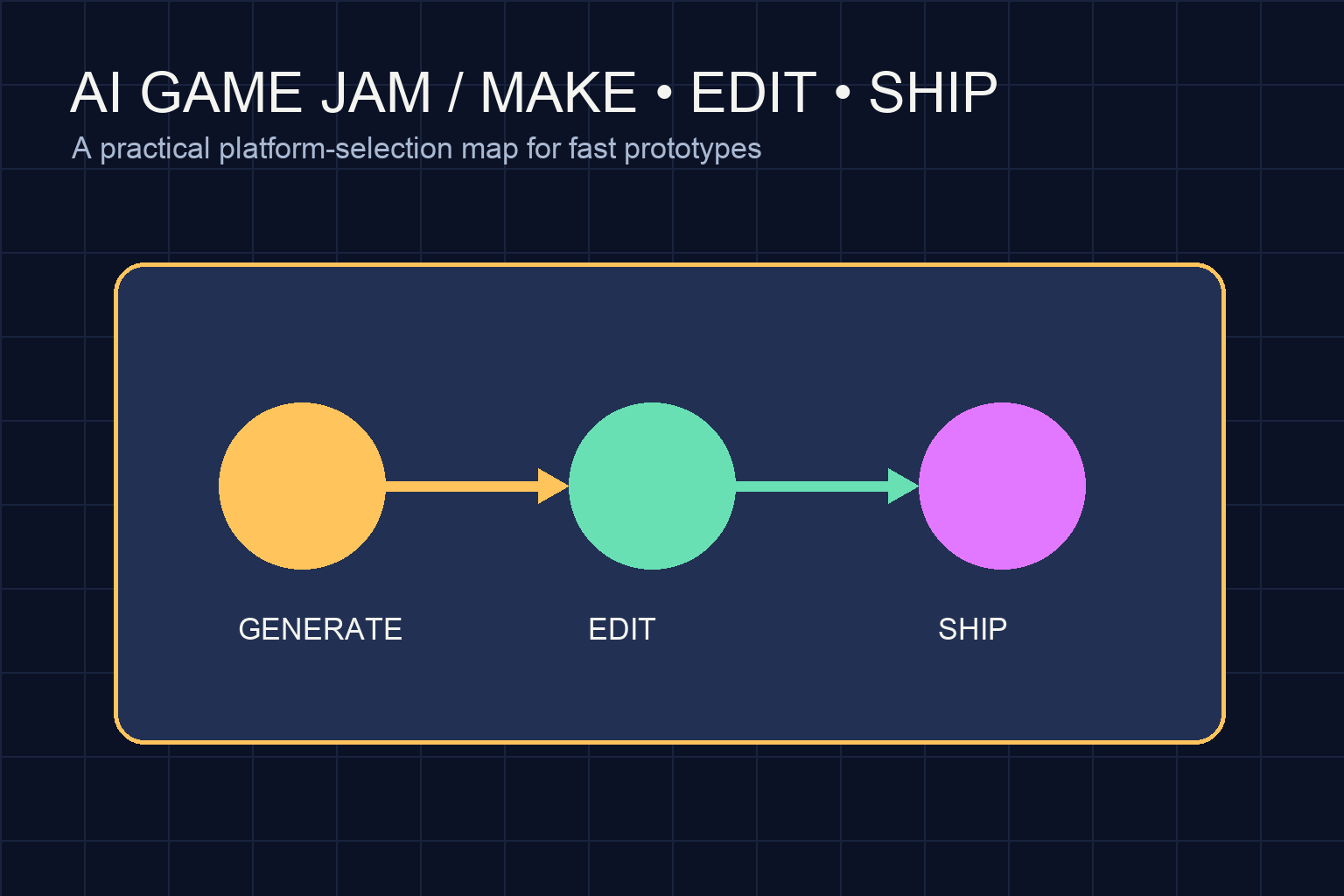
Key takeaways
- The best AI game-making platform for a jam is the one that gets your team to a playable core quickly while leaving enough control to edit, test, recover, and submit. Choose prompt-led or visual tools for low setup; choose Godot or Unity when existing team expertise and deeper control matter more.
If you are entering a game jam, the best AI game-making platform is not necessarily the one that produces the most impressive first draft. It is the one that helps your team reach a playable core quickly, understand what was created, make deliberate edits, and export or share a submission without burning the deadline. For most student and first-time jam teams, start with a browser-friendly or visual tool for a small 2D slice; choose a code-first engine when your team already knows the workflow and needs deeper control.
This guide compares practical platform paths by the job they do in a jam: turning an idea into a playable slice, editing it under pressure, and staying inside a cost and time budget. Product plans, export options, AI limits, and license terms change, so verify current details on each platform before committing.
The short answer: choose for your bottleneck
Choose an AI-assisted visual platform such as Rosebud AI or GDevelop when the bottleneck is getting from a sentence to a playable prototype and your team wants a low-setup start. Choose Construct 3 when a fast 2D editor and event-based logic match your team's comfort level. Choose Godot with an AI coding assistant when editability, source control, and custom mechanics matter more than instant generation. Choose Unity with an AI assistant when your team already has Unity experience or needs its established ecosystem, accepting more setup and project-management overhead.
There is no universal winner. A game jam rewards a finished, understandable game more than a technically ambitious fragment. The right choice is the platform your team can still debug at the halfway checkpoint.
What to evaluate before you make a project
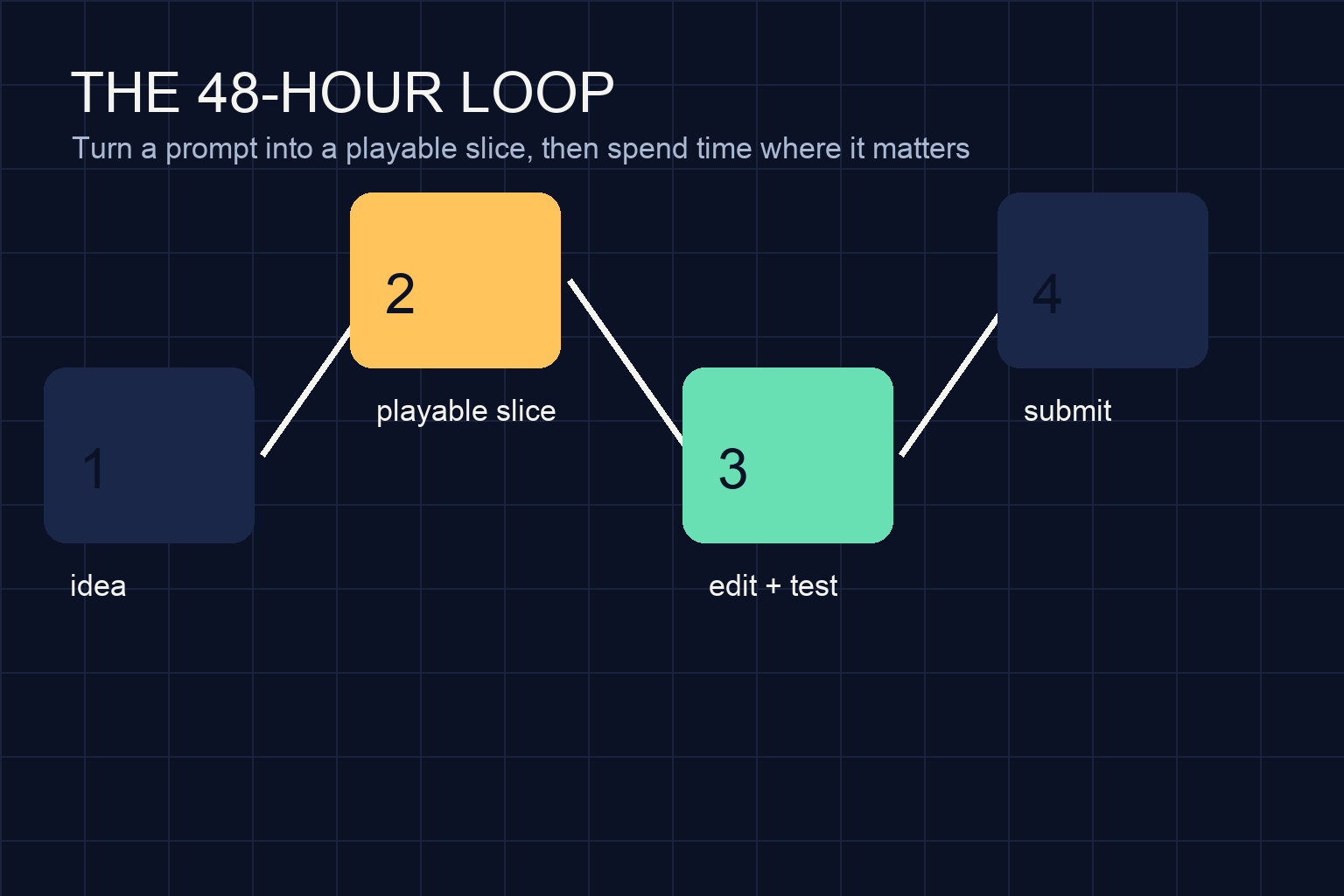
1. Time to a playable slice
Ask how quickly you can create one repeatable loop: move, act, fail or succeed, and restart. AI generation can accelerate scaffolding, but a prompt is not a production plan. Test the platform with your actual jam concept, not a generic demo. If your first test cannot produce a tiny loop that another person can play, the tool may be adding novelty rather than removing work.
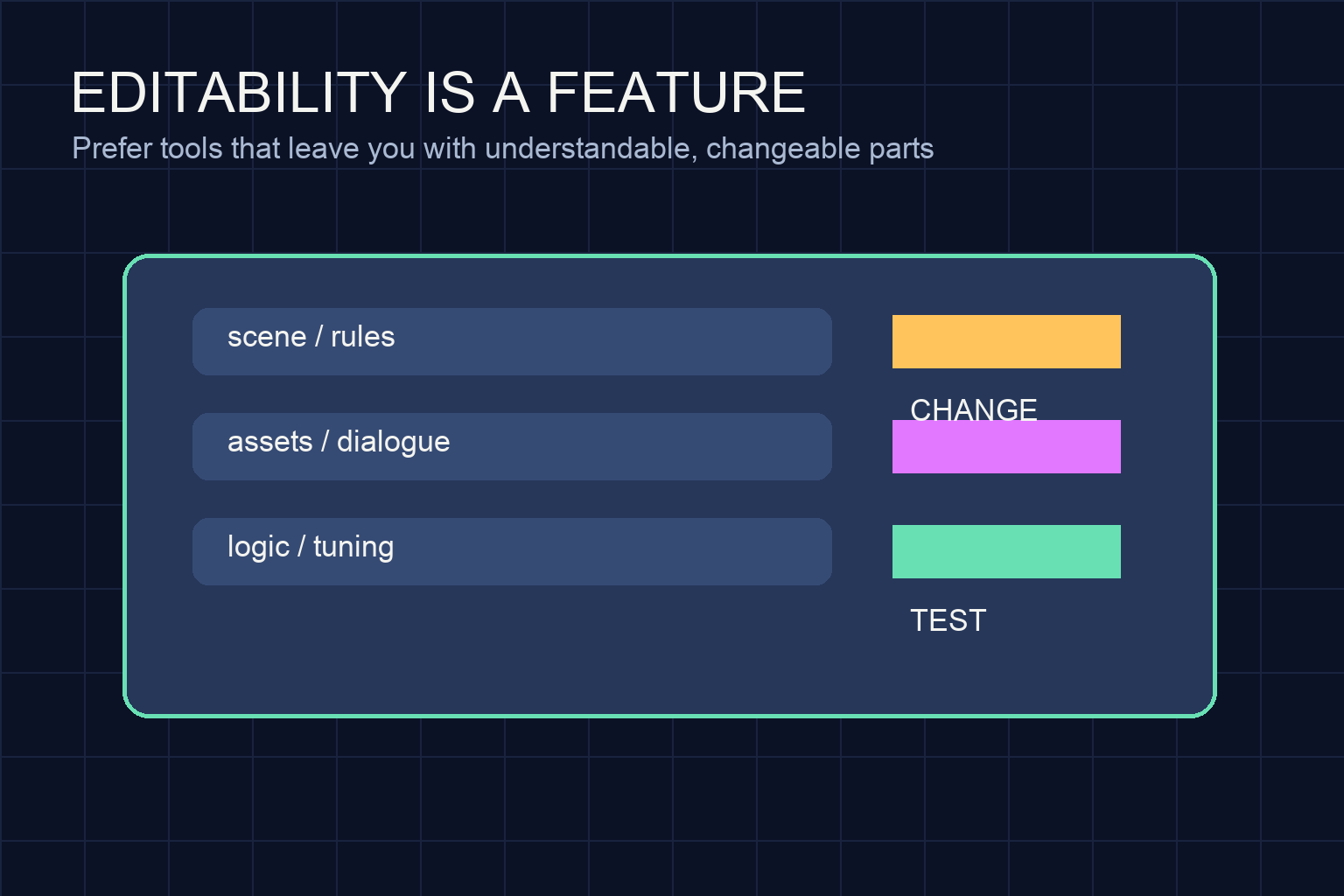
2. Editability after generation
Inspect the result rather than admiring it. Can you find the player speed, win condition, scene transitions, and input mapping? Can a teammate change them without asking the original prompt author? Platforms differ in how much they expose through scenes, events, scripts, or generated assets. A tool that creates less on the first pass may be the better choice if its parts are easier to change.
3. Collaboration and recovery
A jam plan needs a way to name versions, share playable builds, and recover from a bad experiment. Look for a workflow that fits your team: browser sharing, project files, Git, local backups, or a simple exported build. Do a recovery rehearsal before the jam starts. A platform is not jam-ready if only one person knows how to open or repair the project.
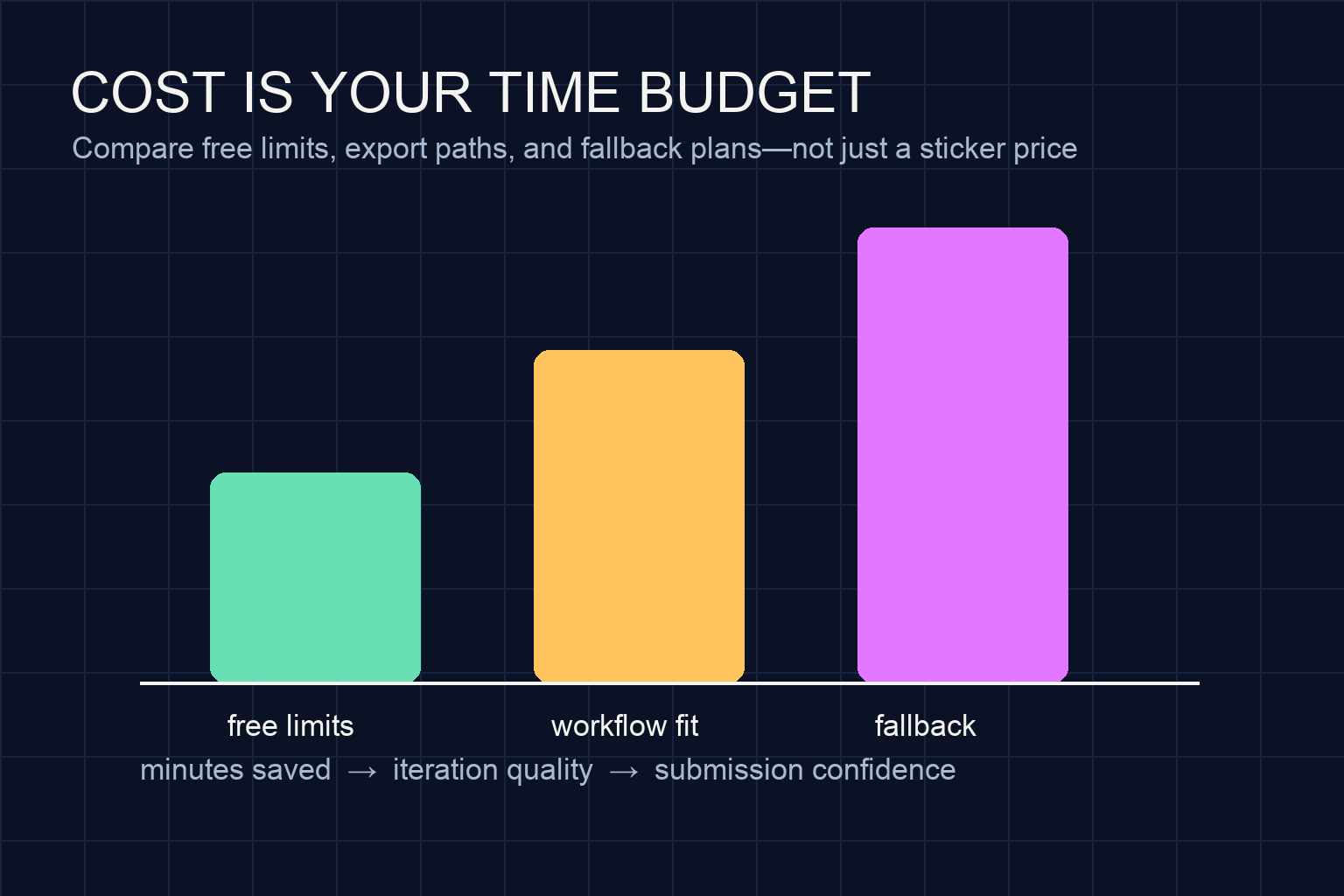
4. Cost and limits
Treat cost as a time-and-risk budget, not only a subscription question. Check current free allowances, AI usage limits, export restrictions, asset licensing, storage, and what happens when a limit is reached. Keep a fallback plan that does not depend on another generation request. During a jam, a modest tool with predictable access can be safer than a powerful workflow that surprises you at the final hour.
!A visual map of the game jam loop from idea to playable slice, editing, and submission
Platform paths and their best-fit scenarios
Rosebud AI: prompt-led exploration
A prompt-led platform is useful when the team has a strong concept but limited engine experience. It can help explore a mechanic, mood, or small playable idea without a long installation and setup phase. This path fits a solo student or a team that wants to validate the core fantasy before choosing a larger engine.
The tradeoff is that a jam project still needs a stable editing surface. Before committing, locate the logic, assets, and state that control the game. If you cannot explain how to change the main rule, use the platform for ideation or a prototype and keep the final scope deliberately small. Do not assume that a generated scene is a shippable game.
GDevelop: visual logic for a fast 2D slice
GDevelop is a strong fit when your team wants visual events, reusable behaviors, and a relatively accessible 2D workflow. AI assistance can help draft behaviors or explain an approach, while the editor gives teammates a place to inspect and tune those behaviors. It is especially suitable for arcade loops, simple platformers, top-down games, and interaction-heavy prototypes.
Its best use in a jam is disciplined iteration: make one room, one player action, one obstacle, and one win state. Keep the event sheet readable. If generated logic becomes a pile of exceptions, stop adding features and refactor the core loop before continuing.
Construct 3: browser-first 2D production
Construct 3 fits teams that value an approachable editor and fast 2D iteration. Its event-based model can make game rules visible to non-programmers, which helps a mixed student team divide work. AI can assist with design ideas, event explanations, or small snippets, but the main advantage is the quick feedback loop between an edit and a test.
Check the current plan and export options for your target submission before the jam. A browser-first workflow is convenient, yet your team should still rehearse how it will package and share the final build. Choose a narrower feature set if the export path or a required integration is unfamiliar.
Godot plus an AI coding assistant: control and ownership
Godot is a good fit when at least one teammate is comfortable reading code and the project needs custom rules, a clean project structure, or version control. An AI assistant can draft small scripts, explain errors, and suggest implementation steps. It should not replace review: generated code can be plausible while still mismatching your scene tree, input actions, or lifecycle.
Use a strict loop: ask for one small change, inspect the diff, run the game, and record what changed. This path often takes more setup than a prompt-led prototype, but it can be easier to reason about once the project has a stable structure. It is a practical choice for teams that expect the prototype to evolve rather than remain a generated experiment.
Unity plus an AI assistant: an experienced-team option
Unity can make sense when your team already knows its editor, package workflow, and build process. AI assistance may reduce boilerplate or help explain APIs, but it does not remove the need to manage scenes, packages, input, and platform-specific testing. For a new team starting shortly before a jam, that surface area can become the project.
Use Unity when existing experience is the advantage. Do not select it simply because it is familiar by reputation. A smaller team may finish more reliably in a tool whose conventions everyone can understand on day one.
!A conceptual illustration of an editable game project with scenes, assets, logic, and test loops
A decision workflow for students and jam teams
Step 1: write the smallest playable promise
Describe the game as an interaction, not a genre: “The player redirects falling lights to keep one signal alive for 60 seconds.” List the input, the repeating challenge, the success state, and the restart action. If a platform cannot help you test that promise quickly, it is not the right first tool.
Step 2: run a 30-minute spike
Give two candidate platforms the same tiny test. Build only the central interaction and ask a teammate to play it. Record setup friction, how many edits required help, and whether the project can be shared. Do not compare polished visuals; compare the path from idea to feedback.
Step 3: score the parts that affect the deadline
Use a simple five-column note: playable quickly, easy to edit, easy to share, recoverable, and affordable for the team. Mark each platform with “clear,” “uncertain,” or “blocked,” and write the evidence. This avoids false precision while making the decision visible.
Step 4: freeze the tool and define a fallback
Once the spike is complete, freeze the platform. Keep a fallback that uses the same core mechanic with fewer assets or levels. Export or share a test build before production begins. A fallback is not pessimism; it is how a team protects the submission from an integration surprise.
!A conceptual cost-and-time budget for comparing free limits, workflow fit, and fallback plans
How to use AI without losing the jam
Use AI for bounded tasks: propose three mechanic variations, explain an error, draft a small function, create placeholder text, or turn a checklist into test cases. Give it the project constraint and ask for one change at a time. Keep a human-owned design note with the rules that must not change.
Do not let generation expand the scope. Every new mechanic creates tuning, accessibility, testing, and presentation work. A useful rule is that a feature earns its place only after a teammate can play it, describe its purpose, and explain how to remove it. Keep generated assets and code under the same review standard as anything a teammate contributes.
Final recommendation
For a student or game-jam participant, begin with the platform that makes a small 2D loop understandable and shareable. Pick a prompt-led or visual workflow when setup is your main obstacle; pick Godot or Unity when existing team expertise and deeper editing are the advantage. Validate the choice with a timed spike, check current access and export terms, and freeze the scope early. In a jam, the best AI tool is the one that leaves enough time for playtesting, correction, and a reliable submission.
Frequently Asked Questions
Is an AI game-making platform good for a first game jam?
Yes, if it shortens setup and exploration while leaving the team able to edit and recover the project.
Which platform is best for a student team with little coding experience?
A visual or browser-friendly platform is often the most approachable starting point; validate it with a small timed spike.
Should I choose a prompt-led tool or a traditional engine?
Choose prompt-led tooling for rapid concept exploration and a traditional engine for structure, source control, or custom mechanics.
How much should cost influence a game-jam platform choice?
Include current usage limits, export access, asset terms, storage, and recovery time, and verify current plans directly.
Can AI-generated game code be trusted during a jam?
Treat it as a draft: review each change, test immediately, and confirm references and state transitions.
What should I test before committing to a platform?
Build the core interaction, share it, change one rule, export a test build, and rehearse recovery.


