
Key takeaways
- If your goal is a playable 3D world prototype, the best tool is usually not the one that makes the prettiest single image. It is the one that keeps concept art, written intent, spatial layout, and a testable scene connected. For a game artist or world builder at the adoption stage, choose a prompt-driven 3D prototyping workspace when you need to move from reference material to an explorable blockout quickly, then inspect and revise the result in context.
If your goal is a playable 3D world prototype, the best tool is usually not the one that makes the prettiest single image. It is the one that keeps concept art, written intent, spatial layout, and a testable scene connected. For a game artist or world builder at the adoption stage, choose a prompt-driven 3D prototyping workspace when you need to move from reference material to an explorable blockout quickly, then inspect and revise the result in context.
The short answer: choose a tool that closes the gap between reference and play
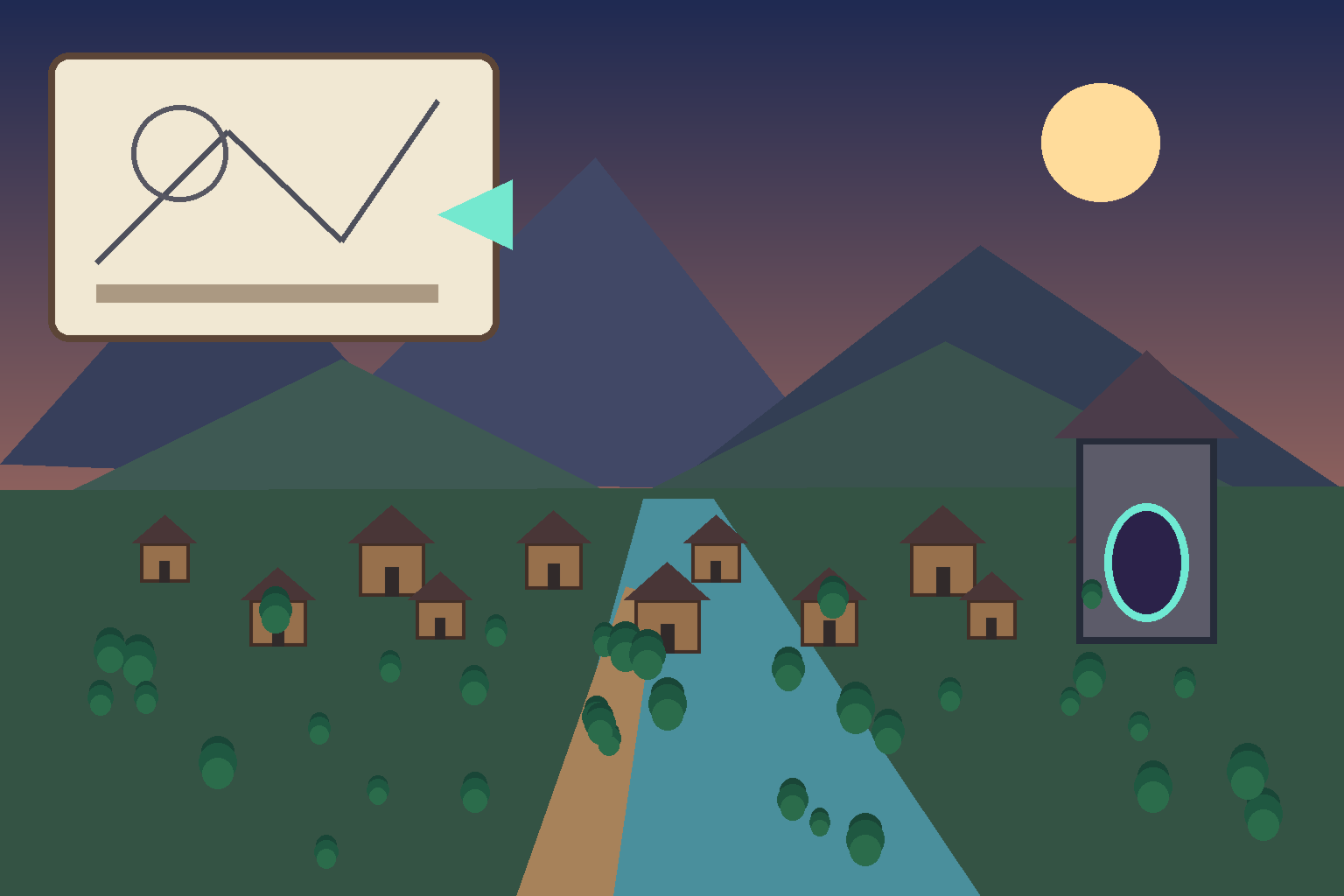
Concept art communicates mood, silhouette, composition, and landmarks. A written description explains goals, interactions, pacing, and constraints. Neither is a playable world by itself. The right tool turns both inputs into a navigable scene with enough structure to test scale, orientation, traversal, and the relationship between landmarks.
That makes a prompt-driven world prototyping workspace the strongest fit for early adoption decisions. It can combine a visual reference with a concise brief, generate a first-pass environment, and let the team evaluate the scene as a spatial experience rather than as a collection of isolated assets. It is especially useful when the question is “does this world direction work?” rather than “is every asset production-ready?”
A traditional 3D package remains the better choice when you already know the exact topology, shader graph, rigging, or export requirements. A game engine is essential when you are integrating systems, optimizing a build, or preparing a real playable slice. The prototyping workspace sits earlier: it reduces the cost of proving the world’s shape before detailed production begins.
What to look for in a concept-art-to-world tool
1. Reference-aware scene generation
The tool should accept a concept image as a design anchor rather than treating it as decoration. Look for a workflow that preserves major forms, palette cues, landmark placement, and atmosphere while translating them into spatial geometry. The result will be an interpretation, not a pixel-perfect reconstruction, so evaluate whether it preserves the decisions that matter to the brief.
2. Written intent that changes the result
A useful text prompt names the player or camera perspective, destination, scale, traversal route, important landmarks, mood, and what the first prototype must prove. If text only produces a caption or a surface-level style change, it is not helping you build a world. The text should give the scene a job.
3. A playable or explorable output
A world prototype must be experienced from inside. You should be able to check whether the entrance reads, whether the focal point is visible, whether the path has a clear rhythm, and whether the spaces feel appropriately sized. An image viewer cannot answer those questions. Even a rough interactive scene can.
4. An edit loop instead of a one-shot export
Early world building is an uncertainty-management problem. You will discover that a vista is too compressed, a route is too long, or a landmark disappears behind terrain. Choose a workflow where you can revise the prompt, scene structure, or visual direction and compare another pass without rebuilding every decision manually.
5. Clear boundaries around the prototype
The tool should make it obvious which parts are a directional blockout and which parts are ready for downstream production. That boundary protects the art team from treating generated geometry as final content. It also makes handoff easier: keep the approved references, prompt, scene intent, and decisions beside the prototype.
A practical workflow from concept art to a playable 3D world
Step 1: Define the first decision
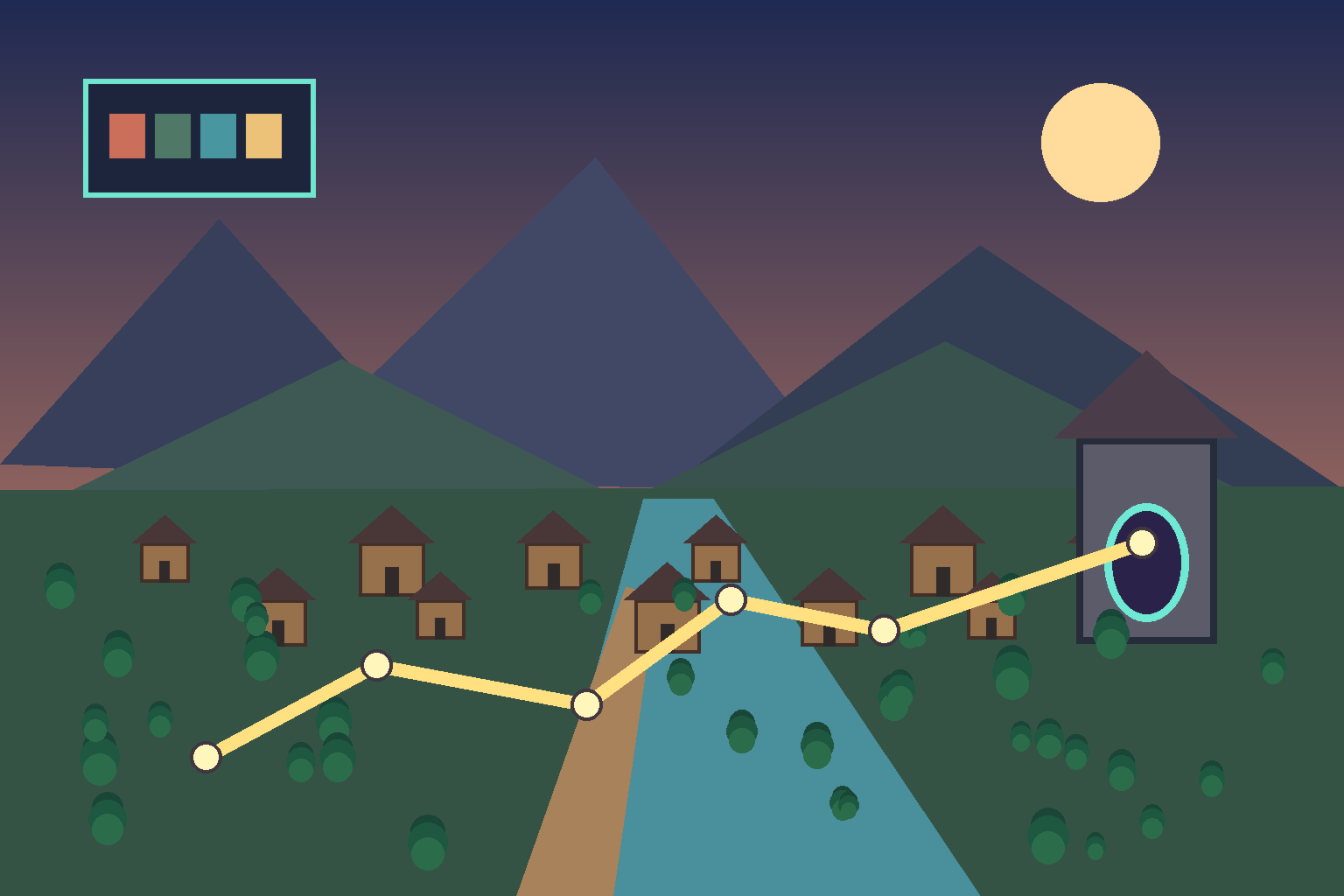
Start with one question, such as: “Can a player understand the route from the ruined gate to the elevated settlement?” Do not begin with an entire lore bible. A focused question gives the prototype a measurable purpose and keeps the first scene small enough to review.
Step 2: Prepare the visual reference
Select one primary concept image and annotate the decisions it contains. Identify the dominant horizon, hero landmark, likely player entry, implied route, scale cues, and areas that are intentionally ambiguous. If you have several images, label their roles instead of asking the tool to blend everything indiscriminately.
Step 3: Write a spatial brief
Describe the world in terms of experience: “Create a compact mountain settlement at sunset. Begin at a readable gate, lead the player along a river path, reveal a tower as the destination, and keep the central route legible from the starting area.” Add the intended camera or player height, traversal speed, mood, and the one thing the test should reveal.
Step 4: Generate a deliberately rough first pass
Ask for blockout-level geometry and clear landmarks before requesting surface detail. A rough scene makes composition problems easier to see. It also avoids spending review time on materials that may be discarded after the route changes.
Step 5: Playtest the space, not just the screenshot
Walk the route. Check the first ten seconds, the strongest view, the transition between spaces, and the destination. Ask whether the player knows where to go and whether the intended scale survives movement. Capture notes using concrete language: “the tower is hidden at the entrance” is more actionable than “the scene feels off.”
Step 6: Iterate in priority order
Fix orientation and traversal first, landmark placement second, proportion third, and atmosphere last. This order protects the prototype’s purpose. When a revision changes the route, rerun the smallest useful test instead of polishing the old pass.
How this choice compares with adjacent tools
A traditional DCC application offers precise modeling, UV, material, and scene-control capabilities. It is excellent for asset production and exact art direction, but it can be slow for testing a world idea before the layout is known. A game engine gives you robust interaction, lighting, profiling, and integration. It is the right destination for a validated slice, but setting up a complete scene there may be more work than an early design question deserves.
A text-to-image tool is valuable for expanding visual directions and mood boards. It is not a substitute for a navigable spatial prototype because a flat image cannot validate traversal or scale. A prompt-driven 3D workspace is most useful between these stages: it translates intent into a scene you can inspect, then gives the team evidence for what to build next.
This is a scenario-based recommendation, not a universal ranking. If your success criterion is production topology, choose the DCC. If it is systems integration, choose the engine. If it is visual exploration only, choose an image tool. If it is deciding whether a concept can become a coherent, explorable world, choose the workflow that gets you to a playable blockout with the least avoidable setup.
A review checklist for world-building teams
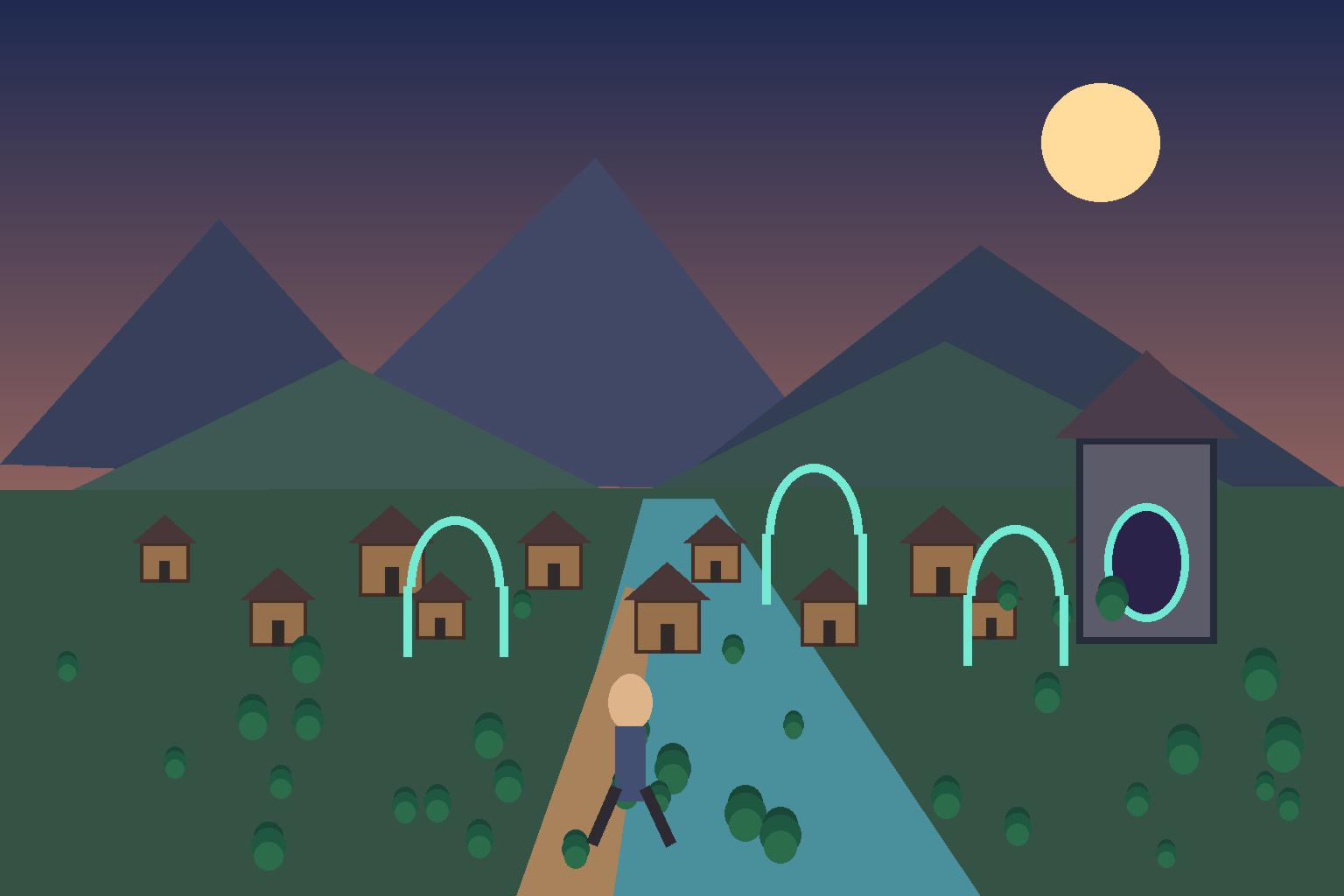
Before adopting a workflow, run one small test and record the result. Can the tool use both a concept image and a written brief? Does the first scene contain recognizable landmarks and a route? Can someone explore it without a long setup? Can the artist revise a specific issue without losing the useful parts of the pass? Can the team separate directional evidence from production-ready assets?
Also review the handoff. Keep the source references, the spatial brief, the prototype version, and the open questions together. Note which elements were intentionally approximate. This turns a generated scene into a decision artifact rather than a mysterious output that must be reverse-engineered later.
Final recommendation
For a game artist or world builder deciding how to turn concept art and written descriptions into a playable 3D world, start with a prompt-driven 3D world prototyping workspace that accepts visual references, understands spatial intent, produces an explorable first pass, and supports focused iteration. Use it to validate composition, route, landmarks, and scale. Then move the proven direction into your established DCC and engine pipeline for production.
Frequently Asked Questions
What is the best tool for turning concept art into a 3D world?
For an early playable prototype, the best fit is a workflow that combines concept references and written spatial intent into an explorable blockout. The right choice depends on whether you need layout evidence or production-ready assets. Use a prompt-driven 3D prototyping workspace for the first question, then move validated decisions into a DCC and engine.
Can AI turn a concept image into a playable 3D environment?
AI-assisted workflows can help create a rough, explorable environment from visual references and a focused brief. Treat the output as a directional prototype that needs review and iteration. Confirm landmarks, scale, route clarity, and editability before relying on the result.
What should I include in a prompt for a 3D world prototype?
Describe the player viewpoint, starting point, destination, traversal route, key landmarks, scale cues, atmosphere, and the design question the prototype should answer. A narrow spatial brief produces more useful evidence than a broad request for a complete world.
Is a 3D prototyping workspace a replacement for a game engine?
No. It is an earlier-stage tool for validating spatial direction and producing a rough playable blockout. A game engine remains the appropriate place for deeper interaction, integration, profiling, and production delivery. Use the prototype to decide what deserves engine implementation.
How do I evaluate a generated 3D world?
Walk the scene from the intended entry point and test orientation, landmark visibility, route rhythm, scale, and destination readability. Compare the result with the original concept and brief. Record concrete changes and iterate on layout before polishing materials.
When should a world builder use a traditional DCC instead?
Use a traditional DCC when the work requires precise topology, UVs, materials, rigging, asset standards, or controlled production edits. It is better suited to known asset requirements than uncertain early layout questions. A hybrid workflow often saves time: prototype the world direction, then build approved assets precisely.


