Flipbook animation works because it makes motion visible one decision at a time. Instead of jumping straight from an idea to a finished animation, you plan a small sequence of poses that a viewer can read quickly: anticipation, action, follow-through, and the moment where the loop resets. For game creators, that same structure is useful even when the final result becomes a sprite animation, a cutscene beat, or a short interactive intro.
Start with one readable motion idea
A strong flipbook concept usually begins with a single action that can be understood in less than three seconds. A tiny hero hops over a gap. A slime squashes, stretches, and springs back into shape. A paper dragon unfolds its wings. A treasure chest shakes, pops open, and releases a burst of light. These ideas work because the viewer can recognize the before state, the change, and the result without needing extra explanation.
When you use Seele AI for this planning step, describe the subject, action, style, and loop point together. A useful prompt is not just “make a flipbook animation.” It is closer to: “Create a flipbook-style loop of a tiny adventurer jumping across three floating platforms, with chunky pixel art, clear anticipation, and a satisfying landing pose.” That gives the workspace enough creative direction to produce a brief you can review, adjust, and turn into scene planning.
Choose the frame beats before adding detail
The fastest way to make a flipbook idea feel coherent is to name the key beats. For a jump, those beats might be idle pose, crouch, takeoff, midair stretch, peak, fall, squash landing, and return to idle. For a magical door, they might be closed door, glowing outline, first crack, widening portal, light spill, full reveal, and calm loop reset. You do not need final art at this stage. You need a motion map.
This is where AI-assisted planning is useful. Ask for key poses, not a polished asset first. A prompt such as “Break this flipbook animation into eight key frames with pose notes, timing, and a loop reset” gives you something that can be checked. If a beat feels unclear, you can revise only that part instead of restarting the whole animation direction.
Use flipbook ideas as game-scene starters
Flipbook animation ideas become more valuable when they connect to a playable moment. A bouncing slime can become an enemy idle loop. A waving flag can mark a checkpoint. A hand-drawn portal can become a level transition. A paper airplane unfolding into a spaceship can become the opening beat for a small arcade prototype. The goal is not only to make motion; it is to find a visual hook that can carry gameplay or atmosphere.
For game ideation, write prompts that include the gameplay role. Try: “Plan a flipbook-style idle and attack loop for a mushroom guardian in a cozy forest platformer.” Or: “Create a frame-by-frame direction for a magic book opening and spawning a puzzle room.” These prompts tell the system what the animation is for, which makes the output easier to reuse in a scene brief, level concept, or prototype handoff.
Keep loops short, clear, and easy to revise
Most first-pass flipbook loops should stay small. Six to twelve key frames are enough for many visual ideas. If the sequence needs too many beats, split it into separate actions: idle, start, impact, recovery, and loop. This keeps each motion understandable and makes review easier for artists, designers, or product teams.
A practical review checklist is simple. Can someone understand the action from the key poses alone? Is the strongest silhouette visible in the middle of the motion? Does the loop reset cleanly? Is there one frame that feels like the payoff? If the answer is no, revise the motion plan before polishing color, texture, or effects.
Prompt examples for different flipbook styles
For a hand-drawn adventure style, use: “Create a flipbook animation plan for a pencil-sketched explorer opening an ancient map, with eight frames, clear hand motion, warm paper texture, and a loop that returns to the map resting on the table.”
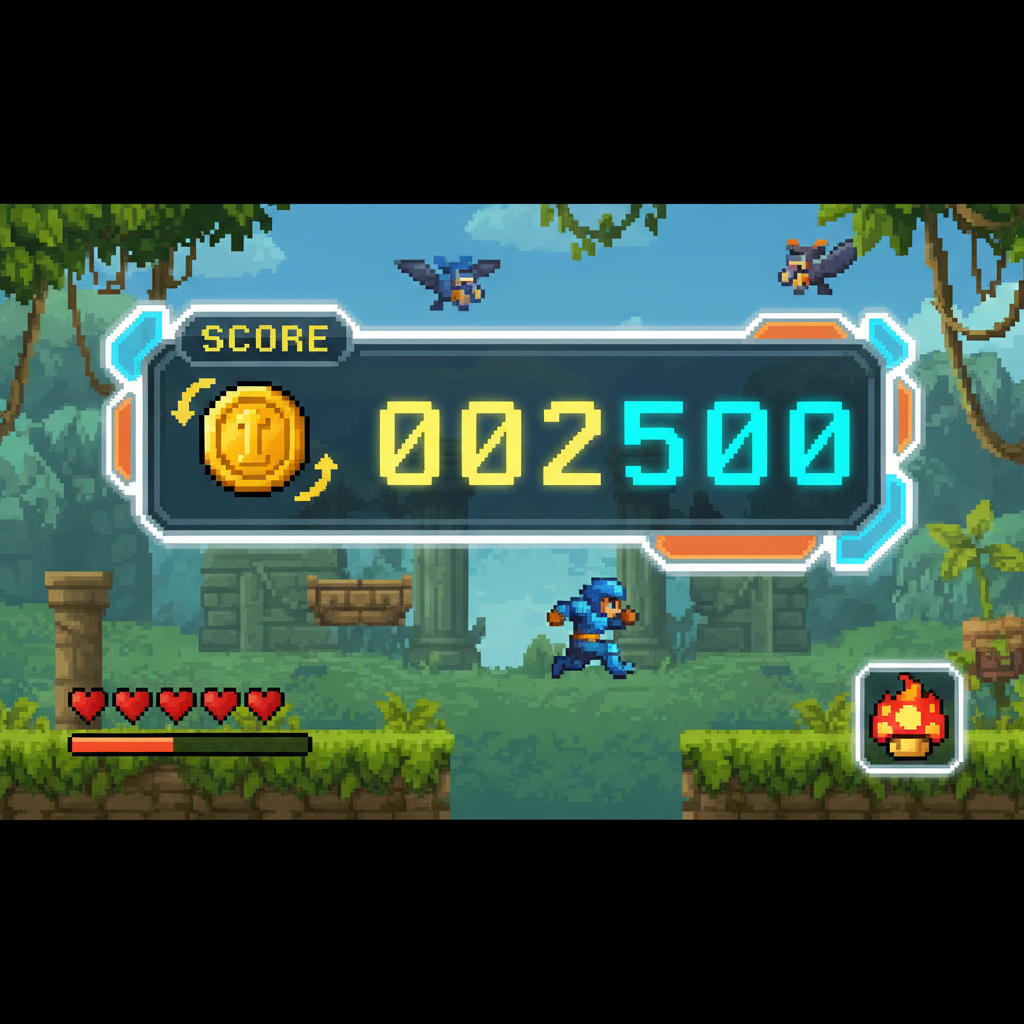
For a pixel game style, use: “Design a twelve-frame pixel-art flipbook loop for a tiny robot powering up, including anticipation, glowing eyes, shoulder movement, sparks, and a clean return to idle.”
For a cozy creature scene, use: “Plan a flipbook-style animation of a round forest spirit blinking, stretching, and hopping onto a mossy stone, with soft timing notes and a readable silhouette for each key frame.”
For a UI reward moment, use: “Create a flipbook animation direction for a treasure badge popping open after a quest, with squash and stretch, sparkle timing, and a short loop suitable for a game reward screen.”
Common mistakes to avoid
The most common mistake is asking for too much at once: a full story, detailed art style, multiple characters, camera movement, and production-ready frames in one pass. Start with the core motion. Add visual polish after the sequence works.
Another mistake is forgetting the loop reset. A flipbook-style animation often feels broken when the final frame does not naturally return to the first frame. Include the reset in the prompt: “end on a pose that can loop back to the idle frame.”
A third mistake is treating every frame as equally important. Good motion has hierarchy. One or two frames should carry the strongest read: the crouch before a jump, the impact after landing, or the bright reveal of a portal.
How to continue in Seele AI
Use the article idea as a prompt seed, then ask Seele AI to turn it into a structured creation direction. Start with the motion, ask for key frames, then ask how that motion could support a game scene. If the result is promising, continue by asking for level context, character behavior, UI reward timing, or a prototype brief.
The best flipbook animation ideas are small enough to review and strong enough to suggest a world. When the loop has a readable action, a clear payoff, and a practical role in a scene, it becomes more than an animation exercise. It becomes a fast path from visual idea to playable direction.
FAQ
What is a flipbook animation idea?
A flipbook animation idea is a short motion concept planned as a sequence of readable key frames. It can be used for hand-drawn loops, sprite animation planning, game UI moments, character idles, transitions, or visual prototypes.
How many frames should a first flipbook concept use?
For early planning, six to twelve key frames are usually enough. The goal is to make the action readable before investing in final polish, cleanup, or production timing.
Can I use flipbook animation ideas for game creation?
Yes. Flipbook-style planning is useful for character loops, enemy tells, reward animations, portal transitions, environmental motion, and short intro beats that help define the mood of a game scene.
What should I include in a Seele AI prompt?
Include the subject, action, style, number of key frames, timing notes, and the loop reset. If the animation supports a game scene, include its role, such as idle loop, attack tell, reward moment, or level transition.