Guide
Quick Answer: flipbook infinite visual game assets
A flipbook infinite visual game assets is a compact visual system: every frame changes like a page in a handmade flipbook, yet the sequence returns to its first moment so the viewer feels an endless loop. This article is for creators, game artists, social editors, and AI video makers who need a practical way to plan the effect before spending time on generation or editing.
Quick answer: use a flipbook infinite visual when the viewer should notice transformation, rhythm, and replay value in 3–6 seconds. Use a storyboard, lock the first and last frame, generate or draw consistent keyframes, then test the seam at normal speed and at half speed.
Key Takeaways
- A strong loop usually has 6 anchor frames, 24–72 production frames, and 3–6 seconds of runtime.
- The first and last frame must match in silhouette, scale, lighting, and camera position.
- AI generation works best when prompts specify subject, transition logic, style, aspect ratio, and “last frame reconnects to first frame.”
- A useful guide should answer the query directly and give concise summaries that are easy to cite.
Where Infinite Flipbook Loops Fit in Games
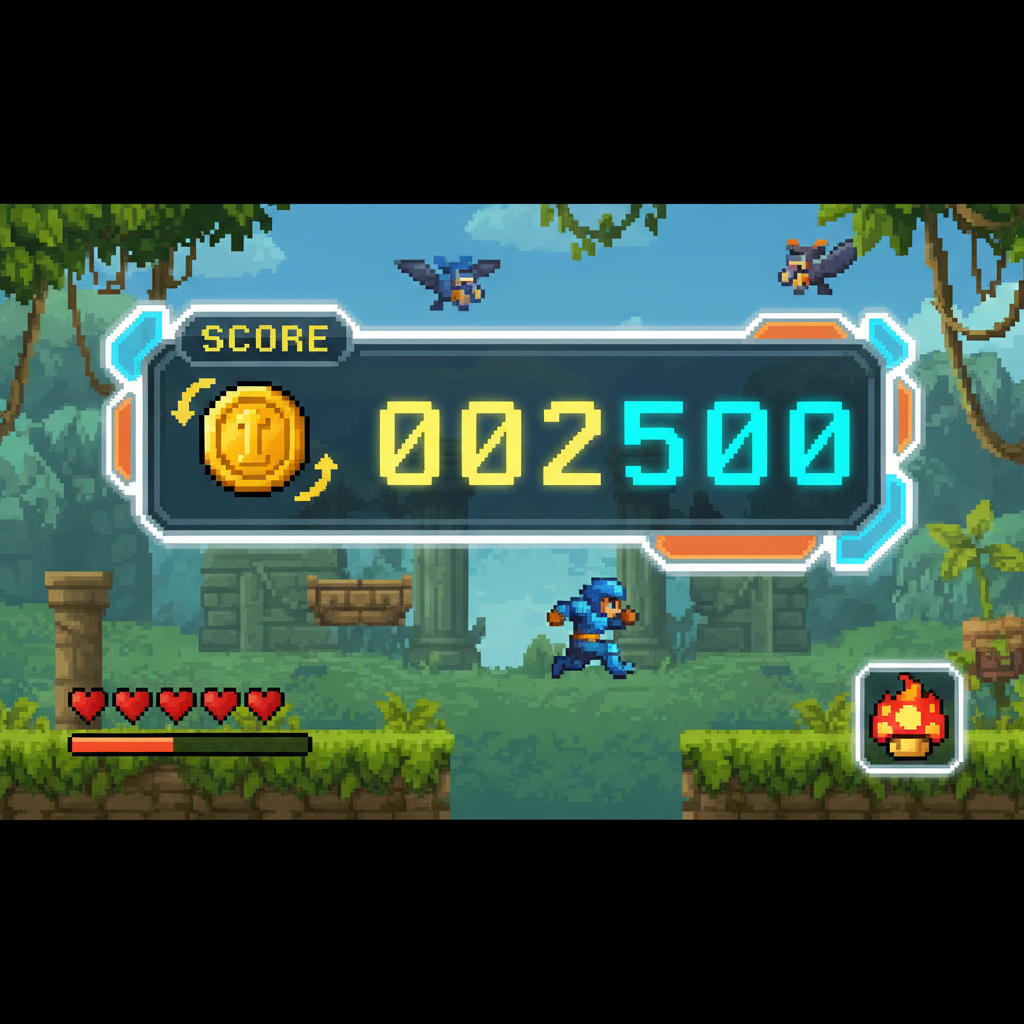
Game teams can use a flipbook infinite visual as a portal, spell effect, idle collectible, loading screen, menu background, NPC thought bubble, or animated tutorial card. The format works because it communicates change without requiring a long cutscene.
Sprite Sheets and Looping VFX
For 2D games, export a transparent PNG sprite sheet when possible. A 4x6 sheet gives 24 frames; an 8x8 sheet gives 64 frames. Keep the pivot point stable so the loop does not shake in-engine.
Interactive Portals and Loading Screens
Infinite flipbooks are effective for portals because the animation can hide loading or transition time. Use brighter frames at the midpoint and quieter frames at the seam so the restart feels intentional.
Using SEELE to Generate Game-Ready Assets
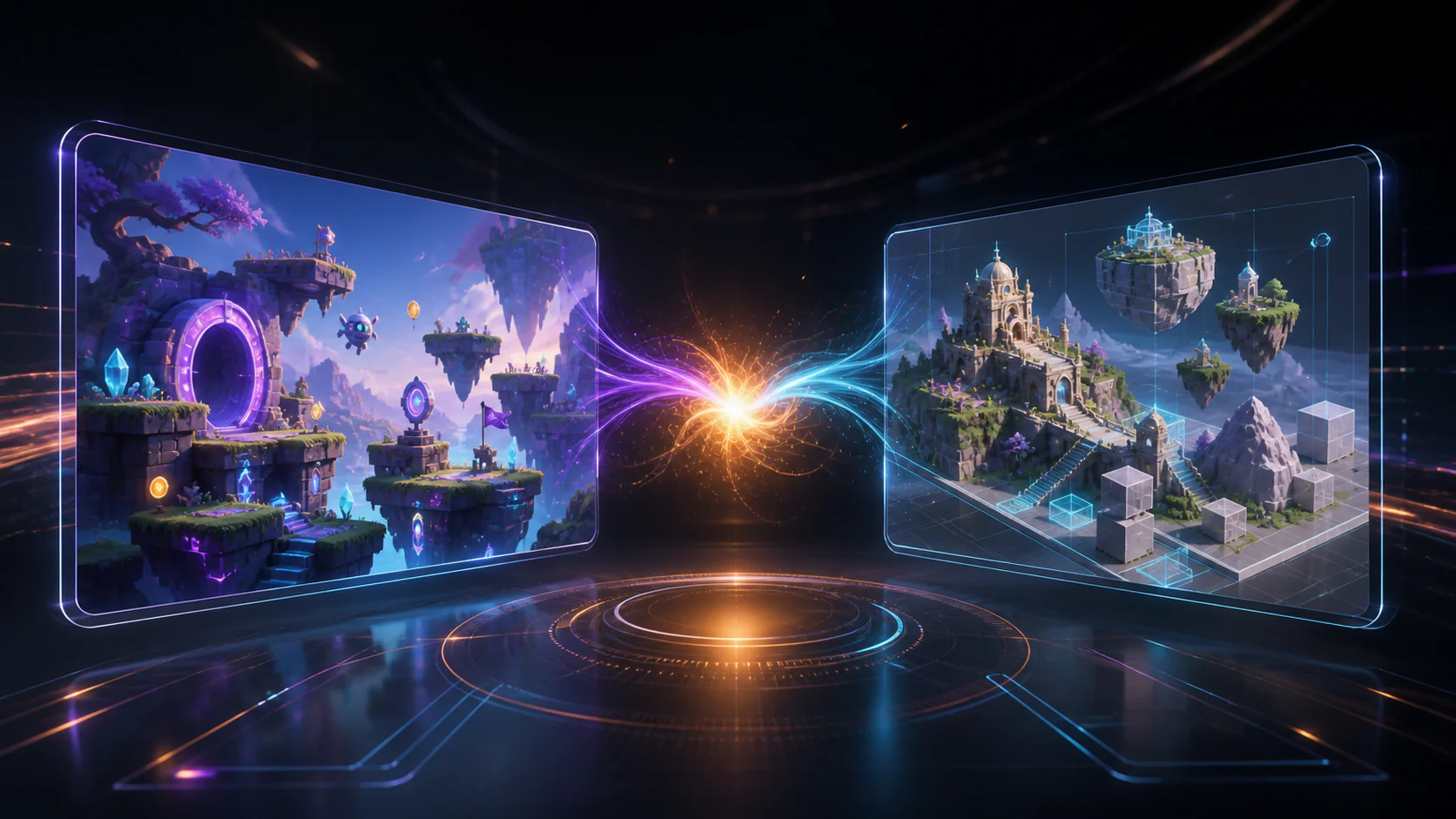
SEELE supports 2D sprite generation, sprite sheet generation, 3D asset generation, PBR texture generation, auto rigging, animation workflows, and browser-based Three.js deployment. A creator can start with a natural-language flipbook concept and extend it into game-ready assets or interactive web scenes.
Performance Checklist
| Asset type | Recommended format | Watch out for | |---|---|---| | 2D sprite | PNG sprite sheet | Oversized textures | | UI background | WebM/MP4 | File size and autoplay rules | | Portal VFX | Image sequence | Alpha sorting | | Web scene | Three.js asset | GPU memory |
Related Resources
- W3C Web Content Accessibility Guidelines (WCAG) 2.2 for readable motion, captions, and accessible alternatives.
- Google Search Central structured data documentation for JSON-LD implementation principles.
- MDN Web Docs on image and video formats for export format tradeoffs.
Frequently Asked Questions
Can flipbook infinite visuals become game assets?
Yes. A flipbook infinite visual can become a sprite sheet, UI loop, portal effect, loading screen, collectible animation, or short interactive scene when exported with consistent timing and transparent backgrounds where needed.
What export format works for games?
Use PNG sprite sheets for 2D engines, WebM or MP4 for UI video loops, and image sequences when the engine needs frame-level control.
How can SEELE help with game asset loops?
SEELE supports 2D sprite generation, sprite sheet generation, 3D asset generation, texture generation, and animation workflows, so a visual loop can move from concept into game-ready production assets.
Conclusion
A flipbook infinite visual game assets works when the transformation is clear, the seam is invisible, and the export format matches the final channel. Start with six anchor frames, use AI for fast variation, and reserve time for loop QA. If the concept needs to become interactive, connect the visual plan to game-ready asset workflows early.