Quick answer
A game asset prompt library is a reusable set of visual briefs for characters, environments, UI, maps, props, and key art. It helps small teams turn vague art needs into consistent AI image directions without copying existing franchises.
Why game asset prompts matter
Game teams often know the feeling they want before they know the exact asset. A designer may ask for a warmer village, a more dangerous boss arena, or a readable mobile HUD. A good prompt library translates those requests into concrete visual instructions: subject, camera, silhouette, material, lighting, color, use case, and constraints.
For indie teams, this structure saves time because every new visual starts from a shared language. Instead of writing a one-off prompt from scratch, the team can pick a category, adjust the genre, and keep the output aligned with the project mood. The prompt does not replace an art director; it gives the art director a clearer first draft.
Core categories to organize
Use categories that match production decisions rather than generic image styles. Start with character portraits, creature companions, boss concepts, environment backgrounds, biome studies, dungeon maps, village layouts, UI HUDs, inventory icons, weapon concepts, prop packs, loading screens, and social key art. Each category should include examples for perspective, composition, and asset purpose.
Prompt formula
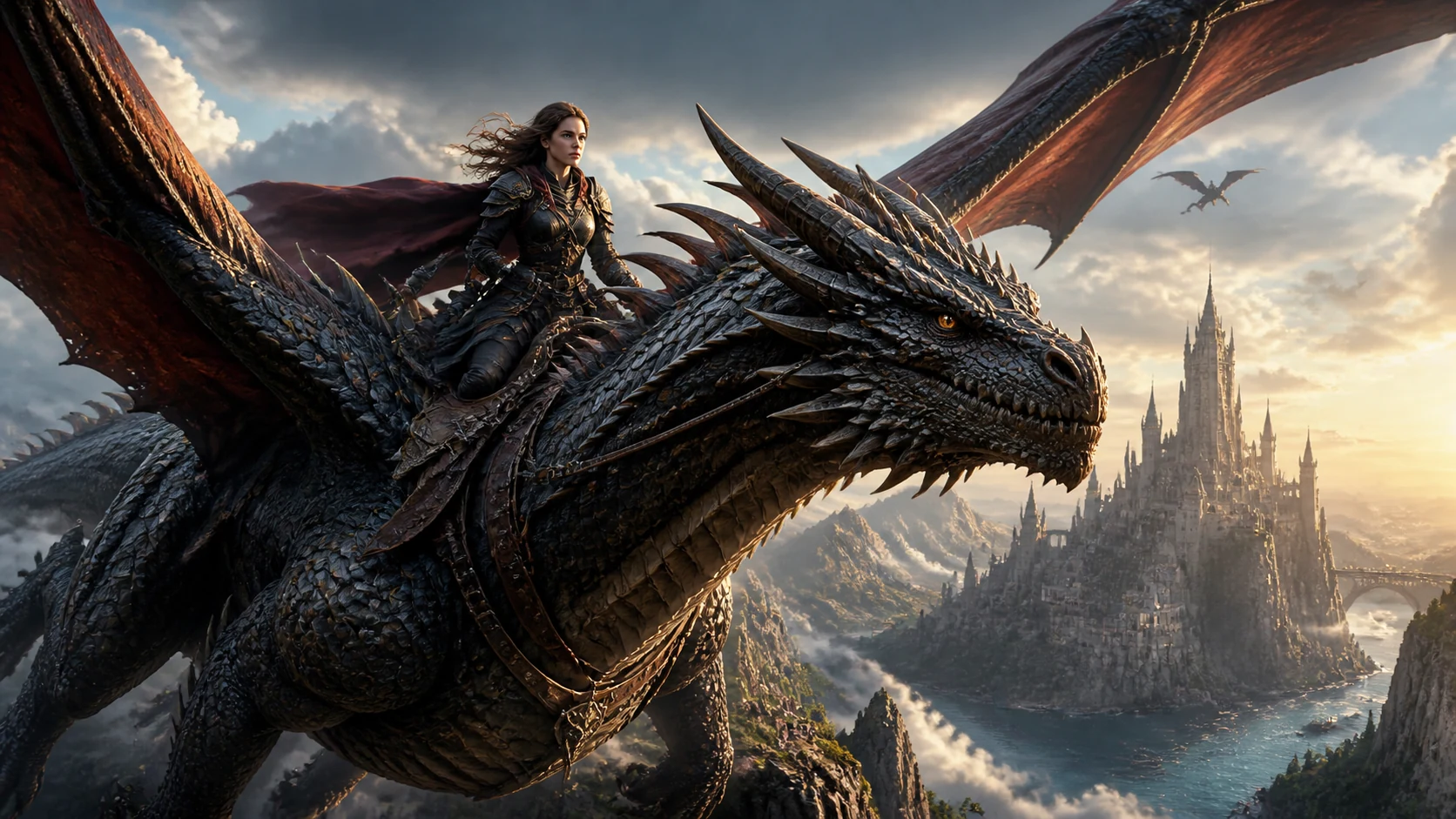
A dependable game asset prompt usually includes seven parts: asset type, genre, subject, camera or layout, material and shape language, lighting and color, and constraints. For example: "fantasy boss concept art for an original action RPG, towering silhouette, readable weak points, obsidian armor, crimson rim light, arena-scale background, no text, no logos, no franchise references."
This formula keeps prompts useful for production because it describes both the image and the reason the image exists. A map prompt should mention paths and landmarks. A HUD prompt should mention hierarchy and touch targets. A prop prompt should mention scale, material, and modular reuse.
Character and creature prompts
For characters, lead with role and silhouette. A cyberpunk NPC portrait needs faction cues, costume layers, facial mood, and dialogue usability. A fantasy creature companion needs scale, temperament, texture, and animation-friendly features. Avoid names, likenesses, logos, and recognizable franchise traits; original worlds travel better across production reviews.
Environment and map prompts
For environments, focus on gameplay readability. A roguelike dungeon map should mention rooms, corridors, encounter pockets, secret routes, and top-down legibility. A cozy RPG village map should mention shops, gardens, paths, landmarks, and warm player navigation. A biome concept should describe terrain, traversal, palette, and environmental storytelling.
UI, icons, and prop prompts
UI prompts should be judged by clarity, not decoration. Specify mobile or desktop, health bars, currency, inventory, quest state, contrast, and interaction priority. Icon and prop prompts should describe the set as a family: consistent angle, lighting, outline weight, material, rarity cues, and transparent-background readiness when needed.
How to use the library in Seele AI
Pick the closest asset category, paste the prompt into the workspace, and adjust the genre, palette, camera, or constraint words. Keep one prompt per asset goal. If a result looks impressive but unclear, add readability instructions such as "strong silhouette," "clean UI hierarchy," or "top-down map symbols." If the result feels too generic, add world-specific materials, weather, era, or gameplay function.
Quality checklist
Before using an output in a mood board, check whether the image communicates the asset purpose in three seconds. Confirm that it avoids protected marks, real-person likenesses, and franchise references. Make sure the prompt can be repeated by another teammate and still produce aligned work. Save the winning prompt next to the image so future art passes can iterate from the same source.
FAQ
What is a game asset prompt library?
It is a reusable collection of image prompts organized by production needs such as characters, maps, UI, props, and environments.
Can AI prompts replace final game assets?
No. They are best used for concept exploration, art direction, briefs, and mood boards before final production assets are created or reviewed.
How do I keep prompts original?
Use fictional worlds, invented factions, generic genre language, and your own art direction. Avoid official brands, logos, protected characters, or recognizable styles tied to one studio.
Which prompt details matter most?
Asset type, genre, subject, camera or layout, material language, lighting, color palette, and explicit constraints matter most.
16 prompt starters for stronger briefs
Use these starters as reusable patterns, then replace the subject, genre, camera, and palette with your own project language.
- Fantasy boss concept art for an original action RPG, towering silhouette, readable weak points, layered armor materials, arena-scale background, crimson rim light, no logos, no text, no franchise references.
- Roguelike dungeon map for a dark fantasy game, top-down view, looping corridors, encounter rooms, treasure pockets, secret route hints, readable symbols, parchment texture, no copyrighted icons.
- Pixel platformer tileset for a forest level, modular ground blocks, cliff edges, vines, hazard spikes, collectible markers, parallax background layers, limited palette, clean 16-bit readability.
- Cozy RPG village map, warm afternoon lighting, small shops, gardens, wells, notice board, winding paths, quest landmarks, inviting navigation, painterly game map style.
- Cyberpunk NPC portrait, fictional street medic, neon rain, layered jacket, practical gear, expressive face, faction color accent, dialogue box crop, no real-person likeness.
- Game inventory icon set, potions, keys, herbs, ore, scrolls, crafting parts, consistent angle, transparent-background friendly, clear shape language, rarity color accents.
- Boss arena background, circular combat space, readable hazards, dramatic entrance door, environmental storytelling, strong center focal point, high contrast player-safe floor area.
- Biome concept art, alien swamp traversal route, glowing plants, landmark tree, foreground path, midground water, background ruins, palette guide, gameplay-readable silhouettes.
- RPG weapon concept sheet, original crystal spear variants, common rare epic tiers, material notes, clean side view, silhouette comparison, no text labels embedded in the image.
- Isometric town asset kit, modular houses, market stalls, road tiles, trees, crates, lamps, consistent camera angle, stylized low-detail props, cozy city-builder mood.
- Mobile game UI HUD, health, stamina, currency, quest objective, inventory button, skill buttons, readable touch targets, clean contrast, fantasy adventure theme, no brand marks.
- Dungeon master NPC token, original goblin merchant, circular token crop, readable face, simple background, tabletop campaign mood, strong outline, no official monster manual references.
- Fantasy creature companion, small moonlit fox-dragon, friendly posture, animation-ready limbs, textured fur and scales, warm eyes, clear scale next to props.
- Sci-fi corridor game background, spaceship interior, strong depth lines, doors and cover spots, blue emergency lights, playable hallway readability, no text or logos.
- Game loading screen concept art, hero approaching a ruined gate, atmospheric depth, centered composition, dramatic sky, enough negative space for UI overlay, original setting.
- Low-poly prop pack, crates, barrels, rocks, shrubs, coins, broken signs, stylized materials, orthographic preview, coherent color palette, modular scene dressing.
Team workflow
A useful prompt library should be versioned like any other production reference. Store the prompt, the best output, the asset category, and notes about why the output worked. If a prompt creates a strong boss but a weak arena, split it into two prompts. If a UI prompt produces beautiful panels but poor readability, add contrast, hierarchy, and touch-target constraints instead of only adding more style words.
Teams should also keep a short negative list. For game assets, common negatives include text, watermark, logo, real-person likeness, official franchise mark, unreadable silhouette, extra limbs, cluttered composition, and inconsistent camera angle. Negative constraints are not magic, but they remind the model and the reviewer what the image must avoid.
When sharing prompts with teammates, keep the prompt editable. Avoid burying the important direction in a long paragraph of style adjectives. Put the production requirement first, then the look. "Top-down dungeon map with readable encounter rooms" is more useful than "beautiful dark fantasy art" because it states the job the image must do.
Review checklist for generated images
Review every generated image against five questions. First, can a teammate identify the asset type quickly? Second, does the camera angle match the use case? Third, are the subject and background separated enough to reuse in a brief? Fourth, does the image avoid protected marks, real people, and franchise-specific identifiers? Fifth, can the winning prompt be adjusted for another asset without rewriting the whole idea?
If the answer is no, revise the prompt rather than accepting the image because it looks polished. Strong game production prompts prioritize repeatability, clarity, and originality. A slightly simpler image that explains the intended asset is usually more useful than a spectacular image that cannot guide a production decision.
Building a category page strategy
For search, each asset category deserves its own focused page when the intent is specific enough. A fantasy boss concept page should talk about silhouettes, weak points, arenas, and scale. A mobile game HUD page should talk about readability, touch targets, state indicators, and contrast. A biome concept page should talk about terrain, traversal, palette, and environmental storytelling.
This specificity helps both search engines and AI assistants understand the page. It also helps users land on the exact kind of prompt they need. Broad image galleries often feel impressive but unfocused. Strong game asset pages should be narrow, practical, and directly connected to what a developer is trying to make today.