

Key takeaways
- Rigging addons can accelerate control-rig setup, deformation work, skin-weight editing, retargeting, or export validation. Choose one by testing its exact DCC version, generated data, interchange format, target-engine skeleton rules, ownership model, and rollback path on a representative asset.
Rigging addons extend a DCC application's native animation tools with repeatable setup, control-rig generation, deformation helpers, export validation, or retargeting utilities. The right addon is not simply the one with the longest feature list. It is the one that preserves the skeleton, skin, naming, scale, and export contract your downstream tools expect.
Use this guide to choose a rigging addon without confusing four separate jobs: building a control rig, binding a mesh, refining skin weights, and retargeting animation. Treat compatibility and rollback as purchase criteria, not afterthoughts.
What rigging addons do—and the main types
A rigging addon usually automates or standardizes one or more parts of a character pipeline. Auto-rig and control-rig generators create bones, controls, constraints, and organization from a template or guide placement. Deformation helpers add twist chains, corrective shapes, bendy segments, or driver systems. Skinning and weight tools accelerate binding, weight transfer, normalization, smoothing, and influence cleanup. Retargeting tools map motion between source and target skeletons. Pipeline and export utilities validate names, transforms, hierarchy, bone orientation, and engine-facing presets.
Those categories overlap, but they are not interchangeable. Blender's Rigify documentation, for example, describes a system that generates a rig from a meta-rig; that does not mean every mesh is automatically production-weighted or every engine export is solved (Blender Manual: Rigify). Start with the exact bottleneck you need to remove, then verify what remains manual.
Who benefits from a rigging addon
Solo creators benefit when a template eliminates repetitive setup and makes revisions predictable. Small teams benefit when an addon enforces naming, control conventions, and export checks across artists. Technical animators benefit when scripting hooks or modular components let them adapt a standard rig without rebuilding it. Game teams benefit when the result stays inside a known skeleton and import contract.
An addon is a weaker fit when the character has unusual anatomy, a proprietary facial system, extreme deformation requirements, or a studio-specific dependency graph the tool cannot represent. In those cases, the speed gained during setup may be lost in cleanup. Evaluate a representative production character—not a pristine demo file.
DCC and engine compatibility tests

Compatibility has four layers. First, confirm the exact DCC application and release, including whether the addon uses a legacy plugin API, a current extension system, or external Python packages. Second, confirm the generated scene data: constraints, drivers, custom properties, namespaces, bone axes, and non-deforming helper bones. Third, confirm the interchange path—FBX, glTF, USD, or a native bridge. Fourth, confirm the target engine's skeleton rules.
Unity's Humanoid workflow depends on a configured Avatar and valid human bone mapping; its retargeting documentation explains that animation can be reused across properly configured humanoid models (Unity Manual: Retargeting Humanoid Animations). Unreal Engine's IK Rig system uses source and target IK Rig assets plus an IK Retargeter, with chain mappings and retarget poses that must be reviewed (Unreal Engine: IK Rig Animation Retargeting). These engine workflows do not guarantee that a DCC addon will export a compatible result.
Run a small compatibility test: create the rig, bind a sample mesh, export one idle and one locomotion clip, import them into the target engine, then inspect root motion, scale, orientation, hierarchy, material slots, and deformation. A successful file import is not the same as a successful animation handoff.
Selection checklist for rigging addons
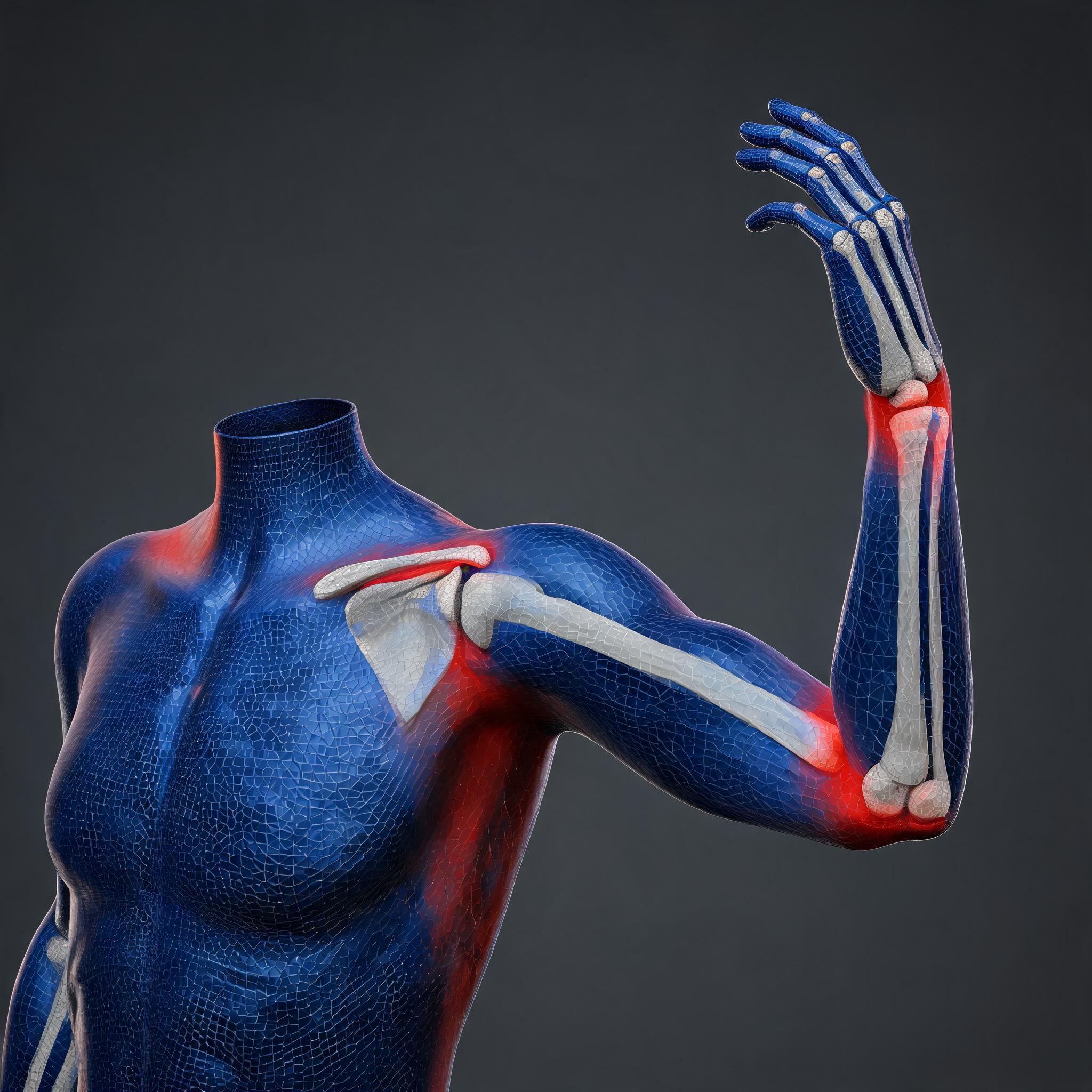
Score candidates against a written checklist:
- Scope: Does the tool generate controls, bind skin, edit weights, retarget motion, validate exports, or only some of these?
- Character coverage: Is it designed for bipeds, quadrupeds, creatures, faces, props, or a specific topology?
- Output ownership: Can you inspect and edit the generated bones, constraints, drivers, and weights without an active subscription or runtime dependency?
- Compatibility: Which DCC versions, operating systems, render or Python dependencies, and engine versions are explicitly supported?
- Export behavior: Can helper controls be excluded while deform bones, root motion, scale, and naming remain stable?
- Regeneration: What data is overwritten when guides or proportions change? Can animation, custom controls, corrective shapes, and weights survive regeneration?
- Support evidence: Is there a maintained changelog, installation guide, issue tracker, and migration path?
- Testability: Can you reproduce the advertised workflow on your own representative asset before committing a project?
Prefer a narrower tool with transparent output over a broad black box that cannot be debugged. Save a clean baseline and measure setup time, cleanup time, export defects, and revision cost separately.
Installation, version, and dependency risks
Install an addon in a disposable DCC profile or a copy of the project first. Record the addon version, DCC build, operating system, Python version, optional packages, license state, and installation source. Avoid silently auto-updating in the middle of production. A minor DCC release can change APIs or evaluation behavior even when a project still opens.
Check whether the addon stores custom node types or runtime code in the scene. If collaborators or a render farm open the file without the dependency, generated controls may disappear, evaluation may differ, or the file may emit warnings. Prefer baked or native handoff artifacts where possible, and archive the installer or exact package reference permitted by its license.
Before upgrading, duplicate the file, capture a dependency manifest, and run the same export and deformation tests used at initial acceptance. Never make a tool upgrade and a character revision in the same unreviewed change; otherwise the source of a regression is ambiguous.
Rigging, skinning, weights, and retargeting are different boundaries
Rigging defines the skeleton, controls, constraints, relationships, and deformation logic. Skinning binds geometry to deformers. Weights specify how strongly each influence affects each vertex; Blender's armature parenting documentation distinguishes automatic weights, envelope weights, and empty groups, which create different starting conditions (Blender Manual: Armature Deform Parent). Retargeting transfers animation between skeletons through a mapping, pose, or chain relationship.
A generated control rig can be structurally correct while shoulder weights collapse. Clean weights can exist on a skeleton with poor animator controls. A successful retarget can still produce foot sliding, hand offsets, or proportion-related contact errors. Require separate acceptance checks for each boundary, and do not interpret “auto rig” as a promise of final skinning or retargeting.
When to use an addon, built-in tools, or a service
Choose an addon when the bottleneck repeats, the character family is predictable, the generated data remains inspectable, and your team can maintain the dependency. Choose built-in tools when the project is small, portability matters more than setup speed, or native features already cover the requirement. Blender includes armatures, constraints, drivers, weight tools, and bundled rigging options; using fewer dependencies can simplify handoff.
Choose a specialist or managed service when anatomy, facial deformation, corrective shapes, engine integration, or pipeline ownership exceeds the team's available technical-art capacity. A service is also sensible when you need a documented acceptance target rather than another tool to learn. Require editable source files, export-ready deform skeletons, dependency disclosure, and a revision policy.
A hybrid is common: use a generator for the base control rig, native tools for weight cleanup, and engine-native retargeting for final animation mapping. The decision should follow the handoff contract, not marketing terminology.
Acceptance tests and rollback plan
Define acceptance before installation. Keep the original model and skeleton in version control or a recoverable snapshot. On a representative asset, verify: neutral pose and joint placement; left-right naming and hierarchy; scale and orientation; control limits; extreme shoulder, hip, knee, elbow, wrist, and finger poses; weight normalization and unwanted influences; corrective behavior; root motion; animation baking; engine import; retarget pose; and round-trip stability if re-export is expected.
Create three deliverables: an editable rig source, a clean deform/export skeleton, and a minimal engine test containing known clips. Record screenshots or playblasts of failure-prone poses and compare them after every addon or DCC upgrade. The generated technical images in this guide illustrate the skeleton-to-mesh, weighting, and retargeting boundaries; they are explanatory generated visuals, not proof of a particular product's output.
Your rollback plan should state how to disable the addon, reopen the last clean source, restore the locked tool version, and rebuild only the affected derivative files. If the addon writes destructive changes into the only scene, cannot regenerate deterministically, or prevents editing without its runtime, it has failed the ownership test.
For broader production planning, see How to Make a Video Game and the Unreal Engine co-op synchronization guide. When you are ready to organize an asset workflow, you can also explore SEELE AI without assuming that any automatic rigging, skinning, or retargeting capability is included.
Frequently Asked Questions
What is a rigging addon?
A rigging addon extends a DCC application's native tools with repeatable rig generation, deformation helpers, skin-weight utilities, retargeting support, or export validation. Its exact boundary matters: a control-rig generator does not automatically guarantee final skin weights, engine compatibility, or production-ready retargeting.
Do rigging addons work with every 3D application and game engine?
No. Compatibility depends on the exact DCC and addon versions, generated scene data, interchange format, skeleton conventions, and engine importer. Test a representative mesh and animation through the complete export-import path instead of relying only on a support badge or successful file import.
Is auto-rigging the same as automatic skinning or retargeting?
No. Rigging creates skeletons, controls, constraints, and deformation logic; skinning binds geometry; weights define vertex influence; retargeting maps animation between skeletons. One tool may cover several steps, but each boundary needs its own deformation, export, and motion acceptance checks.
How should I test a rigging addon before production?
Use a disposable environment and a representative character. Generate the rig, bind or import skin data, test extreme poses, export known clips, import them into the target engine, inspect root motion and deformation, then repeat the test after saving and reopening the source file.
What are the biggest rigging addon risks?
The main risks are version incompatibility, hidden runtime dependencies, destructive regeneration, unstable exports, poor ownership of generated data, and cleanup that exceeds the setup time saved. Pin versions, archive a permitted installer reference, keep clean source snapshots, and document rollback before adoption.
When should I hire a rigging specialist instead of using an addon?
Use a specialist when the character has unusual anatomy, demanding facial or corrective deformation, proprietary engine requirements, or a pipeline the addon cannot represent. A service is also appropriate when you need accountable acceptance criteria, editable handoff files, and maintenance guidance rather than another dependency.


