
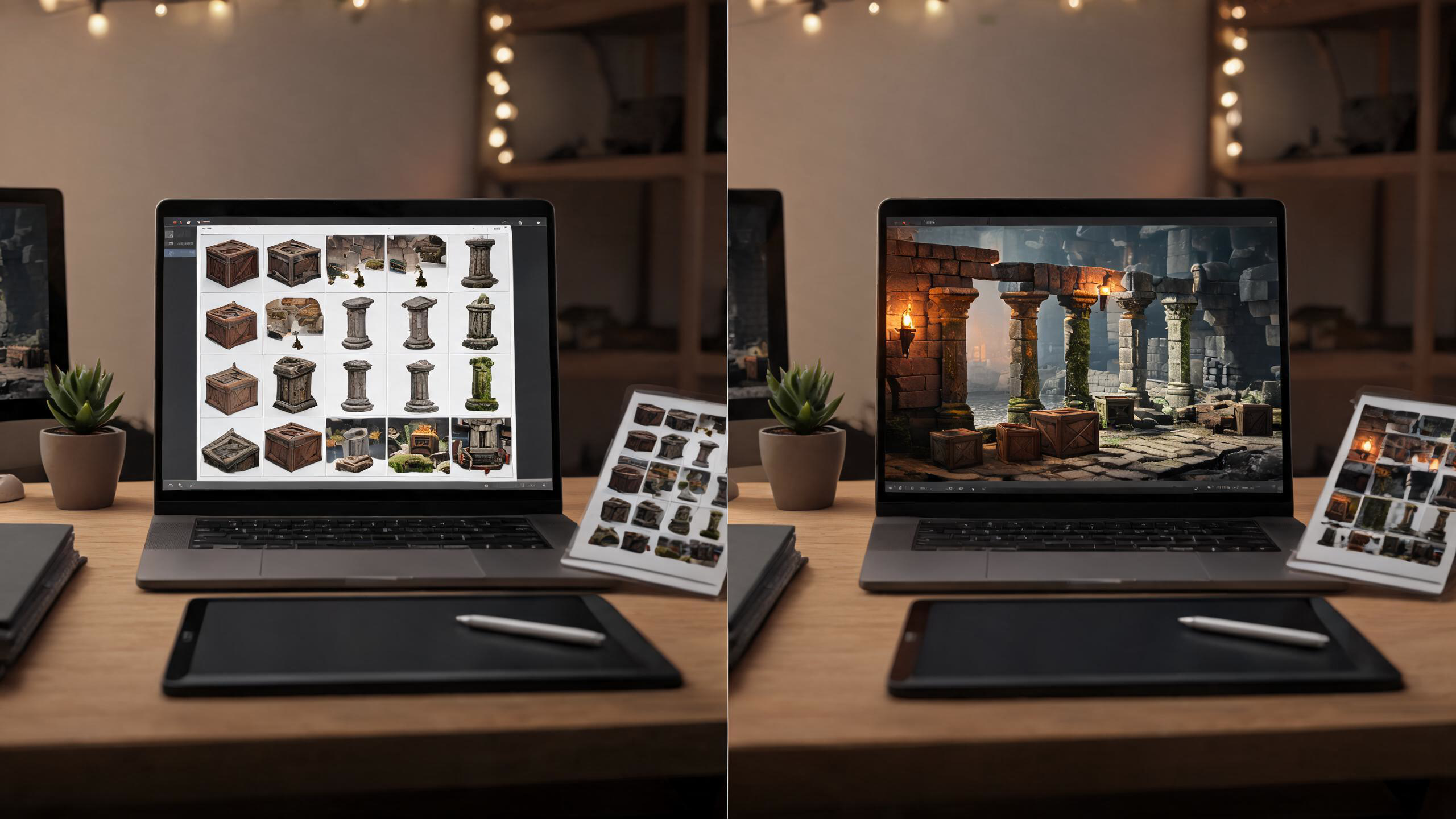
To sell an AI-assisted game asset pack responsibly, treat generation as the beginning of production—not the finished product. First establish that you can license every included file, then curate and substantially edit the output, build a clean deliverable, document exactly what buyers receive, test it in the target workflow, disclose generative-AI use in each marketplace’s required fields, and publish only after the store page matches the files. itch.io is relatively flexible about packaging and pricing; Unity Asset Store has detailed technical review and disclosure rules. Neither platform guarantees approval, discovery, or income.
The practical standard is simple: a buyer should receive an organized, usable product whose provenance, limitations, formats, and compatibility are understandable before purchase. If you cannot explain where an asset came from, what rights you have, or how it was edited and tested, do not include it. This guide is operational guidance, not legal advice; review the current platform terms and your generation tool’s license before release.
1. Build a rights ledger before you curate the pack
Create a spreadsheet or manifest with one row per source asset—not merely one row per final pack. Record the file ID, generation date, tool and model used, account or plan, input references, human edits, third-party components, intended marketplace, and the license evidence you saved. Add a final status: approved, needs review, or exclude. Preserve screenshots or exported terms with their effective date because service licenses can change.
The key question is not “Did AI make this?” It is “Do I have the rights needed to distribute this file, and can I grant the marketplace and buyer the required license?” Unity’s current Asset Store Provider Agreement says providers must have the intellectual-property rights necessary to grant Unity the agreement’s rights and must have permission to distribute third-party material. Its submission guidelines also require a Third-Party Notices file for listed third-party components and compatible dependent licenses. Those are provider obligations, not a platform certification of your copyright position.
Reject assets that imitate a living artist on request, contain recognizable protected characters or logos, reproduce stock-watermarks, or depend on a source image whose reuse terms you cannot verify. Do not assume a paid AI subscription automatically clears every input and output for every use. When rights are genuinely uncertain, obtain qualified legal advice or leave the file out. A smaller pack with a clean chain of provenance is easier to support than a larger pack built on ambiguity.
2. Curate a coherent pack and add professional value
A marketable pack solves one production problem. “200 fantasy images” is inventory; “48 readable inventory icons for a dark alchemy UI, delivered at three sizes with consistent silhouettes and naming” is a product thesis. Define the target engine, camera distance, palette, dimensions, and use case before selecting outputs. Then discard anything that breaks the system.
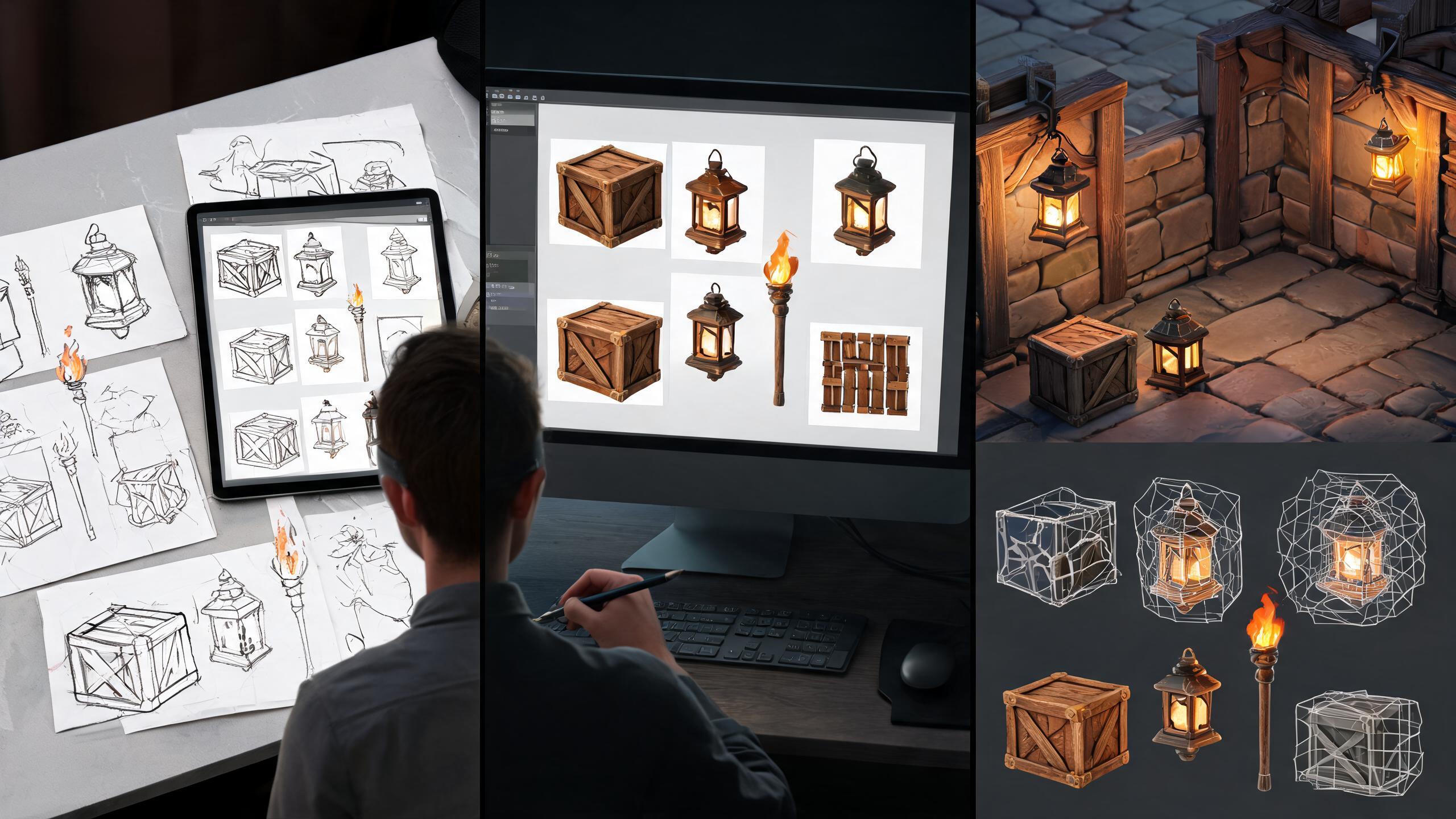
Human value can be visible in several ways: correcting anatomy and perspective, repainting edges, matching light direction, rebuilding alpha channels, normalizing sprite pivots, creating tile-safe borders, retopologizing meshes, making UVs editable, authoring PBR maps, setting import presets, or assembling prefabs and demo scenes. Keep before/after records for your own audit, but market the result rather than dramatizing the labor.
Unity explicitly says AI-aided submissions must have significant value and usability in a professional pipeline. It may reject content with usability-reducing anatomical errors, resemblance to copyrighted work, plagiarism, insufficient customer value, or mass-produced catalog duplication. itch.io’s quality guidelines similarly warn against excessive automatically generated or AI-generated content and ask creators to provide something new and valuable. Therefore, establish a rejection ratio. If you generated 500 candidates, perhaps only 40 belong in the pack; the exact ratio is less important than a strict, documented quality bar.
A useful checkpoint is the “blind import” test: could another developer identify the folders, understand the naming, preview the content, and use one item without asking you what it is? If not, production is incomplete.
3. Package one product into two store-specific deliverables
Maintain one canonical source directory, then export separate deliverables. This prevents fixes from drifting while respecting store-specific expectations.
For itch.io, a clear ZIP can be enough for an art pack. Use folders such as PNG_Transparent, Source, License, and Documentation; include a contact address, version number, changelog, and a concise license explaining permitted use. Classify the upload as graphical assets rather than pretending a PNG archive “runs on Windows.” itch.io’s quality guide specifically tells creators to select the appropriate project type and only claim platforms actually supported. Its getting-started guide permits multiple uploads, so you can separate a lightweight PNG edition from source files when that improves buyer clarity.
For Unity Asset Store, build and test inside the minimum Unity version you intend to support, while checking the current submission minimum. The current Submission Guidelines say new assets and updates use Unity 2022.3 or newer, require one root folder, organized subfolders, no duplicate or redundant files, and paths under 150 characters. Art categories need a demo scene. Visible meshes should have assigned materials or textures and prefabs; AI-generated 3D data must be retopologized and optimized so users can edit it. PBR packs need appropriate maps and setup, and technical details belong in the listing.
Do not let the Unity package become the source of truth. Keep editable source files outside the shipping build, generate the store package from a versioned export checklist, and record a checksum for the final archive. That makes a later correction reproducible.
4. Run asset-level and package-level QA
Test individual files first. For 2D assets, inspect transparent edges against light and dark backgrounds, verify dimensions, check tile seams, confirm sprite-sheet frame order, and compare icons at their intended display size. For audio, remove unintended silence and noise, check peaks, and provide lossless masters when the store category requires them. For 3D assets, inspect normals, UV overlap, texture assignments, pivots, scale, orientation, topology, deformation, colliders, and LOD transitions.
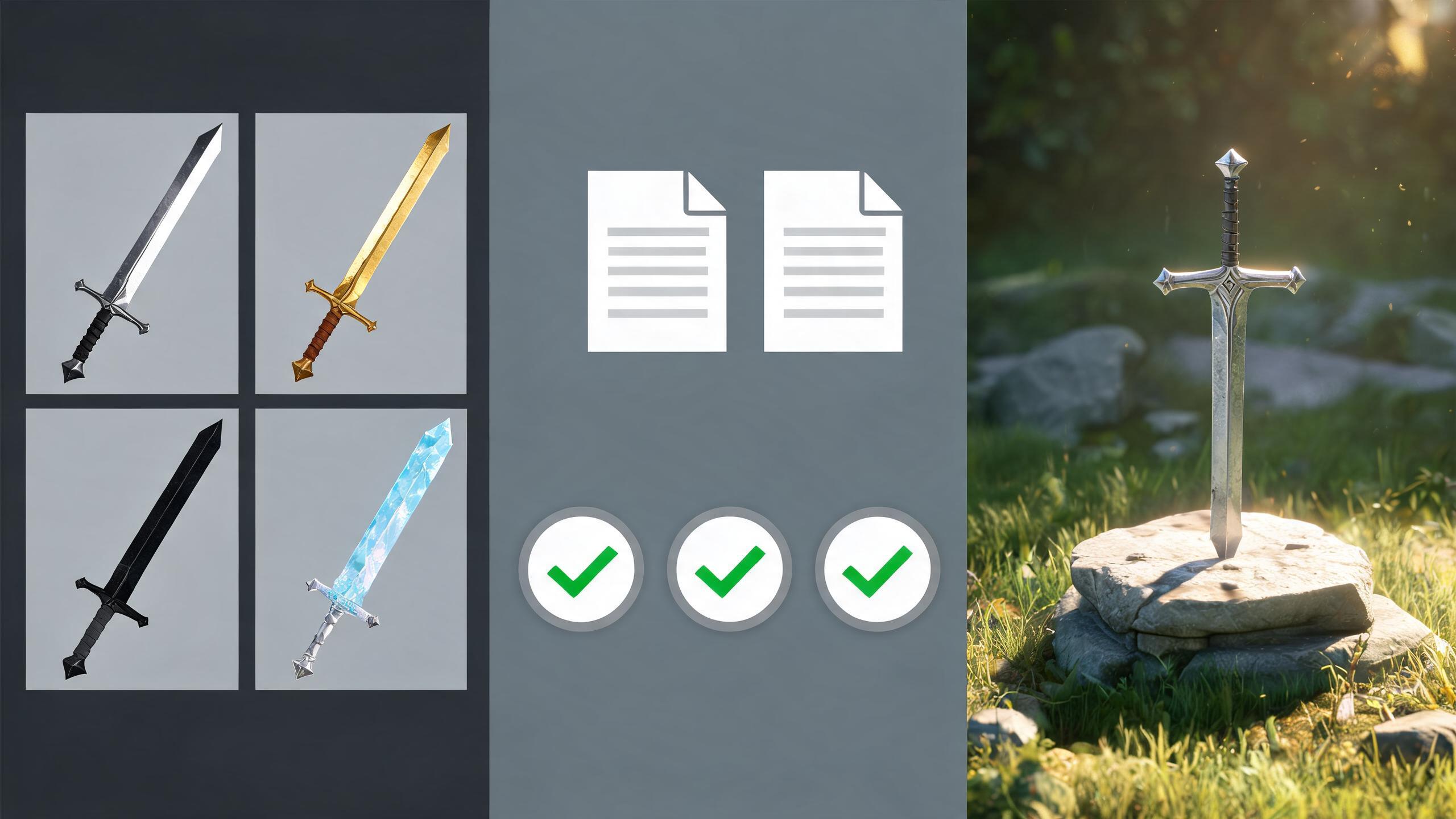
Then test the package as a customer would. Import it into a clean project with no private dependencies. Watch the Console during import and after opening every demo scene. Remove your local caches before the test. Follow only the shipped documentation to set up a representative asset. If a required package is missing, either declare and configure that dependency correctly or remove it. Unity’s guidelines state that package-originated errors and warnings are not acceptable after setup, except for narrowly described cases that are transparently documented.
Use a compatibility matrix rather than claiming “works everywhere.” Record Unity versions, render pipelines, operating systems where relevant, and the exact test result. If you only tested URP, say URP. If a shader requires a setup step, show it. For itch.io source packs, test the archive with at least one common import workflow and state what you did—not what you assume.
Your release gate should be binary: no unexplained errors; no missing files; no duplicate production assets; demo content works; documentation reproduces setup; listing counts match the archive; and every known material limitation is disclosed. A limitation is not automatically a defect. An undisclosed limitation is a trust problem.
5. Write the listing and AI disclosure in plain language
Lead with buyer facts: what the pack is for, exact item counts, formats, dimensions or polygon ranges, texture maps, engine and pipeline compatibility, dependencies, source-file availability, license, and support contact. Screenshots should show the shipped files in realistic use. Never use a polished scene containing assets that are not included unless the caption makes that distinction unmistakable.
For Unity, functional AI involvement must be disclosed in the AI description field. The guidelines require the specific tools, the AI-generated content, and the modifications that add value beyond generation, written plainly without marketing language. A useful pattern is:
“Base concept images were generated with [tool/model]. The included 36 icons were selected, repainted for silhouette consistency, rebuilt with clean transparent edges, color-matched, exported at 64/128/256 px, named, and tested in the included Unity demo scene. No AI-connected functionality runs in the package.”
Adjust that statement to the truth. Unity also says AI-assisted content cannot use terms implying human effort, such as “hand drawn” or “painted,” in the submission. Do not call work “hand-painted” merely because you performed a cleanup pass.
For itch.io, use the project editor’s AI Disclosure section when the pack contains generative-AI material. itch.io says it is strictly enforcing disclosure for game asset pages and that failure to tag may result in delisting. Also explain the process in the description because a tag alone does not tell a buyer which files were generated or how they were changed.
Finish with a prepublication reconciliation: compare listing counts against a generated file inventory, click every documentation link, download the exact customer archive, and verify the cover and screenshots describe that build.
6. Choose pricing and licensing without promising earnings
Price the reduction in buyer effort, not the number of generated files. A small, coherent pack with editable sources, engine-ready setup, documentation, and reliable updates may be more useful than a huge undifferentiated archive. Compare adjacent products for scope and support expectations, then choose a price you can explain from production value. This is a test, not a forecast.
itch.io treats a listed price as a minimum and allows buyers to pay more. Its pricing documentation describes free/donation, paid, and no-payment modes, plus individually priced files. Be careful with tiered files: the documentation warns that raising an individual file’s minimum later can lock earlier buyers out of that tier. Use the project minimum for the core product and reserve individually priced files for genuinely optional extras.
For Unity, verify the current dashboard floor, agreement, payout, tax, and campaign terms before setting a price; these can change. Avoid copying a competitor’s price without matching its license, update history, technical depth, or support burden. Estimate your maintenance cost: a pack tied to render pipelines or editor versions requires more future work than plain PNGs.
Do not advertise an earnings claim to aspiring resellers, and do not assume either storefront will produce traffic. Your useful metrics are conversion from qualified visits, refund reasons, support time, demo downloads, and which assets buyers actually use. Gather enough observations before changing price; a handful of views is not a reliable experiment.
7. Publish deliberately, then maintain the same product page
On itch.io, keep the page Draft or Restricted while you verify design, metadata, files, and classifications. The quality guidelines note that the first public release enters Most Recent once; recreating substantially identical pages to regain a visibility boost can damage buyer libraries and is against the guidelines. Publish the real page when it is ready, then update that page.
On Unity, allow time for review and possible revision. Approval is not guaranteed. Keep a release folder containing the submitted package, screenshots, description, AI disclosure, rights ledger snapshot, test matrix, and version notes. If review identifies a problem, change the underlying source and regenerate the package rather than patching the upload by hand.
After launch, classify support messages into documentation gaps, defects, compatibility requests, and feature requests. Fix misleading instructions immediately. Batch optional improvements into versioned updates and preserve backward compatibility where practical. Unity’s provider agreement places ongoing responsibilities on publishers, and its submission guidelines require limitations and dependencies to be transparent. itch.io buyers who purchased the project generally retain access to future files on the same page, subject to its rules for individually priced files.
A disciplined maintenance loop is: reproduce, correct, retest in a clean environment, update documentation and listing together, publish a changelog, and archive the release evidence. That loop protects buyers and makes your next pack faster to audit.
8. Avoid these common failure modes
Uploading the generation folder. Raw outputs contain near-duplicates and inconsistent quality. Define a pack thesis, curate aggressively, and ship only production-ready variants.
Treating disclosure as permission. An AI tag does not cure missing rights. Complete the rights ledger first; disclose after you know the files are distributable.
Showing a better product than the download. Marketing scenes can mislead when they contain unlisted props or post-processing. Caption external elements and include unedited close-ups of the shipped assets.
Claiming universal compatibility. “Unity-ready” is vague. Name tested editor versions, render pipelines, formats, and setup requirements.
Skipping the clean import. A package that works only in your long-lived project may depend on hidden files. Test the customer archive in a clean environment.
Multiplying pages instead of improving the product. Both stores value differentiated, usable submissions; itch.io warns against reskins and duplicate pages, while Unity may reject largely identical or mass-produced AI submissions. Consolidate meaningful variants or make the differentiation obvious.
Promising passive income. A store listing is not a revenue system. Budget for support, updates, taxes, refunds, and the possibility of low demand.
The correction behind every mistake is the same: preserve evidence, make fewer stronger claims, and test the exact artifact a customer receives.
Related professional workflows
Continue with another role-specific workflow in this six-part series:
- How Solo Game Developers Can Build a Playable Vertical Slice in One Weekend
- How Freelance Game Designers Can Deliver Client Prototypes Faster
- How to Make and Sell Branded Mini-Games for Marketing Campaigns
- How Teachers Can Create Interactive Learning Games Without a Development Team
- How Social Media Managers Can Turn Trends into Playable Campaigns
For adjacent implementation guidance:
Frequently asked questions
Can I sell an asset pack made entirely with generative AI?
A platform may accept AI-assisted content, but acceptance is not automatic. You still need distribution rights, meaningful customer value, technical usability, accurate marketing, and required disclosure. Unity can reject low-value or insufficiently differentiated AI submissions; itch.io warns against excessive, minimally curated AI-generated content.
Do I need to name the AI tool I used?
For Unity functional asset content, the current submission guidelines require the specific AI tools and generated content to be identified in the AI description field, along with your value-adding modifications. On itch.io, use the AI Disclosure section and explain the workflow accurately in the page description.
Can I use the same license on itch.io and Unity Asset Store?
Do not assume so. Unity assets are distributed under the Asset Store EULA unless Unity agrees otherwise, and Unity restricts incompatible dependent licenses. An itch.io asset pack can include your chosen buyer license, but it must match the rights you hold. Review both platforms and obtain legal advice when needed.
Should I include editable source files?
Include them when you have the right to distribute them and they add buyer value. Keep source files clearly separated from runtime-ready files, document required software versions, and avoid exposing third-party components under incompatible terms. Source files do not replace tested exports.
How many assets should a pack contain?
There is no universal winning number. Include enough items to solve a coherent production task, then stop before quality or differentiation falls. State exact counts and distinguish unique assets from color variations, sizes, LODs, or format exports.
Will listing on two marketplaces increase my income?
It can expand availability, but there is no reliable income guarantee. Each store has different review, discovery, pricing, licensing, and maintenance costs. Track qualified traffic, conversion, refunds, and support effort separately before deciding whether the second channel is worthwhile.


