
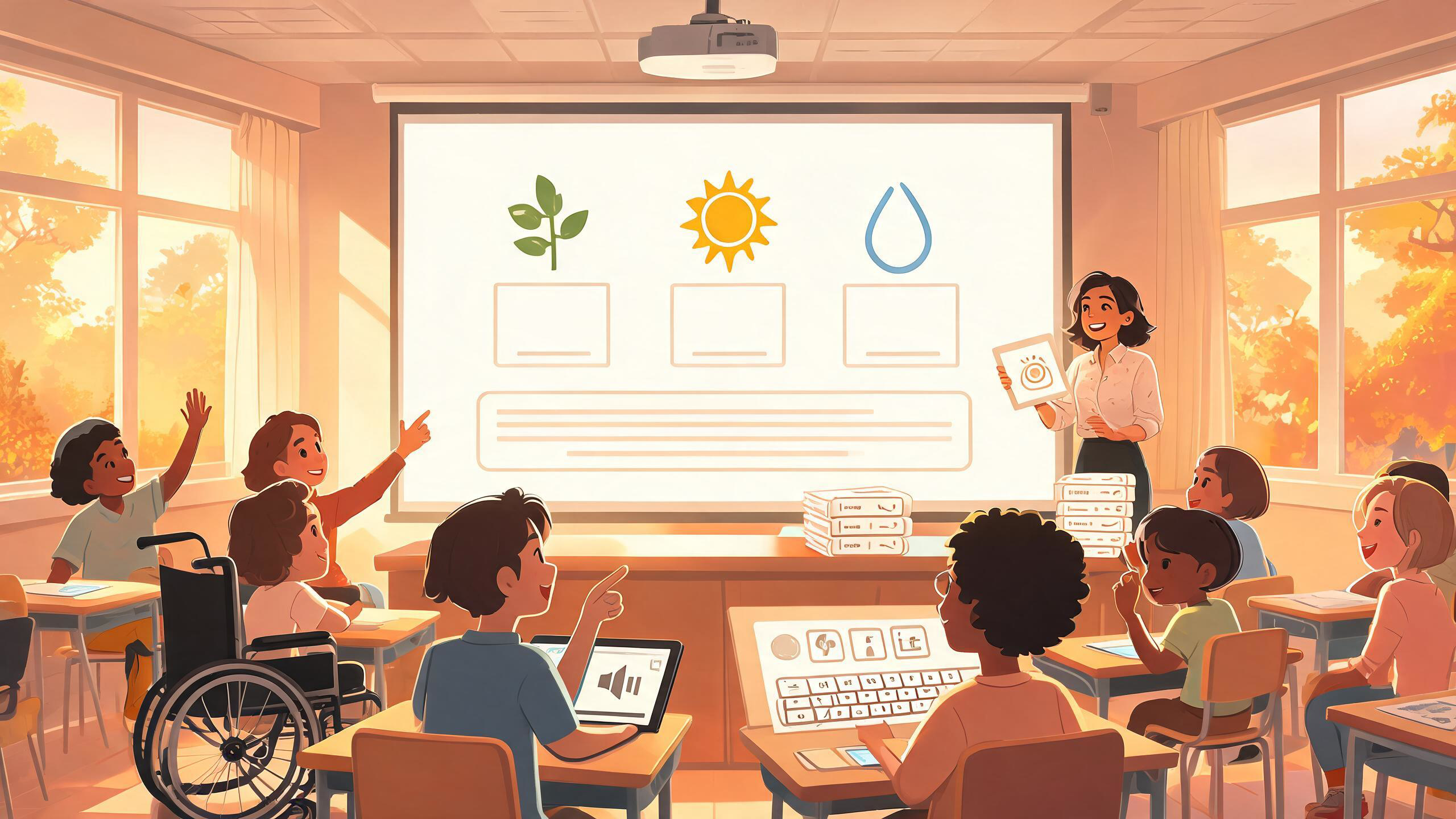
Teachers can create an interactive learning game without hiring a development team by treating the game as a small assessment experience rather than a miniature commercial game. Start with one observable learning objective, choose one repeated player action that demonstrates it, build the smallest playable loop, and test accessibility, privacy, and assessment evidence before students use it. A conversational game-creation platform such as SEELE AI can help produce and revise the prototype, but the teacher remains responsible for the pedagogy, student-data decisions, and classroom fit.
This tutorial uses a deliberately bounded workflow. It does not claim that adding game mechanics improves learning by itself. The useful question is narrower: can the activity give students a meaningful way to practice or show a specific skill, while giving the teacher interpretable evidence?
1. Write the learning objective before the game concept
Write one sentence that describes what a student will do, under what conditions, and what counts as acceptable evidence. “Understand ecosystems” is too broad. “Given six organisms, classify each as producer, consumer, or decomposer and justify four of six choices with an accurate energy-flow relationship” is buildable and assessable.
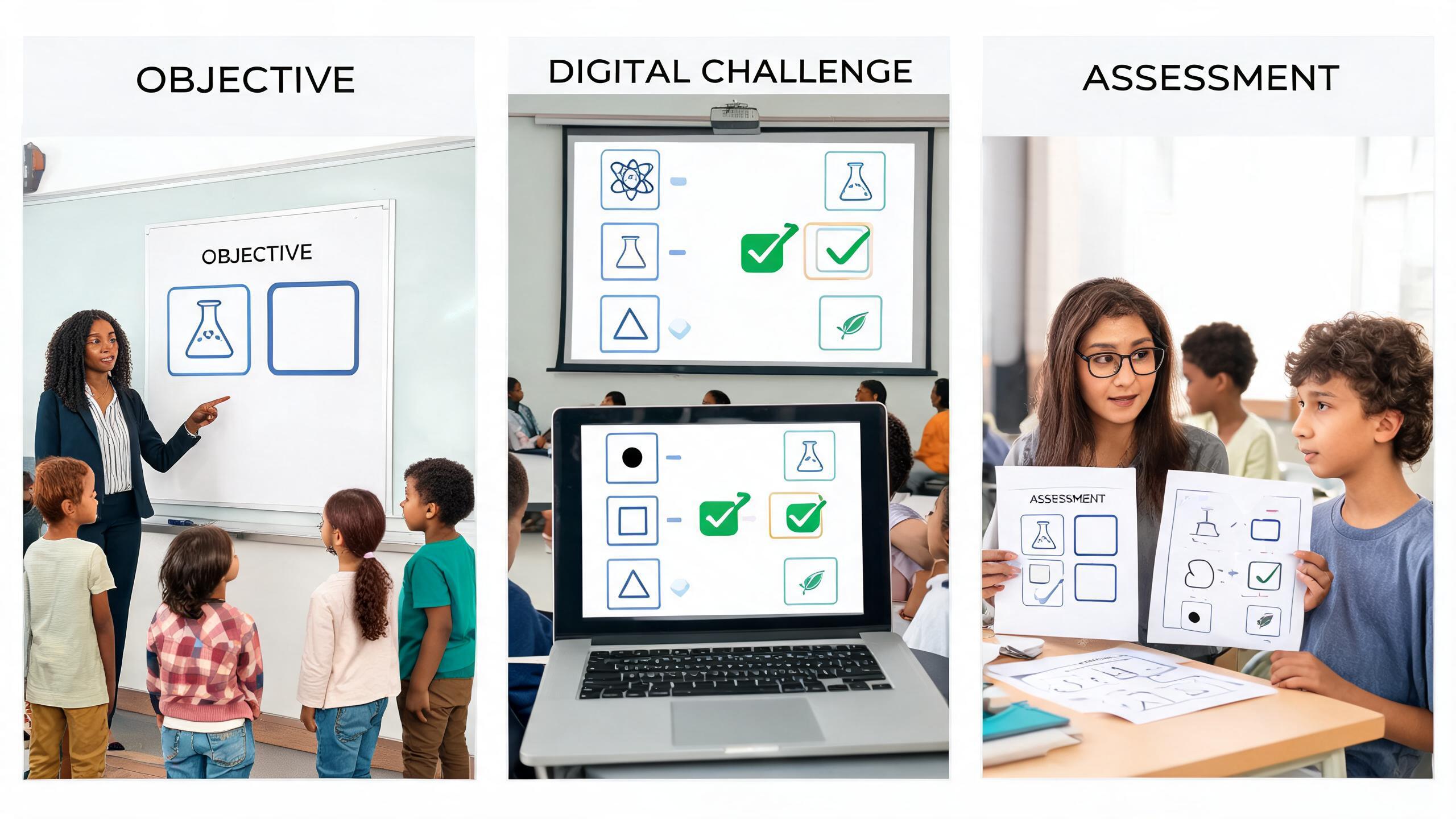
Now separate the objective from the game wrapper. Points, timers, avatars, and stories may change attention or pacing, but they are not the learning target. The core player action should expose the target behavior: sorting, selecting evidence, sequencing steps, estimating, revising a model, or explaining a choice. If a mechanic rewards a different skill—fast clicking, precise dragging, memorizing the board layout—either remove it or make it optional.
Use a simple alignment check: objective → player action → evidence → feedback. For the ecosystem example, the student drags an organism into a category, selects a reason, and receives feedback that names the relevant relationship. The teacher can inspect category accuracy and reasoning, not merely a total score.
Finally, define a non-game route to the same objective. A student might complete an accessible form, discuss responses orally, or use printed cards. CAST’s UDL Guidelines recommend considering multiple means of engagement, representation, and action and expression. That framework supports design choices; it does not prove that any individual game causes better learning. Keep the alternative equivalent in intellectual demand, not identical in interface.
2. Reduce the idea to one playable loop
A first classroom prototype needs one loop: a prompt appears, the learner acts, the system responds, and the next attempt begins. Write the loop in four lines before choosing art or a theme. For a fractions lesson: show two visual fractions; ask which is greater; let the learner choose or request equivalent partitions; explain the comparison; repeat with adjusted difficulty.
Time-box the experience. A five- to eight-minute loop is easier to test inside a lesson than a campaign with levels, inventory, dialogue trees, and accounts. Define the minimum content set—perhaps eight prompts, two feedback patterns, and one end state. Also list exclusions: no leaderboard, no open chat, no student profile, no random purchases, and no public sharing.
The decision criterion is instructional sufficiency, not spectacle. If one loop gives enough opportunities to observe the target behavior, stop expanding. If the loop cannot reveal the objective, adding characters will not repair it. Keep a parking-lot list for future ideas so scope discipline does not feel like losing them.
3. Build the first prototype with explicit constraints
Turn the loop into a production brief that a game-creation system can interpret. Include the audience, objective, interaction, feedback, content boundaries, accessibility needs, data restrictions, and acceptance tests. Avoid a vague prompt such as “make a fun geography game.”
A stronger prompt is: “Create a short browser-based categorization game for students ages 11–12. Objective: distinguish weather from climate using six scenarios. Each round shows one scenario and two large text buttons. After a choice, explain why it is weather or climate, then continue. No timer, leaderboard, login, chat, advertising, or collection of names. All actions must work by keyboard. Provide a visible focus indicator, captions for any audio, a mute control, and a text-only alternative. End with item-level results that can be copied locally by the teacher.”
SEELE AI is described in the product reference as a conversational text-to-game platform that supports 2D and 3D creation, iterative refinement, and current Unity and Three.js workflows. Three.js support can be used for browser-based WebGL deployment, while Unity project export is also available. Those capabilities can reduce the amount of manual implementation required; they do not remove the need to inspect generated logic, content, and behavior.
Generate the smallest version, play it immediately, and revise with concrete observations: “When I press Tab after the second answer, focus disappears,” or “The feedback reveals the answer before the learner commits.” Keep each revision narrow. If the platform cannot meet a required accessibility or privacy constraint, do not improvise around the requirement—switch to a simpler interaction or a non-game alternative.
4. Design feedback that teaches without giving away the task
Feedback should connect the learner’s action to the underlying rule. “Incorrect” is too thin; confetti after every click is noise. For a decimal comparison, a response to choosing 0.35 as greater than 0.4 might say: “Compare the same place values: 0.4 is 0.40, and 40 hundredths is greater than 35 hundredths.” Then offer a retry with a representation that supports the same reasoning.
Create a small misconception table before authoring items. For each likely wrong answer, record what it may indicate and what feedback is safe to infer. A wrong choice can have multiple causes, so avoid diagnostic certainty. Say “Check whether you aligned place values” rather than “You do not understand decimals.”
Decide when to reveal the answer. Immediate explanation works for guided practice, while an assessment checkpoint may record the first response before offering support. Keep practice and graded evidence visibly separate. If the system cannot preserve that distinction, use the game for practice only and assess the objective through another method.
5. Run an accessibility pass before classroom testing
Treat accessibility as an acceptance gate, not a polish task. W3C’s WCAG guidance organizes web accessibility around content being perceivable, operable, understandable, and robust. A teacher does not need to memorize every success criterion to catch common blockers, but the school’s accessibility process and qualified review still take priority.
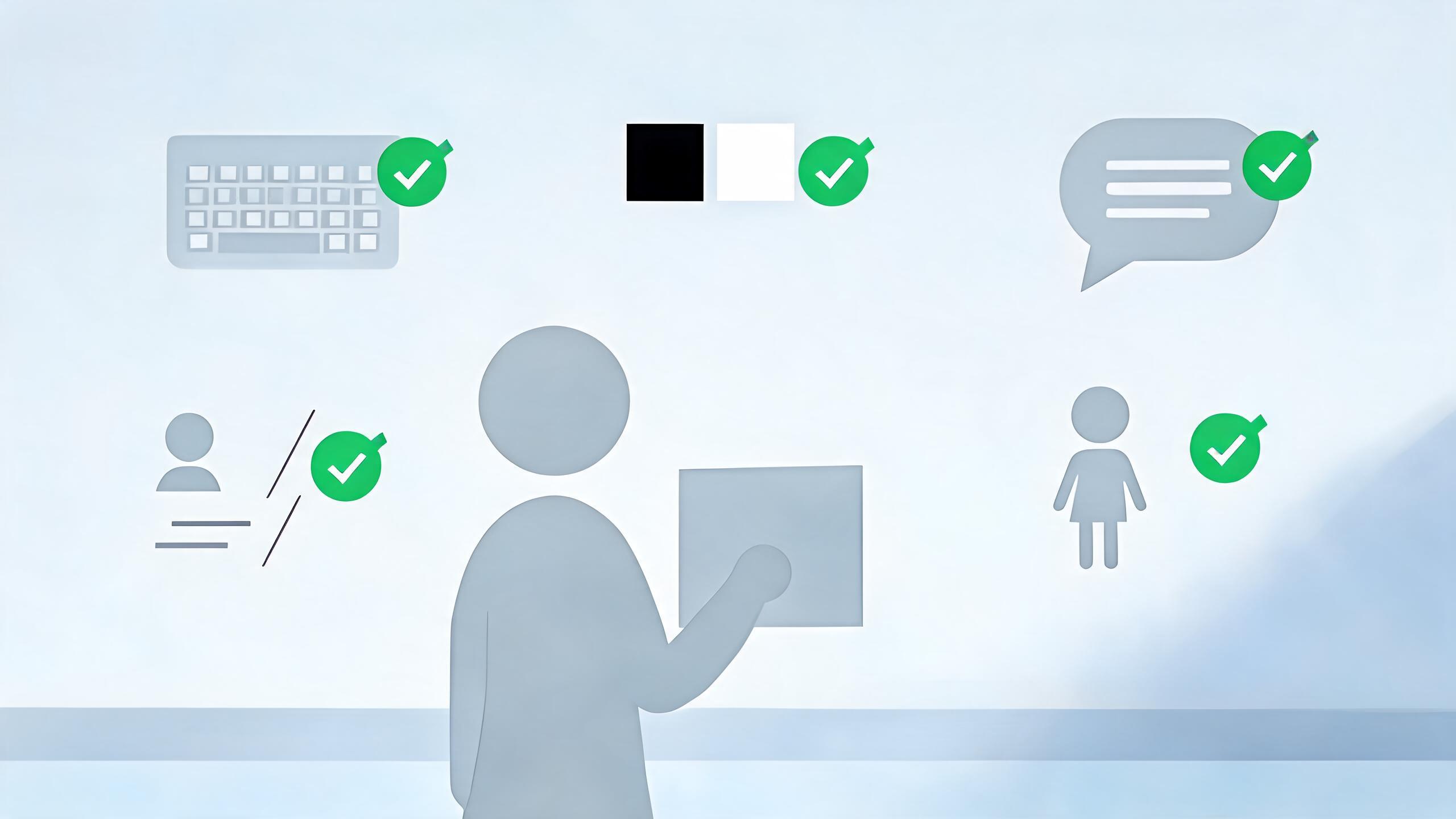
First, unplug the mouse. Reach every control with the keyboard, see where focus is, activate buttons, dismiss overlays, restart, and leave the experience. Check that focus order follows the visual and logical order. Avoid interactions that require precise dragging; provide buttons or keyboard controls that achieve the same result.
Second, inspect perception. Text and important controls need sufficient contrast. Do not use color alone to communicate correct, incorrect, team, or category; pair it with labels, shapes, or patterns. Add text alternatives for meaningful images, captions or transcripts for instructional audio, and a mute control. If motion is decorative or intense, support reduced motion or remove it. Avoid flashing content.
Third, inspect comprehension. Instructions should name the controls and the goal. Error messages should explain recovery. Timers should be absent unless timing is intrinsic to the objective; if a timer is necessary, provide an accommodation path consistent with school practice. Test at zoom and on the actual devices students use.
Finally, provide an equivalent text-based or teacher-mediated route. “Equivalent” means it assesses the same objective without imposing the inaccessible mechanic. A checklist can find obvious issues, but it is not a certification. If a required student cannot use the activity independently and no equivalent route is ready, the checkpoint fails.
6. Minimize student data and follow institutional approval
The safest default for a short learning game is often to collect no student personal information at all. Ask whether the objective can be met with a shared classroom link, a local station, anonymous session codes, or teacher-observed completion. Do not request names, email addresses, birthdays, voice samples, free-text profiles, precise location, or persistent identifiers merely because a template supports them.
Create a data inventory: what enters the game, what is generated, where it is stored, who can access it, how long it remains, whether another service receives it, and how it is deleted. Include logs and analytics, not only visible form fields. Screenshots, voice recordings, and open text can also expose personal information.
In the United States, the FTC explains that COPPA can apply to covered operators of online services directed to children under 13 when they collect personal information, with obligations that may include notice and verifiable parental consent. The U.S. Department of Education explains that FERPA protects student education records at covered educational agencies and institutions. These are not interchangeable rules, and a classroom teacher should not make the institution’s legal determination alone.
Use the school or district’s approved-tool list and vendor-review process. Ask the privacy or IT contact about contracts, data use, retention, subprocessors, security controls, advertising, model training, parent notices, and deletion. Verify age and jurisdiction requirements. Do not paste identifiable student work into a generative system unless the institution has approved that use.
A practical checkpoint is binary: either the planned data flow is documented and approved, or the game runs in a no-personal-data mode. If neither is possible, do not deploy it to students. This section is operational guidance, not legal advice; requirements vary by jurisdiction and context.
7. Decide what evidence the game will and will not support
A score is interpretable only if the game’s actions match the learning objective. Record the smallest evidence needed: item attempted, first response, revision, reasoning choice, or teacher observation. Avoid turning time-on-task, clicks, coins, or completion into a proxy for learning unless the objective genuinely involves speed or persistence and the measure has been justified.
For a source-evaluation activity, the student might inspect a claim, identify the source type, select two credibility indicators, and write or choose a justification. A rubric can score evidence selection and reasoning separately. The game can capture selections, but the teacher may need to review explanations. If free text creates privacy or moderation risks, use a teacher conference or offline response instead.
Separate formative and summative uses. During practice, hints and retries are desirable. For grading, those supports alter what the final score means. Preserve the first attempt or use a different assessment. Also check for construct-irrelevant barriers: reading load, motor precision, unfamiliar game conventions, device performance, and language demands can depress a score without reflecting the target skill.
State the interpretation before launch: “This activity provides formative evidence about categorization and stated reasons; it does not independently establish mastery.” If that sentence feels too weak for the intended grade, the game should not carry that grading weight.
8. Pilot with adults, then a small supervised group
Run an adult dry test first on the oldest and weakest devices likely to be used. Test a slow connection, keyboard-only navigation, audio off, zoom, restart behavior, and the end screen. Try unexpected inputs. Confirm that no unapproved data leaves the experience and that the fallback opens.
Then use a small, supervised pilot consistent with institutional approval. Observe rather than coach immediately: where do learners hesitate, what do they think the goal is, which errors come from content, and which come from the interface? Use neutral questions such as “What did you expect that button to do?” Do not infer learning impact from enthusiasm alone.
Define stop conditions before the pilot: inaccessible controls, misleading feedback, exposure of student information, crashes, or a score that cannot be interpreted. A successful pilot means the activity is usable enough for the planned purpose—not that it has proven an educational effect. Revise one category of problem at a time and rerun the relevant checks.
9. Put the playable inside a lesson plan with a fallback
Write the lesson around the objective, not around device access. Before play, activate the prerequisite knowledge and explain what evidence students should produce. During play, decide whether students work individually, in pairs, or at stations and what the teacher observes. After play, debrief the reasoning behind two or three items and transfer the idea to a non-game context.
Prepare the fallback at the same time as the playable. Print the scenario cards, export a simple slide sequence, or create an accessible form with equivalent prompts. Store instructions and answer guidance where another teacher can use them. A fallback is not a failure state; it protects instructional time from network, account, accessibility, or device problems.
For a station rotation, the playable might be one eight-minute station while another station uses physical sorting cards. Both should target the same classification rule. If the game consumes setup time that displaces discussion or feedback, simplify it. The decision is whether the activity earns its place in the lesson.
10. Review evidence, revise narrowly, and archive responsibly
After the session, compare the evidence with the stated interpretation. Which items produced meaningful reasoning? Which responses were distorted by reading, controls, or ambiguous wording? Look at patterns to improve the activity, but avoid labeling individual students from a small interaction trace.
Keep a short revision log: problem observed, likely cause, change made, and test required. For example: “Students treated ‘daily temperature record’ as climate because the word record implied long term; rewrite the scenario and retest content clarity.” This is more useful than a general note that the game was engaging.
Follow the approved retention plan. Delete exports and temporary files when they are no longer needed, and do not keep identifiable data for convenience. Before reuse, recheck links, platform behavior, content accuracy, accessibility, and institutional approval. A playable can be worth reusing even if it remains a modest practice activity. The right endpoint is a reliable instructional component, not an ever-expanding game.
Related professional workflows
Continue with another role-specific workflow in this six-part series:
- How to Sell AI-Assisted Game Asset Packs on itch.io and Unity Asset Store
- How Solo Game Developers Can Build a Playable Vertical Slice in One Weekend
- How Freelance Game Designers Can Deliver Client Prototypes Faster
- How to Make and Sell Branded Mini-Games for Marketing Campaigns
- How Social Media Managers Can Turn Trends into Playable Campaigns
For adjacent implementation guidance:
Frequently Asked Questions
Do teachers need coding experience to create an interactive learning game?
Not necessarily. A conversational platform can generate and revise a prototype from explicit requirements. Teachers still need to define the objective, inspect the content and logic, test accessibility, and follow school privacy and technology-approval processes.
Can a learning game collect student names or scores?
Only when the collection is necessary, documented, and approved under the institution’s policies and applicable law. For many short activities, anonymous or no-data operation is sufficient. Consult the school or district privacy contact rather than making the legal determination alone.
How can I tell whether the game is accessible?
Test keyboard access, visible focus, contrast, non-color cues, captions or transcripts, mute and motion controls, zoom, clear errors, and an equivalent alternative. Use the institution’s accessibility review process; a teacher checklist catches common barriers but is not certification.
Should a game score count as a grade?
Only if the player actions validly represent the learning objective and irrelevant barriers have been addressed. In many cases, treat the score as formative evidence and combine it with reasoning, observation, or another assessment rather than using it as a standalone grade.
Does gamification improve learning outcomes?
This tutorial makes no universal claim that it does. Outcomes depend on the objective, design, learners, context, implementation, and measurement. Evaluate whether the specific activity produces interpretable evidence and supports the lesson without introducing avoidable barriers.
What is the best first learning game to build?
Choose one short loop based on a familiar activity: classify examples, sequence steps, match evidence to claims, compare quantities, or revise a model. Avoid accounts, leaderboards, open chat, and complex progression in the first version.


