Offer visible expression
Use character looks, card backs, trails, decorations, or themes with a preview that shows what the player receives.
Items and content players can choose
SEELE IAP lets you add sellable items or content to an AI-generated game. Players use Koin to purchase those offers, and eligible purchases create earnings for you as the creator.
One closed loop
Design the product and player choice before polishing the storefront. Each step should be understandable without hidden assumptions.
Start with an AI-generated world whose core loop is already worth playing. Define the player goal and what remains available without a purchase.
Name the offer, its quantity or duration, where it appears, and exactly what changes for the player after purchase.
Show the item, contents, result, and Koin amount before confirmation. Keep cancel and continue choices easy to understand.
Verify the game, store wording, item delivery, fairness, age suitability, rights, and current product terms before publishing.
Build a focused catalog
A useful catalog gives every offer a distinct role. Begin with one or two items, learn whether their value is clear, and expand only when a new choice serves the game.
Use character looks, card backs, trails, decorations, or themes with a preview that shows what the player receives.
State the effect, quantity, duration, and place in progression. Keep useful items from becoming a requirement for ordinary play.
Name the challenge, area, story moment, or pack included so the player can judge the offer before spending Koin.
Real gameplay, explicit boundary
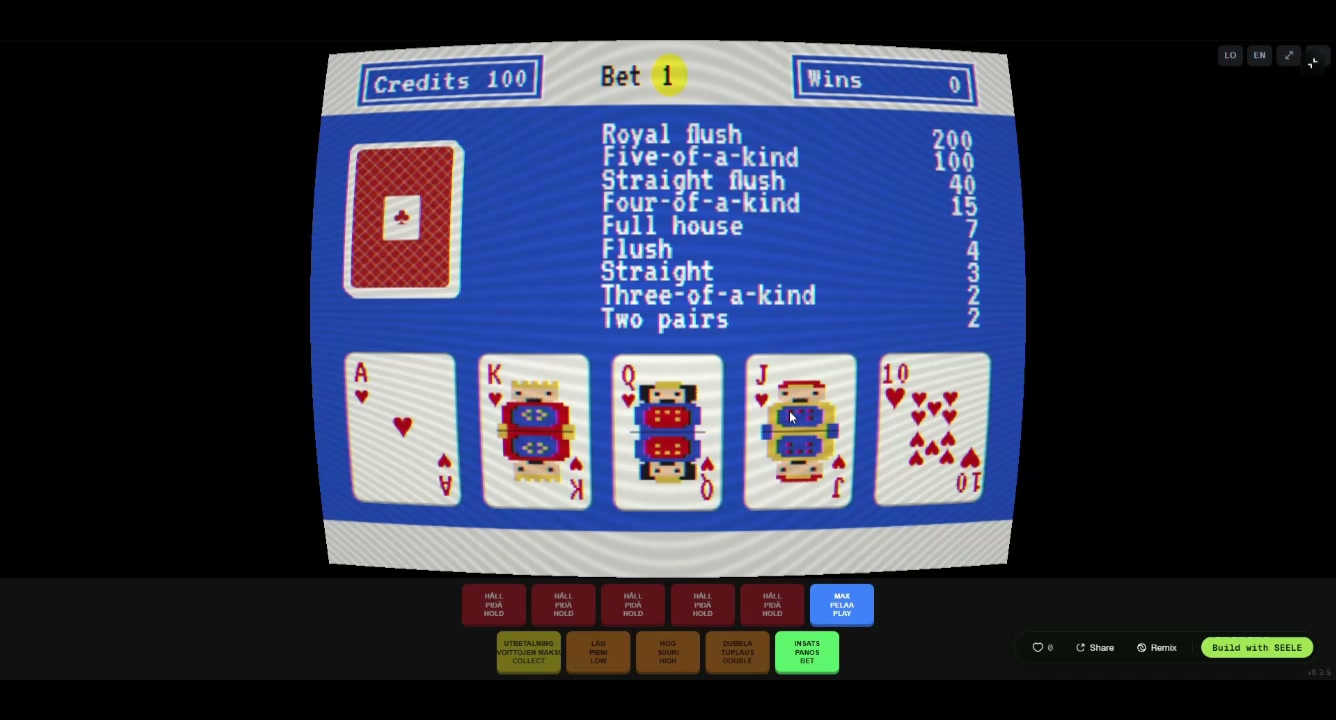
These are authentic generated gameplay results. Use them to inspect offer timing, price clarity, confirmation, delivery feedback, and the return to play.
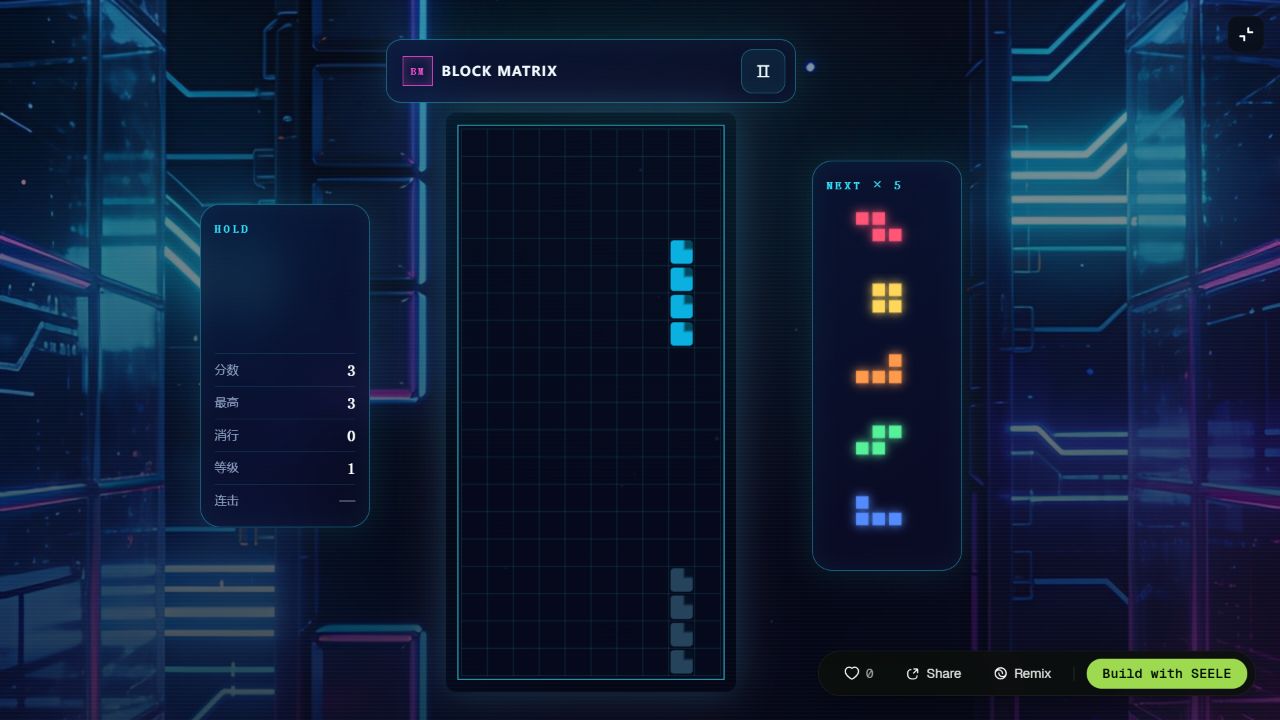
Test a 40 Koin cosmetic trail without interrupting board reading or the free score loop.
Play the result →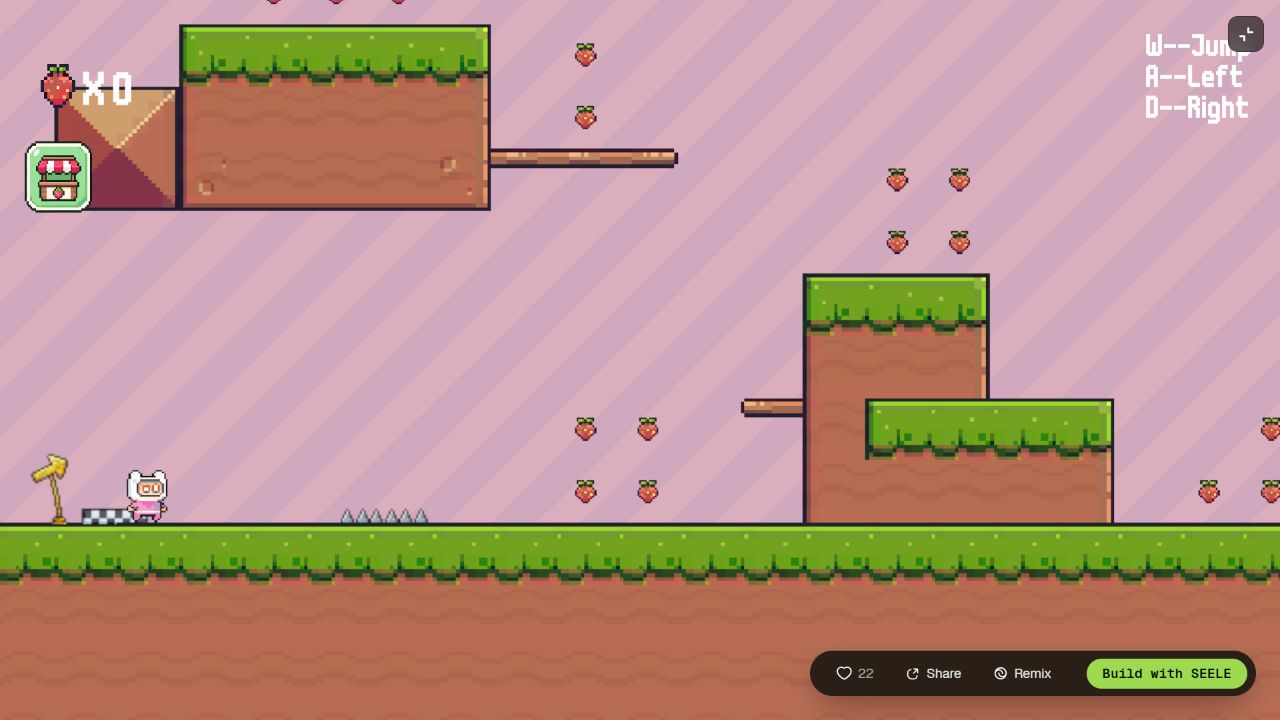
Test a clearly scoped challenge unlock or convenience state in a real movement loop.
Play the result →The screenshots and direct play links prove authentic gameplay context for placement and UI-state testing. They do not prove native billing, a production commerce backend, or a completed live IAP transaction.
No skipped states
Write and test the state chain before polishing the storefront.
Show the exact item, content, quantity, or duration in context.
Put the full amount beside the named offer.
Keep both choices explicit before balance changes.
Explain the state and return safely without delivery.
Acknowledge once and expose the new owned state.
Reconcile ownership without charging or delivering twice.
Four focused starting points
Each prompt defines the game, the sellable item or content, the Koin price, the free baseline, and the review work before release.
DECK BUILDER
MICRO DUNGEON
COZY BUILDER
ARCADE DASH
Your game, one clear offer
Describe the game and optional item or content you want to sell. SEELE will carry a structured creator brief into Workspace so you can refine the game, Koin price, player choice, and delivery.
Player trust is part of the product
A store should make the offer easier to understand, not harder to refuse. Keep the game enjoyable, show the result before confirmation, and make each Koin amount unambiguous.
Optional items can add expression, convenience, or content without turning ordinary play into a penalty.
FAIR BASELINEPresent item contents, quantity, duration, and price together before the player chooses confirm or cancel.
CLEAR OFFERAfter purchase, give the player the described item or content and make its new state easy to recognize.
VISIBLE RESULTAn eligible Koin purchase contributes to creator earnings under current SEELE product terms. Review the game, offer, price, wording, delivery, fairness, rights, and release settings before publishing. SEELE supports CCGS-generated worlds for this workflow, while Unity and Godot packaging remain separate creator responsibilities, and Unreal publishing or buyout-style release claims require their own verified delivery path.
Six specific design paths
Each guide uses its own worked example, failure cases, delivery rules, and focused questions instead of repeating a generic template.
The short answer
SEELE IAP lets creators add sellable items or content to AI-generated games, lets players purchase those offers with Koin, and creates creator earnings from eligible purchases. The creator defines the offer and price, the player keeps a clear choice, and the delivered value stays inside the game experience.
Questions, answered plainly
No. A screenshot and playable result prove the game context and support offer-placement and state-flow testing. Production commerce still needs authenticated billing, transaction reconciliation, compliance, security review, and support procedures.
Reconcile the transaction on reload, deliver the entitlement exactly once, and restore owned items or content without asking the player to buy again.
Choose one offer with a specific player value and a complete free baseline. Cosmetics are often easiest to explain; content, consumables, and convenience upgrades need additional scope, quantity, duration, inventory, or persistence rules.
Start with one honest offer