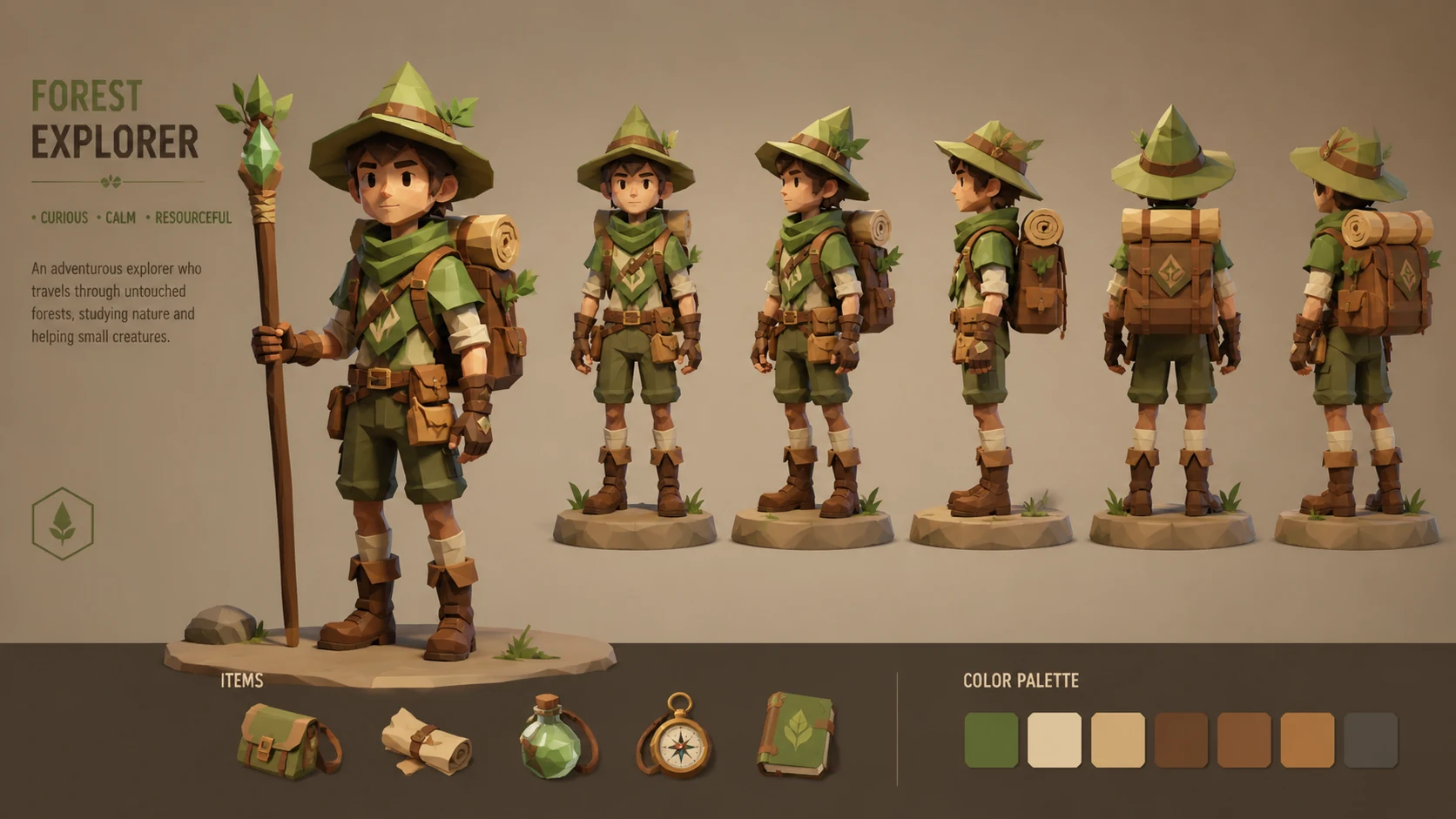
Prompt
Low poly 3D character, original forest explorer, faceted geometry, clean silhouette, warm studio lighting, turntable concept art presentation
Create this look
Create stylized low-poly avatars, NPCs, and collectible character concepts. Start with a subject, art style, camera angle, lighting plan, color palette, and negative constraints. Unofficial creative prompt generator. Not affiliated with, endorsed by, or authorized by any entertainment franchise, game publisher, animation studio, comic publisher, or tabletop brand. Use original characters, fictional worlds, invented symbols, and non-identifiable likenesses.
Low poly 3D character, original forest explorer, faceted geometry, clean silhouette, warm studio lighting, turntable concept art presentation
Create this lookLow poly sci-fi mechanic character, chunky gloves, invented tool belt, saturated color accents, isometric view, game-ready stylized look
Create this look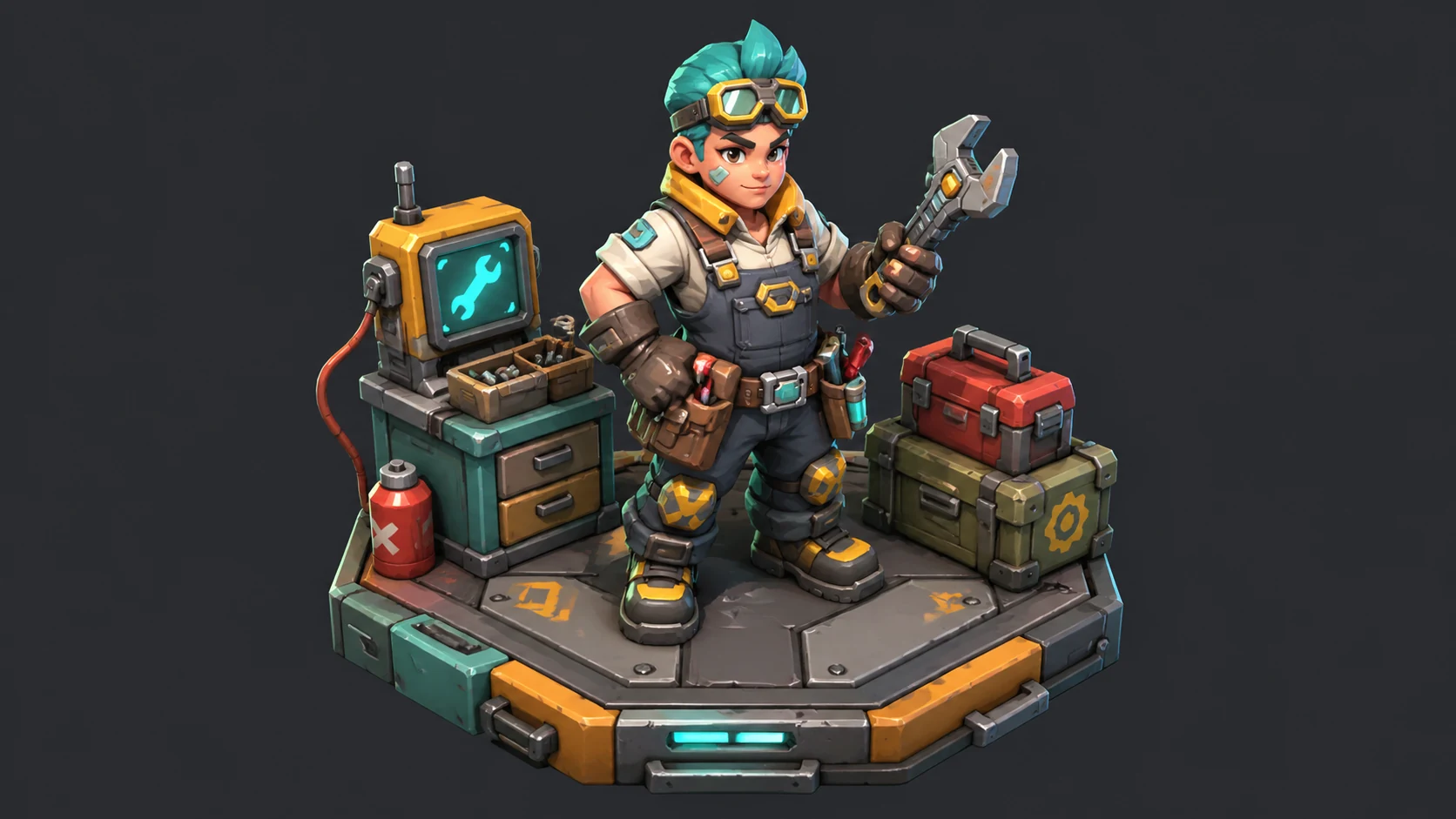
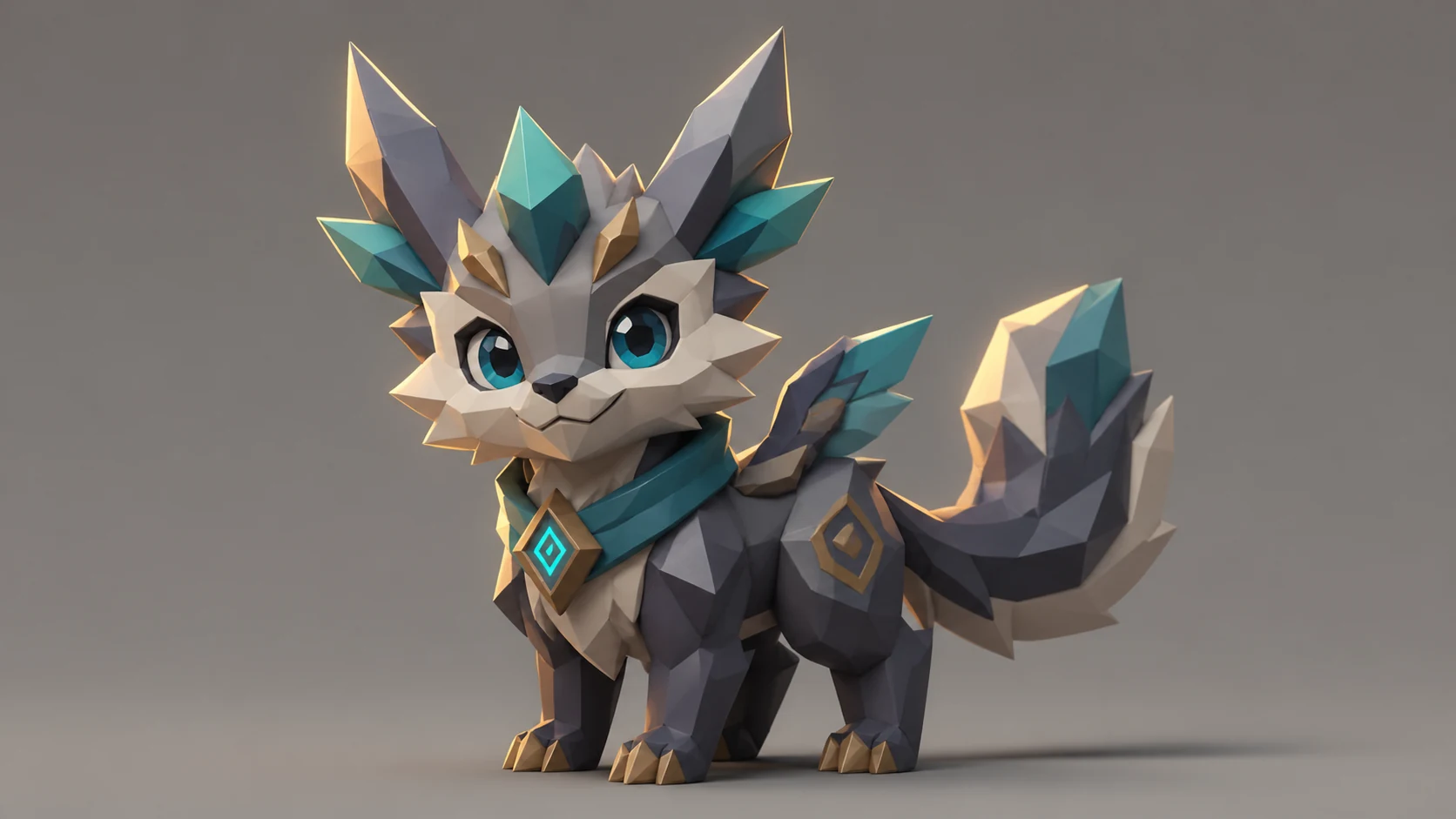
Low poly fantasy creature companion, cute proportions, angular facets, soft rim light, neutral backdrop, original design
Create this lookPrompt workflow
Use this page as a starting point for a focused low poly 3d characters visual. A strong prompt names the subject first, then gives the image model enough direction about composition, style, lighting, and what to leave out.
Describe the person, object, scene, or visual motif before adding decoration.
Add the crop, viewpoint, layout, depth, and the area that should attract attention.
Use concrete references such as editorial, cinematic, flat graphic, soft light, or rim light.
Specify exclusions such as text, logos, watermarks, unwanted likenesses, or extra objects.
Prompt formula
Keep the first version specific but editable. Start with the visual idea on this page, then change one variable at a time so the result is easier to compare and refine.
It turns a written prompt into low poly 3d characters visuals by combining subject, style, lighting, composition, and mood cues.
No. Unofficial creative prompt generator. Not affiliated with, endorsed by, or authorized by any entertainment franchise, game publisher, animation studio, comic publisher, or tabletop brand. Use original characters, fictional worlds, invented symbols, and non-identifiable likenesses. Keep prompts original and use invented characters, symbols, teams, worlds, and visual identities.
Describe the subject, setting, camera angle, color palette, lighting, texture, mood, and negative constraints such as no official logos or real-person likenesses.
Yes. Add specific phrases for lens angle, crop, palette, lighting setup, detail level, background depth, and the intended format such as poster, avatar, wallpaper, or concept sheet.
Use them for concept art, social thumbnails, posters, wallpapers, pitch decks, mood boards, character sheets, and visual exploration drafts.
Open Seele AI workspace, start from a prompt, and keep iterating the visual direction until it feels ready to use.
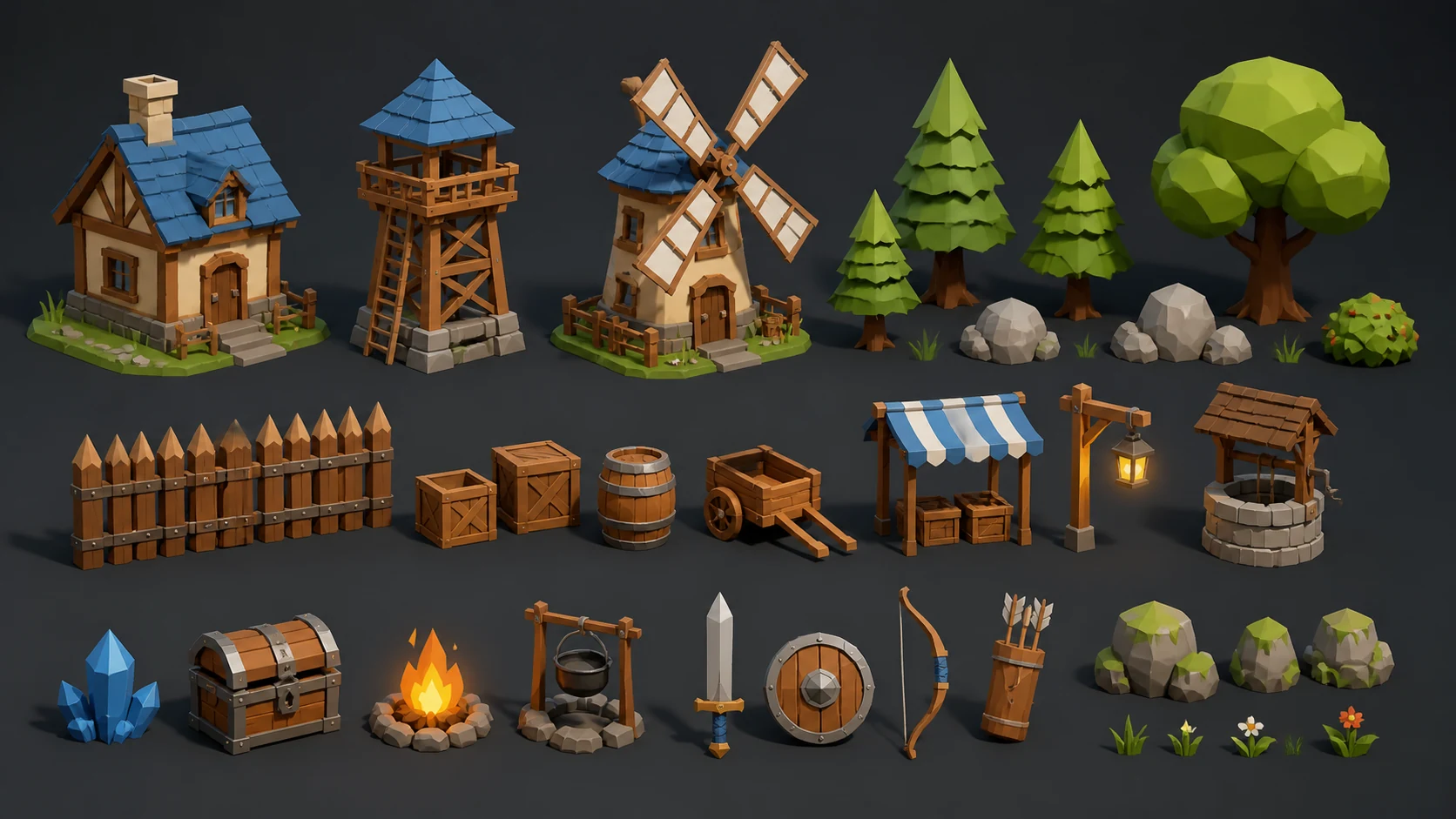 Low Poly Prop Pack AI Image GeneratorUse a free image generator to create original low poly prop pack visuals for game assets, concept art, pitch boards, and production briefs.View prompt →
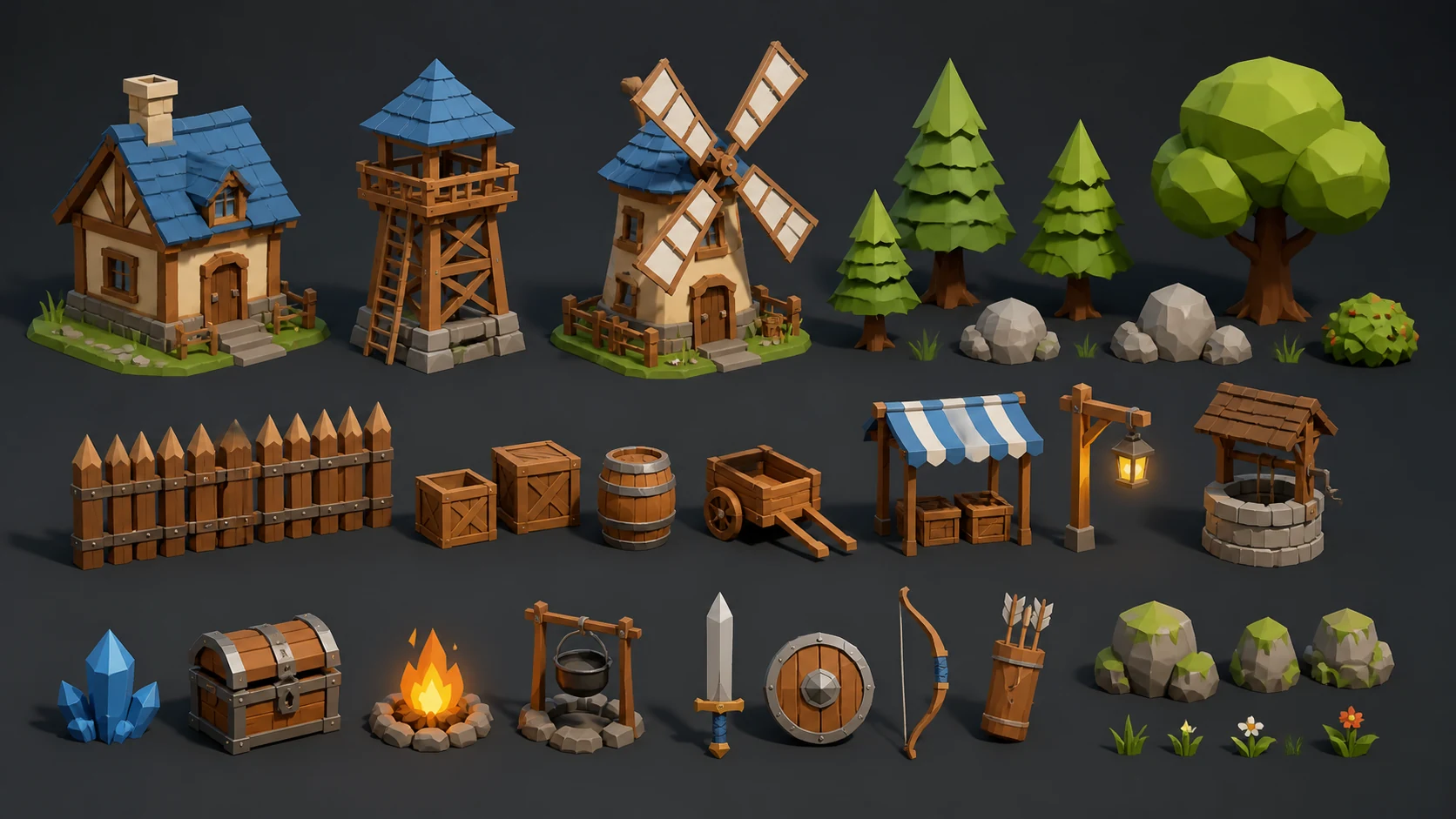 Low Poly Game Asset AI Image GeneratorUse a free image generator to create low poly game asset prompts with style, lighting, composition, and game-ready art direction.View prompt →
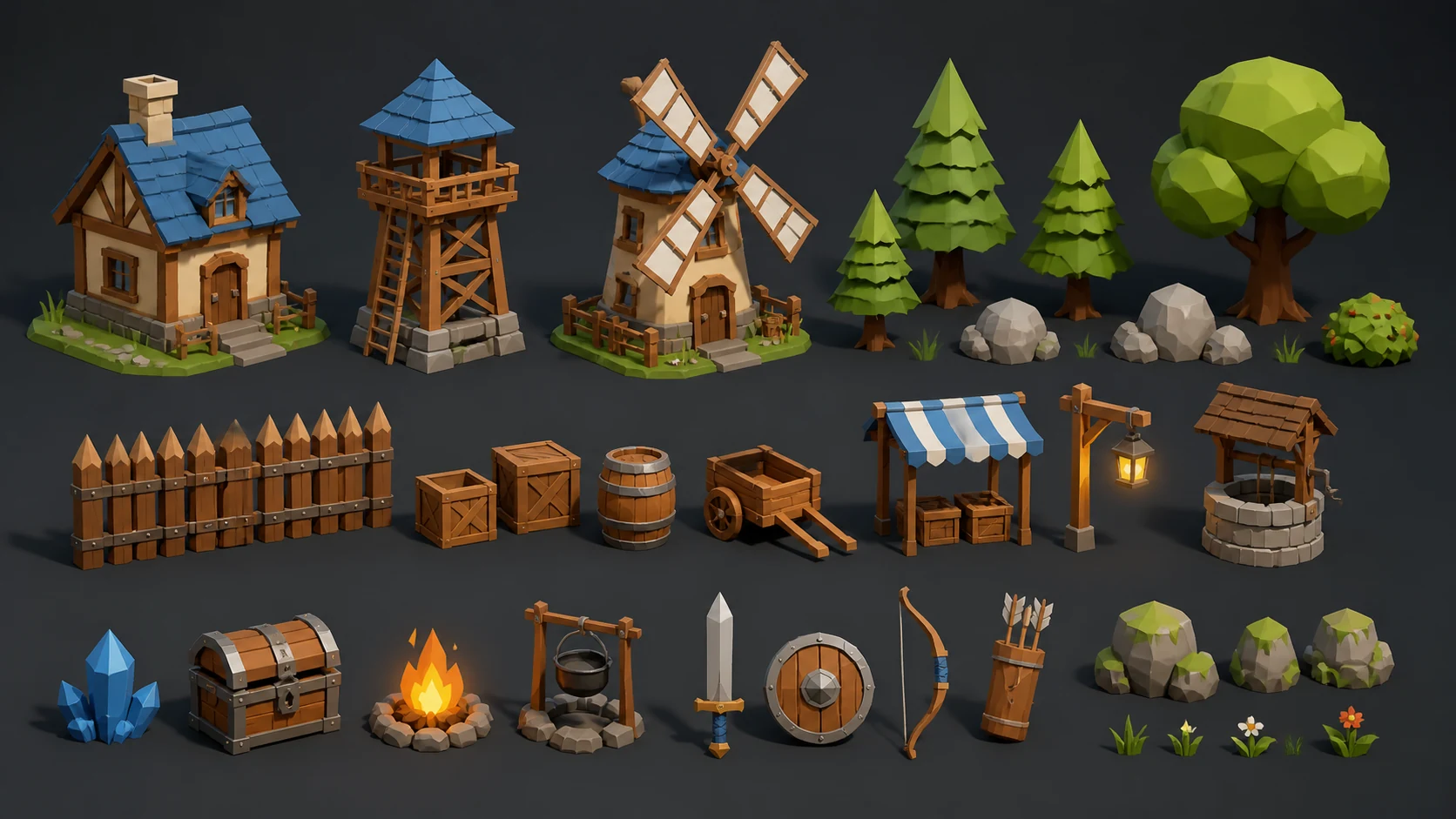 Low Poly Game Assets AI Image GeneratorCreate low poly game assets with Seele AI's free image generator. Explore starter prompts, visual directions, FAQs, and workspace handoff for Game developers.View prompt →
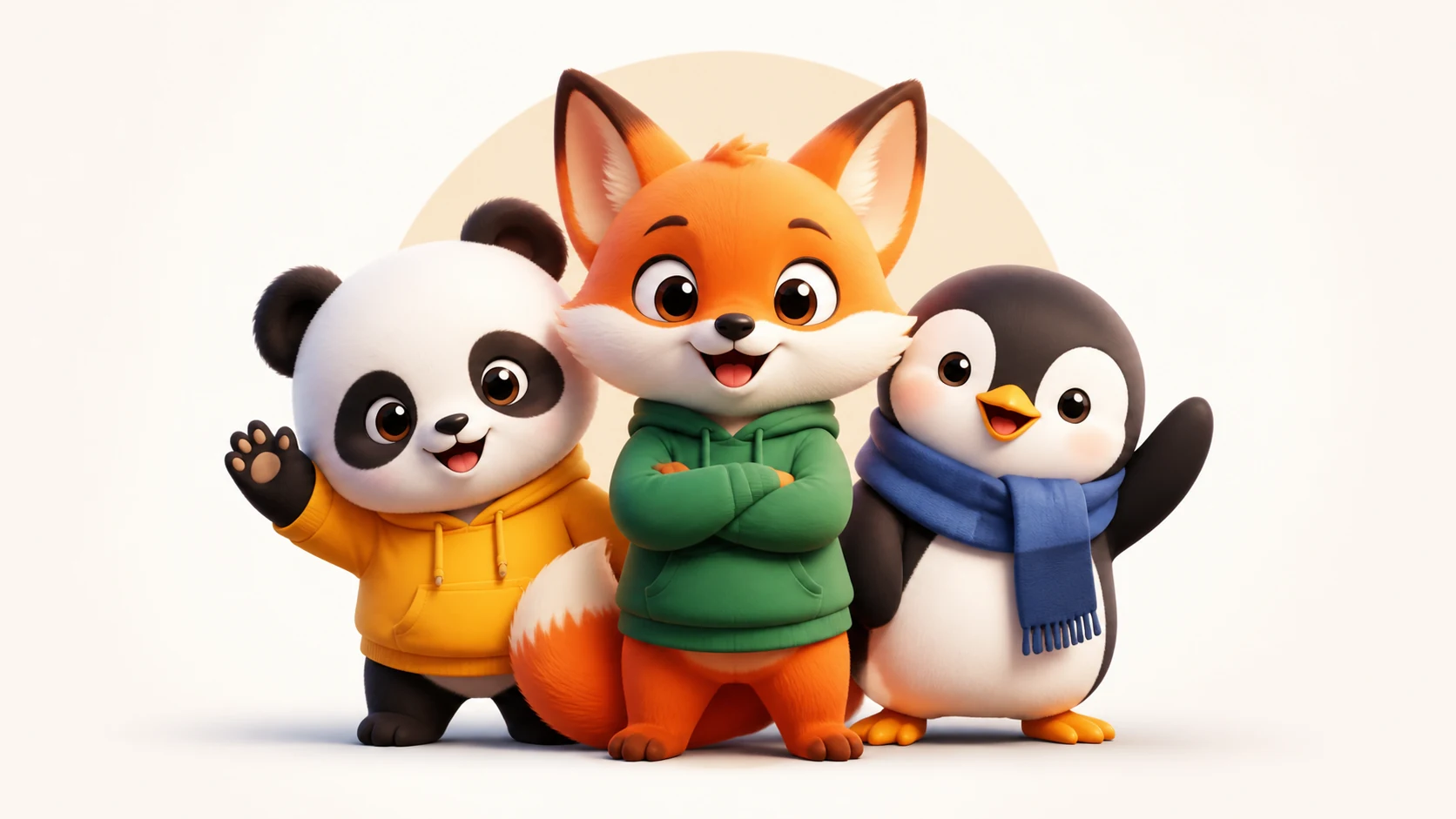 Cute Mascot Logo Characters AI Image GeneratorCreate cute mascot logo characters with Seele AI's free image generator. Explore starter prompts, visual directions, FAQs, and workspace handoff for Brands /View prompt →
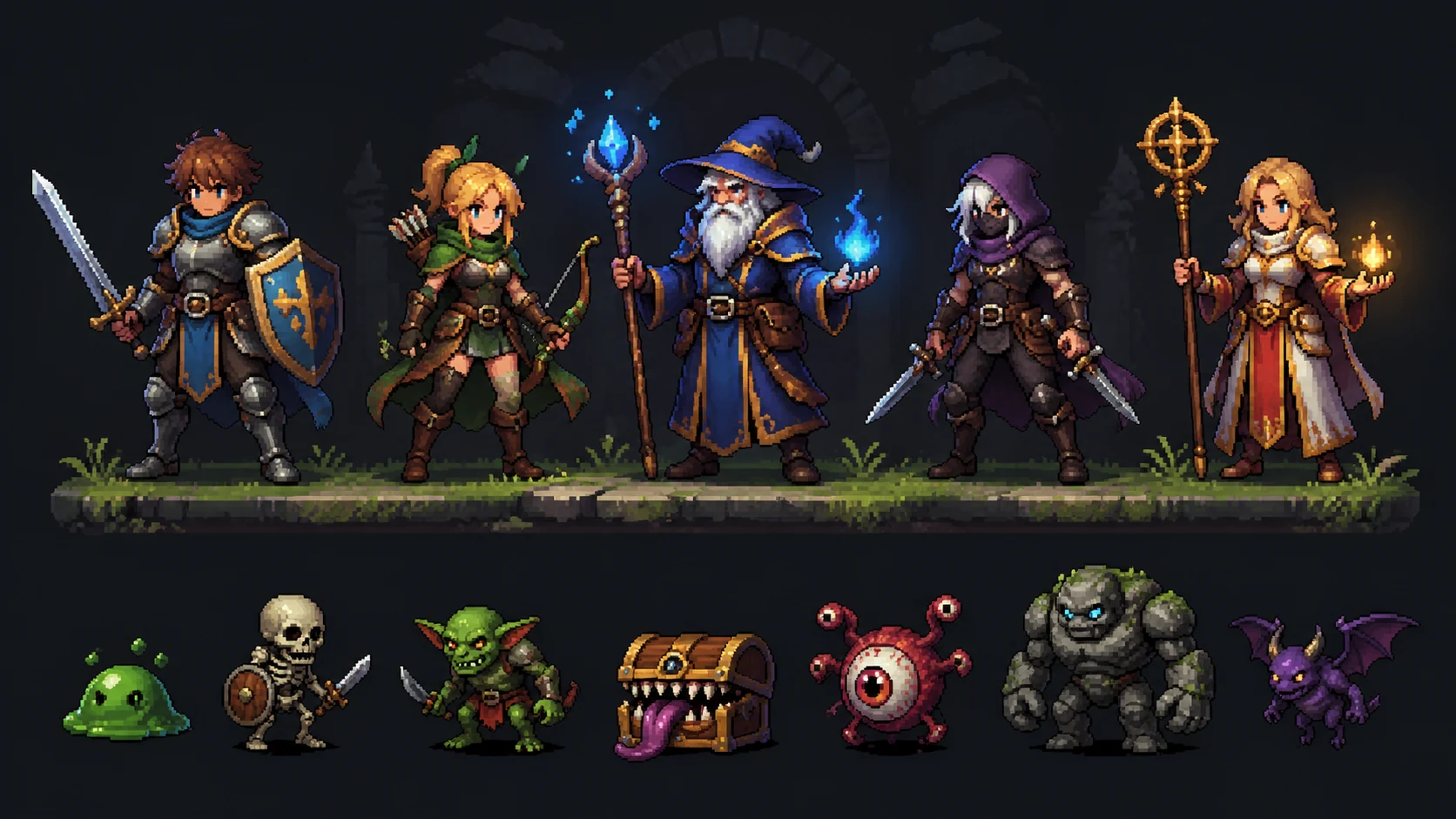 Pixel Art Game Characters AI Image GeneratorCreate pixel art game characters with Seele AI's free image generator. Explore starter prompts, visual directions, FAQs, and workspace handoff for Indie gameView prompt →
 Cyberpunk Street Gang Characters AI Image Generator | SEELE AICreate unique cyberpunk street gang characters visuals for games with SEELE AI. Generate production-ready concepts, iterate on style, and export assets for your project.View prompt →