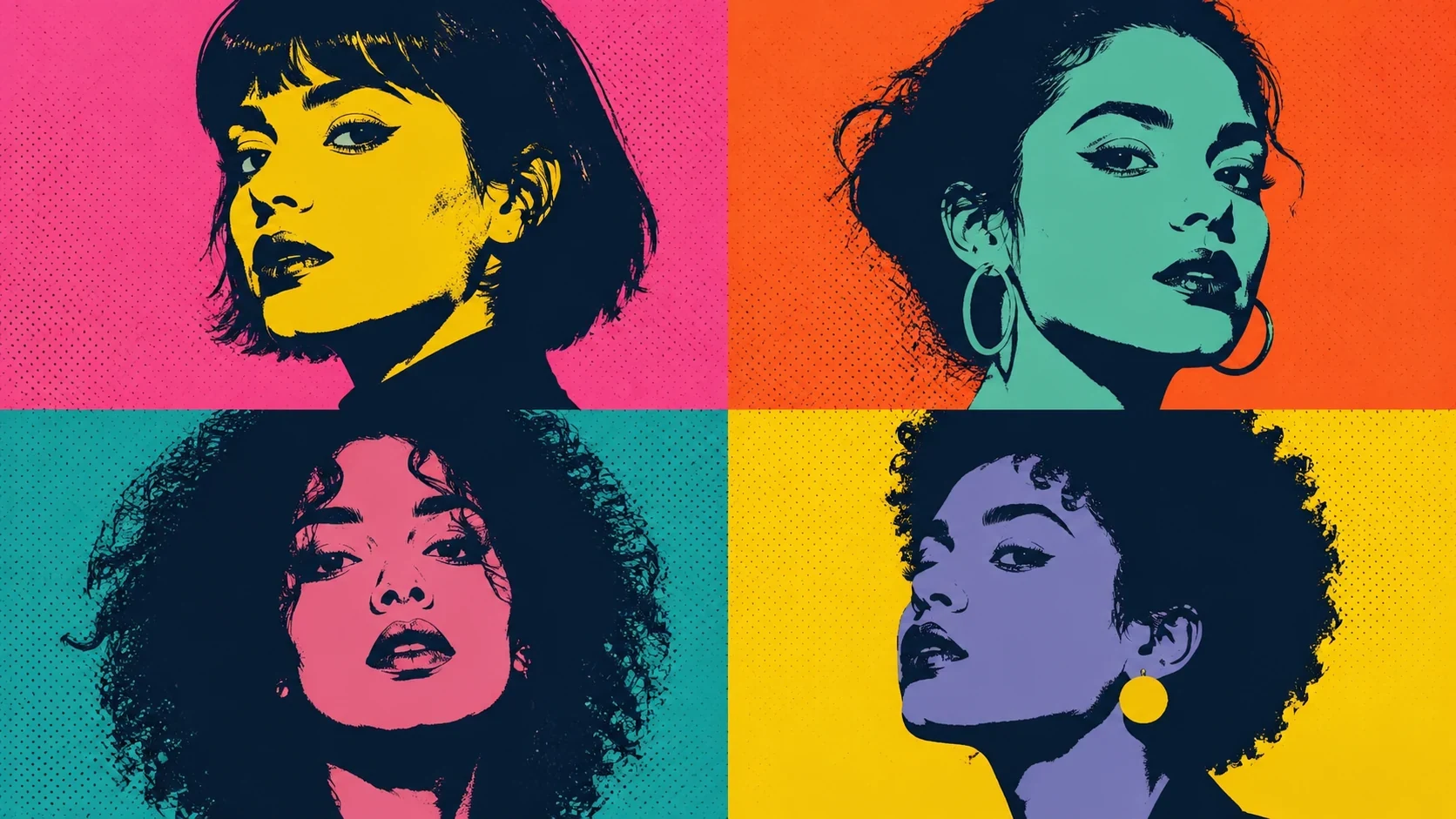
Prompt
Original pop-art portrait, bold screenprint-inspired color blocks, halftone texture, high-contrast face shapes, four-panel gallery layout, no imitation of a specific artist
Create this look Start Free
Create pop art portraits for concept art, posters, thumbnails, wallpapers, and moodboards. Start from a polished prompt, adjust subject, composition, lighting, and color, and keep the result original. Build bold pop-art portrait concepts inspired by mid-century screenprint energy while avoiding exact replication of any named artist or protected work. Unofficial creative image generator. Not affiliated with, endorsed by, or authorized by any entertainment label, artist estate, studio, game publisher, platform, museum, or cultural institution. Avoid real-person likenesses, official marks, protected characters, and exact artist imitation.
Original pop-art portrait, bold screenprint-inspired color blocks, halftone texture, high-contrast face shapes, four-panel gallery layout, no imitation of a specific artist
Create this lookRetro pop-art product poster, comic dots, saturated cyan magenta yellow palette, clean graphic outlines, playful consumer-culture mood, original composition
Create this look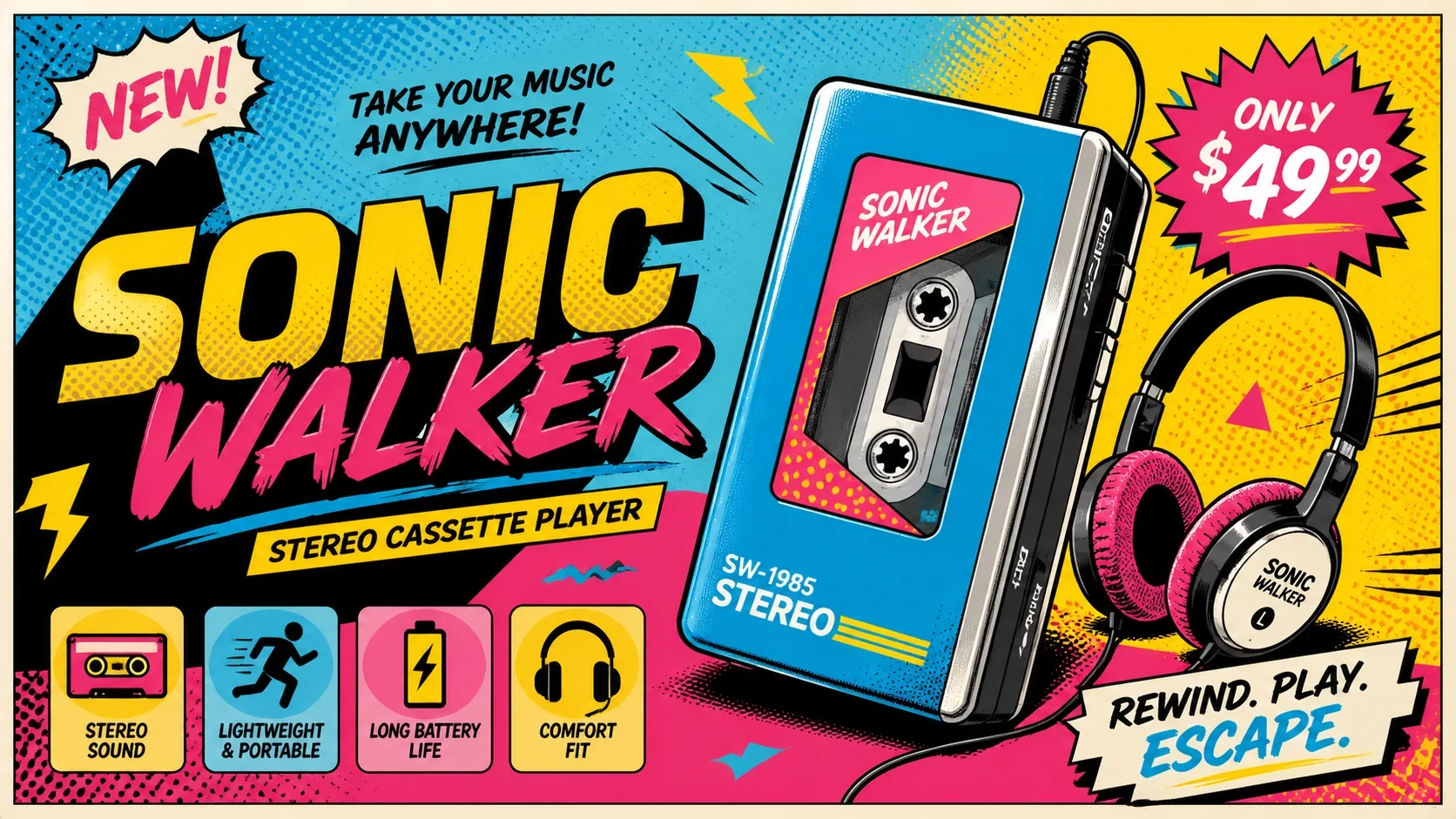
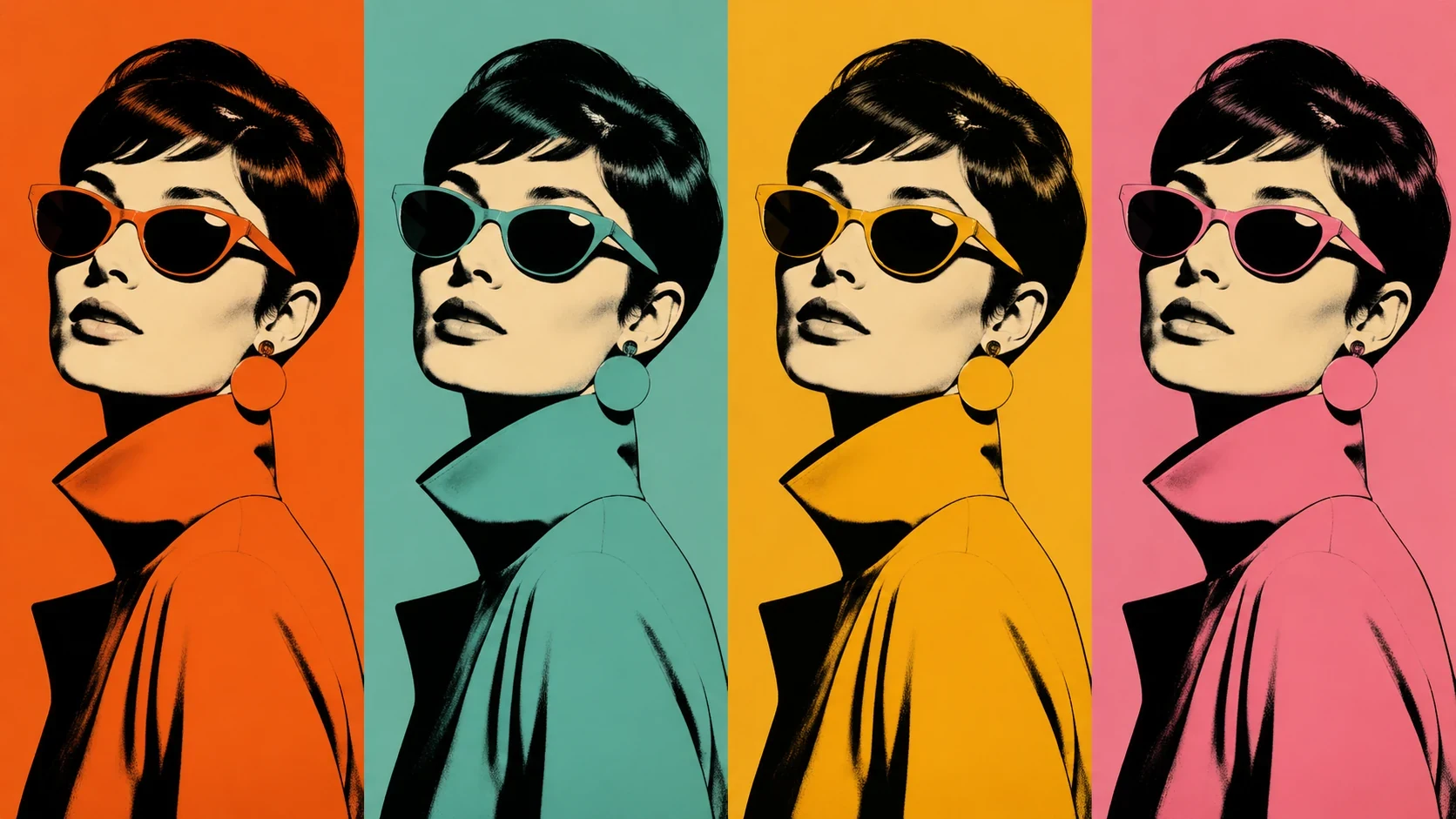
Fashion editorial portrait in mid-century pop-art language, repeated color variations, flat ink textures, crisp studio silhouette, fictional model, no copied artwork
Create this lookPrompt workflow
Use this page as a starting point for a focused pop art portraits visual. A strong prompt names the subject first, then gives the image model enough direction about composition, style, lighting, and what to leave out.
Describe the person, object, scene, or visual motif before adding decoration.
Add the crop, viewpoint, layout, depth, and the area that should attract attention.
Use concrete references such as editorial, cinematic, flat graphic, soft light, or rim light.
Specify exclusions such as text, logos, watermarks, unwanted likenesses, or extra objects.
Prompt formula
Keep the first version specific but editable. Start with the visual idea on this page, then change one variable at a time so the result is easier to compare and refine.
It is a free image generator workflow that turns your pop art portraits idea into a detailed prompt with subject, style, lighting, composition, and safe originality cues.
Name the subject, mood, color palette, camera angle, background, lighting, and intended use. Add constraints such as original character, no logos, no copied artwork, and no real-person likeness when relevant.
Yes. Edit the prompt for format, lens, crop, visual medium, palette, texture, lighting direction, and negative constraints before opening it in the workspace.
Use them for concept art, thumbnails, posters, wallpapers, social graphics, moodboards, product directions, or creative briefs, subject to your own rights review.
Unofficial creative image generator. Not affiliated with, endorsed by, or authorized by any entertainment label, artist estate, studio, game publisher, platform, museum, or cultural institution. Avoid real-person likenesses, official marks, protected characters, and exact artist imitation.
Open Seele AI workspace, start from a prompt, and keep iterating the visual direction until it feels ready to use.
 Art Nouveau Floral Portraits AI Image GeneratorCreate art nouveau floral portraits with Seele AI's free image generator. Explore starter prompts, visual directions, FAQs, and workspace handoff for DesignerView prompt →
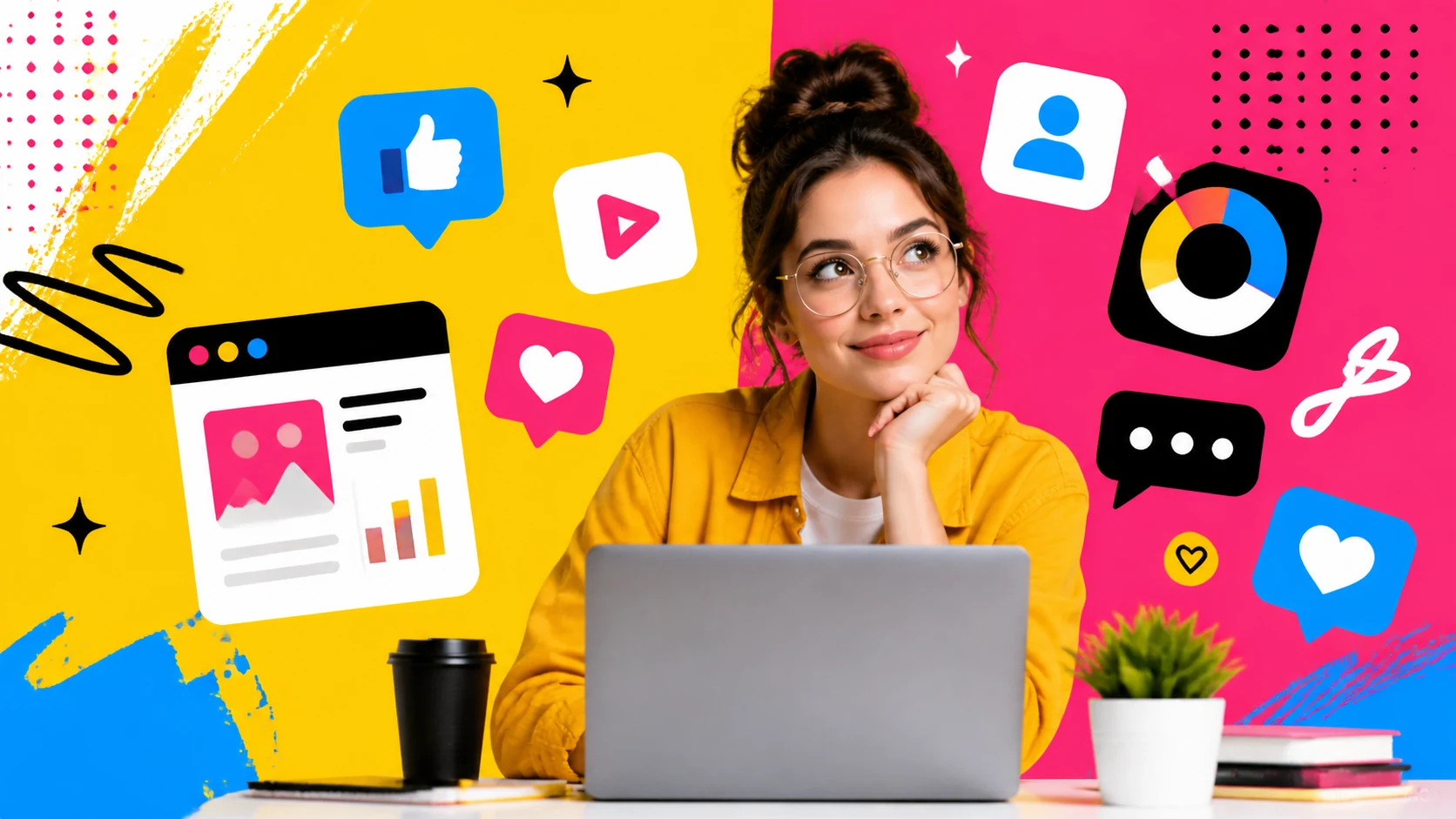 Colorful Pop Art Social Graphics AI Image GeneratorCreate colorful pop art social graphics with Seele AI's free image generator. Explore starter prompts, visual directions, FAQs, and workspace handoff for SociView prompt →
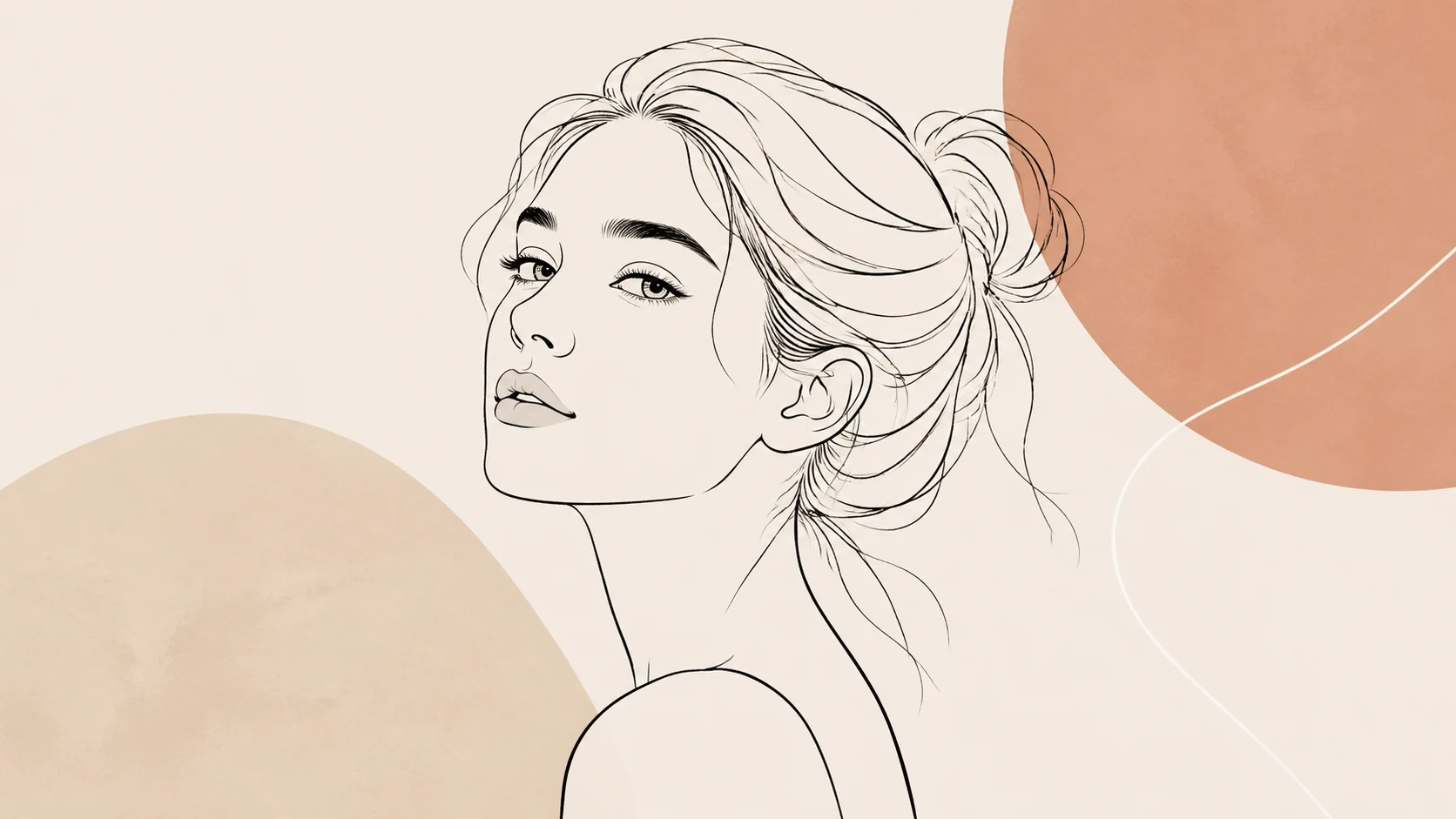 Minimal Line Art Portraits AI Image GeneratorCreate minimal line art portraits with Seele AI's free image generator. Explore starter prompts, visual directions, FAQs, and workspace handoff for Portrait uView prompt →
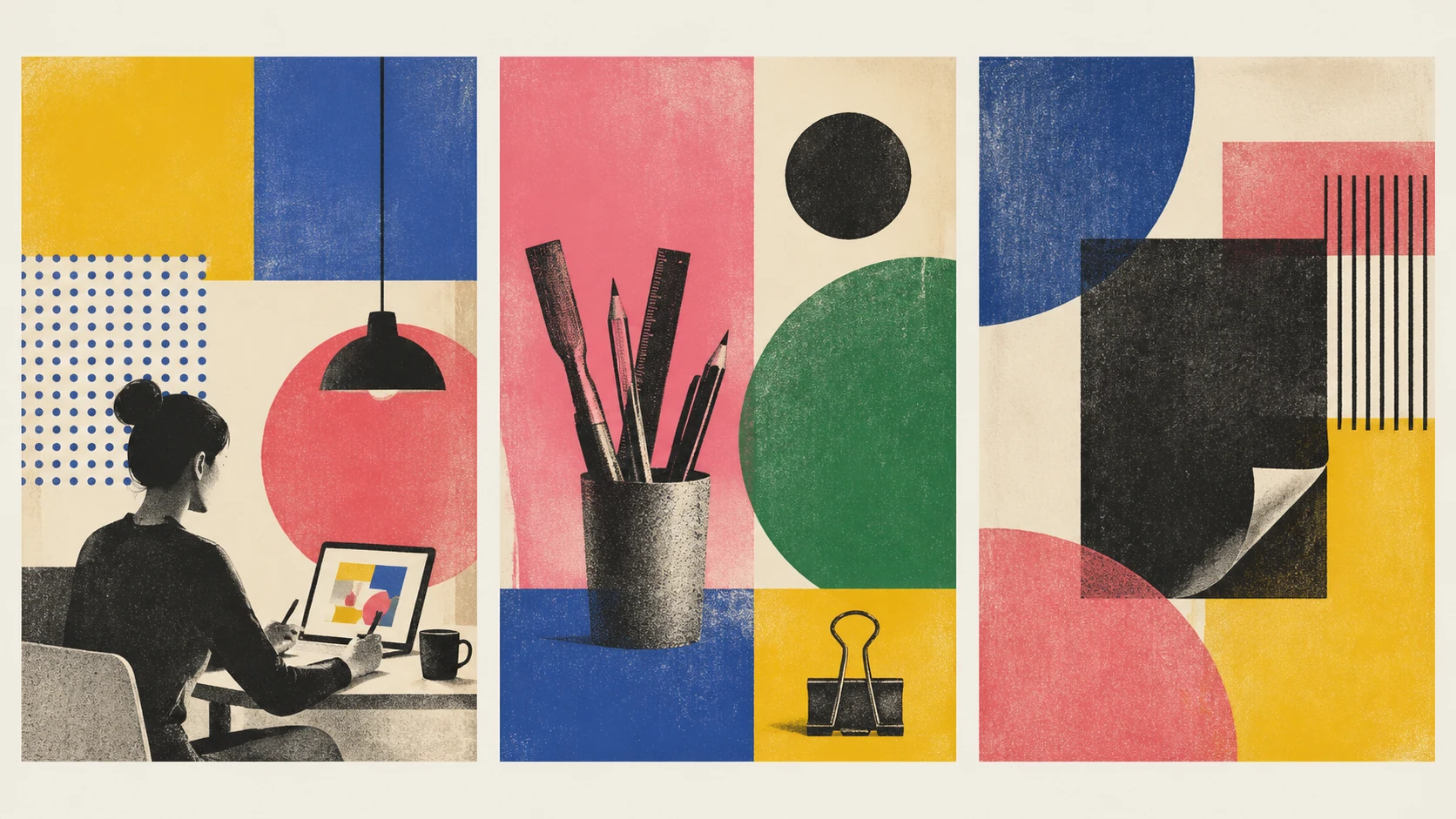 Risograph Art Style Posters AI Image GeneratorCreate risograph art style posters with Seele AI's free image generator. Explore starter prompts, visual directions, FAQs, and workspace handoff for DesignersView prompt →
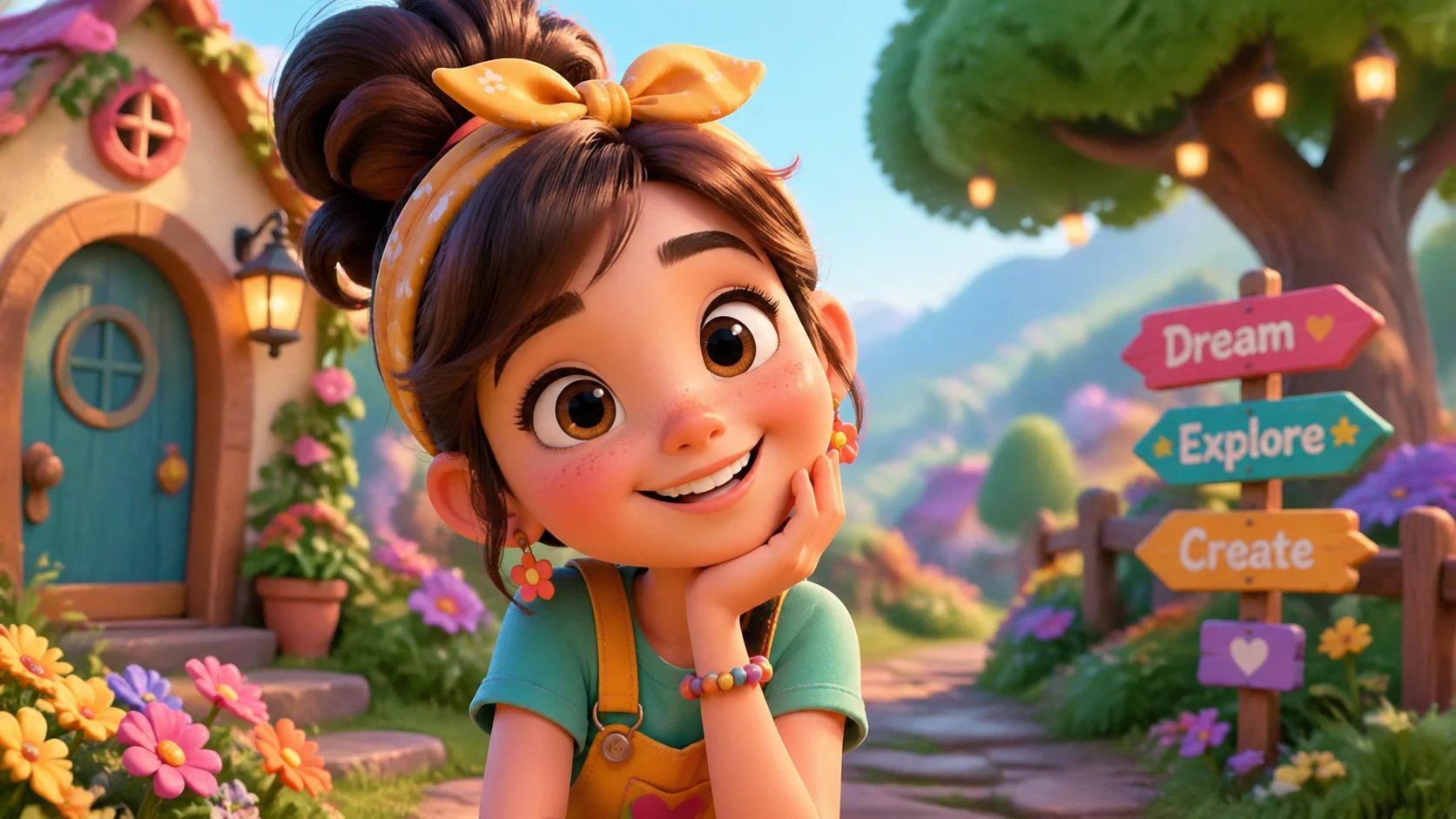 Whimsical 3D Animation Portraits AI Image GeneratorCreate Whimsical 3D Animation Portraits with Seele AI's free image generator. Explore prompt ideas, visual styles, and fast image creation.View prompt →
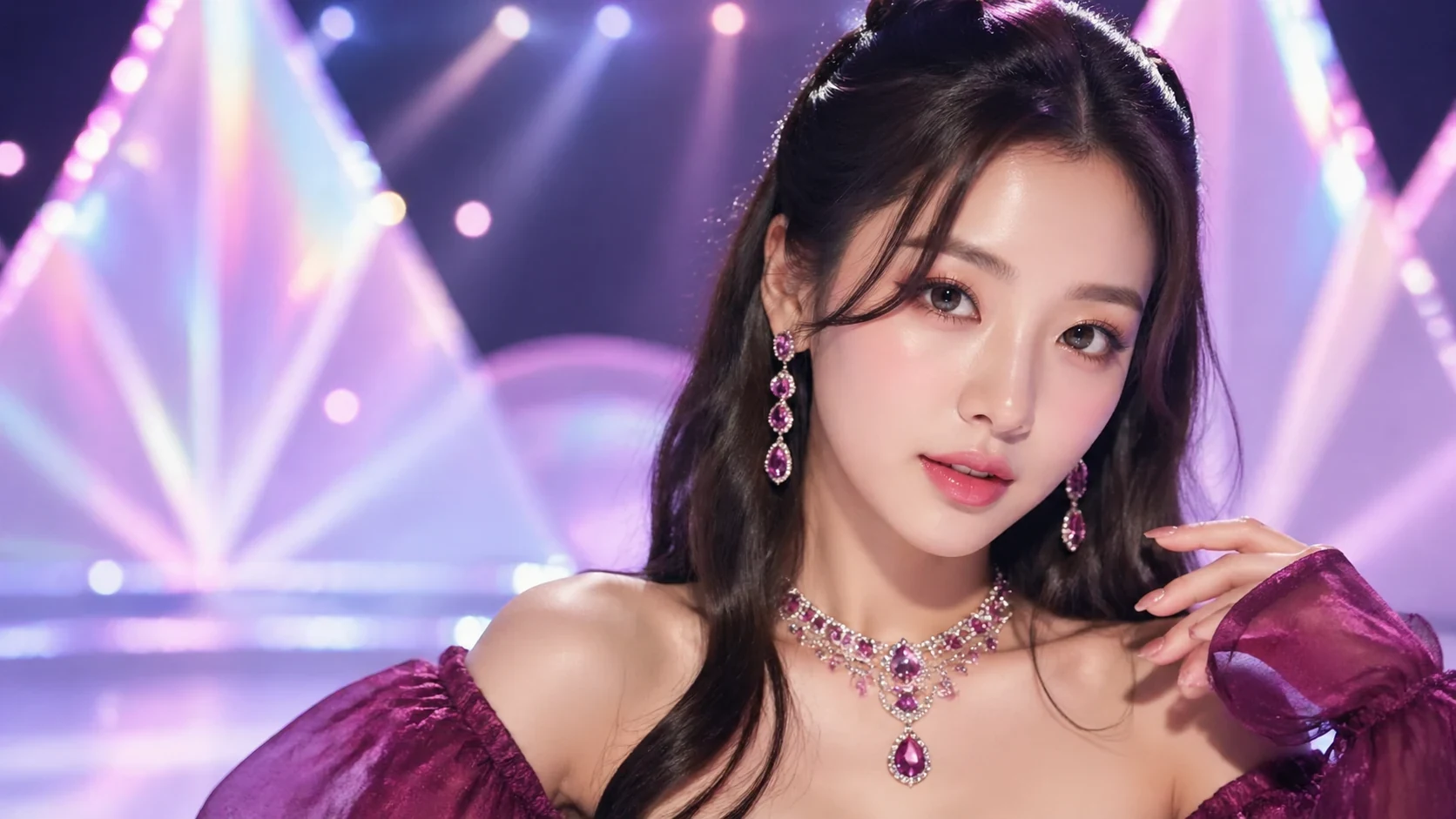 K-Pop Idol Aesthetic Portraits AI Image GeneratorUse a free image generator to create original k-pop idol aesthetic portraits for posters, avatars, wallpapers, concept art, and social visuals with safe promptView prompt →