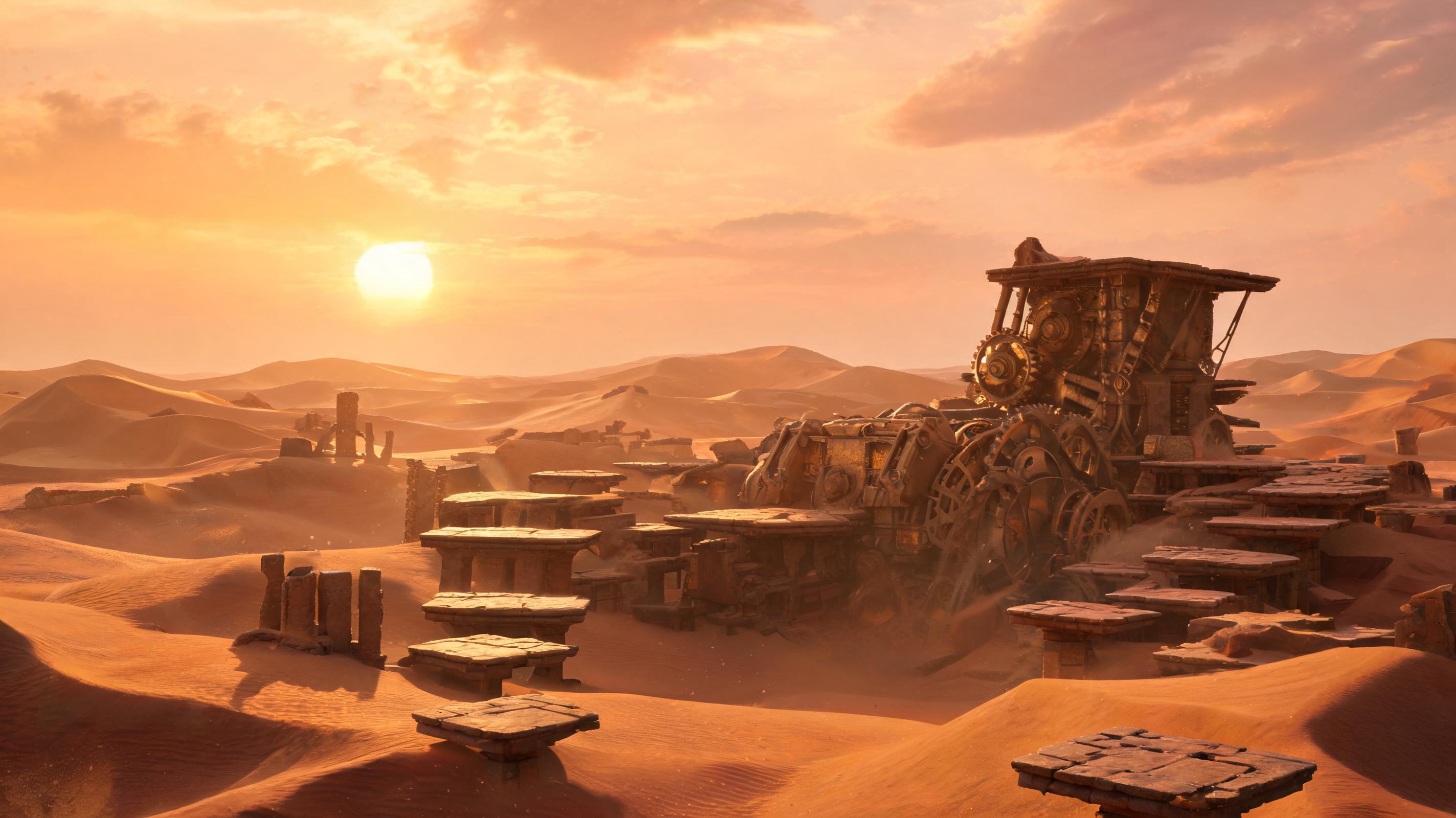
Prompt 1
Create concept art directions for a desert platformer with ancient machines and warm palettes.
Use this promptCreate structured concept art prompts for worlds, characters, props, gameplay scenes, mood boards, and art direction review.
AI Game Concept Art Generator
Create structured concept art prompts for worlds, characters, props, gameplay scenes, mood boards, and art direction review.
Try Focused Prompts
Launch a concrete game asset prompt into the workspace.
Create concept art directions for a desert platformer with ancient machines and warm palettes.
Use this prompt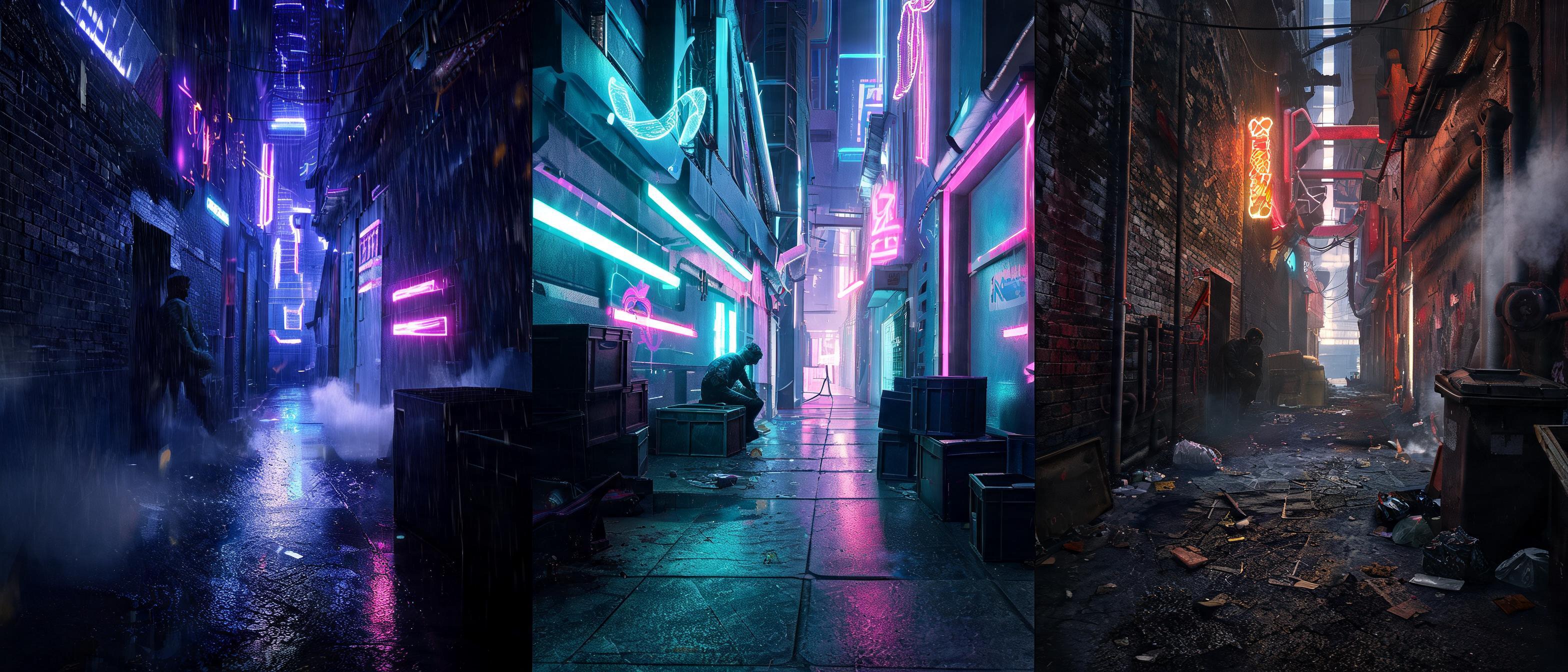
Generate three mood directions for a neon stealth game alley scene.
Use this prompt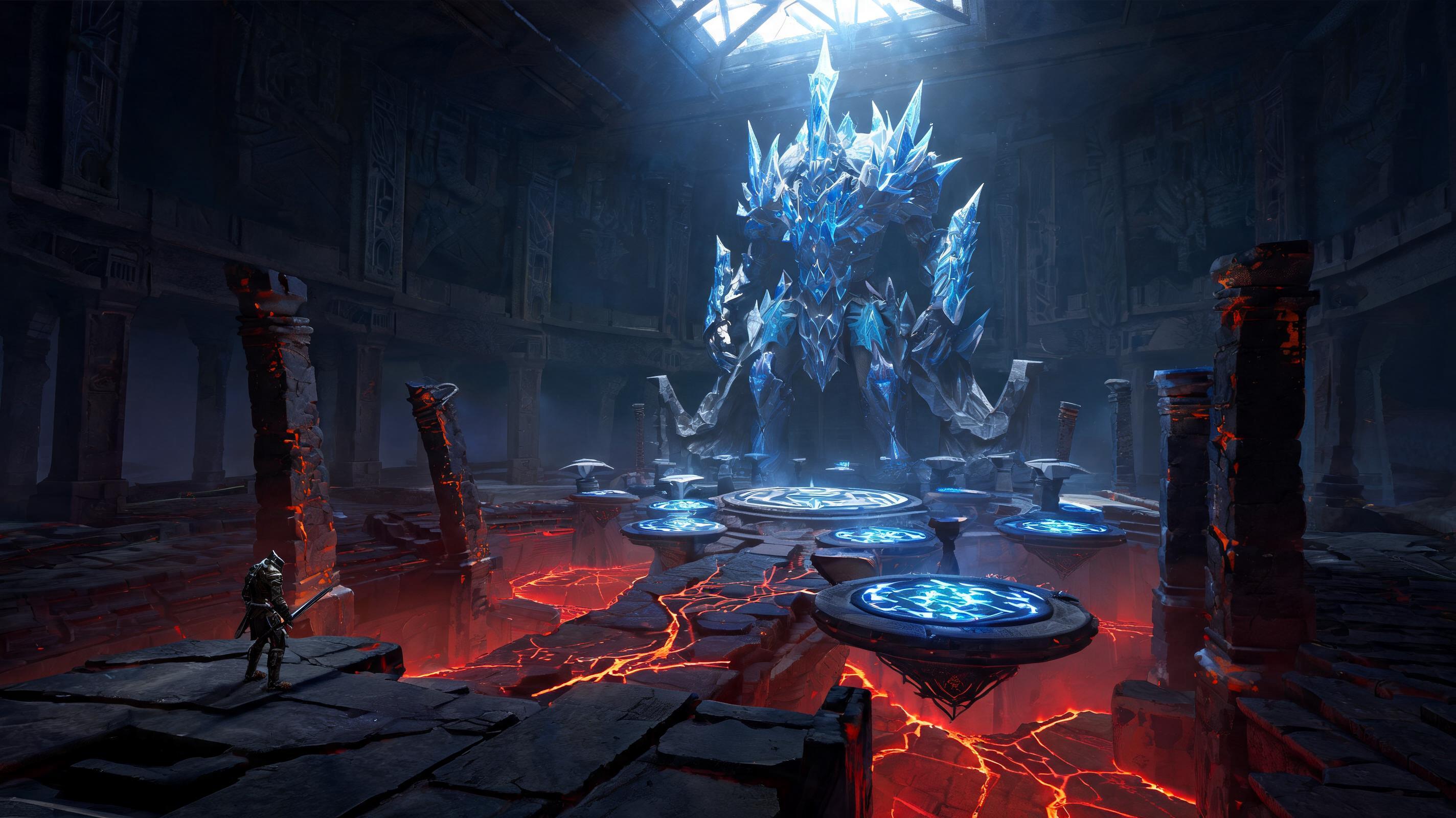
Plan a boss arena concept with gameplay hazards, scale references, and lighting notes.
Use this promptWorkflow Support For This Asset Type
Each card maps a production need to a SEELE-supported workflow.
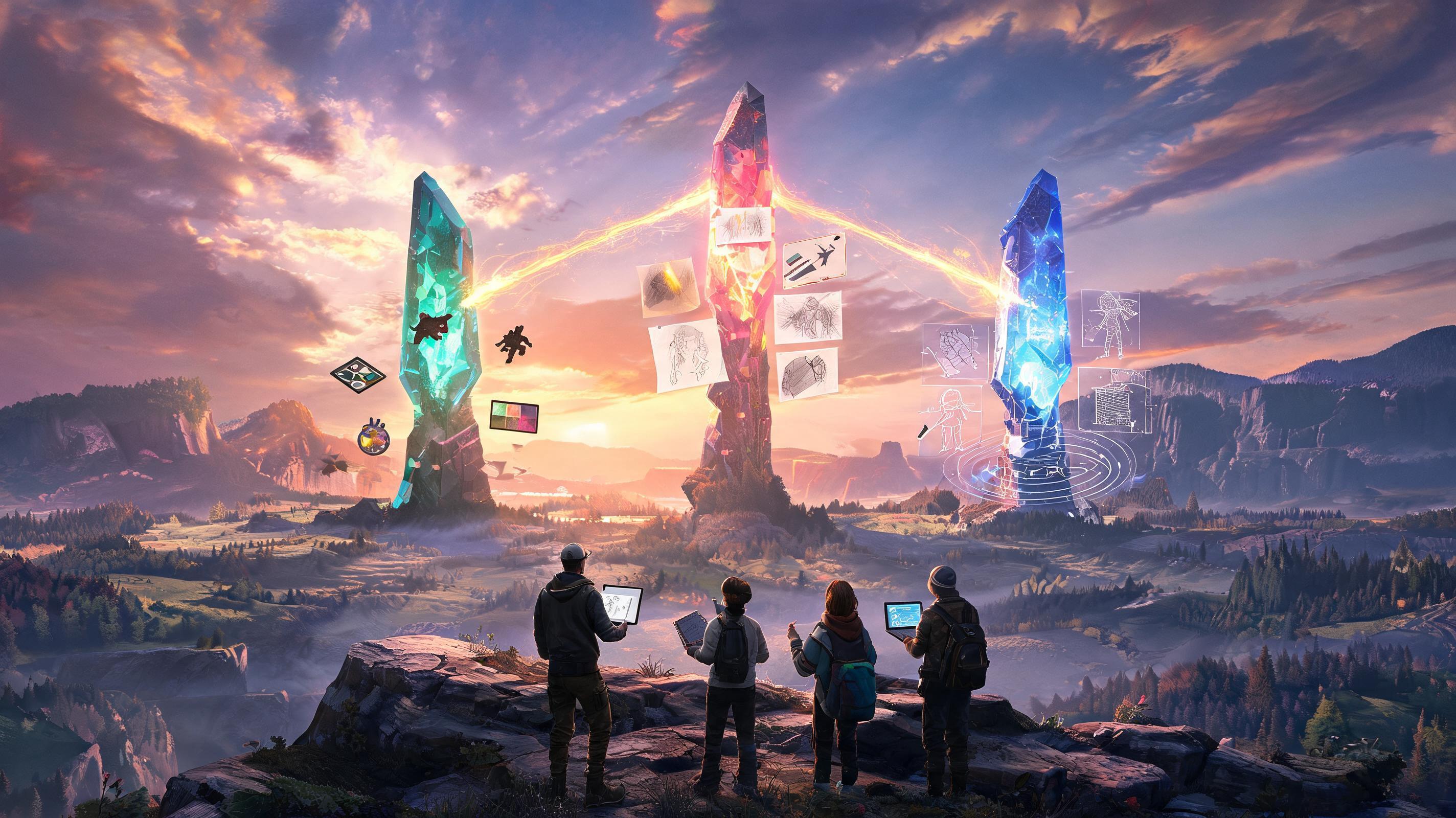
Use art pillar exploration to keep generated direction connected to gameplay, style, and implementation constraints.
Open Workspace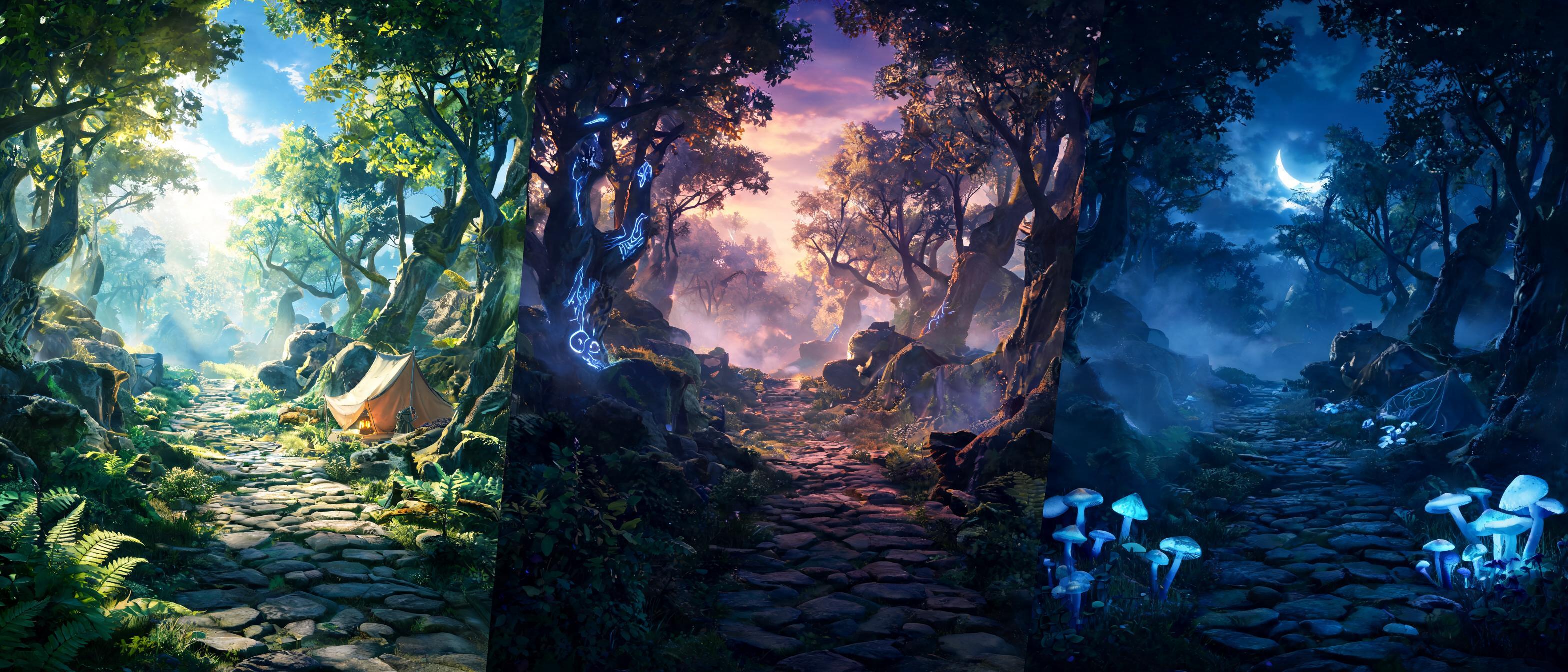
Use mood and scene variants to keep generated direction connected to gameplay, style, and implementation constraints.
Open Workspace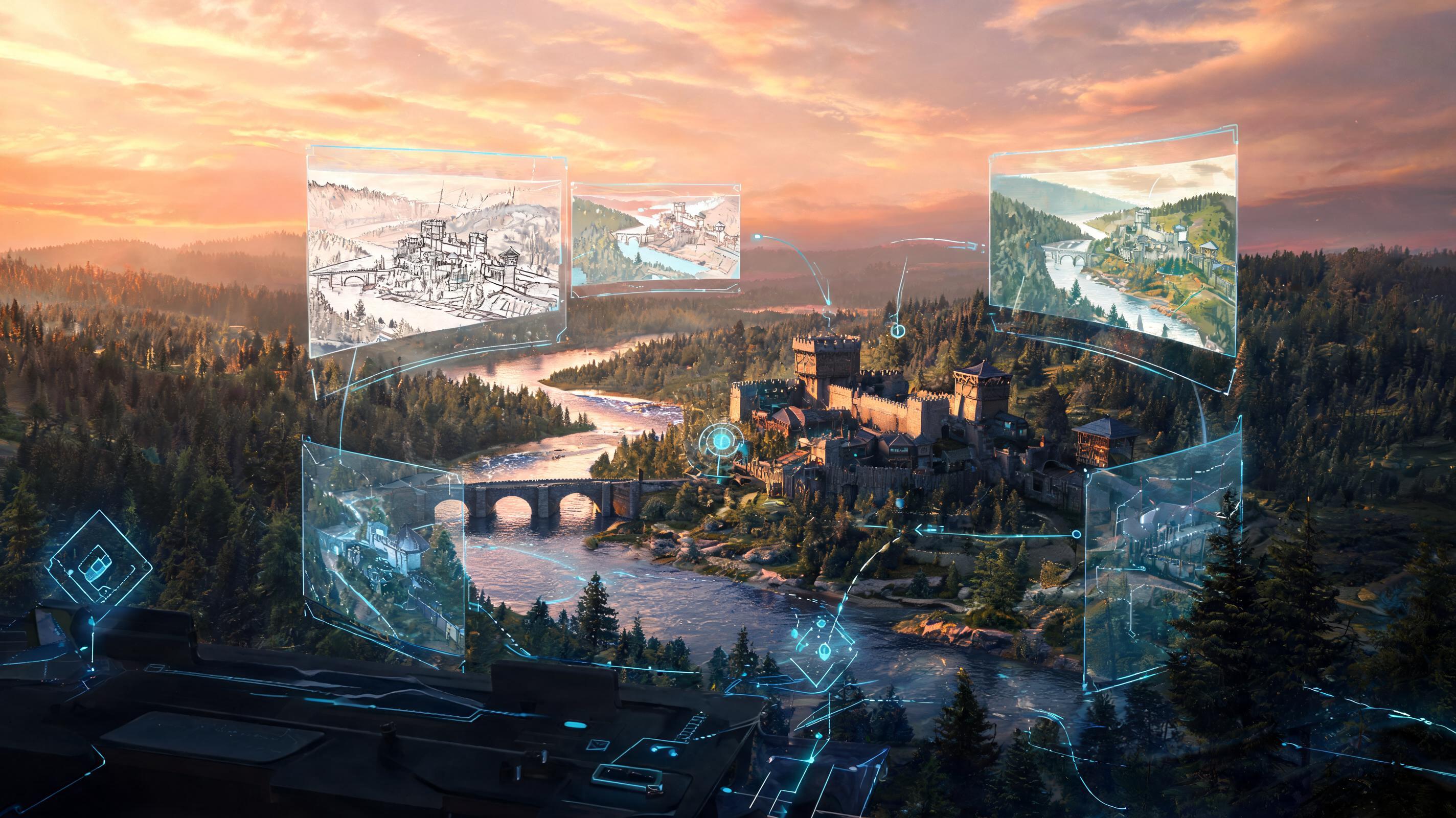
Use gameplay concept review to keep generated direction connected to gameplay, style, and implementation constraints.
Open WorkspaceHow It Works
Describe the asset, genre, style constraints, camera or UI context, and review risks. SEELE turns the input into a structured generation direction.
Try controlled directions and keep the strongest traits. The workflow keeps the asset goal attached to each iteration.
Check style, rights, readability, and engine needs. The selected direction carries into the workspace for further creation.
What You Get
A structured concept prompt for game production planning.
A structured art direction notes for game production planning.
A structured scene review plan for game production planning.
Where This Works Best
AI Game Concept Art Generator is a SEELE AI workflow for turning a game asset brief into structured prompts, variants, review notes, and production handoff inputs.
It can create strong production inputs, but final game use still needs human review for originality, style fit, platform policy, and engine requirements.
Start with the asset type, genre, camera or UI context, size constraints, style direction, and what the asset must do for the player.
Use the generated direction inside SEELE AI workflows for 2D assets, 3D assets, textures, sprites, UI, animation, browser previews, or Unity-oriented handoff.
Join thousands building with Seele AI — no setup required.
Open Workspace