A greenhouse simulation becomes interesting when the player must make one small crop plan fit shared conditions. Start with two trays, one bay, one daily water budget, and a day-ending check. The loop is simple: choose a crop, set the climate and light, allocate water, commit the day, then compare each tray’s needs with the conditions it received. That makes crop planning visible before adding seasons, markets, or more rooms.
The Glasshouse 5 example below is a fictional design exercise. Its temperatures, humidity ranges, light hours, water units, and crop stages are invented game rules, not gardening instructions. No prompt was run and no playable build, greenhouse test, or measured result is available; the revision is resolved on paper only.
- Set up one greenhouse day
- Separate shared conditions from crop needs
- Resolve water and daily growth
- Compare six and eight light-hours
- Write a focused build request
Start with one greenhouse day
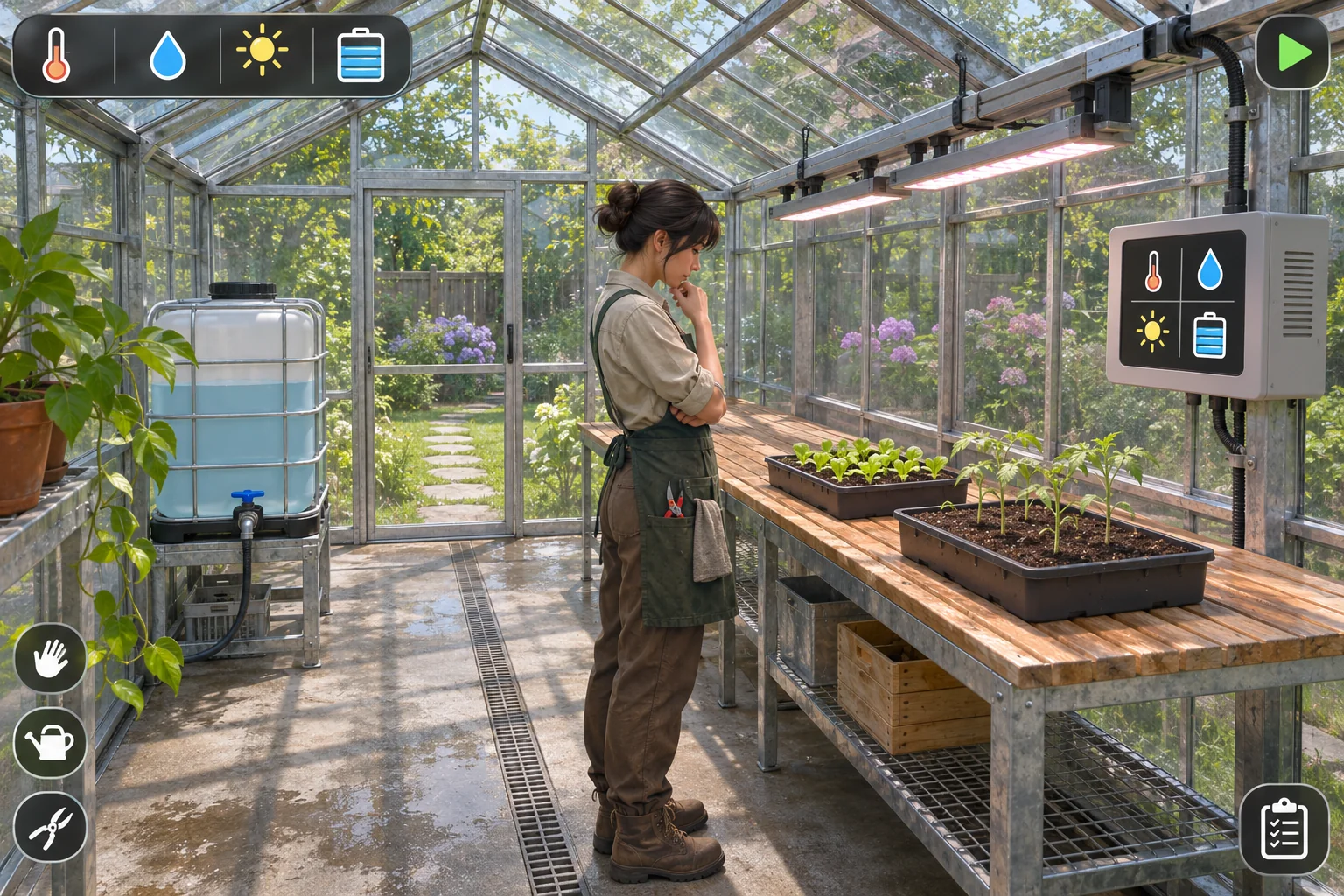
Do not begin by designing every feature a farm could contain. Choose one question the first playable slice should answer: can a player understand why two crops respond differently to a single greenhouse schedule? A small stationary bay is enough. The player can read the shared settings, assign water to each tray, commit one day, and see which plants advance.
Keep the daily sequence visible and in order:
- Choose the plan. Select one crop for each tray and check its target conditions.
- Set the shared bay. Choose one temperature, one humidity level, and one light duration for both trays.
- Allocate water. Divide the five-unit tank between the two crops. Assignments cannot exceed what the tank holds.
- Commit the day. Freeze the inputs so the player can see the consequences of this plan.
- Read dusk feedback. For each tray, compare every required condition, then update its growth stage and stress.
This order separates decisions from results. If the player can change settings after seeing the dusk outcome, it becomes unclear which plan produced that result. Locking the inputs at commit creates a clean cause-and-effect loop without requiring hidden simulation rules.
Separate shared climate from crop needs
A useful greenhouse puzzle comes from putting unlike plans in the same bay. The controller sets one temperature and humidity for the whole room. Each tray has its own acceptable range, light requirement, and water assignment. That creates a real decision in the game model: a shared setting can suit one crop while leaving another just outside its growth conditions.
For Glasshouse 5, every value in the matrix is an invented design parameter. The ranges are inclusive, and a tray passes only if temperature, relative humidity, light, and its assigned water all fit on the same day.
| Fictional tray | Temperature | Relative humidity | Light per day | Water | Successful days to harvest |
|---|---|---|---|---|---|
| Butterleaf | 20–22°C | 55–70% | 6–8 hours | 2 units | 2 days; stage 2/2 |
| Cherry tomato | 22–26°C | 45–65% | 8–10 hours | 3 units | 3 days; stage 3/3 |
The starting bay is 22°C and 60% RH. Both values sit inside both crops’ fictional bands, so the day’s question can focus on light rather than changing several controls at once. The player may adjust exactly one environment setting before each commit; leaving a setting unchanged is allowed. Light remains shared, while water is assigned separately. That distinction gives the player two kinds of control without creating a maze of per-tray meters.
A status card should show the target range beside the current bay value and use a simple state such as “inside range” or “outside range.” Avoid relying on color alone. A short label, icon shape, or progress mark should make a failed check identifiable at a glance. The interface should also preserve the daily inputs after commit so the player can compare them with the dusk outcome.
Run the water and growth check
Refill the tank to five water units at dawn. In the starting plan, assign two units to Butterleaf and three to tomato. The total is exactly five, so there is no unassigned water and no invisible bonus. The player should see the allocation before committing the day; if a different crop plan needs more water than the tank can supply, they must decide which tray receives less and understand what that choice risks.
At dusk, resolve each tray independently. If all four checks pass, add one growth stage. If any one check fails, add no stage and add one stress marker. The next completely successful day removes one stress marker. Two consecutive failed days wilt the tray; at the next dawn, the player may clear it and replant from a spare seed. A harvest-ready tray can be collected at dusk, and an empty tray can be replanted the following dawn.
| Dusk check | Pass result | Failure result | What the player can inspect |
|---|---|---|---|
| Temperature, RH, light, and water all meet the crop’s bands | Gain one stage; clear one existing stress marker if present | Gain no stage; add one stress marker | Which requirement passed or failed and the value used |
| A second failed day in a row | Not applicable; success resets the failed-day streak | Tray wilts and becomes eligible for clearing next dawn | That the wilt came from consecutive missed checks |
| Tray reaches its listed harvest stage | Mark harvest-ready and allow collection at dusk | Do not show a harvest-ready cue early | Current stage compared with the crop’s stage target |
Keep reset behavior predictable. A full restart returns to Day 1 with both seeds at stage 0, no stress, the bay at 22°C and 60% RH, six light-hours, and five water units. A single tray can instead be replanted after wilt without resetting the other tray. That lets the reader reason about recovery: one weak crop need not erase a successful plan on its neighbor.
The model is intentionally small. It does not include real weather, energy prices, pests, soil chemistry, or botanical growth rates. Those systems would create new reasons for a crop to fail and make it harder to tell whether the climate-and-water decision is working.
Compare light schedules on paper
Run both versions separately from the same starting state: Day 1, both trays at stage zero, no stress, 22°C, 60% RH, six light-hours, and five water units assigned 2+3. The V0 stress marker is not carried into V1. A successful day clears one existing marker only when that run already has one. Resolve each crop against the matrix rather than guessing which setting “feels balanced.”
| Paper version | Only relevant input change | Butterleaf at dusk | Tomato at dusk |
|---|---|---|---|
| V0 | Six shared light-hours | Passes 22°C, 60% RH, 6 hours, and 2 water; advances to 1/2 with no stress. | Passes temperature, RH, and 3 water, but 6 hours is below its 8-hour minimum; stays 0/3 and gets one stress marker. |
| V1 | Change only light from six to eight hours; keep 22°C, 60% RH, crop plan, and 2+3 water fixed. | Eight hours remains inside its 6–8 range; advances to 1/2 with no stress. | Eight hours reaches its minimum; advances to 1/3 with no stress marker added. |
The arithmetic is deliberately easy to audit: 2+3 equals the five-unit tank; 22°C and 60% RH fit both target bands; six hours fits Butterleaf but not tomato; eight fits both. Under the written rules, changing only light lets both trays advance. This is a predicted result from the made-up rules, not an observed outcome.
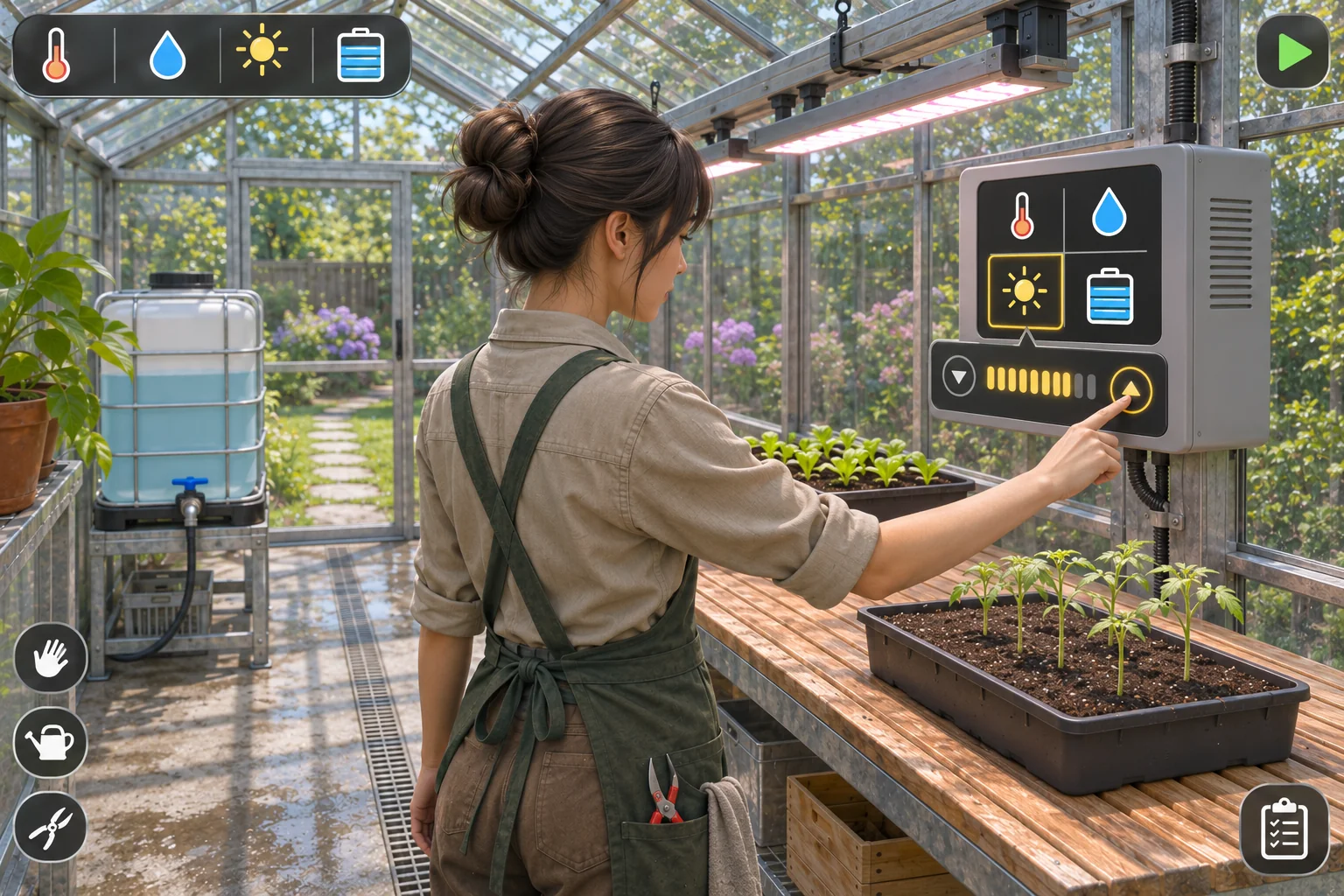
If the V1 plan is repeated successfully on Day 2, Butterleaf reaches its harvest stage 2/2 while tomato reaches stage 2/3. One tray is ready to pick; the other still has one successful day remaining. The two outcomes differ because the fictional crop rules assign different harvest stages, not because the tomato failed.
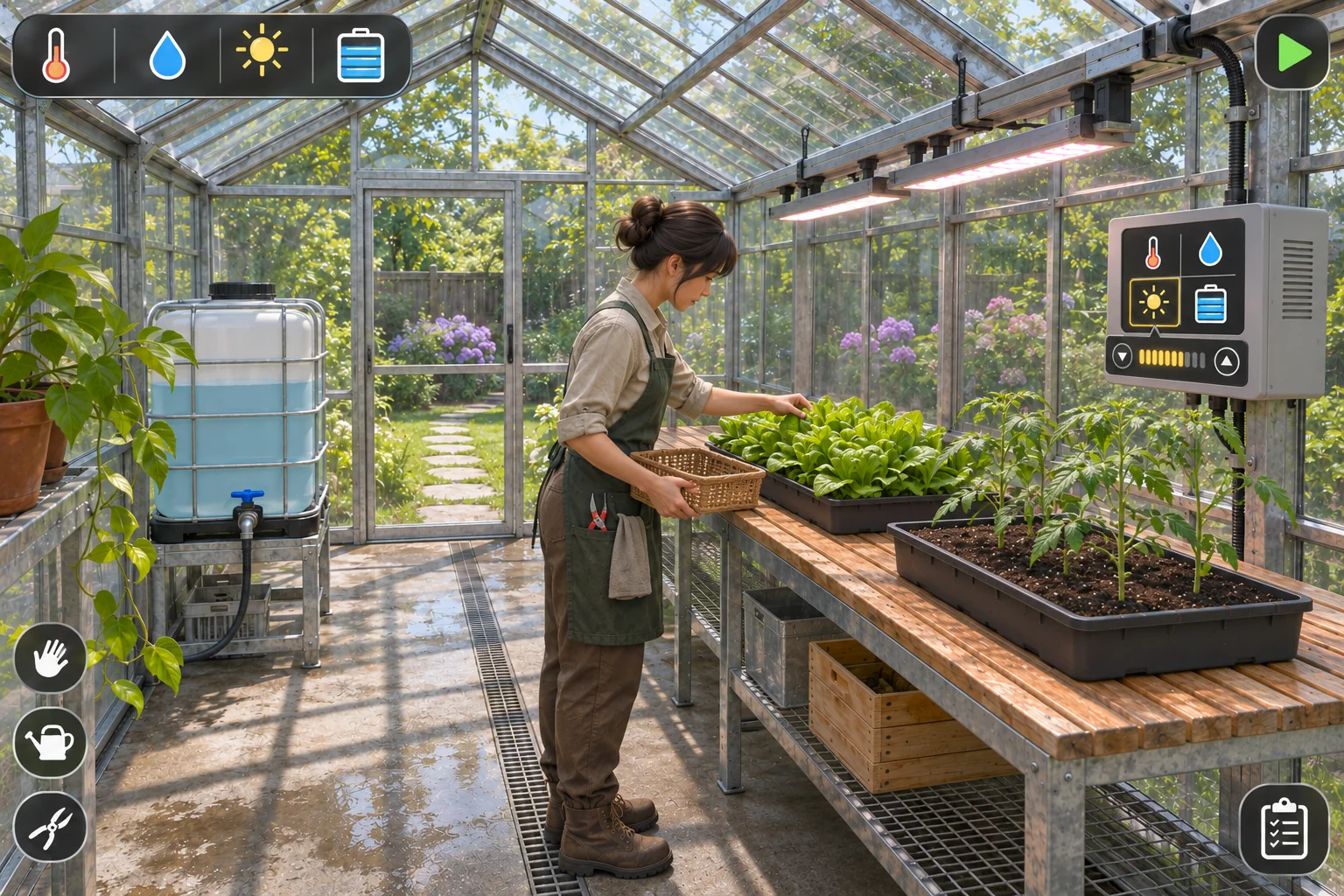
This hand-resolved comparison isolates one design question: does the shared light schedule change the state you expected? It does not answer whether the interface is clear, whether the pace feels satisfying, or whether a player will understand the rule. Those are questions for a later playable build and actual observation.
Turn the rules into a first build request
Before asking for a scene, request a compact rules summary. That makes contradictions easier to find while the system is still small.
Rules-first request: For a fictional greenhouse simulation with two trays, one shared climate controller, a shared light schedule, and a five-unit daily water tank, return a compact table of all day-start inputs and dusk checks. Use only the Glasshouse 5 fictional parameters: Butterleaf needs 20–22°C, 55–70% RH, 6–8 light-hours, and 2 water; cherry tomato needs 22–26°C, 45–65% RH, 8–10 hours, and 3 water. Explain the inclusive range rule, one-setting adjustment limit, growth-stage changes, stress recovery, wilt, harvest, and restart. Identify any ambiguous or contradictory rule before designing a scene. Do not present these values as horticultural guidance.Once the rules read cleanly, a focused build request can define what the player sees and does:
Build a small playable greenhouse simulation in one walk-in glasshouse bay. The player controls one grower and tends exactly two trays: Butterleaf and cherry tomato. Show one shared temperature and relative-humidity controller, one shared grow-light schedule, and a five-unit water tank. At dawn let the player choose the settings and allocate water by tray, then lock inputs when the day is committed. At dusk check each crop’s fictional temperature, RH, light, and water range. Advance a tray by one stage only when all four checks pass; otherwise add one stress marker and show the failed requirement. Implement the supplied fictional Glasshouse 5 rules for stage targets, recovery, wilt, replanting, harvest, and restart. Show the prior inputs and the per-tray result together. Keep the aisle walkable and the interface icon-led and readable. Exclude weather, seasons, pests, shops, energy prices, extra rooms, multiplayer, and any real-world crop-care advice. Return the playable first pass plus a short list of rule ambiguities; do not claim balance or usability testing unless it has actually been performed.For a later revision, keep a record with four fields: exact input state, one changed variable, expected tray state, and observed tray state. If there is no playable result, leave the observed field blank. The paper comparison above can help define what to look for, but it must not be copied into that field as a real observation.
Choose a product starting point
SEELE’s AI Farming Game Generator page describes a broad way to scope a farming-game prototype: choose a small plot, define a crop cycle, limit a resource, show a visible change, and check whether the next task is clear. That is useful context for planning this first loop. The page does not document Glasshouse 5’s climate controller, crop thresholds, stress rule, or exact growth outcomes.
The separate Free AI Game Maker page describes a general plain-English game idea, review of a playable 2D or 3D result, and iteration in Workspace; it also advises checking the current displayed cost and account options. Those are general workflow facts, not a promise that this particular greenhouse simulation will be generated. If you use a creation workflow, inspect the actual resource accounting, stage changes, controls, and feedback before changing the rules.
Close with a small, inspectable next step
Write down the two crop targets, shared bay settings, five-unit water limit, dusk pass rule, and restart state before expanding the farm. Then choose one result to inspect: whether an eight-hour schedule lets both fictional trays advance while preserving the five-unit water total. Keep the example’s numbers labeled as game-design assumptions, and use observed values only after you have a real playable result to inspect.
For a relevant starting point, open the AI farming game generator and describe one small crop loop. Review what the actual output implements before changing the design. The paper example here is a planning aid, not a claim about a generated game.
FAQ
Are the temperature and humidity ranges real growing advice?
No. The temperature, humidity, light, water, stage, and stress values in Glasshouse 5 are invented game parameters for a hand-resolved design example. They are not horticultural recommendations or validated crop data. A real gardening guide would need reliable crop-specific sources and context such as cultivar, substrate, equipment, and growing conditions.
Why give both trays one shared climate setting?
A shared controller creates a visible planning choice: both trays receive the same temperature, humidity, and light, while their crop rules differ. That lets the player compare outcomes without managing a separate room for every plant. Water stays per tray, so the player can still see how a limited daily resource affects each plan.
What happens if the player gives a tray too little water?
If any one of the tray’s four fictional checks fails, that tray gains no stage and receives one stress marker. Two failed days in a row cause wilt; a later fully successful day clears one existing stress marker. The water tank does not create extra units, so any allocation must fit within the five-unit daily total.
Does changing light to eight hours make both crops harvest-ready?
No. Under the invented rules, eight hours lets both trays pass that day’s light check, but they have different harvest targets. Butterleaf is ready after two successful growth days, while tomato needs three. At the end of Day 2, the expected states are Butterleaf 2/2 and tomato 2/3.
Can SEELE guarantee the greenhouse rules will work as written?
No specific greenhouse mechanic or crop-state result is promised. SEELE’s product pages describe general game-creation workflows; the generated result still needs inspection. Check that the actual controls, water accounting, crop-state transitions, and day feedback match your brief, and revise only after observing what the playable result does.