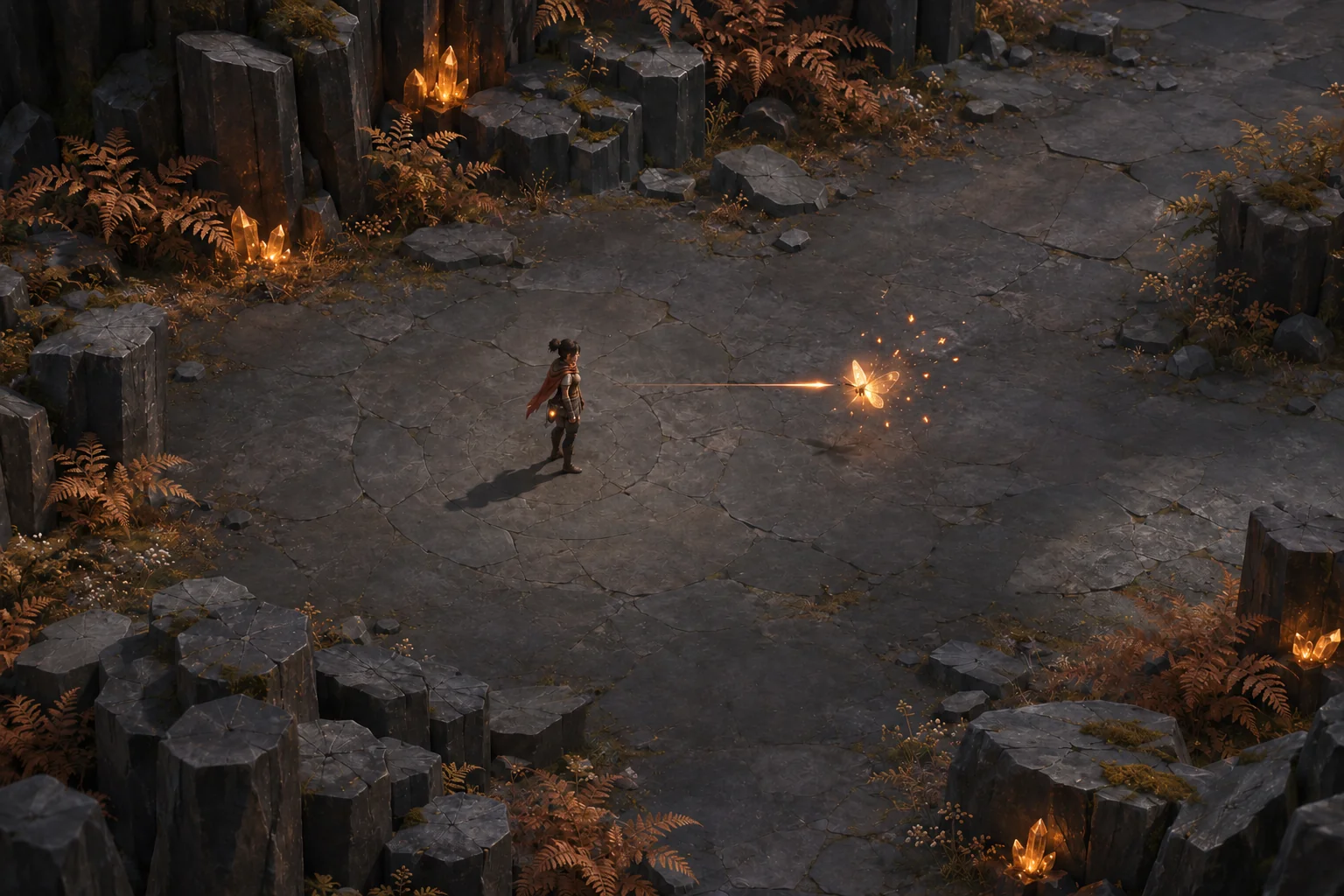
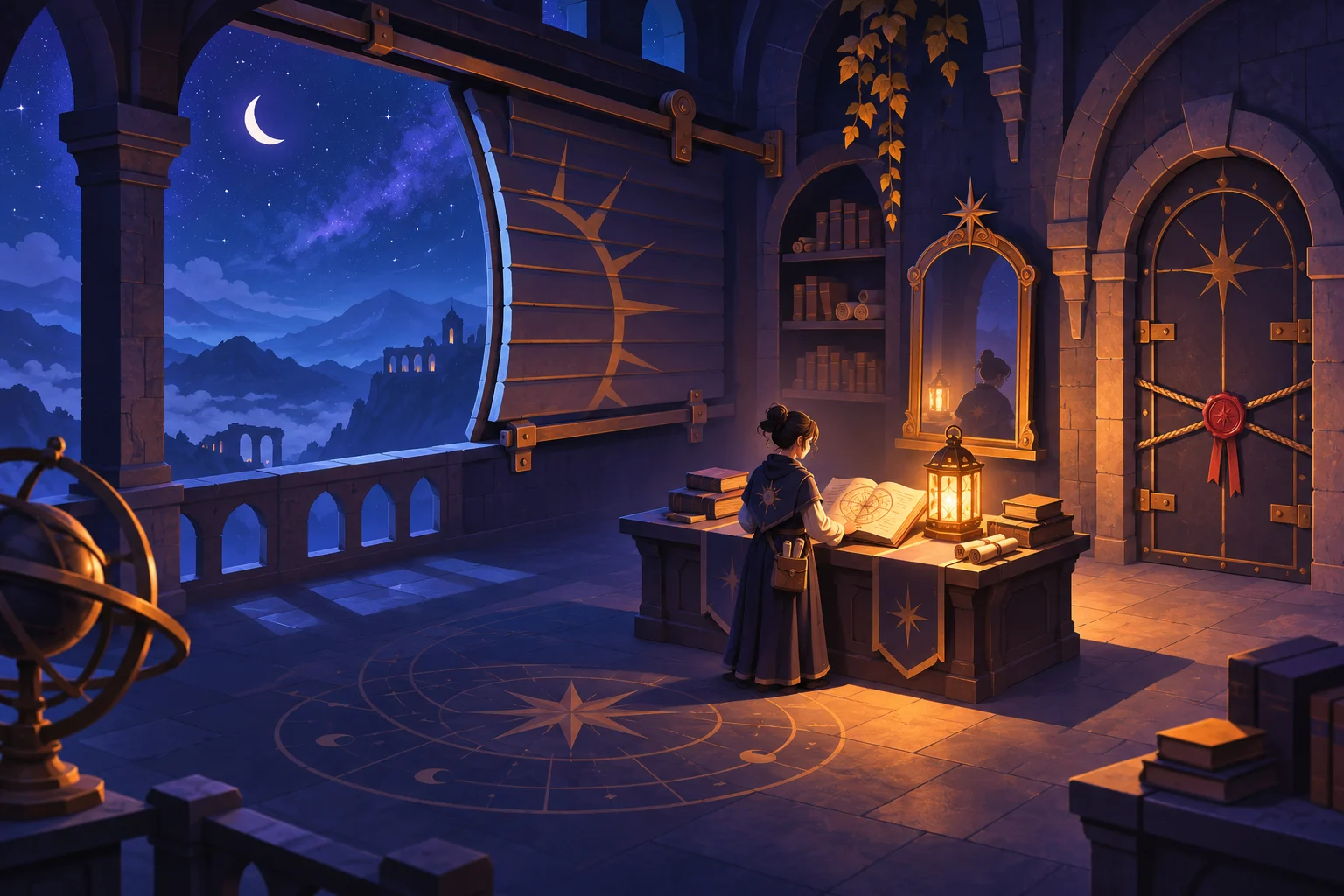
A companion becomes useful in a perspective puzzle when it reveals information the player cannot obtain alone. Simply tinting the same room a different color adds atmosphere, but it does not create a new decision. To build this mechanic with AI, separate what each character sees from what physically exists, then define the action that connects the two views. This tutorial uses the original teaching project Mothlight Crossing to explain shared perception and persistent puzzle state. You will plan one camera pair, a shared state model, and a deliberate anchoring action that connects the two perspectives. Start with a marked perch and a short crossing. Once those interactions are readable, you can expand the garden while keeping camera changes separate from the conditions that create the bridge.
Give the two viewpoints different jobs
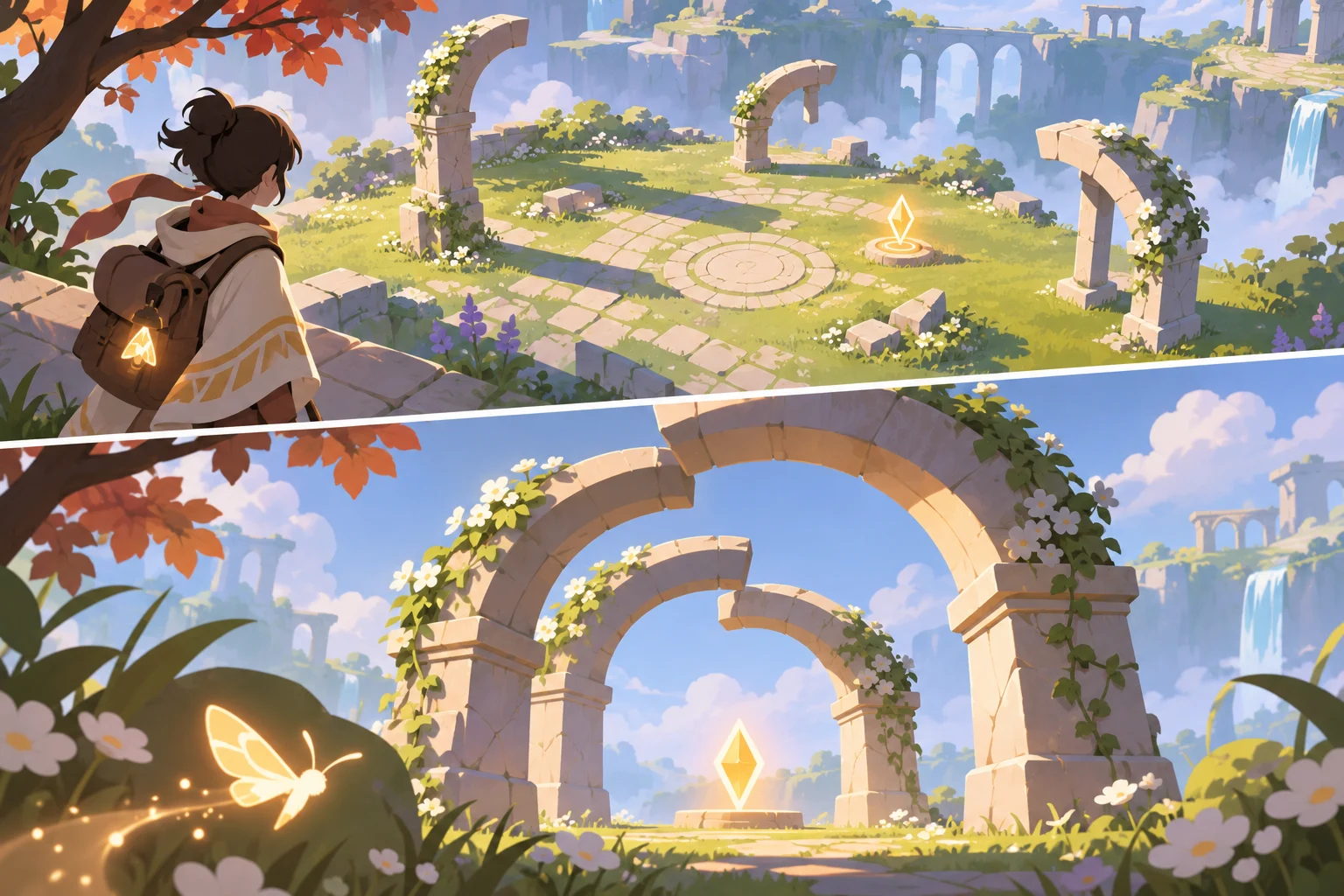
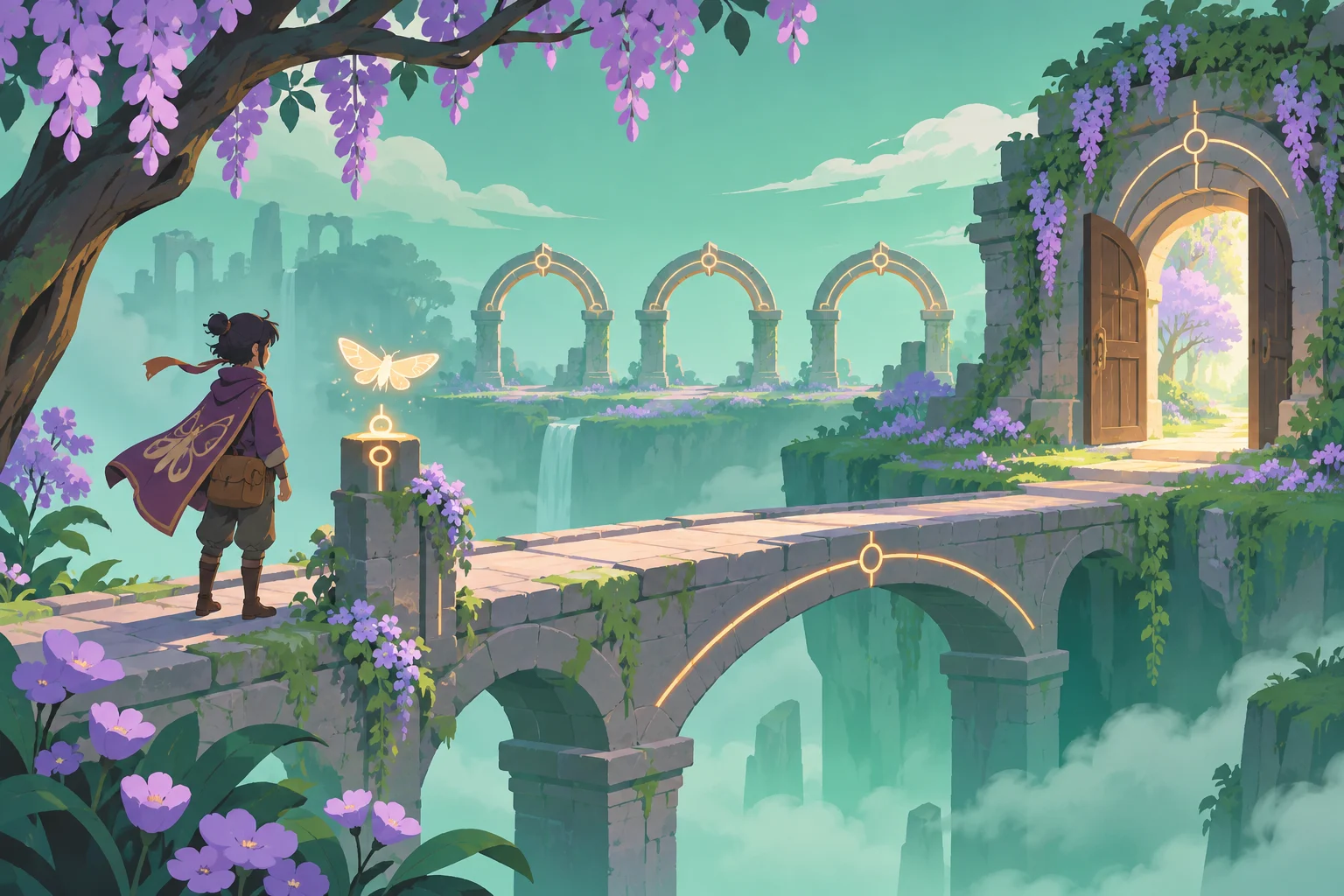
The traveler sees three broken arches across a shallow chasm. The moth can reach a low perch where the arches visually overlap into a complete ring. Looking from that perch reveals an anchor symbol. Activating the symbol locks the ring and creates a bridge for the traveler. The loop is observe as traveler, scout as moth, align, anchor, and cross. The traveler cannot reach the perch, while the moth cannot operate the heavy exit latch. Both roles contribute to the same room.
Define perception separately from collision. The moth's view can reveal a clue layer, but hidden walls must not randomly disappear from the traveler simulation. Store active_view, moth_at_perch, alignment_valid, anchor_locked, and bridge_enabled. Once the anchor is locked, the bridge remains available after switching back. A successful view change must preserve the world rather than rebuild it from a different interpretation.
Prototype one camera pair and one anchor
Use a fixed traveler camera and a fixed moth camera for the first milestone. Avoid free flight, procedural rooms, and moving geometry until this pair communicates the rule. Place three flat arch fragments at known positions and tune the moth camera so their outlines overlap. Show a clear marker for the perch. The first version should teach where to look; searching an entire garden for one exact pixel is unnecessary friction.
Treat alignment as a deliberately bounded condition. A simple prototype can accept the designated perch and a small facing tolerance rather than attempt unrestricted optical reconstruction. Show a ring outline and a sound when the alignment becomes valid. Make the confirmation depend on that explicit condition, then let the player choose Anchor. Merely passing through a viewpoint should not silently change the entire level.
Request a shared-state build from AI
Submit the prompt below with a top-down sketch of the two characters, chasm, fragments, perch, and exit. Ask the AI to describe the shared room state before generating artwork. Review what happens to the traveler when moth view is active: the traveler should remain at the last safe location and ignore movement input. On return, restore the traveler controls and camera without teleporting the character onto the bridge.
Godot's Camera3D documentation describes camera visibility masks and active cameras. Those are useful implementation references for a Godot version, but a visibility mask is not itself a puzzle rule or collision policy. Ask for separate rendering and gameplay checks. If you choose another engine, preserve the same separation and use that engine's documented camera controls.
Revise the clue before enlarging the garden
A likely design failure is that players find the moth view beautiful but cannot tell what to do with it. The proposed revision adds the perch marker, an incomplete-ring cue, and an explicit Anchor action. It changes the explanation rather than the solution. Compare the revised room with the original brief: there should still be one alignment and one crossing, with no extra switches.
Another failure is a bridge that vanishes as soon as the traveler becomes active. That means the build has coupled bridge existence to the current camera instead of anchor_locked. Correct the dependency before changing textures or adding dialogue. Use that dependency to trace the symptom to the room state. Record which condition actually failed when you try your own prototype.
A bounded prompt for your first prototype
Build one original garden perspective puzzle with a traveler and a moth companion. Use two fixed viewpoints. The traveler cannot reach the moth perch. From that perch, three arch fragments align into a ring and reveal an Anchor action. Require explicit confirmation while alignment_valid. Store anchor_locked in shared room state; the bridge stays enabled after returning to traveler view. Inactive characters do not receive movement inputs. Add a marked perch, readable alignment feedback, safe camera switching, and Reset. Use placeholders. Do not add free flight, combat, or procedural rooms.Checks to run on your build
Use these checks to compare your build with the intended rules and expected outcomes.
| Check | Expected outcome |
|---|---|
| Traveler view at start | Chasm blocks progress; the exit is visible but unreachable. |
| Moth away from the perch | Anchor is unavailable and explains the missing alignment. |
| Moth at perch, then Anchor | Bridge activates once and stores a persistent anchored state. |
| Switch to traveler and cross | Bridge remains solid; traveler resumes from the saved safe location. |
| Reset after crossing | Both character positions, camera mode, anchor, and bridge return to the starting contract. |
Where SEELE fits in this workflow
SEELE presents prompt-based game creation and iterative editing on its official site. For this workflow, the useful input is a small specification of the two perceptions and the state they share. Ask for the camera pair and bridge dependency first, then inspect that milestone before requesting a finished garden. Keep the first alignment constrained to a marked perch; evaluate the geometry and acceptance tolerance in your generated build.
The AI puzzle game maker entry point fits the first prototype request. Explain what each character contributes and what must survive a view change. If a revision improves the scene but removes the explicit Anchor action, request that rule again rather than accepting a different puzzle. Keep your own project notes about actual controls and observed outcomes. Use the written state contract to evaluate the resulting interaction before requesting additional rooms.
Build the first small version
Make the companion reveal a useful relationship, then give the player a deliberate way to act on it. One camera pair, one alignment, and one persistent bridge are enough to establish the idea. Expand only after switching views preserves position and the traveler can understand why the bridge exists. Take the bounded brief to SEELE's AI puzzle game maker to create your own first room. Use the acceptance checks to record what works in that build, and keep conceptual artwork clearly separate from the captures you collect during real testing.
AI puzzle game maker: use the bounded brief above to begin your prototype.
Frequently asked questions
Does the companion need different physics?
No. A first puzzle can use the same room geometry while giving each character different movement permissions and visual information. Distinct physics adds implementation work and can obscure the perception rule. Start with a fixed moth perch, then add controlled flight or unique movement only when it creates another understandable decision.
How precise should the alignment be?
Use a generous, visible acceptance range for a first prototype. A marked perch and an alignment cue are easier to learn than a hidden pixel-perfect camera angle. Once the interaction is clear, adjust the tolerance in your build and ask whether players can explain near misses. No universal angle or tolerance is established by this teaching example.
Can I make the hidden bridge visible only to the moth?
You can design that variant, but decide how the traveler learns where to step and whether the bridge is physically present before it is anchored. Rendering and collision need separate rules. The example here makes the bridge visible and usable by both roles after confirmation, which keeps the first crossing straightforward to verify.
Official sources and design scope
Consult the official references below for the product workflow and engine features used in this tutorial.