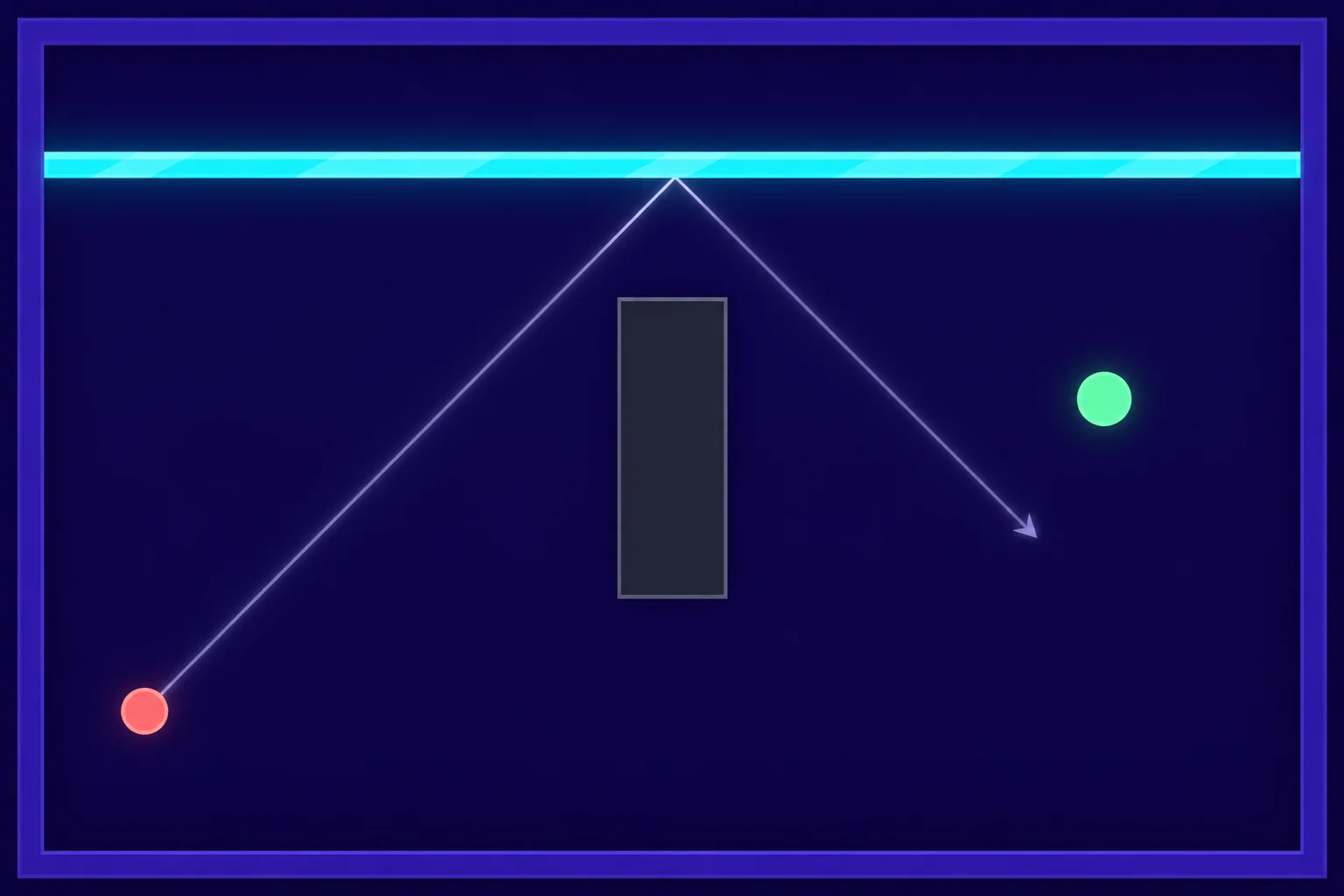
Build your first vehicle combat game around a turn that matters. Give the player a buggy with a fixed forward weapon, place an armored crawler near a corner, and lock the extraction pad until the crawler goes down. If the driver approaches too fast, braking can carry the buggy past the firing lane. A clean approach puts the nose on target and leaves a route out.
This fictional freight yard uses a small grid so you can check each move before adding smooth driving. The driver has one job throughout the encounter. Put the chassis where its weapon can reach the target’s rear, then get to the pad.
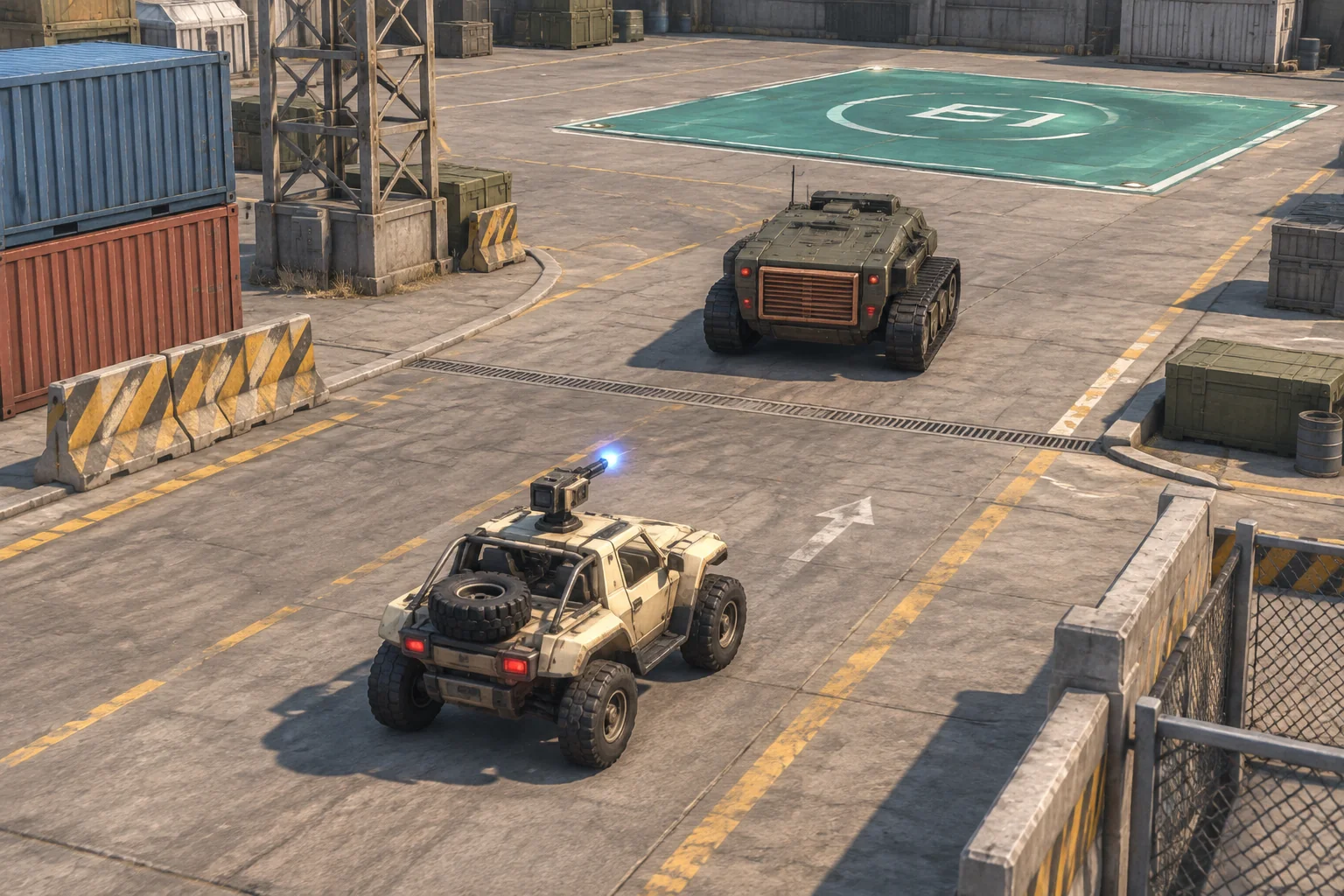
Keep speed and heading on the vehicle
Use a seven-by-six grid. Count columns from 0 to 6 going east and rows from 0 to 5 going south. Start the buggy at (1, 4) facing east with speed zero. Put a stationary crawler at (4, 2), facing north, and an extraction pad at (6, 4). The crawler’s south face is its rear. Mark that face with a grille so the player can identify the vulnerable side before pulling into the lane.
Record the buggy’s position, heading, and speed after every step. A drive command changes the speed or heading first. The buggy then moves that many cells along the resolved heading. At speed one, a turn changes the direction of the next cell. At speed zero, the same turn changes only the heading. That difference is what lets the player choose between a moving approach and a shot from a standstill.
| Drive input | Effect before movement |
|---|---|
| Accelerate | Increase speed by one, up to two. |
| Coast | Keep the current speed and heading. |
| Brake | Reduce speed by one, down to zero. |
| Turn left or right | Rotate 90 degrees and keep speed. Accept only if starting speed is zero or one. |
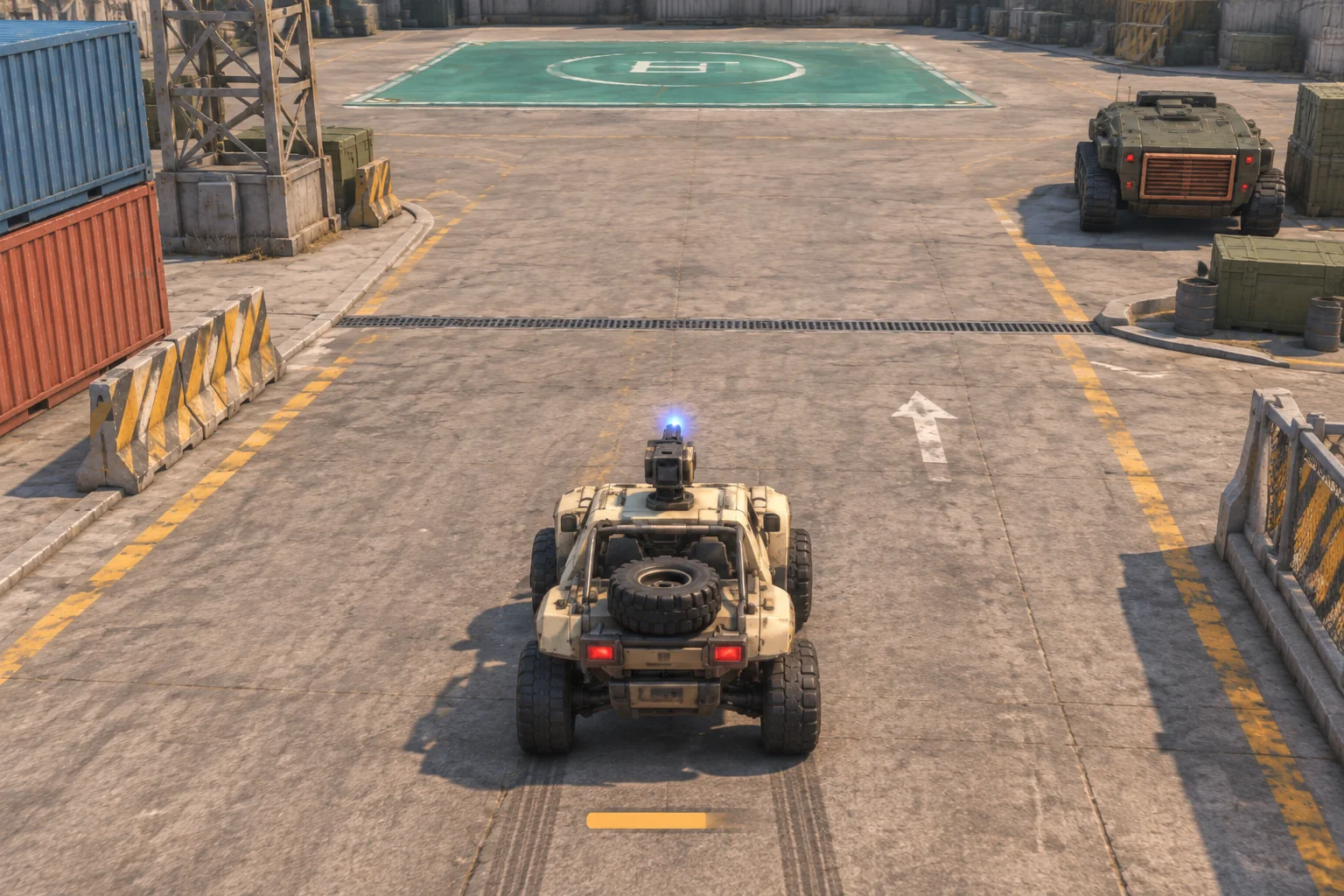
Reject a turn requested at speed two before moving or firing, and leave the step counter unchanged. Show why the input was refused so the player knows to brake. For accepted steps, resolve movement one cell at a time. If the next cell is outside the yard or contains the intact crawler, stop on the last valid cell and set speed to zero. Checking each cell prevents a two-cell move from skipping through the target.
Line up the rear and drive out
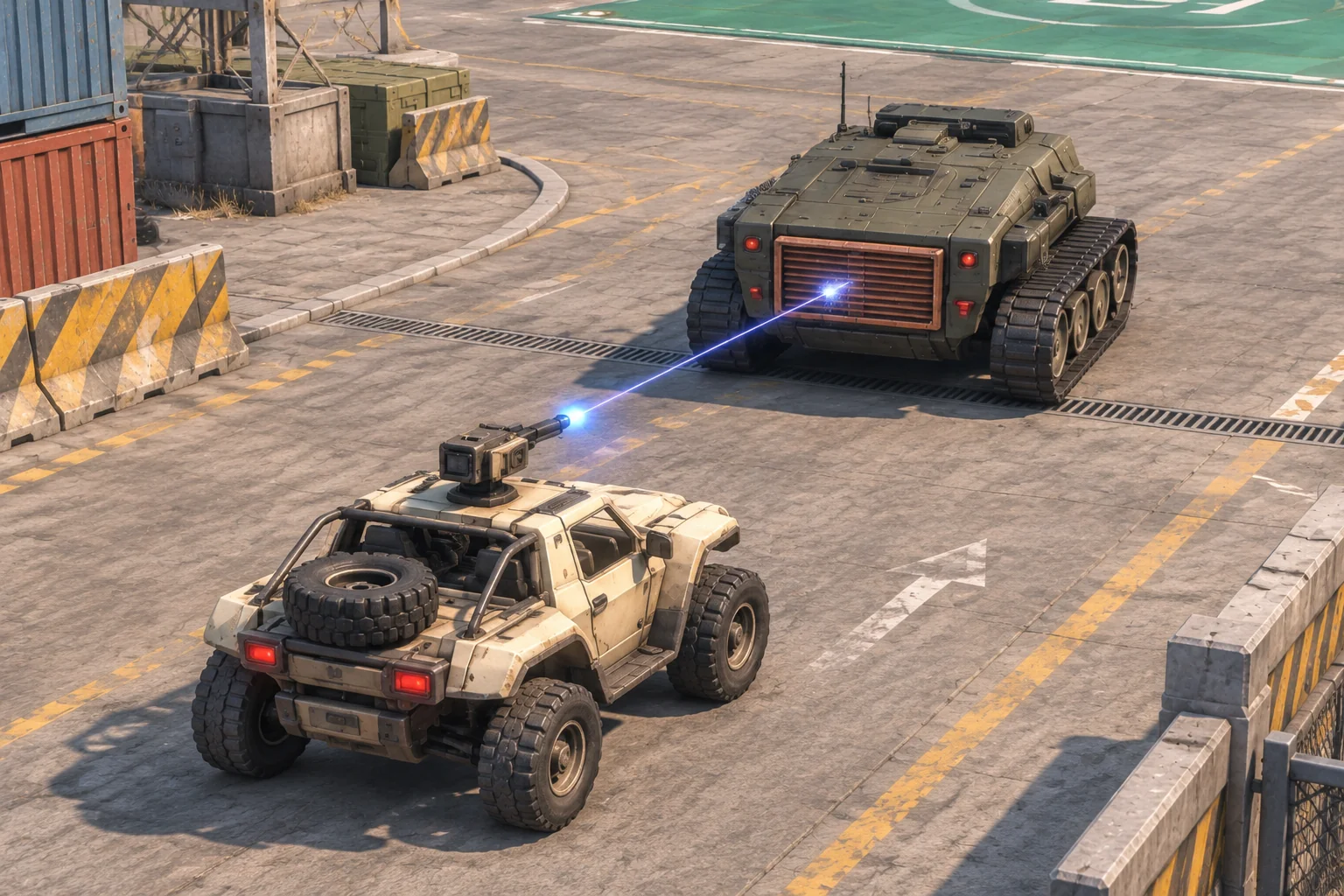
Allow one optional Fire input alongside each accepted drive command. Fire uses the buggy’s final cell and heading and checks the next two cells in a straight line. A northbound shot from column four can reach the crawler’s rear from (4, 4) or (4, 3). A shot that reaches the front or side reports armor and leaves the crawler intact. A ray that never reaches it reports a miss. Use different cues for those outcomes so the player can tell whether to change sides or change alignment.
| Step | Drive and Fire | Expected state |
|---|---|---|
| 1 | Accelerate | (2, 4), east, speed one. |
| 2 | Coast | (3, 4), east, speed one. |
| 3 | Coast | (4, 4), east, speed one. |
| 4 | Turn left and Fire | (4, 3), north, speed one. The rear hit unlocks extraction. |
| 5 | Turn right | (5, 3), east, speed one. |
| 6 | Turn right | (5, 4), south, speed one. |
| 7 | Turn left | (6, 4), east, speed one. The buggy extracts. |
The crawler being removed is a change in the objective, so keep the buggy under player control after the hit. Resolve Fire before checking extraction. An arrival on the locked pad leaves the run active and shows which condition remains.
Give AI one arena and a step control
Start with the yard, the control rules, and the extraction condition. SEELE’s AI Game Maker is an entry point for turning a written game loop into a first build to check. Use the grid for the first pass so you can tell whether a bad shot came from steering, movement, or the rear-hit rule.
Create a small top-down browser vehicle combat game on a 7 by 6 grid.
X increases east from 0 to 6 and Y increases south from 0 to 5.
Start the buggy at (1,4), east, speed 0. Place a stationary crawler
at (4,2), facing north, and an extraction pad at (6,4).

Use one drive command per debug step plus optional Fire.
Accelerate adds 1 to speed up to 2. Coast keeps speed.
Brake subtracts 1 down to 0. Left and Right turn 90 degrees before
movement and keep speed. If starting speed is 2, reject a turn
without changing position, speed, heading, step count, or firing.
Move the resolved speed cell by cell. The boundary and intact
crawler block movement. Stop on the last valid cell at speed 0.

After movement, Fire traces up to two cells in the current heading.
The crawler's south face is its rear. A northbound rear hit removes it
and unlocks the pad. A front or side hit reports armor. A ray that
does not reach the intact crawler reports a miss.
Then check whether the buggy is on the unlocked pad to end the run.
Show position, speed, heading, the pad state, and the last input result.
Reset the buggy, crawler, pad and step count to their starting states.
Run the seven steps first. Then use isolated checks. Request a left turn and Fire at speed two and confirm nothing changes. From (2, 2) facing east at speed zero, Coast and Fire should reach the crawler’s side and report armor. Check a blocked move next to the intact crawler, and arrive at the locked pad before removing it. Reset from extraction and confirm the crawler and locked pad both return.
Change the brake and replay the same approach
Try a faster approach in a fresh run. Accelerate twice to reach (4, 4) facing east at speed two. Then Brake, followed by Turn Left and Fire. Hold the yard, turn rule, shot range, and inputs fixed. Compare the expected outcomes if Brake removes one point of speed or two.
| Brake reduction | Cell and speed after Brake | Turn Left and Fire |
|---|---|---|
| One | (5, 4), speed one. | Move north to (5, 3). The ray misses down column five. |
| Two | (4, 4), speed zero. | Turn north in place. The ray reaches the rear at distance two. |
These are expected states from the example rules. The seven-step slower route already works with the original brake. In your first build, keep the stronger brake if you want a driver to recover from that faster approach. Keep the longer stopping distance if planning the approach is the decision you want to test. Use the guide to revising one game rule at a time when you compare the two builds.
Start with one turn worth making
Use one corner, one vulnerable face, and one place to drive after the hit. Start your vehicle combat prototype with SEELE’s AI Game Maker and use the step trace to see whether driving changes the shot you get.
Frequently asked questions
Why reject a turn at top speed?
The limit gives braking a job before the turn. Make the current speed visible and show why the turn was rejected. When a player brakes to an allowed speed, they should be able to see which cell the next turn will reach.
Should the first vehicle use a fixed weapon or free aim?
Use a fixed forward weapon if you want steering to determine where the next shot can go. Free aim works for a different challenge, such as shooting while escaping. If you add it later, check whether braking and heading still create a choice.
How do I replace the grid with smooth driving?
Keep the grid as a reference for the behavior you want, then define your speed, braking, and turning rules in the smooth version. Check whether drivers can still choose a slower corner or a faster approach that risks rolling past the shot.
When should I add a moving opponent?
Add one when players can distinguish a miss from an armor hit and can explain why a turn was refused. Start with one predictable movement pattern. Verify how it changes the rear approach before giving the opponent a weapon or a wider route.