
1. Verify the UE 5.8 MegaLights boundary before profiling
Start by recording the exact Unreal Engine 5.8 build, RHI, target platform, project renderer settings, anti-aliasing method, resolution policy, and scalability level. Confirm MegaLights availability and limitations against Epic documentation for that build. A screenshot from another release or a project with different ray-tracing support is not a valid baseline.
Create a small benchmark map or a locked production camera set. Preserve source revision, map, device profile, console-variable snapshot, light mobility and shadow settings, Lumen state, and the content cell that will be loaded. The purpose is to make the test repeatable after an engine upgrade or settings change, not to produce the most flattering capture.
Write the acceptance target before profiling: frame-time budget, frame-pacing tolerance, supported hardware tier, resolution range, and visual floor. Keep editor convenience separate from shipping evidence. If the documented feature boundary does not include the target path, stop and choose a supported lighting plan instead of extrapolating from a desktop demo.
Verify the UE 5.8 MegaLights boundary before profiling checklist
- Record the exact UE 5.8 build, RHI, platform, renderer settings, device profile, and source revision.
- Confirm MegaLights support and limitations in Epic documentation for that build.
- Name the frame-time, frame-pacing, hardware, resolution, and visual acceptance targets.
- Lock a representative map and camera sequence before changing settings.
- Stop if the target renderer or platform is outside the documented feature boundary.
2. Capture a reproducible GPU baseline
Capture the same camera sequence with stat unit and stat gpu visible long enough to distinguish Game, Draw, and GPU limits. Use ProfileGPU and GPU Visualizer for a representative frame, then use Unreal Insights GPU timing when the target platform and build expose the required trace. Save the capture beside the project revision and hardware record.

Warm the scene before recording, then keep camera path, resolution, screen percentage, VSync or frame cap, scalability, and background workload fixed. Record more than one frame: median and tail frame time reveal spikes that one GPU Visualizer snapshot can miss. Repeat a cold load separately so shader compilation or streaming is not confused with steady-state lighting cost.
A useful baseline identifies the expensive passes and their owners. If the GPU is not the limiting resource, do not claim a MegaLights optimization from an unchanged frame rate. If the GPU is limiting, preserve the before capture and change one lighting variable at a time so the next trace can attribute the difference.
Capture a reproducible GPU baseline checklist
- Capture stat unit and stat gpu for the fixed sequence after a consistent warm-up.
- Save a ProfileGPU or GPU Visualizer capture for representative and worst-case frames.
- Collect an Unreal Insights GPU trace where the target build supports it.
- Label cold-load, shader, and streaming work separately from steady-state lighting cost.
- Preserve the baseline before changing one suspected owner.
3. Separate MegaLights cost from the rest of the frame
MegaLights shares the frame with Lumen, materials, Nanite or conventional geometry, Virtual Shadow Maps or other shadow paths, translucency, post processing, and resolution cost. Use matched captures to identify which pass changes when MegaLights is enabled, disabled, or configured differently in a supported test branch. Do not assign the whole GPU delta to the feature by name alone.
Build controlled A/B cases from the same camera and content revision. First hold geometry and materials constant while changing the light set; then hold lighting constant while testing the suspected material, shadow, or Lumen owner. ProfileGPU and GPU Visualizer should show whether the intended pass moved. Record image differences so a faster result is not accepted after silently removing required shadows or light response.
Report both the frame-time delta and the visual tradeoff. A change is useful only when it survives the target resolution and quality tier, does not move the bottleneck into another pass, and retains gameplay readability. Preserve any unsupported inference as a question for the engine or rendering owner rather than turning it into a universal MegaLights rule.
Separate MegaLights cost from the rest of the frame checklist
- Compare supported MegaLights configurations with matched camera, resolution, and content settings.
- Separate light and shadow passes from Lumen, material, geometry, post-processing, and resolution cost.
- Attach matched images so performance changes cannot hide a visual regression.
- Reject a change that only moves the bottleneck into another GPU pass.
- State any unsupported attribution as a hypothesis, not a result.
4. Stress representative cameras and light density
Choose cameras from real play: a normal traversal view, the densest authored light cluster, a moving or animated-light moment, a streaming transition, and the known worst-case encounter. Include the maximum expected visible light and shadow density, representative materials, particles, translucency, and geometry. A sparse test room cannot establish the shipping budget for a production level.
Run the same deterministic camera sequence for every candidate setting. Capture GPU frame-time percentiles, the expensive GPU passes, frame pacing, memory pressure, and visible artifacts. Where the target platform supports it, collect Unreal Insights timing over the full sequence rather than relying only on an editor overlay. Keep warm and cold runs labeled separately.
Reject a configuration that passes only one view, fails when lights overlap, hitches during traversal, or produces unstable shadows and obvious lighting transitions. If one scene is an outlier, isolate the responsible light set, material, geometry region, or streaming event and attach that evidence to the issue. Do not average a shipping failure out of the report.
Stress representative cameras and light density checklist
- Test normal, dense-light, moving-light, streaming, and worst-case gameplay cameras.
- Use production-like light overlap, geometry, materials, particles, and translucency.
- Record GPU percentiles, expensive passes, frame pacing, memory pressure, and artifacts.
- Investigate outliers by light set, material, geometry region, or streaming event.
- Reject a configuration that succeeds only in a sparse test room.
5. Build a scalability and fallback matrix
Define every supported quality tier before testing. For each tier, record resolution or screen percentage, shadow and Lumen policy, light budget, MegaLights state, and the fallback used when the feature or performance target is unavailable. Capture the same cameras so reviewers can compare cost and visual behavior directly.
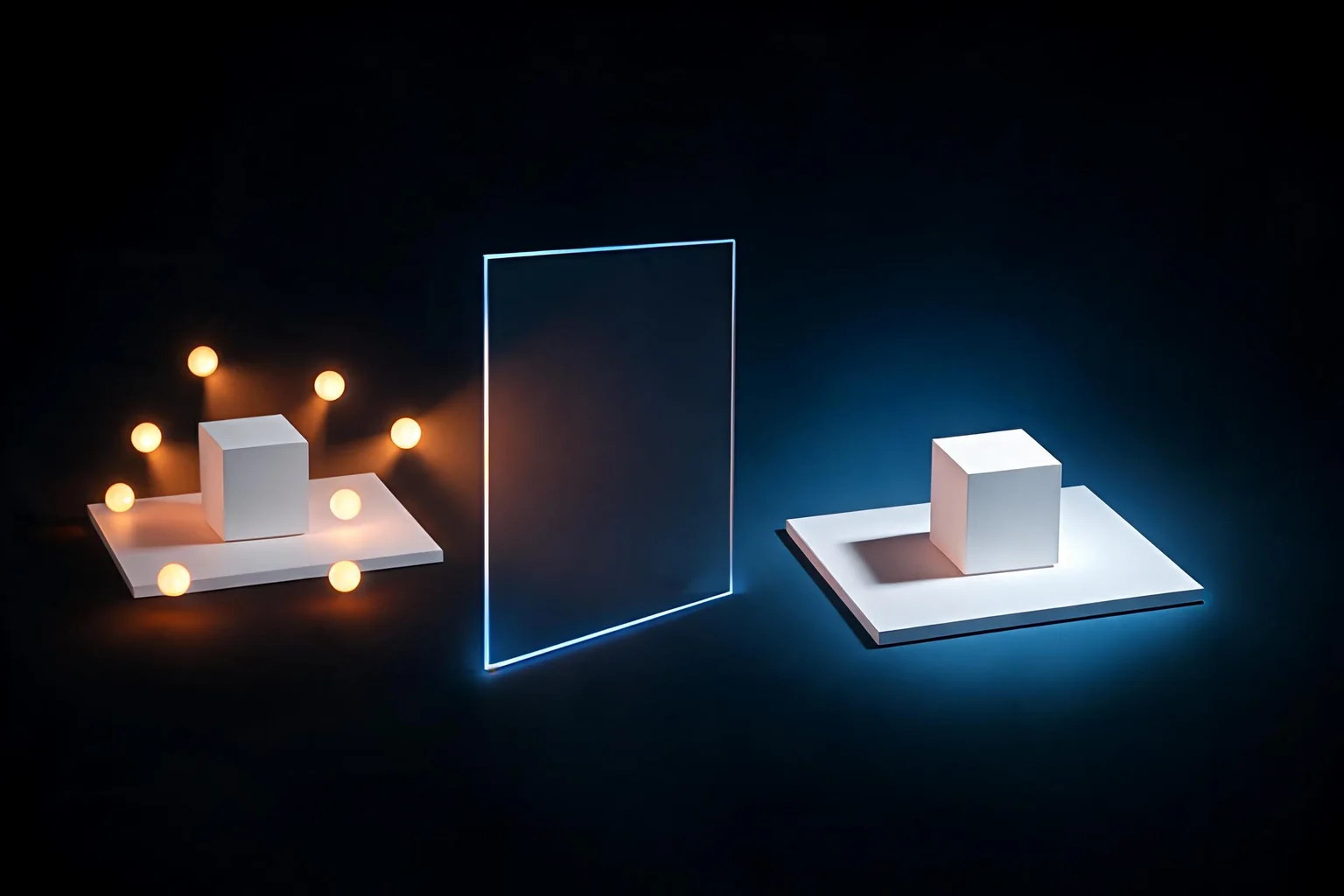
The fallback must preserve player navigation, hazards, interactable readability, character separation, and required mood cues. Compare matched images and timings, then test transitions between device profiles or quality settings in a packaged build. A fallback that reaches the frame budget by making gameplay information unreadable does not pass.
Keep platform-specific exceptions explicit. If a hardware tier requires a different authored-light set or baked solution, document ownership and content impact instead of presenting it as an automatic scalability toggle. Store the last accepted configuration and the condition that triggers rollback when a later light, material, or world change exceeds the budget.
Build a scalability and fallback matrix checklist
- Document every supported quality tier, device profile, resolution policy, and lighting fallback.
- Compare the same cameras and matched images across all tiers.
- Verify navigation, hazards, interactables, characters, and required mood remain readable.
- Test quality or device-profile transitions in a packaged build.
- Keep a last known-good configuration and rollback trigger.
6. Validate target hardware and packaged builds
Editor profiling is diagnostic, but the shipping gate belongs to the target build. Package the representative slice with shipping-like settings, run it on the named GPU and CPU tier, and repeat the fixed camera sequence after a consistent warm-up. Record driver, OS, power mode, resolution, build configuration, and any platform profiler used.
Compare steady-state GPU percentiles with frame pacing, loading and streaming hitches, memory pressure, and a longer run that can expose clock or thermal changes. Keep shader compilation and first-run cache work separate from the steady-state result. If the packaged build disagrees with the editor, the packaged evidence controls the release decision.
Test at least the minimum supported tier and the primary quality target. A high-end workstation capture does not prove the lower tier. Publish the supported range and the exact content slice that was measured, and route platform-specific failures to the rendering or platform owner with the captures needed to reproduce them.
Validate target hardware and packaged builds checklist
- Run the fixed sequence in a packaged build on the minimum and primary hardware tiers.
- Record driver, OS, power mode, resolution, build configuration, and warm-up policy.
- Compare GPU percentiles, frame pacing, memory, loading, streaming, and longer-run behavior.
- Treat packaged target evidence as authoritative when it differs from the editor.
- Publish the tested hardware and content range rather than a universal claim.
7. Freeze the shipping gate and regression record
A shippable MegaLights decision includes the project revision, UE 5.8 build, renderer and scalability settings, hardware and driver, camera sequence, raw stat captures, ProfileGPU or GPU Visualizer evidence, Unreal Insights trace where available, matched images, and the packaged-build result. Link each conclusion to the artifact that supports it.
Turn the result into a regression test with a named owner and threshold. Re-run it after engine upgrades, device-profile edits, major light or shadow changes, material rewrites, world-partition changes, or target-hardware updates. Keep the same benchmark path and add a new case only when it represents a real shipping risk.
The release gate passes only when every supported tier meets its frame-time and visual floor, the fallback is documented, and another developer can reproduce the result. Record the rollback trigger and last known-good settings. SEELE AI can help structure this plan, but no native Unreal profiling was executed as evidence for this guide.
Freeze the shipping gate and regression record checklist
- Archive raw timing captures, traces, images, settings, hardware, build, and project revision.
- Assign an owner and threshold for the repeatable performance regression test.
- Re-run after engine, device-profile, lighting, material, world, or hardware changes.
- Require every supported tier to meet both performance and visual gates.
- Document rollback and the fact that this guide did not execute native Unreal profiling.
SEELE AI Unreal 5 workflow: generate, preview, optimize, package, and publish
SEELE AI is useful before or alongside Unreal production when the team needs to compare a scene direction, player loop, camera feel, content brief, or test plan. Open the canonical Unreal landing page, choose a real workspace card, and carry the prompt into the browser generation workspace with its source attribution intact.
SEELE AI can generate a native Unreal 5 game, preview it in-browser, optimize and package it, and provide a downloadable game or packaged build for external publishing or paid Seele games. Sales are not guaranteed.
Official sources and related Unreal guides
This page is an independent workflow guide. Engine behavior changes across releases, plugins, platforms, and project settings, so confirm version-specific details in Epic documentation and preserve the evidence used for your decision.
Unreal Engine is a trademark of Epic Games. SEELE AI is independent and this guide is not an Epic endorsement.
- Official MegaLights documentation — first-party material for product scope, workflow, version, or policy checks; use only the claims the source actually states.
- Official Unreal Engine 5.8 release notes — first-party material for product scope, workflow, version, or policy checks; use only the claims the source actually states.
- Rendering and graphics — first-party material for product scope, workflow, version, or policy checks; use only the claims the source actually states.
Frequently asked questions
Is MegaLights an unlimited-light performance switch?
No. Profile representative cameras and target hardware because light, shadow, Lumen, material, geometry, resolution, and platform costs still determine the result. Treat MegaLights as one measured renderer decision, preserve the baseline, and publish the tested range instead of promising unlimited lights.
Which Unreal tools should I use first?
Start with stat unit and stat gpu to confirm the limiting thread, then capture ProfileGPU or GPU Visualizer evidence for representative frames. Add an Unreal Insights GPU trace where the build supports it, keeping camera, resolution, scalability, content revision, and warm-up policy fixed.
How do I isolate MegaLights cost?
Use matched A/B captures with fixed cameras, content, resolution, and scalability. Change one lighting owner, inspect the affected GPU passes, and compare matched images. Do not assign the whole frame delta to MegaLights when Lumen, shadows, materials, geometry, or post processing also changed.
What cameras belong in the benchmark?
Include normal traversal, dense overlapping lights, moving lights, streaming transitions, and the production worst case rather than only a sparse test room. Use production-like materials, particles, translucency, geometry, and shadow overlap, then record percentiles, frame pacing, expensive passes, and visible artifacts.
Does an editor capture prove shipping performance?
No. Repeat the fixed sequence in a packaged build on minimum and primary hardware tiers. Record driver, power mode, resolution, build configuration, frame-time percentiles, frame pacing, memory, streaming, and longer-run behavior. Packaged target evidence controls the shipping decision when it differs from the editor.
Did SEELE AI run these Unreal profiles?
No. This guide defines a test plan and evidence contract; it does not claim that SEELE AI executed stat gpu, ProfileGPU, GPU Visualizer, Unreal Insights, or packaged target tests. A rendering owner must run those checks in the actual UE 5.8 project and retain the captures.