
Direct answer: what changed for PCG authoring in Unreal Engine 5.8?
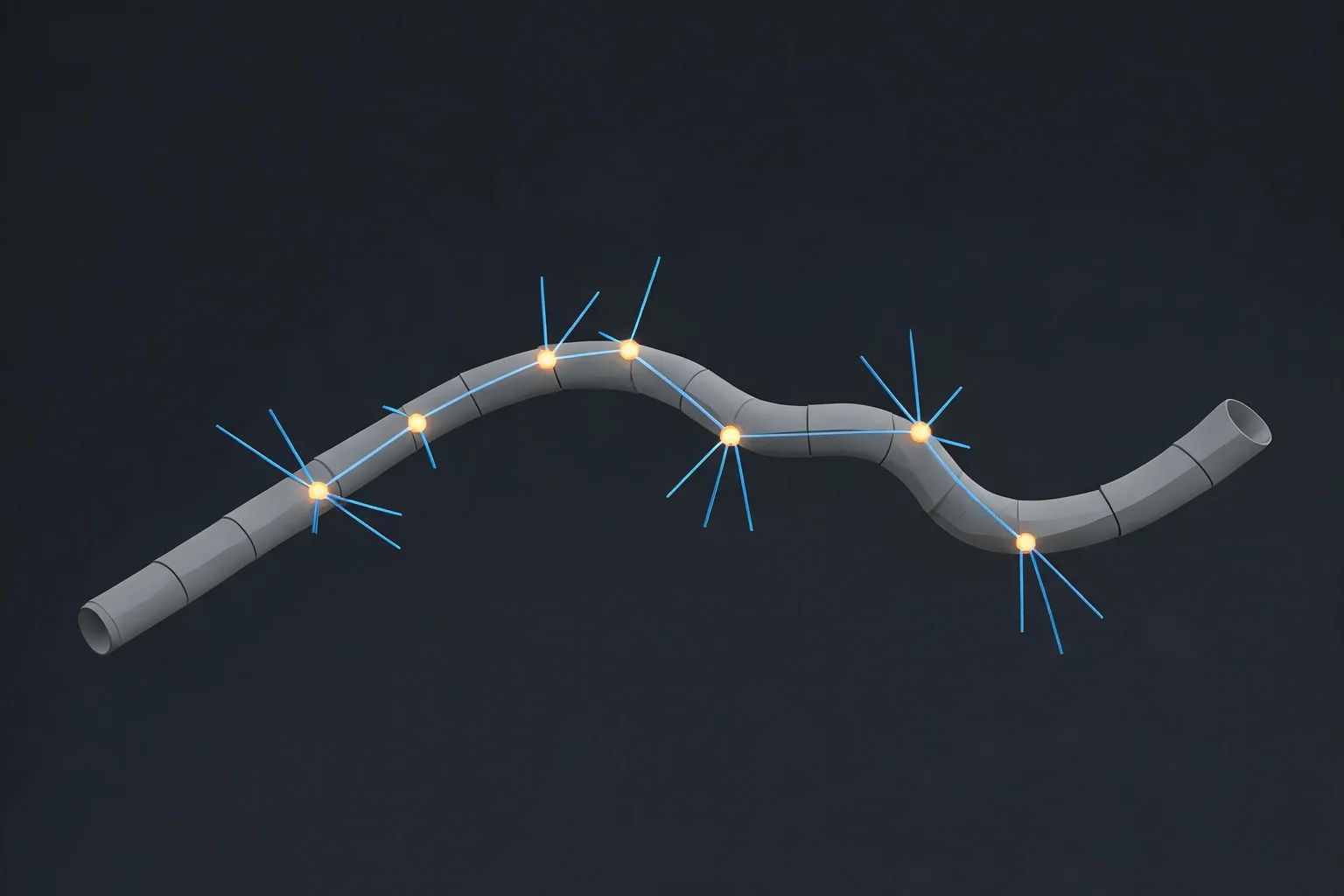
Unreal Engine 5.8 gives PCG users two related authoring paths that should not be confused. A PCG Graph still owns procedural rules and data flow. The Experimental PCG Editor Mode gives level designers interactive tools for drawing splines, defining spline surfaces, painting points, and placing volumes with graphs or presets attached. UE 5.8 also adds non-destructive manual editing for generated PCG data and artifacts, plus Data Overrides, Query, and Isolate tooling. These features make selected exceptions reviewable without turning every generated result into hand-authored content.
Treat Editor Mode as an authoring interface, not as proof that a graph is deterministic, performant, or safe to ship. Test one reversible slice in the exact engine version, inspect what actor and PCG component the tool owns, save the source-control diff, then validate generation, streaming, collision, navigation, and frame cost in Play In Editor and a representative build.
PCG Editor Mode versus a PCG Graph
The fastest way to avoid PCG confusion is to name the owner of each decision. Editor Mode answers where and how a designer interacts with the level. The graph answers how points and attributes are transformed into output. Manual overrides answer which generated items are intentionally excluded or modified. Runtime and World Partition decide when content generates, streams, and consumes resources.
PCG Editor Mode owns the interaction
- Primary job: place splines, surfaces, painted points, and volumes through interactive tools.
- Evidence: selected tool, graph or preset, actor, component, and data instance.
- Common mistake: assuming the tool button contains the generation logic.
The PCG Graph owns procedural rules
- Primary job: transform input data and attributes into repeatable output.
- Evidence: graph revision, exposed parameters, seed, and output inspection.
- Common mistake: editing output without preserving the rule that created it.
Manual edits own explicit exceptions
- Primary job: preserve deliberate exclusions or modifications to generated results.
- Evidence: Data Overrides list, owning node, reason, and before/after result.
- Common mistake: treating an override as a silent fix that nobody can audit.
Runtime generation owns play-state cost
- Primary job: generate and load content under real play conditions.
- Evidence: generation source, grid or World Partition state, memory, and frame timing.
- Common mistake: approving a static editor viewport without traversal tests.
This separation matters for roads, fences, fields, vegetation, debris, and encounter layouts. A road spline can be easy to draw while the attached graph still produces overlapping meshes at tight turns. Painted vegetation can look correct near the camera while density or collision becomes too expensive across streamed cells. The interactive authoring step is only the beginning of the acceptance path.
Build one reversible PCG Editor Mode test
Start in a small test level or a branch with a known rollback point. Confirm the exact Unreal Engine version, then open the Modes menu and select PCG. Epic labels PCG Editor Mode Experimental in the 5.8 documentation, so record that status in the task or pull request instead of presenting the workflow as a stable cross-version contract.

Choose one representative result, such as a short fence spline or a painted patch of ground cover. If an appropriate actor is selected, the tool can add a PCG component when needed and create tool data. If nothing is selected, the tool can spawn an actor according to the chosen graph or preset. Record which path happened because ownership changes the later diff, naming, cleanup, and rollback steps.
Use this first-pass checklist:
- Save the starting revision and capture the selected actor, level, and data layer.
- Open PCG Editor Mode and choose one compatible tool, graph, or preset.
- Create the smallest useful spline, surface, paint stroke, or volume.
- Inspect the spawned or modified actor and its PCG component.
- Change one exposed parameter and confirm the expected output changes.
- Cancel or undo once to prove the authoring action is reversible.
- Save, reopen the level, regenerate, and compare the result to the acceptance note.
Do not start with an entire biome or city. A narrow slice reveals tool compatibility, naming, selection behavior, and stale-data problems without hiding them inside thousands of generated instances.
Choose the right interactive PCG tool
Epic documents four core tool types in PCG Editor Mode. Draw Spline places an open or closed spline projected onto the environment, which fits roads, fences, cables, and similar paths. Draw Spline Surface creates a closed area whose interior can be populated, such as a field or grass region. Paint writes points where raycasts hit the world or selected actor and can remove points while the removal modifier is held. Volume creates a PCG volume by defining its footprint and height.
The tool does not bypass graph requirements. A graph must advertise a compatible tool tag before it appears for that interaction: SplineTool, SplineSurfaceTool, PaintTool, or VolumeTool. Presets are marked graph instances or graphs that expose a quicker selection path; they remain equivalent to selecting the underlying graph. If a preset is missing, verify the compatible tags, preset flag, initial actor class, and graph parameters before recreating assets or reinstalling plugins.
Raycast rules deserve an explicit test. Decide whether the tool may hit Landscape, meshes, or only a constrained actor. Enable ignoring PCG-created components when a new stroke must not recursively target generated output. A paint or spline action that appears offset or incomplete is often an interaction-filter problem, collision problem, or actor-ownership problem rather than a random generation failure.
Use tool instance settings without losing ownership
Editor Mode exposes instance settings while a tool is active. The selected Tool Graph determines which parameters appear and can influence which actor class is created. Parameter Overrides change exposed graph values for this use. Data Instance can separate painted layers or other tool data. Actor label, component name, and actor class determine how the result appears in the level and source-control review.
Name these values before the test grows. A descriptive actor label and component name make it possible to find the owner after a teammate opens the level. Separate data instances when two painted layers need different processing or rollback. When changing actor class, expect ownership and stored tool data to change; make that a deliberate migration rather than an incidental UI experiment.
Graph Refresh Rate in Editor Preferences > PCG Editor Mode Settings controls how quickly changes propagate. Raising the interval can make a heavy graph easier to edit, but it can also make the viewport temporarily stale. Record the value when diagnosing delayed feedback so the team does not mistake a slower refresh for a failed tool.
Apply UE 5.8 manual edits as reviewable exceptions
UE 5.8 release notes describe non-destructive manual editing of PCG data and artifacts through selection, exclusion, modification, and restoration. Nodes can be marked for manual editing or temporarily overridden, and the Data Overrides window lists overrides for the inspected node. The same release notes add Query and Isolate modes to PCG editor tooling: Query reports data about a clicked object, while Isolate can detach matching tagged output from PCG in a limited way.
Use these features for deliberate exceptions, not as a replacement for fixing a bad rule. Excluding one rock that blocks a doorway can be reasonable. Excluding hundreds of rocks because the density or boundary rule is wrong creates an invisible maintenance burden. Before adding an override, write the reason, owner, affected node or tag, and condition that would let the team remove it later.
After regeneration, inspect the Data Overrides list and confirm the exception still maps to the intended node and artifact. Restore one test item to prove the override can be reversed. Then review the level and data changes in source control. Binary asset changes need an Unreal-side inspection; a clean text diff alone cannot prove the generated world remains correct.
Import, preview, fix, optimize, and validate PCG inputs
PCG output inherits defects from its inputs. Treat asset preparation as a bounded editor-first pipeline:
- Import: bring in one representative mesh or material with known scale, pivot, collision, normals, and license provenance.
- Preview: place it directly in the test level before scattering it. Check orientation, material slots, bounds, and collision.
- Fix: correct the owning source asset or import settings. Do not hide a 100x scale error inside every PCG transform.
- Optimize: choose an instance strategy, density, culling distance, LOD or Nanite suitability, texture budget, and collision policy appropriate to the target platform.
- Convert only when justified: baking or detaching generated output trades procedural control for explicit content. Preserve the graph, seed, and rollback point before conversion.
- Export or package evidence: cook a representative map or build and record warnings, size, memory, and traversal behavior.
- Validate in Unreal: regenerate after reopening the project, cross World Partition or runtime-generation boundaries, and compare the result against the same acceptance criteria.
For asset-specific failures, continue with the UE 5.8 FBX import checklist. For large foliage sets, use the PCG, foliage, and HISM optimization guide. Those pages own import and instance-performance depth; this page owns PCG Editor Mode authoring and manual-override decisions.
Debug disabled tools, missing presets, and stale output
Start with the visible symptom and test one ownership boundary at a time. Record the selected actor, graph or preset, current editor settings, and the first failing action before changing anything.

PCG Editor Mode window errors after a 5.7 Preview project
Open Editor Preferences, find PCG Editor Mode Settings, and use Reset to Defaults as Epic documents. Accept the fix only when the mode opens in the current version and the test tool can be cancelled or undone.
A tool button is disabled or a preset is missing
Check the selected actor class, required components, graph compatibility, tool tag, Is Preset setting, and graph instance override. Accept the setup only when the same graph works on a valid actor or a correctly spawned actor and the preset appears only for supported selections.
Paint or spline misses the intended surface
Check Landscape and mesh raycast rules, collision, Constrain to Actor, and Ignore PCG Components. Accept the result only when hits are repeatable on the intended source and do not target generated output accidentally.
Viewport changes arrive late
Check Graph Refresh Rate, graph cost, pending generation, and logs. Accept the result only when one controlled parameter change produces the expected output after the recorded refresh interval.
A manual exception disappears or moves
Check the owning node, tag, Data Overrides, regeneration order, and source revision. Accept the exception only when it survives save, reopen, and regenerate and can be restored intentionally.
The editor result is correct but play hitches
Check the runtime generation source, World Partition cells, instance density, collision, navigation, and memory. Accept the system only when traversal and a representative build remain within the recorded budget.
Change one owner at a time. Do not simultaneously alter the graph, tool preset, input mesh, World Partition settings, and performance budget. Preserve the first failing state, make one reversible change, and rerun a nearby success case. That makes a fix attributable instead of merely lucky.
Validate runtime, streaming, and team handoff
PCG Editor Mode does not turn an editor preview into runtime evidence. Test whether generated actors load at the correct time, whether navigation and collision rebuild as expected, and whether regeneration produces a stable result for the same inputs and seed. Cross streaming boundaries at realistic movement speed. Capture instance counts, memory, generation time, frame time, hitches, and the warnings produced during cook or package.
Use the World Partition and level streaming guide when cell ownership or streaming state is the main risk. Use the spline and procedural mesh guide when the path geometry, tangent, mesh deformation, or collision is the primary failure.
A handoff is ready when another developer can open the same revision, identify the tool graph and preset, find the actor and component, reproduce the interactive authoring step, inspect manual overrides, regenerate the output, run the same performance check, and restore the prior state. Include the engine version and Experimental status because PCG Editor Mode behavior can change after 5.8.
SEELE AI is not the PCG Editor Mode and does not replace versioned Unreal validation. Use SEELE AI to explore a playable direction and clarify asset or test requirements, then perform PCG authoring, source-control review, cook, and runtime acceptance in Unreal Editor and on target hardware.
Official sources and related Unreal guides
- Epic: PCG Editor Mode in Unreal Engine
- Epic: Unreal Engine 5.8 release notes
- Epic: Procedural Content Generation overview
- Epic: PCG development guides
- Epic: PCG runtime generation debugging
FAQ
What is PCG Editor Mode in Unreal Engine 5.8?
PCG Editor Mode is an Experimental Unreal authoring mode for interactively placing PCG content with spline, spline-surface, paint, and volume tools. Each tool uses a compatible PCG Graph or preset; the mode does not replace the graph, runtime-generation rules, or the need to validate the result in play and packaged builds.
How do I open PCG Editor Mode?
In Unreal Engine 5.8, open the Modes menu and select PCG. Test it in a reversible level revision. If a project carried settings from the UE 5.7 Preview and the mode window errors, Epic advises opening PCG Editor Mode Settings in Editor Preferences and using Reset to Defaults.
Why is a PCG Editor Mode tool disabled?
Check the selected actor class, required components, graph compatibility, and the graph tool tag. Spline, spline-surface, paint, and volume tools each require a matching tag or compatible setup. Prove the diagnosis by using the same graph on a valid actor or by letting the tool create the intended actor.
What are manual edits and Data Overrides in UE 5.8 PCG?
UE 5.8 adds non-destructive selection, exclusion, modification, restoration, and a Data Overrides view for inspected nodes. Use an override for a documented exception, preserve its owner and reason, regenerate after reopening the project, and verify that the exception can be intentionally restored or removed.
Does PCG Editor Mode prove a PCG system is ready to ship?
No. Editor Mode proves only that the authoring interaction worked in that editor state. Shipping readiness still requires deterministic regeneration, streaming and runtime-generation checks, collision and navigation validation, performance budgets, cook or package evidence, source-control review, and testing on representative target hardware.
Can SEELE AI configure PCG Editor Mode inside my Unreal project?
Treat SEELE AI and Unreal PCG as separate workflow stages. SEELE AI can help explore a playable direction and clarify asset or test requirements, while PCG tool selection, graph ownership, overrides, source-control review, cook, and runtime acceptance must be performed and verified in the relevant Unreal Editor project.