Key Takeaways: What Does Unblocked Games Mean? Safe, Legal Explanation
- “Unblocked games” is an informal phrase for browser games that are technically reachable on a particular device or network. Reachability is not permission, legality, safety, privacy, or age suitability. Respect network controls, confirm the applicable policy, use approved sources, and ask a responsible administrator for an alternative when access is blocked.
“Unblocked games” is an informal label for browser games that a person can reach on a particular device or network. It does not mean that a game is approved, legal in every context, safe, private, age-appropriate, or allowed by a school or workplace. Access and permission are separate questions.
This guide explains the term without providing proxy, VPN, mirror, alternate-domain, filter-evasion, or other circumvention advice. If a network control blocks a game, stop and ask the person responsible for that network.
Updated: 2026-08-06.
What does “unblocked” mean?
In everyday search language, “unblocked” usually means that a page opens from the current network and device. The label is relative: the same site may load on a home connection, be restricted on a school network, require an account elsewhere, or become unavailable later. It is not a formal safety or licensing category.
Keep four ideas separate:
| Question | What it actually tells you | | --- | --- | | Can the page load? | Only that the current technical path is reachable | | Is the activity permitted? | Whether the network owner, school, employer, parent, or organizer allows it | | Is the game legal to use? | Whether the service, content, assets, access, and your use comply with applicable rules and rights | | Is it safe and suitable? | Whether privacy, security, age, content, chat, payment, and accessibility risks are acceptable |
A page loading successfully answers only the first question. A website calling itself “unblocked” does not answer the other three.
Why schools and workplaces restrict game sites

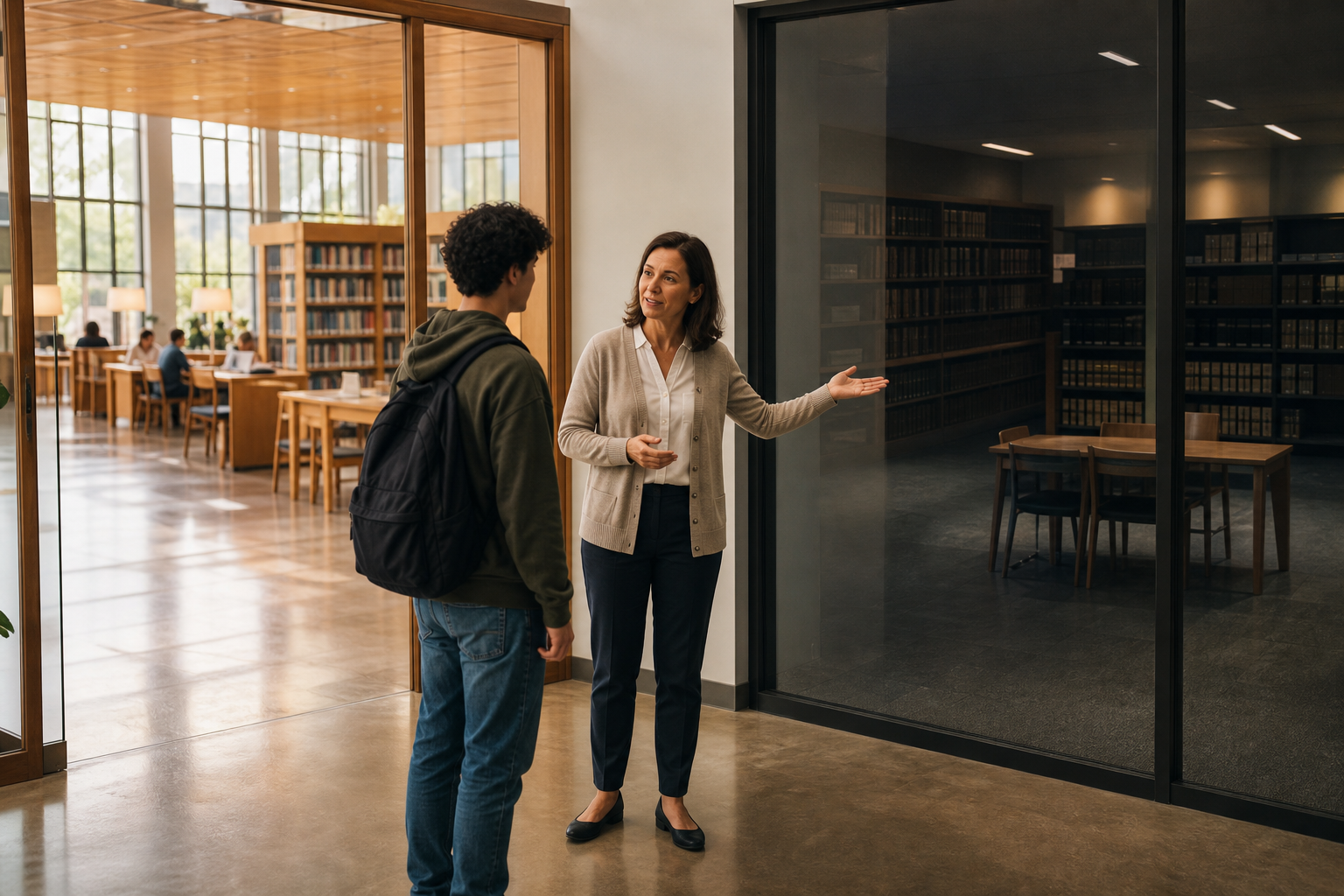
Shared networks are managed for many people at once. Restrictions may support class or work focus, bandwidth planning, safeguarding, malware prevention, privacy obligations, age-appropriate access, or compliance with an acceptable-use policy. A block can also be broad or imperfect; either way, users should not treat it as a puzzle to defeat.
Policies can vary by time, device, user group, and activity. A teacher-approved game used during a lesson may still be inappropriate during an exam. A public game may be legal to visit but not permitted on an employer-owned device. A locally made prototype may be suitable for a supervised club but not approved for public hosting.
The authoritative answer comes from the organization and people responsible for the device, network, and player—not from a search result.
Reachable does not mean safe
A no-download browser game can still run code, set cookies, collect analytics, show advertising, request an account, connect players through chat, or link to another service. “No download” only describes part of the delivery method; browsers routinely receive scripts, images, audio, and other data to display a page.
Be cautious when a site:
- asks for a school or work password on an unfamiliar domain;
- requests camera, microphone, location, contacts, notifications, or file access without a clear need;
- pushes an extension, installer, profile, certificate, or “special player”;
- uses aggressive pop-ups, redirects, fake update notices, or deceptive close buttons;
- includes unmoderated chat or asks players to continue on a private messaging service;
- requests payment details or personal information for a supposedly free activity;
- copies a well-known game’s name, characters, art, or branding without a clear official relationship.
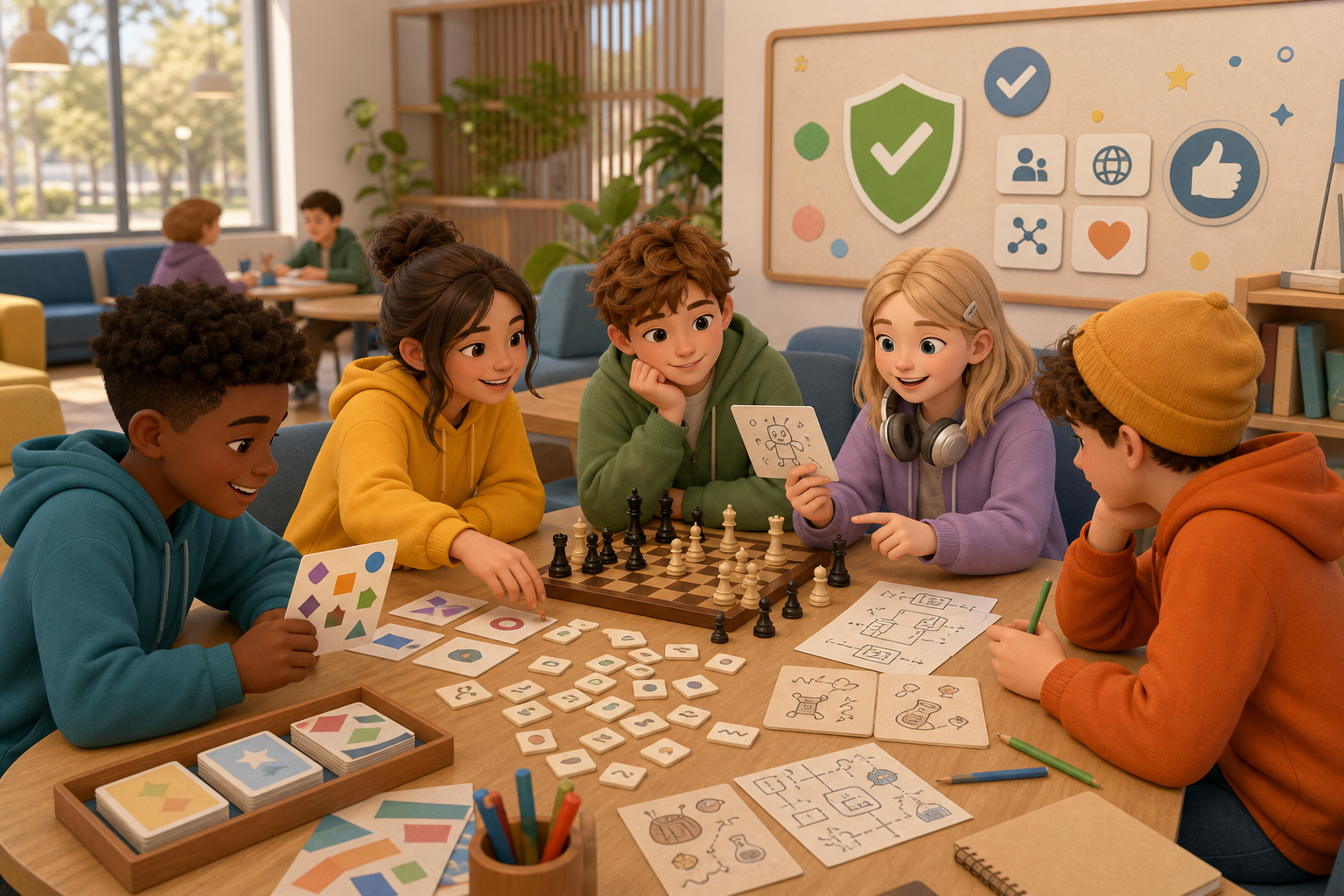
Children’s services can have additional privacy obligations. The Federal Trade Commission’s children’s privacy guidance is a useful source for understanding why data collection from children deserves special scrutiny. For digital-citizenship lessons, Common Sense Education provides educator-oriented resources.
How to evaluate a browser game

Use a permission-first checklist before opening or sharing a game:
- Confirm the context. Is recreational use allowed now, on this device, and on this network?
- Use an approved source. Prefer a school, library, employer, parent, teacher, or organizer recommendation over anonymous “unblocked” directories.
- Check identity and ownership. Look for a clear publisher, privacy policy, contact method, and consistent domain. Do not assume copied branding proves authenticity.
- Minimize data. Prefer activities that do not require an account, sensitive permissions, payment, or unnecessary personal details.
- Check social features. Understand whether chat, friend requests, user-generated content, voice, or public profiles are present.
- Check content and age fit. Consider violence, gambling-like mechanics, advertising, commercial pressure, and the intended audience.
- Plan the session. Set a time limit, know how to exit, and avoid disrupting other users or shared bandwidth.
- Stop on warning signs. Close the page if it redirects, requests unexpected software, imitates a login, or conflicts with policy.
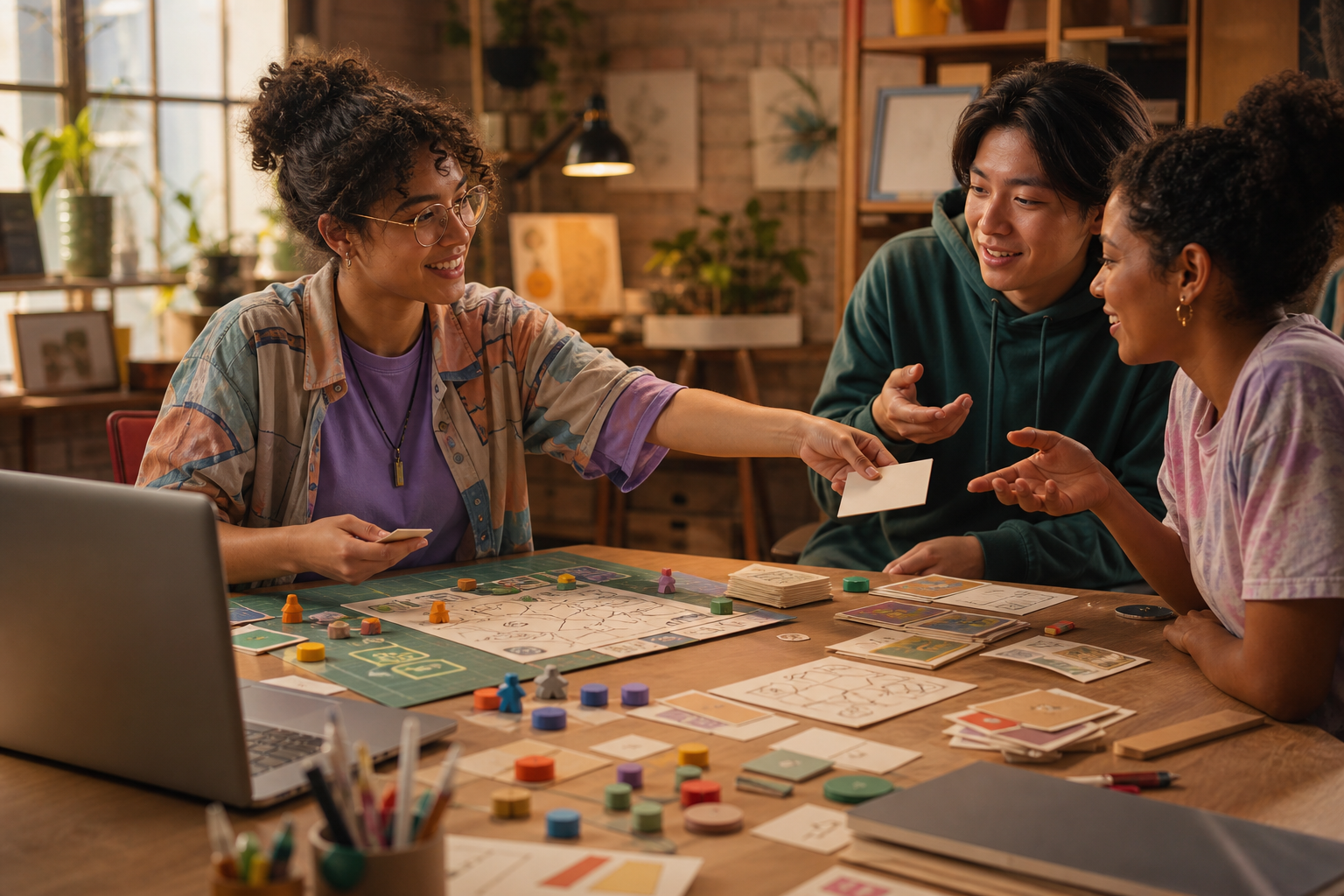
For a short permitted break, simple puzzles, word games, classic turn-based activities, educational interactives, or a teacher-approved creator prototype may be easier to review than an unknown multiplayer portal. These are categories, not blanket endorsements of any site.
What to do if a game is blocked
Do not search for a mirror, change network settings, use a proxy or VPN, try a different domain, or ask someone else to provide an alternate route. Those actions can violate policy and introduce security or privacy risk.
Instead:
- close the blocked page;
- ask a teacher, librarian, IT administrator, manager, parent, or organizer whether the activity is permitted;
- use the approved alternative they provide;
- choose an offline or non-network break activity if permission is not available;
- report a mistaken block through the organization’s normal support process rather than trying to work around it.
A legitimate request may be approved after review. The important point is that the decision belongs to the responsible organization, not to a third-party “unblocking” guide.
Legal and creator considerations
“Free to access” does not mean free of copyright, trademark, or license restrictions. A browser game can be publicly reachable while its code, art, music, characters, and name remain protected. Avoid copied games and sites that appear to republish someone else’s work without permission.
Creators should use original or properly licensed assets, publish only through destinations they are authorized to use, disclose data collection, and test sharing with the venue or organizer. The U.S. Copyright Office’s Copyright Basics explains the general principle that original creative work receives copyright protection.
If you are choosing activities for a class, club, library, or game jam, document who approved the host, what data it collects, which audiences can access it, who owns the assets, and how concerns can be reported.
A better phrase to use
Instead of asking for “unblocked games,” ask for approved browser games for this network and time. That wording moves the decision from technical reachability to permission, safety, and purpose. It also makes it easier for a teacher, librarian, administrator, or parent to recommend a suitable option.
For more on choosing permitted categories without bypassing controls, see [Legal No-Download Browser Games for School Breaks](/resources/blogs/legal-no-download-browser-games).
Bottom line
“Unblocked” means reachable in a particular context; it does not mean approved or safe. Confirm permission, use a trusted source, minimize data and social risks, respect blocks, and ask for an approved alternative when access is restricted.
Frequently Asked Questions
Does “unblocked” mean a game is allowed at school?
No. It only suggests the page is reachable. School policy and the responsible administrator determine whether use is allowed.
Are no-download browser games automatically safe?
No. They can still collect data, show ads, request permissions, include chat, or redirect to risky services.
What should I do when a game is blocked?
Stop and ask the teacher, librarian, IT team, manager, parent, or organizer for an approved alternative. Do not bypass the control.
Can a free browser game still create legal issues?
Yes. Public access does not remove copyright, trademark, license, privacy, or acceptable-use obligations.
How can I find a suitable game for a permitted break?
Start with recommendations from the responsible organization, then check privacy, permissions, social features, content, age fit, and session length.