
Key takeaways
- - AI-first engines are strongest when the bottleneck is moving from intent to a broad playable direction. - No-code engines are strongest when creators need explicit, inspectable rules built from events, conditions, actions, and variables. - Speed, price, and maintainability depend on the specific project; comparable public benchmarks and normalized pricing were unavailable. - A hybrid workflow often works best: generate for breadth, structure critical systems, then test the resulting artifact. - Choose with a vertical-slice trial that measures first playable time, correctness, changeability, export clarity, and handoff quality.
The short answer
AI game engines and no-code game engines remove different bottlenecks. An AI-first workflow is usually better when the main problem is turning an idea into a broad playable direction quickly: generating a starting project, exploring mechanics, creating variations, or revising through natural-language instructions. A no-code engine is usually better when the main problem is expressing known rules predictably through visual events, states, variables, and reusable components.
Neither category eliminates game design, testing, or technical judgment. AI can create more surface area to review; visual logic can become difficult to navigate as a project grows. For many teams, the strongest answer is a hybrid: use AI to expand and accelerate exploration, then use structured visual logic, code, or engine-native components to stabilize the systems that matter.
What is an AI game engine?
An AI game engine is a game-creation environment in which generative models participate directly in building or changing a game. The interaction may begin with a text description, an image, an existing project, or a conversation. Depending on the product, AI may help produce gameplay code, scenes, assets, behaviors, level variants, or a playable prototype.
The defining idea is not that every part of the engine is “run by AI.” It is that intent can be translated into project changes without the creator manually specifying every implementation step. That makes AI especially useful when the desired outcome is clear but the implementation path is not.
This category is still broad. Some products are assistants inside a conventional engine. Others are text-to-game systems that generate a larger starting point. Evaluate the actual artifact you receive—editable project, generated code, scene graph, assets, or only a hosted result—rather than relying on the label.
What is a no-code game engine?
A no-code game engine replaces most handwritten code with visual or declarative building blocks. Creators commonly assemble conditions, actions, events, variables, behaviors, and object relationships. The model is explicit: when a condition is true, run one or more actions.
That description is not hypothetical. GDevelop’s current documentation says its events are made of conditions and actions: conditions determine when an action occurs and which object instances are affected; actions define what happens when those conditions are true. This is a useful example of why “no code” does not mean “no logic.” The creator still specifies logic, but through structured engine concepts rather than source syntax.
No-code also does not always mean code is forbidden. Many tools allow extensions, JavaScript, plugins, shaders, or external services when the visual layer reaches its limit. The practical question is how far the native visual model can take your particular game before escape hatches become necessary.
AI vs no-code game engines: the core tradeoffs
Capabilities
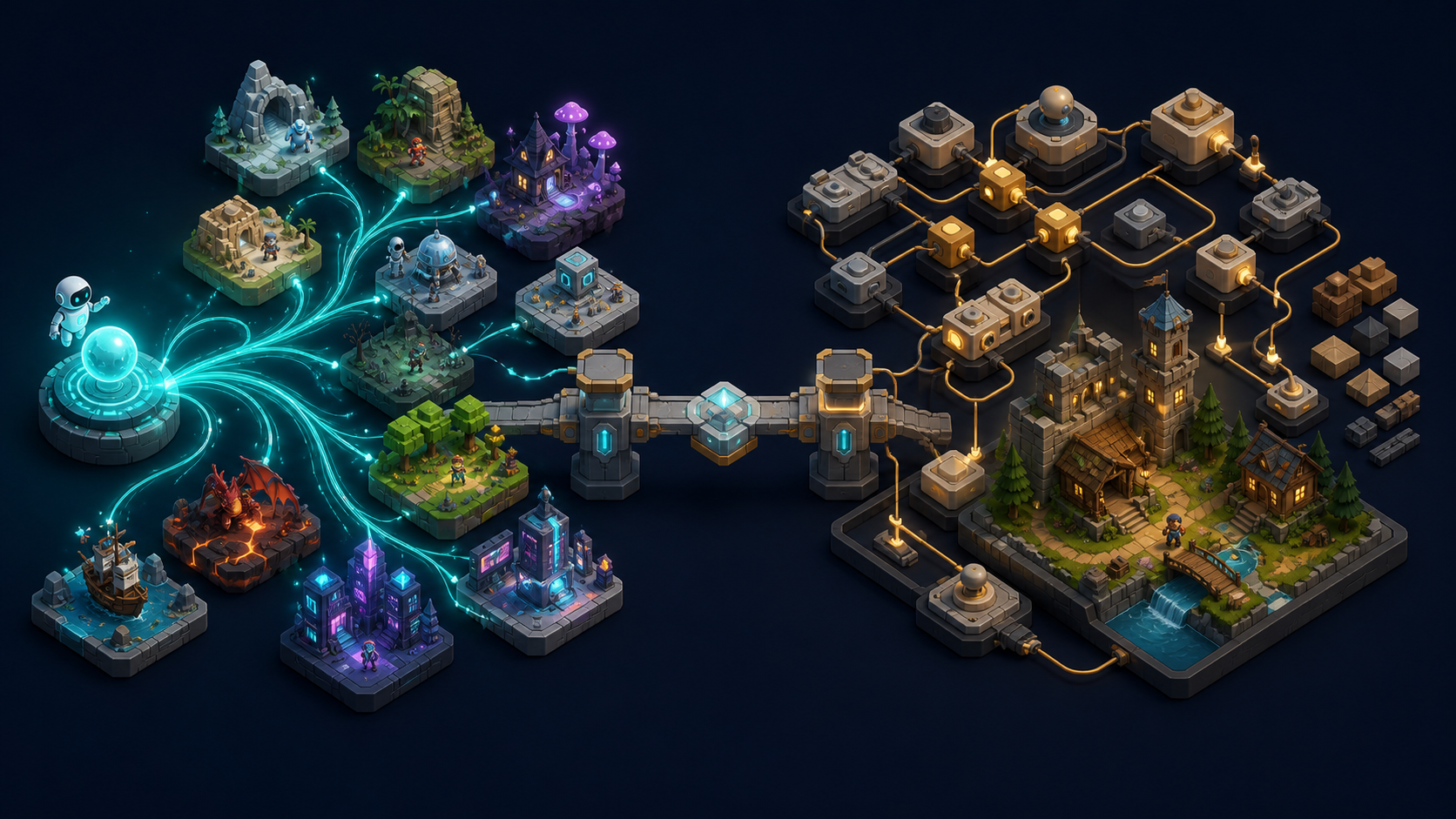
AI-first systems are strongest at open-ended transformation: take an idea and propose an implementation, generate several directions, rewrite a mechanic, or create supporting content. This breadth can help a creator move from blank page to something testable.
No-code systems are strongest at declared behavior: object X collides with object Y, a state changes, a timer expires, or a variable reaches a threshold. The engine exposes a bounded set of operations and makes their relationships visible. This can be more dependable when the intended rules are already known.
The gap between the categories is narrowing. AI products increasingly expose structured editors, while no-code engines add AI helpers. Compare the primary authoring model, not the marketing category.
Control and predictability
No-code logic is often easier to inspect one rule at a time. A creator can trace conditions, actions, variables, and object selection. That explicitness helps when debugging a deterministic mechanic.
AI offers a higher-level form of control: describe the outcome and let the system propose the implementation. It can be powerful, but the result still needs inspection. Generated code or project changes may be plausible without matching edge cases, performance constraints, or architectural conventions. GitHub’s responsible-use guidance for AI code completion similarly warns that generated code may be inaccurate or insecure and should be reviewed and tested; the same review principle applies to AI-generated game logic.
Choose no-code when you need to know exactly why a rule fires. Choose AI when specifying every low-level step would slow down discovery—and budget time to validate what was generated.
Speed
AI usually has the advantage in time to first direction. It can create a rough world, mechanic, or project structure from a short brief and generate alternatives without rebuilding each one manually.
No-code can be very fast in time to a controlled implementation when the engine already contains the behaviors you need. Dragging in a platformer behavior and connecting events may be faster than prompting, reviewing, and correcting a generated equivalent.
Do not reduce speed to the first demo. Measure three checkpoints:
- time to first playable build;
- time to pass a representative test checklist;
- time for a second creator to understand and change the project.
Public, comparable benchmark data for these checkpoints was unavailable for this article. The defensible answer is a project-specific pilot, not a universal speed claim.
Cost
Cost has at least four layers: subscription or usage fees, asset and service fees, iteration time, and rework risk. AI tools may add generation credits or usage-based costs. No-code products may use subscription tiers, export restrictions, revenue terms, or paid extensions. Both can create hidden labor costs if the project outgrows the authoring model.
Current cross-product pricing data was unavailable and prices change frequently, so this guide does not present a numeric cost ranking. Build a small total-cost worksheet instead: expected team seats, monthly generations, export requirements, paid plugins, target platforms, and the time required to verify or refactor output.
Learning curve
AI has a low barrier to expressing intent: creators can start with ordinary language. The deeper learning curve appears later—in writing constrained briefs, interpreting output, debugging generated systems, and knowing when a result is unsafe or structurally weak.
No-code requires learning the engine’s vocabulary from the beginning: scenes, objects, behaviors, events, variables, state, and object picking. Once learned, that vocabulary can provide a stable mental model. Complexity is not removed; it is reorganized.
For a nontechnical designer, AI may feel faster on day one. For a systems-minded creator who wants consistent rules, visual events may become more legible over time.
Extensibility
Extensibility depends less on “AI versus no code” than on what the tool lets you keep and change. Ask:
- Can you export an editable project or only a final build?
- Is generated code readable and owned by your team?
- Can you add custom scripts, plugins, shaders, APIs, and engine packages?
- Can project files be versioned and reviewed?
- Can you replace generated assets and behaviors without regenerating everything?
- Is there a path to a conventional engine when requirements grow?
A visually elegant workflow can still be a dead end if exports are opaque. An AI-generated project can be extensible if it uses ordinary, inspectable engine structures. Test the handoff before committing to a large production.
Decision matrix
- Explore several game concepts quickly — start with AI. AI can propose wider variations from a short brief.
- Implement known event-driven rules — start with no-code. Conditions, actions, and variables make the rule model explicit.
- Build without learning programming syntax — either can fit. Both reduce syntax work, but neither removes systems thinking.
- Inspect every gameplay rule — favor no-code. Visual events are usually easier to trace rule by rule; AI output requires review.
- Generate scenes or content variations — favor AI. Generative workflows handle open-ended variation better.
- Use a predictable reusable template — favor no-code. Components and visual behaviors support repetition.
- Make an unusual mechanic outside built-in patterns — test both. AI can draft custom logic; no-code may need extensions.
- Preserve an engineering handoff — evaluate exports, not labels. Inspectable files, version control, and extension APIs decide this.
Treat this matrix as a starting hypothesis. The right test is a vertical slice containing one core mechanic, one UI flow, persistence, failure/restart behavior, and a target-platform build.
When an AI-first workflow makes sense
Rapid concept validation
A solo creator wants to test whether a stealth puzzle, creature collector, or physics toy is fun before committing to production. AI can create a broader starting point and make large directional changes quickly. The creator should deliberately throw away weak outputs rather than polishing the first result.
Content-heavy prototyping
A small team needs multiple environments, quest variants, item concepts, or level layouts to discover the right tone. AI can expand the option set. Human review is still required for consistency, licensing, difficulty, and production quality.
Natural-language iteration with technical escape hatches
A designer can describe a mechanic clearly but does not want to author every implementation step. An AI system that produces editable project structures can bridge the gap—provided a developer can inspect, test, and refactor critical code.
When a no-code workflow makes sense
Rule-driven 2D games
Arcade loops, platformers, puzzle games, narrative state machines, and many educational games map naturally to events and actions. If the engine already provides the relevant movement, collision, UI, and persistence behaviors, no-code can reach a stable result quickly.
Teaching game logic
Visual events expose sequencing, conditions, state, and variables without requiring syntax first. That can help learners understand computational thinking while seeing immediate game feedback.
Repeated production from a known template
A studio producing many variants of a tested format may value predictability more than open-ended generation. Reusable events, objects, and components can make the workflow consistent across projects.
The hybrid path: generate, structure, verify
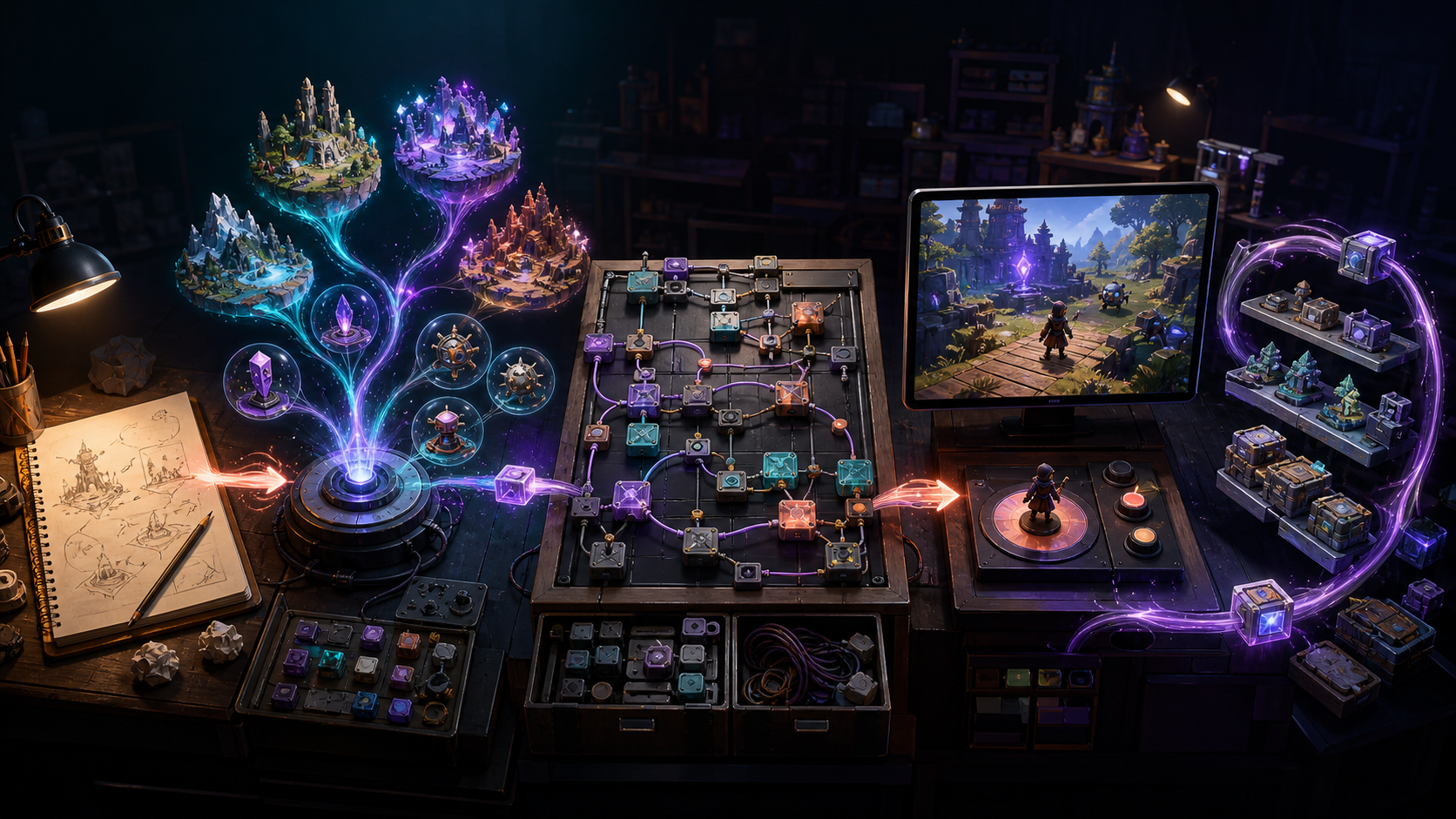
The most practical workflow is often not a permanent choice between categories. It is a sequence:
- Write a testable brief. Define the player verb, win/lose states, target platform, camera, input, and a short acceptance checklist.
- Use AI for breadth. Generate a starting project, mechanic options, placeholder-to-production asset directions, or alternative level structures.
- Select, do not average. Keep the strongest direction and remove unused generated material.
- Move critical rules into inspectable structures. Represent scoring, economy, progression, save data, and multiplayer authority through clear events, components, or reviewed code.
- Test the artifact. Verify edge cases, performance, accessibility, licensing, and build/export behavior.
- Preserve an escape path. Keep versioned project files and document where AI-generated systems or no-code extensions require specialist knowledge.
This workflow uses AI where ambiguity is valuable and structured tools where predictability is valuable. It also prevents a common failure mode: treating a visually impressive first generation as evidence that the project is production-ready.
How to choose in one afternoon
Run the same vertical-slice brief in both approaches. Do not compare polished marketing demos. Compare the files and the work.
Score each result from 1 to 5 on:
- first playable speed;
- correctness against the checklist;
- ease of changing one core rule;
- readability for another team member;
- export and ownership clarity;
- target-device performance;
- extensibility beyond the slice;
- expected verification and rework.
Record assumptions and mark missing evidence as unavailable rather than filling gaps with estimates. A tool that wins the first 30 minutes may lose after the first requirement change; a tool that takes longer to learn may produce a more maintainable slice.
Try an AI-first game workflow with SEELE
SEELE is designed around conversational, multimodal game creation: start from an idea, iterate on a playable direction, and continue refining the project rather than stopping at a static concept. If your priority is moving from description to an editable game workflow, try SEELE in the workspace.
Frequently Asked Questions
Are AI game engines the same as no-code game engines?
No. AI-first tools translate higher-level intent into generated project changes or content. No-code engines usually ask creators to express logic explicitly through events, conditions, actions, variables, and components. Some products combine both.
Which is faster for making a game prototype?
AI is often faster to a broad first direction, while no-code can be faster to a controlled implementation when the needed behaviors already exist. Comparable public benchmark data was unavailable, so test both against the same vertical-slice checklist.
Do no-code game engines require programming knowledge?
They reduce the need to write syntax, but creators still need to understand conditions, state, variables, sequencing, debugging, and game-system design.
Can AI-generated games be extended later?
It depends on the artifact and export model. Favor tools that provide editable projects, inspectable code or scene structures, version-control compatibility, extension APIs, and clear ownership terms.
What is the best hybrid workflow?
Use AI to explore concepts and generate a starting point, then move critical rules into inspectable events, components, or reviewed code. Test edge cases, performance, licensing, and export behavior before scaling production.
How should I compare cost?
Include subscription or generation fees, seats, exports, plugins, external services, review time, and expected rework. Current cross-product pricing was unavailable and changes frequently, so a project-specific worksheet is more reliable than a static universal ranking.