Key takeaways
- Direct answer: Blender is best for authored 3D assets, Unreal Engine is best for a controlled explorable runtime, and an AI game generator is best for quickly testing world concepts. For most projects that will grow beyond a disposable prototype, use a hybrid workflow: explore quickly, graybox the route, author distinctive assets in Blender, and validate the lived experience in Unreal Engine.
If you want to build an explorable 3D world, the best choice depends on which part of the problem you need to solve first. Blender is strongest for making and refining 3D assets. Unreal Engine is strongest for assembling a real-time world with authored interaction. An AI game generator is strongest for turning an idea into a playable starting point quickly.
That is not an either-or decision. Many teams use a hybrid workflow: generate or block out a world, refine important models in Blender, and finish interaction and presentation in a game engine. The right first tool is the one that matches your next milestone.
Start with the world you want to prove

Before comparing software, describe the smallest experience a visitor should be able to complete. Is it a walk through a mood-rich landscape, a room-to-room puzzle, a simulation with systems, or a prototype that tests whether the concept is fun?
Write down four constraints: the camera and movement style, the amount of interaction, the visual specificity you need, and who must be able to iterate. A solo artist who needs a hero prop has a different starting point from a designer testing a complete playable loop.
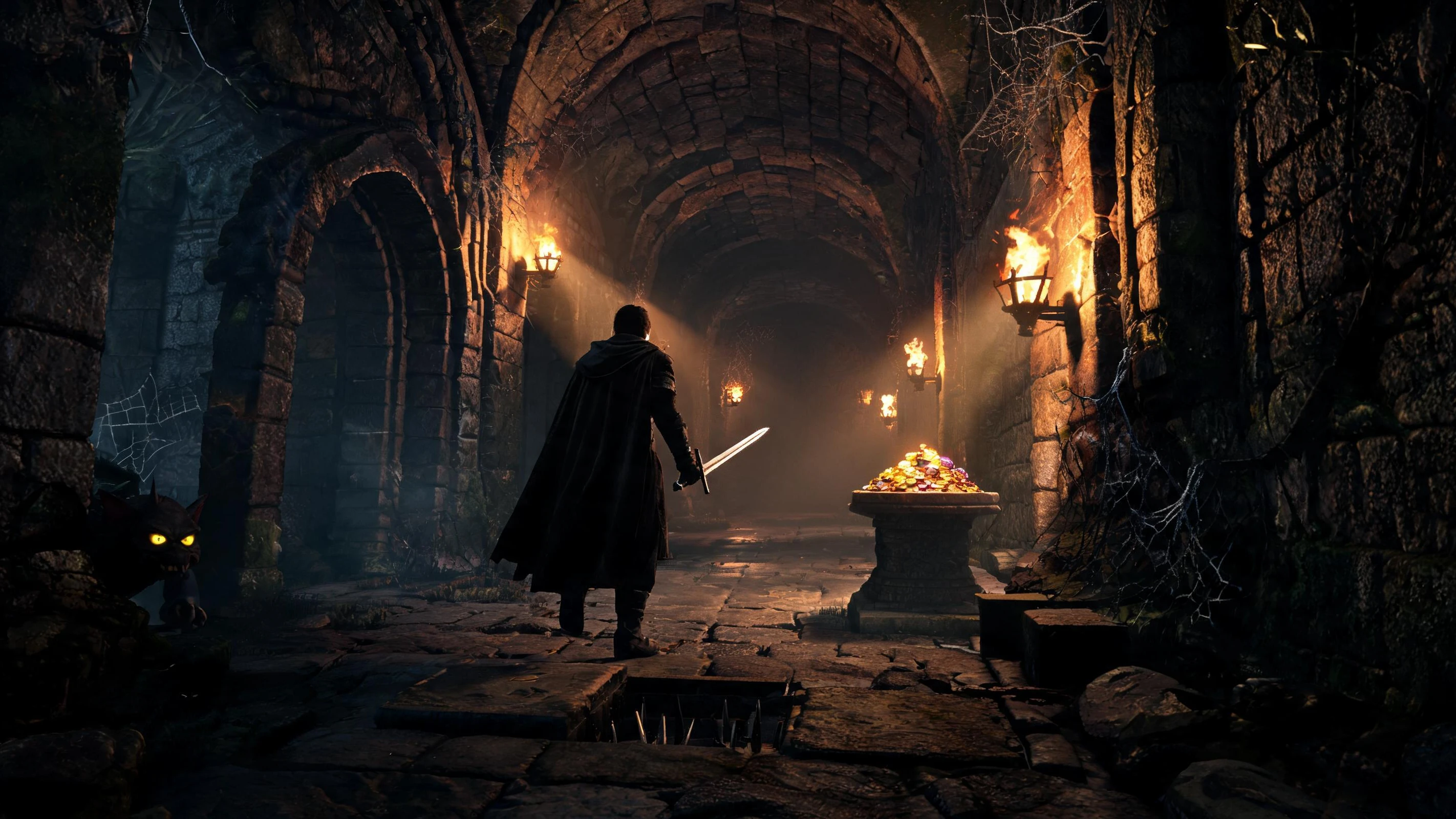
A useful first milestone is a graybox route: one entrance, a destination, two or three landmarks, and one interaction. If that route is not compelling, adding more terrain or detail will not fix the core experience.
What Blender is best at
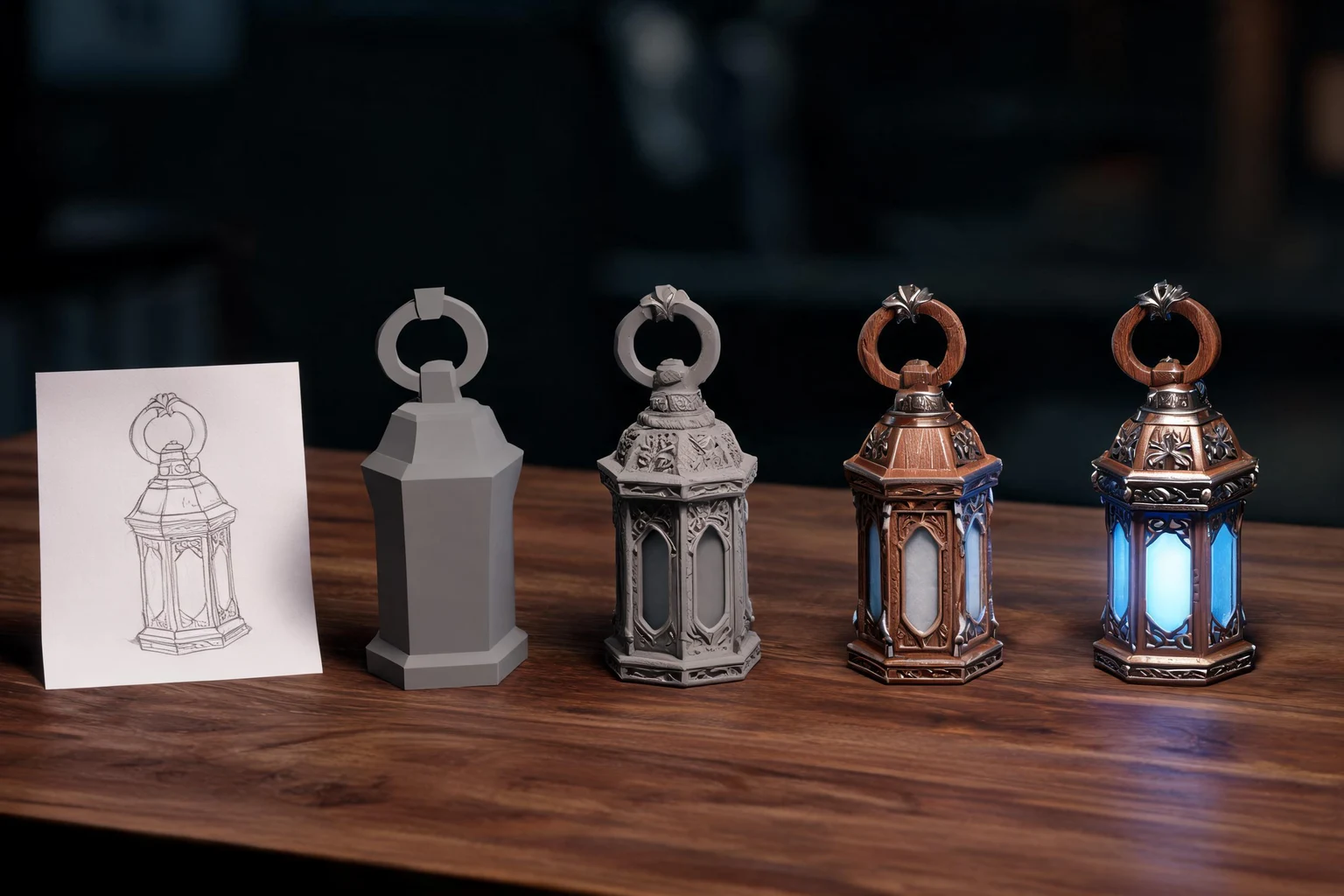
Blender is a digital content creation application for modeling, sculpting, materials, lighting, animation, and related asset work. Choose it first when the main risk is visual authorship. It gives you granular control over topology, proportions, UVs, materials, rigs, and the shape language that makes a world feel intentional.
Blender is a good fit when you need to:
- Design distinctive architecture, characters, props, or terrain pieces.
- Build a reusable modular kit with consistent scale and pivots.
- Clean up or retopologize generated meshes before they enter a production pipeline.
- Create controlled stills, turntables, or animation tests.
Its limitation is scope, not quality. A finished model is not automatically an explorable world. You still need collision, navigation, input, interaction logic, save behavior, lighting decisions, and a way to package the experience for its audience. If your question is “Can I make this object look right?”, Blender may be the best answer. If it is “Can a visitor walk through this place and do something?”, another layer is required.
What Unreal Engine is best at
Unreal Engine is a real-time engine for constructing interactive environments, gameplay systems, lighting, cameras, audio, and packaged experiences. Choose it first when the main risk is whether the world works as a place someone can inhabit.
An engine-first workflow helps you test:
- Traversal: can players understand where to go and move comfortably?
- Spatial rhythm: do landmarks, sightlines, and transitions create a readable route?
- Interaction: does the world respond clearly when a player examines, activates, or changes something?
- Atmosphere in motion: do lighting, fog, materials, animation, and sound support the intended mood?
Unreal Engine also demands more decisions up front. You must learn its editor and runtime concepts, choose an asset pipeline, set up collision and navigation, and decide how much logic is authored visually or in code. It is a strong destination for a serious prototype, but it can be a heavy first step when you only need to answer a visual question.
What an AI game generator is best at
An AI game generator can turn a natural-language concept into a rough interactive prototype, depending on the product and its supported outputs. It is useful when speed of exploration matters more than fine-grained control at the beginning. You can test a theme, route, mechanic, or mood before committing to a full asset and engineering pipeline.
Use an AI game generator first when you need to:
- Compare several world concepts in a short session.
- Give a non-technical collaborator something playable to react to.
- Discover whether a simple interaction loop is worth deeper production.
- Create a disposable scaffold that will later be replaced or refined.
The important word is “prototype.” Generated output may not give you the exact topology, naming, materials, architecture, interaction model, or deterministic behavior you need for a finished project. Treat the first result as a question generator: it reveals what feels promising and what needs a deliberate rebuild. Before choosing a product, check its current export, editing, collaboration, and ownership terms in its own documentation.
Compare the tools by decision criteria
Visual control
Blender provides the deepest direct control over individual assets. Unreal Engine provides strong control over how those assets behave and appear in a real-time scene. An AI game generator trades some direct control for faster ideation.
Interactive proof
Unreal Engine is the clearest choice when you need to validate traversal, interaction, and systemic behavior. An AI generator can provide a fast first proof. Blender alone is usually an asset-production step rather than the final interaction environment.
Learning investment
Blender and Unreal Engine each have broad feature sets, so the learning curve depends on your goal. An AI generator can lower the barrier to a first experiment, but you may later need engine or DCC skills to control the result.
Repeatability and refinement
A handcrafted Blender and Unreal workflow is easier to make deliberate: you can name assets, define conventions, and revise one component without regenerating everything. AI-assisted iteration is valuable for breadth, but inspect outputs and establish a human-owned source of truth for important assets and behavior.
Best next milestone
Pick Blender for an asset sheet or modular kit. Pick Unreal Engine for a graybox walkthrough with one working interaction. Pick an AI game generator for three rough playable directions that help the team choose what to build next.
A practical hybrid workflow
For many worldbuilding projects, the most efficient answer is a sequence rather than a winner.
- Explore. Use an AI game generator or simple sketches to test the premise, mood, and route. Keep the scope small enough to compare alternatives.
- Graybox. Build one explorable path with placeholder geometry. Verify scale, landmarks, camera comfort, and one meaningful interaction.
- Author. Move the assets that need a distinctive identity into Blender. Establish a modular kit, materials, pivots, and naming conventions.
- Assemble. Bring the authored pieces into Unreal Engine, set up collision and navigation, and connect the interaction loop.
- Review. Ask a fresh player to complete the route without coaching. Record where they hesitate, what they notice, and whether the intended payoff arrives.
- Refine. Improve only the bottleneck that the test exposed: readability, asset identity, interaction feedback, or technical organization.
This workflow prevents two common mistakes. You do not spend weeks polishing a world whose route is unclear, and you do not mistake a fast generated scene for a finished production pipeline.
Recommendation by project situation
Choose Blender first if you are a 3D artist building a visual library, need exact shape control, or are preparing a small set of signature assets.
Choose Unreal Engine first if the world itself is the product: visitors must navigate it, interact with it, and feel a designed progression.
Choose an AI game generator first if you are still selecting the concept, need fast playable conversations with a team, or want to test several directions before investing in detailed production.
Choose a hybrid if you are building beyond a disposable prototype. Let AI accelerate exploration, Blender protect asset quality, and Unreal Engine validate the lived experience. The handoff points should be explicit: which assets are temporary, which are authoritative, and which behaviors must be rebuilt rather than copied.
A small test that makes the decision

Run a time-boxed comparison. In the first session, create the same landmark and route brief in each candidate workflow. In the second, ask a new tester to walk from the entrance to the destination and trigger one interaction. Score only observable criteria: time to first playable route, clarity of navigation, ease of changing the landmark, and how much of the result you can explain and reproduce.
Do not turn this into a race for the most impressive screenshot. The winning tool is the one that reduces the largest risk in your next milestone. Once the route and interaction are proven, you can invest in authored assets and production structure with much more confidence.
Frequently Asked Questions
Is Blender enough to build an explorable 3D world?
Blender can create the models, materials, animation, and scene elements for a world, but exploration usually also needs an interactive runtime. Pair it with a game engine or another suitable runtime when visitors must move, collide, interact, or progress through the space.
Should a beginner start with Unreal Engine or an AI game generator?
Start with an AI game generator when you need a quick concept test and do not yet know what to build. Start with Unreal Engine when learning the runtime is itself part of your goal or when you need repeatable control over traversal and interaction.
Can I use Blender assets in Unreal Engine?
Yes, a common workflow is to author or refine assets in Blender and import them into an engine. Plan for scale, pivots, materials, collision, naming, and versioning so the handoff remains predictable.
Are AI-generated worlds ready for a finished game?
They may be useful starting points, but readiness depends on the specific product and project. Inspect geometry, materials, interaction logic, performance, editability, and export behavior; rebuild critical parts when the generated result cannot meet your requirements.
Which tool is best for a non-technical worldbuilding team?
An AI game generator can make an early concept easier to discuss, while Blender and Unreal Engine offer more control as the project matures. A small hybrid test is usually more informative than choosing solely from feature lists.
What should I build first in an explorable 3D world?
Build one short route with an entrance, a destination, two or three landmarks, and one interaction. Use it to test scale, navigation, mood, and feedback before expanding the map or polishing every asset.


