
Key takeaways
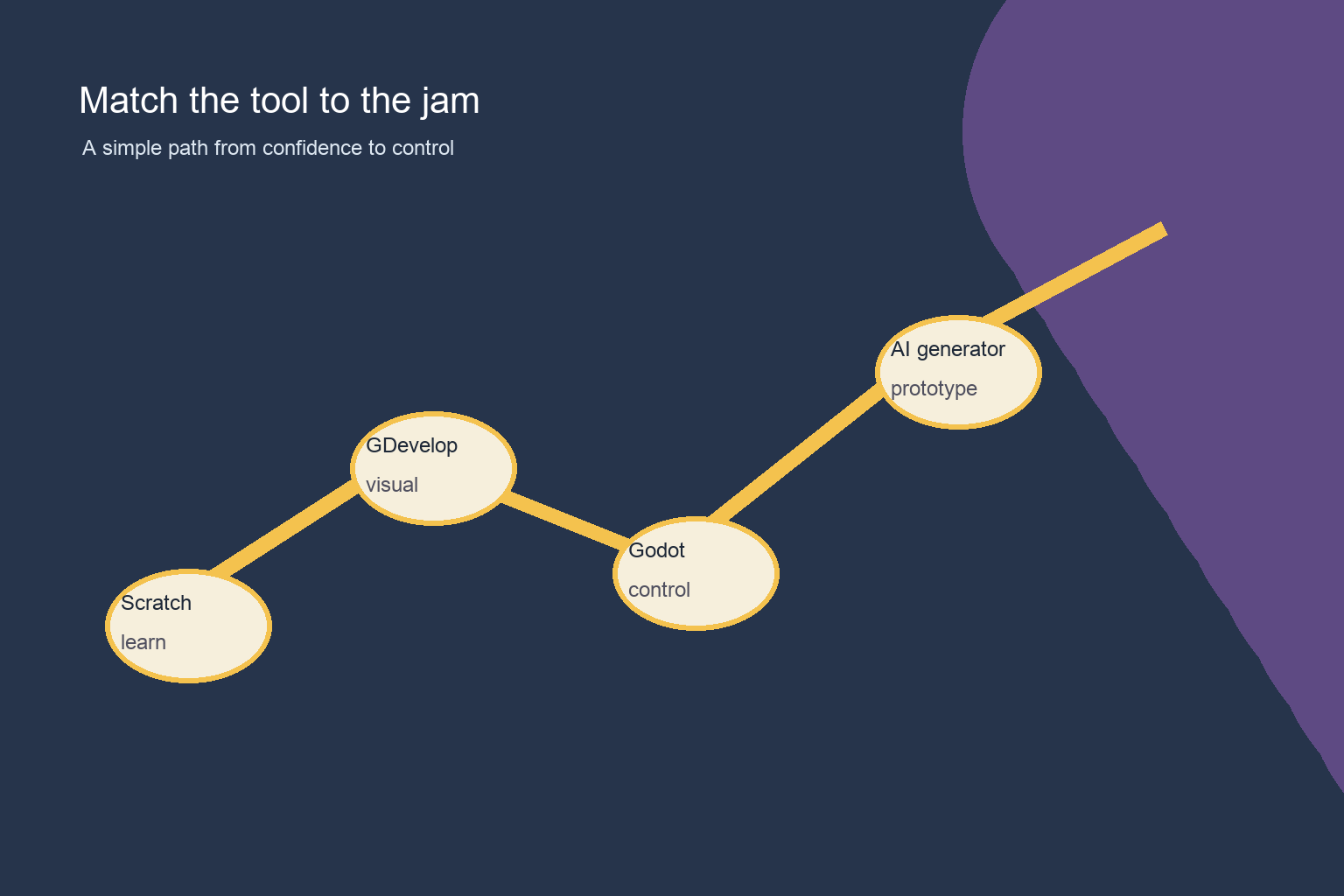
- For a first game jam, choose Scratch for beginner-friendly logic, GDevelop for visual 2D prototyping, Godot for engine and scripting practice, or an AI game generator for rapid concept sketches that your team will inspect and revise. Decide by learning goal, team contribution, scope, testing, and submission workflow—not by feature count.
If this is your first game jam, choose the tool that makes a small finished game most likely—not the tool with the longest feature list. Scratch is a gentle starting point for students who want to learn game logic through blocks. GDevelop is a strong fit when you want a visual, event-based workflow without writing much code. Godot suits a participant who wants more control and is ready to learn an editor and a scripting language. An AI game generator can be useful for exploring an idea quickly, but it needs the same careful scoping, testing, and ownership of decisions as any other tool.
My default recommendation is simple: use Scratch for a first jam with very young or completely new learners; use GDevelop for a visual 2D jam with a short deadline; use Godot when learning an engine is part of your goal; and use an AI generator when rapid concept exploration matters and you are prepared to inspect and revise the result. The best choice is the one your team can explain, test, and submit before the deadline.
Start with the jam, not the tool
A game jam is a constrained creative project. You have a theme, a time box, limited art and sound, and a team that may be learning while building. That changes the decision. The important questions are: Can everyone contribute? Can you make a playable slice early? Can you find and fix a mistake? Can you export or share a build in the format the event accepts? Can you still make a small change on the final day?
Write a one-sentence game concept before opening an editor. For example: “Guide a lantern through a dark maze while the light shrinks.” Then reduce it to one player action, one obstacle, one visual style, and one ending. A tool is a good match when it supports that narrow loop without creating a second project called “learn the tool.”
Scratch: the clearest on-ramp for students
Scratch uses visual blocks, so a beginner can see the order of actions, conditions, events, and variables without first learning punctuation or file structure. That makes it especially approachable for students who want to understand the logic of a game. A platformer, maze, clicker, or short interactive story can become a concrete lesson in input, state, feedback, and iteration.
Choose Scratch when your team values accessibility and shared understanding over engine-style control. It is also a good choice when the jam allows a browser project or a simple shareable link. Plan art and sound as part of the challenge: a deliberately simple visual language can look more cohesive than a collection of ambitious assets.
The tradeoff is that you may outgrow the block-based workflow if the project needs custom systems, complex scenes, or a particular deployment target. That is not a failure. For a first jam, finishing a compact game and being able to describe how it works is a valuable outcome. Set a checkpoint early: by the first third of the jam, a player should be able to perform the core action and receive feedback.
GDevelop: visual events for a quick 2D prototype
GDevelop is a practical middle ground for participants who want a visual workflow with game-oriented concepts. Events let you express conditions and actions in a readable way, while objects, scenes, behaviors, and properties give the project a recognizable structure. A small team can divide work between scene layout, art, audio, and events without every person becoming a programmer first.
Pick GDevelop when your idea is a 2D game and your priority is getting a playable prototype into people’s hands quickly. It can be a comfortable fit for students moving beyond blocks, designers who think in rules and interactions, or teams that want to learn by changing a working scene. Keep the project disciplined: name objects consistently, keep events grouped by feature, and create one test scene before building a full set of levels.
The tradeoff is that visual logic can still become difficult to navigate when a project grows. A screen full of events is code in another form. Use comments, small groups, and a written list of game states. If a mechanic is hard to explain aloud, simplify it before adding more content.
Godot: more control when learning the engine is part of the goal
Godot is a general-purpose game engine with scenes, nodes, resources, and scripting. It gives a beginner a path toward reusable game systems and more deliberate project structure, but that path has a steeper learning curve. You will be learning both the game idea and the habits of an engine: how scenes fit together, where assets live, how input is handled, and how a script changes an object.
Choose Godot when at least one teammate is excited to learn those concepts, or when the jam itself is practice for future engine work. Start with a tiny scene and a single mechanic. A useful first checkpoint is a controllable object, one obstacle, a restart action, and a visible win or lose state. Commit or copy the project at milestones so an experiment does not erase the last playable version.
The tradeoff is onboarding time. Do not begin by designing a framework for every possible game. Use the simplest scene structure that supports the jam concept. If nobody on the team can comfortably debug a script by the middle checkpoint, reduce scope or move a feature into a simpler interaction rather than adding tutorials indefinitely.
AI game generators: a fast sketching partner, not a finish button
An AI game generator can help turn a plain-language idea into a starting point, suggest mechanics, create draft assets, or provide a playable experiment. That is useful when the blank page is the biggest obstacle. It can also help a team compare several directions before committing to one.
Choose this route when your team can state the desired loop clearly and is willing to review every generated part. Ask for a small scene, a clear control scheme, and one testable goal. Then inspect the result: Is the input understandable? Does the player know what changed? Can you restart? Are the assets consistent? Can your team edit the project rather than merely watch a demo? Treat generated output as a draft that your team must test, simplify, and make its own.
The tradeoff is uncertainty. A generated prototype may look promising while hiding confusing state, brittle interactions, or an unclear path to a final submission. Keep a human-owned design note with the prompt, intended behavior, changes made, and unresolved issues. Confirm the jam’s rules and submission expectations yourself, and use only material your team is comfortable submitting.
A decision path you can use in ten minutes
First, decide whether the learning goal is game logic, visual prototyping, engine practice, or idea exploration. For game logic with the least setup, start with Scratch. For a visual 2D prototype, start with GDevelop. For engine and scripting practice, start with Godot. For several quick concept sketches, try an AI generator, then move the chosen idea into the workflow your team can maintain.
Next, check team contribution. If one person would become the only person who can change the game, pause. Pick a workflow that lets others contribute art, level layout, writing, testing, or clearly described rules. Finally, test the delivery path before polishing. Make a tiny project, share or export it, open it on another device if possible, and confirm that the person judging it can reach the game’s first meaningful moment.
A first-jam workflow that works across tools
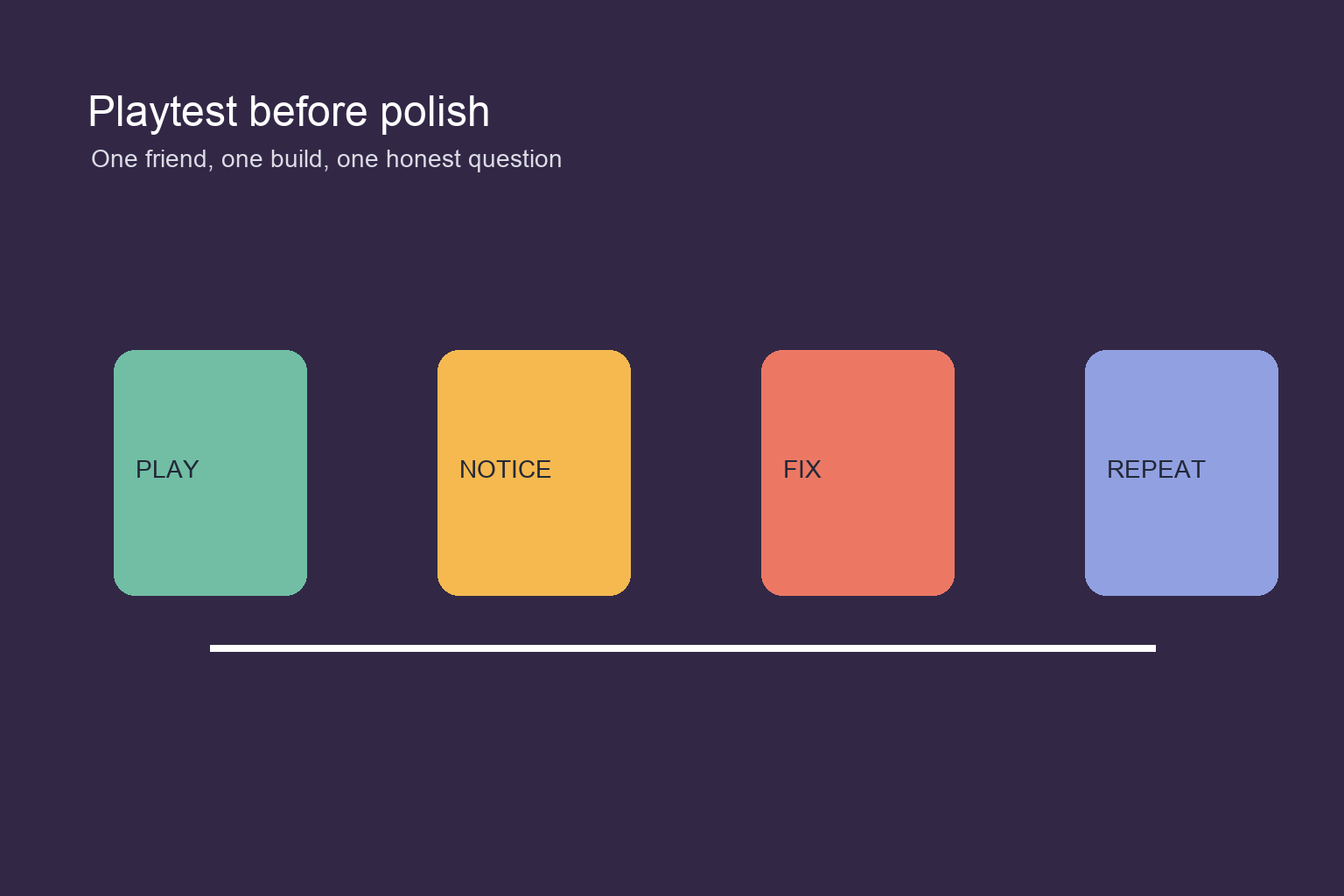
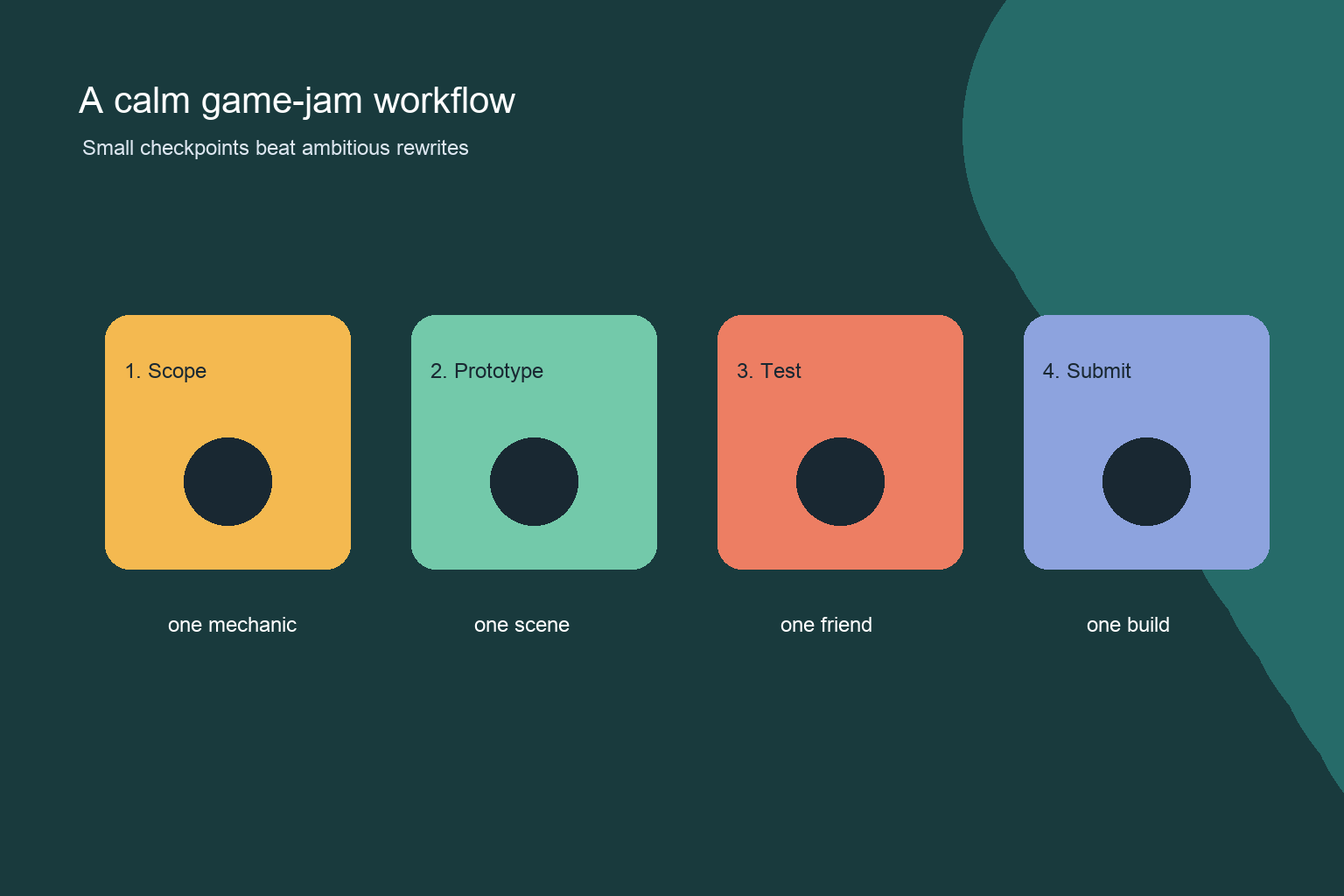
In the opening session, define the one-sentence concept and make a paper or verbal version of the loop. In the next session, build one room or screen. Add only the input, obstacle, feedback, and ending needed to prove the idea. Ask a friend to play without instructions and write down where they hesitate.
At the middle checkpoint, freeze the feature list. Improve clarity before adding content: readable objectives, responsive controls, a restart option, and a visible result. Leave time for an exported-build test, file cleanup, credits, and a short explanation of what the team learned. A finished tiny game is a better first-jam portfolio piece than an unfinished collection of systems.
Quick comparison by situation
For a primary-school or first-time student team, Scratch is usually the easiest shared vocabulary. For a student group making a 2D game under a tight time box, GDevelop is often a sensible starting point. For a participant who wants to learn a full engine and can reserve time for onboarding, Godot is the better learning investment. For a team stuck between ideas or needing a fast visual sketch, an AI generator can be useful—provided the team keeps ownership of design, testing, and the final build.
There is no permanent choice here. A jam is a low-risk place to learn what your team needs next. You can make one jam in Scratch, then try GDevelop or Godot later. You can sketch with AI and finish by hand. Choose the smallest path that lets you learn, collaborate, and submit.
Frequently Asked Questions
Is Scratch good enough for a first game jam?
Yes. Scratch is a good fit when the goal is to learn core game logic, collaborate with beginners, and finish a compact browser-friendly project.
Should a complete beginner choose Godot for a game jam?
Choose Godot when learning an engine is part of the goal and at least one teammate has time to learn its editor and scripting workflow.
Is GDevelop easier than Godot for a short 2D jam?
It can be a gentler fit for teams that prefer visual events and want to prototype a 2D loop quickly.
Can an AI game generator make my whole game jam project?
It can help draft a prototype or explore mechanics, but your team should direct the design, inspect behavior, revise the output, test the build, and prepare the submission.
What should I build first in a game jam?
Build one playable loop: a player action, a response or obstacle, feedback, and a clear win, lose, or ending state.
How do I choose between Scratch, GDevelop, Godot, and AI?
Match the tool to your primary goal: Scratch for beginner-friendly logic, GDevelop for visual 2D prototyping, Godot for engine practice, and AI generation for concept exploration with human review.


