Key takeaways
- ## Key takeaways
- - Finish one small player loop before expanding scope. - Learn Studio and Luau through testable behaviors and server validation. - Treat device testing, safety, permissions, provenance, and maintenance as part of publishing.
Choose a small first experience
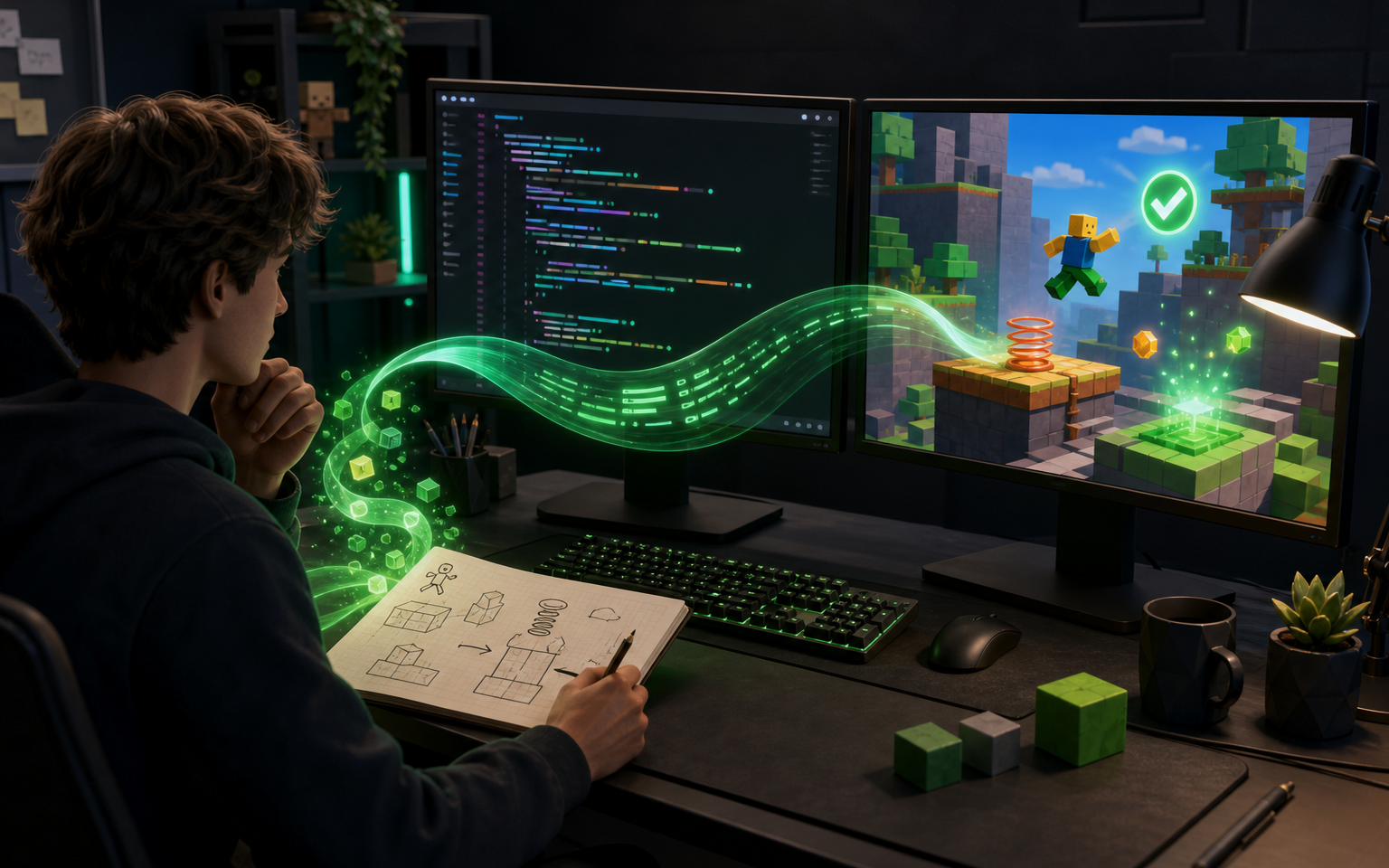
Becoming a Roblox creator starts with finishing, not with mastering every feature. Choose one player action, one clear objective, one short play space, and one ending. A compact obstacle course, collection loop, or cooperative room teaches more than an oversized concept that never reaches a playable state.
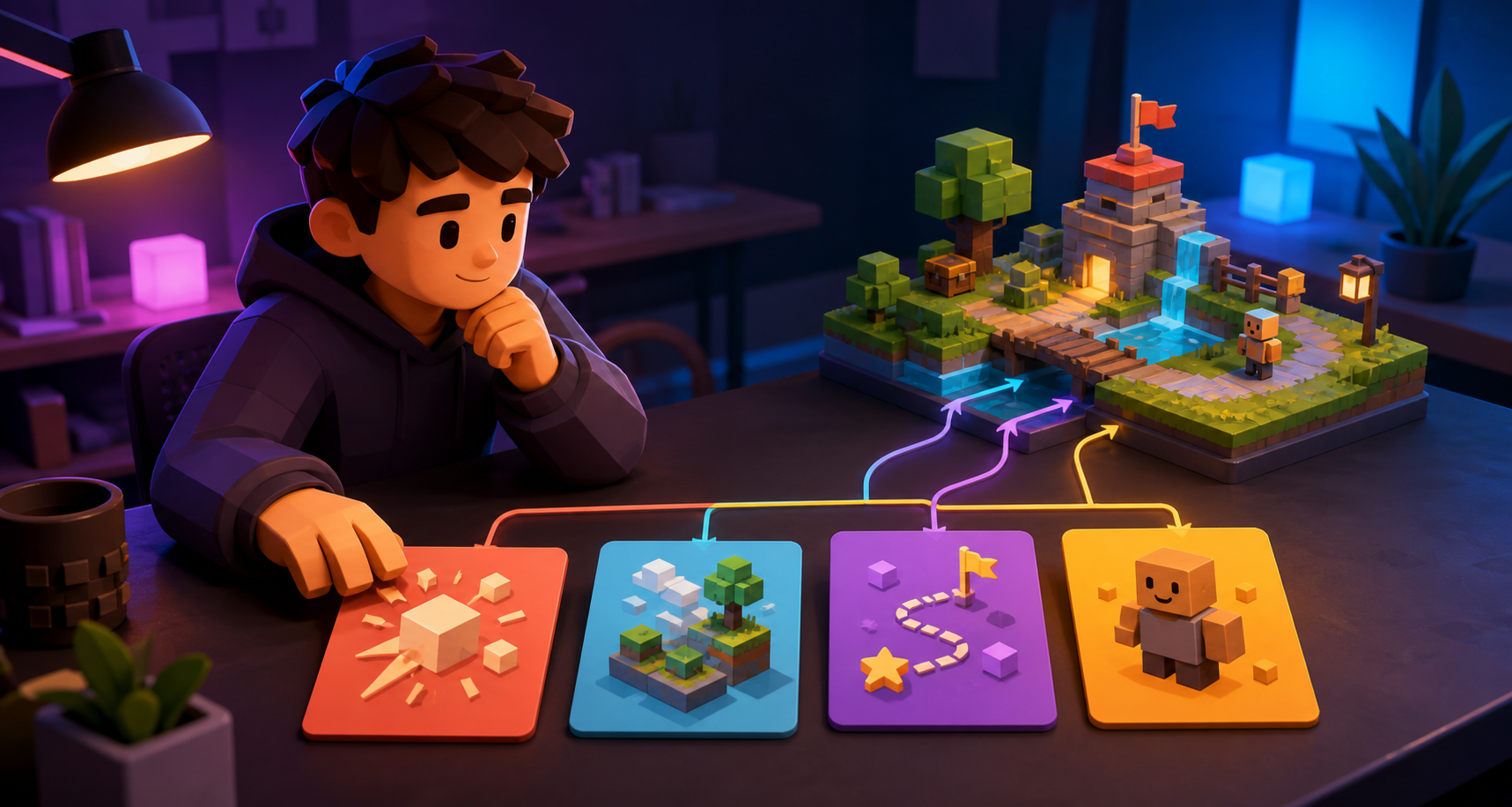
Write the loop in plain language: the player enters, learns the control, faces a challenge, receives feedback, and either succeeds or tries again. List what you are deliberately excluding. Multiplayer scale, complex economies, live operations, and large content libraries can wait until the core interaction works.
Use original names, art, audio, and designs, or material you are licensed to use. Platform access does not grant permission to copy another creator’s brand, map, characters, or assets.
Learn by finishing one loop
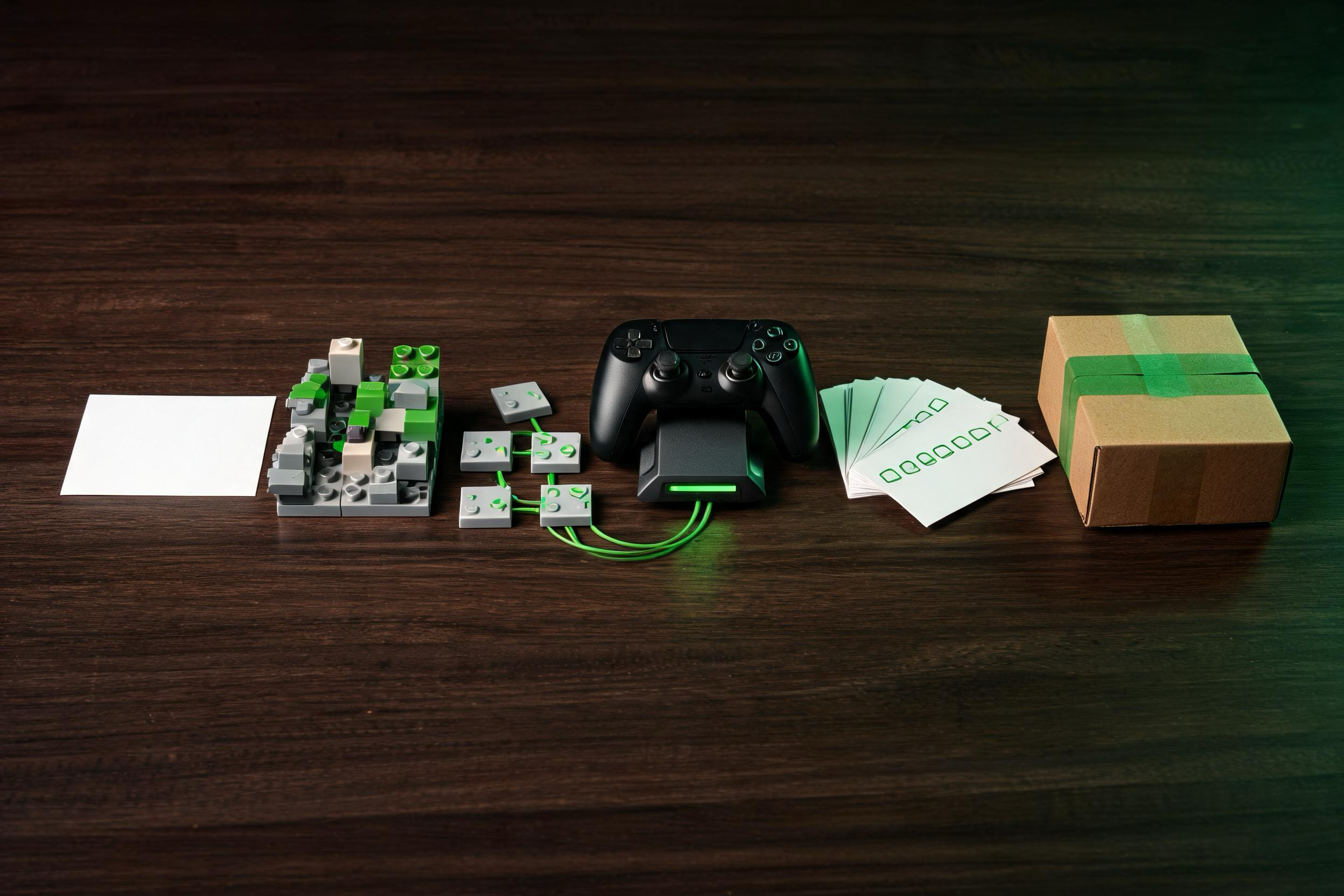
Learn Roblox Studio through the tasks required by your first project: moving and grouping parts, setting properties, organizing the hierarchy, using terrain or simple geometry, placing spawn points, and running play tests. Save versions frequently and keep a clean backup before major changes.
Learn Luau as a way to express game rules. Start with variables, functions, tables, events, conditions, loops, and module boundaries. Understand the client-server model early: the server should validate important actions, and clients should not be trusted to decide rewards or privileged state. Use official Creator documentation and small experiments rather than pasting unknown scripts.
Pair every script with a testable behavior. If a door opens, test who can trigger it, whether it opens twice, what happens after a reset, and whether the server rejects invalid requests. Debugging becomes manageable when each system has a narrow responsibility.
Design feedback, not just content
A creator’s job is not only to add objects. Players need readable goals, consistent controls, timely feedback, recoverable mistakes, and a difficulty curve that teaches before it tests. Use lighting, sound, motion, and interface sparingly to confirm meaningful events.
Watch a new player without explaining the game. Note where they stop, misread a signal, repeat an error, or leave. Fix the clearest problem before adding more content. A short experience with a comprehensible loop is a better learning artifact than a large world with no direction.
Design for different devices and access needs from the beginning. Check touch targets, keyboard and controller input, camera behavior, text size, contrast, audio reliance, and motion intensity. Test performance on realistic hardware rather than only on a powerful development machine.
Test before you publish
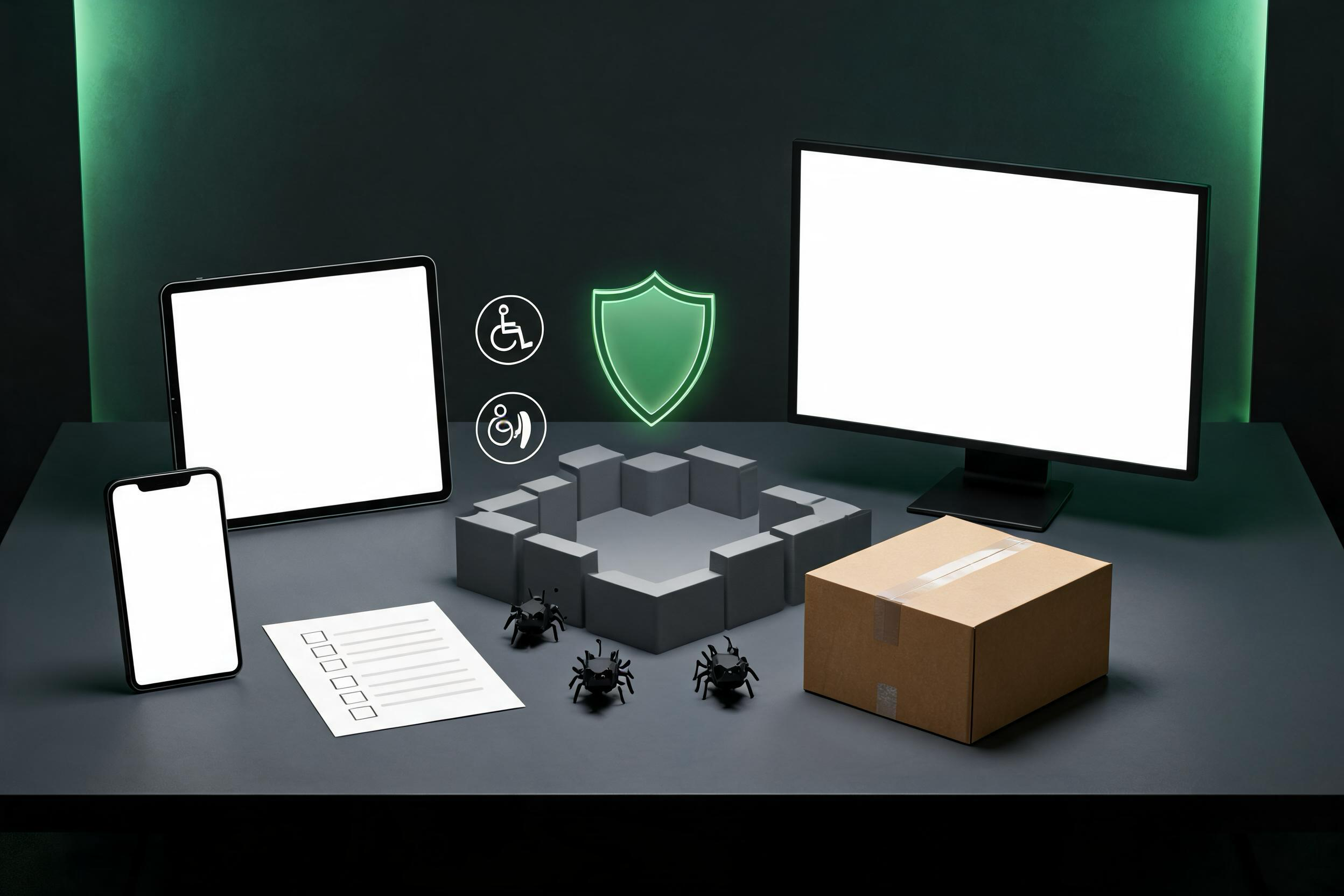
Use Studio test modes to check solo and client-server behavior. Exercise normal play, resets, disconnects, rapid input, empty states, full inventories, invalid remote requests, and repeated purchases or rewards. Keep sensitive logic on the server and grant the minimum permissions required.
Before publishing, review experience metadata, audience settings, privacy choices, content maturity, chat and communication features, monetization, data stores, third-party assets, and team access. Platform policies and interfaces can change, so confirm current requirements in official Roblox Creator documentation and terms.
Publishing is the beginning of maintenance. Keep change notes, monitor errors and player reports, preserve rollback points, and retest after updates. Never promise safety, earnings, discovery, or scale; responsible operations require continuing review.
Build a portfolio of finished lessons
After the first release, write a short postmortem: what players understood, what failed, which code should be refactored, which assets have clear provenance, and what the next project will practice. Reuse principles, not hidden dependencies.
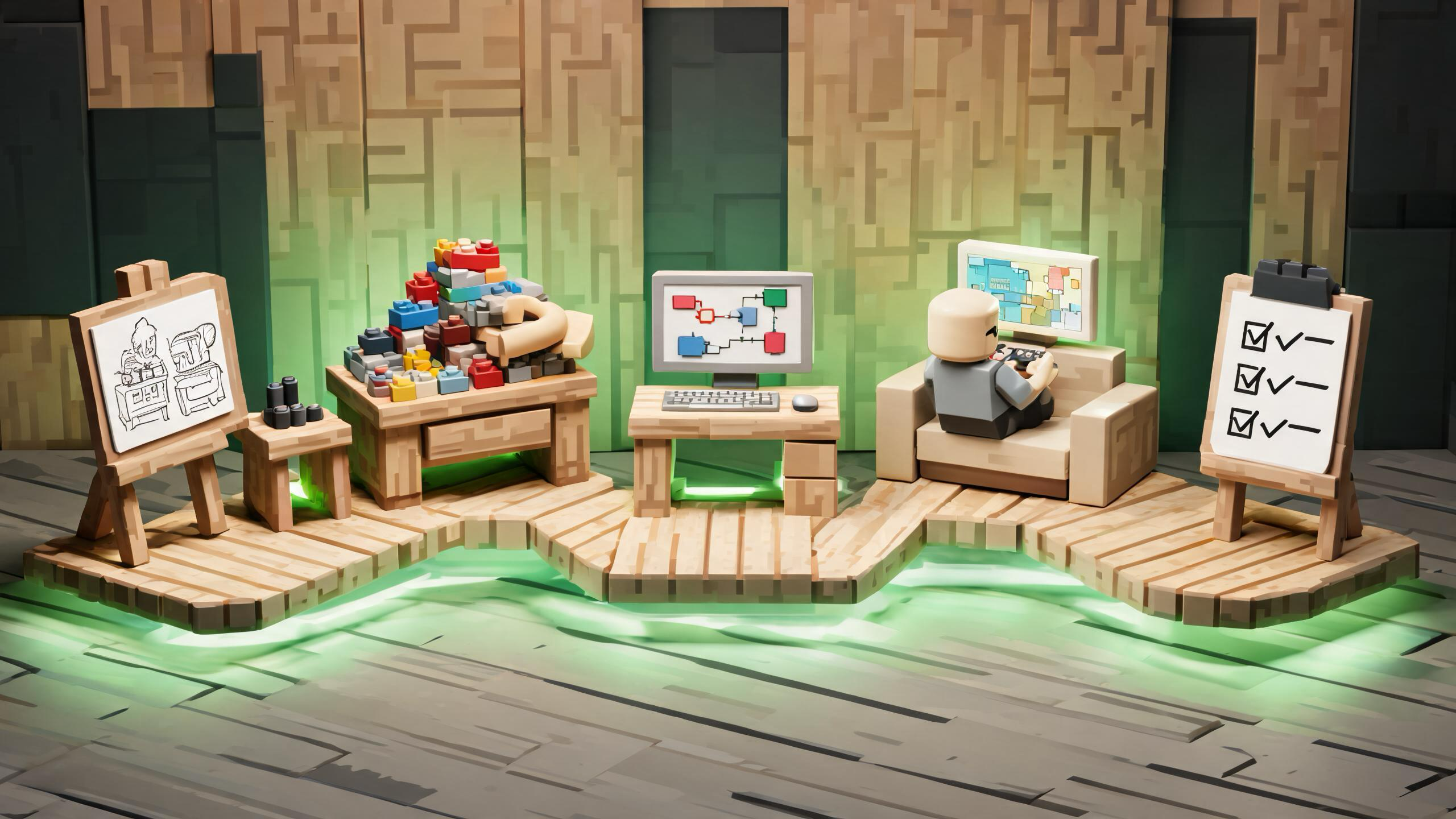
A useful beginner sequence is: one movement challenge, one interaction system, one server-validated reward loop, one saved-progress experiment, and one small team project with documented handoffs. Each project should stay small enough to test and explain.
You do not need to claim an official relationship with Roblox to be a creator on the platform. Describe your work accurately, follow current platform rules, and distinguish independent projects from Roblox Corporation and other creators.
Frequently Asked Questions
Do I need to know Luau before opening Roblox Studio?
No. Start with a tiny Studio project and learn Luau as each behavior requires it. Learn the client-server model and server validation early.
What should my first Roblox experience include?
Use one player action, one objective, one short play space, clear feedback, a failure or retry state, and an ending. Exclude large systems until the loop works.
How should beginners test a Roblox experience?
Test solo and client-server behavior, multiple input methods, realistic devices, resets, invalid requests, repeated actions, accessibility, and performance.
Can I use scripts or assets from anywhere?
Only use material you created or have permission to use. Review unknown scripts and asset provenance; do not paste code you cannot explain or safely test.
What happens after publishing?
Maintain versions, monitor errors and reports, preserve rollback points, review policies, and retest after changes. Publishing begins an ongoing responsibility.