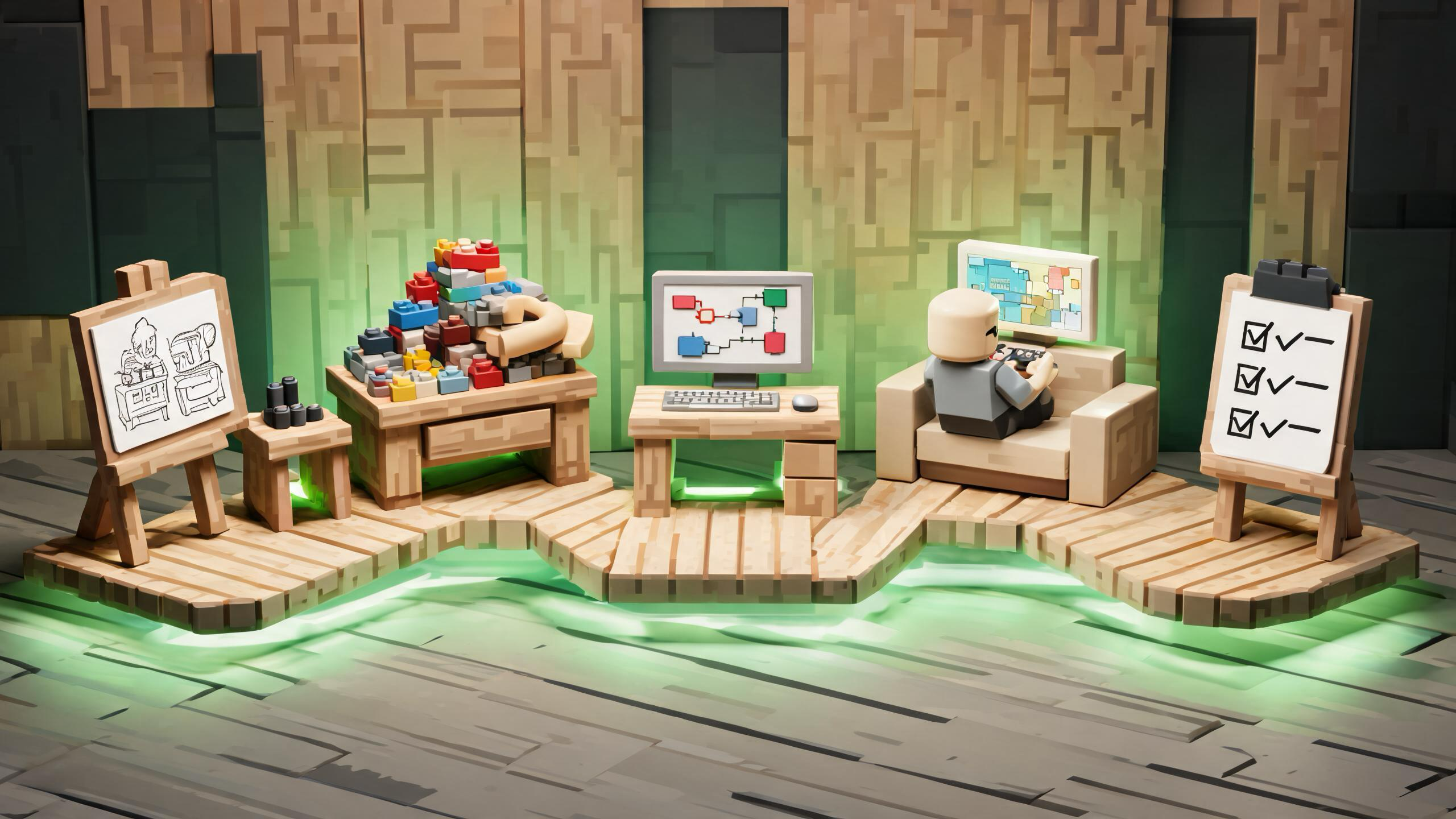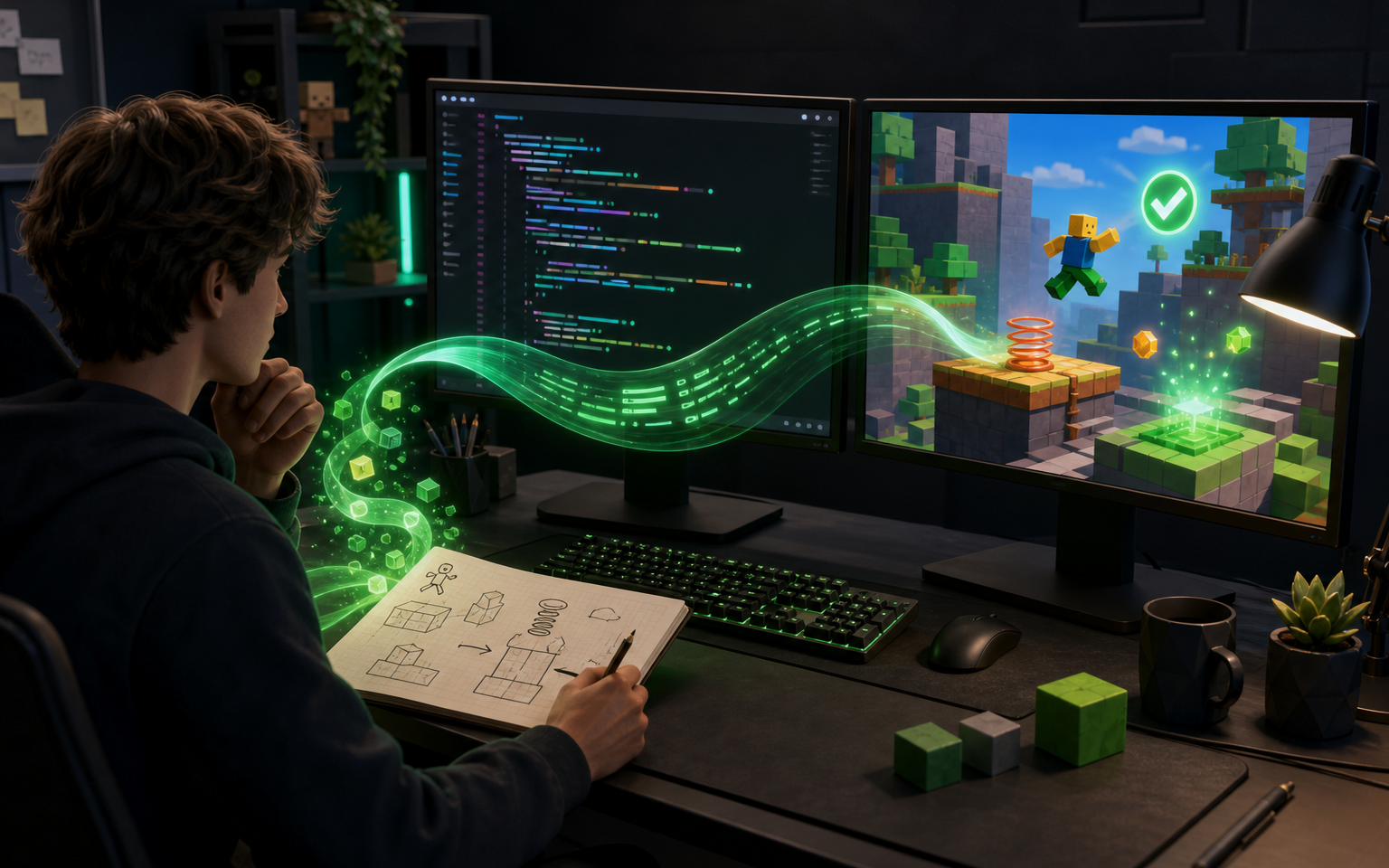
Key Takeaways: AI for Roblox Luau Scripting: Practical Workflow and Limits
- AI can assist Roblox Luau scripting by drafting small functions, explaining APIs, generating test cases, and diagnosing evidence. It cannot determine your real object hierarchy, secure the client-server boundary, or prove a mechanic works. Keep authority on the server, verify APIs in official Creator documentation, and test every draft in Roblox Studio.
- AI can assist Roblox Luau scripting by drafting small functions, explaining APIs, generating test cases, and diagnosing evidence. It cannot determine your real object hierarchy, guarantee an API is current, secure the client-server boundary, or prove that a mechanic works. Keep authority on the server, verify APIs in official Creator documentation, and test every draft in Roblox Studio.
AI can help with Roblox Luau scripting when you treat it as a drafting and debugging assistant, not as an automatic game publisher. A useful assistant can explain an API, propose a small script, identify likely errors, and suggest test cases. You still need to choose where the script runs, connect it to your own objects, validate every client request on the server, and test the result in Roblox Studio. The final experience remains a Roblox Studio and Luau project; an AI-generated snippet is only an input to that workflow.
What AI can reliably help with
AI is most useful on bounded tasks whose inputs and expected behavior are explicit. Good examples include turning a short mechanic specification into a first Luau draft, explaining unfamiliar syntax, producing a typed function signature, generating test cases, or comparing two implementation approaches. It can also help you reduce a broad feature into smaller responsibilities such as input, state, validation, presentation, and persistence.
Luau is the scripting language used for Roblox experiences. Roblox documents it as a language derived from Lua 5.1 with additional capabilities, including an optional type system. That makes it reasonable to ask an assistant for typed examples, but a syntactically plausible answer is not proof that the API names, object hierarchy, or runtime assumptions are correct. Confirm language details in the official Luau documentation and confirm engine behavior in current Creator documentation.
The safest requests are narrow and observable. Instead of asking, “Build my inventory system,” ask for a function that validates one item identifier against an allowlist, or a ModuleScript interface that adds and removes items without creating UI. A small answer is easier to inspect, place, run, and replace.
Where AI-assisted Luau commonly fails
An assistant does not see your complete DataModel unless you provide the relevant hierarchy and code. It may assume that an object exists under Workspace when your project stores it in ReplicatedStorage, or it may write a LocalScript for behavior that must be authoritative on the server. It can also combine APIs from different versions, invent a method with a plausible name, omit cleanup for event connections, or ignore the way multiple players interact with the same state.
The largest practical risk is accepting a script because it looks polished. Roblox experiences have a client-server model, so code location changes what the code can trust and affect. Client input is useful for responsiveness, but the server should validate requests that affect shared state, rewards, purchases, combat, inventory, or other players. Roblox's client-server security guidance emphasizes server-side validation and rate limiting around the client-server boundary. An AI answer that lets the client award itself currency or choose an unrestricted damage value should be rejected, not merely cleaned up.
AI also cannot prove that a mechanic feels good. A door script may run without errors but still feel delayed. An obby checkpoint may work for one player but reset another player's state. A generated NPC loop may create too much work every frame. These are runtime and design questions that require Studio testing, profiling where appropriate, and playtests with the actual project.
A practical six-step workflow
1. Write a behavior contract before asking for code
Describe the trigger, inputs, allowed state changes, expected output, failure cases, and where authority belongs. Include the exact object names only if they already exist. For example: “A player touches a checkpoint. The server verifies that the checkpoint belongs to the current stage, records the stage number for that player, and sends a presentation event to that player's client. Repeated touches within one second do nothing.”
This contract gives the assistant less room to invent architecture. It also gives you a manual test list before code exists. If you cannot explain who owns the state or what should happen on invalid input, pause and resolve that design question first.
2. Ask for the smallest useful artifact
Request one ModuleScript interface, one server handler, one LocalScript presentation component, or one test checklist at a time. Ask the assistant to list assumptions separately from the code. Require it to mark every service and object path that must be confirmed in Studio.
A useful prompt is: “Draft a typed Luau server function for this contract. Do not invent instances. Treat all values received from a client as untrusted. Return the code, assumptions, and five manual tests.” This is more reviewable than a request for a complete system.
3. Place the code according to its responsibility
Do not paste every answer into the first Script you can find. Code that changes authoritative shared state normally belongs on the server. Code for player input, camera, and local presentation often belongs on the client. Shared definitions may belong in a ModuleScript accessible to both sides, but shared location does not make client-provided data trustworthy.
Use clear module boundaries. A reward service should not also animate the HUD. A UI component should not decide whether a player earned an item. Separating responsibilities makes AI-generated drafts easier to inspect and makes later replacements less risky.
4. Verify every API and object path
Open the relevant Creator documentation for services, classes, events, and properties. In Studio, confirm that the generated path matches the Explorer hierarchy and that the script type can run in that location. Search the generated answer for every identifier you did not write yourself.
Optional Luau types can expose mismatches earlier, especially at module boundaries, but types do not validate engine behavior or security. A typed function can still trust the wrong caller, update the wrong instance, or leak an event connection. Treat type feedback as one review layer rather than a completion signal.
5. Test in modes that expose client-server behavior
Start with the smallest reproducible test, then exercise the feature in Studio's available testing modes. Roblox documents separate testing modes because the engine uses a client-server model. Review the current Studio testing modes documentation, and test with more than one simulated player when shared state or remote communication is involved.
Test the happy path, invalid values, repeated events, missing objects, player leave/rejoin behavior, and simultaneous actions. Watch both client and server output. If the feature depends on timing, add a stress case rather than assuming one successful click is enough. Record the exact failure before asking AI to debug it.
6. Ask AI to diagnose evidence, not guess
Provide the smallest relevant code block, the full error text, whether it appeared on the client or server, the object hierarchy, and the steps that reproduce the issue. Ask for two or three ranked hypotheses and a minimal experiment for each.
Do not respond to a bug by requesting a full rewrite. Large rewrites hide the original cause and create new assumptions. Prefer a one-line instrumentation change, a checked object path, or a validation test that confirms or rejects a hypothesis. Keep the version that passed your tests, not the version with the longest explanation.
Example: reviewing an AI-generated coin reward
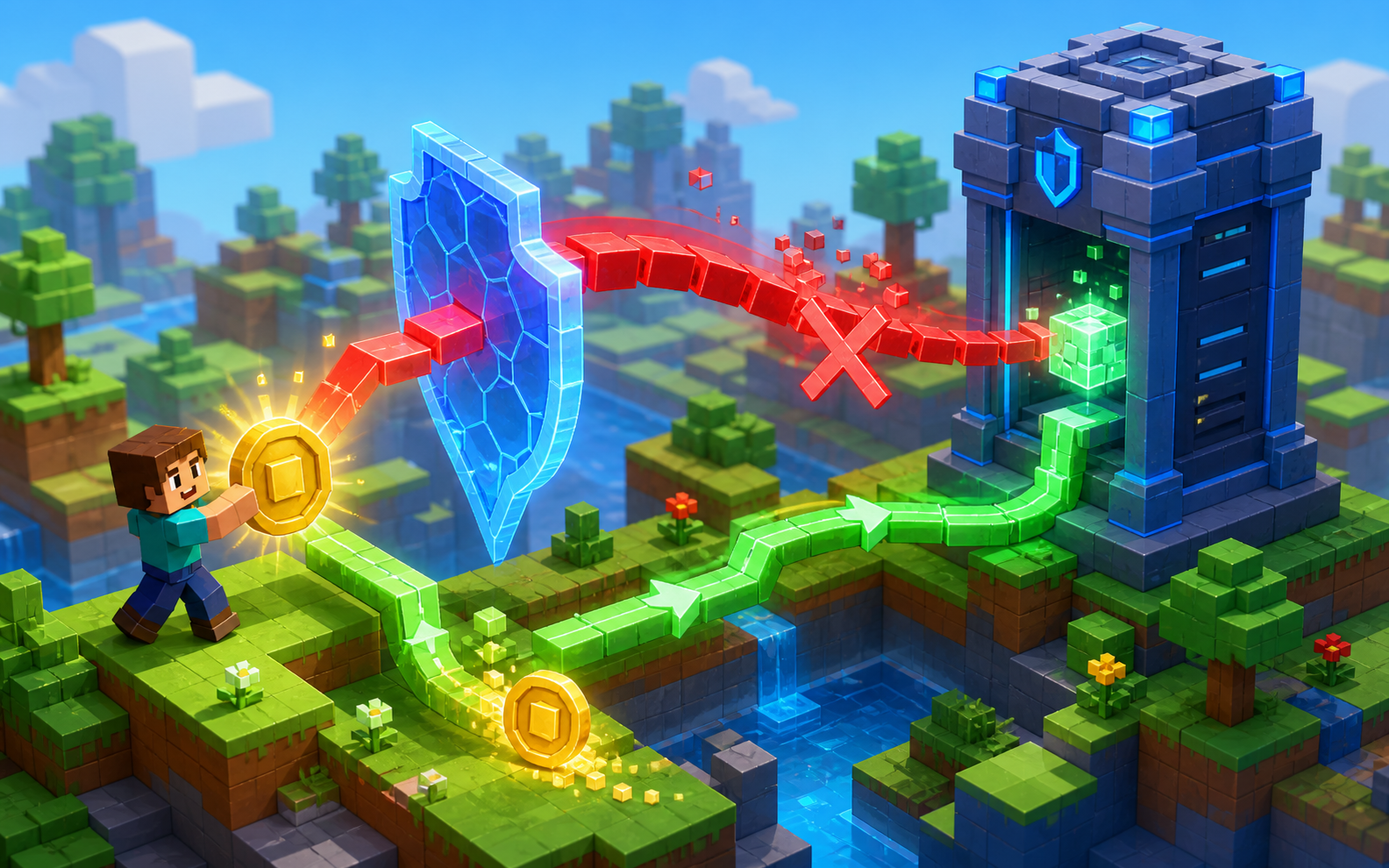
Suppose you ask for a collectible coin. A weak answer may put the reward amount in a RemoteEvent fired by the client: the client says which coin it touched and how much currency to add. That is easy to generate and easy to abuse.
A safer design keeps the reward definition and award decision on the server. The server identifies a known collectible, verifies that it is active and close enough to the player's current character under your chosen rules, checks that the player has not already claimed it, applies a fixed server-owned reward, and then notifies the client to play feedback. Exact validation depends on the game, so an assistant should not invent a universal distance or cooldown.
Your review checklist should include two players touching the same coin, the same player firing repeated requests, an unknown coin identifier, a character that no longer exists, and a player leaving during the operation. The point is not that AI cannot draft this system; the point is that the correctness comes from your authority model and tests.
Prompt template for Roblox Luau assistance
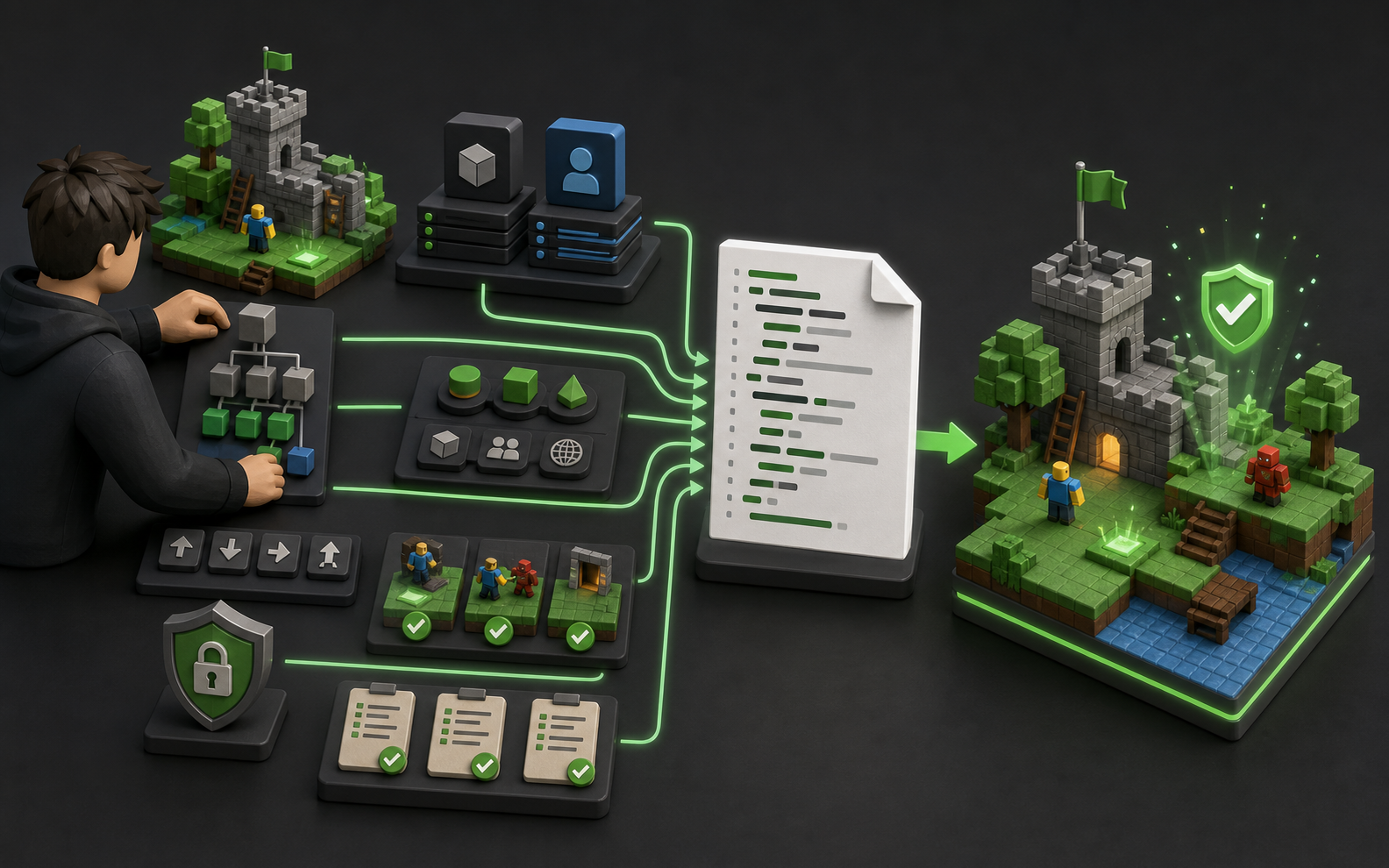
Use this structure for a focused request:
- Goal: one sentence describing the player-visible behavior.
- Runtime: server Script, LocalScript, or ModuleScript, plus its intended location.
- Existing hierarchy: only the relevant instances and exact names.
- Inputs: event parameters and which values originate from a client.
- Authority: which decisions the server must own.
- Constraints: typing style, no invented instances, no DataStore calls, or other boundaries.
- Output: code plus assumptions, risks, and manual tests.
- Evidence: current error text or official API links when debugging.
Example: “Create only the server-side handler for a checkpoint RemoteEvent. The client sends a checkpoint ID string. The server maps that ID to a server-owned checkpoint table, verifies progression order, ignores duplicate requests, and returns no client-selected reward. Use typed Luau. List assumptions and six tests. Do not create UI or persistence code.”
When to use a standalone AI prototype
Sometimes the uncertain question is not “Can this Luau function run?” but “Is this mechanic worth building?” A lightweight standalone prototype can help test pacing, rules, or visual direction before you commit to a Roblox implementation. If you use SEELE AI for early concept exploration, treat the output as a design reference and test artifact—not as evidence of a Roblox Studio integration or direct Roblox project export. Rebuild and validate the final mechanic in Studio using Roblox's actual object model, networking, Luau, and publishing workflow.
For broader planning, see the [AI game prototyping guide](/resources/blogs/ai-game-prototyping-guide), the [game prototype scope checklist](/resources/blogs/game-prototype-scope-checklist), and the existing guide to [creating a Roblox game with AI tools](/resources/blogs/how-to-create-roblox-game-ai-tools). You can also explore the [AI Game Generator](/features/create/ai-game-generator) for standalone concept work.
Final review checklist
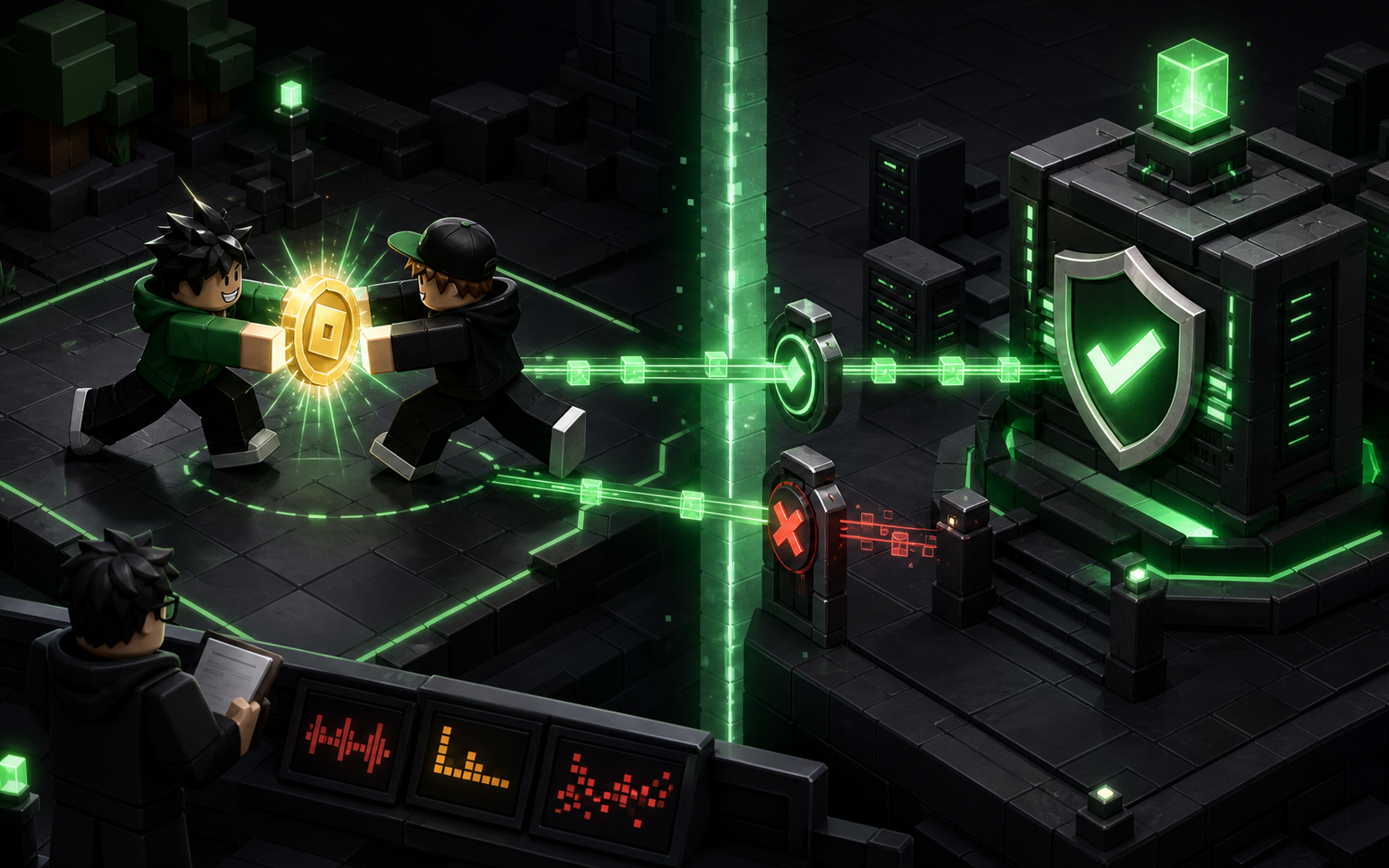
Before keeping any AI-generated Luau code, verify that every API exists in current official documentation, every instance path matches your project, every client-originated value is treated as untrusted, and every shared-state decision has a clear server authority. Test invalid and repeated requests, test with multiple clients when relevant, inspect both client and server output, and keep a known-good version before applying further changes.
AI earns its place in Roblox scripting by shortening explanation, drafting, and diagnosis loops. It does not replace project architecture, security review, Studio testing, or player feedback. The fastest sustainable workflow is not “generate everything”; it is “specify narrowly, verify quickly, and expand only after the smallest version passes.”
AI can draft parts of a Roblox project, but a complete experience still requires human decisions about architecture, object placement, networking, security, testing, performance, assets, and publishing in Roblox Studio.
No. First inspect every service, API, object path, and client-server assumption. Paste only a small reviewed component, then run focused Studio tests before connecting it to shared state or player data.
Start with a bounded task such as explaining an error, drafting a typed utility function, or producing manual test cases. Avoid asking for a complete multiplayer, economy, or persistence system in one response.
AI can suggest risks and checks, but you must confirm the actual call path and server behavior. Treat client values as untrusted, validate server-side, limit request rates, and test malicious or repeated inputs.
This guide does not claim a direct Roblox Studio export or official Roblox integration. Use any standalone prototype as a design reference, then implement and validate the final experience through Roblox Studio and Luau.
Frequently Asked Questions
Can AI write a complete Roblox game in Luau?
AI can draft parts of a Roblox project, but a complete experience still requires human decisions about architecture, object placement, networking, security, testing, performance, assets, and publishing in Roblox Studio.
Should I paste AI-generated Luau directly into Roblox Studio?
No. First inspect every service, API, object path, and client-server assumption. Paste only a small reviewed component, then run focused Studio tests before connecting it to shared state or player data.
What is the safest first task to give an AI coding assistant?
Start with a bounded task such as explaining an error, drafting a typed utility function, or producing manual test cases. Avoid asking for a complete multiplayer, economy, or persistence system in one response.
Can AI verify that a RemoteEvent handler is secure?
AI can suggest risks and checks, but you must confirm the actual call path and server behavior. Treat client values as untrusted, validate server-side, limit request rates, and test malicious or repeated inputs.
Does SEELE AI export projects directly to Roblox Studio?
This guide does not claim a direct Roblox Studio export or official Roblox integration. Use any standalone prototype as a design reference, then implement and validate the final experience through Roblox Studio and Luau.