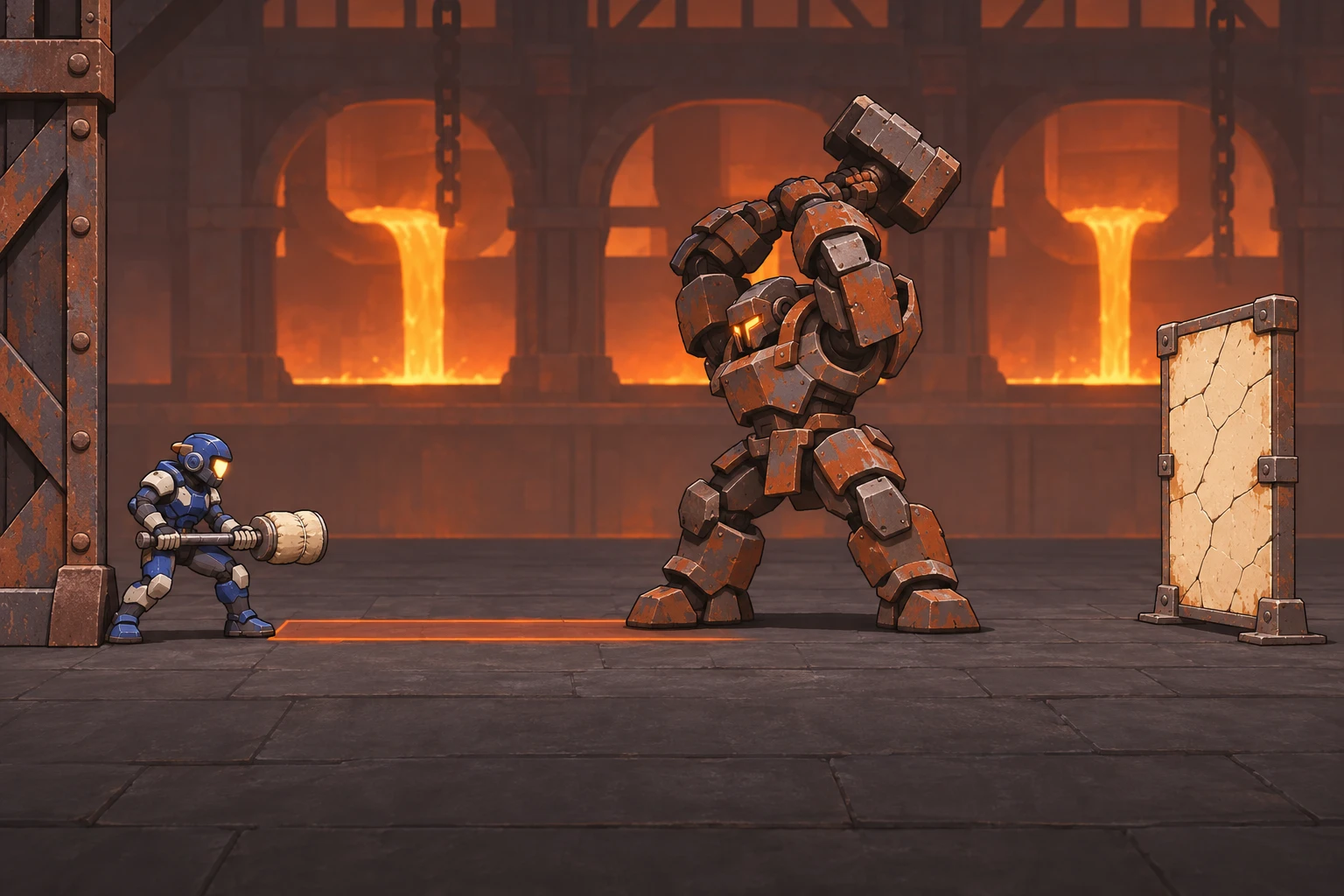
A room can become a new level when the fighter becomes small enough to explore beneath its machinery. The difficulty is keeping that change understandable: a camera zoom alone does not change reach, collision, or the tactical options. To make a physics combat game with AI at two scales, define two explicit character profiles and a safe transition between them. This tutorial uses the original teaching project Clockwork Courtyard to explain two-scale combat and safe transformations. You will define separate character profiles, choose a safe transformation point, and connect one combat exchange to one exploration route. Starting with a small encounter keeps collision problems observable. The same acceptance checks can then guide revisions to movement, camera framing, and the timing of the exposed latch before the courtyard grows.
Design an encounter that needs both scales
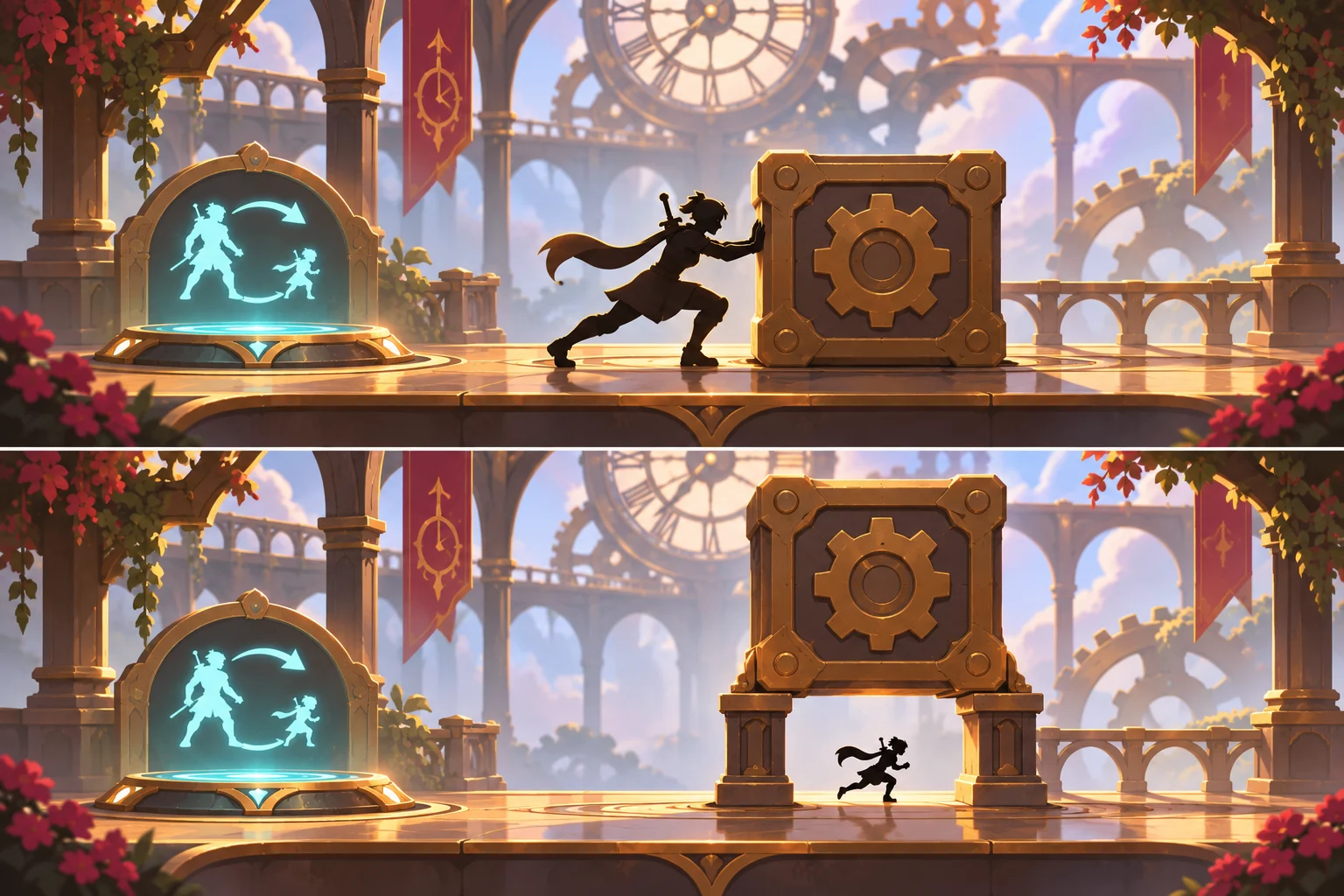
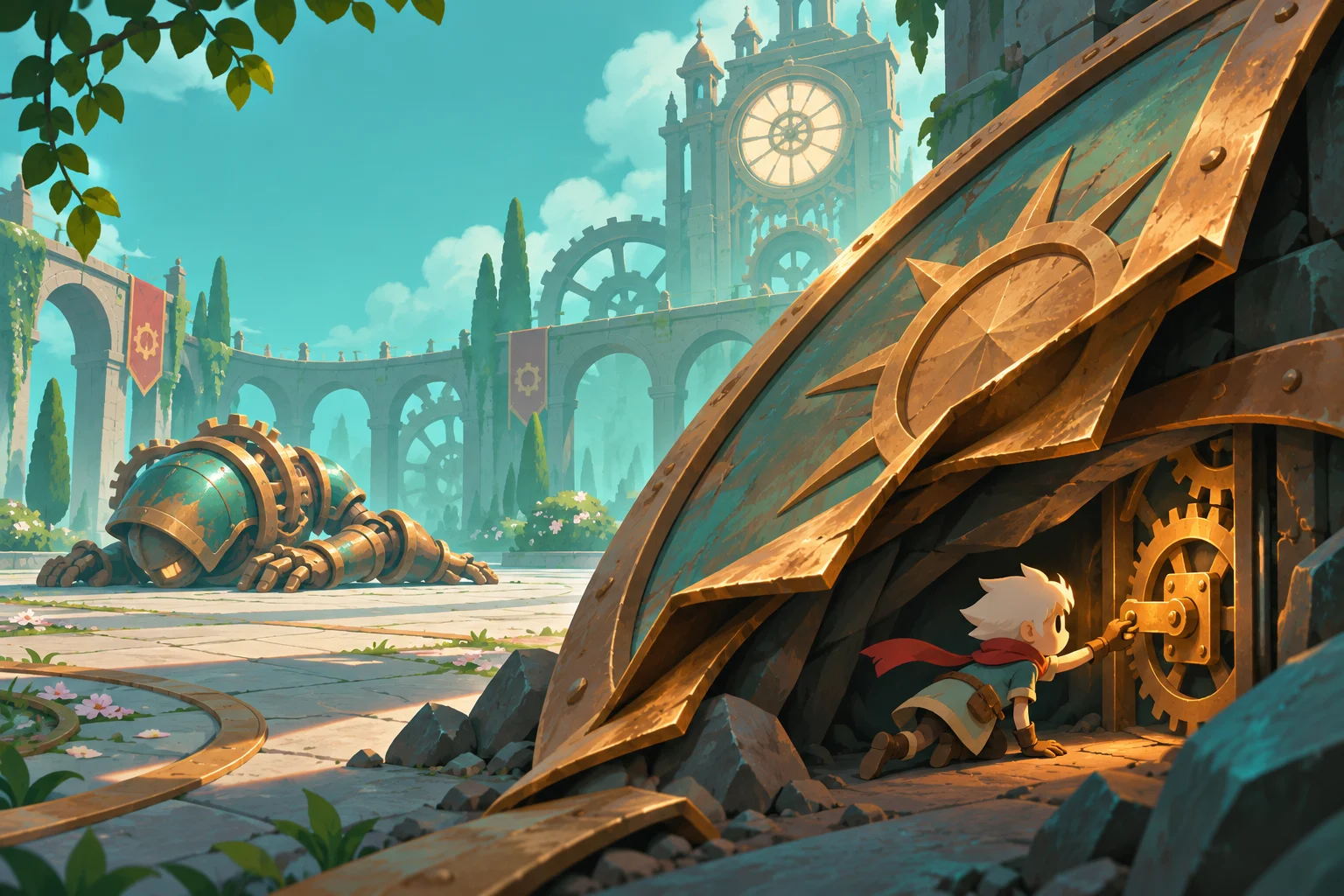
In the normal profile, the fighter can shove a brass counterweight to stun a clockwork guard and dislodge its shield. In the small profile, the fighter can enter a narrow maintenance passage and release the exposed latch. Releasing it opens the courtyard exit. The intended loop is bait an attack, shove the weight, expose the latch, transform at a safe pad, enter the passage, and finish. Neither profile should complete both jobs alone.
Choose illustrative values that are easy to inspect: a normal capsule too wide for the passage and a separate small capsule that fits with clear margin. Choose these project parameters to make the two movement profiles visibly distinct and easy to compare. Keep a shared identity and health value, but define movement speed, attack reach, collision dimensions, and camera framing per profile. Visual size is only one part of the change.
Use two profiles instead of continuously scaling collisions
Build the normal movement and shove interaction with placeholder geometry. Add the small character as a second configured profile, then test its passage clearance without the enemy. Preserve a consistent coordinate system for the room. In Godot, the official physics introduction warns against scaling collision shapes through node scale and distinguishes simulated rigid bodies from explicitly controlled character bodies. Configure the shapes' dimensions instead of treating an arbitrary scale multiplier as the entire mechanic.
Before a transformation, check whether the target profile can occupy the destination. If not, keep the current profile and explain that there is insufficient room. A marked pad is a practical first restriction because it reduces the number of unsafe cases. Do not let an enlarged character intersect the ceiling or shove nearby objects outward simply because its collider changed.
Keep combat resolution separate from presentation
Make the guard's vulnerable state explicit. A successful counterweight collision can trigger a short stun and expose the latch, but the latch should remain available long enough for the intended route. For the first milestone, let the exposed state persist until Reset. This avoids turning a scale exploration test into a timing challenge before the transition works.
Use contact or collision events to register the shove result and make the shield change visible. Do not promise identical outcomes from every apparently identical physics run: Godot's physics documentation notes that its simulation is not guaranteed deterministic. Set an acceptance region for the weight hitting the guard rather than requiring an exact final coordinate. If outcomes vary wildly, simplify the interaction or use a constrained motion path while preserving the visible cause.
Ask AI for the small encounter, then revise one failure
Give the generator the prompt below and ask it to list both profiles and transition guards. First inspect movement, shove, transformation, passage entry, and Reset individually. Then attempt the intended sequence. Request separate state feedback for guard stunned, latch exposed, and exit unlocked so a failed run has an observable cause.
A plausible first design allows transformation anywhere and traps the normal fighter inside a maintenance tunnel. The proposed revision restricts transformation to the pad and adds an occupancy check before growing. This revision makes transformation clearance an explicit condition that you can check independently of combat. Once the two-profile encounter works in your environment, you can decide whether more flexible transformation creates worthwhile choices or merely introduces more collision cases.
A bounded prompt for your first prototype
Build one original clockwork courtyard encounter with two explicit fighter profiles, normal and small. Normal can shove one brass counterweight to expose a guard's gear latch. Small can enter a maintenance passage and activate the exposed latch, opening the exit. Use distinct configured collision shapes and attack ranges, not just camera zoom. Transform only at one marked safe pad and only when the target shape has clearance. Keep latch_exposed until Reset. Provide visible state feedback and a clean full reset. Start with placeholders; exclude inventory, progression, and extra enemies.Checks to run on your build
Use these checks to compare your build with the intended rules and expected outcomes.
| Check | Expected outcome |
|---|---|
| Normal profile at the passage | Character cannot enter; obstruction is readable without camera clipping. |
| Counterweight connects with guard | Guard reacts and latch_exposed becomes true once. |
| Small profile before latch exposure | Passage is accessible, but the latch explains why it cannot finish the encounter. |
| Grow with insufficient clearance | Transition is rejected without overlap, health loss, or object displacement. |
| Reset after combat | Profiles, health, guard, counterweight, latch, exit, and pending effects return to their initial states. |
Where SEELE fits in this workflow
SEELE's site describes creating and revising games from prompts. Here, use it to implement one encounter contract rather than asking for a complete physics sandbox. Supply the two profiles, the restricted transformation point, and the latch prerequisite together. Inspect whether the resulting project changes collision and reach as requested. Check collision width, passage access, and attack reach separately from the character artwork.
The AI fighting game entry point can help frame the exchange between a fighter and a reactive opponent, although this teaching design also adds environmental physics and exploration. State those additions explicitly. Ask for one correction at a time, such as blocking unsafe growth, and keep a note of actual outcomes in your build. Use the encounter checks to decide which change the next prompt should address.
Build the first small version
Two-scale combat works best when each profile changes a meaningful decision and the transition preserves a valid world. Begin with one shove, one exposed latch, and one passage. Keep collision dimensions explicit, reject unsafe growth, and judge physics interactions by understandable outcomes rather than exact resting coordinates. Take the bounded encounter brief to SEELE's AI fighting game generator to begin your prototype. Run the listed checks in the resulting project before adding more enemies, free transformation, or a larger world, and retain your own observations as the evidence for later revisions.
AI fighting game: use the bounded brief above to begin your prototype.
Frequently asked questions
Is a camera zoom enough to create two scales?
No. Zoom changes framing but does not by itself change collision, movement, attack reach, or access to passages. Define the gameplay properties of both profiles separately. You may use camera changes to help players read the transition, but verify that each physical interaction follows the active profile in the actual build.
Should the small fighter deal proportionally less damage?
That is a design choice rather than a required physics rule. For the first encounter, give the small profile a maintenance interaction instead of a normal attack. This keeps its purpose clear without balancing another damage curve. Introduce combat damage later if you can explain what tactical choice it creates and how players recognize the tradeoff.
Why keep the latch exposed after the stun ends?
Persistence separates the exploration milestone from reaction timing. It lets you verify the scale transition and passage route without a timer hiding the source of failure. Once that loop works in your project, a timed latch can become a deliberate challenge, provided the route is readable and players can retry without inconsistent state.
Official sources and design scope
Consult the official references below for the product workflow and engine features used in this tutorial.