To make a point-and-click adventure with AI, start with one visible object that needs a missing part. Let the player inspect it, find the part in a second room, and return to use it. Give each click a clear response so the player can tell when they learned something, picked something up, or changed the room.
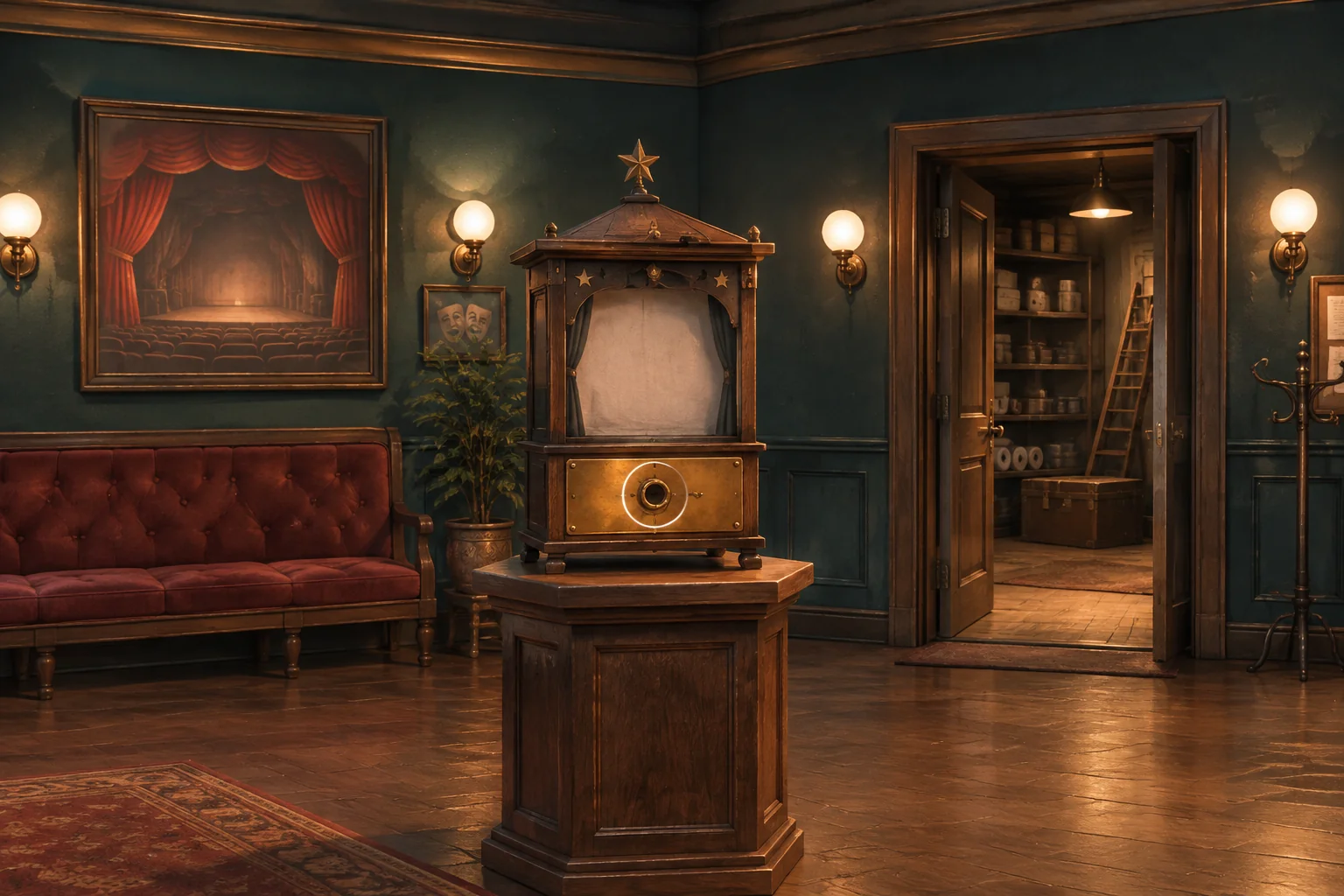
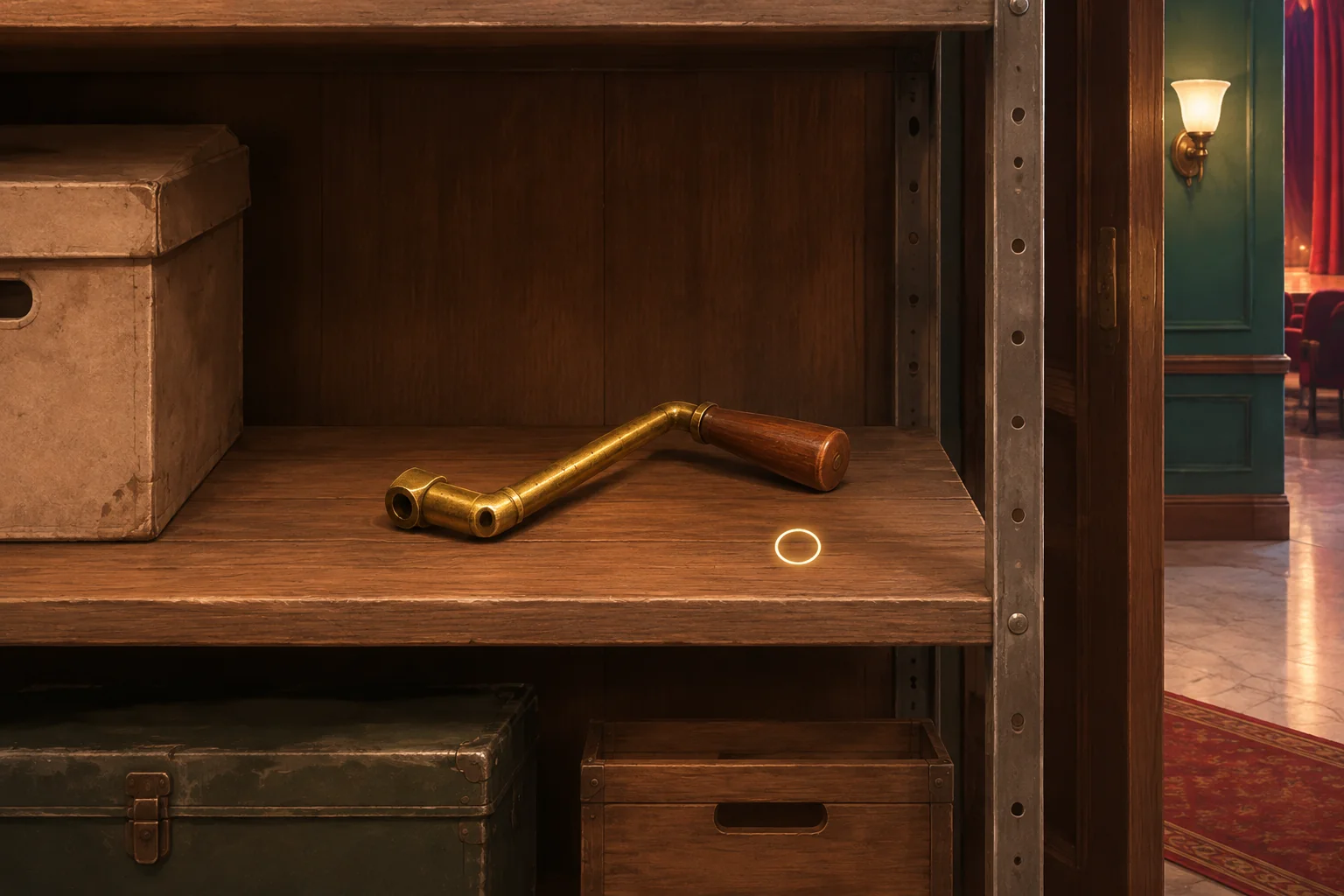
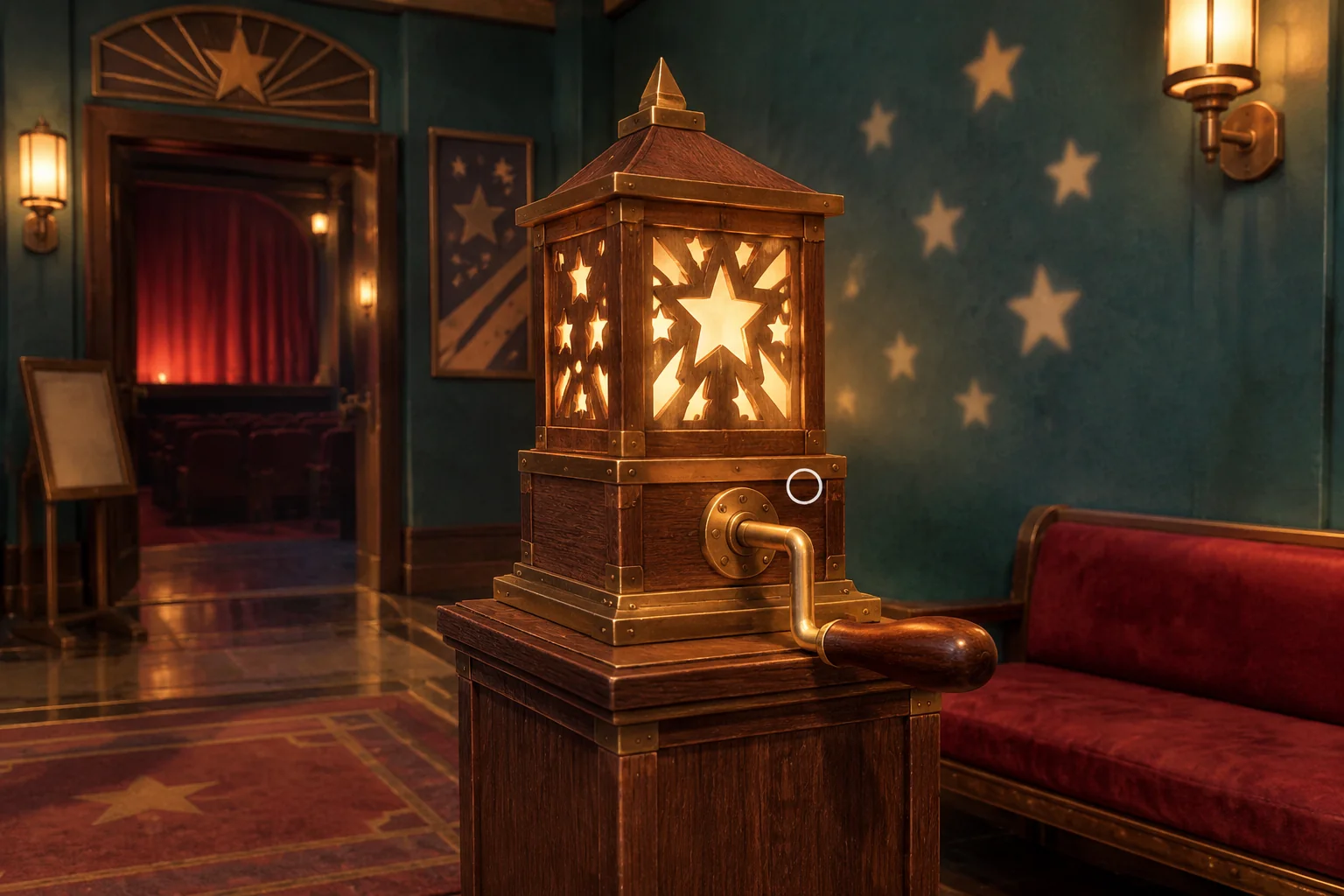
In the fictional The Last Paper Star, a community theater lobby holds a tabletop shadow display with an empty crank socket. A matching crank is on a shelf in the supply room. Fitting and turning it reveals a constellation of paper stars on the lobby wall.
Give the player a reason to return
Make the display and the supply-room entrance visible in the same lobby view. An empty-handed click on the socket should say, “The socket needs a D-shaped handle.” In the supply room, let the player see the crank's matching end. They can pick up the crank before inspecting the socket. The inspection offers a clue, and the pickup remains available either way.
Keep the lobby and supply-room views fixed so the player can recognize the shelf, socket and doorway when they come back. A doorway always changes rooms and clears the current selection. The inventory item stays with the player.
Specify what each hotspot does
A hotspot is a scene area the player can activate. Give each hotspot a clear focus outline and a descriptive accessible name. Let players move focus by keyboard and activate the same actions they can click with a pointer. The selection state should be visible in the inventory.
| Click or activate | Condition | Expected feedback and state |
|---|---|---|
| Empty socket | No item selected | Show the D-shaped handle clue. Leave the display as it was. |
| Supply shelf | Crank still there | Place the crank in inventory and remove it from the shelf. Later clicks say the shelf is empty. |
| Crank in inventory | Player carries it | Show a selected outline on its inventory slot. Leave the crank in inventory. |
| Lobby bench | Crank selected | Say “The crank does not fit here.” Keep the crank selected so the player can try the socket next. |
| Empty socket | Crank selected | Remove it from inventory, clear selection and show it mounted in the socket. |
| Mounted crank | No item selected | Turn it and reveal the stars. Further turns leave the same reveal. |
Fitting the crank and turning it are separate actions. Show the installed part before the player activates it. That intermediate state gives you a way to check whether the inventory use succeeded even before the reveal is wired up.
Give the AI both rooms and the inventory rules
SEELE supports starting a game project from a written idea. Describe the two rooms and the exact click responses in the first request. Placeholder shapes are enough while you test whether the same item can move from shelf to inventory to display without being copied or lost.
Create an original two-scene browser adventure called The Last Paper Star.
Start in a theater lobby with a bench, a shadow display and a doorway
to the supply room. Use fixed views and focusable click targets with
accessible names, visible keyboard focus, and pointer and key activation.
The display starts with an empty D-shaped crank socket. Inspect it
without a selected item to show The socket needs a D-shaped handle.
In the supply room put a matching crank on the shelf from the start.
Activate it to add the crank to inventory once and empty the shelf.
Later shelf clicks show The shelf is empty.
Click the inventory crank to select it and show the selection.
With it selected, clicking the lobby bench shows The crank does not fit
here and keeps inventory and selection unchanged.
Use the selected crank on the empty socket to mount it. Remove it
from inventory and clear selection. Show the mounted part.
Click the mounted crank with nothing selected to turn it and reveal
paper stars on the lobby wall. Repeating the turn keeps the stars visible.
Doorways always navigate and clear selection while preserving the item
and the display. Leaving and returning must preserve mounting and reveal.
Restart restores the lobby, unmounted display, uncollected crank, empty
inventory and no revealed stars. Use simple original props.
Check room transitions and the pickup first. Then add selection and socket use. If the crank goes missing after a doorway click, record the inventory state before and after navigation. If the inventory updates but the part never appears, inspect how the lobby draws the mounted state. The brief-to-playable testing guide shows how to report one state discrepancy at a time.
Test the puzzle from both directions
Run the intended sequence from socket inspection through pickup, selection, installation and reveal. Then restart and pick up the crank first. You should still be able to mount it without inspecting the empty socket.
| Test action | Expected result |
|---|---|
| Pick up the crank and click its former shelf again | The shelf stays empty and inventory contains one crank. |
| Select the crank and use it on the bench | See the wrong-target response. The item stays selected and the display stays unchanged. |
| Select the crank and activate a doorway | The room changes. Selection clears and the crank stays in inventory. |
| Mount the crank, leave, return and turn it | The handle is still on the display and turns to reveal the stars. |
| Leave again after the reveal, return and restart | The reveal persists on return. Restart clears it and returns the crank to the shelf. |
Try naming the socket on hover and focus
Suppose the outline makes the brass plate clickable but players cannot tell what it does. Keep the empty socket, hit area, outline, accessible name and inspection message the same. Show the short visible label “Crank socket” when the player hovers over it or moves keyboard focus to it.
Compare both views from the same spot. Ask where a player would try the crank. Then repeat the bench and socket actions with a pointer and keyboard. The label should help the player identify the target. The failed combination, successful fit and state after leaving the room should still follow the same rules.
Frequently asked questions
How many hotspots should the first adventure have?
Start with enough targets to teach the full loop. This example uses a pickup, a place to use it, a wrong target and doorways. Add another hotspot when it gives the player a useful clue, a new action or a clear way to move between rooms.
Should a correct item be used automatically?
Choose according to the interaction you want players to learn. Explicit selection lets them propose a combination and see how the target responds. Automatic use can make sense when the puzzle is mainly about finding the item. Keep the rule consistent in both rooms.
How should a failed item combination respond?
Explain what failed in a short line near the action, and preserve the item so the player can try again. Check whether selection should stay active or clear. In this example it stays active so a wrong click on the bench can be followed by the socket.
What should persist when the player leaves a room?
Keep the things that changed the world or moved into inventory. Here that includes the collected crank, mounted handle and revealed stars. Selection is temporary and clears on travel. Test persistence by leaving at more than one stage and inspecting the same props on return.
Start with one object the player can change
Pick a mechanism with a missing part, give the part a recognizable shape, and write what should happen after each click. Bring those rules to the SEELE AI Puzzle Game Maker to start a focused prototype. Once you can pick up the part, use it and see the change after returning, you have a complete interaction to build on.