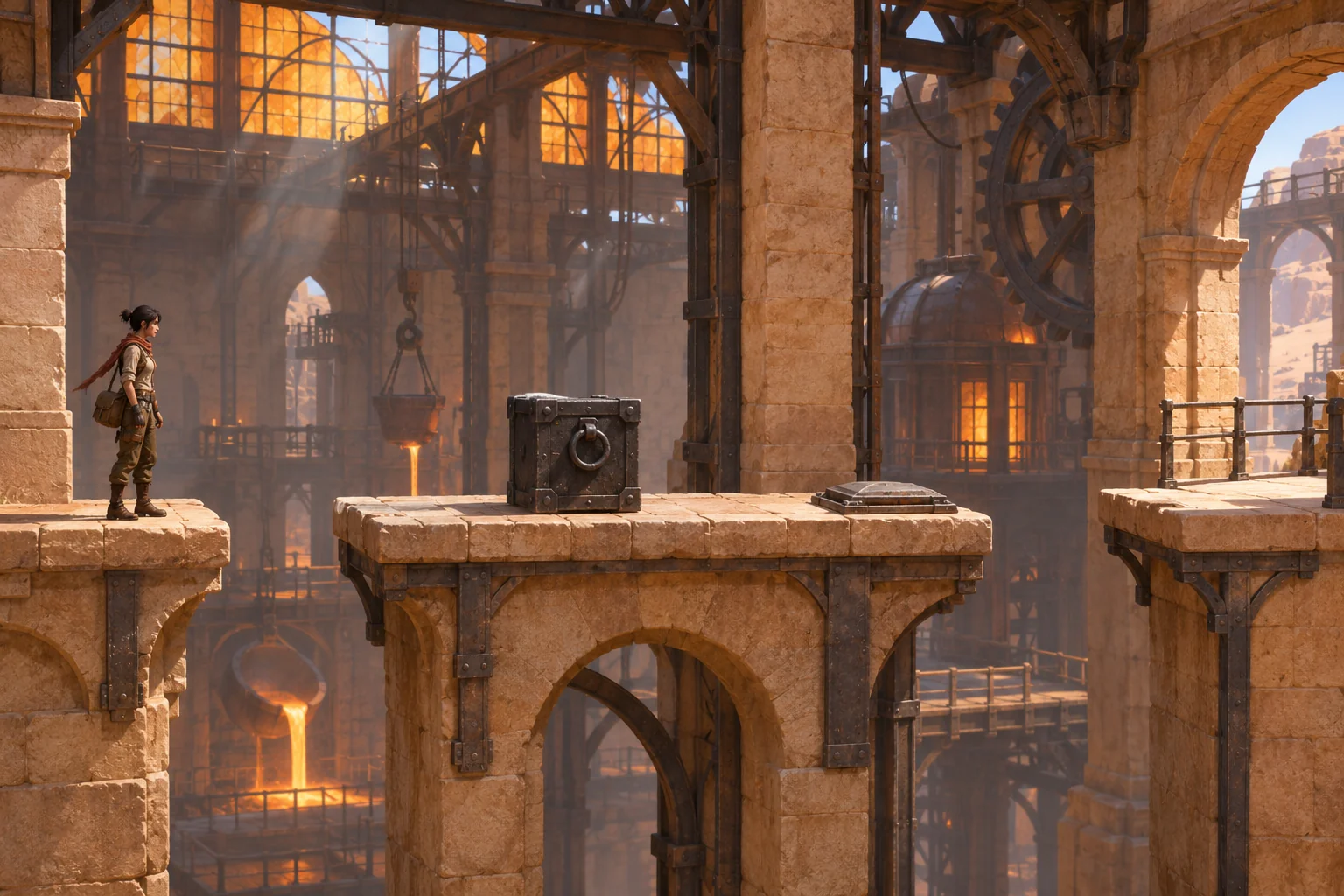
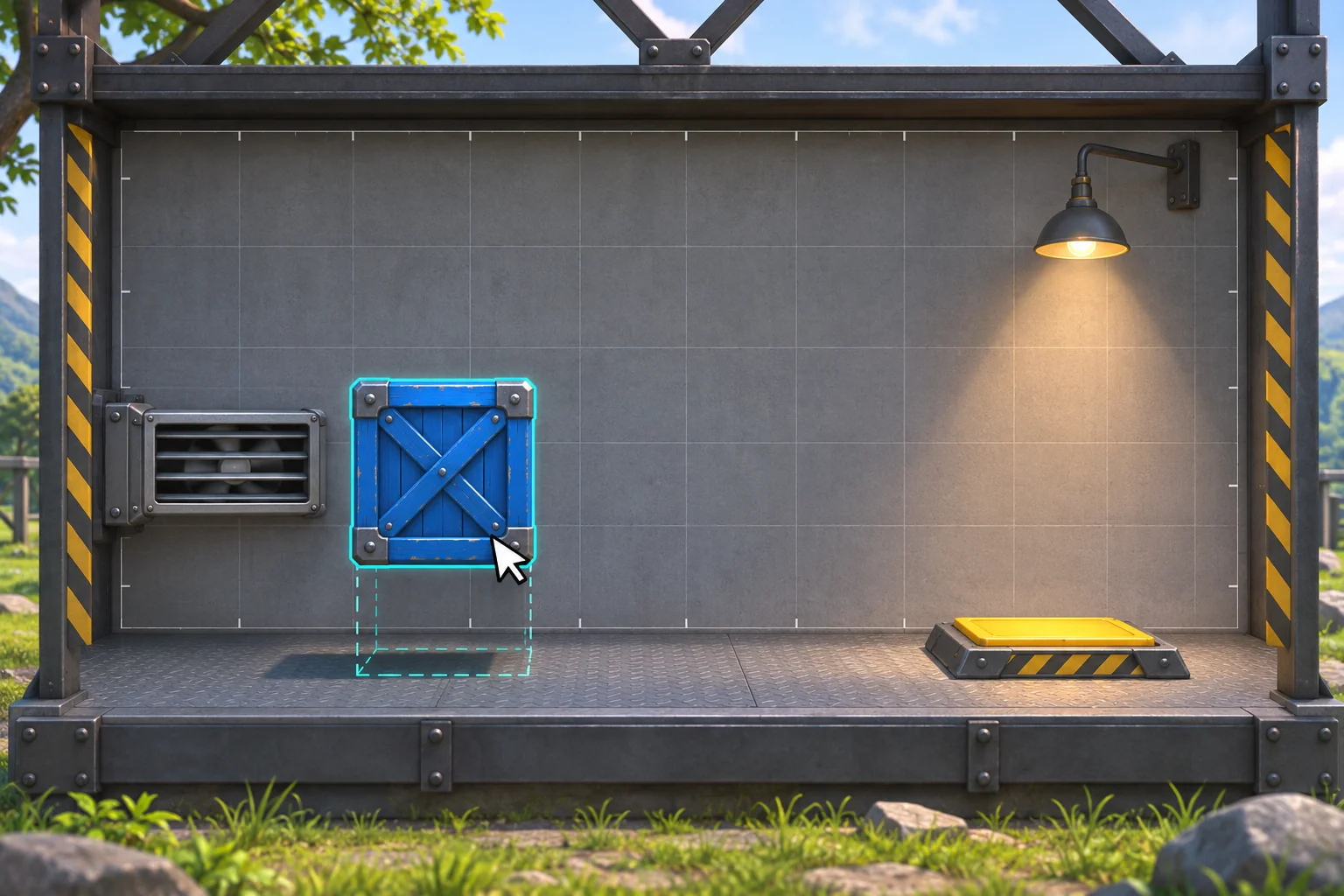
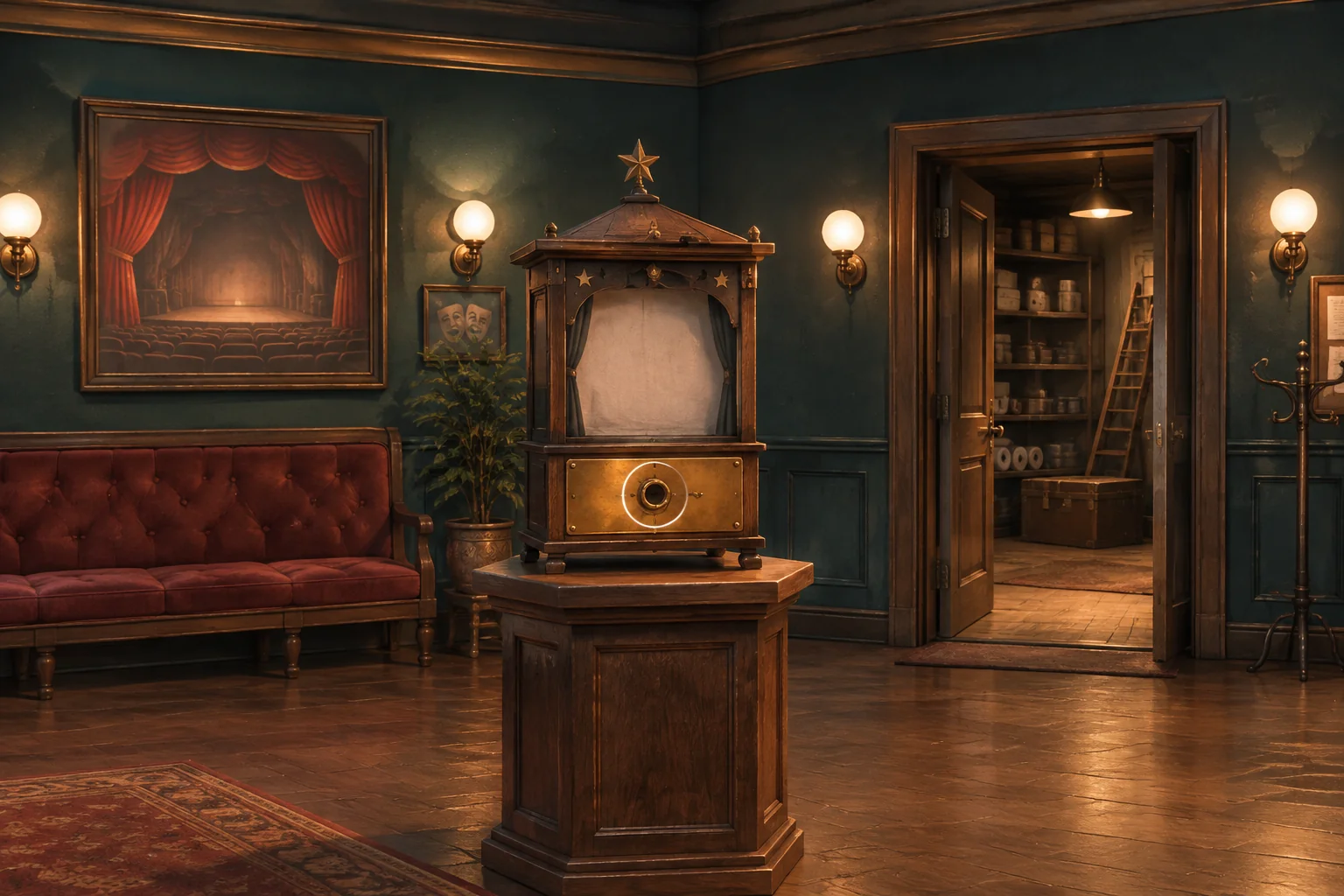
Make every click follow a visible rule
A strong point-and-click adventure prompt defines what each hotspot does, when an inventory item can be used, what state changes, and how the player learns from a failed action. Start with one room and one complete puzzle. Give the player a clear clue, a small set of contextual actions, and a reset that returns every object and flag to a known state.
This guide develops Bellglass Archive, a fictional lighthouse-room puzzle, as a manual design example. The prompt templates below have not been run, and the room is not a playable build or a tested online case. The value here is the state contract: you can adapt it to your own scene and then compare a generated build with the exact behavior you requested.
Work in this order: name the hotspots and actions, define inventory and flags, trace a successful interaction, decide how invalid actions respond, and write acceptance cases. That makes the prompt easier to inspect than a request for a whole adventure with an unspecified “working puzzle.”
Define the clue room and its state
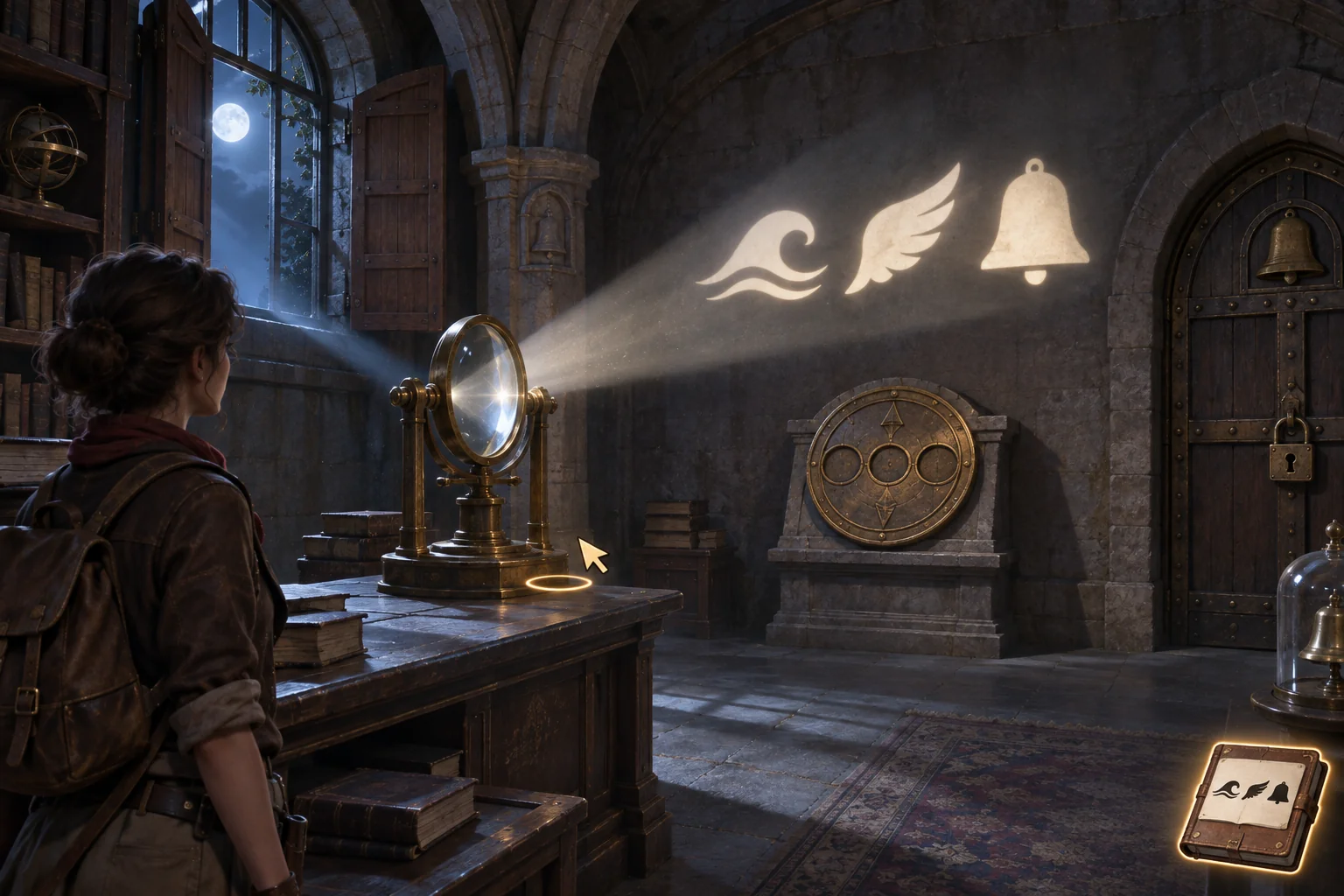
Bellglass Archive takes place in one Lantern Gallery. The goal is to open an archive door by revealing and entering a three-symbol sequence. The room contains a brass lens on a worktable, wooden shutters, an empty lens stand, a blank wall, a three-dial plate, and the locked door. These are separate hotspots with different actions; clicking an object should not silently trigger every action that might apply to it.
| Hotspot or state | Action and rule | Visible response |
|---|---|---|
| Brass lens | Choose Take to place the lens in inventory and set brassLensCarried=true. | The lens disappears from the table; its icon appears in the inventory rail. |
| Shutters | Click to toggle them open or closed. An open shutter sends moonlight across the stand. | The shutter pose and light path change; the clue is revealed only if the lens is installed. |
| Lens stand | Use the carried lens on the stand. Remove it from inventory, set brassLensCarried=false, and set lensInstalled=true. | The lens remains fixed in the stand; the inventory slot becomes empty. |
| Wall clue | Reveal Tide, Wing, Bell only when lensInstalled and shuttersOpen are both true. | Set clueSeen=true and keep the clue in the journal, even if the shutters later close. |
| Three-dial plate | Choose one symbol at a time. The expected order is Tide, then Wing, then Bell. | A wrong symbol clears the partial sequence without consuming an item or changing the room. |
| Archive door | Keep it locked until the correct full sequence is entered. | Set doorOpen=true after Tide, Wing, Bell; show the passage beyond. |
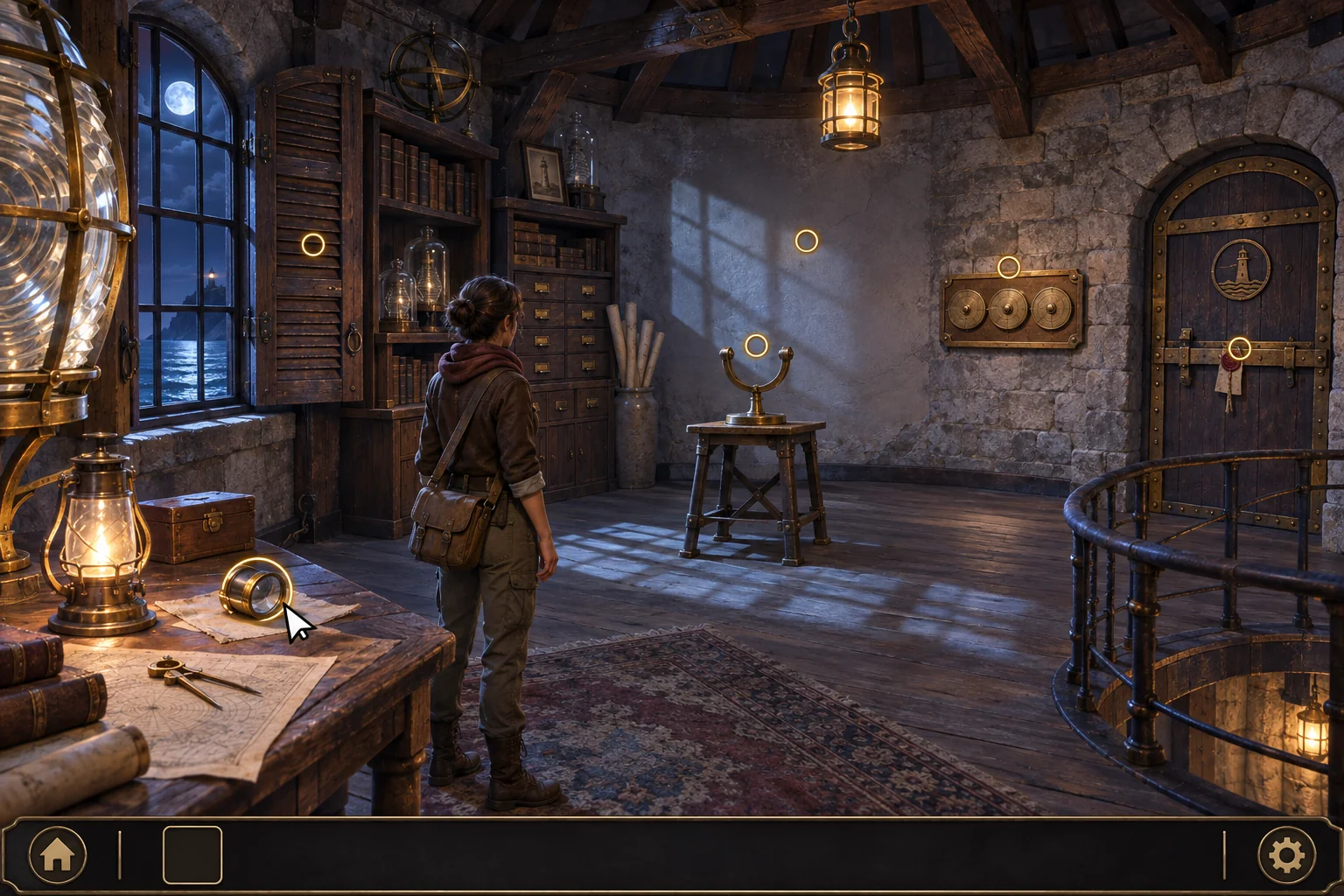
Use a short state list so the prompt, the expected trace, and later review all refer to the same facts:
- Inventory item: brass lens, either carried or installed in the stand.
- Boolean flags: brassLensCarried, shuttersOpen, lensInstalled, clueSeen, and doorOpen.
- Ordered input: dialSequence, which starts as an empty list and stores only the current correct prefix.
- Initial state: empty inventory, every flag false, shutters and door closed, and dialSequence=[].
Be explicit about the relation between a world object and an inventory item. Installing the lens removes it from the inventory but does not destroy it; it remains visible in the stand. Likewise, once the player has seen the clue, closing the shutters hides its projection but should not erase what the journal recorded. These distinctions prevent a scene from appearing to forget progress.
Prompt 1: establish the room contract
Design one original point-and-click puzzle room called the Lantern Gallery in the fictional Bellglass Archive. Use separate hotspots for a brass lens on a worktable, wooden shutters, an empty lens stand, a blank wall, a three-dial plate, and a locked archive door. Start with the lens on the table, inventory empty, shutters closed, door locked, brassLensCarried=false, shuttersOpen=false, lensInstalled=false, clueSeen=false, doorOpen=false, and dialSequence=[]. Define inspect, take, use-item-on-hotspot, dial-input, and restart as distinct actions. Return a state table for every hotspot, its valid action, changed flags or inventory, and visible feedback. Do not add rooms, characters, collectibles, or unstated puzzle rules.After this first prompt, inspect the proposed state table before asking for dialogue or extra rooms. If it merges inspect and use, or removes the lens when it is aimed at any object, correct that logic before expanding the story. A compact rule set is easier to revise and gives you a concrete basis for the first playable interaction.
Prompt one complete interaction loop
Next ask for one playable room that exposes each state change. A click should produce a response the player can interpret: inspect describes an object, Take changes inventory, use-item-on-hotspot checks the target, and a dial click either advances the correct prefix or resets it. Set a no-cost failure response for the carried lens used on the wrong hotspot. The player should see why the interaction failed and where to try next, without losing the item or corrupting puzzle progress.
Prompt 2: request the first playable slice
Using the Lantern Gallery state contract, create one playable point-and-click room and no additional level. Keep inspect, take, use-item-on-hotspot, dial input, and restart as separate actions. The carried brass lens can be installed only on the lens stand. Installing it removes it from inventory, sets brassLensCarried=false and lensInstalled=true, and leaves the lens fixed in the stand. If the player uses it on the dial plate, wall, door, or any other non-stand hotspot, show a brief “does not fit” cue and highlight the stand; keep the lens in inventory and change no flags, dialSequence, or room state. This rejected action costs no resource and causes no state transition. When lensInstalled AND shuttersOpen become true, reveal the wall clue from left to right: Tide wave, Wing, Bell. Set clueSeen=true and retain the clue in a journal if the shutters close afterward. Accept the dial sequence Tide, Wing, Bell; clear dialSequence after any wrong token without consuming an item. Set doorOpen=true only after the correct full sequence. Restart restores the exact initial state. Show the hotspot, inventory, clue, dial, feedback, and restart responses. Return the state variables, action rules, success trace, failure trace, and acceptance cases. Do not claim a result unless it is visibly represented in the returned build.The prompt ties each condition to a player-facing signal. A flag hidden in implementation is hard to review on its own; a changed inventory icon, a projected clue, a highlighted valid target, and a door animation provide observable checkpoints. Ask for restrained feedback that makes the state legible without adding buttons or story systems unrelated to this puzzle.
Keep the basic room usable with either setup order. The player may open the shutters before installing the lens, or install the lens before opening them. In both cases the clue appears immediately when the second condition becomes true. This is a useful small branch: it checks whether the puzzle depends on state, rather than on one memorized sequence of actions.
Hand-check the clue and dial sequence
Write a trace before judging a build. A trace lists the action, the state before it, the state after it, and the visible response. It gives you a compact reference for both the happy path and a recoverable mistake. The table below is an authored expectation for Bellglass Archive, not a result from a generated game.
| Step | Action | Expected state and feedback |
|---|---|---|
| 1 | Take the lens | Inventory contains the lens; brassLensCarried=true. |
| 2 | Open shutters | shuttersOpen=true; no clue appears because lensInstalled=false. |
| 3 | Use lens on stand | Lens leaves inventory and lensInstalled=true; the conjunction is now true, so Tide → Wing → Bell appears and clueSeen=true. |
| 4 | Enter Tide, then Wing | dialSequence contains the correct two-symbol prefix; the door remains locked. |
| 5 | Enter Bell | dialSequence completes; doorOpen=true and the door opens. |
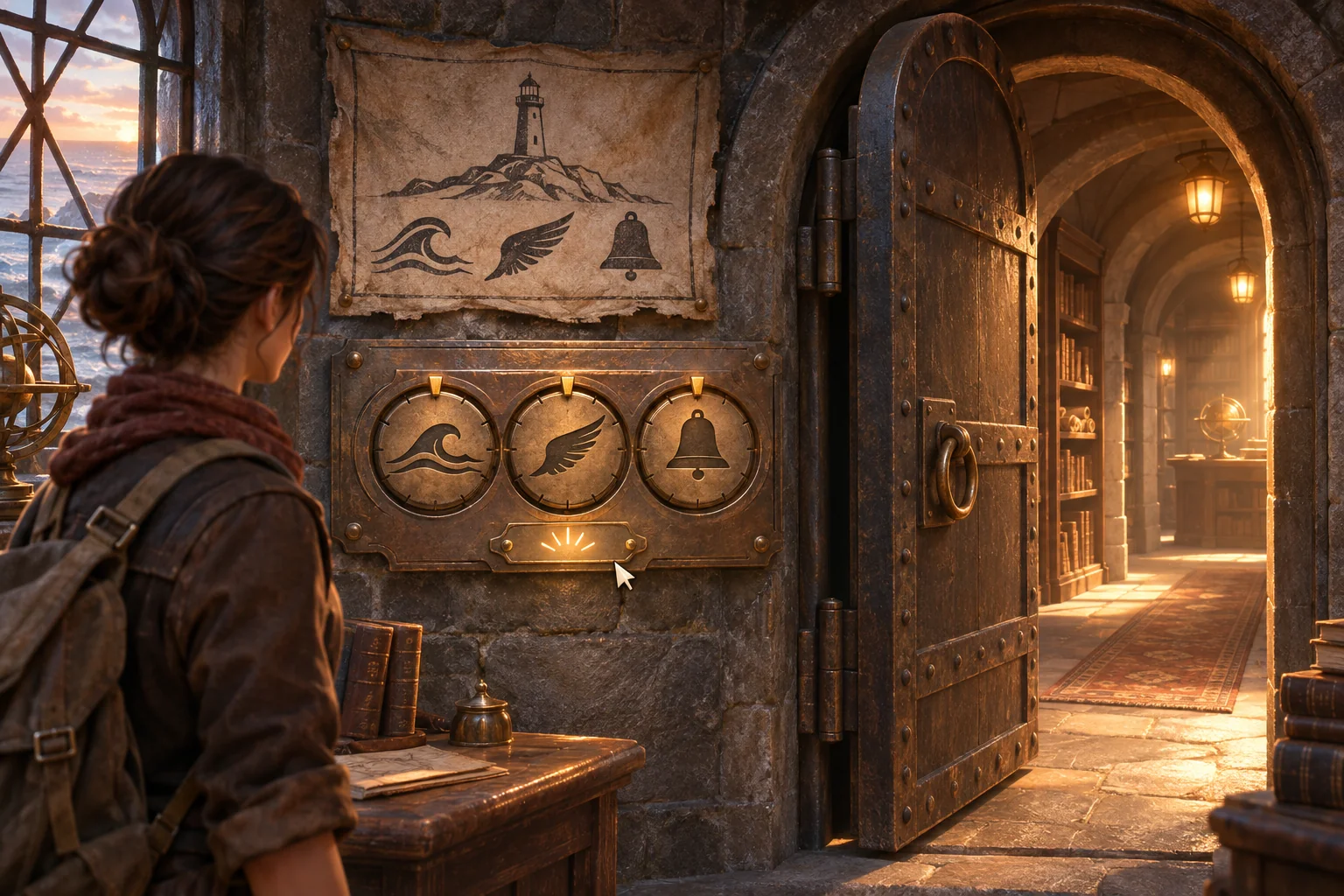
Now trace a wrong dial input. After the clue appears, choose Tide and then Bell. Because the second token does not match the expected Wing, the partial sequence clears to an empty list. The clue remains in the journal, the lens stays installed, and the door remains locked. The player can try again without repeating the setup steps or losing an item.
Also trace the other valid setup order: take the lens, install it, then open the shutters. Before the final action, no clue is visible; after it, the three symbols appear and clueSeen becomes true. If the shutters close after the clue has been read, the projection disappears but the journal entry remains. The state contract distinguishes what is currently visible from what the player has learned.
These traces are hand-specified and have not been software-tested. When reviewing a real output, record its version and perform each action from a fresh restart. Compare its visible result with the trace, and mark an item as observed only after you have actually checked that action in the build. If the returned room does not expose enough feedback to tell which condition changed, revise the prompt to make that state visible.
Revise one contextual rule at a time
If a first version reveals the clue as soon as either the shutters open or the lens is installed, revise only the clue condition. Preserve the room layout, inventory rule, dial order, journal behavior, and restart. This isolates the change and makes a later comparison meaningful. A broad request such as “make the puzzle clearer” does not tell you which interaction to preserve or what the new result should be.
Prompt 3: adjust clue visibility only
Revise only the wall-clue visibility rule in the Lantern Gallery. Reveal Tide, Wing, Bell if and only if lensInstalled=true AND shuttersOpen=true. If either condition is false, remove the projection from the wall. If clueSeen has already become true, keep the clue in the journal when the shutters close. Preserve the current scene, hotspots, inventory behavior, wrong-target response, dialSequence behavior, door rule, and restart. Return the changed rule, unchanged rules, and three before/after states: lens absent with shutters open; lens installed with shutters closed; both conditions true. Do not add a hint system, new object, or dialogue branch.Change one rule per revision, then keep a small before-and-after record. Name the original build or prompt version, the changed sentence, the starting state, the action, and the resulting visible state. If the result changes more than requested, note that separately rather than silently accepting new mechanics. This makes your next prompt more precise and helps you decide whether a mismatch is a rule problem, a feedback problem, or an unrequested addition.
Check the adventure’s edge cases
Use acceptance cases to cover missing prerequisites, invalid targets, partial progress, completion, and restart. They should answer what the player sees and what must remain unchanged—not just state whether an action is “valid.” The cases below are proposals for a future build.
| Starting state or action | Expected outcome | Must remain unchanged |
|---|---|---|
| Inspect the lens before taking it | Describe its role without adding it to inventory. | brassLensCarried remains false. |
| Open shutters while the lens is absent | Moonlight reaches the stand, but no clue appears. | lensInstalled and clueSeen remain false. |
| Use the carried lens on the dial plate or another wrong hotspot | Show “does not fit” and highlight the stand. | Keep the lens carried; change no flag, dialSequence, or room state. |
| Install lens with shutters closed | Keep the wall blank until shutters open. | Inventory reflects installed lens; clueSeen remains false. |
| Enter a wrong dial token | Clear the partial sequence and show a short correction cue. | Keep clueSeen, lensInstalled, and shuttersOpen unchanged. |
| Complete the correct three-symbol sequence | Open the archive door and show the passage. | Keep the learned clue and other room state intact. |
| Restart after success | Return to the fresh Lantern Gallery state. | Clear inventory, flags, door state, and dialSequence. |
Pay particular attention to the invalid-target case: the lens stays in inventory, the stand is highlighted, and every room flag and dial value remains as it was. “No cost” here means no item, resource, or state transition is consumed; the response may still show a brief explanatory cue. That definition prevents an ambiguous failure response from quietly changing the puzzle.
Do not add a persistence feature just because it appears in a neighboring idea. This room has static props and a journaled clue; it does not remember movable objects across rooms, change the setting through music, or add progress-aware hints. Keeping the boundary helps one prompt answer one design question.
Carry the brief into a creation workflow
The current Free AI Game Maker page describes a general creation flow: write the game idea in plain English, generate a playable 2D or 3D first version, test it in a browser, and refine it with follow-up prompts. It also says creators can start with free Koins and review the cost before each generation. These statements do not establish that Bellglass Archive has been generated or that its point-and-click interactions are supported exactly as written.
When you take your own room concept into a creation workflow, provide the hotspot map, initial state, valid item targets, clue condition, dial rule, failure feedback, and restart state. Review what the actual result exposes, then test the acceptance cases one by one. If an interaction cannot be inspected or reset, first clarify how it should become visible and repeatable before adding another room.
Build one readable puzzle room
Define each click, item, condition, and feedback signal before you ask for a longer adventure. A state table, one success trace, one recoverable failure, and a reset rule give you a practical prompt library and a way to inspect what a future build actually does.
To shape your own project, continue with the Free AI game maker. Bring one room, one puzzle goal, and the observable rules you want to review.
Point-and-click adventure prompt questions
What should an AI prompt include for a point-and-click adventure?
Describe the room, distinct hotspots, available actions, inventory items, state changes, and visible feedback. Add the initial state, success condition, restart behavior, and a few acceptance cases. A narrow first puzzle is easier to review than a request for a whole adventure whose interactions and progress rules are left open.
What happens when an inventory item is used on the wrong object?
Choose a response that teaches the valid target and preserves progress. In the Bellglass example, the carried lens stays in inventory, the stand is highlighted, and no flags, dials, or room state change. Other designs can use a different cue, but the prompt should say whether the attempt consumes anything.
How do I make a clue depend on two conditions?
Name both conditions and use a clear conjunction: reveal the symbols only when the lens is installed and the shutters are open. Then state what happens if either condition becomes false and whether information already learned remains available in a journal or another player-facing record.
Should I describe every hotspot before prompting a game?
Describe the hotspots that matter to the first puzzle and separate inspect, take, use-item, dial, and restart actions when they have different effects. You can add rooms and optional interactions later. A small explicit contract helps you spot missing prerequisites and unplanned state changes early.
Was Bellglass Archive generated or playtested?
No. Bellglass Archive is an original fictional teaching design, and the traces are manually specified expectations. The prompts were not submitted and no generated room, playable result, software test, or user study is claimed. Check those outcomes separately if you build the design in a game workflow.