Blog›Unreal Third-Person Character Movement and Camera Guide
Unreal Third-Person Character Movement and Camera Guide
Build the local player loop in four owned layers: Enhanced Input produces intent, ACharacter and UCharacterMovementComponent resolve locomotion, a USpringArmComponent handles camera distance and collision, and UCameraComponent renders the view. Follow the API, failure recovery, and packaged-build validation checklist.
SEELE AI
Posted: 2026-07-26
Visual guide for Unreal Third-Person Character Movement and Camera Guide
Key Takeaways: Unreal Third-Person Character Movement and Camera Guide
Build the local player loop in four owned layers: Enhanced Input produces intent, ACharacter and UCharacterMovementComponent resolve locomotion, a USpringArmComponent handles camera distance and collision, and UCameraComponent renders the view. Tune movement before animation polish, keep controller yaw separate from movement orientation, and validate slopes, steps, obstruction, possession, and restart in a packaged Development build.
Direct answer
Build the local player loop in four owned layers: Enhanced Input produces intent, ACharacter and UCharacterMovementComponent resolve locomotion, a USpringArmComponent handles camera distance and collision, and UCameraComponent renders the view. Tune movement before animation polish, keep controller yaw separate from movement orientation, and validate slopes, steps, obstruction, possession, and restart in a packaged Development build.
This page covers a local third-person foundation. It does not duplicate network prediction, cinematic camera, animation retargeting, or multiplayer authority guides. The practical goal is a game-building slice that another developer can reproduce from a clean checkout. Keep engine behavior, project policy, and measured evidence separate: Epic documentation establishes supported concepts, the project defines ownership and budgets, and only a named test run proves the local result.
What this guide delivers
A concrete ownership model for unreal third person character movement camera.
A six-stage Blueprint/C++ implementation workflow with a real API or command example.
Three production scenarios, including normal, edge, and handoff behavior.
Failure recovery and validation criteria for editor and packaged builds.
A bounded SEELE handoff that leads to the Unreal creator without changing this page's technical intent.
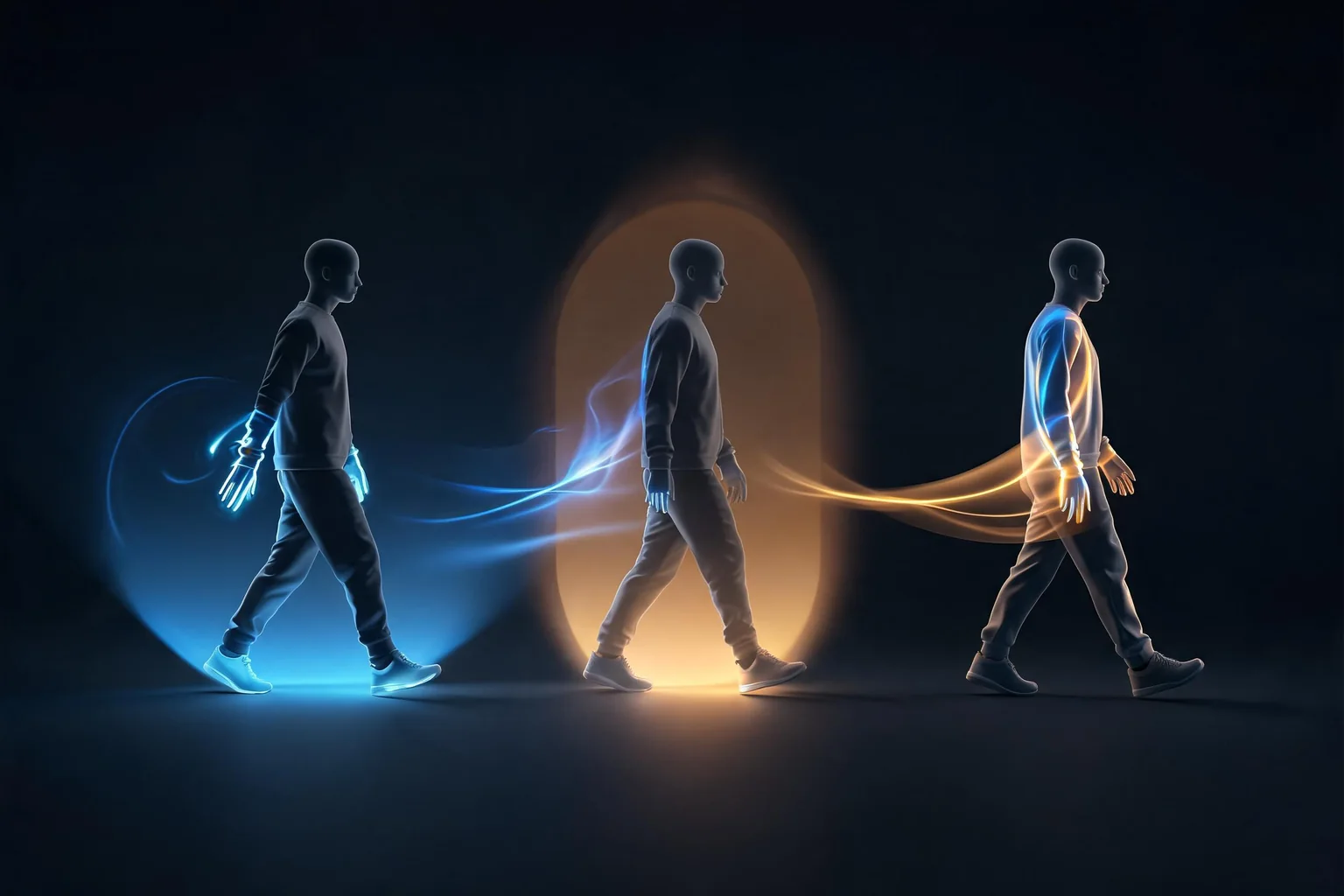
Explain owners and implementation flow for unreal third person character movement camera.System architecture and ownership
Input intent
Create Move and Look actions in an Input Action asset, add the mapping context from the local player subsystem, and translate values into AddMovementInput and controller yaw or pitch. Input assets describe intent; they should not own speed, acceleration, or camera state.
Input intent review: capture input values and mapping-context count and show how movement authority receives or observes the accepted result without becoming a second owner.
Movement authority
Use ACharacter when capsule collision, walking modes, floor detection, stepping, gravity, and a skeletal mesh are required together. UCharacterMovementComponent owns MaxWalkSpeed, acceleration, braking, air control, rotation policy, and movement-mode transitions.
Movement authority review: capture movement mode, velocity, acceleration, and floor result and show how camera rig receives or observes the accepted result without becoming a second owner.
Camera rig
Attach a spring arm to the capsule or character root and the camera to the arm socket. Enable arm collision tests, choose whether the arm follows controller rotation, and keep camera lag measurable because excessive lag can hide collision or frame-rate problems.
Camera rig review: capture capsule contacts and walkable-floor decision and show how presentation boundary receives or observes the accepted result without becoming a second owner.
Presentation boundary
Rotate or offset the mesh independently when its imported forward axis differs from the capsule. Animation Blueprint state reads velocity and movement state; it should not become a second locomotion controller.
Presentation boundary review: capture spring-arm target versus actual length and show how input intent receives or observes the accepted result without becoming a second owner.
Implementation workflow
Stage 1: Create IA_Move and IA_Look, map keyboard, mouse, and controller inputs, then add the mapping context in BeginPlay through UEnhancedInputLocalPlayerSubsystem.
Stage 2: Create a Character subclass with capsule, skeletal mesh, spring arm, and camera components. Set Auto Possess Player only for a one-player test; use GameMode defaults for the real spawn path.
Stage 3: Convert the two-dimensional move value into controller-relative forward and right vectors with pitch and roll removed, then call AddMovementInput for each axis.
Stage 4: Choose one rotation model: Orient Rotation to Movement for action games, or Use Controller Rotation Yaw for strafing and over-the-shoulder aiming. Do not enable both without an explicit state switch.
Stage 5: Tune capsule radius, step height, walkable floor angle, braking deceleration, air control, spring-arm length, probe size, and camera lag against a small movement test level.
Stage 6: Package a Development build and repeat possession, death/restart, window focus, controller reconnect, steep slope, low ceiling, wall squeeze, moving platform, and camera-obstruction tests.
Use movement-oriented rotation, a longer arm, modest lag, and camera collision. Verify that foliage and narrow doorframes do not pull the camera through the character or cause persistent zoom after the obstacle is gone.
Evidence for exploration camera should include input values and mapping-context count, the owning build identity, and the condition that returns this scenario to its last known-good state.
Example 2: Strafing combat
Switch to controller-yaw rotation while aiming, reduce the arm length, and drive an aim-offset presentation from control rotation. When aim ends, blend back to movement orientation without snapping the capsule.
Evidence for strafing combat should include movement mode, velocity, acceleration, and floor result, the owning build identity, and the condition that returns this scenario to its last known-good state.
Example 3: Moving platform
Stand, jump, and turn on translating and rotating bases. Capture floor state and relative movement when the character lands; a camera-only success can hide capsule jitter or lost base velocity.
Evidence for moving platform should include capsule contacts and walkable-floor decision, the owning build identity, and the condition that returns this scenario to its last known-good state.
Support failure diagnosis and recovery for unreal third person character movement camera.Failure modes and recovery
Diagonal speed or wrong direction
Normalize input and derive directions from yaw-only control rotation. Log raw action values and resulting world vectors before changing movement component settings.
Before closing diagonal speed or wrong direction, rerun exploration camera and prove capsule contacts and walkable-floor decision returns to the expected boundary without an undocumented repair step.
Camera clips or stays compressed
Inspect spring-arm probe channel, ignored actors, target arm length, and collision recovery. A large capsule or custom camera trace can fight the built-in probe.
Before closing camera clips or stays compressed, rerun strafing combat and prove spring-arm target versus actual length returns to the expected boundary without an undocumented repair step.
Character rotates twice
Disable either controller-yaw rotation or movement-oriented rotation for the active mode. Keep mesh root rotation as presentation, not gameplay authority.
Before closing character rotates twice, rerun moving platform and prove possession and camera owner after restart returns to the expected boundary without an undocumented repair step.
Works only in placed-actor PIE
Spawn through GameMode and PlayerStart, verify possession, and test packaged input mapping. Auto-possession on a level actor can conceal missing default classes.
Before closing works only in placed-actor pie, rerun exploration camera and prove input values and mapping-context count returns to the expected boundary without an undocumented repair step.
Validation matrix
input values and mapping-context count: inspect it beside input intent; pass only when diagonal speed or wrong direction does not recur during exploration camera and the evidence names the exact build.
movement mode, velocity, acceleration, and floor result: inspect it beside movement authority; pass only when camera clips or stays compressed does not recur during strafing combat and the evidence names the exact build.
capsule contacts and walkable-floor decision: inspect it beside camera rig; pass only when character rotates twice does not recur during moving platform and the evidence names the exact build.
spring-arm target versus actual length: inspect it beside presentation boundary; pass only when works only in placed-actor pie does not recur during exploration camera and the evidence names the exact build.
possession and camera owner after restart: inspect it beside input intent; pass only when diagonal speed or wrong direction does not recur during strafing combat and the evidence names the exact build.
Version and source boundaries
These steps target the current Unreal Engine 5 documentation surface as of 2026-07-26. Engine defaults, experimental status, plugin packaging, API signatures, and platform support can change. Select the documentation version that matches the project, test the exact patch and target, and retain a rollback revision. Public documentation does not replace NDA platform requirements, store review, console certification, or project-specific performance evidence.
Official sources
Character Movement Component — source evidence for input intent in this unreal third person character movement camera workflow; verify the documentation version against the shipping branch.
Using Spring Arm Components — source evidence for movement authority in this unreal third person character movement camera workflow; verify the documentation version against the shipping branch.
Enhanced Input — source evidence for camera rig in this unreal third person character movement camera workflow; verify the documentation version against the shipping branch.
Unreal Engine is a trademark of Epic Games. SEELE AI is independent and this article does not imply Epic Games or Valve endorsement.
From the technical plan to a SEELE Unreal game
Use this page to define the system, acceptance tests, and failure boundaries; then carry that precise brief into [SEELE's Unreal game creator](/features/create/unreal-game). SEELE can generate a native Unreal 5 game, provide an in-browser preview, support optimization and packaging in SEELE, and let you download the project or packaged output for external publishing or publish it as a free or paid SEELE game.
That handoff does not change the native production responsibility described above. Store approval, sales, revenue, certification, third-party plugin compatibility, and platform compliance are not guaranteed. Keep the source Unreal game, build logs, test evidence, and external publishing decisions under your team's control.
FAQ
What is the correct architecture for unreal third person character movement camera?
Build the local player loop in four owned layers: Enhanced Input produces intent, ACharacter and UCharacterMovementComponent resolve locomotion, a USpringArmComponent handles camera distance and collision, and UCameraComponent renders the view. Tune movement before animation polish, keep controller yaw separate from movement orientation, and validate slopes, steps, obstruction, possession, and restart in a packaged Development build. Start with input intent and movement authority, then keep presentation as an observer of committed gameplay state.
Should unreal third person character movement camera be built in Blueprint or C++?
Either can work. Blueprint is effective for rapid game logic and designer iteration; C++ is useful for reusable contracts, complex lifetime, performance-sensitive loops, and automated tests. Preserve the same owner, validation, failure, and recovery boundaries in both.
How should unreal third person character movement camera be tested?
Test one normal case, one invalid input, interruption or teardown, clean restart, and packaged-build parity. Capture input values and mapping-context count, movement mode, velocity, acceleration, and floor result, capsule contacts and walkable-floor decision with a build identifier and explicit pass criteria.
What is the most dangerous failure in unreal third person character movement camera?
Diagonal speed or wrong direction is an early warning: Normalize input and derive directions from yaw-only control rotation. Log raw action values and resulting world vectors before changing movement component settings. Also verify cleanup and retry so the apparent fix does not leave stale state.
Which Unreal version does this unreal third person character movement camera guide target?
It uses the Unreal Engine 5 documentation surface available on 2026-07-26. Confirm the version selector, API signature, plugin status, platform toolchain, and packaged behavior in the exact engine patch that will ship.
What can SEELE do after this unreal third person character movement camera plan is ready?
SEELE can generate a native Unreal 5 game, provide browser preview, support optimization and packaging, and provide project or packaged downloads for external publishing or a free or paid SEELE release. It does not guarantee third-party store approval, compatibility, sales, or revenue.
Was this guide helpful? Use it as a starting point, then continue the best direction in Seele AI.