Game designer focus
Start with player motivation and the core loop. The item should support a goal players already understand rather than remove deliberately created frustration.
Game Designer guide · Classroom Game Labs · Koin purchase UX
Use a prototype that runs in a browser to work through purchase recovery for classroom game labs. The goal is to make the player journey concrete before the team commits to native commerce implementation.
Create this game flow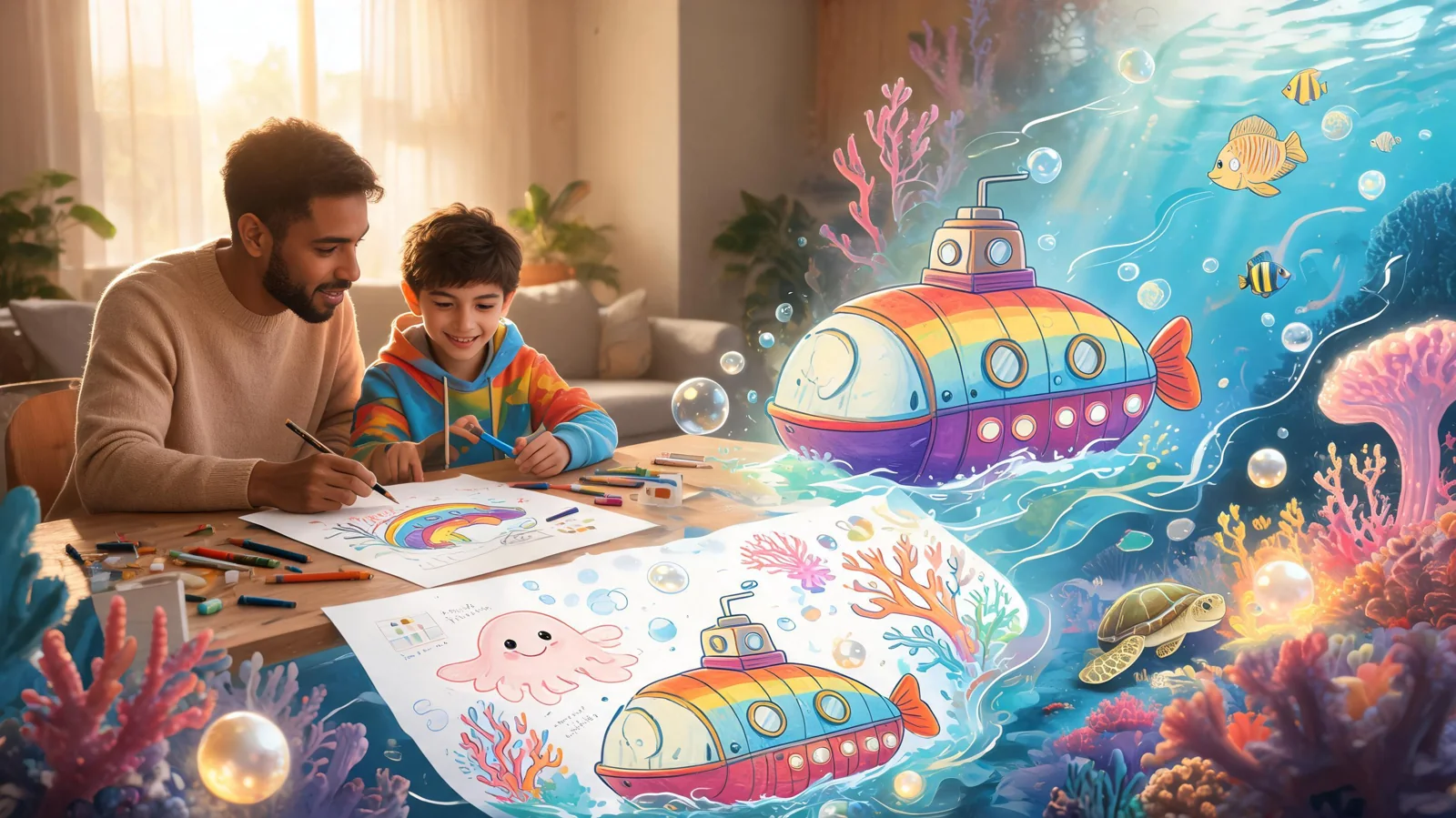
Start with player motivation and the core loop. The item should support a goal players already understand rather than remove deliberately created frustration.
Design for the input, layout, interruption, and return behavior players expect from classroom game labs.
Use simulated Koin values and instructor review; do not collect student payment data.
Show one voluntary game item, its preview, full price in Koin, Koin balance now, and ownership rule in a layout suited to classroom game labs.
Write how to handle reloads, interrupted delivery, duplicate clicks, and insufficient Koin without double granting. Keep each change visible to the player rather than hiding it in technical state.
Make a player cancellation, too little Koin, pending, interrupted delivery, and reload visually distinct, with a safe next action.
Choose the offer moment, explain the game benefit, and protect the complete free path. Compare the experience before and after ownership. Use the prototype to resolve player-facing questions before creating platform integration tasks.
For a game designer, this purchase recovery prototype should make every player action and result shown in the game easy to evaluate. Write how to handle reloads, interrupted delivery, duplicate clicks, and insufficient Koin without double granting. Choose the offer moment, explain the game benefit, and protect the complete free path. Compare the experience before and after ownership. Treat Koin as a classroom game variable and do not request payment details, account credentials, or personal student information. The exercise is about interface states and responsible design.
Ask students to explain the item promise, free path, cancel behavior, failure recovery, and production boundary. Grade reasoning and playtest evidence rather than purchase completion.
Run the prototype on shared devices with accessible controls and privacy-safe displays. Native billing, identity, durable storage, refunds, platform approval, and real transactions remain outside the lab.
Run the game without opening the purchase choice, then run it with the item. Compare pacing, motivation, difficulty, and recovery so the offer supports play instead of repairing frustration that was added deliberately.
Describe what changes on screen, how long it lasts, where it appears, and what remains available without it. Replace value labels such as better or premium with rules a player can observe.
Check what the player was doing immediately before the offer and where cancel returns them. The item should arrive after enough context to understand it, but never during a time-critical or emotionally pressured action.
If delivery is interrupted, explain whether the result is pending, safe to retry, or already complete. Do not show both failure and success. Test that behavior using classroom game labs. Use simulated Koin values and instructor review; do not collect student payment data.
Repeated clicks and reloads should resolve to one purchase result. The player must never receive duplicate items or lose Koin twice. Test that behavior using classroom game labs. Use simulated Koin values and instructor review; do not collect student payment data.
A cancelled choice, a Koin shortage, and recoverable errors should preserve progress and offer a clear return or retry action. Test that behavior using classroom game labs. Use simulated Koin values and instructor review; do not collect student payment data.
Choose the input and screen behavior for classroom game labs. State the platform limit beside the prototype brief.
Result: An honest scope
Write how to handle reloads, interrupted delivery, duplicate clicks, and insufficient Koin without double granting. Describe the player action and visible response at each point.
Result: A clear purchase recovery sequence
Show the item, exact price, balance, confirm, cancel, pending, success, and delivery without payment-provider screens.
Result: A complete player journey
Choose the offer moment, explain the game benefit, and protect the complete free path. Compare the experience before and after ownership.
Result: Game designer focus
Play cancellation and a full session without purchase. Check timing, value, competitive impact, and whether the item matches the delivered result. Repeat the test after interruption and reload.
Result: A stable prototype
Create a non-production demonstration of purchase states for a game designer. Focus the IAP prototype on handle reloads, interrupted delivery, duplicate clicks, and insufficient Koin without double granting. Use a direct Koin item transaction with preview, exact price, confirmation, cancel, insufficient balance, success, delivery, and reload behavior. The game designer must be able to connect the offer to the core loop and player motivation. Do not add subscriptions, payment-provider UI, revenue analytics, or native platform claims. State this boundary: Use simulated Koin values and instructor review; do not collect student payment data.
Keep the item optional. Show its full price in Koin, Koin balance now, confirm, cancel, low-balance, success, visible delivery, and reload states.
Write how to handle reloads, interrupted delivery, duplicate clicks, and insufficient Koin without double granting. The result is shown as a playable Koin flow.
No. The player spends Koin directly on one named item or unlock.
Return to the same game state without spending Koin or delivering the item.
Explain the shortage, preserve progress, and do not deliver the item.
No. It covers the player-facing purchase experience, not financial reporting.
No. Use simulated Koin values and instructor review; do not collect student payment data.
Open the complete prompt in SEELE, adjust the item and Koin price, then generate a playable version you can test.
Open this prompt in Workspace