
Keep scenarios clearly fictional
Label invented candidates, totals, and outcomes.

Build a civic story from fictional precincts and clearly labeled scenarios. Create an interactive election story with sources and scenario labels. Keep fictional outcomes separate from reported results and have the data owner verify every factual number.
Partners and teams

















How it works
Turn your story into an interactive visual novel. Create anime characters, branching dialogue, and meaningful choices without coding.
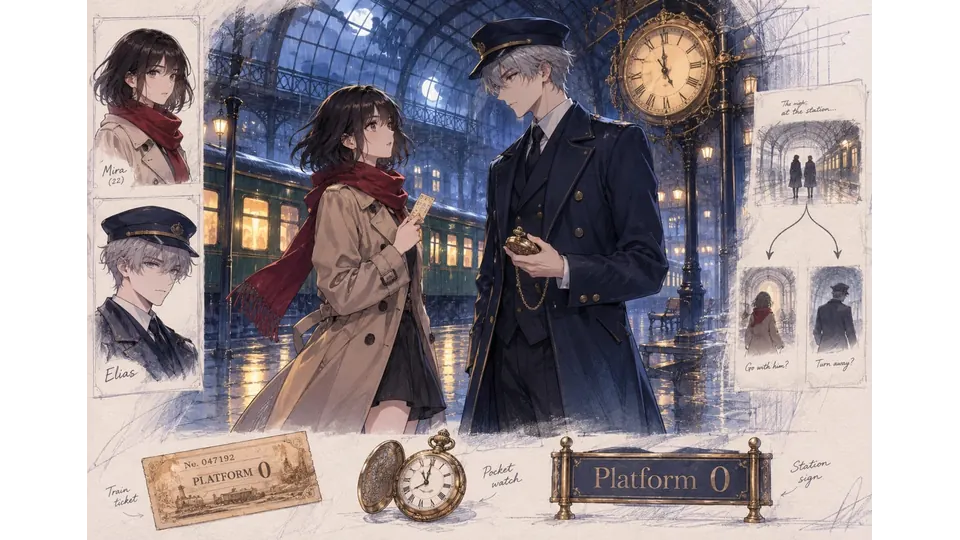
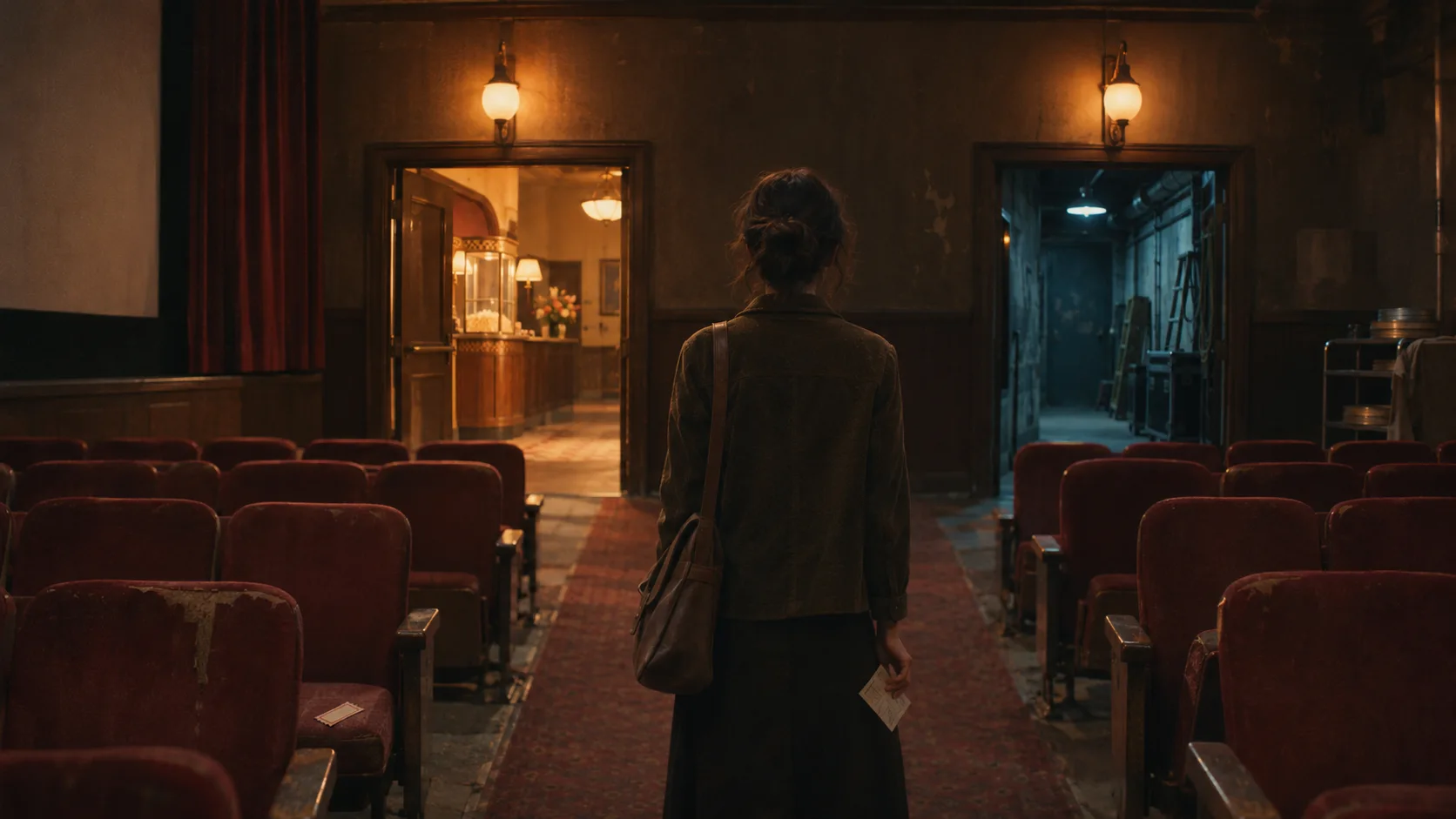
Imagine a midnight station, a missing ticket, and two strangers with secrets.
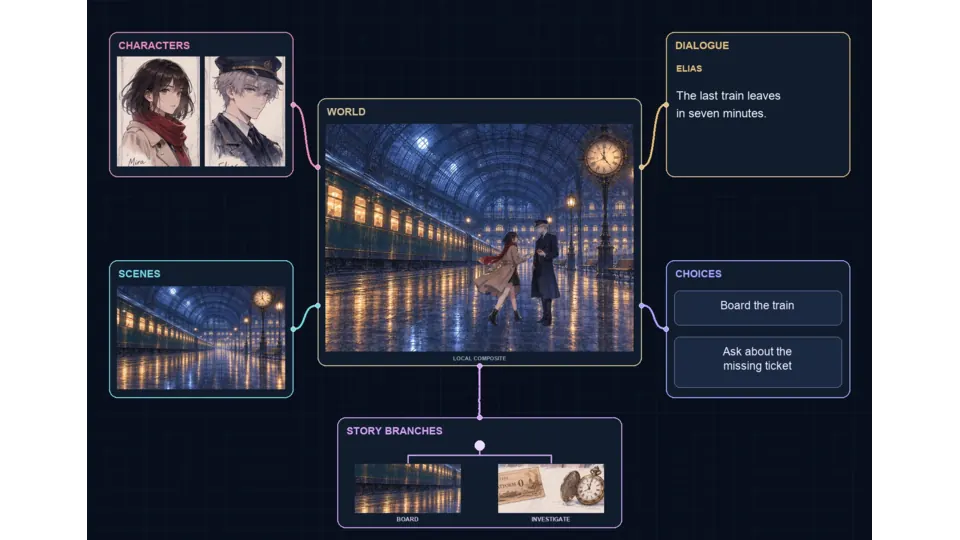
Connect character portraits, scenes, dialogue, and choices into an interactive story.
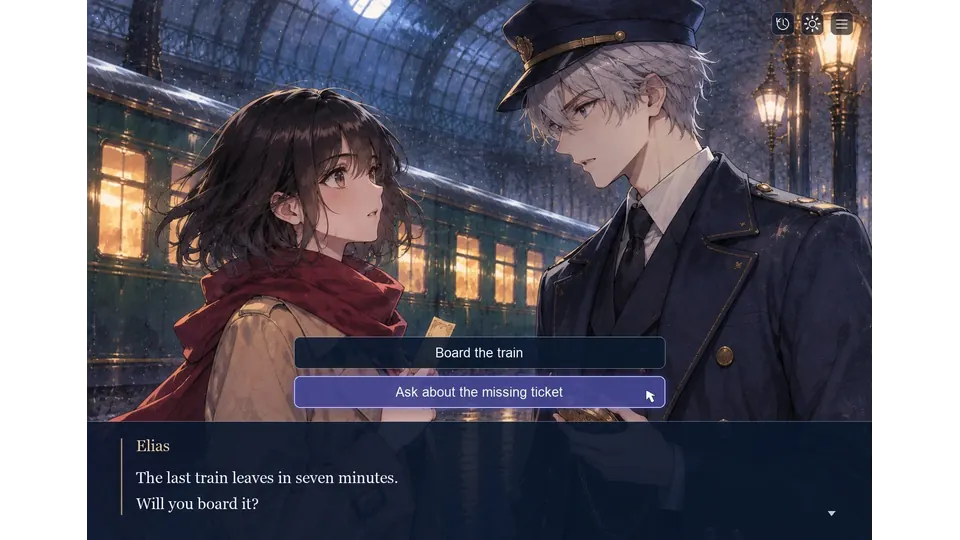
Board the train or ask about the missing ticket to explore different story paths.
Make a game for freePick a starting point
No fictional outcome resembles a reported result.
Create a fictional town with three neighborhoods and invented council candidates. Let readers adjust turnout across the neighborhoods; place “illustrative scenario” beside every resulting chart.
 Scenario setup ↗
Why SEELE
Label invented candidates, totals, and outcomes.

Place sources beside real-world background only.

Show what the reader changes and what follows.

Make the reference current and traceable.

Ask an editor to check labels and descriptions.

Explain that illustrative outcomes are not forecasts.
Made with SEELE
These games are playable. Pick one and give it a try.
 AdventureAdventure GamePlay the example ↗
 ShooterWarcom: Neon BreachPlay the example ↗
 ActionOld Gods RunPlay the example ↗
 CasualCaution! Egg on the Car RoofPlay the example ↗
 RunnerNeon Night Rush: Barrier DashPlay the example ↗
 PuzzleMuseum ExhibitionPlay the example ↗
 SimulationMilky Way Idle 3DPlay the example ↗
 CasualSnowfall & Starry GiftsPlay the example ↗
 RPGCrownfall-The-Three-Realms-CoverPlay the example ↗
 SimulationFLYING CARPlay the example ↗
Who it’s for
Name the audience, primary action, and intended output for a small Interactive Election Story brief. Review the result against those requirements.
AI Interactive Game Generator for Story Games ↗
Agree on one outcome and one project constraint before comparing Interactive Election Story directions or committing production time.
AI Cinematic Interactive Story Generator ↗
Use a focused brief to explore Interactive Election Story, then verify the current workflow, rights, and delivery requirements before publishing.
AI Interactive Story Generator & Game Builder ↗Reviews
FAQ
It is a fictional branching narrative where election-themed choices affect scenes, trust, and endings.
Yes, if a human reviews neutrality, factual framing, and classroom suitability.
Yes. Source checking and rumor verification are strong, nonpartisan story mechanics.
Before a first Interactive Election Story project, define the task, intended audience, one visible outcome, and a constraint. Use Opening scene as a direction that fits the brief.
To get started with Interactive Election Story, use Create the fictional cast as the first step. Set one goal, audience, and constraint; test a small version, then change one thing at a time.
For Interactive Election Story, name the intended user, one action, and a visible outcome. Use Opening scene as a starting direction and add one requirement from its example prompt.
Ask someone who matches the intended player or viewer for Interactive Election Story to test its main action. Note where the brief is unclear, then revise once before adding features.
For Interactive Election Story, try Opening scene first. Define the action, outcome, and one constraint, then compare another direction only if the first misses the brief.
Check the Interactive Election Story result against the brief, intended behavior, and first workflow step. Record one mismatch and test that change before expanding scope.
Scope a first Interactive Election Story prototype to Opening scene, one user action, and one visible outcome. Defer secondary features until that path works.
Compare Opening scene and Meaningful choice for Interactive Election Story using the same user action and visible outcome. Choose the direction that fits the brief with fewer assumptions.
After reviewing Interactive Election Story, record one gap between the brief and result. Make one focused change, then test the same action against the original outcome.
Match a linked tool's input and output to one need in the Interactive Election Story brief. If it does not support that step, skip it and keep the test in the main project.